
Beschrijf het product en de koper
Voeg productdetails, de kopersbriefing, het hoofdprobleem, de sterkste functies en het resultaat toe dat de kijker moet begrijpen.
Videoscriptplanning voor producten
Plan een videoscript voor een product op basis van productdetails en een kopersbriefing met de Product Video Script Generator, en controleer daarna de demoscènes, voice-over en afsluitende oproep voordat je je video opneemt of maakt.
De Product Video Script Generator is een planningstool die productdetails en een kopersbriefing omzet in een gestructureerd geschreven videoconcept. De tool helpt je de hook, demonstratieopbouw, voordelen, voice-over en afsluitende actie te ordenen voordat je opneemt of beelden genereert.
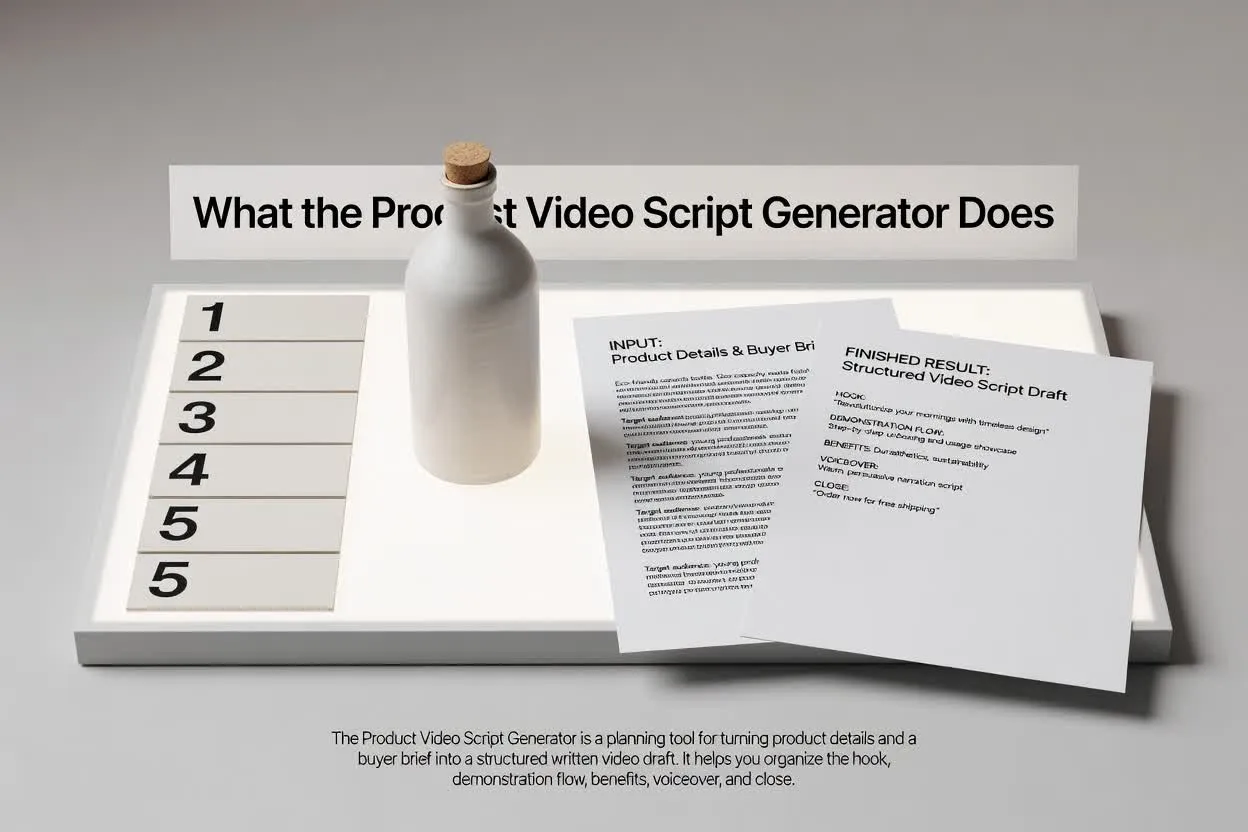
Ga in enkele gerichte stappen van briefing naar een plan dat je kunt beoordelen.
Voeg productdetails, de kopersbriefing, het hoofdprobleem, de sterkste functies en het resultaat toe dat de kijker moet begrijpen.
Selecteer formaat, duur, toon, doelgroep en afsluitende actie zodat het script past bij het kanaal en doel.
Beoordeel de structuur van het productdemoscript op scèneverloop, duidelijke voordelen, formulering van de voice-over en focus van de afsluitende oproep.
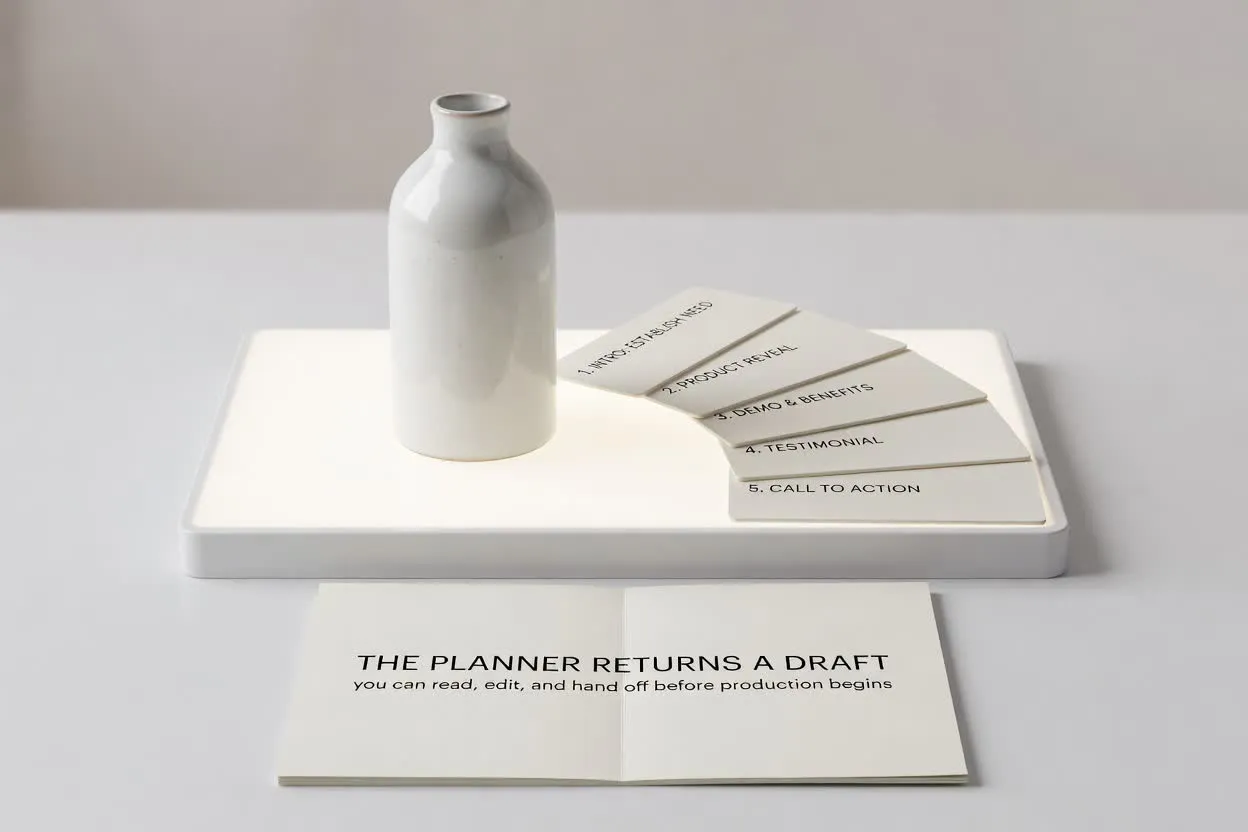
De planner levert een concept dat je kunt lezen, bewerken en overdragen voordat de productie begint.
Een productdemoscript per scène dat toont wat de kijker op elk moment moet zien en horen.
Voice-overregels of richtlijnen die het kopersprobleem, de productfunctie en het voordeel in een heldere volgorde verbinden.
Een afsluitende actie die de video gericht houdt op één volgende stap in plaats van concurrerende oproepen.
Gebruik de instellingen om het script af te stemmen op de taak die je video moet uitvoeren.
Kies het formaat dat past bij de plaatsing, zoals een korte lanceringsclip, een walkthrough of een e-commercedemo.
Kies een duur zodat het plan past bij het aantal scènes en de gewenste aandachtsspanne.
Pas de toon en doelgroep aan om de voice-over te laten aansluiten bij de verwachtingen en productkennis van de koper.
Gebruik de planner wanneer je een script nodig hebt dat productinformatie omzet in een videoklare structuur.
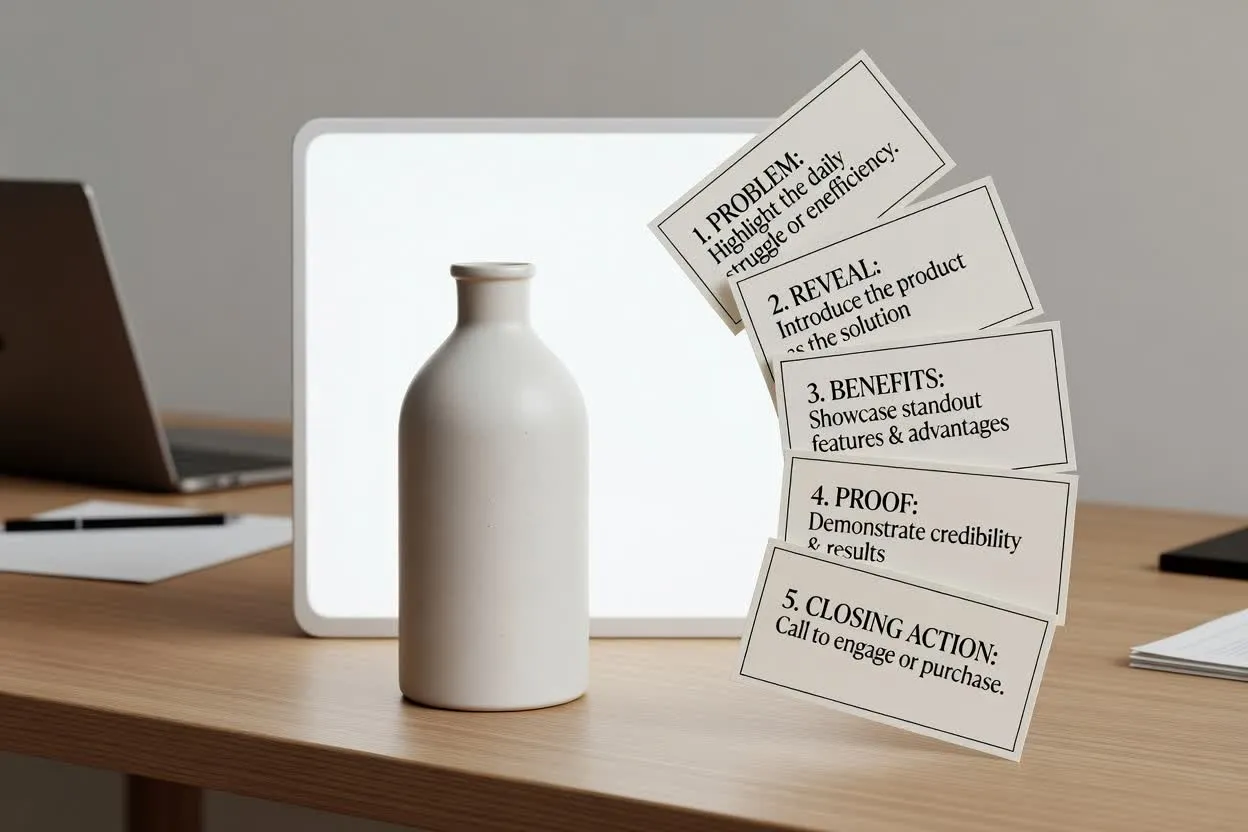
Schets het verhaal voor een lanceervideo, van probleem en onthulling tot opvallende voordelen en afsluitende actie.
Plan met de Product Video Script Generator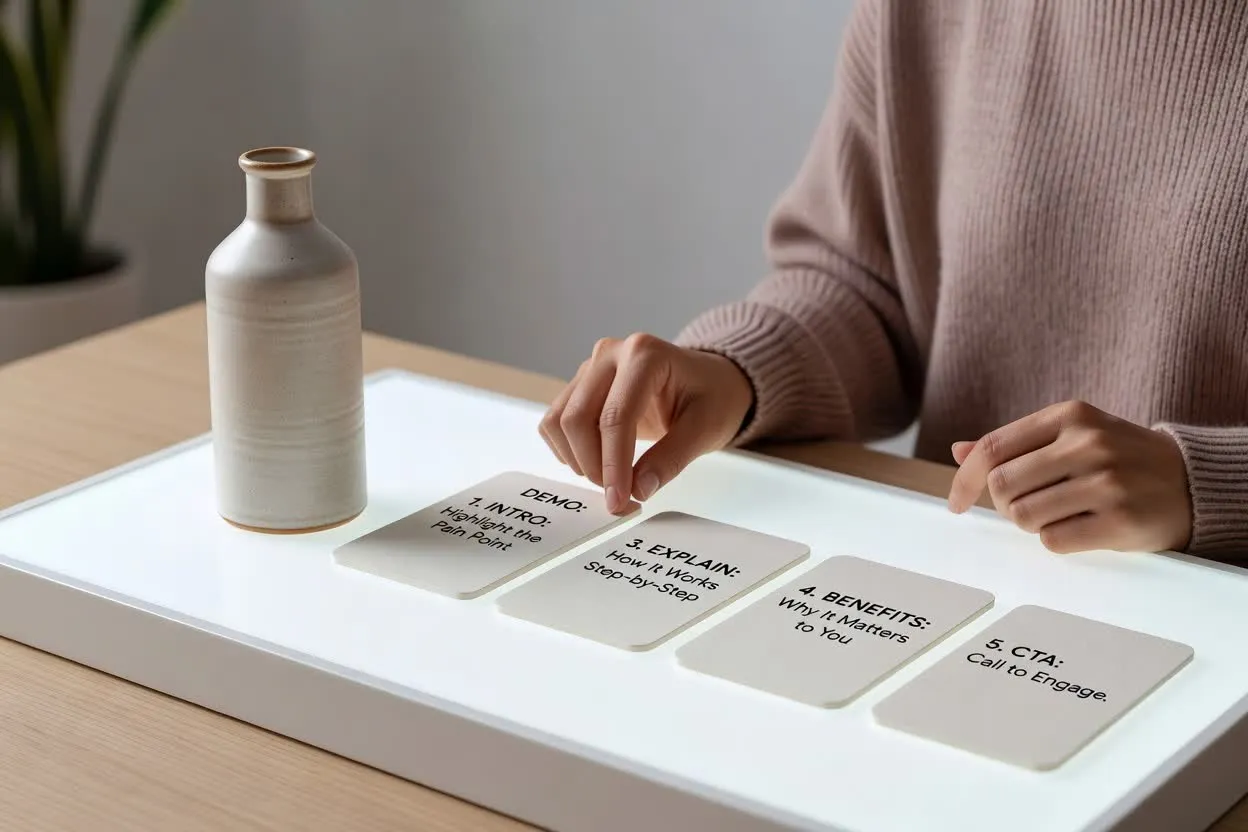
Maak een videoplan voor functies en voordelen dat uitlegt hoe een mogelijkheid werkt en waarom die belangrijk is voor de kijker.
Open de scriptplanner
Maak een script voor een e-commercedemo dat het product in gebruik toont, vragen van kopers beantwoordt en eindigt met een duidelijke volgende stap.
Open de scriptplannerControleer vóór het opnemen het concept op duidelijkheid, tempo en of de hook, scènes en afsluitende oproep allemaal hetzelfde kopersdoel dienen.
Bevestig dat de hook snel genoeg aansluit bij het probleem of gewenste resultaat van de koper voor de gekozen duur.
Controleer het aantal scènes zodat het productverhaal volledig voelt zonder te druk te worden.
Zorg dat het einde slechts om één actie vraagt, zoals een pagina bezoeken, inschrijven of kopen.
Gebruik het plan als hulpmiddel voor schrijven en beoordelen, niet als een voltooide video of vervanging voor productvalidatie.
De uitvoer is een geschreven concept voor planning. De tool neemt geen beelden op, rendert geen scènes, voegt geen muziek toe en exporteert geen voltooide video.
Controleer elke claim over functies, voordelen, vergelijkingen en prestaties aan de hand van je productfeiten voordat je het script gebruikt.
Veelgestelde vragen over het gebruik van de planner voor scripts van productvideo's.
Neem je productdetails en kopersbriefing mee, stel de videoinstellingen in en controleer het concept vóór de productie.