


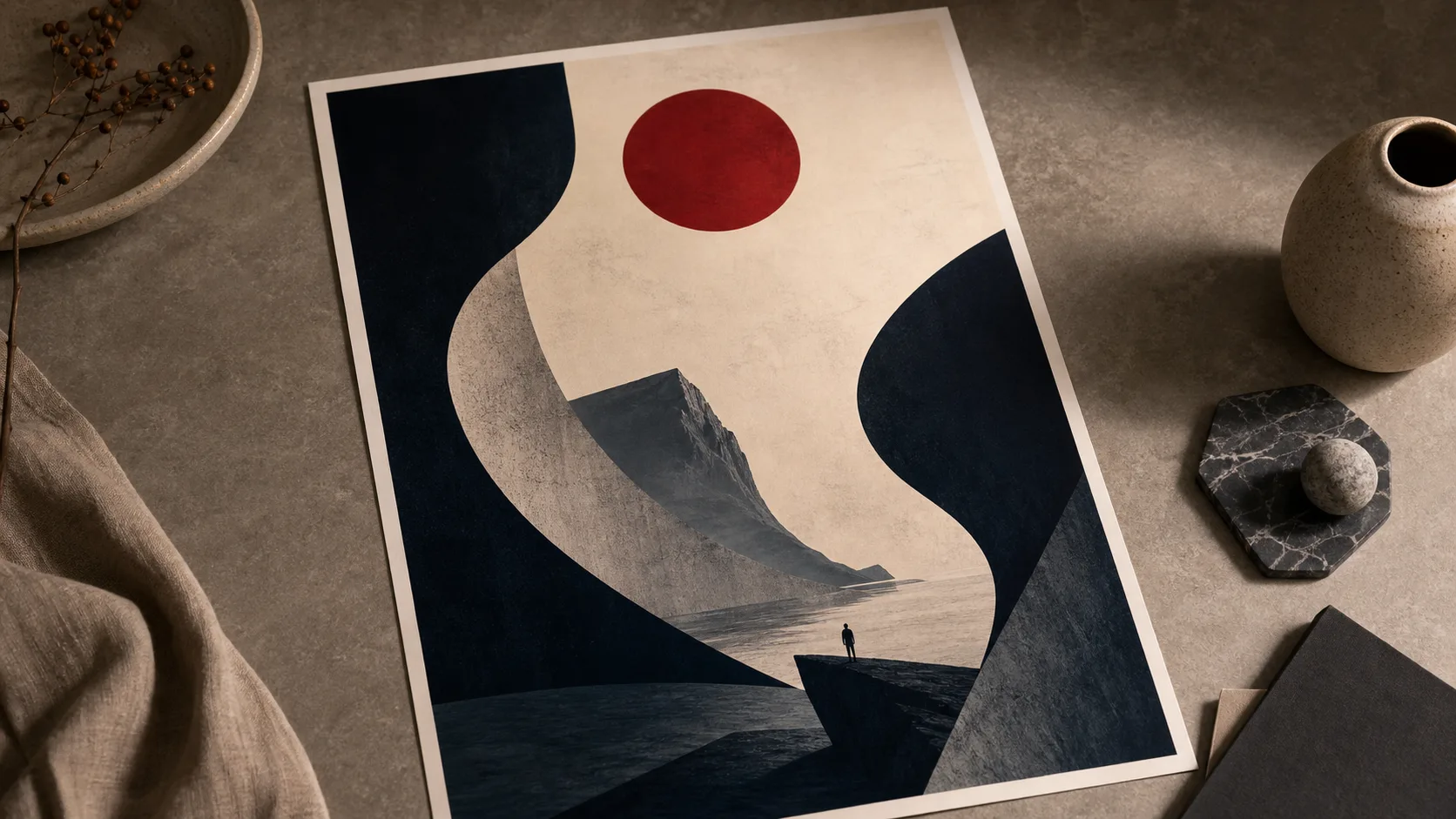
AI-afbeeldingsmodel
Seedream 4.5 Image Generation Guide
Review Seedream 4.5 use cases, prompt directions, and example compositions before choosing a currently available image model.
Seedream 4.5 Voorbeeld
Gebruik dit gedeelte als praktische modelkiezer: bekijk nabije alternatieven en open de modelpagina die het best bij je doel past.
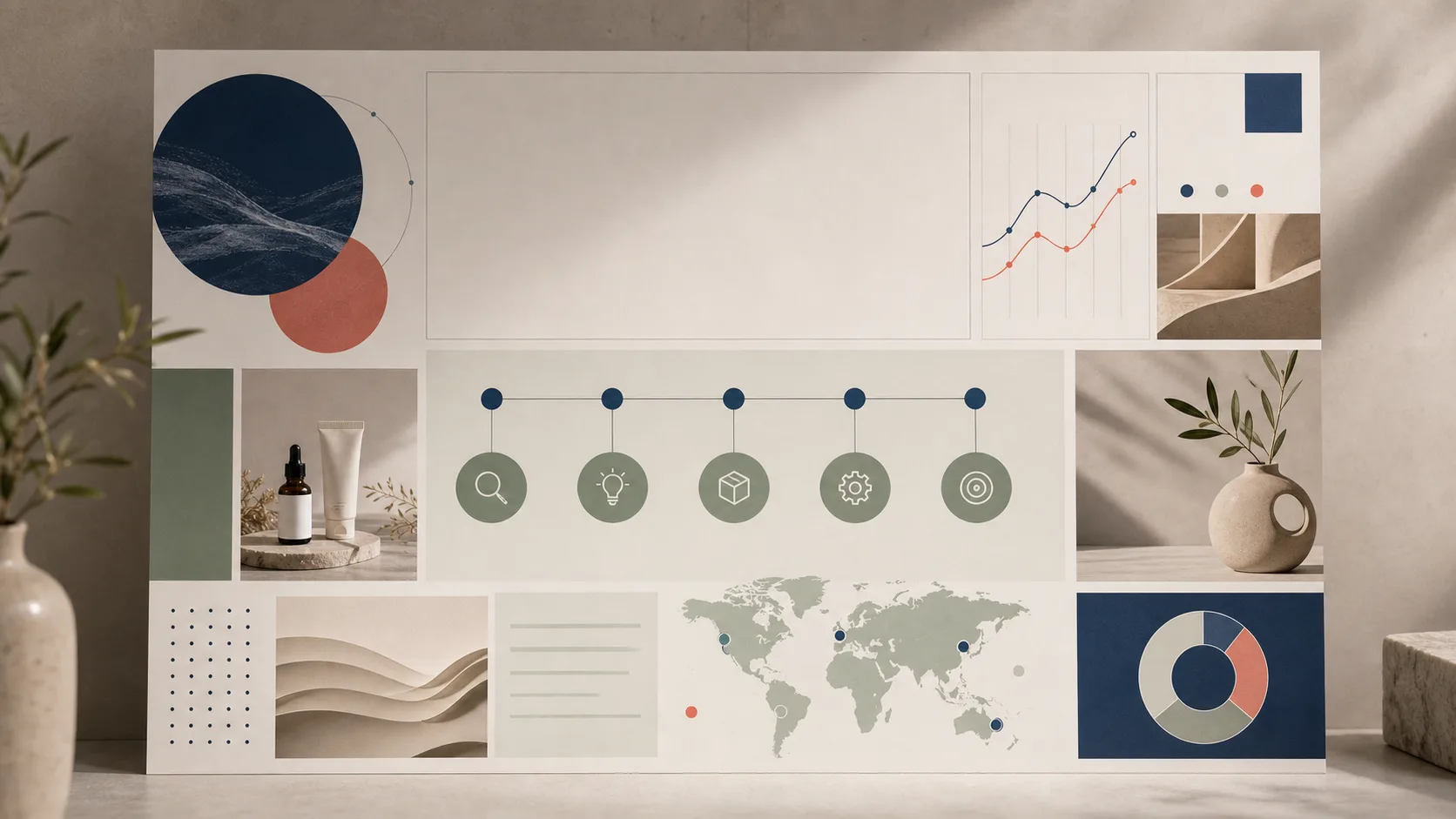
Infographic scenes
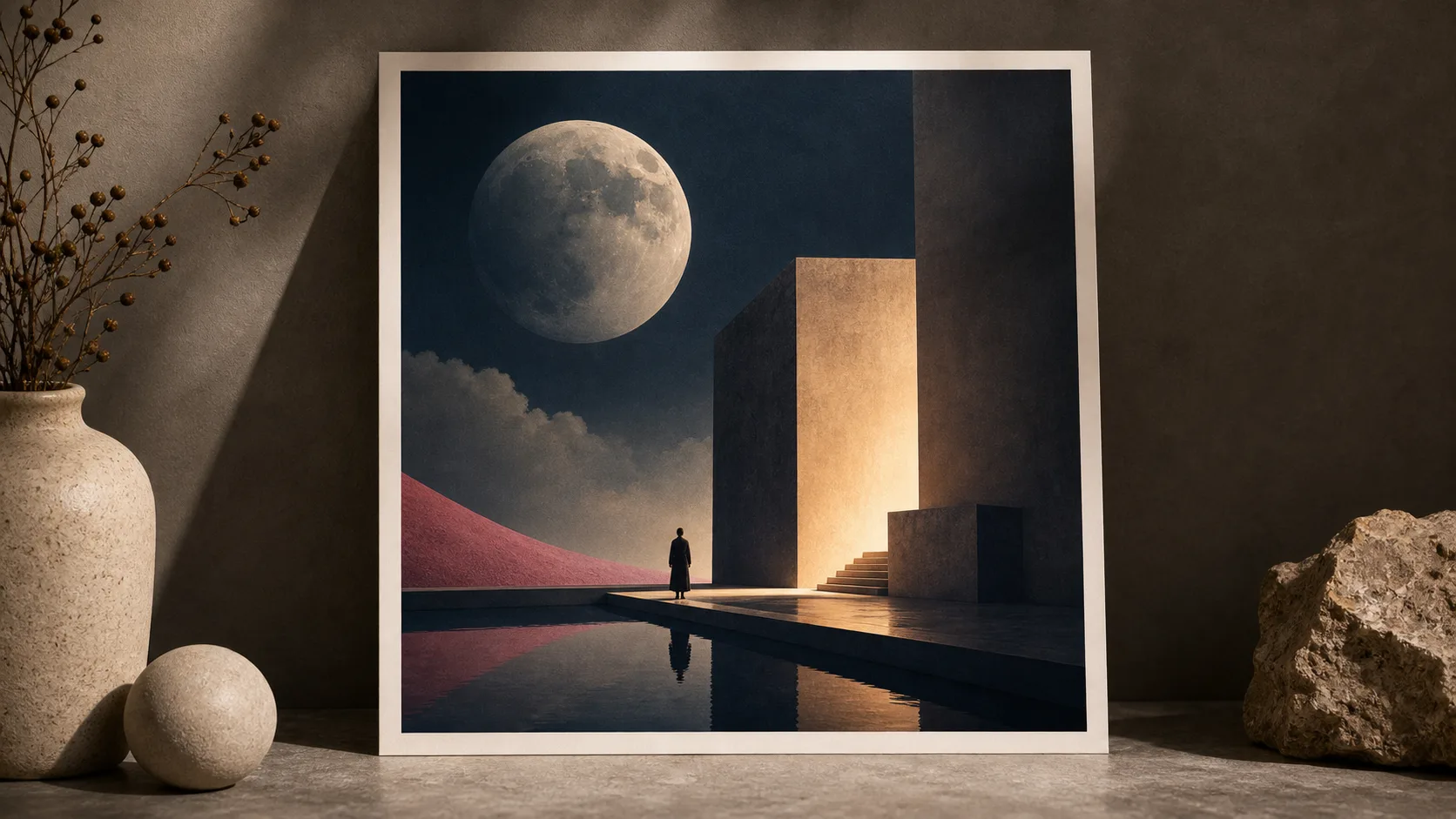
Album artwork
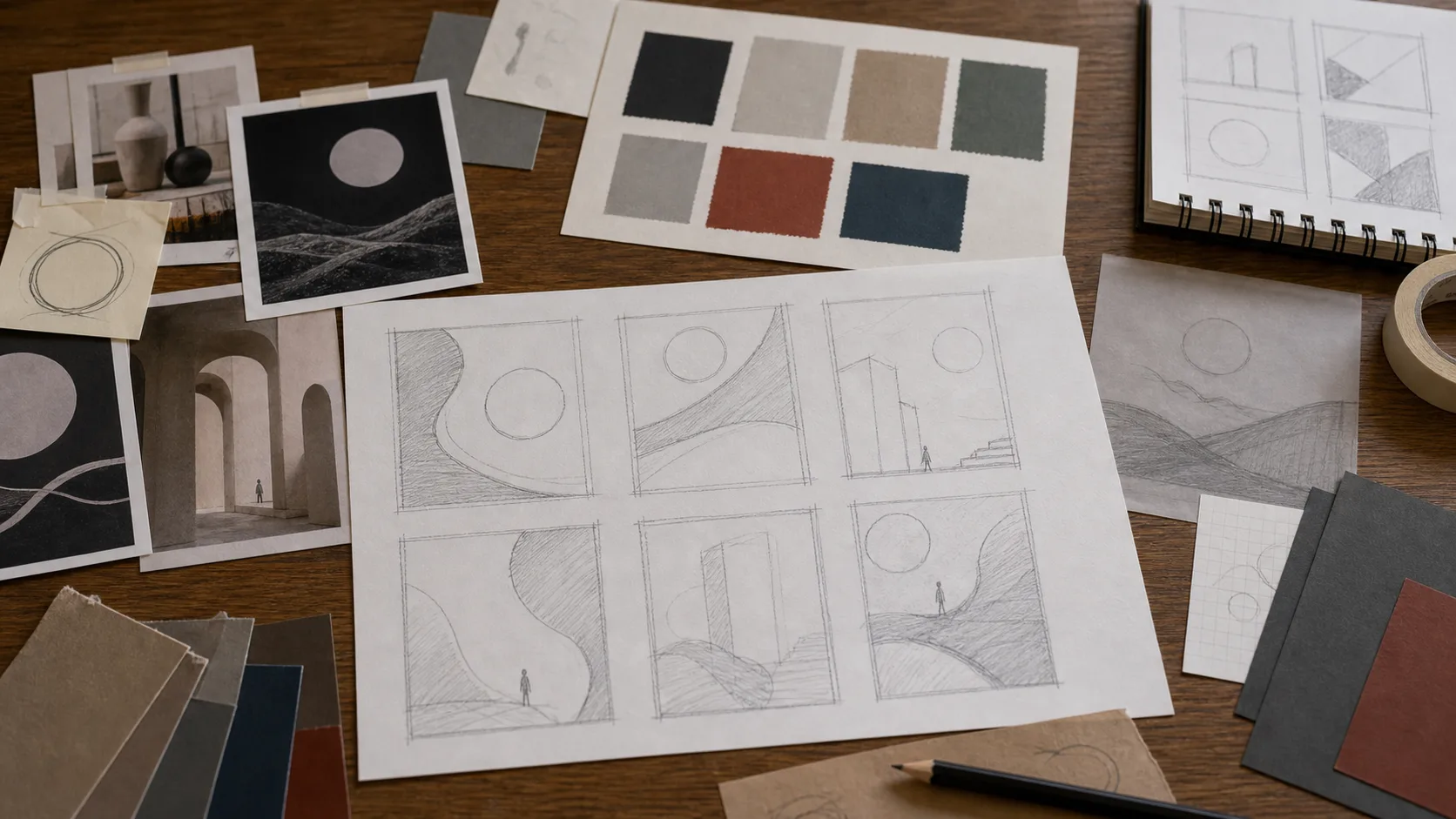
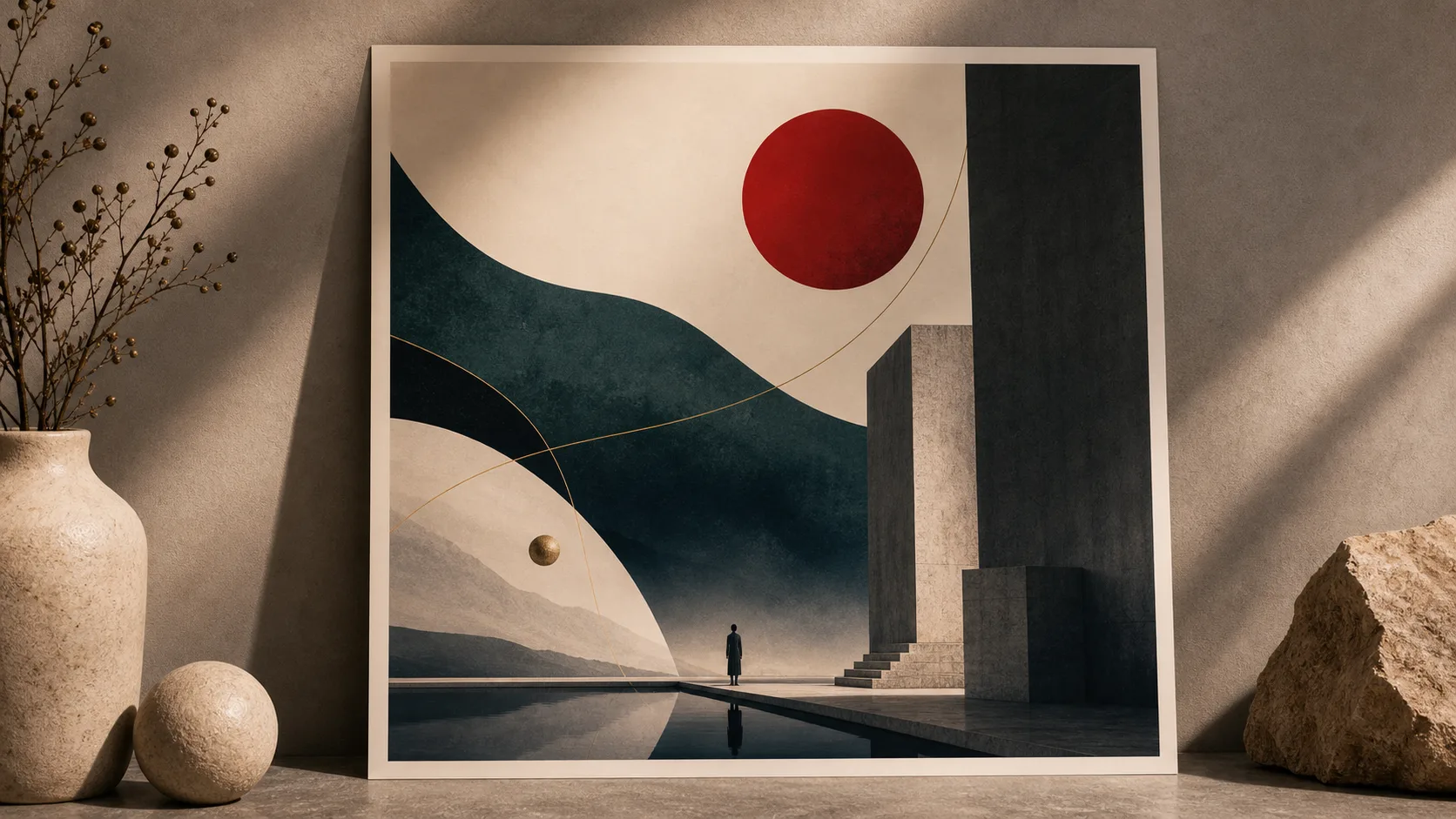
Seedream 4.5 Beste voor
Probeer een prompt met Seedream 4.5, of typ / om van tool te wisselen
Review typography-led concepts
See where poster and cover compositions depend on planned image layout and text zones.
Compare visual directions
Compare illustration, editorial, campaign, and design-led image directions before selecting a current model.
Plan the composition
Use the examples to plan visual hierarchy for covers, hero graphics, posters, and social formats.
Evaluate the finish
Evaluate whether this visual direction fits concept work, landing pages, and marketing assets.
Specificatie
Technische specificaties
Use these defaults as a practical starting point, then adjust the generator settings for the asset you need.
Input methodsText prompts and reference images for controlled image generation.
Best forPoster design, 2K / 4K, Typography, Editorial style
WorkflowStart from the model page, inspect examples, then open the generator with the right creative direction.
OutputHigh-quality image assets for campaigns, product scenes, portraits, and social content.
Seedream 4.5 Modelmogelijkheden
Use these strengths to decide whether this model matches the image or video asset you need.
Review typography-led conceptsSee where poster and cover compositions depend on planned image layout and text zones.
Compare visual directionsCompare illustration, editorial, campaign, and design-led image directions before selecting a current model.
Plan the compositionUse the examples to plan visual hierarchy for covers, hero graphics, posters, and social formats.
Evaluate the finishEvaluate whether this visual direction fits concept work, landing pages, and marketing assets.
Popular Seedream 4.5 use cases
Choose this model when the output goal matches one of these repeatable production scenarios.
01
Poster concepts
Review poster imagery with clear focal points and editorial framing.
02
Infographic scenes
Review structured visuals where layout and readable zones are important.
03
Album artwork
See how a creative direction can become a cover or campaign concept.
Vergelijken
Vergelijken
Compare nearby models before generating, especially when quality, speed, and style control matter.
Seedream 4.5 FAQ
Common questions about using Seedream 4.5 in ClipCanva.
What is Seedream 4.5 best for?
Seedream 4.5 is best for poster concepts, editorial visuals, typography-aware compositions, album covers, and high-aesthetic creative work.
Why use Seedream 4.5 instead of Seedream 5.0?
Use Seedream 4.5 when the task is design-led or composition-heavy. Use Seedream 5.0 when realism, materials, and cinematic detail matter most.
Can I generate with Seedream 4.5 on this page?
No. This is a guide for the earlier Seedream 4.5 model and does not connect it to a different model. Use the current image generator to compare available options.