


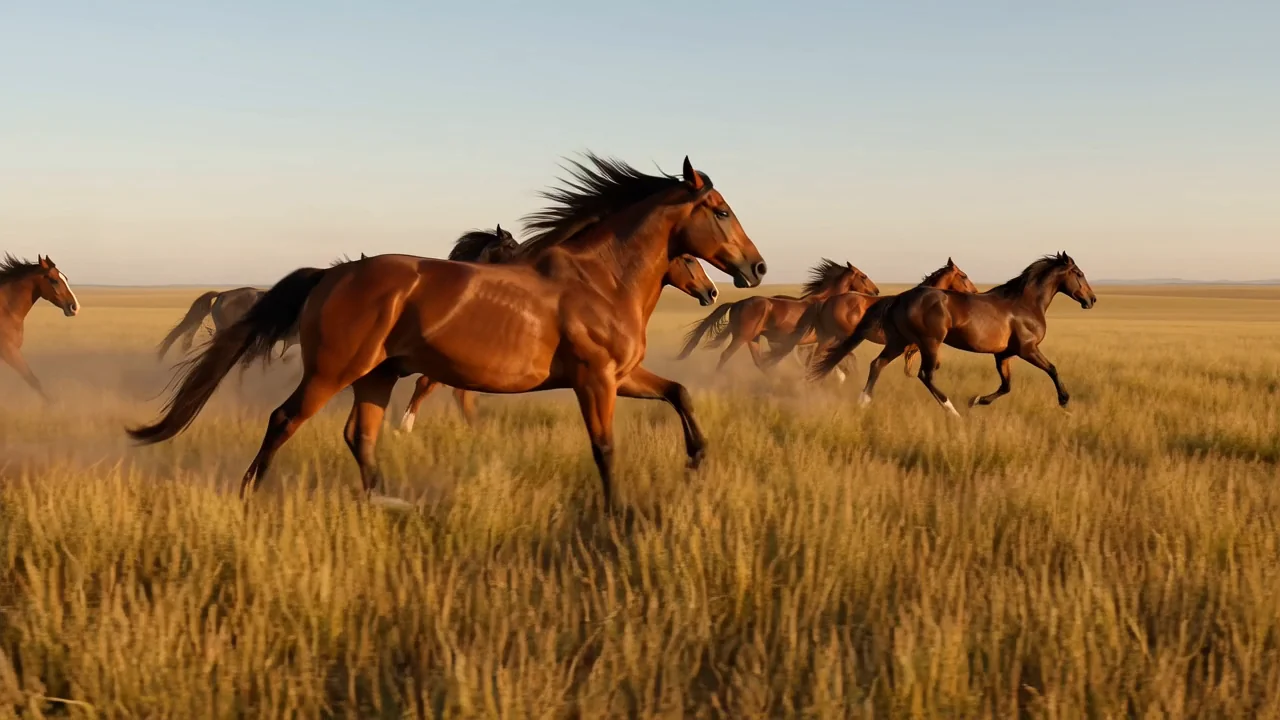
Tekst-naar-videogeneratie
Zet een geschreven prompt om in gegenereerde videoclips en controleer vervolgens of het resultaat past bij de scène-intentie, visuele details en beweging.
Vergelijk het AI-videomodel HappyHorse 1.0 op identiteit, ondersteunde invoer, beschikbare bedieningselementen, uitvoer en beschikbaarheid vóór productie.
HappyHorse 1.0 is een multimodaal AI-videomodel voor tekst-naar-video- en afbeelding-naar-videotaken, beoordeeld als generator voor conceptversies.
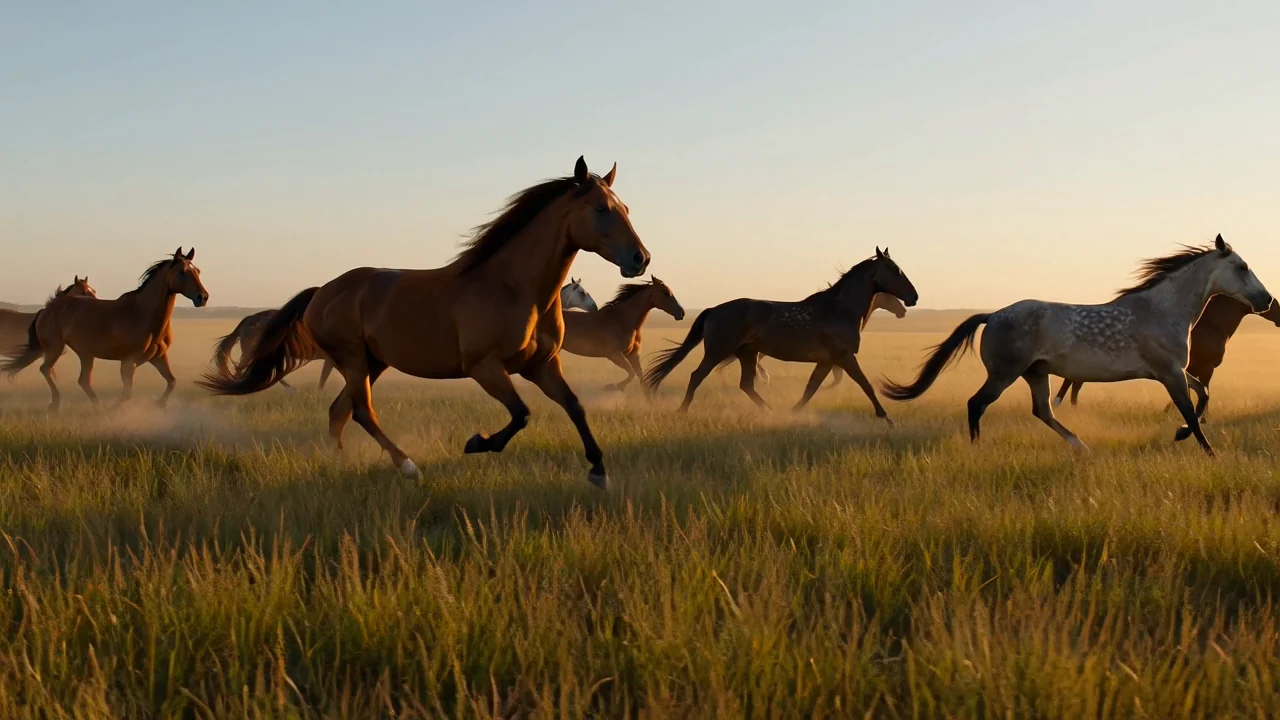
Bekijk de mogelijkheden van het AI-videomodel HappyHorse 1.0 voor tekstprompts, referentieafbeeldingen, beweging en continuïteit vóór gebruik.
Zet een geschreven prompt om in gegenereerde videoclips en controleer vervolgens of het resultaat past bij de scène-intentie, visuele details en beweging.
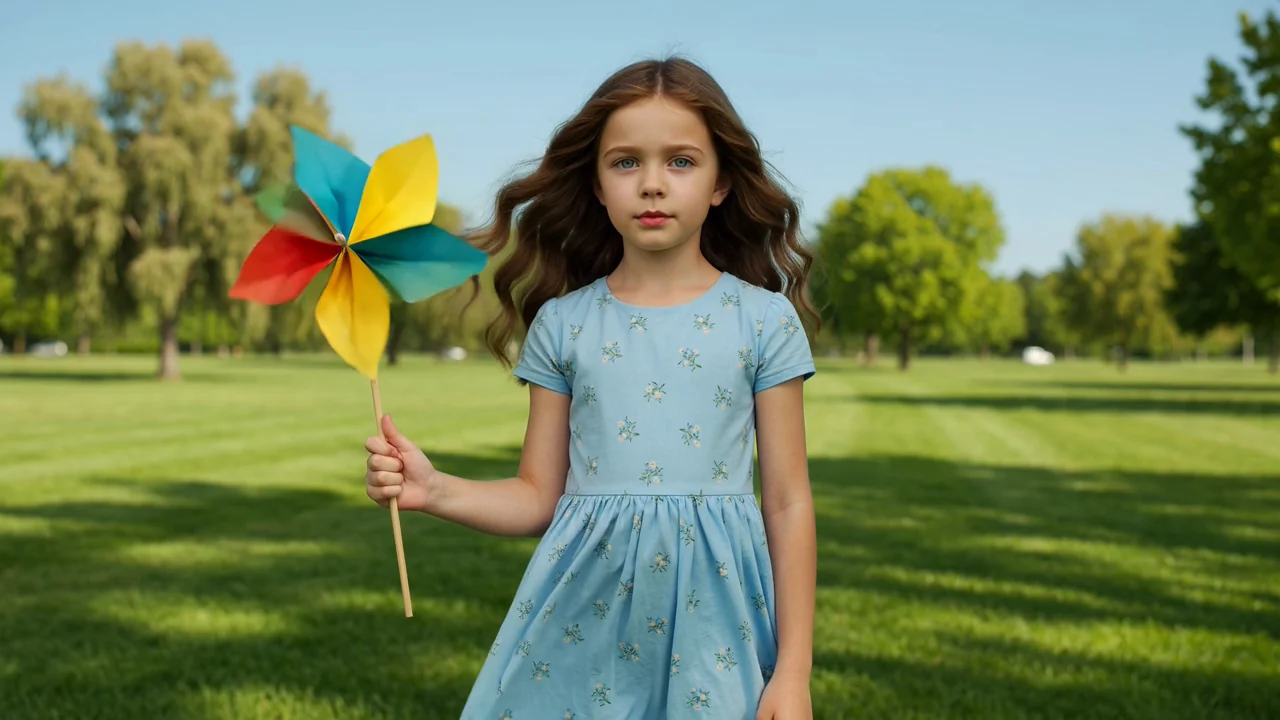
Gebruik een referentieafbeelding om het uiterlijk van het onderwerp of de richting van de scène te sturen en beoordeel vervolgens hoe goed de beweging de bron behoudt.
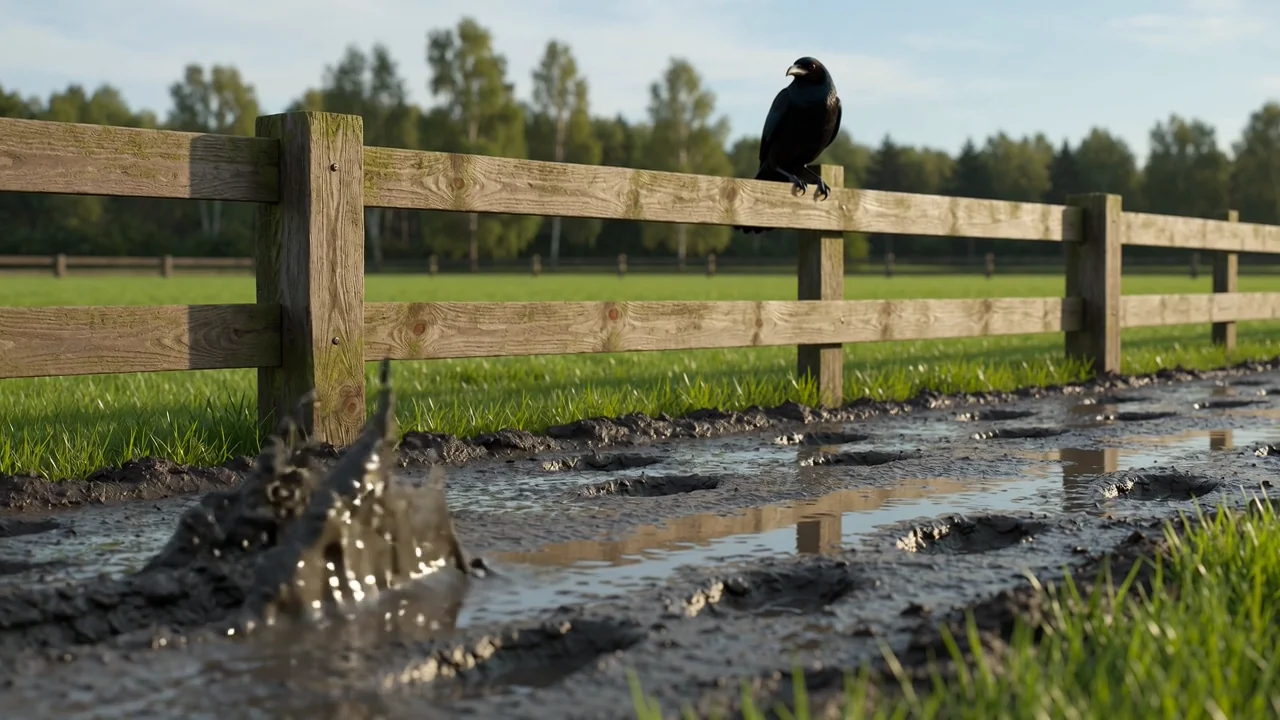
Beschouw het gezamenlijke audio-videomodelontwerp als een mogelijkheid uit de modelkaart, terwijl je alleen de in ClipCanva beschikbare bedieningselementen gebruikt.
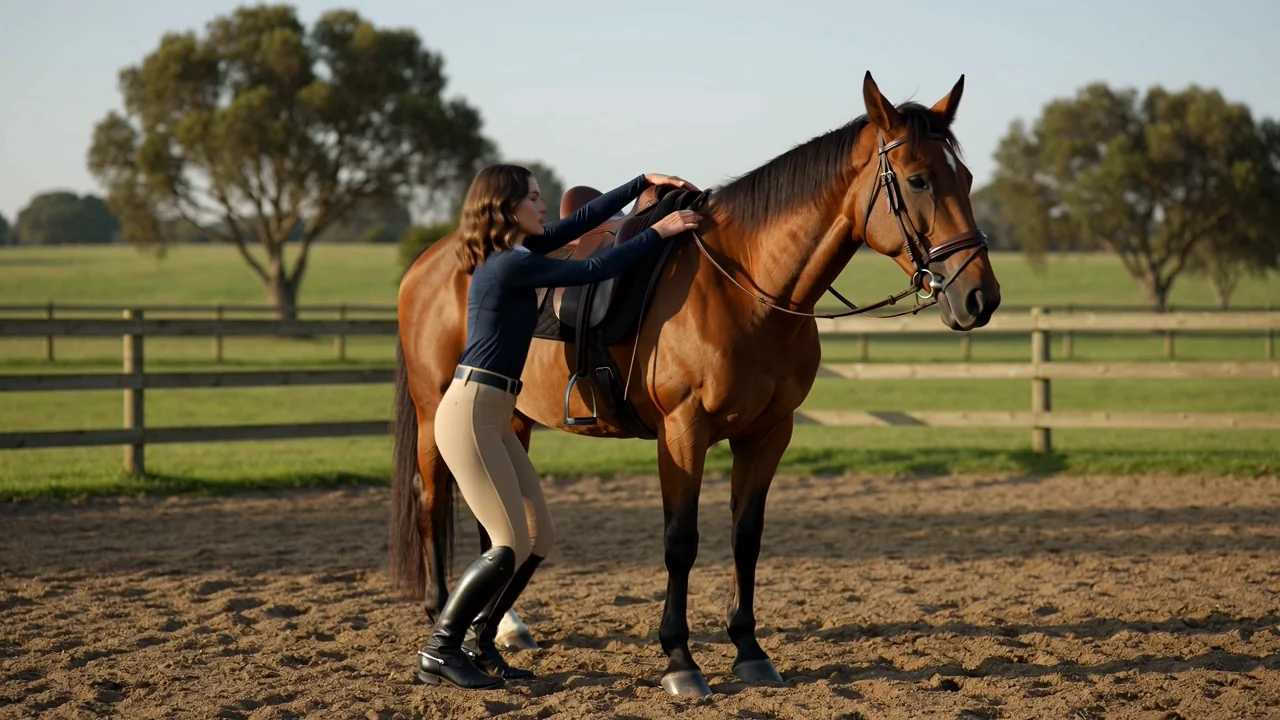
Test complexe beweging en scènecontinuïteit met specifieke prompts en vergelijk de gegenereerde clips vervolgens met de beoogde reeks.
Gebruik de gedocumenteerde invoertypen en zichtbare bedieningselementen in ClipCanva als operationele grens voor elke generatiepoging.
Begin met een duidelijke tekstprompt en voeg een referentieafbeelding toe wanneer de scène, het onderwerp of het product visuele sturing nodig heeft.
Pas de vóór verzending zichtbare opties voor modelkeuze, beeldverhouding, duur, resolutie en referentieafbeelding aan.
Verwacht gegenereerde videoclips of video's op basis van een referentieafbeelding die nog moeten worden beoordeeld op kwaliteit, continuïteit en formaatgeschiktheid.
Volg een eenvoudig productiepad van promptplanning tot generatie en beoordeling, met alleen de hier geverifieerde bedieningselementen.
Bepaal vóór je de generator opent het publiek, doel, onderwerp, decor, beweging en doelbestandsformaat.
Schrijf een beknopte prompt met de gewenste actie en scène en bereid alleen een referentieafbeelding voor wanneer die duidelijke meerwaarde biedt.
Selecteer vóór verzending de getoonde opties voor modelkeuze, beeldverhouding, duur, resolutie en referentie.
Genereer video's met HappyHorse 1.0, vergelijk de uitvoer, identificeer zwakke details en pas steeds één instructie aan.
Koppel deze toepassingen aan echte briefings waarin videoconcepten, referentiesturing en gestructureerde beoordeling nuttig zijn.
Maak vroege scèneaanwijzingen voor sfeer, cameragevoel, belichting en beweging voordat je je vastlegt op een definitief productieplan.
Verken hoe een product kan bewegen, draaien of verschijnen in een korte visuele test en controleer na het genereren de details.
Maak korte clips met een personage of onderwerp in de hoofdrol en beoordeel vervolgens continuïteit, houding, expressie en consistentie van de scène.
Genereer sfeervolle openingen of locatieconcepten die helpen de toon, omgeving en beweging voor een grotere montage neer te zetten.
Beoordeel elke gegenereerde clip als conceptversie, omdat creatieve passendheid, continuïteit, merkdetails en feiten menselijke verificatie vereisen.
Bevestig dat onderwerp, actie, compositie, omgeving en beweging overeenkomen met de oorspronkelijke prompt en het productiedoel.
Controleer personages, producten, achtergronden, overgangen en scènedetails op ongewenste verschuivingen of breuken in de continuïteit.
Verifieer logo's, productclaims, namen, labels en feitelijke elementen aan de hand van goedgekeurd bronmateriaal vóór gebruik.
Controleer de duur, beeldverhouding, resolutie, uitsnede en het uitvoerformaat aan de hand van de vereisten van het doelkanaal.
Controleer beschikbaarheid, beschikbare bedieningselementen, variabele resultaten en de noodzaak van menselijke beoordeling voordat je een gegenereerde clip als definitief beschouwt.
HappyHorse 1.0 is vandaag gekoppeld in ClipCanva; de zichtbare opties vóór verzending bepalen dus de huidige beschikbaarheid.
Dezelfde prompt of referentieafbeelding kan bij afzonderlijke uitvoeringen andere beweging, compositie, timing of details opleveren.
ClipCanva biedt alleen de bedieningselementen in zijn door Kie aangedreven generator, niet elke modeloptie aan de kant van de provider.
Gegevens geverifieerd
Vind antwoorden over de identiteit, invoer, bedieningselementen, beschikbaarheid, workflow, uitvoer en beoordelingsverantwoordelijkheden van HappyHorse 1.0.
Vergelijk andere AI-videomodellen op invoertypen, zichtbare bedieningselementen, uitvoergedrag en geverifieerde beschikbaarheid in ClipCanva.
Begin met een duidelijk omschreven briefing, probeer HappyHorse 1.0 in de gekoppelde generator en reserveer tijd voor een zorgvuldige beoordeling van de uitvoer.