ClipCanva
ClipCanva

AI Photo Maker

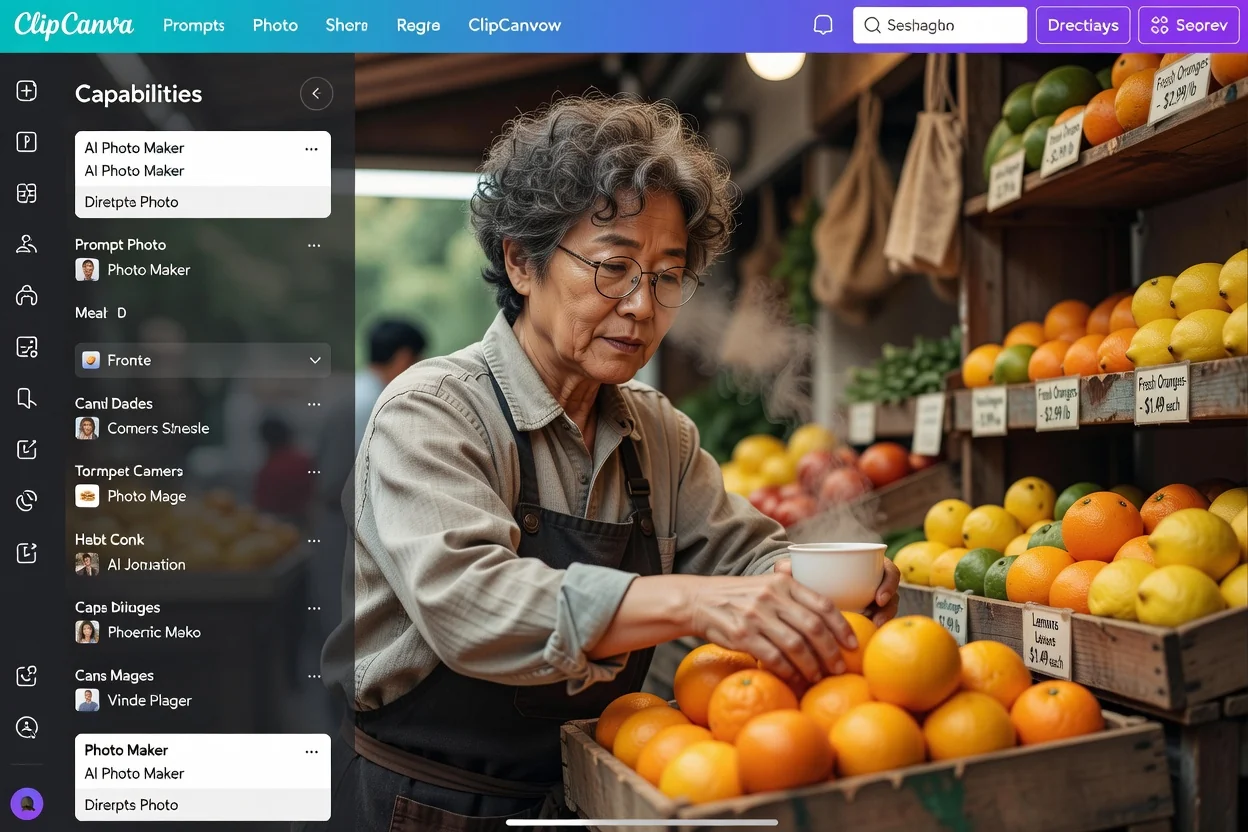
Create realistic photos from prompts or references. Generate portraits, product shots, social posts, and lifestyle scenes with ClipCanva.

Realistic Photo Creation Features

Turn ideas and references into polished photos for content, commerce, and campaigns.

Prompt to Photo

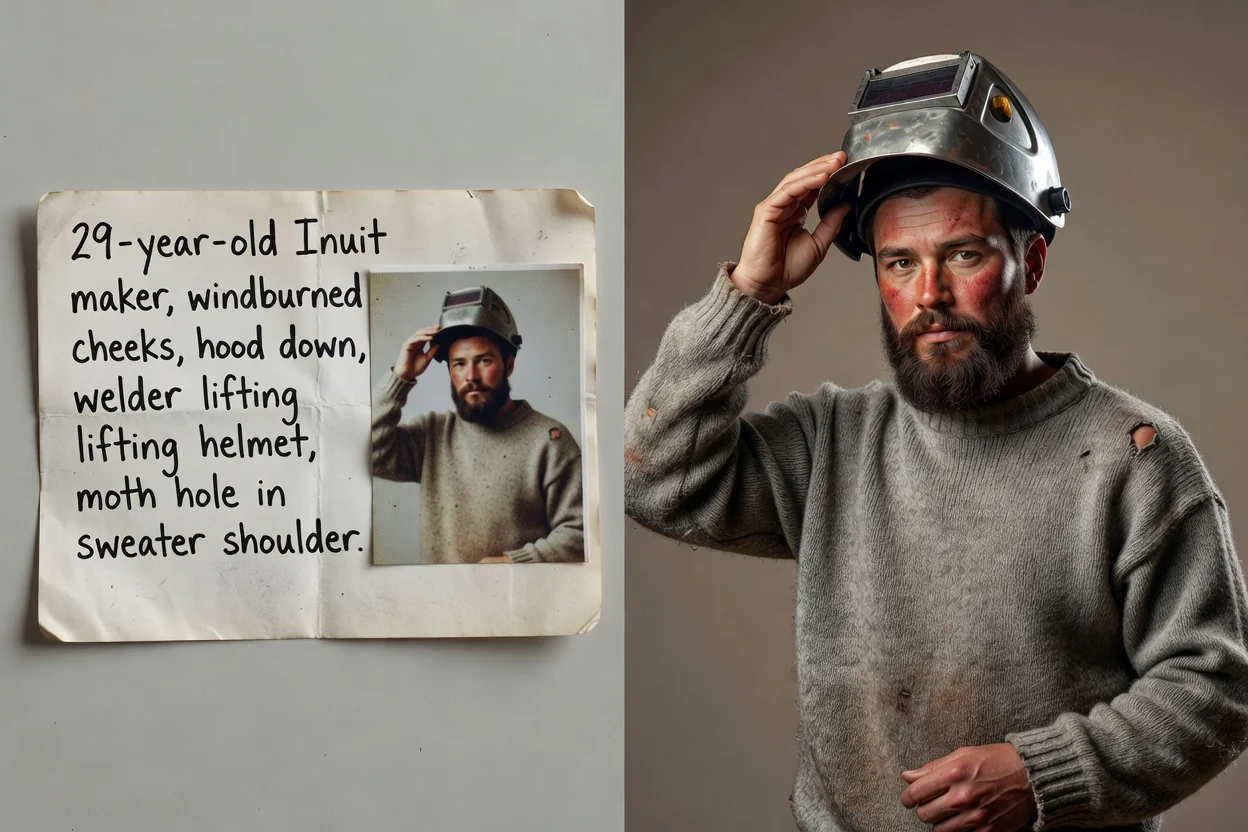
Describe the subject, camera angle, lighting, location, and mood to create a believable photo from scratch.

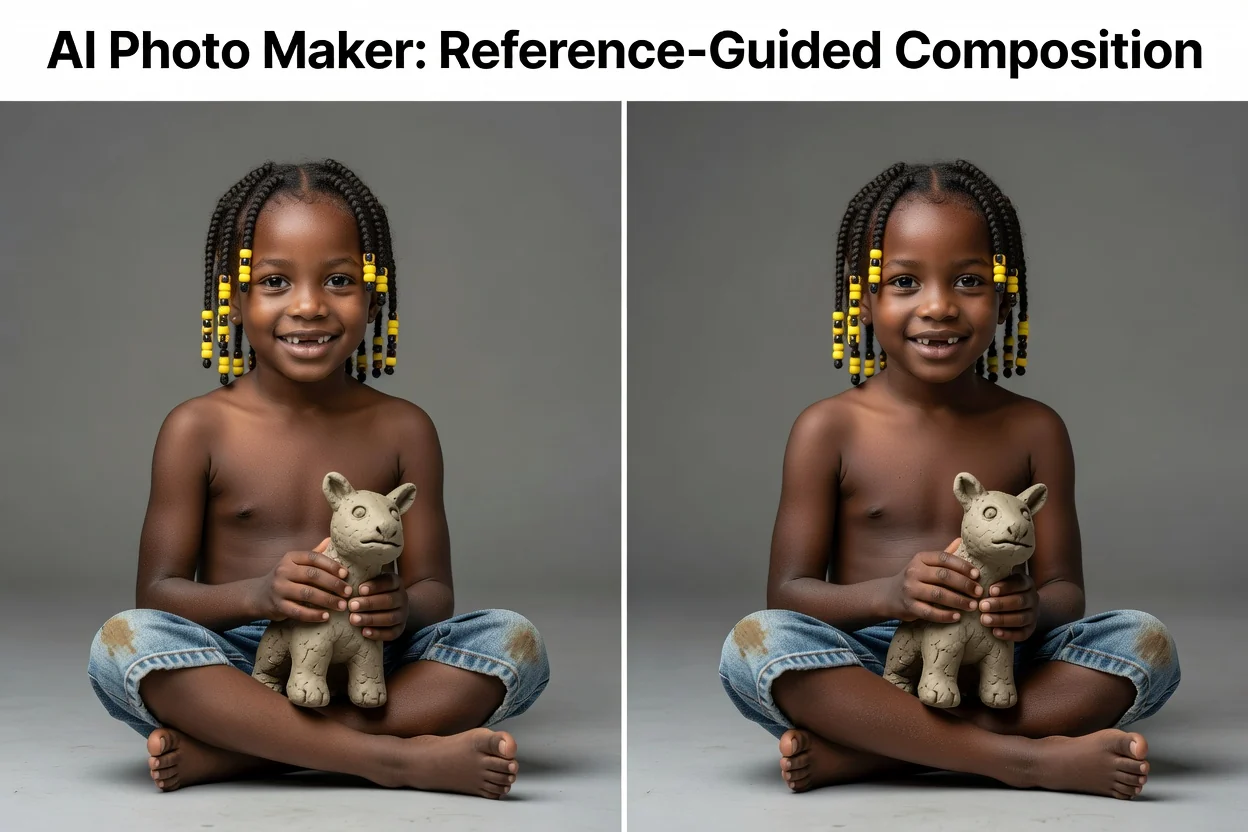
Reference-Guided Results

Use an existing image as visual direction for composition, subject details, product shape, or style.

Portraits and Profiles

Generate natural portraits, creator profile photos, editorial looks, and social-ready personal images.

Product Photo Scenes

Place products into clean studio setups, lifestyle rooms, seasonal scenes, or campaign backgrounds.

Social Content Formats

Create eye-catching visuals for feeds, ads, thumbnails, banners, and brand posts.

Responsible Likeness Use

When creating photos of real people or recognizable likenesses, use consented references and avoid misleading impersonation.

Photo Workflow

Why Use ClipCanva AI Photo Maker

A focused AI photo workflow for creators who need realistic, usable images without a full photo shoot.

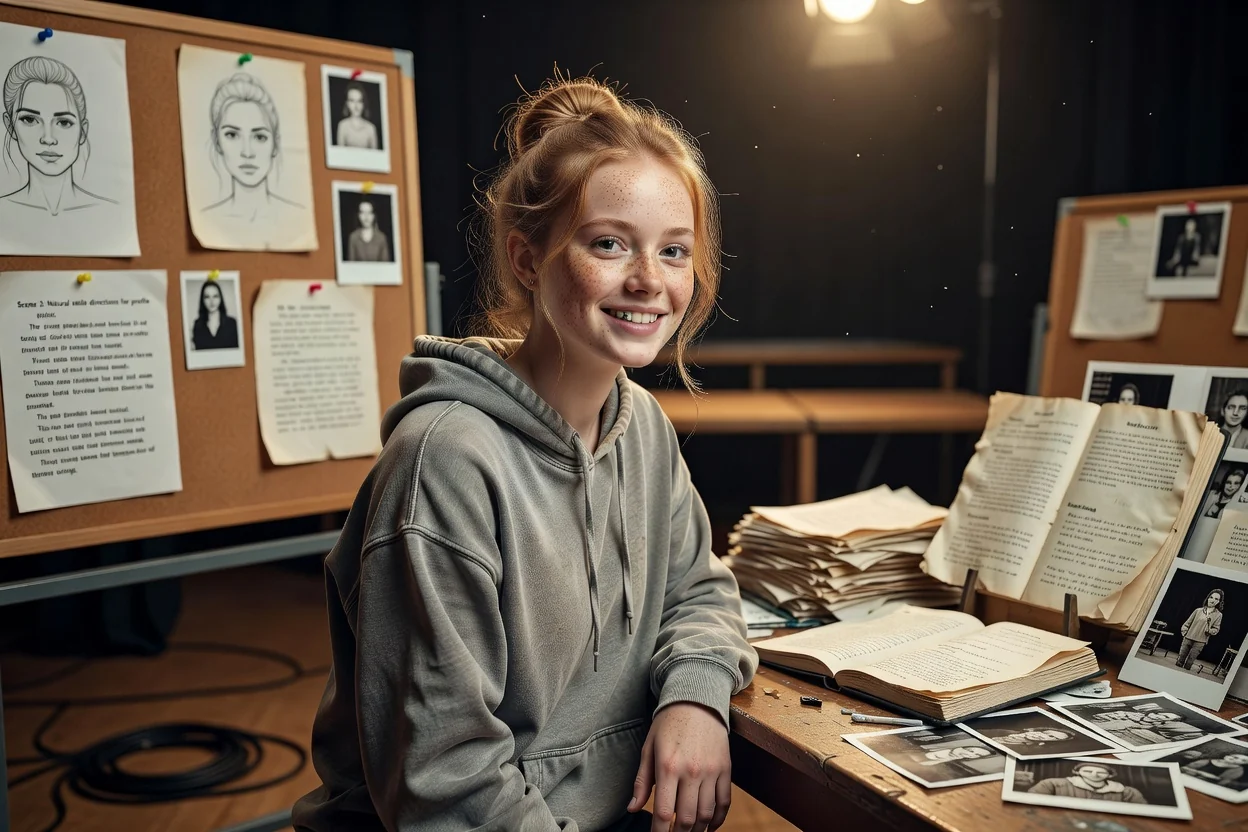
Realistic AI product photo scene

Built for Realistic Scenes

Guide lighting, lens feel, backgrounds, wardrobe, props, and composition so the output reads like a real photo.

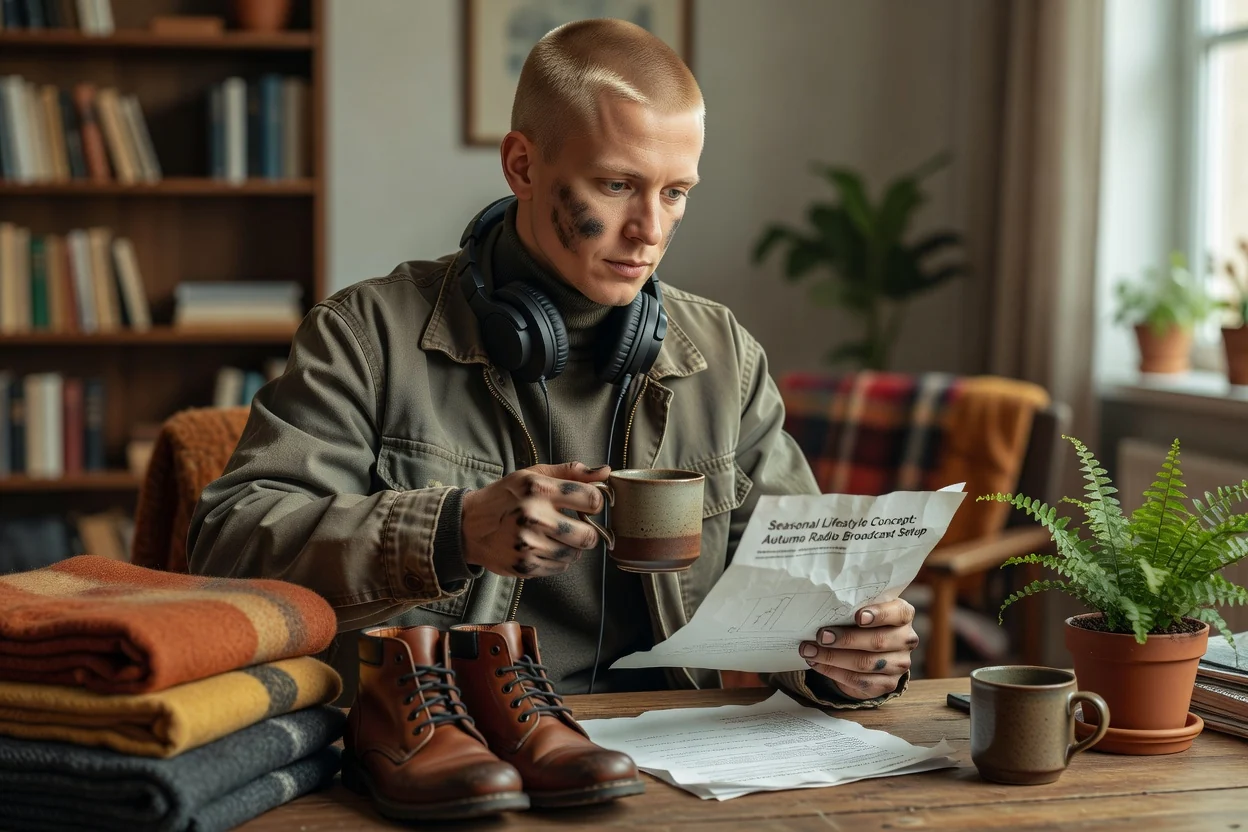
AI generated lifestyle photo

Useful Across Content Types

Make product hero images, creator portraits, lifestyle ads, blog visuals, profile photos, and social media posts from one workflow.

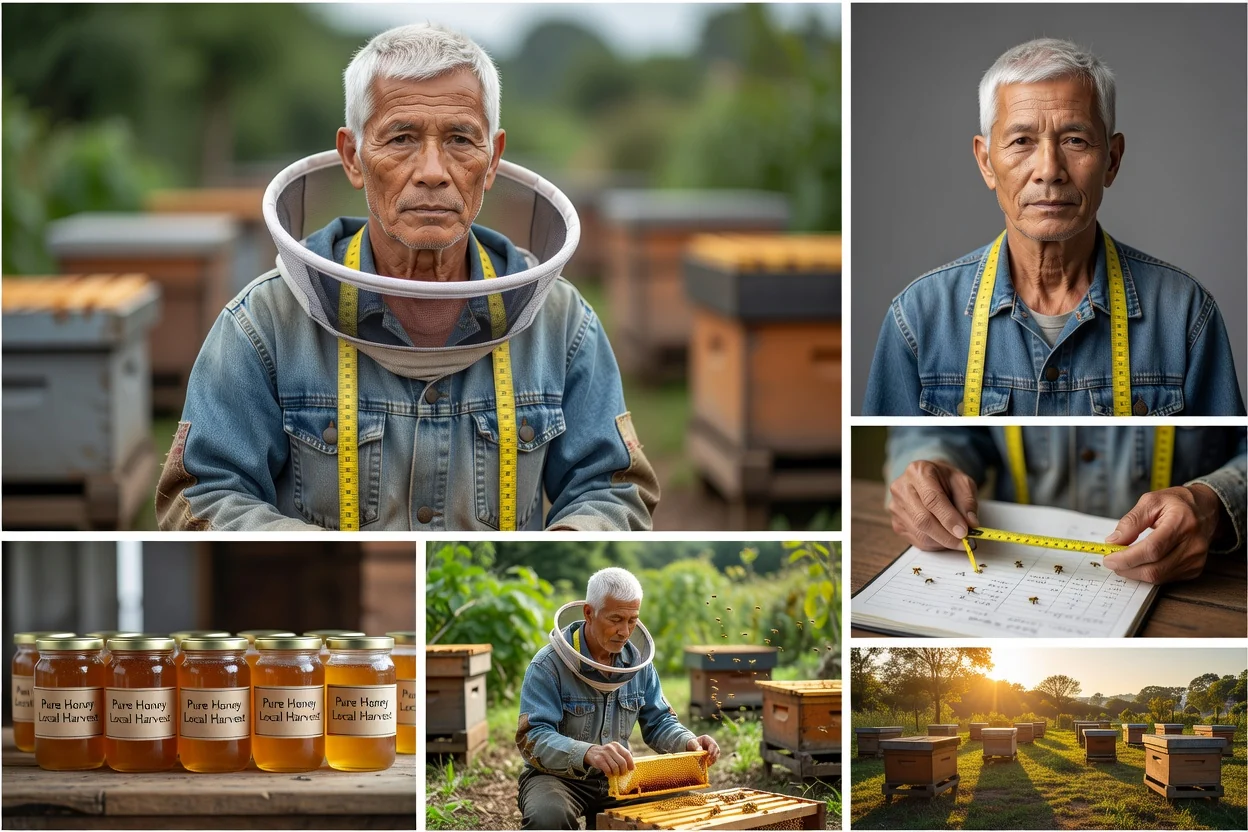
AI photo style controls

Prompt and Reference Control

Start from a written brief, a reference image, or both. Refine subject details, environment, colors, and photo style in plain language.

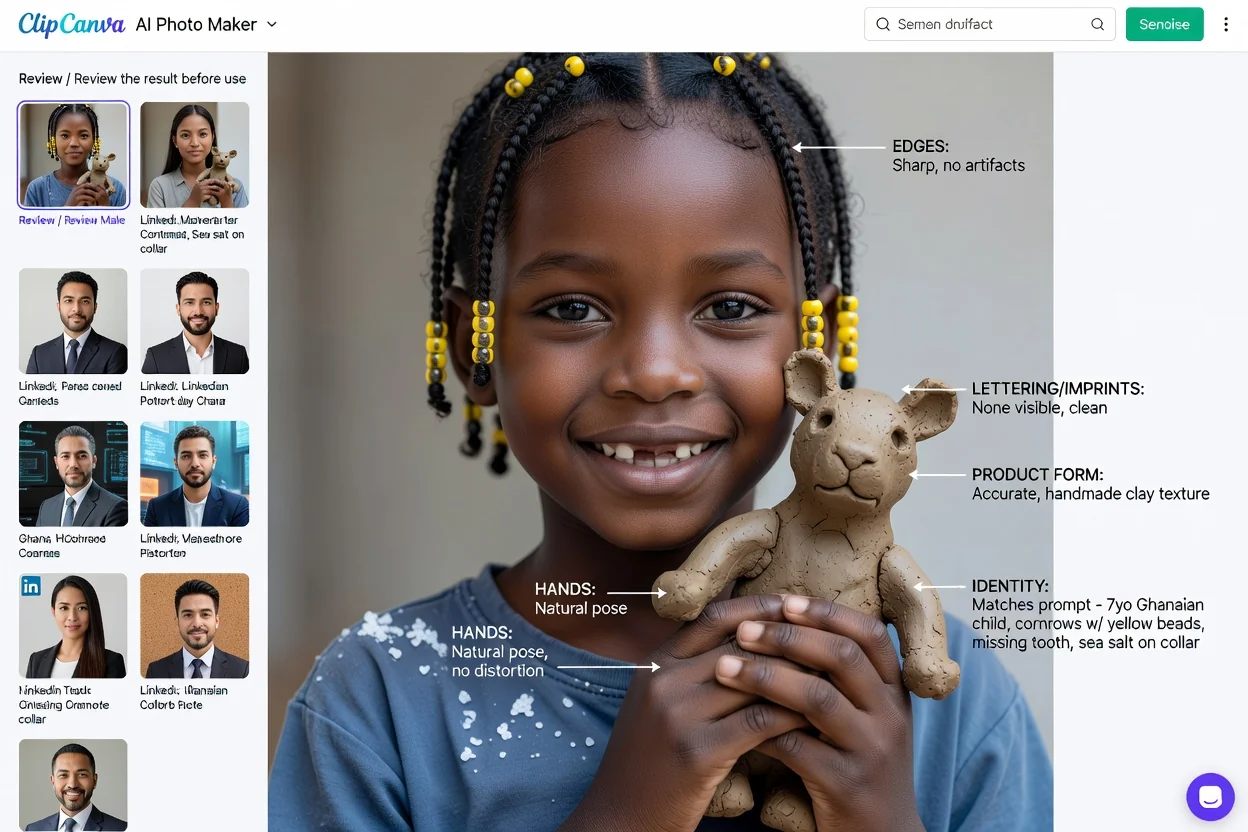
AI photo variations

Ready for Iteration

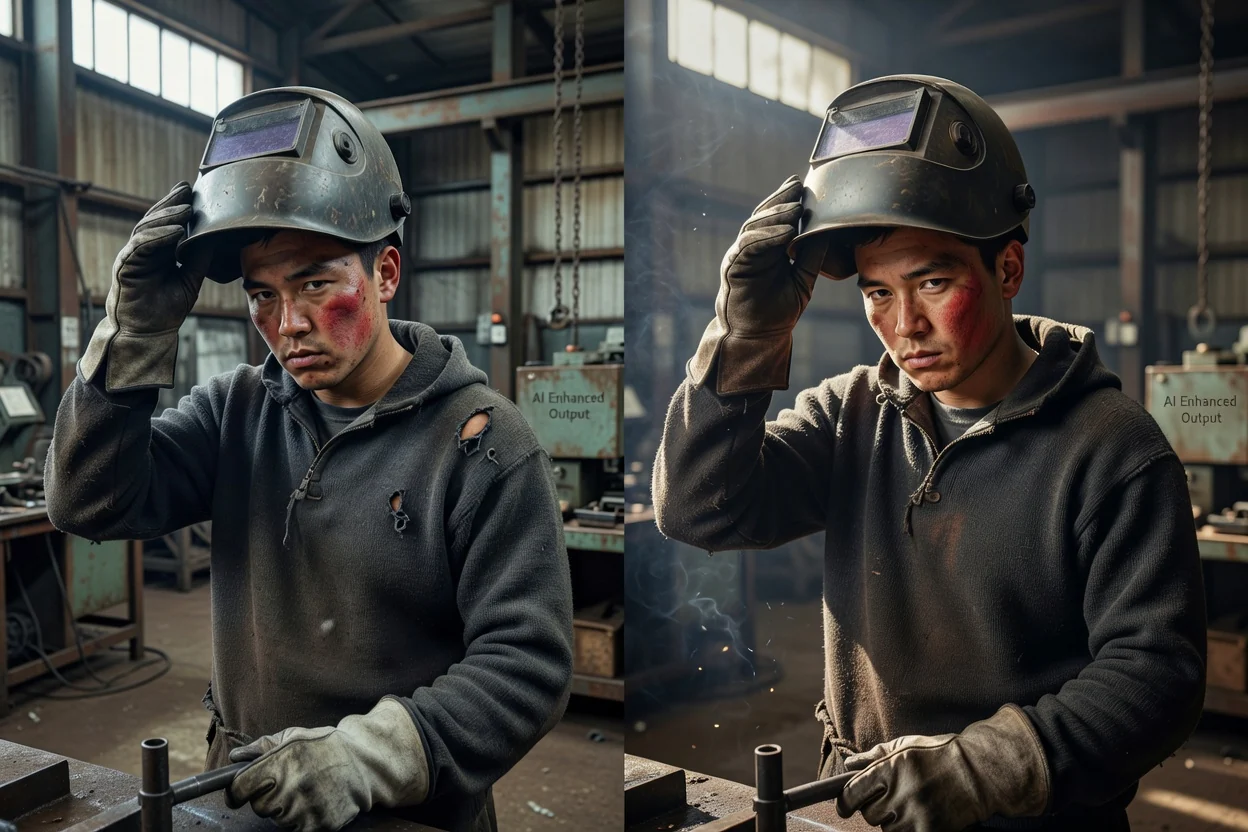
Create multiple directions quickly, compare them, and keep refining until the image matches your campaign or creative brief.

How to Create Photos with AI Photo Maker

Go from concept to realistic photo in three steps.

Write an AI photo prompt

Write the Photo Brief

Describe the subject, location, lighting, camera style, mood, and intended use such as portrait, product, or social post.

Add an image reference

Add a Reference

Upload a reference when you need stronger control over a person, product, pose, style, or composition.

Generate and refine AI photos

Generate and Refine

Create photo options, adjust the prompt, and export the result that best fits your brand, content, or campaign.

AI Photo Maker FAQ

Answers about creating realistic photos with ClipCanva.

What is AI Photo Maker?
AI Photo Maker is a ClipCanva tool page for creating realistic photos from prompts or reference images, including portraits, product photos, social visuals, and lifestyle scenes.
Can I create product photos?
Yes. Describe the product, background, lighting, surface, props, and aspect ratio to generate clean product images or lifestyle product scenes.
Can I use a reference image?
Yes. References help guide subject identity, product shape, composition, pose, colors, or style while your prompt defines the final photo direction.
Can I make photos of real people?
Use consented references when working with real people or recognizable likenesses. Avoid deceptive impersonation, false endorsements, or images that could mislead viewers.
What kinds of photos work best?
Clear prompts work best: specify the subject, scene, lighting, lens style, camera angle, mood, wardrobe, props, and final use case.
Is AI Photo Maker the same as AI Image Generator?
AI Photo Maker focuses on realistic photographic outcomes. The generation workflow is powered through ClipCanva's AI image creation tools.

Create Realistic AI Photos

Use ClipCanva to make portraits, product photos, social visuals, and lifestyle scenes from prompts or references.