Remove Background From Image

Upload one image, remove the background, and download a clean cutout without opening a complex editor.

Transparent CutoutsProduct PhotosPortraitsOne Image

Default

Upload and generate

Before
After

Ready for upload

Preview, compare, then download the finished file.

Background Removal Ideas

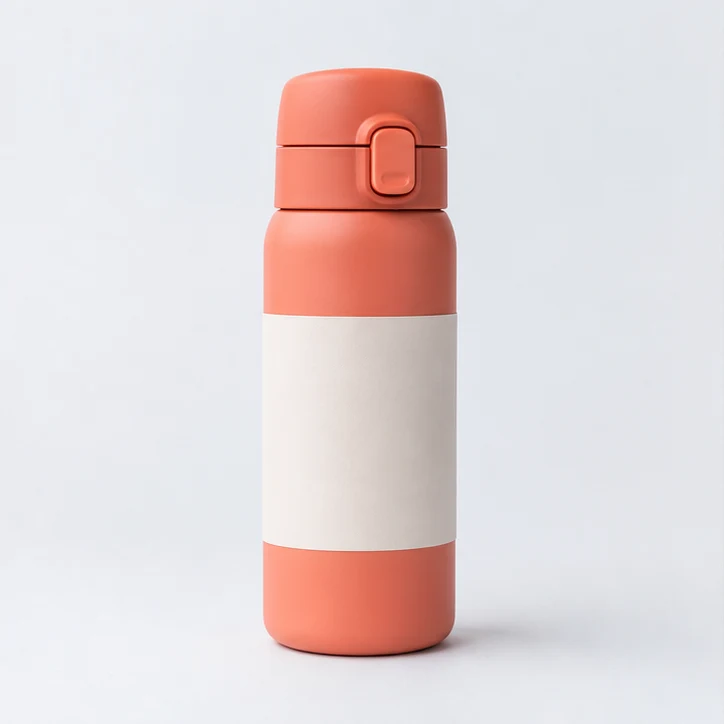
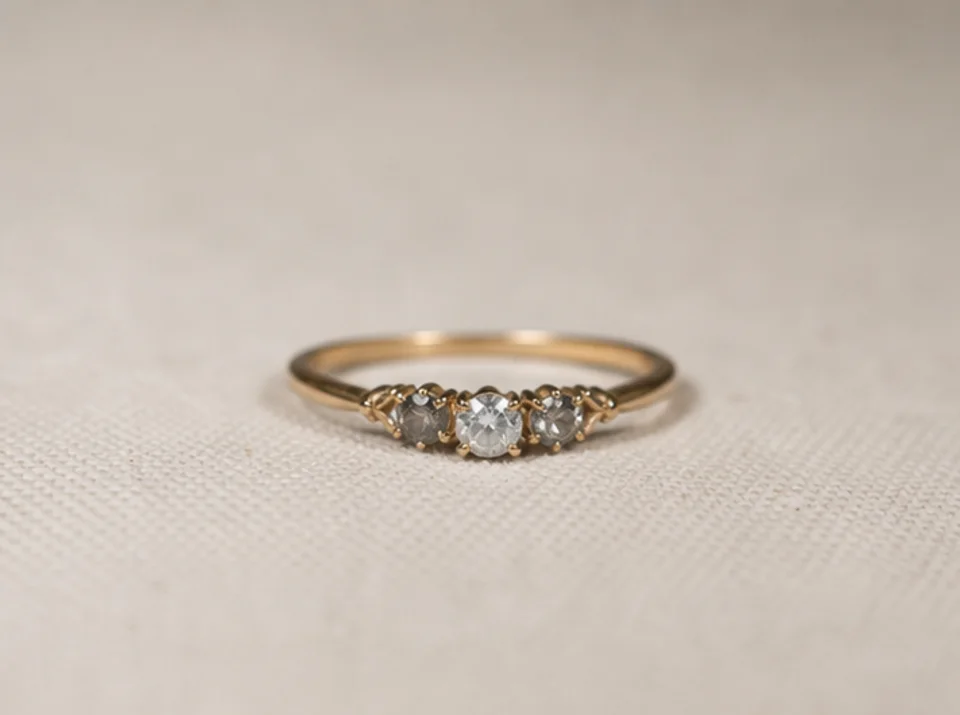
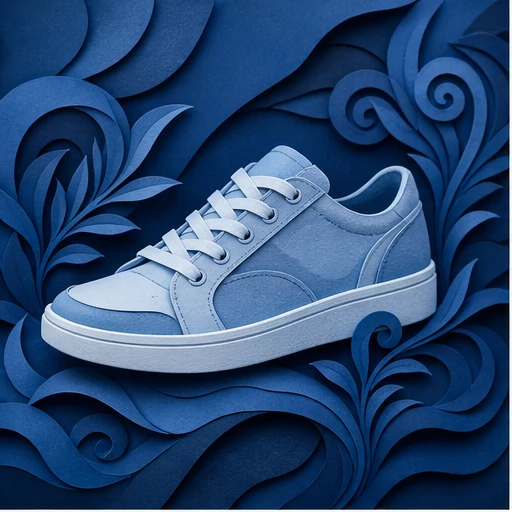
Prepare clean cutouts for ecommerce, creator assets, ads, profile visuals, and design mockups.

How to remove a background

The default workflow is intentionally short: upload, confirm, process, and download.

01

Upload one clear image

Choose a product photo, portrait, or object image with the subject visible and enough contrast from the background.

02

Confirm editing permission

Only process files you own or have permission to edit. This keeps the workflow clear before generation starts.

03

Remove the background

Run the default one-step workflow first. Pro options stay collapsed until you need edge cleanup or batch controls.

04

Download the cutout

Compare the before and after view, then download the generated result for ecommerce, social, ads, or design work.

Built for fast cutout work

Single Image Upload

Start with one source image and avoid a full editor when the task is simply removing the background.

Clean Cutouts

Create transparent product and portrait cutouts for catalogs, thumbnails, profile images, and ad creatives.

Before and After Preview

Review the original and generated result side by side before downloading the finished asset.

Permission Check

The tool asks for edit permission confirmation before processing images.

関連ツールを見る

Continue from background removal into enhancement, editing, or reference-based image generation.

プランを選択

無料画像には透かしが入ります。透かしなしの出力、高速生成、商用利用にはアップグレードしてください。

スターターパック

$9

画像、音楽、短い動画生成を試せる買い切りクレジットパックです。

  • 600クレジット
  • 最大100枚の画像
  • 最大7本の短尺動画
  • クレジットの有効期限は30日間
  • 透かしなし

クリエイター

$19/mo

月額プラン · 1,500クレジットが毎月更新

  • 毎月1,500クレジット
  • 月最大250枚の画像
  • 月最大18本の短尺動画
  • ClipCanva Proとその他のクレジットモデルに対応
  • 優先キュー
  • コミュニティサポート
  • 広告なし
  • 透かしなし

プロ

$39/mo

月額プラン · 4,000クレジットが毎月更新

  • 毎月4,000クレジット
  • 月最大660枚の画像
  • 月最大50本の短尺動画
  • ClipCanva Proとその他のクレジットモデルに対応
  • 最優先キュー
  • ClipCanva Proのロックを解除する
  • 広告なし
  • 透かしなし
  • 高度な仕上げ調整

スタジオ

$99/mo

月額プラン · 12,000クレジットが毎月更新

  • 毎月12,000クレジット
  • 月最大2,000枚の画像
  • 月最大150本の短尺動画
  • ClipCanva Proとその他のクレジットモデルに対応
  • 最優先キュー
  • 完全なプライバシー保護
  • 新機能の先行利用
  • 優先サポート

月額プランでは、請求サイクルごとにクレジットが更新されます。年額プランでは12か月分のクレジットが一括付与され、17%お得です。利用目安は、対応している画像・動画モデルのうち最も低コストのモデルを基準にしています。プレミアムモデル、高解像度、長尺動画、参照ベースの生成、高度なツールでは、より多くのクレジットを消費します。

チーム

代理店、制作チーム、カスタムの大量利用に対応します。

お問い合わせ

Remove Background FAQ

Common questions before creating your first cutout.

What images work best for background removal?
Use a clear product, person, or object image where the subject is visible and not heavily blended into the background.
Can I remove backgrounds from product photos?
Yes. The workflow is designed for product cutouts, portraits, thumbnails, and marketing images that need a cleaner background.
Do I need to adjust advanced settings?
No. The default flow keeps the first step simple. Pro options are available only when you need more control.
Why do I need to confirm permission?
You should only edit images you own or have permission to process. The confirmation keeps the workflow explicit before upload and generation.

Create a clean cutout

Upload one image and remove the background with ClipCanva.