AI Script Generator

Turn a topic, audience, platform, and goal into a structured script with a hook, scenes, voiceover, on-screen text, visual notes, and a clear next step.

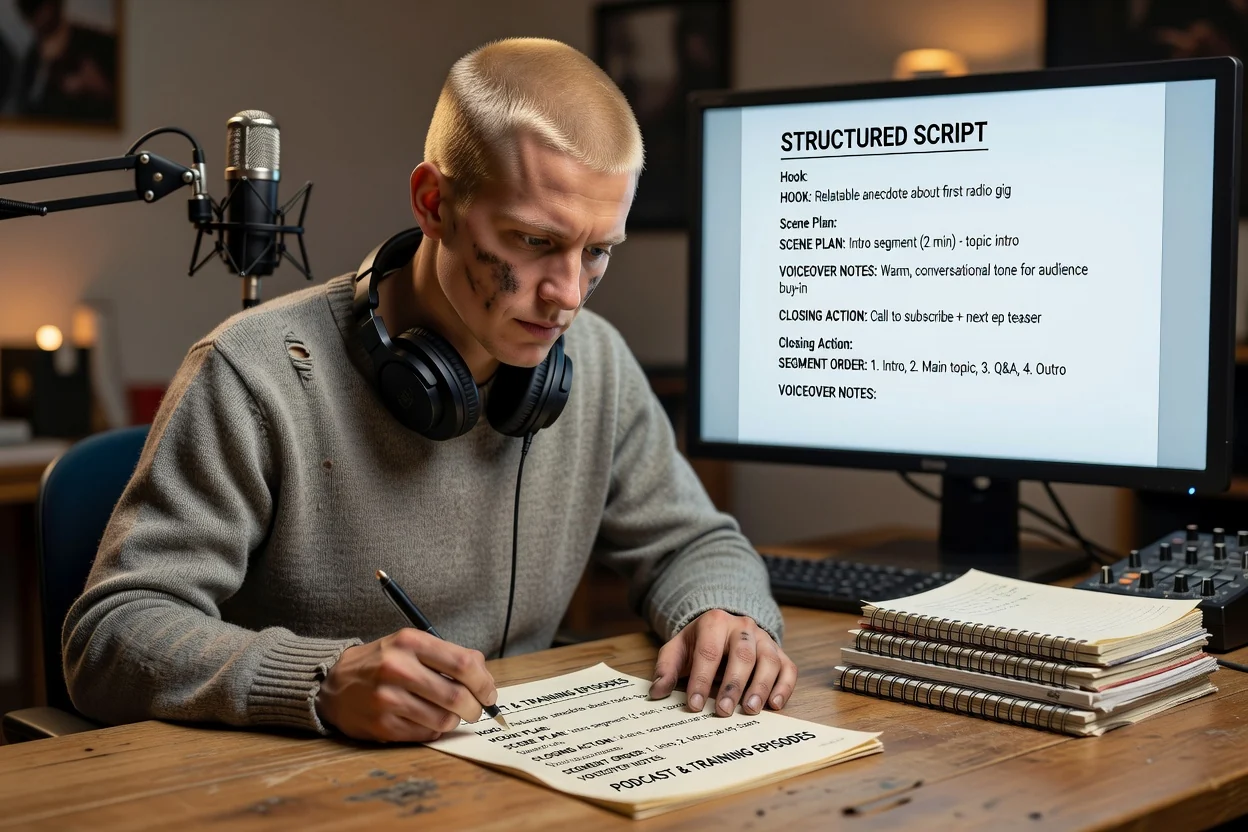
AI Script GeneratorYouTubeTikTokAdsTrainingProduct DemosPodcast Scripts

Script Workspace

Start a new draft or reopen a recent script.

Need Inspiration? Try these topics...

How ClipCanva drafts your script

A simple flow from rough idea to chat-ready script brief.

Step 1

Write your brief

1

Describe the video idea. Add a reference file if it helps.

Brief

Create a 30-second launch video for a skincare brand focused on simple routines and sensitive skin.

Optional: add a reference file

Step 2

Refine in chat

2

Continue with an editable script outline.

Turn this into a video script.

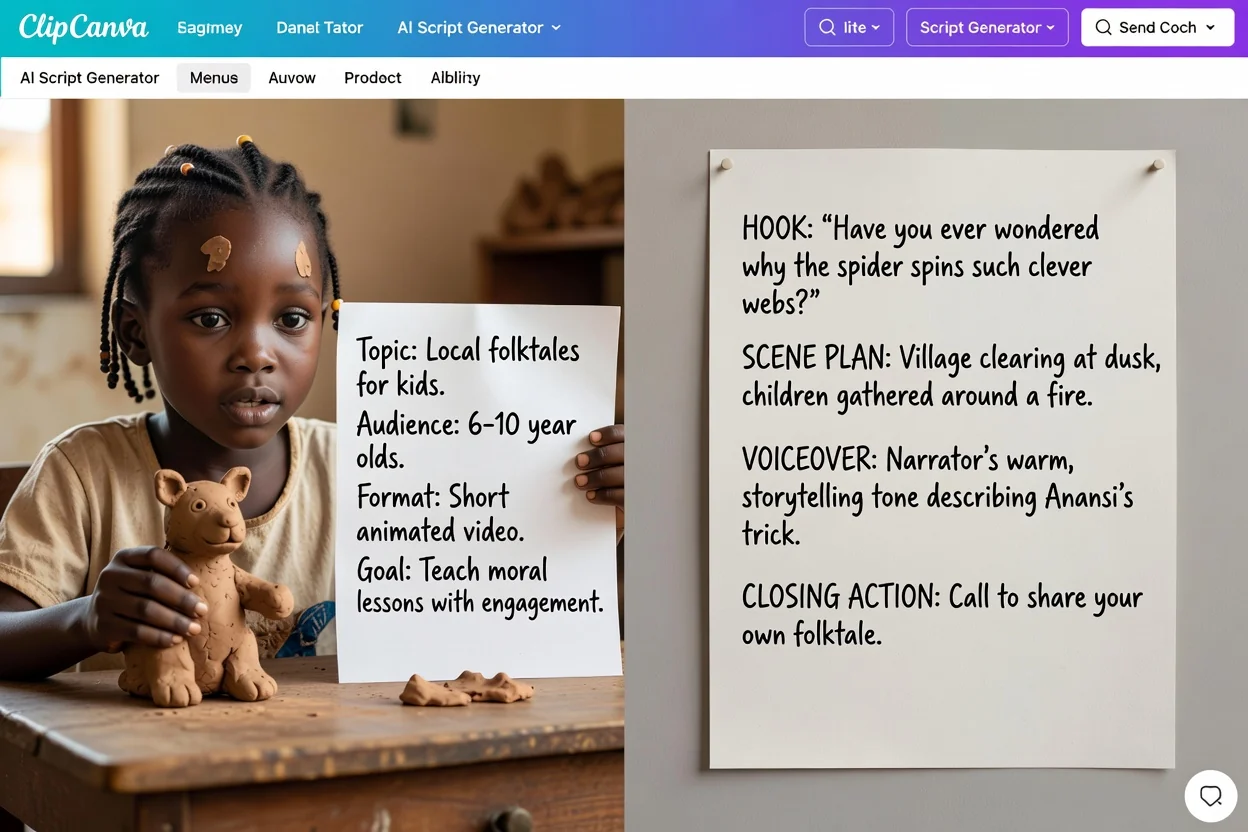
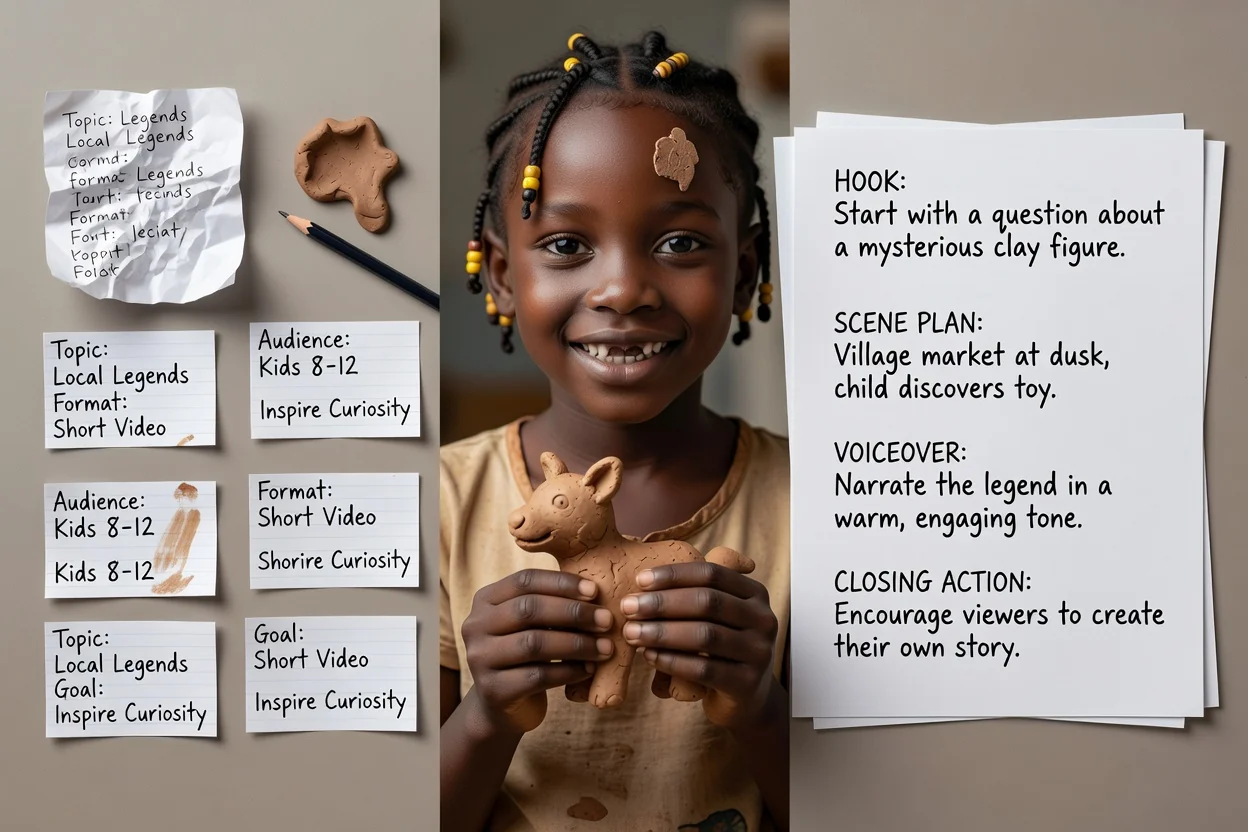
Hook

Here is a simple way for first-time skincare buyers to move from idea to a clear video message: Create a 30-second launch video for a new skincare brand focused on simple routines and sensitive skin.

Scene plan

Start with the problem in one sharp line.

Script Templates by Channel

Choose the script template before writing. Each format needs a different hook, pace, proof structure, and CTA.

Prompt Recipe for Better AI Scripts

The fastest way to reduce generic scripts is to make the input specific. Use these fields when you prompt ClipCanva.

01

Audience + Outcome

Tell the AI who the script is for, what they already believe, what they need to learn, and what action should happen after watching.

02

Proof + Constraints

Add product facts, examples, source notes, claims to avoid, banned phrases, required length, tone, reading level, and platform.

03

Output Format

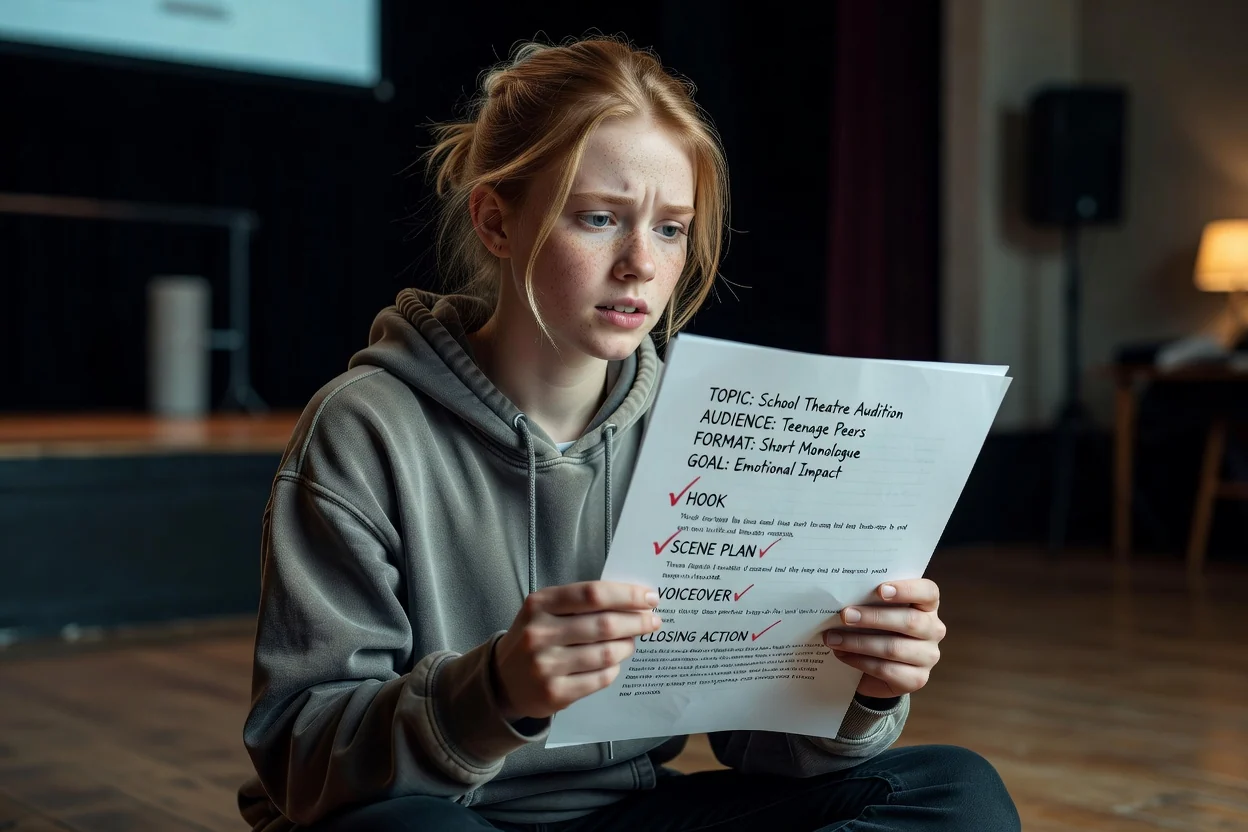
Ask for labeled sections: hook, intro, talking points, narration, on-screen text, visual notes, CTA, and revision suggestions.

Scripts for Real Publishing Workflows

Hooks That Fit the Platform

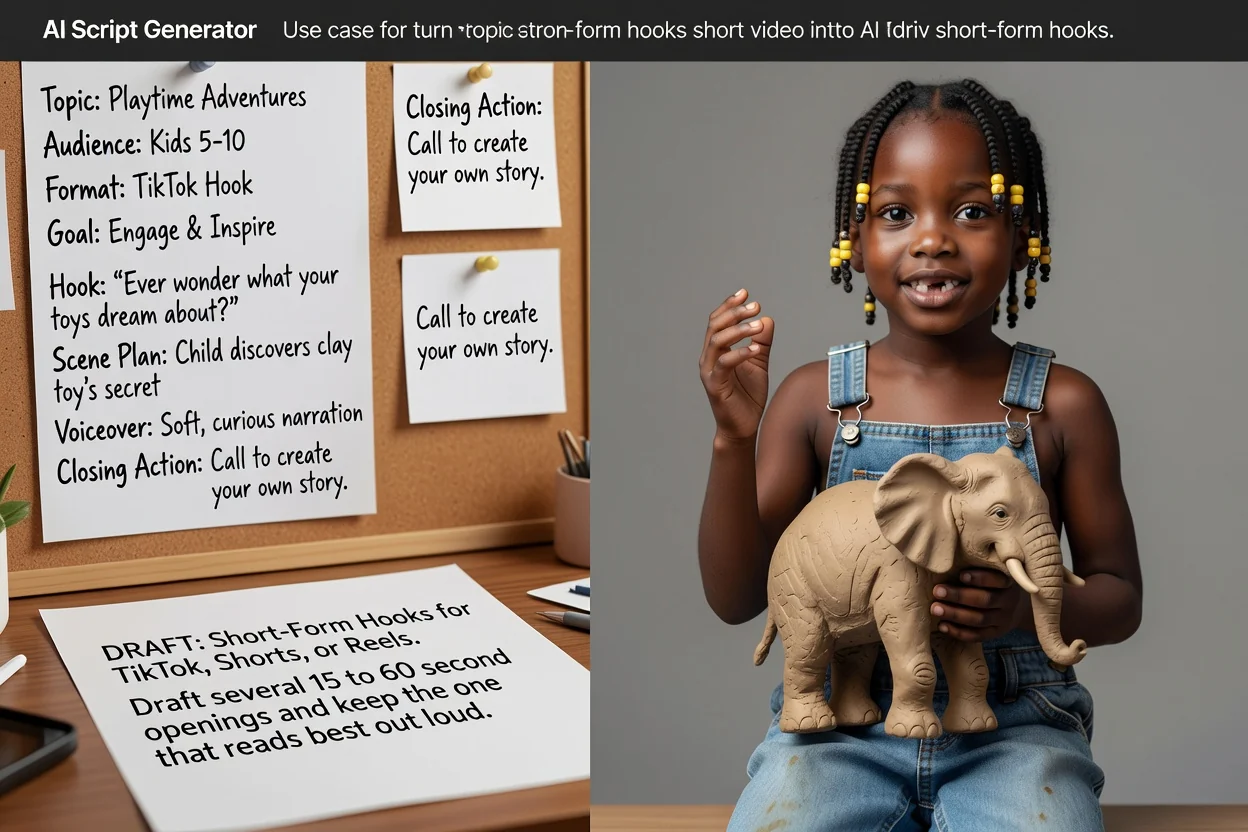
Draft strong openings for YouTube, TikTok, Shorts, Reels, ads, explainers, and podcasts.

Clear Scene Flow

Organize the story into intro, value, proof, transitions, examples, CTA, and optional B-roll notes.

Reusable Variations

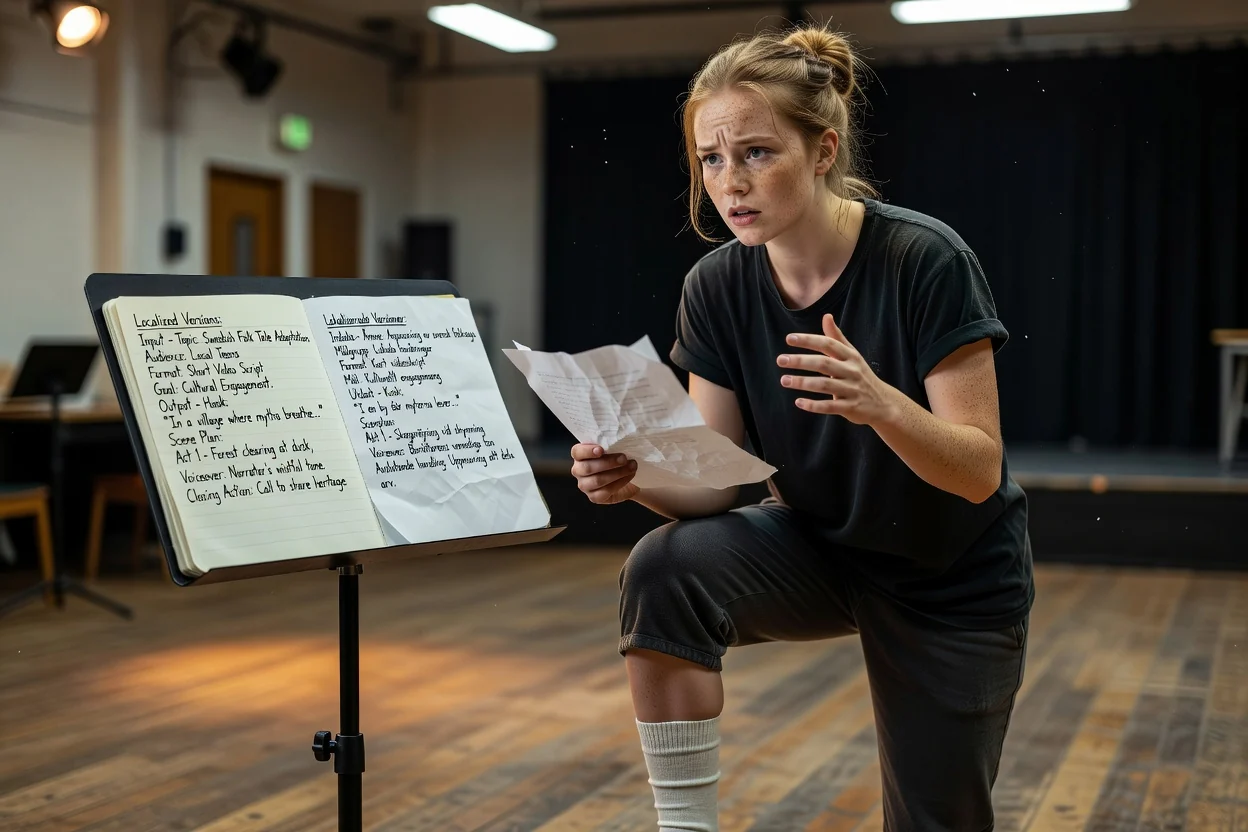
Create short, medium, and long versions from the same brief so you can test multiple angles.

Repurpose Source Material

Use transcripts, video summaries, product notes, or customer questions as the input for better scripts.

Explore related tools

A script generator is most useful when it sits between source material and production assets.

Choose Your Plan

Free images include a watermark. Upgrade for clean outputs, faster generation, and commercial use.

Starter Pack

$9

A one-time credit pack for trying image, music, and short video generation.

  • 600 credits
  • ≈ 100 GPT Image 2 images at 1K Low (6 credits each)
  • Up to 7 short videos
  • Credits valid for 30 days
  • No watermarks

Creator

$19/mo

Monthly plan · 1,500 credits renew each month

  • 1,500 credits per month
  • ≈ 250 GPT Image 2 images at 1K Low (6 credits each)
  • Up to 18 short videos/month
  • Works with ClipCanva Pro and other credit models
  • Priority queue
  • Community support
  • No ads
  • No watermarks
30 founding memberships

GPT Image 2 Unlimited

$29/mo

Use code FOUNDING6 at Stripe Checkout: $19/month for your first 6 months, then $29/month.

  • Unlimited GPT Image 2 generations
  • Text-to-image and image-to-image
  • No credits required for GPT Image 2
  • Other models use credits
  • No watermarks
Best value

Pro

$39/mo

Monthly plan · 4,000 credits renew each month

  • 4,000 credits per month
  • ≈ 666 GPT Image 2 images at 1K Low (6 credits each)
  • Up to 50 short videos/month
  • Works with ClipCanva Pro and other credit models
  • Highest priority queue
  • Unlock ClipCanva Pro
  • No ads
  • No watermarks
  • Advanced Refine

Studio

$109/mo

Monthly plan · 12,000 credits renew each month

  • 12,000 credits per month
  • ≈ 2000 GPT Image 2 images at 1K Low (6 credits each)
  • Up to 150 short videos/month
  • Works with ClipCanva Pro and other credit models
  • Highest priority queue
  • Early access to new features
  • Priority support

Secure checkout · Subscriptions renew automatically · See refund eligibility

Team

For agencies, production teams, and custom volume needs.

Contact us

AI Script Generator FAQ

Common questions about writing YouTube, TikTok, podcast, ad, and explainer scripts with AI

What should I include in an AI script brief?
Include the audience, platform, topic or product, goal, source material, tone, duration, required sections, and CTA. Flag facts or claims that need review before publishing.
Can AI write a YouTube script?
Yes. It works best when you provide the target audience, topic, length, style, key points, proof, and desired CTA. Treat the result as a strong draft, then edit for voice and accuracy.
Can I generate TikTok or YouTube Shorts scripts?
Yes. Short-form scripts should lead with a sharp hook, move quickly, and focus on one idea. Ask for multiple hook options before choosing the final version.
Does it work as an explainer video script generator?
Yes. Ask for a structure with problem, simple definition, steps, example, visual notes, and CTA. For complex topics, add source notes or a video summary so the explanation stays accurate.
What should I include in a script prompt?
Include the audience, platform, goal, tone, target length, product or topic details, proof points, examples, required sections, and anything the script should avoid.
Can I turn a video summary into a script?
Yes. Summarize the source first, then use the key points to create a new script with your own angle, hook, talking points, visual notes, and CTA.
How do I make an AI script sound less generic?
Provide a real audience, a specific situation, source material, proof, examples, constraints, and phrases you would actually say. Then ask for a tighter spoken version with weak claims removed.
Is ClipCanva the same as Canva's AI script generator?
No. ClipCanva is separate from Canva. It focuses on creator workflows that connect script writing with video analysis, podcast planning, prompts, visuals, and AI video production.

Create a Script You Can Record and Edit

Start with a structured draft, then review the facts, pacing, visuals, and spoken lines before recording or publishing.