
アイデアを記述
プレーンな言語で見たいものを記述します。長さよりも、被写体と目的を明記することが重要です。
プロンプト計画
大まかなアイデアを記述し、画像タイプ、スタイル、ターゲットモデル、アスペクト比を選択すると、画像プロンプト生成ツールが構造化プロンプト、短縮版、ネガティブプロンプトを作成します。そのままコピー可能です。
プロンプト作業台
アイデアをコピー可能な画像プロンプトへ
短い一文で十分です。構成、スタイル、光、構図を補います。
選択したモデル、比率、スタイル、出力数に応じた結果がここに表示されます。
選択したモデル、比率、スタイル、出力数に応じた結果がここに表示されます。
短い一文で十分です。構成、スタイル、光、構図を補います。
アイデアをコピー可能な画像プロンプトへ
画像生成で使う短い説明を、画像モデルが理解できるプロンプト言語に変換します。表現を推測するのではなく、画像タイプ、視覚スタイル、ターゲットモデル、アスペクト比を設定し、被写体、構図、照明、フレーム外にすべき要素を明記したプロンプトを取得します。
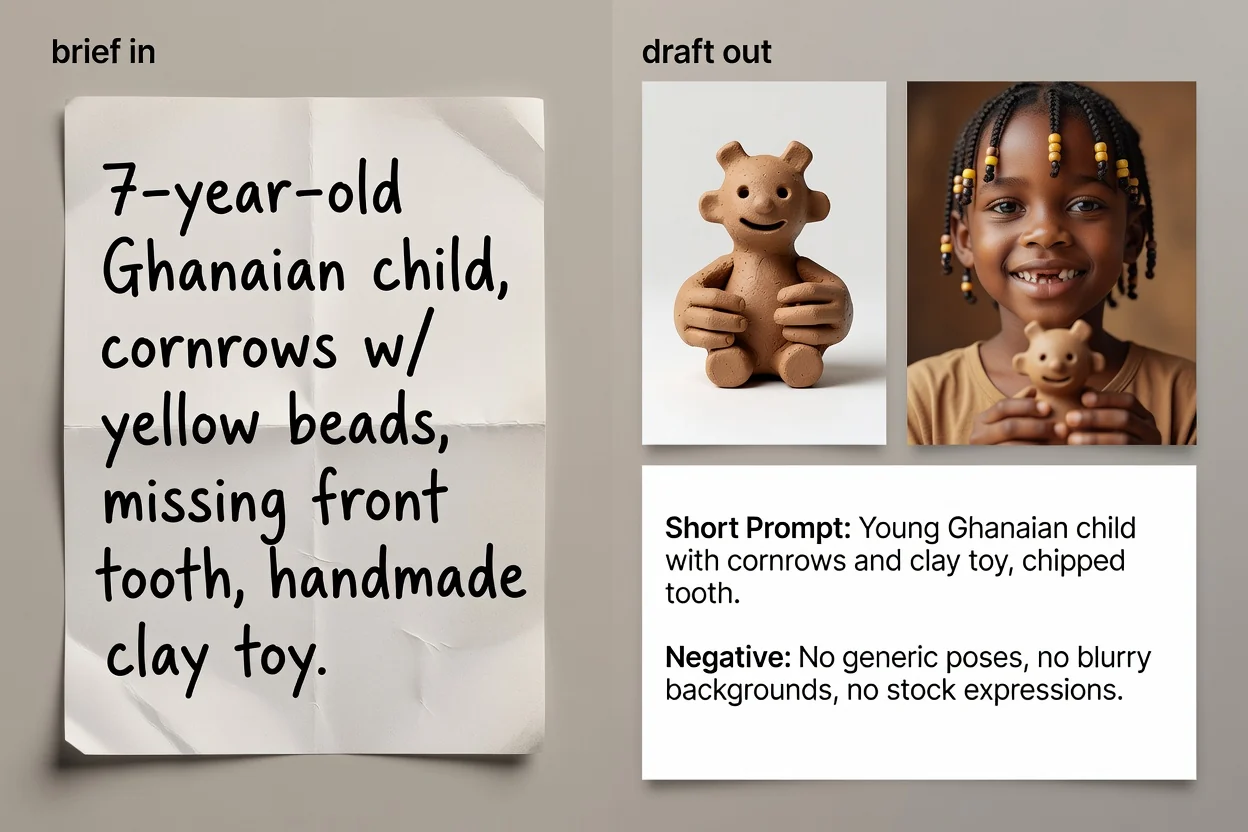
アイデアからコピー可能なプロンプトテキストまでの4ステップです。
プレーンな言語で見たいものを記述します。長さよりも、被写体と目的を明記することが重要です。
画像タイプと視覚スタイルを選択し、そのカテゴリに適した語彙を使用するプロンプトを作成します。
使用予定のモデルとアスペクト比を選択し、表現とフレーミングが最終的な用途に合うようにします。
プロンプトを構築し、確認し、オプションでAI改善パスを実行して表現を引き締め、不足した詳細を追加します。
3つの異なる状況に対応する3種類のプロンプトです。
被写体、構図、照明、スタイル、フレーミングを順を追って明記した完全なプロンプトです。
オプションで生成される書き換え版で、表現を引き締め、短い説明で不足していた詳細を補います。
入力制限が厳しいインターフェースや、迅速な反復作業のために圧縮されたバージョンです。
文字、透かし、歪んだディテールなど、画像から除外すべき項目のリストです。
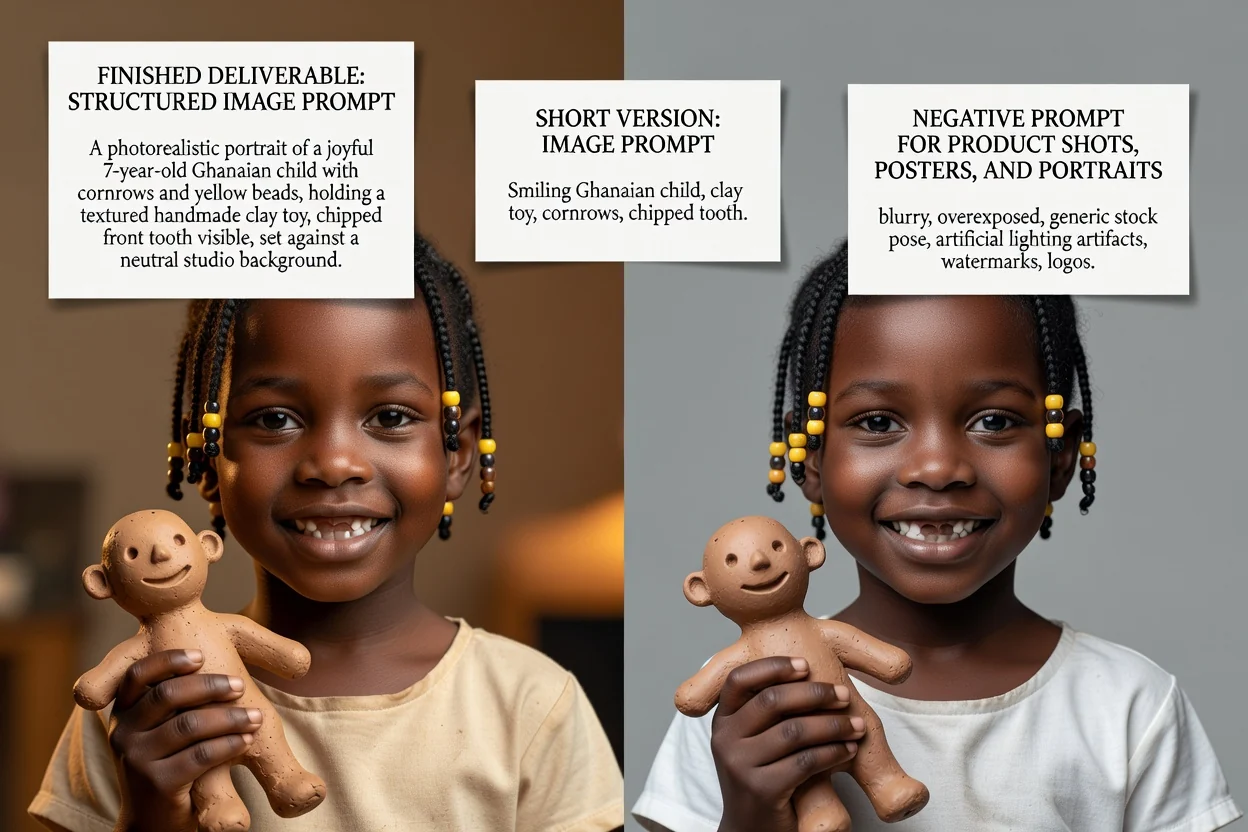
各コントロールは、ラベルだけでなく、文言そのものを変更します。
商品写真、ポートレート、ポスター、ロゴ、ソーシャル画像、イラスト。これにより構図に関する用語が決まります。
フォトリアル、シネマティック、エディトリアル、ミニマル、3Dレンダリング、アニメ。これにより照明や描写の文言が決まります。
GPT Image、Midjourney、Flux、Stable Diffusion、DALL-E。モデルごとに表現の慣例が異なります。
正方形、ランドスケープ、垂直、ポートレート。フレーミングと余白が最終配置に合うようにします。
ここから始まる一般的な作業です。
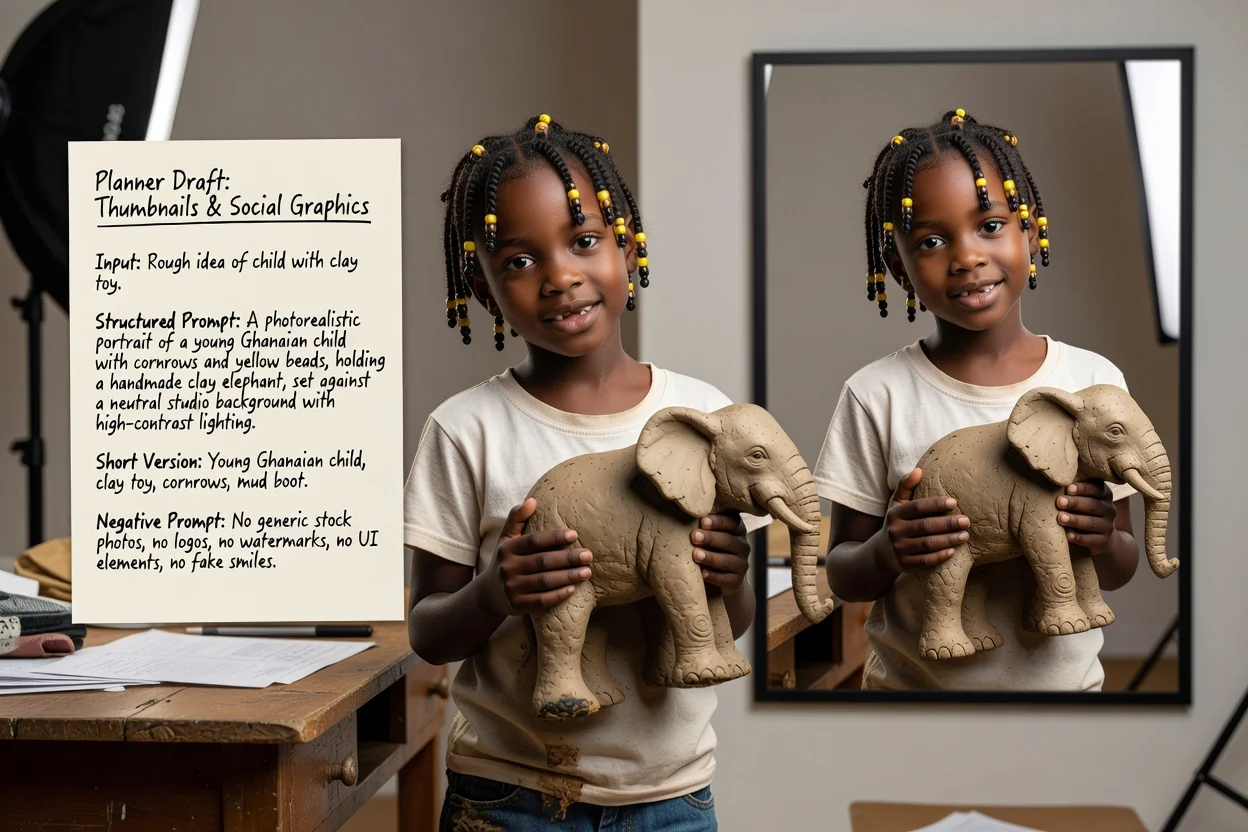
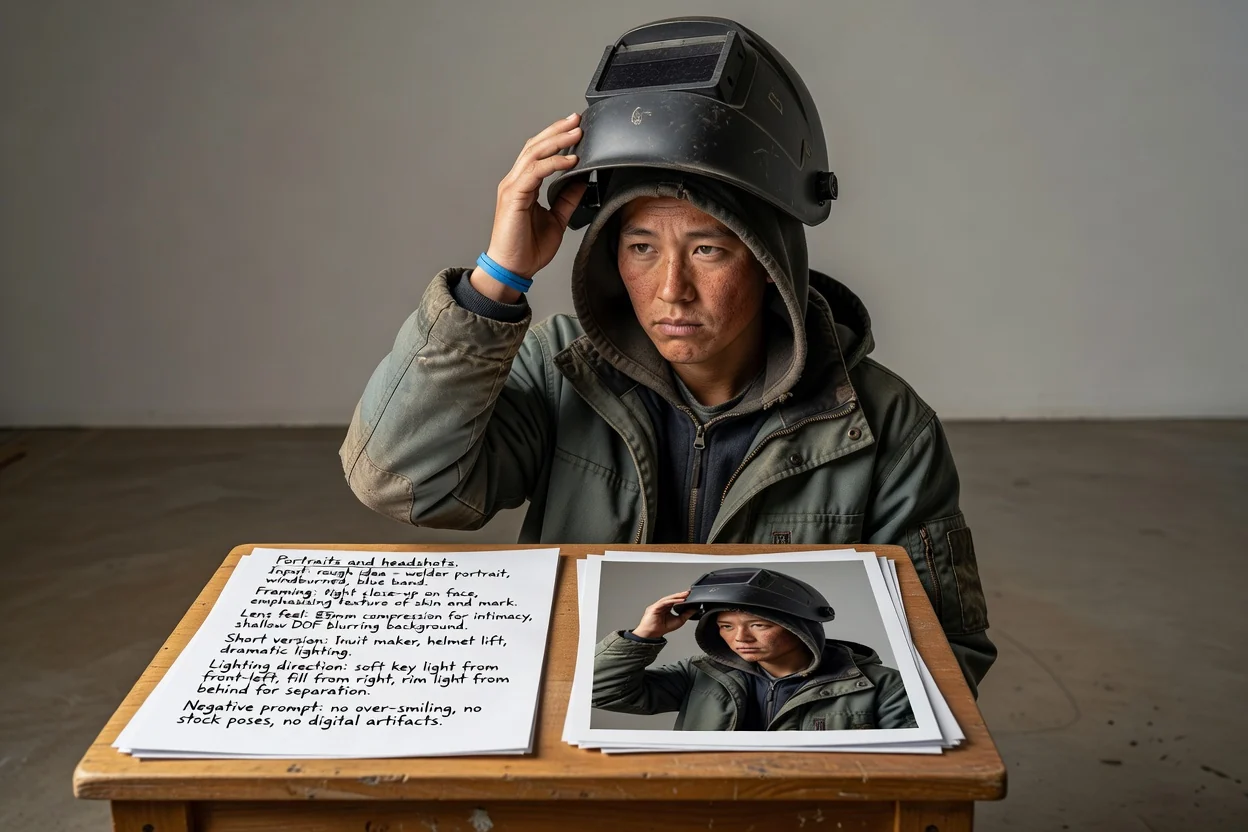
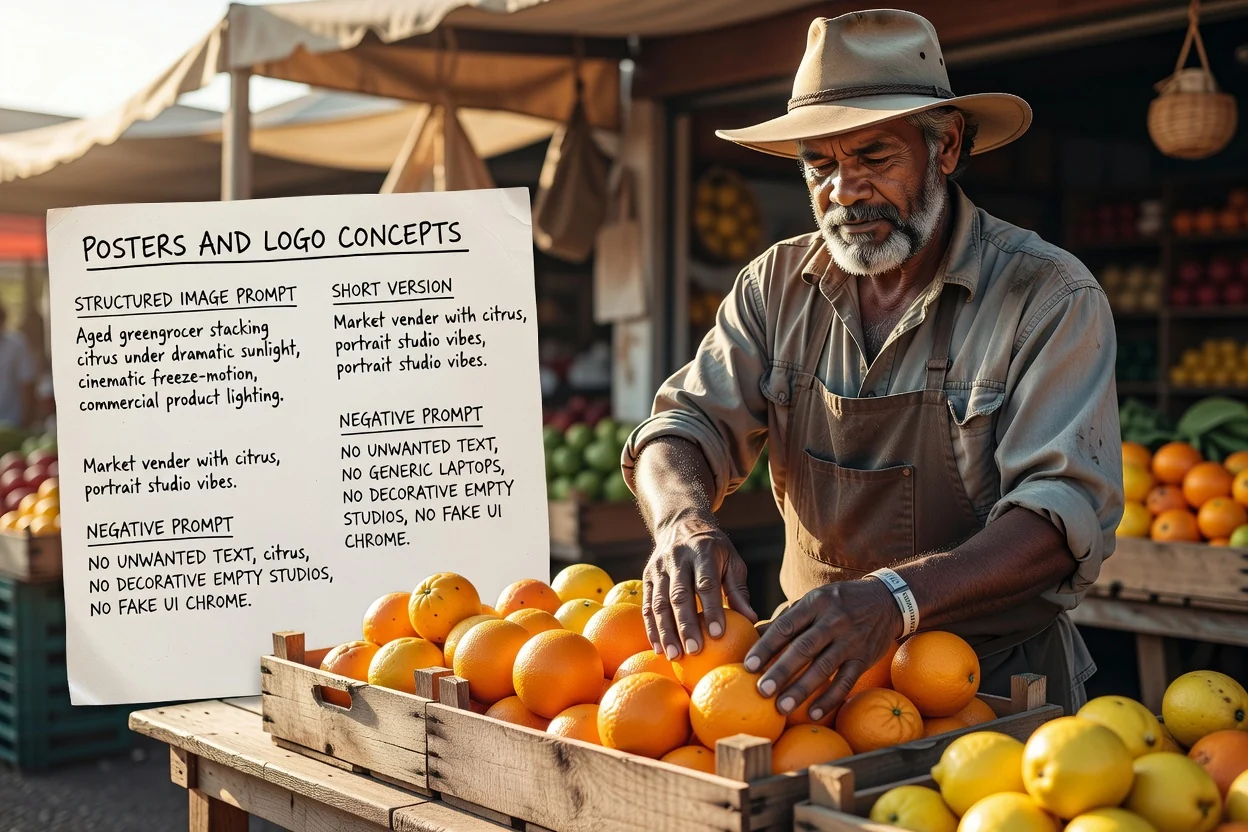
再試行を減らすための簡単な4つのチェック項目です。
プロンプトが2つの競合する被写体を記述している場合は、1つの混雑したフレームではなく、2つのプロンプトに分割します。
垂直比率には垂直構図の表現が必要です。不一致は、不自然なクロップの最も一般的な原因です。
後で画像上にテキストを配置する場合は、プロンプトで適切な場所に余白を確保するよう指示していることを確認します。
実際には必要ない排除項目は削除します。長すぎるネガティブプロンプトは結果を平板にする可能性があります。
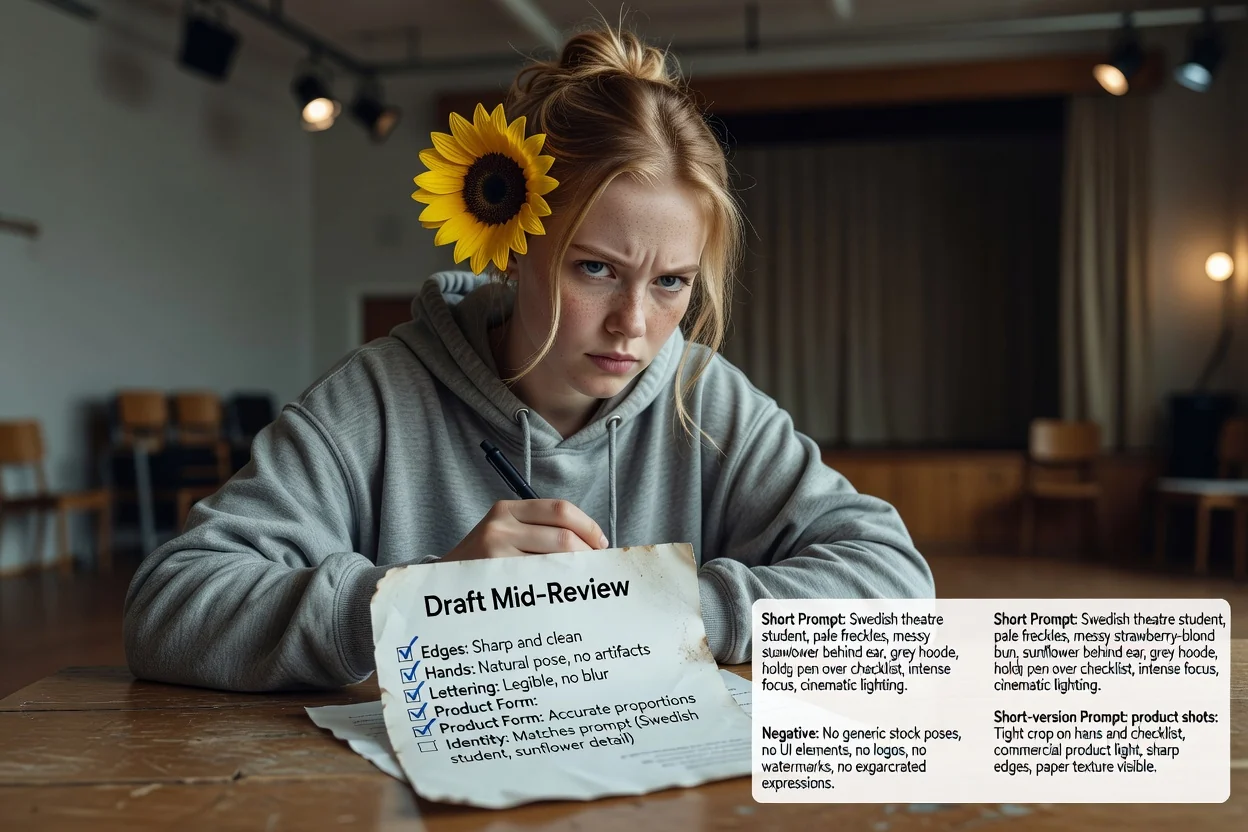
利用前に知っておくべき制限事項です。
画像の生成は画像ワークフローで行われます。このツールは、そこで送信するテキストのみを生成します。
同じプロンプトでも、モデルやバージョンによって異なる結果が返されます。最初の出力はテストとして扱いましょう。
画像内に正確な文言を求めるのは困難な場合が多く、失敗しがちです。レイアウト時に実際のタイポグラフィを追加することを計画しましょう。
AI画像モデル向けプロンプト作成に関するよくあるご質問。