
Kuvaile koko näkymä
Nimeä kohde, ympäristö, kamerakulma, valaistus, visuaalinen tyyli ja kaikki kuvassa näkyvä teksti.
Kuvaile haluamasi kuva, valitse malli ja muoto, luo sitten rajattu joukko tuloksia ja viimeistele niitä.
Tekoälykuvageneraattori muuntaa kirjallisen visuaalisen toimeksiannon yhdeksi tai useammaksi luoduksi kuvaksi. Kuvailet kohteen, ympäristön, sommittelun, valaistuksen ja tekstin käsittelyn ja muokkaat tulosta käytettävissä olevilla mallin ja kuvan luontiasetuksilla.
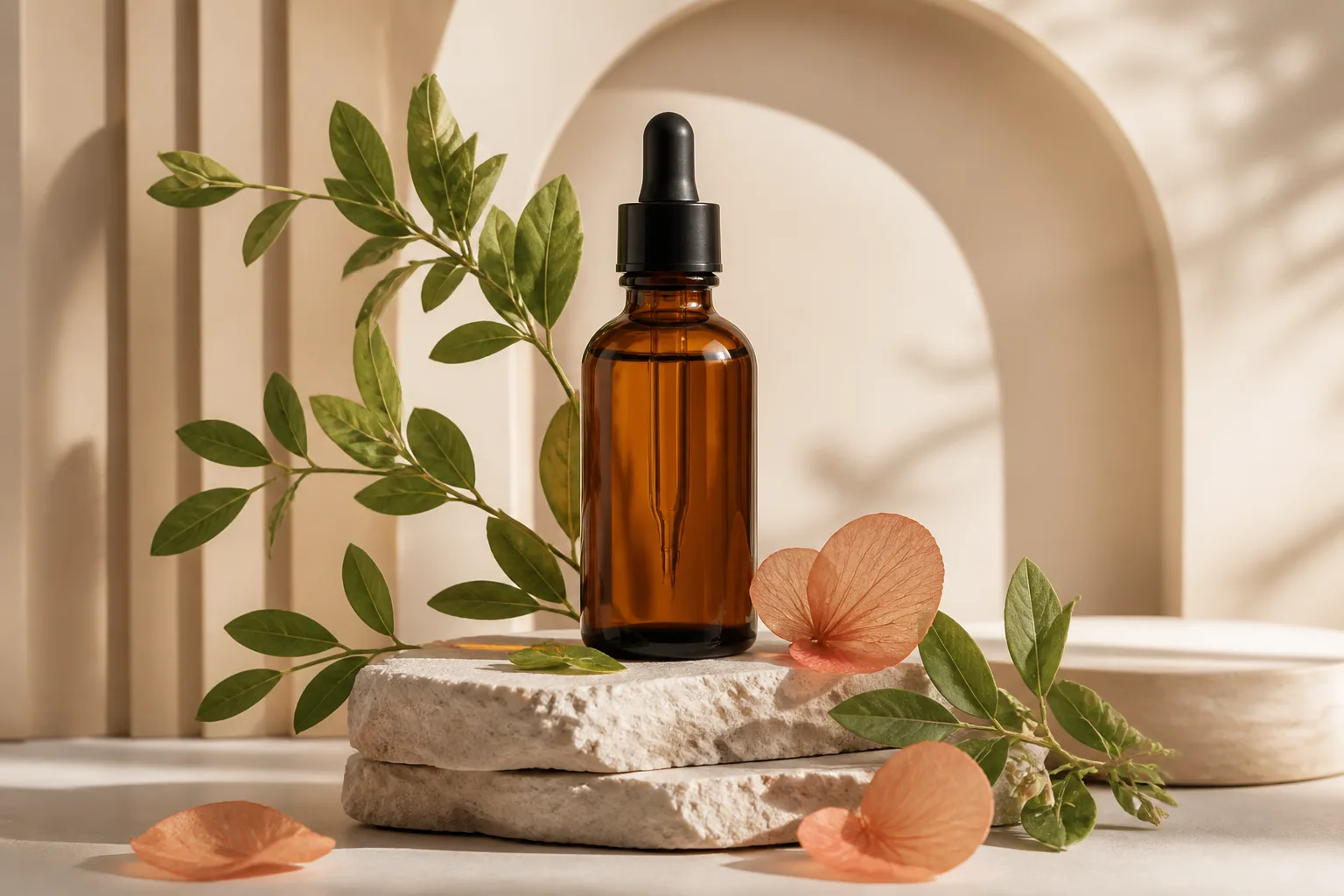
Pidä ensimmäinen kuvanluontikerta selkeänä, jotta näet, mikä muutos parantaa seuraavaa tulosta.
Nimeä kohde, ympäristö, kamerakulma, valaistus, visuaalinen tyyli ja kaikki kuvassa näkyvä teksti.
Valitse kuvamalli, kuvasuhde, tarkkuus, kuvien määrä ja käyttökohteeseen sopiva tyyli.
Luo kuvat kehotteella ja vertaile palautettuja kuvia sen sijaan, että muuttaisit useita kehotteen muuttujia kerralla.
Muokkaa heikointa yksityiskohtaa, luo kuvat uudelleen ja tarkista lopulliset mitat sekä visuaaliset yksityiskohdat ennen käyttöä.
Kehotteen säätimet ja tuotantoasetukset ovat yhdessä jokaisessa kuvien luonnissa.
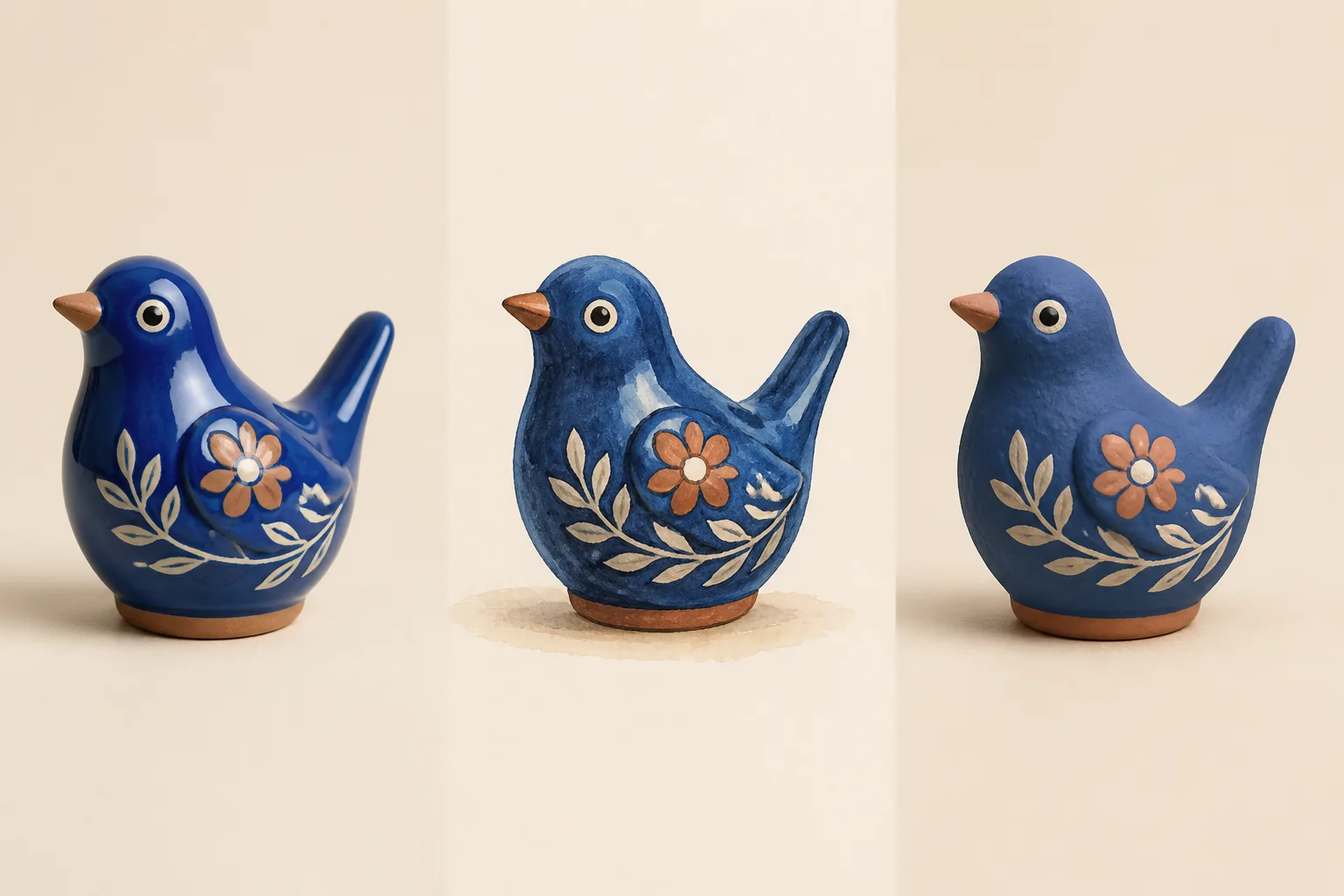
Valitse saatavilla oleva kuvamalli työn kannalta sopivan renderöintityylin, kehotteen tulkinnan ja kustannuksen mukaan.
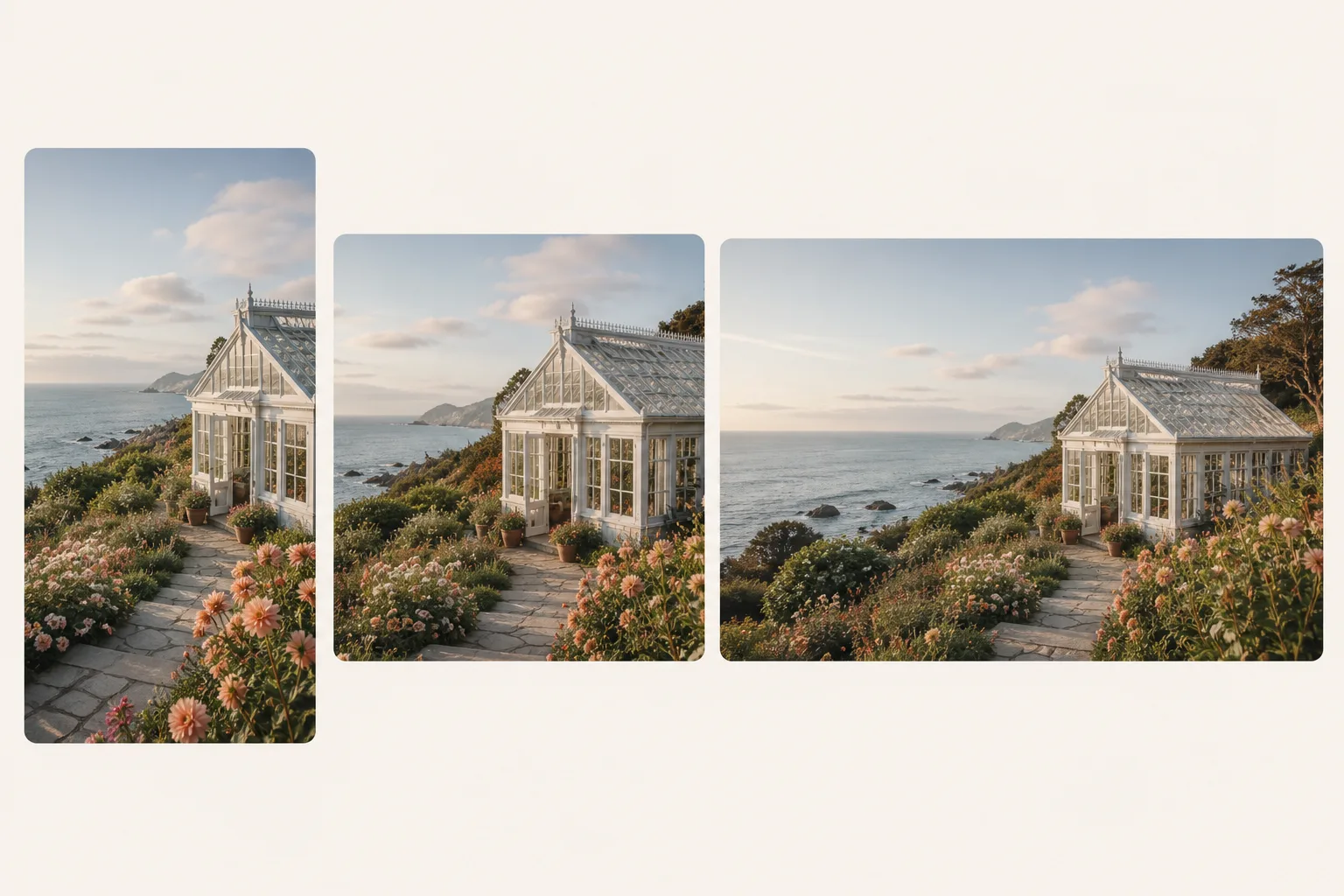
Määritä pohjan muoto, kuvien määrä ja saatavilla oleva 1K-, 2K- tai 4K-tarkkuus ennen kuvien luontia.
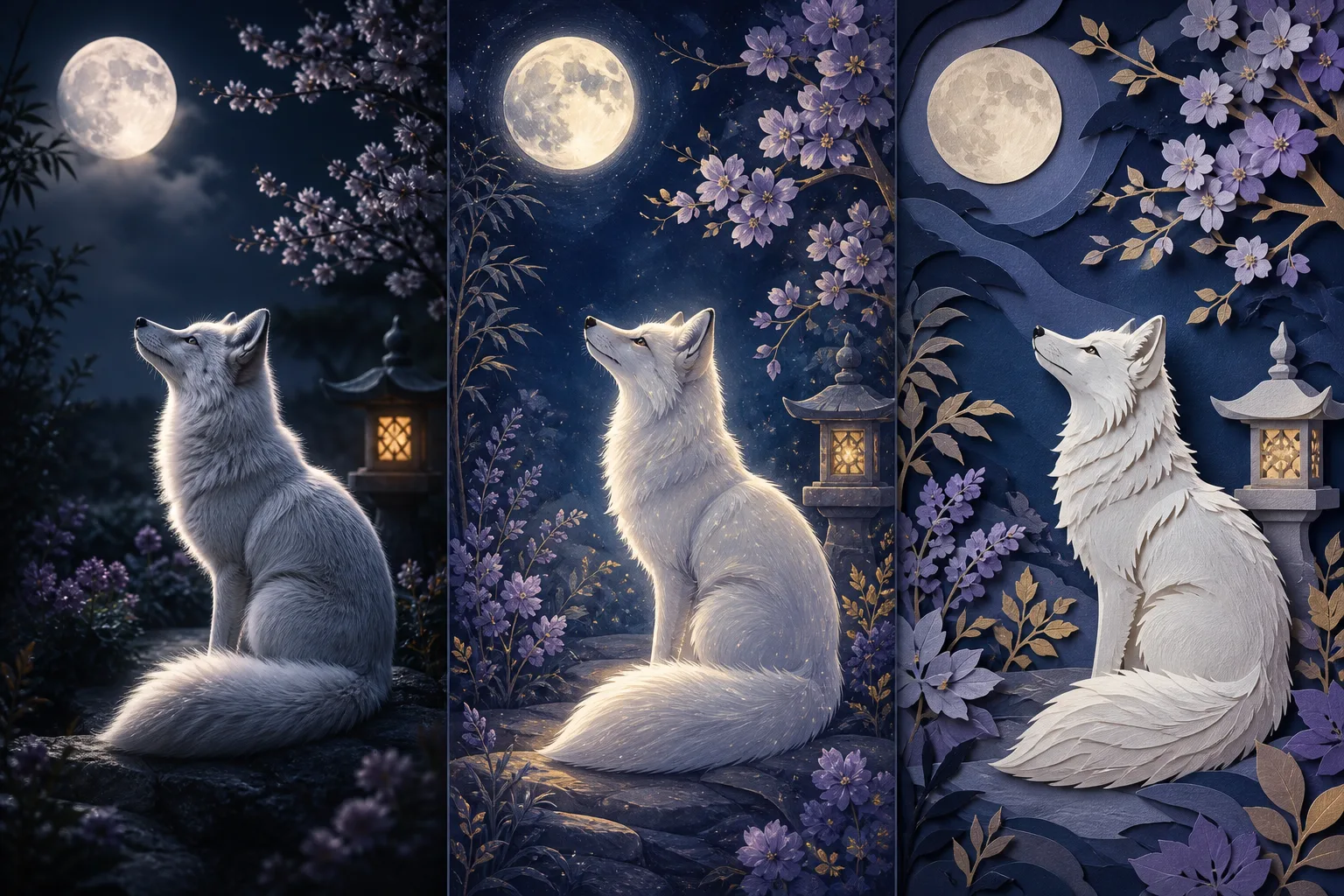
Käytä tyylisuuntaa tai paranna alustavaa kehotetta ja tarkista sanamuoto ennen lopullisen kuvan luontia.
Sovita kehote, mitat ja onnistumiskriteerit paikkaan, jossa kuvaa käytetään.
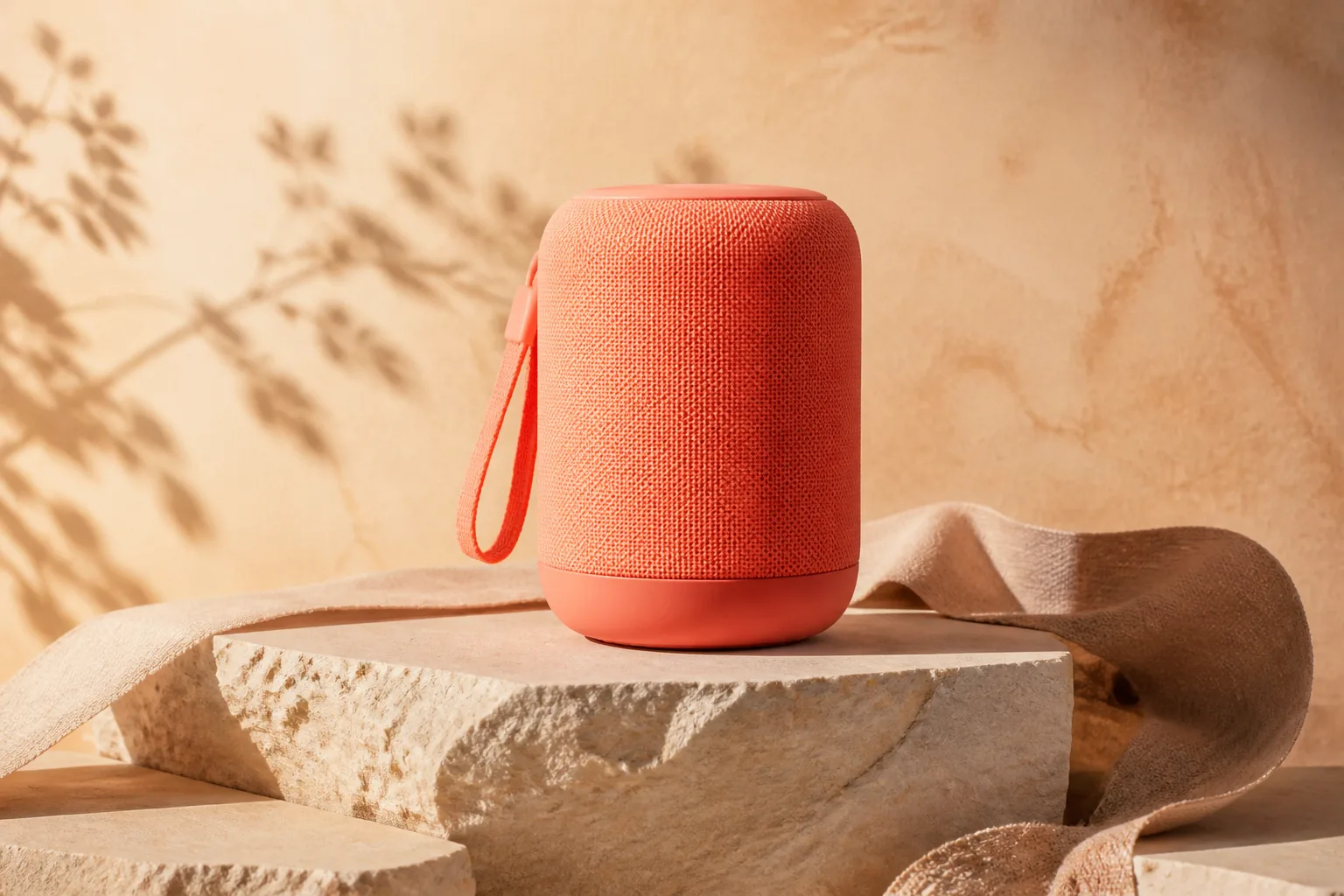
Laadi tuotekohtauksia, pakkausideoita ja kampanjakonsepteja ennen lopullisen tuotantokuvauksen järjestämistä.
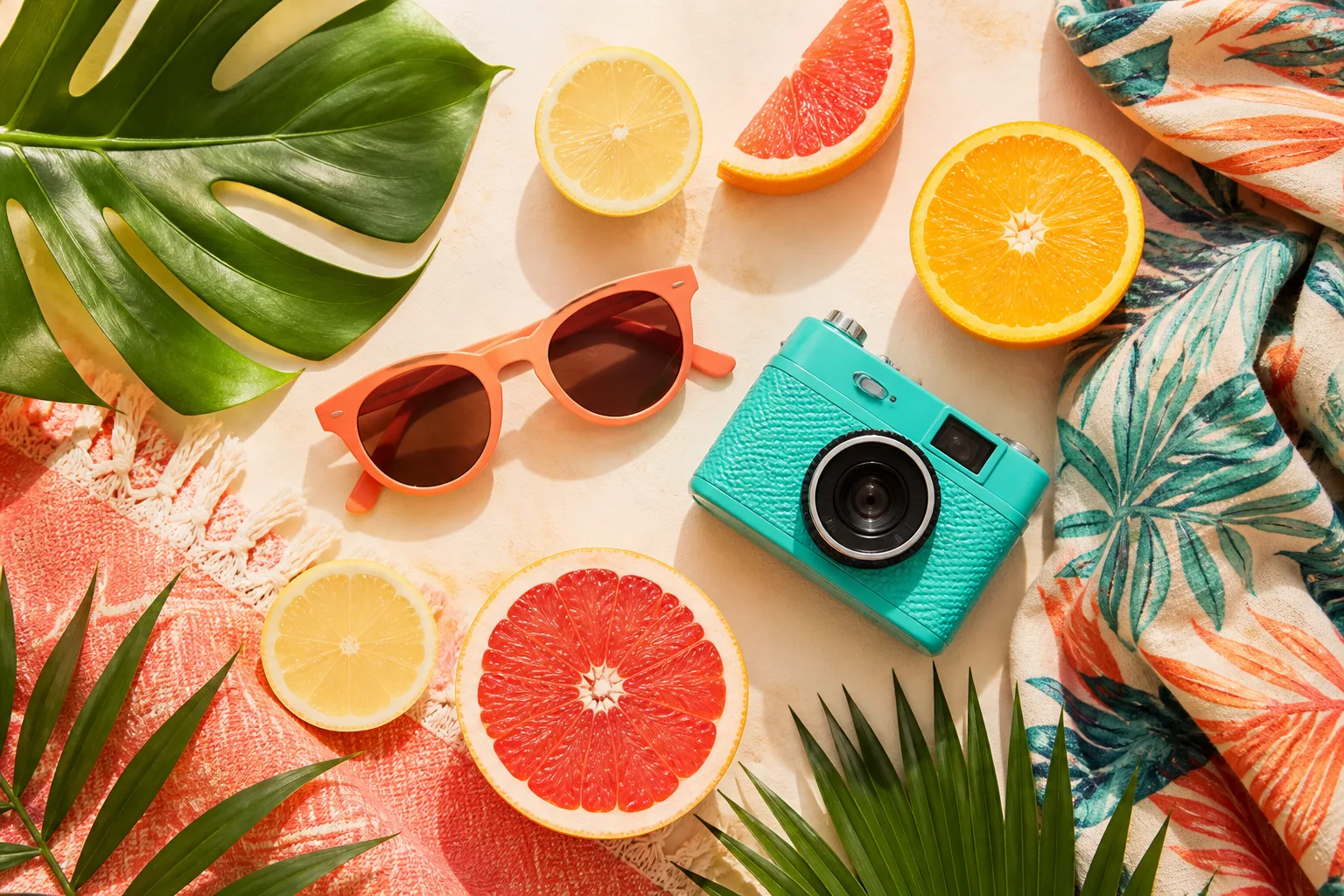
Luo kanavakohtaisia visuaalisia suuntia julkaisuille, kansikuville, pikkukuville ja lyhyille kampanjaversioille.
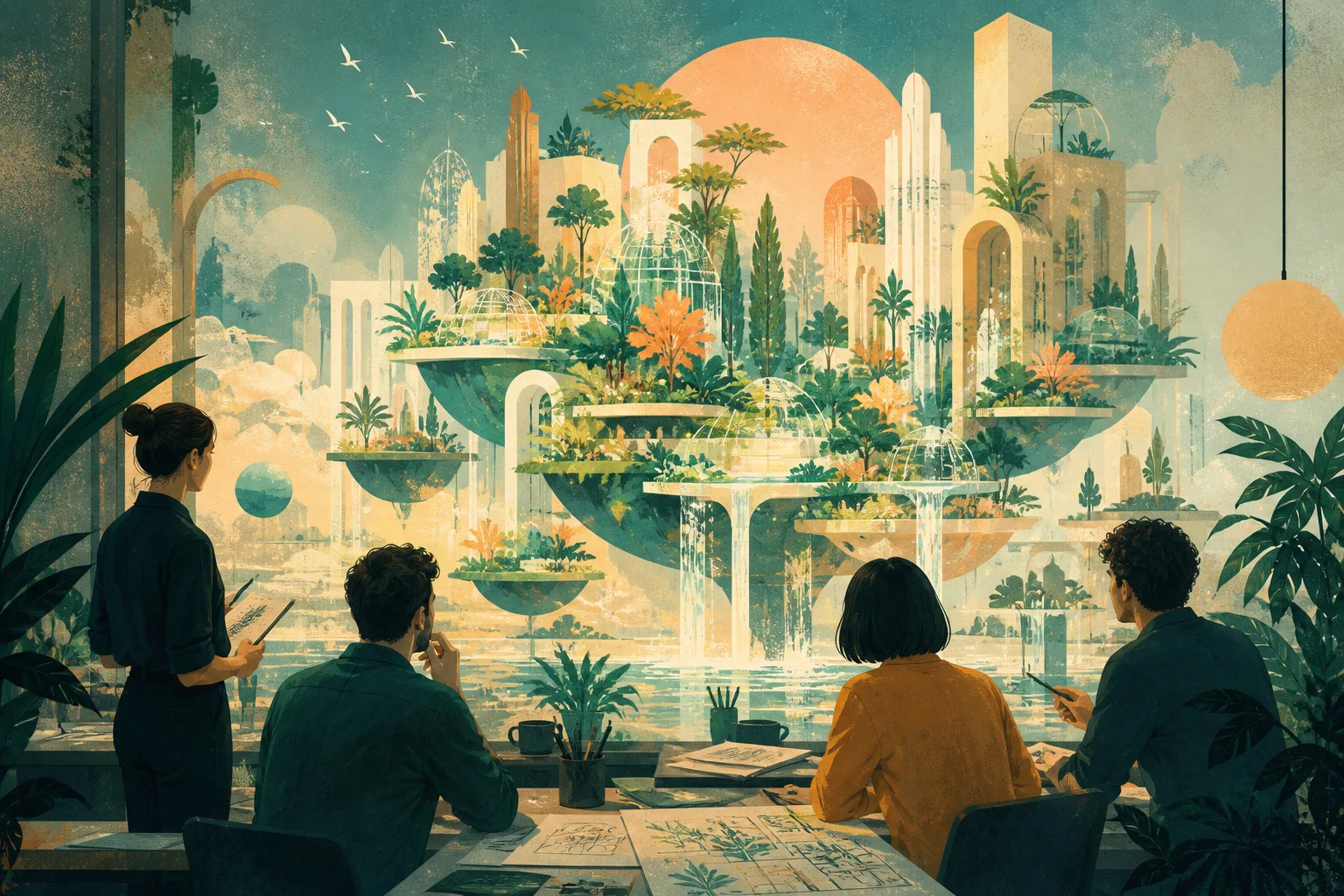
Tutki kampanjakuvituksia, sommittelua, valaistusta ja värejä, ennen kuin annat valitun suunnan luovalle tiimille.
Visuaalisesti vahvasta tuloksesta voi silti puuttua sana, reuna, oikea mittasuhde tai tuotteen yksityiskohta.
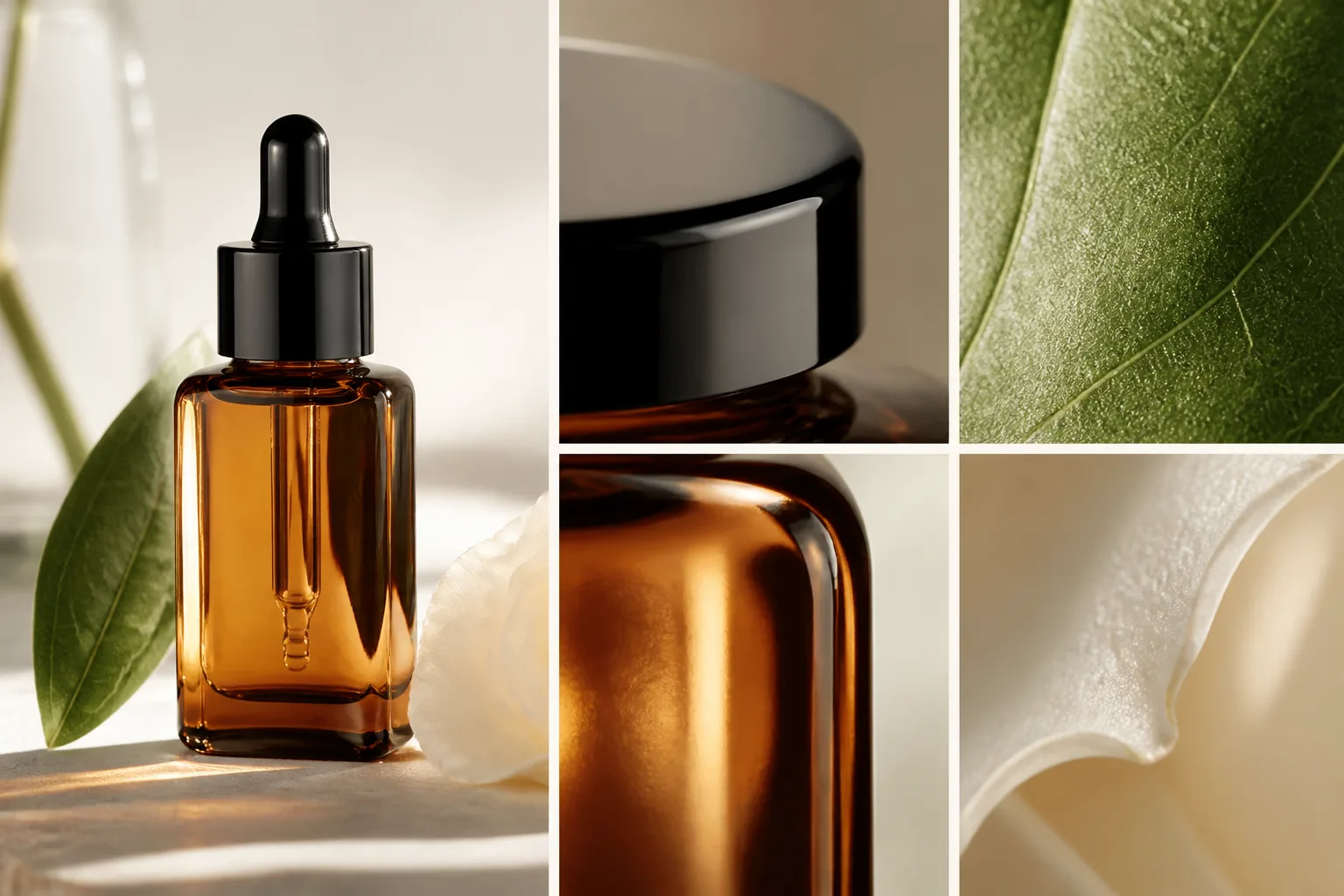
Varmista, että kohde, toiminta, sommittelu, valaistus ja tyyli vastaavat toimeksiantoa eivätkä vain näytä houkuttelevilta.
Tarkista suurennettuna oikeinkirjoitus, etiketit, kädet, kasvot, toistuvat kuviot, logot ja kohteiden reunat.
Tarkista värit, mittasuhteet, pakkaus ja tunnistettavat yksityiskohdat hyväksyttyä referenssiä vasten ennen julkaisua.
Varmista kuvasuhde, tarkkuus, turva-alue ja rajaus lopullisen kanavan tai sijoittelun mukaisesti.
Kuvien luonti vaihtelee, joten tallennettu kehote ei takaa seuraavalla kerralla täysin samanlaista kuvaa.
Kasvot, kädet, tekstit, toistuvat kohteet ja monimutkaiset geometriat voivat vaatia uuden kuvan luonnin tai manuaalista korjausta.
Sama toimeksianto voi tuottaa erilaisen sommittelun, tyylin ja tekstin käsittelyn, kun vaihdat mallia.
Varmista lähdeaineiston oikeudet, brändivaatimukset, alustojen säännöt ja mahdolliset mallikohtaiset ehdot ennen kaupallista käyttöä tai asiakastyötä.
Vastauksia kehotteista, malleista, kuvan luontiasetuksista ja tulosten laadusta.
Kuvaile näkymä, valitse malli ja kuvan luontiasetukset ja luo sitten pieni vertailtava ja viimeisteltävä kuvasarja.