01
Lataa käyttöön sallittu lähdekuva
Valitse omistamasi tai muokattavaksi sallittu kuva, jossa pääkohde näkyy selvästi.
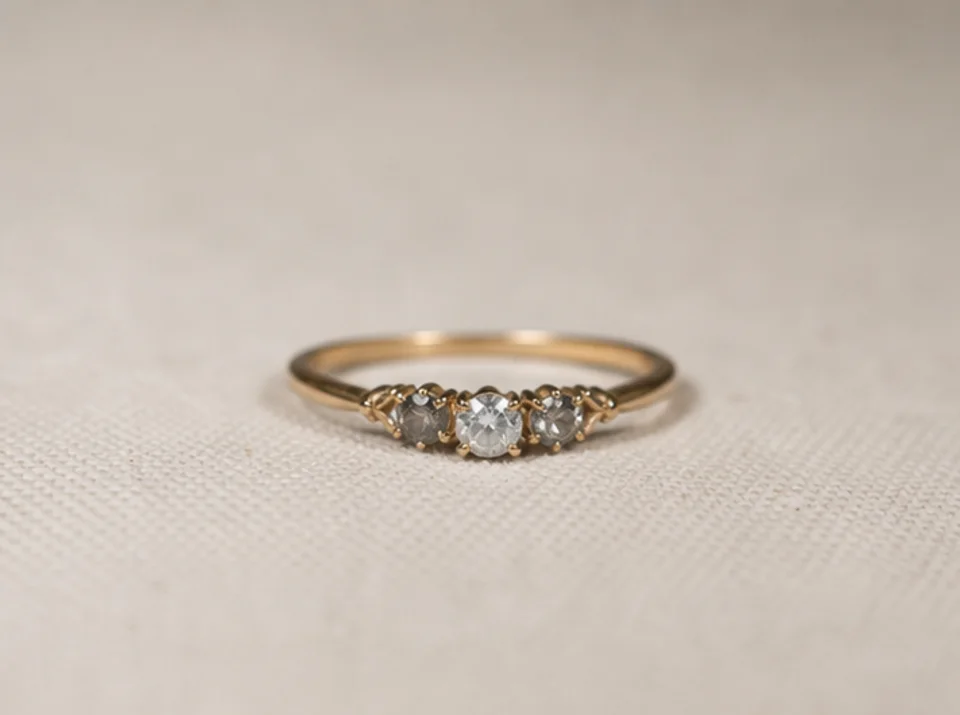
Poista AI:n avulla tausta tuotekuvista, muotokuvista ja logoista. Tarkista läpinäkyvät reunat ennen leikkeen lataamista.
Oletustila
Valmis ladattavaksi
Esikatsele, vertaa ja lataa
Poista AI:n avulla tausta tuotekuvista, muotokuvista ja logoista. Tarkista läpinäkyvät reunat ennen leikkeen lataamista.
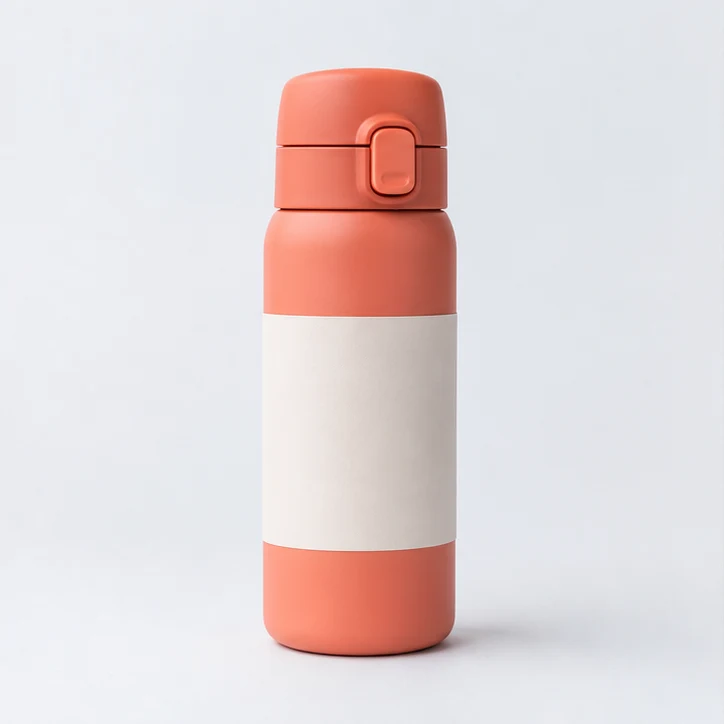

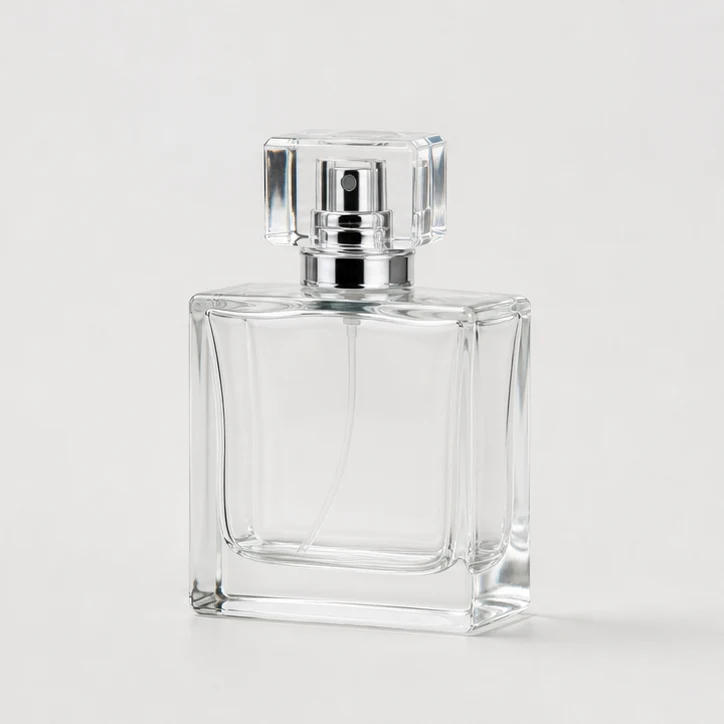
Poista AI:n avulla tausta tuotekuvista, muotokuvista ja logoista. Tarkista läpinäkyvät reunat ennen leikkeen lataamista.
Valitse omistamasi tai muokattavaksi sallittu kuva, jossa pääkohde näkyy selvästi.
Oletuskäsittely tuottaa taustattoman kuvan, jossa on läpinäkyviä alueita. Tarkista kohteen reunat ennen lataamista.
Tarkista kohteen reunat ja läpinäkyvät alueet ennen julkaisua ja vertaa tulosta alkuperäiseen. Lähteen kontrasti ja tarkkuus vaikuttavat pieniin yksityiskohtiin.
Käytä selkeää, hyvin valaistua kuvaa, jossa pääkohde erottuu taustasta. Suurempi tarkkuus auttaa ohuissa reunoissa.
Oletuskäsittely tuottaa taustattoman kuvan, jossa on läpinäkyviä alueita. Tarkista kohteen reunat ennen lataamista.
Käytä selkeää ja tarkkaa logolähdettä ja vertaa luotua läpinäkyvää reunaa alkuperäiseen ennen julkaisua.
Tarkista kohteen reunat ja läpinäkyvät alueet ennen julkaisua ja vertaa tulosta alkuperäiseen. Lähteen kontrasti ja tarkkuus vaikuttavat pieniin yksityiskohtiin.
Tutustu lisääClipCanva-työkaluja kuvan luomiseen ja muokkaamiseen
Ilmaisissa kuvissa on vesileima. Päivitä puhtaisiin tuloksiin, nopeampaan luontiin ja kaupalliseen käyttöön.
Aloituspaketti
Kertaluonteinen krediittipaketti kuvien, musiikin ja lyhyiden videoiden generoinnin kokeiluun.
Luoja
Kuukausipaketti · 1 500 krediittiä uusiutuu joka kuukausi
GPT Image 2 Unlimited
Syötä koodi FOUNDING6 Stripe Checkoutissa: $19/kk ensimmäiset 6 kuukautta, sitten $29/kk.
Pro
For clean, faster outputs
Studio
Kuukausipaketti · 12 000 krediittiä uusiutuu joka kuukausi
Turvallinen maksu · Tilaukset uusiutuvat automaattisesti · Katso palautusehdot
Joukkue
Toimistoille, tuotantotiimeille ja räätälöityihin volyymitarpeisiin.
Poista AI:n avulla tausta tuotekuvista, muotokuvista ja logoista. Tarkista läpinäkyvät reunat ennen leikkeen lataamista.
Poista AI:n avulla tausta tuotekuvista, muotokuvista ja logoista. Tarkista läpinäkyvät reunat ennen leikkeen lataamista.