AI image model

GPT Image 2 AI Image Generator with Price, 2048x2048 Output, and Examples

Use GPT Image 2 for long prompts, readable in-image text, product shots, posters, and photoreal images. Review the real credit cost, 2048x2048 resolution support, example outputs, and FAQ before you spend credits.

0 / 2000

GPT Image 2 Examples

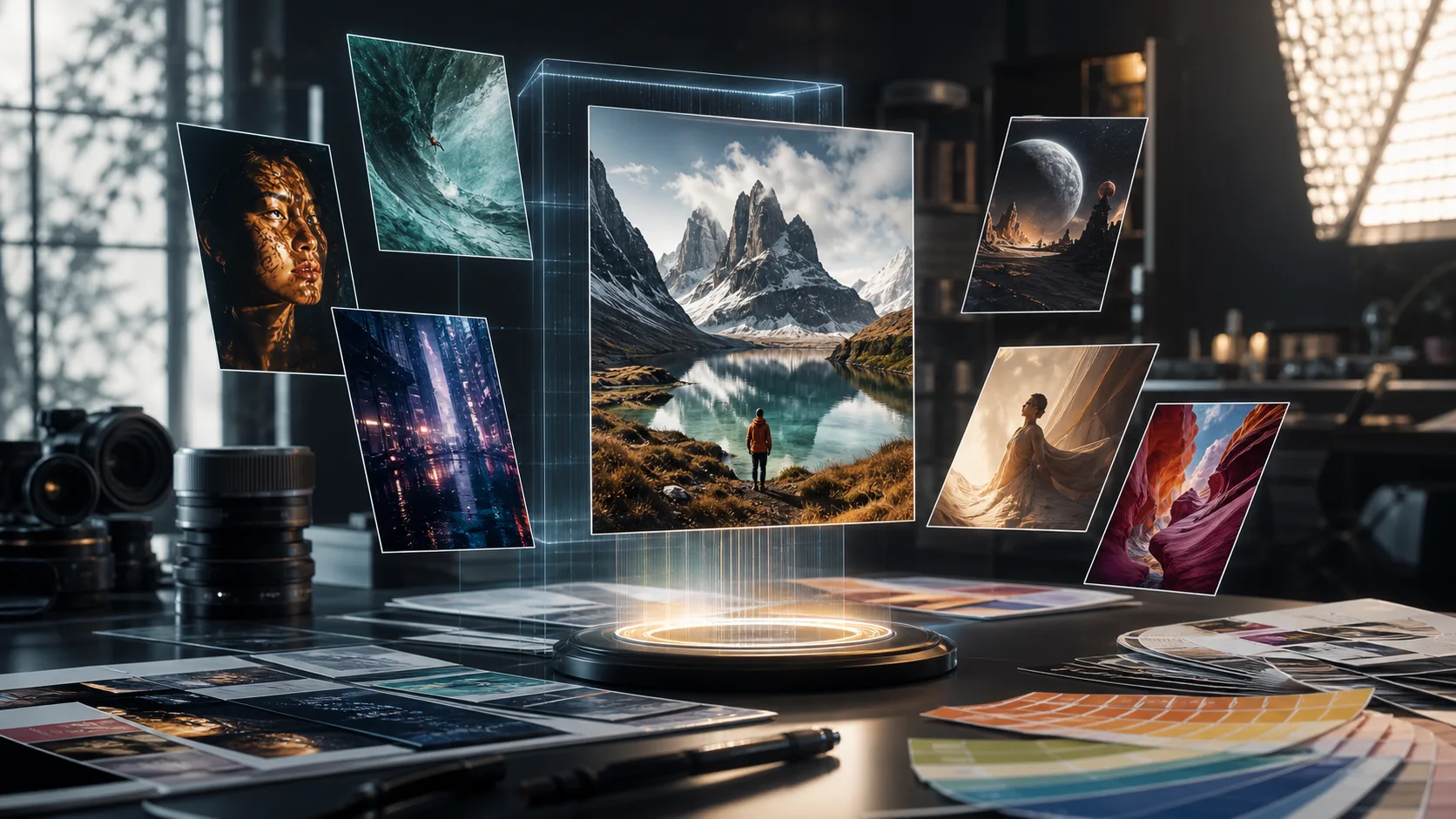
See what GPT Image 2 can create — from photorealistic portraits to readable text rendering and multilingual content.

AI-generated premium poster mockup with the readable headline SUMMER DROP

Typography Poster with Perfect Text

AI-generated photorealistic editorial portrait with controlled studio lighting

Photorealistic Portrait

AI-generated red electric car commercial render in a modern architectural tunnel

Product Visualization

Why Creators Check GPT Image 2 Before Generating

GPT Image 2 is a strong fit when a visual brief needs text, layout, product detail, or multiple reference images. This page keeps the buying questions visible: price, resolution, free online example access, no-signup prompt browsing, 4K options, and model tradeoffs.

Readable Text Rendering

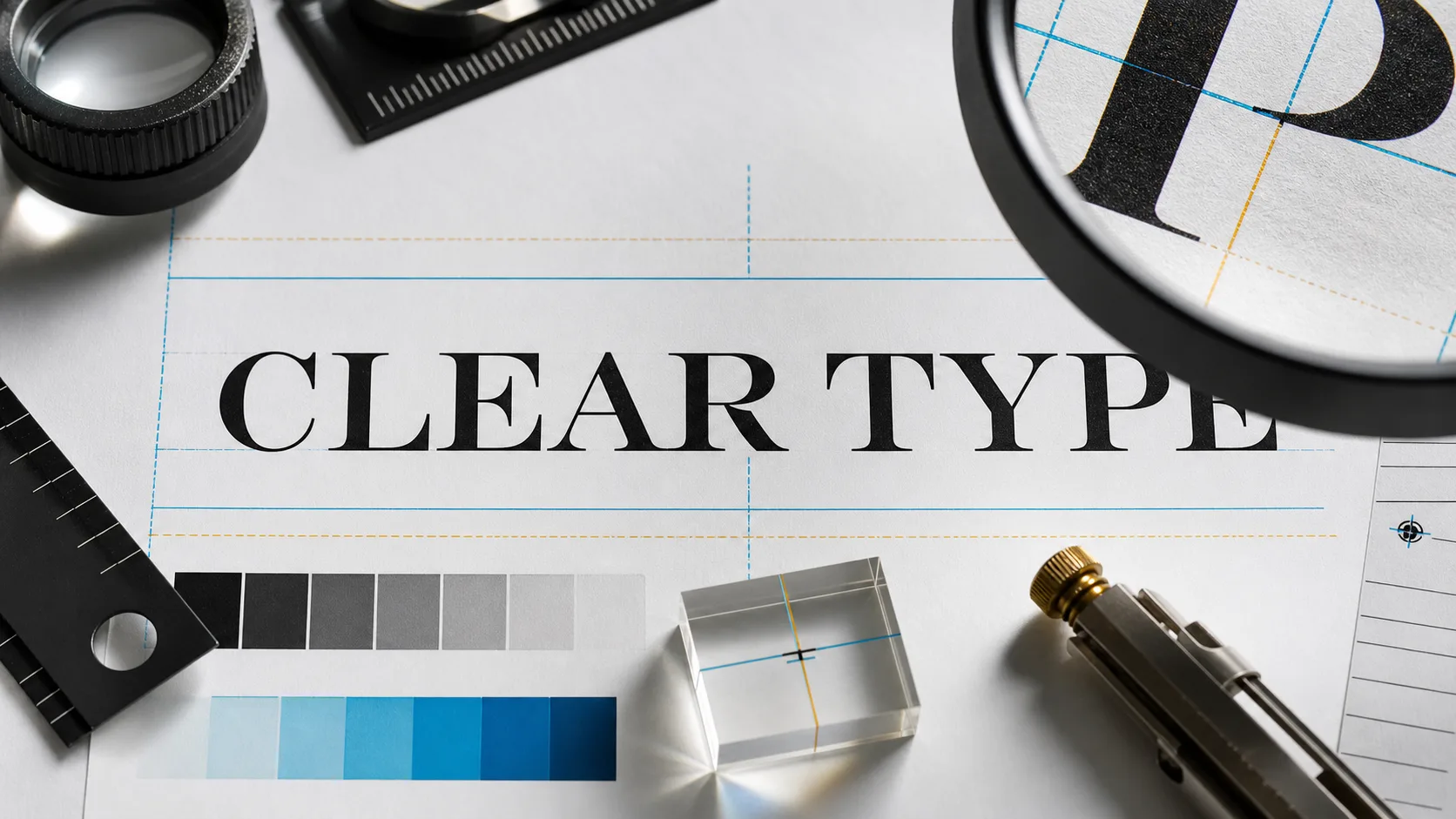
Generate posters, ads, UI mockups, product labels, and infographics where text needs to be legible. Always review final spelling and layout before publishing.

2048x2048 and Flexible Sizes

GPT Image 2 supports 2048x2048 square output and many other valid dimensions, including portrait, landscape, and wide layouts that fit common content formats.

Clear Credit Pricing

ClipCanva shows the credit cost before generation: 6 credits for 1K, 10 credits for 2K, and 16 credits for 4K image runs, multiplied by the number of outputs.

Free to Explore

You can browse examples, review prompts, and inspect the workflow for free without signing up. Actual GPT Image 2 generation may require sign-in and ClipCanva credits.

Specification

GPT Image 2 Price and Resolution

The practical details buyers check before generating: ClipCanva credits, OpenAI API cost references, 2048x2048 support, and resolution rules.

ClipCanva PriceGPT Image 2 image runs cost 6 credits at 1K, 10 credits at 2K, and 16 credits at 4K. The Starter Pack is $9 for 600 credits, with no subscription required.
OpenAI API Price ReferenceOpenAI's public docs estimate GPT Image 2 output cost at 1024x1024 from about $0.006 low, $0.053 medium, to $0.211 high, before text or image input token costs.
2048x2048 Resolution2048x2048 is a supported 2K square size. GPT Image 2 also supports common sizes like 1024x1024, 1536x1024, 1024x1536, 2048x1152, and 3840x2160.
Resolution RulesBoth edges must be multiples of 16px, the longest edge must be no more than 3840px, aspect ratio must stay within 3:1, and total pixels must be 655,360 to 8,294,400.
Free / No Sign-Up ScopeYou can browse examples and prompts for free online with no signup. To generate, save history, or use higher-quality GPT Image 2 runs, sign in and use credits.
Batch GenerationGenerate 1, 2, or 4 images per prompt. Credit cost scales with both resolution and output count, so test at 1K before moving to 2K or 4K.

Advanced Capabilities

Explore the powerful features that make GPT Image 2 the go-to choice for professional image creation

Text-to-Image with World KnowledgeDescribe a complex scene with subjects, camera angle, lighting, text, and output format. GPT Image 2 is useful for detailed briefs where context and instruction following matter.
In-Image Typography & SignageGenerate images with readable text for book covers, menus, product labels, billboards, social graphics, and UI mockups. For production use, check spelling and small labels before export.
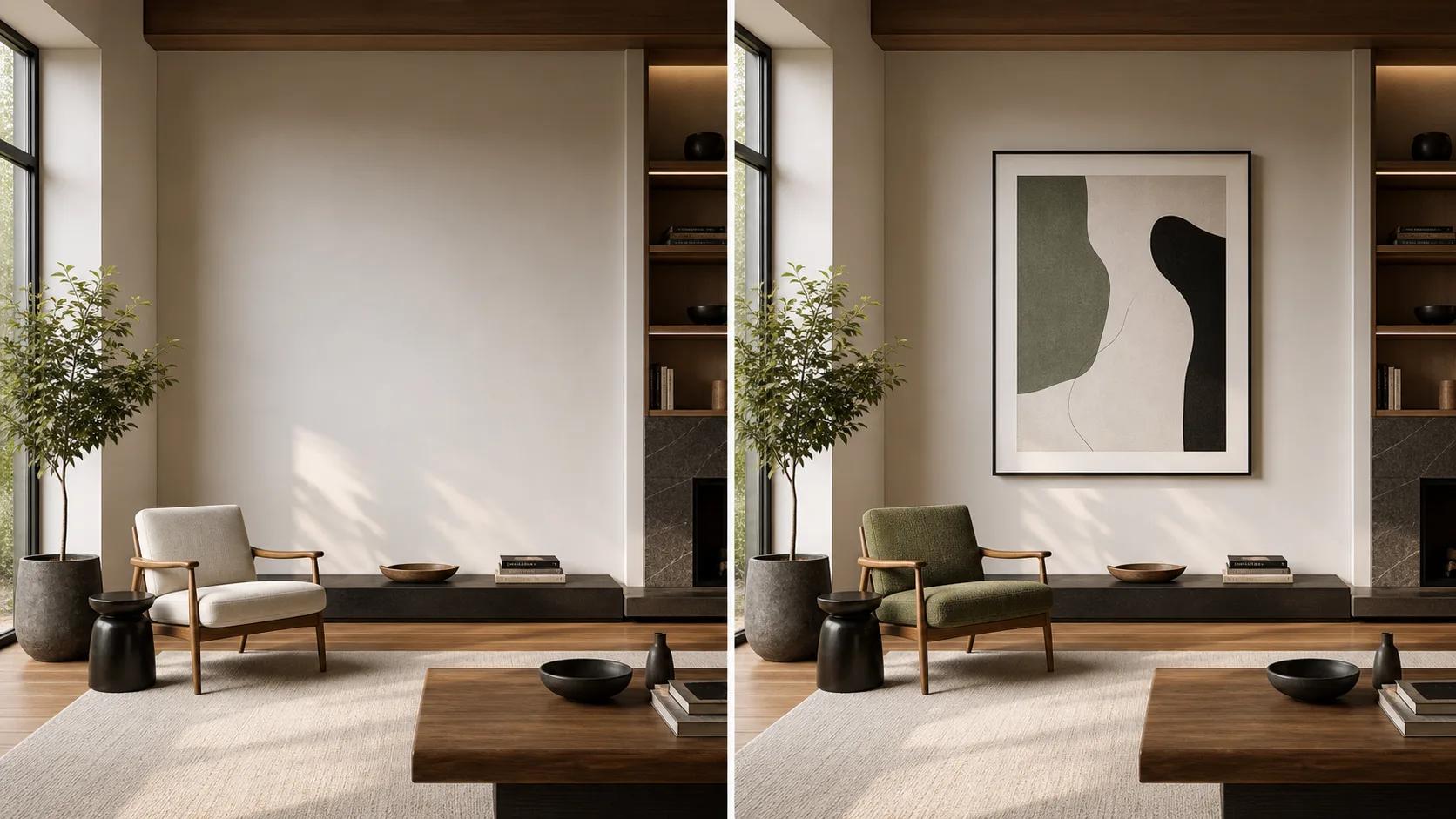
Localized Editing & InpaintingUse reference images to guide edits, restyling, product staging, and composition changes while keeping the creative direction close to the source material.
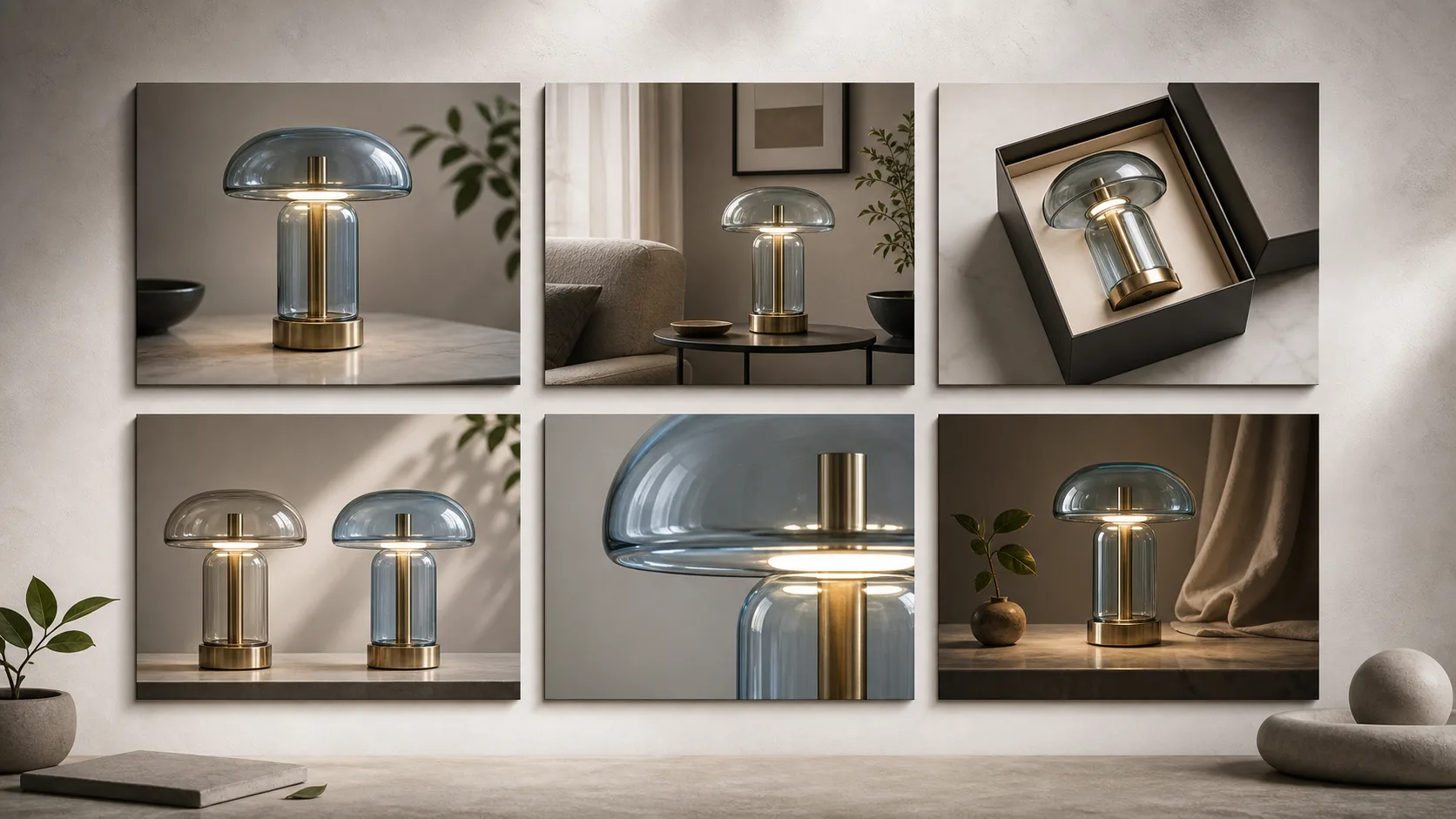
Style & Character ConsistencyMaintain the same subject, character, or visual style across multiple generations. Perfect for creating series of images, storyboards, branded content, and character design sheets with consistent appearance.

GPT Image 2 Prompt Examples

Use these example directions to test text rendering, product scenes, 2048x2048 output, and layout-heavy visuals.

01

Poster with Readable Text

Prompt example: A premium summer drink poster with the headline SUMMER DROP, clean product photography, condensation, studio lighting, 2048x2048 square.

02

Product Photo Concept

Prompt example: A minimalist skincare bottle on a stone pedestal, soft morning light, accurate label text, premium ecommerce hero image, 1:1 composition.

03

UI Mockup Preview

Prompt example: A clean SaaS dashboard mockup on desktop and tablet, readable buttons and pricing labels, neutral background, polished startup landing-page style.

04

Multilingual Packaging

Prompt example: Premium tea packaging with English and Japanese label text, flat-lay studio scene, clear typography, warm paper texture, high-detail product visual.

Compare

Compare GPT Image 2 AI Image Generator with Price, 2048x2048 Output, and Examples with nearby models

Use this section like a practical model picker: review the nearby alternatives, then open the model page that best matches your output goal.

DALL-E 3OpenAI's reliable AI image generator with precise prompt adherenceOpen
Stable DiffusionOpen-source AI image generator with unlimited customizationOpen

Frequently Asked Questions

Everything you need to know about using GPT Image 2 on ClipCanva

What makes GPT Image 2 different from DALL-E 3 and other models?
GPT Image 2 is designed for stronger instruction following, readable in-image text, image inputs, and flexible output sizes. It is especially useful for posters, product visuals, UI mockups, signage, and layout-heavy creative work.
Can GPT Image 2 generate images with text and typography?
Yes. GPT Image 2 is a strong choice for text inside images, including labels, signs, book covers, UI elements, and short marketing headlines. Still review spelling, small type, and layout before using the result in a client or commercial asset.
What is the maximum resolution of GPT Image 2?
OpenAI documents GPT Image 2 as supporting many valid resolutions, including 2048x2048, 2048x1152, 3840x2160, and 2160x3840. The longest edge must be no more than 3840px and total pixels must stay within the documented limit.
Does GPT Image 2 support 2048x2048 images?
Yes. 2048x2048 is listed as a popular 2K square size for GPT Image 2. Use it when you need a square image with more detail than a 1024x1024 draft.
How much does GPT Image 2 cost on ClipCanva?
ClipCanva prices image generation by credits. GPT Image 2 image runs cost 6 credits at 1K, 10 credits at 2K, and 16 credits at 4K per output. The Starter Pack is $9 for 600 credits and does not require a subscription.
What is the OpenAI API price for GPT Image 2?
OpenAI's public image-generation docs show example GPT Image 2 output costs for 1024x1024 at about $0.006 low, $0.053 medium, and $0.211 high. Final API cost also includes text input tokens and image input tokens when editing or using references.
Can I use GPT Image 2 for free without sign-up?
You can browse examples and prompts for free online without signing up. GPT Image 2 generation, saved history, and higher-quality runs may require signing in and use ClipCanva credits.
How detailed should my prompts be for best results?
GPT Image 2 thrives on detailed prompts. Include subject descriptions, actions, environment, lighting, camera angle, style preferences, and any text you want rendered for the best results. The more specific, the better. Example: 'A modern coffee shop interior with a neon sign reading "OPEN DAILY" in warm lighting, photorealistic, 85mm lens look.'
Can I use GPT Image 2 images commercially?
Commercial use depends on the ClipCanva terms that apply to your account and the relevant model or provider policies. Review those terms before using generated images in ads, client work, products, or monetized content.
Why use GPT Image 2 through ClipCanva instead of ChatGPT directly?
ClipCanva gives you a focused image workspace with model selection, reference uploads, resolution controls, batch counts, example prompts, and credit visibility before generation. It is built for comparing models and turning a visual brief into reusable assets.
How does GPT Image 2 compare to Stable Diffusion?
GPT Image 2 excels at prompt precision, text rendering, and photorealism with zero configuration needed. Stable Diffusion offers more customization through LoRAs, ControlNet, and fine-tuned models. Use GPT Image 2 for reliable, high-quality results with accurate text out of the box. Use Stable Diffusion when you need deep control over the generation process.
Does GPT Image 2 support multilingual text?
Yes, GPT Image 2 has strong support for Chinese, Japanese, Korean (CJK), Arabic, and Devanagari text rendering. This makes it uniquely suited for global brands and multilingual content creation compared to most other AI image generators.
Will my images have watermarks?
Paid plan images are delivered without ClipCanva watermarks. Commercial use is still governed by ClipCanva terms and the relevant model or provider policies.