
Tilføj den centrale kontekst
Indtast produktet, creator-vinklen og målgruppebriefen, så planlæggeren har den kontekst, der er nødvendig for at indramme budskabet.
Planlægning af UGC-manuskript
Planlæg et skriftligt udkast, der er klar til brug for skaberen, ud fra dit produkt, din creator-vinkel og en målgruppebrief. Brug UGC-manuskriptgeneratoren til at forme åbningslinjen, produktdemoens hovedpunkter og den afsluttende opfordring, før du optager.
UGC-manuskriptgeneratoren er et planlægningsværktøj til at skrive et struktureret UGC-udkast før produktionen. Den omsætter et produkt, en creator-vinkel og en målgruppebrief til en brugbar manuskriptdisposition med en åbningslinje, demoens hovedpunkter og en afsluttende opfordring, som du kan gennemgå før optagelse.
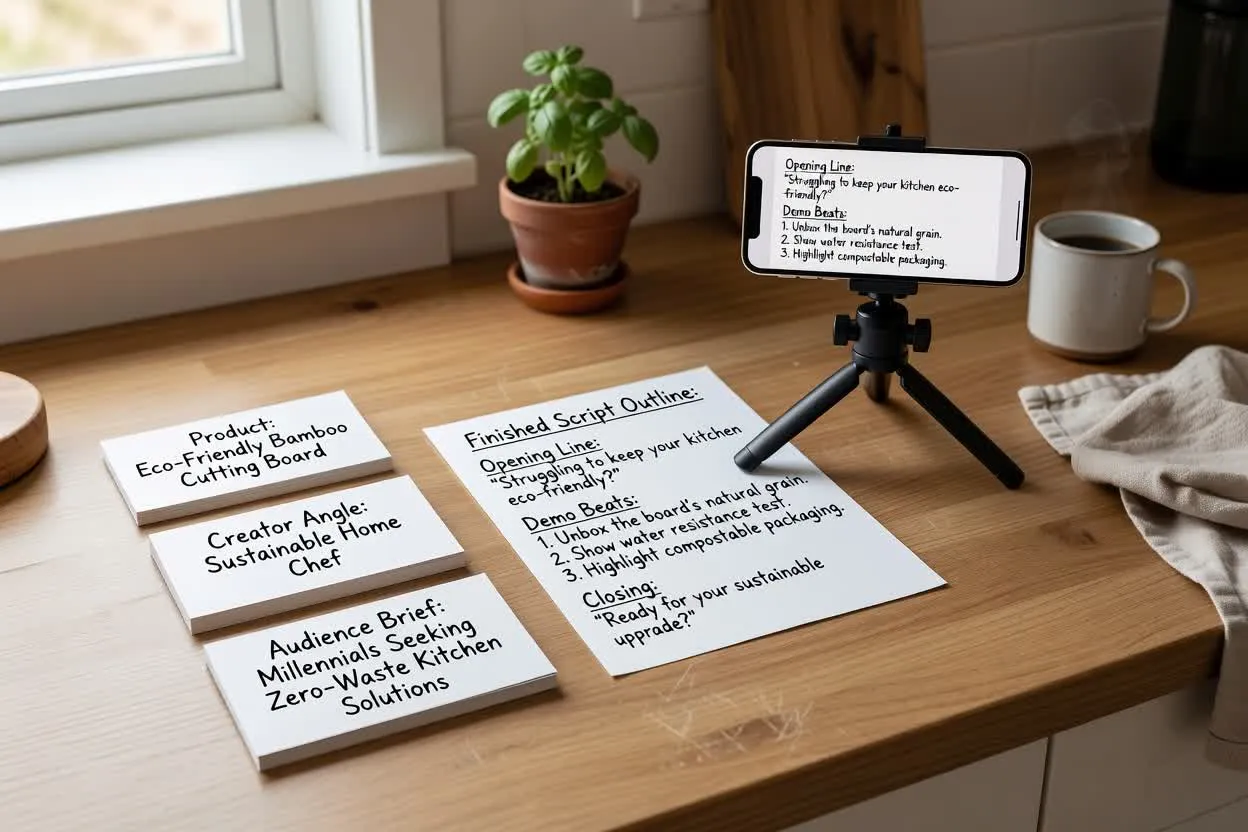
Gå fra brief til et manuskript, der kan gennemgås, i nogle få fokuserede trin.
Indtast produktet, creator-vinklen og målgruppebriefen, så planlæggeren har den kontekst, der er nødvendig for at indramme budskabet.
Vælg format, varighed, tone, målgruppe og afsluttende handling for at forme, hvordan udkastet skal lyde og flyde.
Gennemgå åbningen, demoens hovedpunkter og den afsluttende opfordring, og justér derefter briefen eller indstillingerne, indtil creatorens UGC-manuskript føles klar til optagelse.
Planlæggeren returnerer et struktureret udkast, som hjælper dig med at se manuskriptet, før produktionsbeslutningerne er låst fast.
En første linje, der er udformet til at passe til målgruppens problem, creator-vinklen og videoens ønskede tempo.
En rækkefølge af produktøjeblikke, der kan understøtte et naturligt produktdemo-manuskript, herunder hvad der skal vises, forklares eller reageres på.
Én afsluttende opfordring, der fortæller seeren, hvad vedkommende skal gøre som det næste, uden at fylde manuskriptet med flere handlinger.
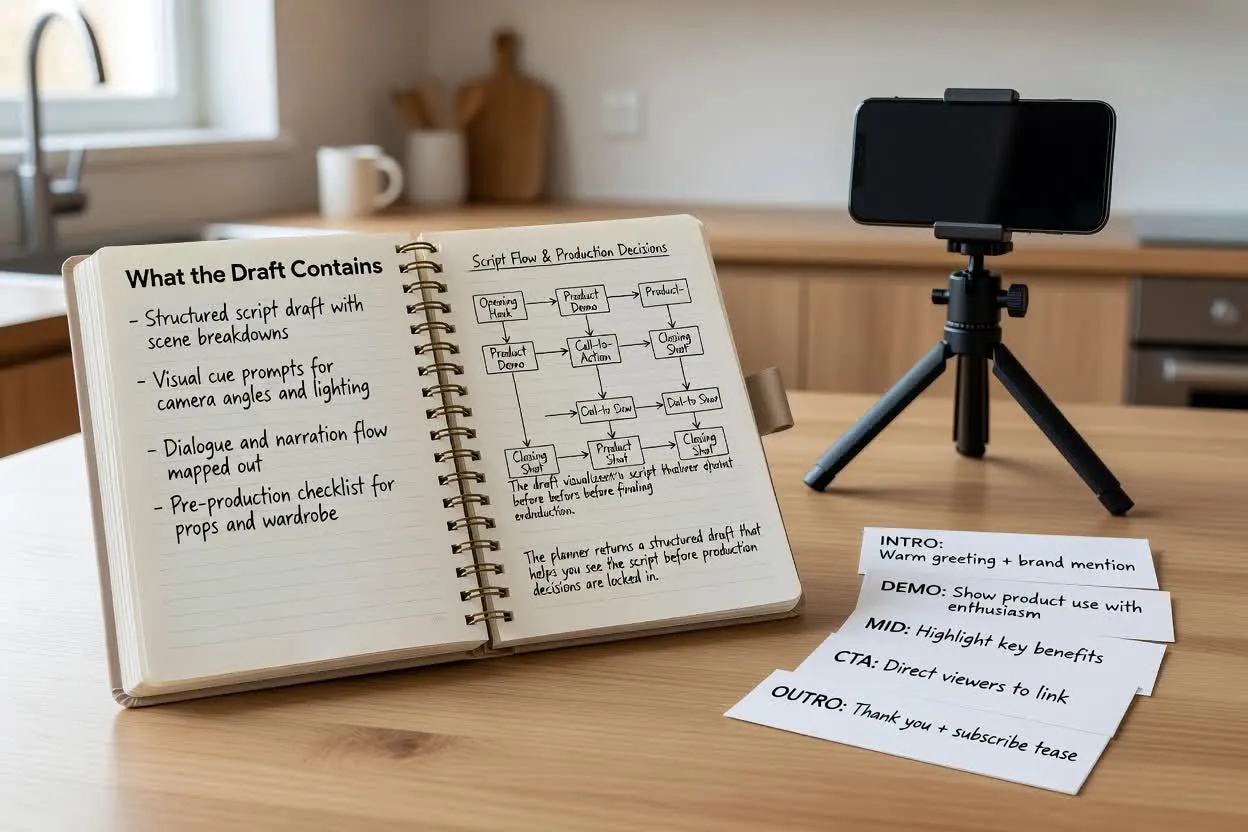
Justér de praktiske valg, der ændrer, hvordan udkastet læses, og hvor let det er at filme.
Vælg en kortformatsstruktur, der passer til, hvor manuskriptet skal bruges, såsom en produktdemo, et klip i testimonial-stil eller et opdagelsesopslag.
Angiv en mållængde, så åbningen, demoens hovedpunkter og den afsluttende opfordring passer til den tid, du forventer at optage.
Vælg en stemme, der passer til creator-vinklen, fra afslappet og venlig til mere direkte eller oplysende.
Brug planlæggeren, når du har brug for et manuskript, der omsætter produktoplysninger til en optagelsesplan, som er let for en creator at bruge.
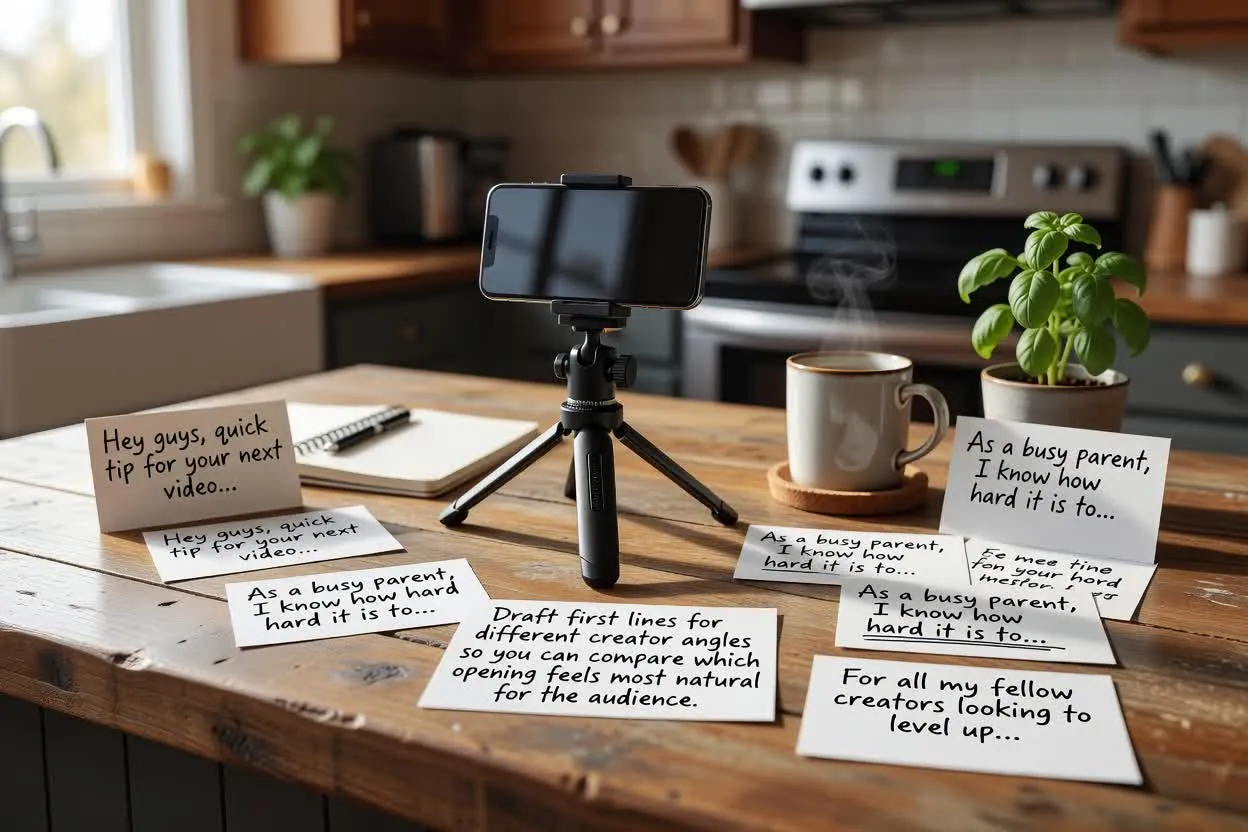
Udarbejd første linjer til forskellige creator-vinkler, så du kan sammenligne, hvilken åbning der føles mest naturlig for målgruppen.
Åbn manuskriptplanlæggeren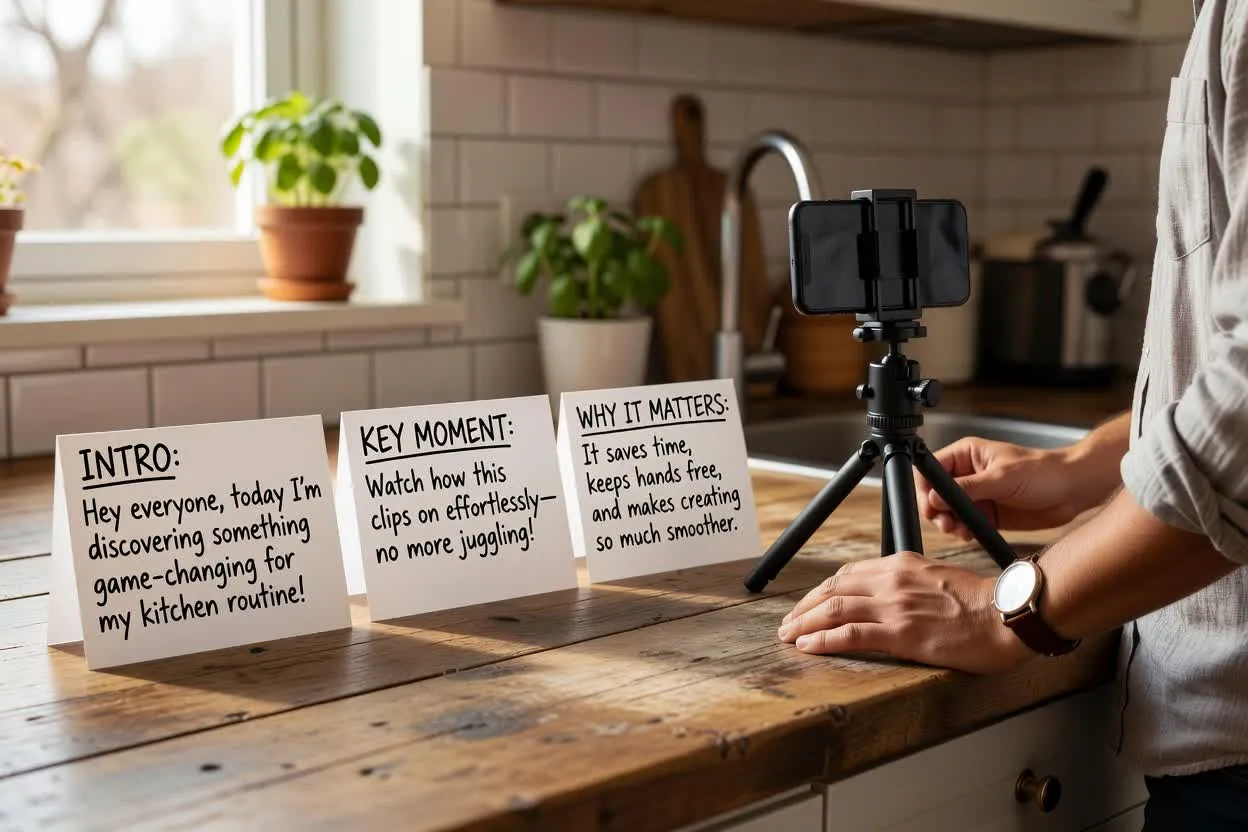
Planlæg et UGC-manuskript for en creator, der introducerer produktet, viser nøgleøjeblikket og forklarer, hvorfor det betyder noget.
Åbn manuskriptplanlæggeren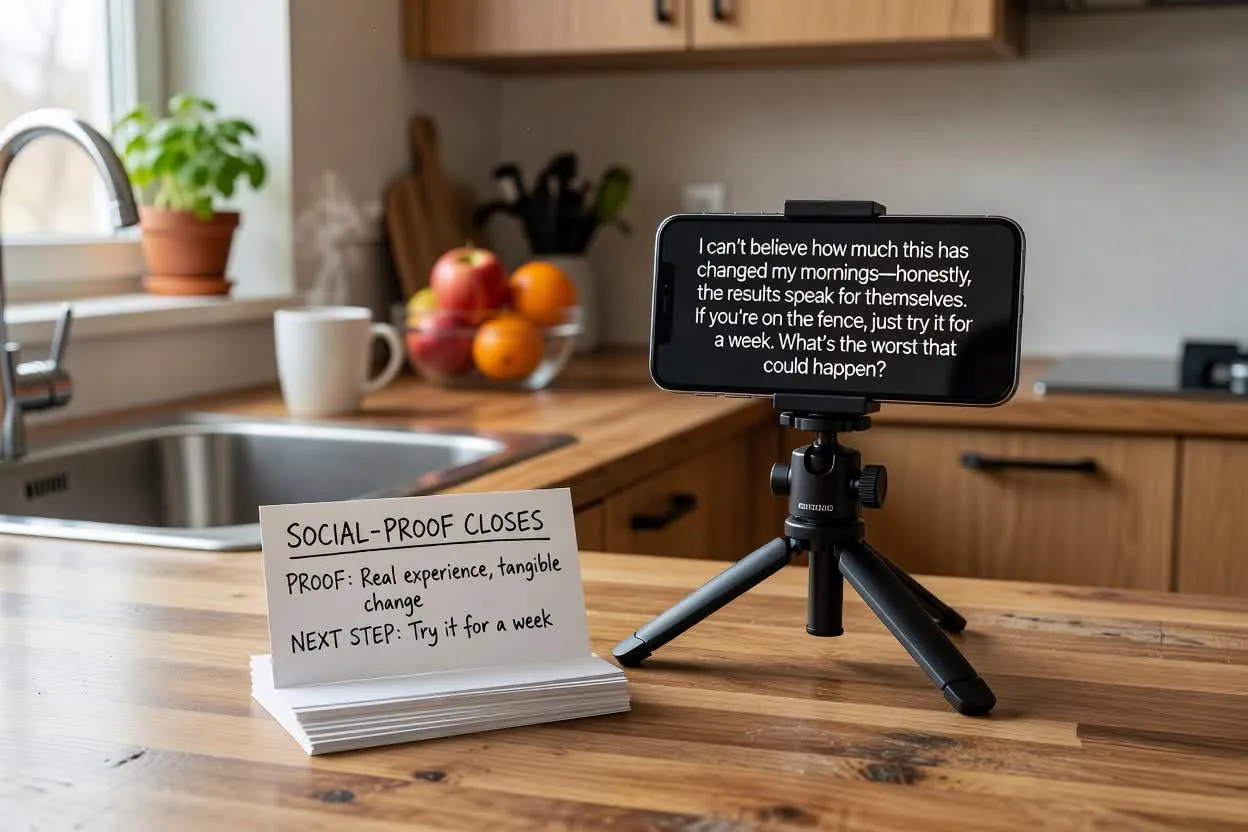
Form en afslutning, der henviser til dokumentation, erfaring eller et næste trin uden at tilføje mere end én opfordring.
Åbn manuskriptplanlæggerenGennemgå udkastet for klarhed, tempo og belæg før optagelse. Små redigeringer på dette trin kan forebygge et svagt hook, en overfyldt demo eller en forvirrende afslutning.
Undersøg, om hooket hurtigt taler til målgruppen og matcher løftet i resten af manuskriptet.
Kontrollér, at antallet af scener eller hovedpunkter passer til den valgte varighed og ikke overbelaster optagelsesplanen.
Bekræft, at manuskriptet slutter med én afsluttende opfordring, så den forbliver tydelig.
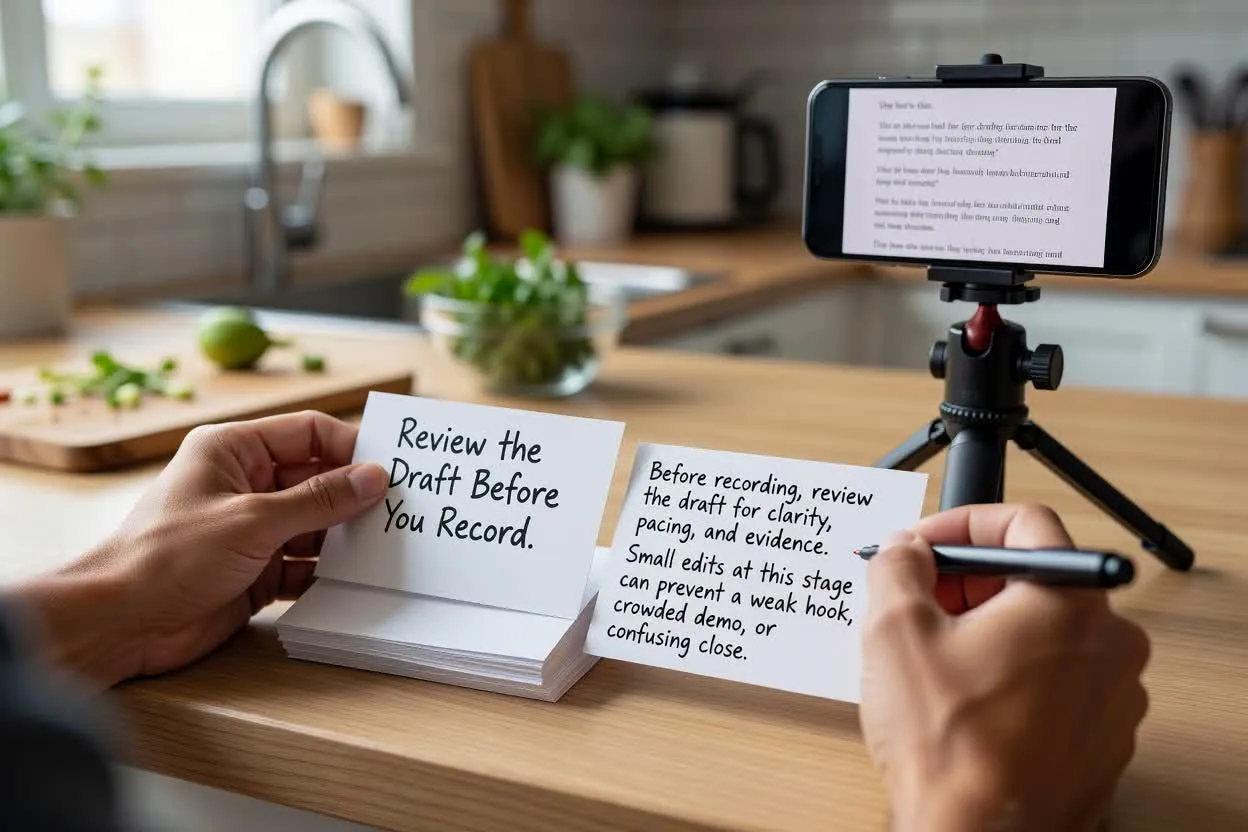
Brug planlæggeren som skrivehjælp, ikke som bevis på, at hver linje er klar til publicering.
Outputtet er et skriftligt udkast. Det optager ikke materiale, renderer ikke video, tilføjer ikke visuelle elementer og erstatter ikke produktionsgennemgang.
Produktpåstande, sammenligninger, resultater, testimonials og compliance-sprog skal kontrolleres mod dit eget belæg før brug.
Ofte stillede spørgsmål om at bruge UGC-manuskriptgeneratoren til at planlægge creator-ledede produktmanuskripter.
Åbn manuskriptplanlæggeren, indtast din produkt- og creator-brief, og gennemgå udkastet, før du optager.