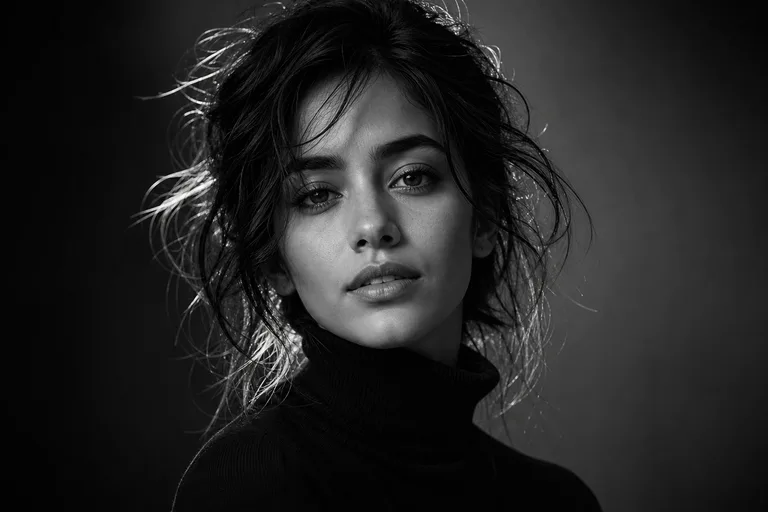
AI Black and White Portrait Generator

AI Black and White Portrait Generator

Create a refined Black and White Portrait from your photo with realistic monochrome tones, stronger contrast, and facial structure that stays true to the original.

AI Black and White Portrait Generator black and white portrait background
0 / 2000
Template prompt

AI Black and White Portrait Generator

Apply the AI Black and White Portrait effect to the uploaded portrait. Preserve the person identity, face shape, expression, pose, hairstyle, clothing, and composition. Convert the image into a refined black-and-white portrait with rich tonal contrast, detailed skin and fabric texture, controlled highlights, deep shadows, professional studio or editorial lighting, and a timeless photographic finish. Do not change the subject or pose.

AI Black and White Portrait Generator black and white portrait background

What is the AI Black and White Portrait Generator?

The AI Black and White Portrait Generator helps turn a clear portrait into a timeless monochrome image. It focuses on rich tonal contrast, controlled highlights, deep shadows, visible texture, and a photographic finish while keeping the subject recognizable.

From color photo to timeless monochrome portrait

This template changes the visual style of your image while keeping the person and composition aligned with the source photo.

What changes

  • Create a black and white portrait with realistic monochrome tones, stronger contrast, and preserved facial structure from your original photo.
  • Generate a timeless black and white portrait with texture, lighting, and facial proportions that match the original photo.
  • Create a preview in seconds for profile photos, style planning, or social posts.
  • Refine the photo with deeper shadows, controlled highlights, and a studio or editorial portrait feel.

What stays consistent

  • Preserve the person identity, face shape, expression, pose, hairstyle, clothing, and composition.
  • The main subject remains recognizable from the source image.
  • Defining colors, pose, silhouette, and important subject details stay coherent.

How it works

Create a black and white portrait by starting with a clear image, applying a focused style direction, and checking the result against your original photo.

1

Upload a clear source photo

Choose a sharp portrait where the face, expression, hairstyle, clothing, and pose are visible enough to guide the result.

2

Describe the portrait style

Use a prompt that asks for realistic monochrome tones, rich contrast, controlled highlights, deep shadows, and preserved identity.

3

Review and refine

Review the output for subject accuracy, coherent black and white lighting, natural edges, and any small artifacts that may need another attempt or a clearer source.

Black and White Portrait style examples

Explore different examples of monochrome portrait styling, from soft editorial contrast to deeper shadow and more dramatic texture.

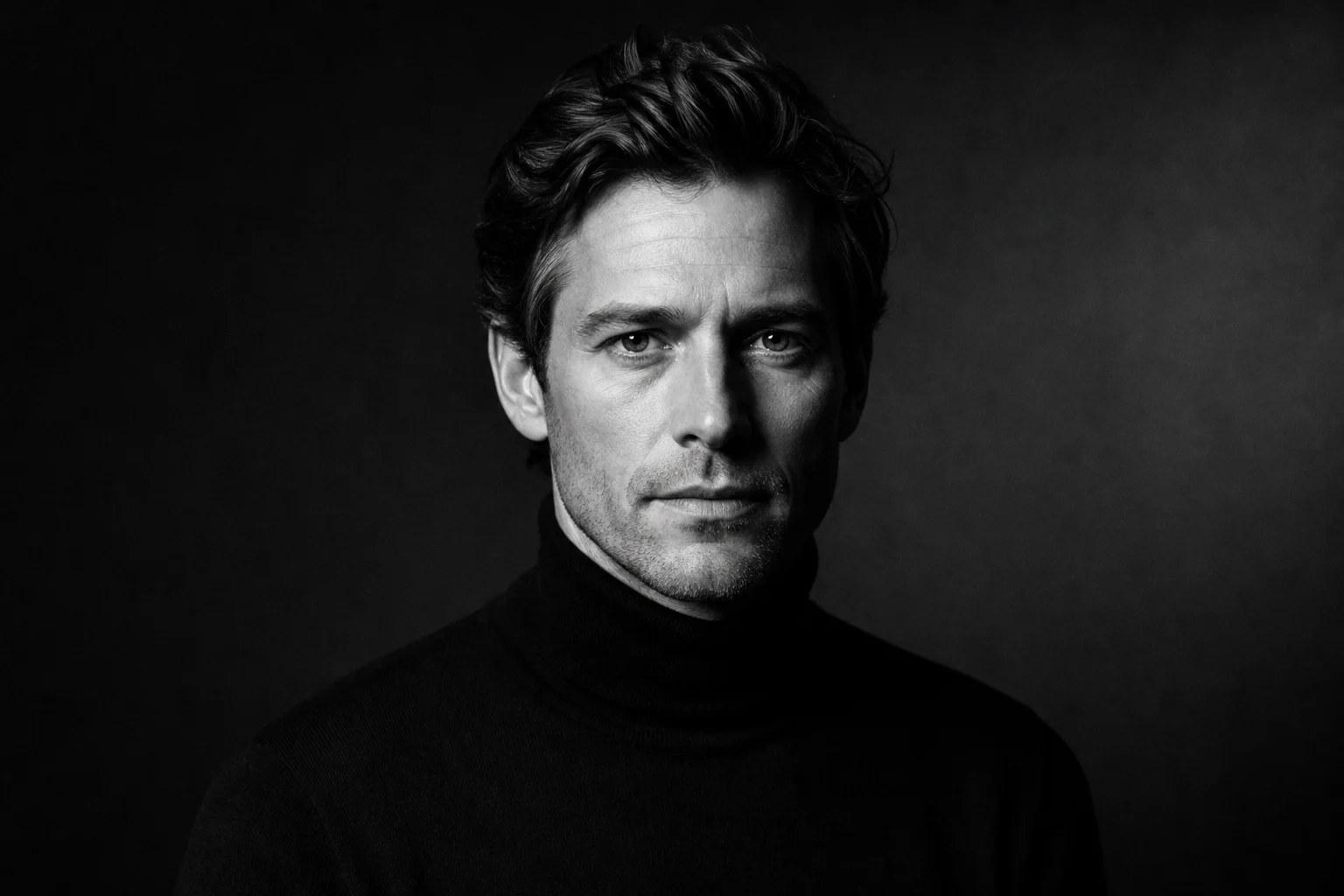
AI Black and White Portrait Generator black and white portrait example 1

Classic monochrome portrait

A refined black and white portrait with balanced contrast, smooth tonal transitions, and a clean photographic finish.

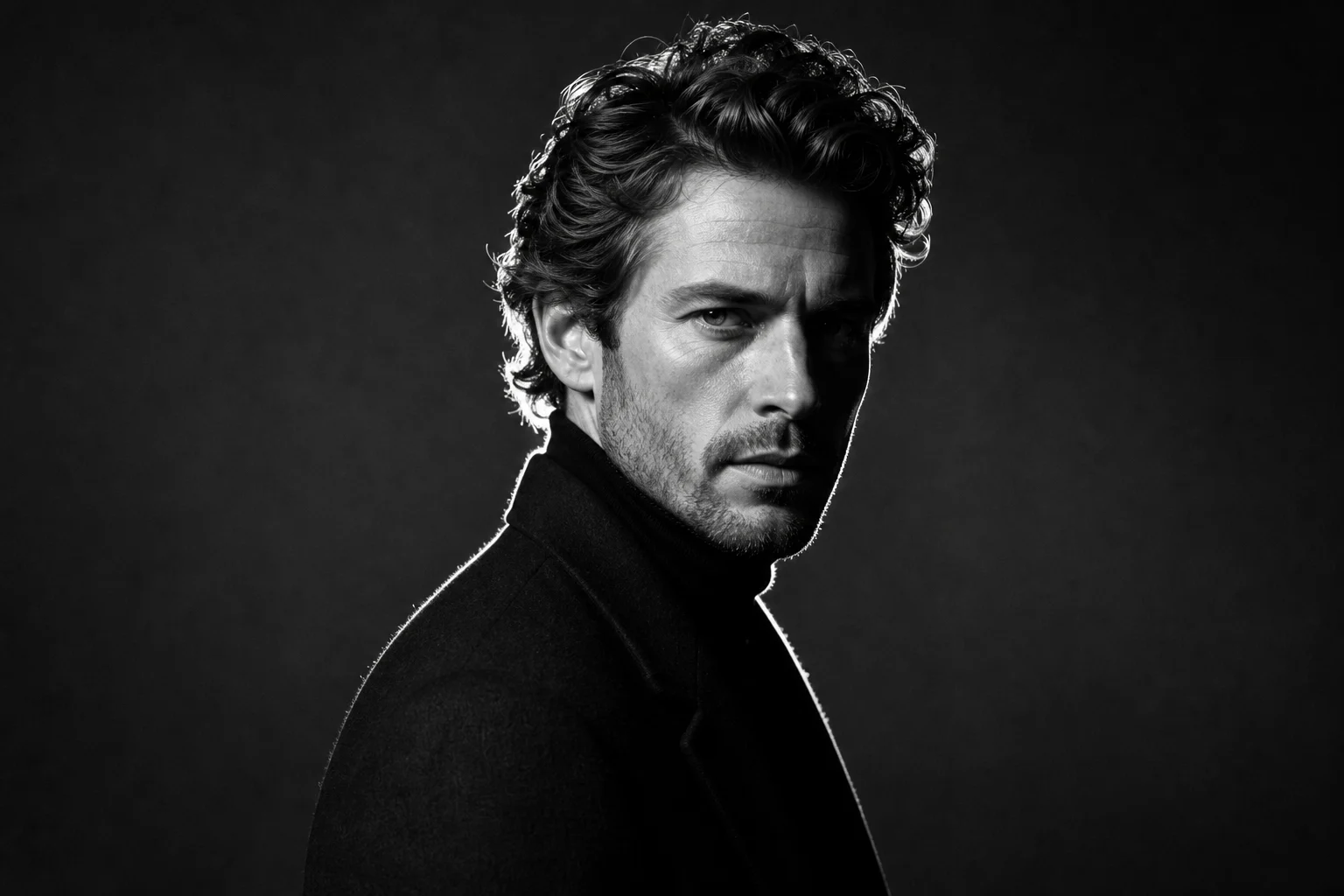
AI Black and White Portrait Generator black and white portrait example 2

High-contrast portrait

A stronger Black and White Portrait look with deeper shadows, brighter highlights, and a more dramatic studio feel.

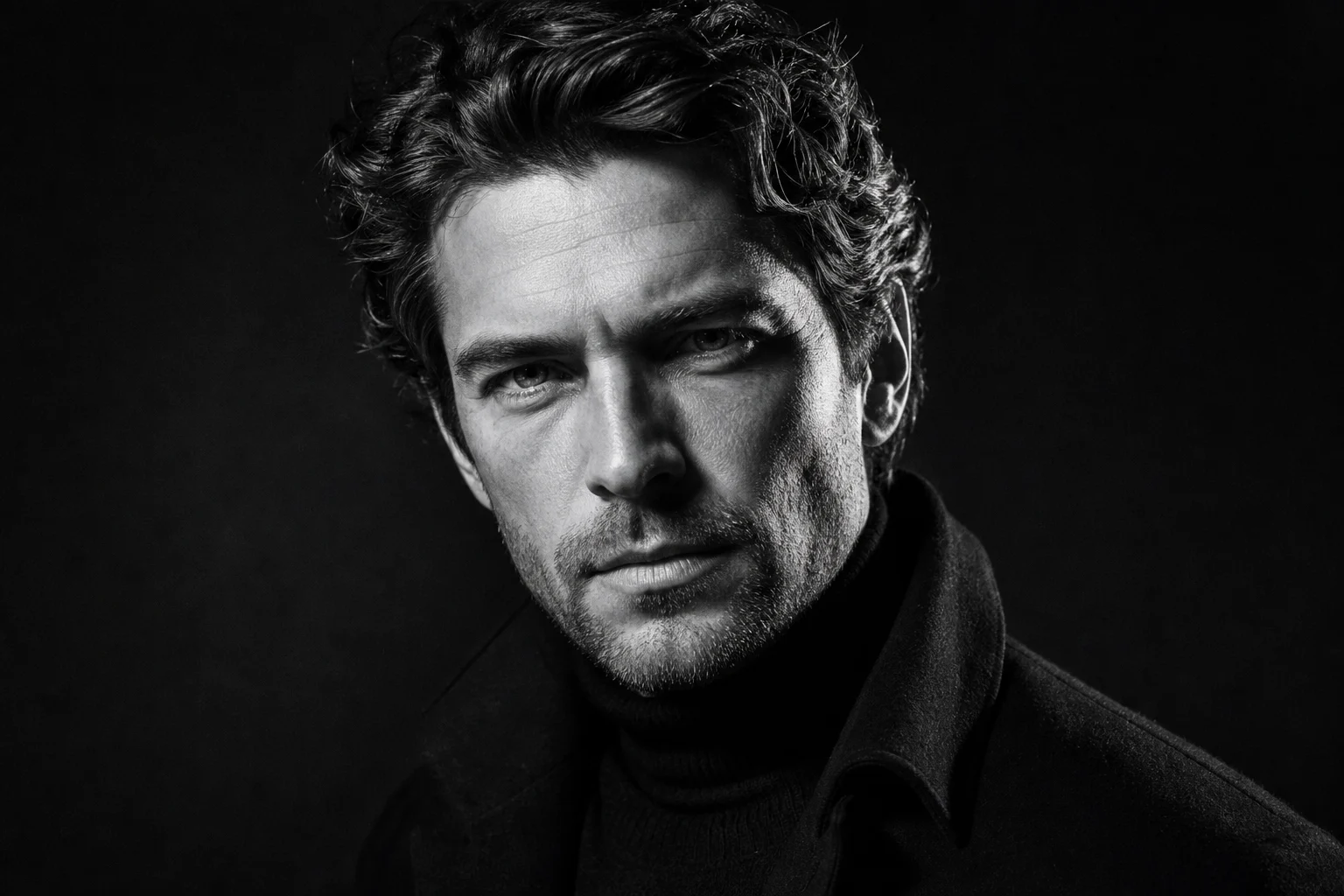
AI Black and White Portrait Generator black and white portrait example 3

Textured editorial look

A detailed portrait style that emphasizes skin, hair, and fabric texture while keeping the subject’s expression clear.

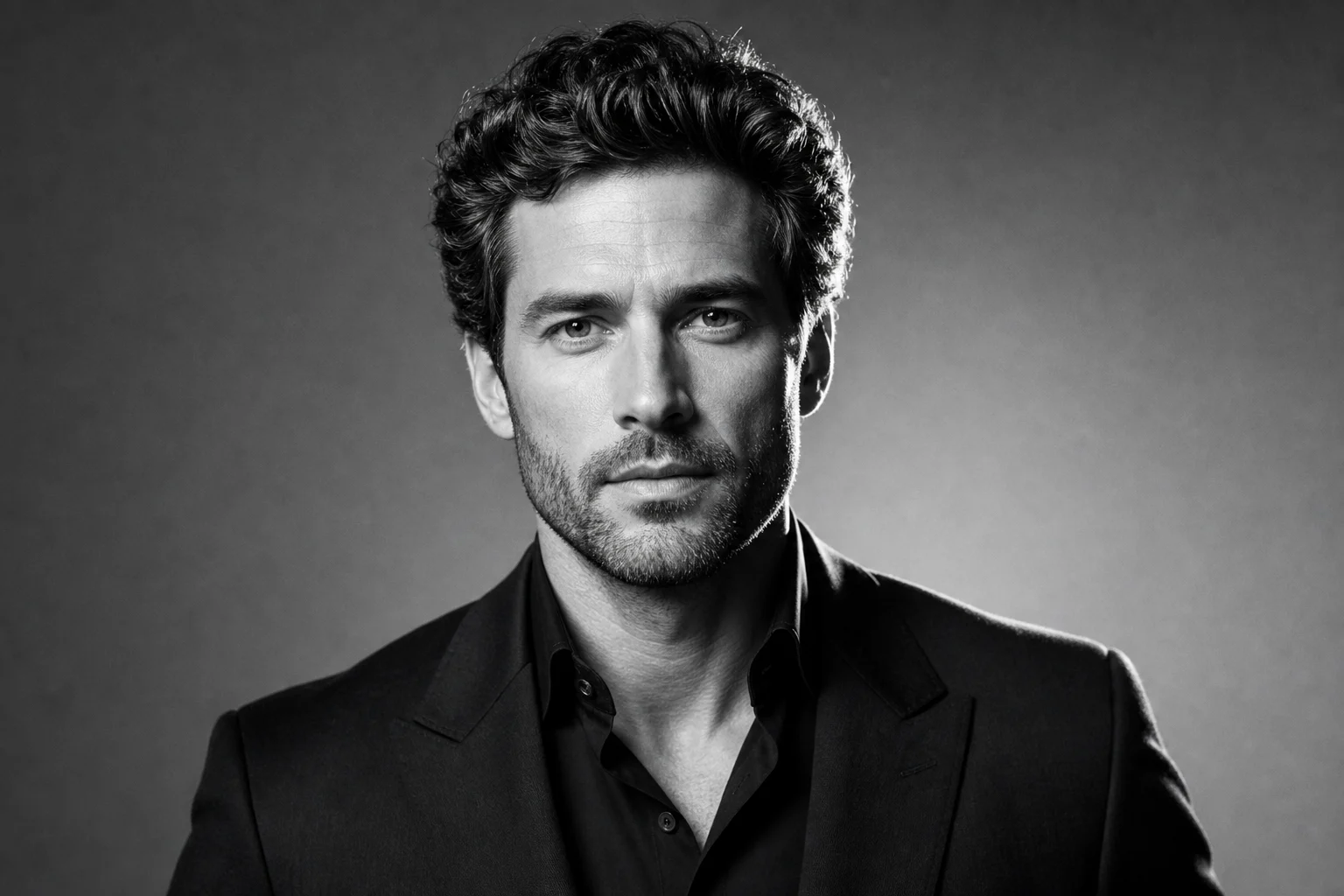
AI Black and White Portrait Generator black and white portrait example 4

Timeless studio finish

A timeless portrait treatment with controlled light, rich grayscale depth, and a composed photographic mood.

Ways to use a Black and White Portrait

Use the Black and White Portrait Generator online when you want a focused, high-contrast portrait direction before refining or sharing your image.

Personal portrait previews

Create a focused AI Black and White Portrait Generator preview for a personal or creative project, such as a profile image, mood board, or editorial-style concept.

Style comparison

Compare the visual direction before refining, sharing, or presenting the result so you can decide whether the monochrome treatment fits your goal.

Social and creative visuals

Turn a clear portrait into a dramatic black and white image for social posts, portfolio drafts, or creative planning.

How to prepare your photo

A strong source photo and a focused prompt help the final portrait stay recognizable while gaining a polished monochrome look.

Source image checklist

  • Use a sharp source image with the main subject clearly visible.
  • Avoid heavy blur, blocked details, extreme crops, or confusing overlaps.
  • Choose a source whose pose and framing support the intended AI Black and White Portrait Generator result.

Prompt guidance

Ask for a refined black and white portrait with rich tonal contrast, detailed skin and fabric texture, controlled highlights, deep shadows, professional studio or editorial lighting, and a timeless photographic finish. Include that the subject, pose, expression, hairstyle, clothing, and composition should remain unchanged.

Review the finished portrait

Generated details can vary between runs, so review the result before using it in a profile, social post, presentation, or creative project.

Check subject identity

Compare the face shape, expression, silhouette, pose, hairstyle, and clothing with the original photo.

Review the monochrome treatment

Make sure the Black and White Portrait effect looks consistent, with believable contrast, highlights, shadows, and texture across the image.

Look for problem areas

Inspect faces, hands, text, edges, small objects, and background transitions for artifacts or distracting changes.

AI Black and White Portrait Generator FAQ

Answers to common questions about creating a realistic Black and White Portrait from an existing photo.

What is the AI Black and White Portrait Generator?
It is a portrait template for converting a source image into a black and white portrait with realistic monochrome tones, stronger contrast, and preserved facial structure.
Is the AI Black and White Portrait Generator free?
You can try the template with the credits available in your account before deciding whether the style works for your photo.
How do I get the best black and white portrait?
Start with a sharp, well-lit portrait where the face, hairstyle, clothing, and pose are easy to see. Clear facial details help the final image look more natural.
Will it change the rest of my photo?
The template is designed to preserve the person, pose, clothing, and composition while changing the image into a refined monochrome portrait. Background tones may shift to match the overall black and white look.
Can I use the result commercially?
Usage depends on the rights attached to your source image and your intended use. Review the result carefully and make sure you have the necessary permissions for any project.
What AI Black and White Portrait Generator changes are applied?
It changes color into black and white tones, increases contrast, refines light and shadow, and adds a timeless portrait feel while keeping the subject’s identity and proportions coherent.
Which source image works best?
A clear portrait with the main subject visible works best. Avoid heavy blur, blocked faces, extreme crops, or busy overlaps that hide defining details.
How do I keep the subject recognizable?
Use a source photo where the face shape, expression, hairstyle, clothing, and pose are clear, then compare the result with the original before using or sharing it.

Create your Black and White Portrait

Upload a clear portrait and create a monochrome version with stronger contrast, realistic tones, and the original subject’s expression and structure intact.