
Beskriv produktet og køberen
Tilføj produktoplysninger, køberbriefen, hovedproblemet, de stærkeste funktioner og det resultat, seeren skal forstå.
Planlægning af produktvideomanuskript
Planlæg et manuskript til en produktvideo ud fra produktoplysninger og en køberbrief med Product Video Script Generator, og gennemgå derefter demoscener, voiceover og afsluttende opfordring, før du optager eller skaber videoen.
Product Video Script Generator er et planlægningsværktøj, der omdanner produktoplysninger og en køberbrief til et struktureret skriftligt videoudkast. Det hjælper dig med at organisere hook, demonstrationsforløb, fordele, voiceover og afsluttende handling, før du optager eller genererer visuelt indhold.
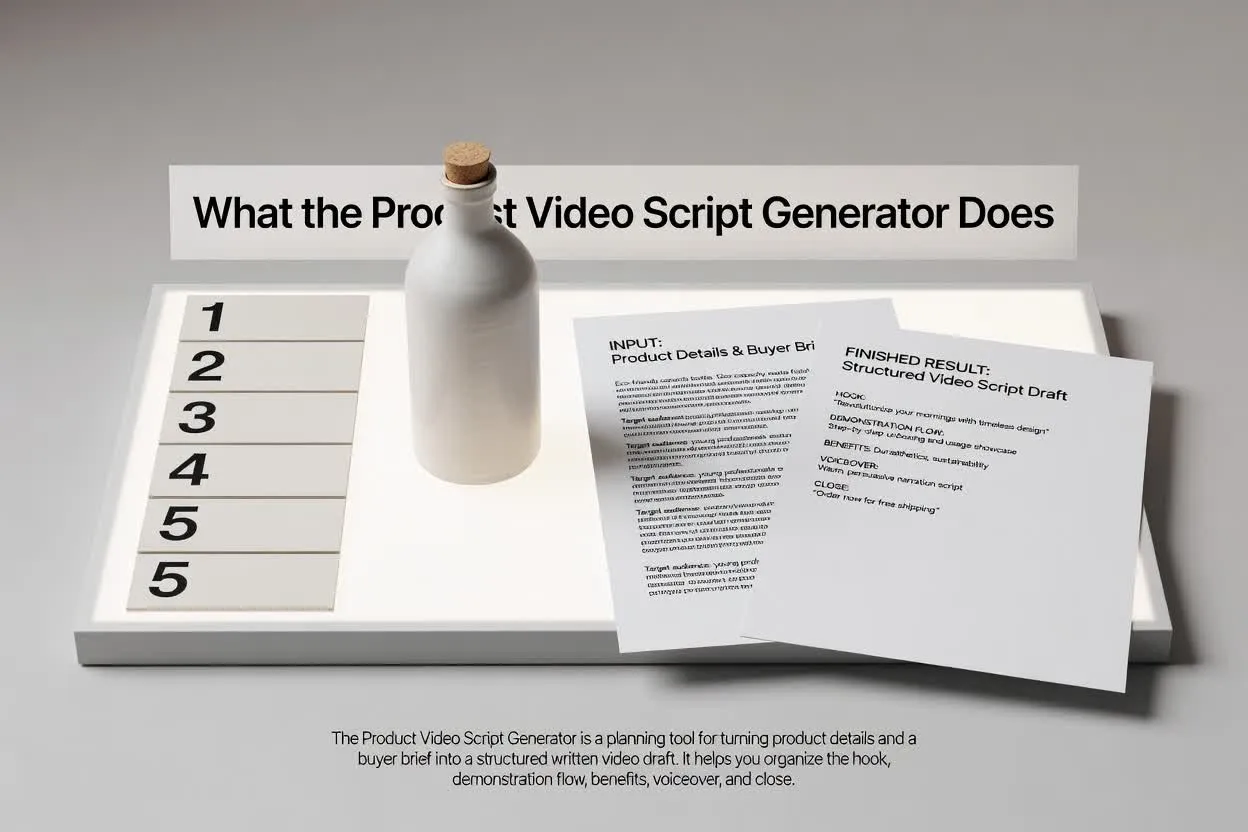
Gå fra brief til plan, der kan gennemgås, i nogle få fokuserede trin.
Tilføj produktoplysninger, køberbriefen, hovedproblemet, de stærkeste funktioner og det resultat, seeren skal forstå.
Vælg format, varighed, tone, målgruppe og afsluttende handling, så manuskriptet passer til kanal og formål.
Gennemgå strukturen i produktdemonstrationsmanuskriptet med fokus på sceneforløb, tydelige fordele, formuleringen af voiceover og den afsluttende opfordring.
Planlæggeren returnerer et udkast, som du kan læse, redigere og videregive, før produktionen begynder.
Et produktdemonstrationsmanuskript scene for scene, der viser, hvad seeren skal se og høre på hvert tidspunkt.
Voiceoverlinjer eller vejledning, der forbinder køberens problem, produktets funktion og fordelen i en tydelig rækkefølge.
En afsluttende handling, der holder videoen fokuseret på ét næste skridt frem for konkurrerende opfordringer.
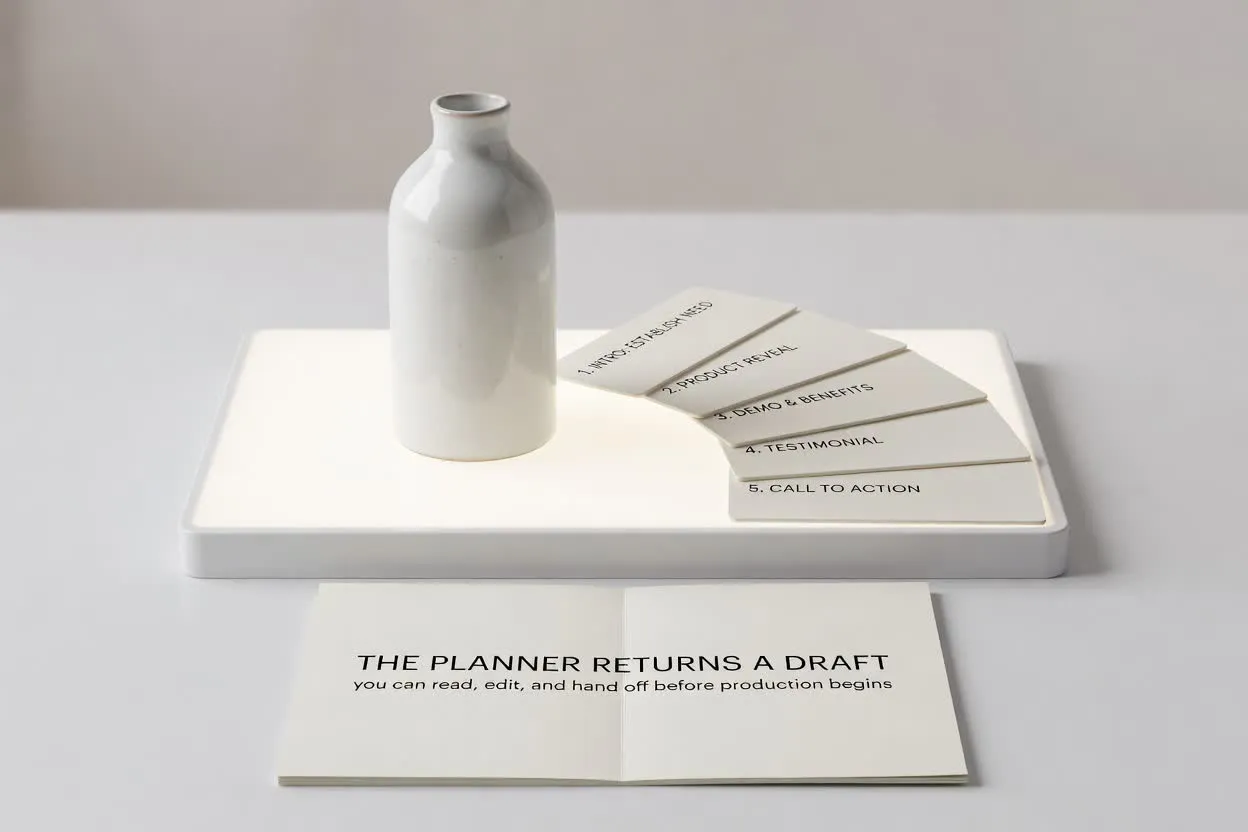
Brug kontrollerne til at forme manuskriptet efter den opgave, videoen skal løse.
Vælg det format, der passer til placeringen, f.eks. et kort lanceringsklip, en gennemgang eller en e-handelsdemo.
Vælg en varighed, så planen passer til antallet af scener og den opmærksomhedsspændvidde, du sigter efter.
Juster tone og målgruppe, så voiceoveren stemmer overens med køberens forventninger og produktkendskab.
Brug planlæggeren, når du har brug for et manuskript, der omdanner produktoplysninger til en videoklar struktur.
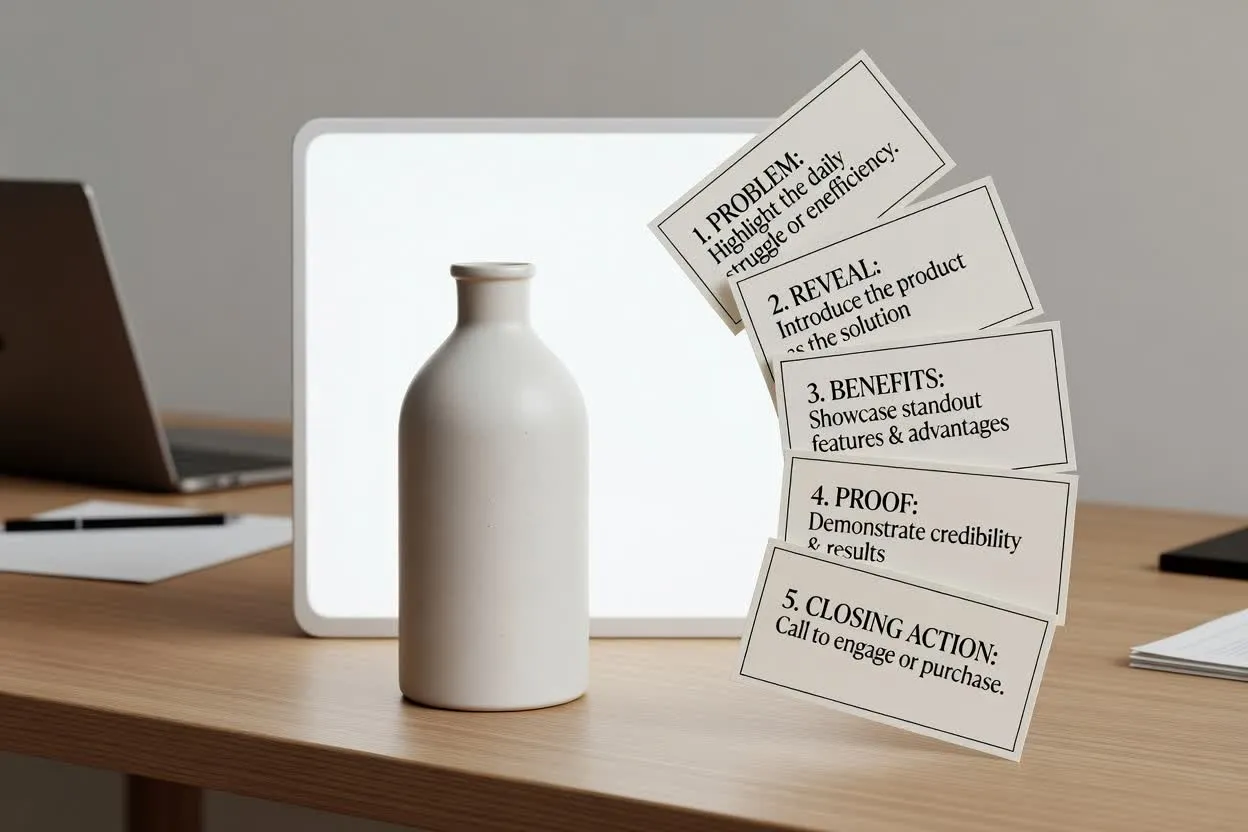
Lav en disposition til en lanceringsvideo, fra problem og afsløring til fremtrædende fordele og afsluttende handling.
Planlæg med Product Video Script Generator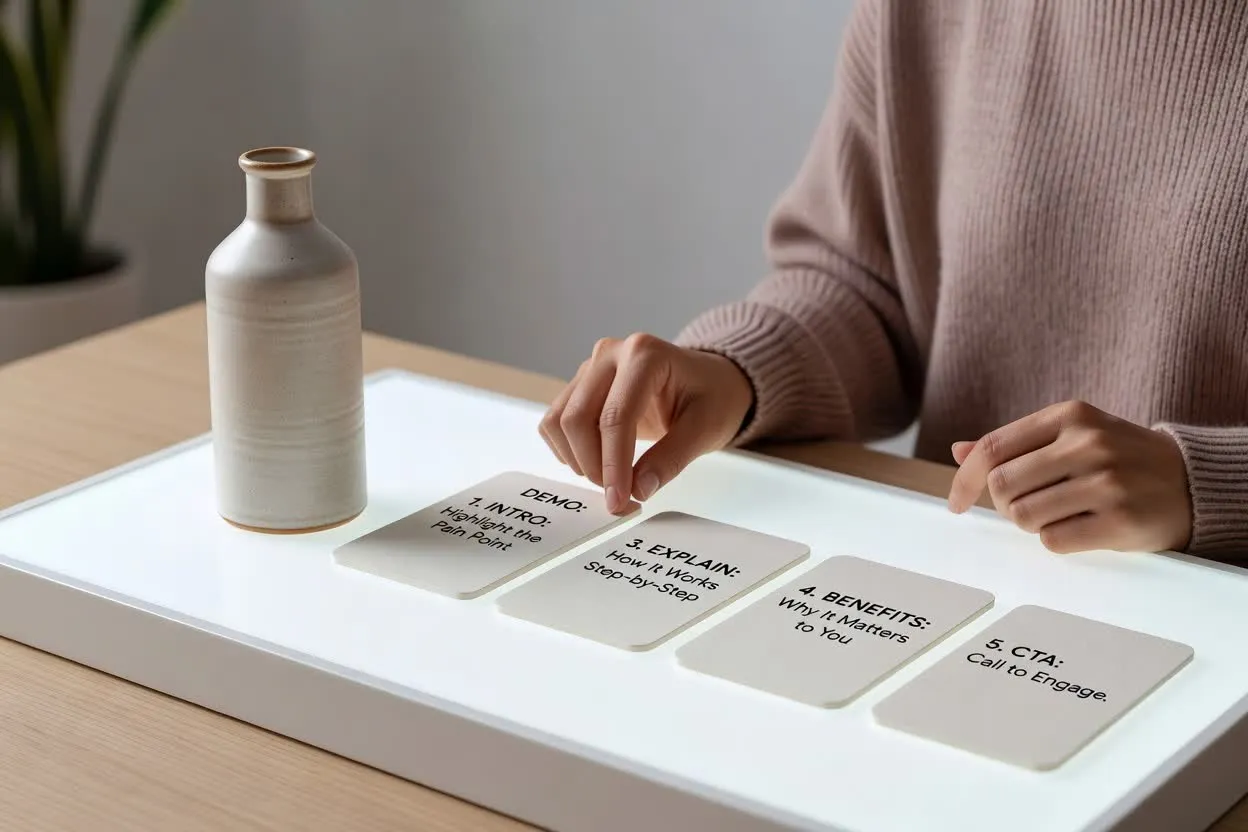
Opbyg en videoplan for funktioner og fordele, der forklarer, hvordan en funktion virker, og hvorfor den er vigtig for seeren.
Åbn manuskriptplanlæggeren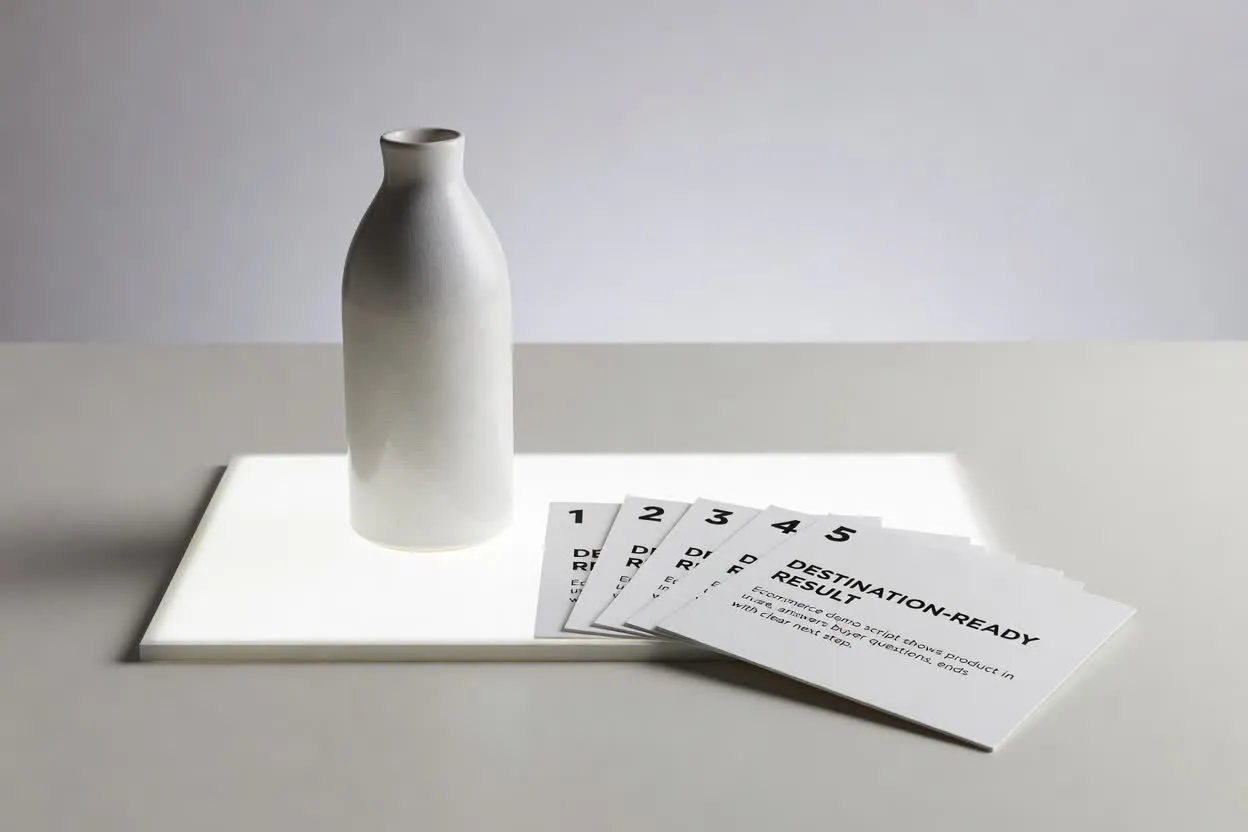
Opret et e-handelsdemonstrationsmanuskript, der viser produktet i brug, besvarer køberspørgsmål og slutter med et tydeligt næste skridt.
Åbn manuskriptplanlæggerenFør optagelse skal du gennemgå udkastet for klarhed, tempo og om hook, scener og afsluttende opfordring alle tjener det samme mål for køberen.
Bekræft, at hooket hurtigt nok taler til køberens problem eller ønskede resultat i den valgte varighed.
Gennemgå antallet af scener, så produkthistorien føles komplet uden at blive overfyldt.
Sørg for, at afslutningen kun beder om én handling, f.eks. at besøge en side, tilmelde sig eller købe.
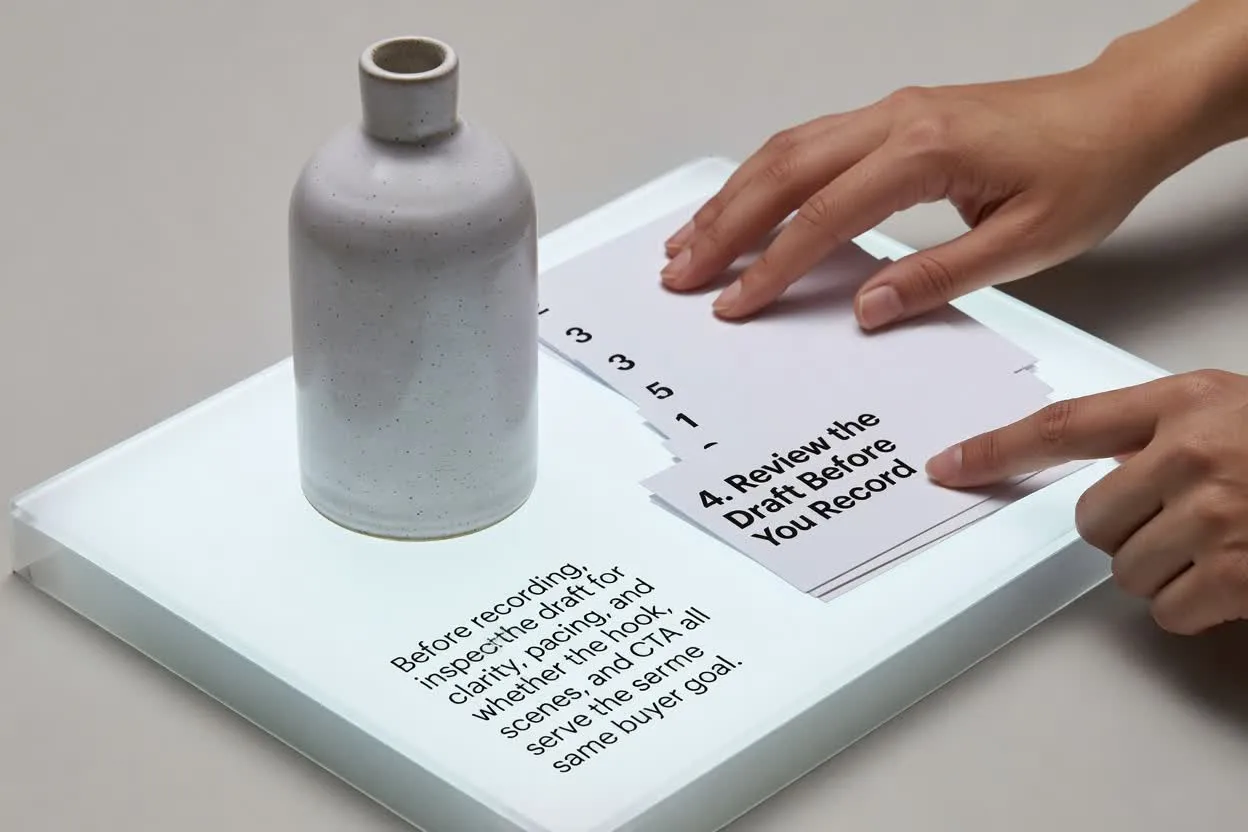
Brug planen som hjælp til skrivning og gennemgang, ikke som en færdig video eller en erstatning for validering af produktet.
Outputtet er et skriftligt udkast til planlægning. Det optager ikke materiale, renderer ikke scener, tilføjer ikke musik og eksporterer ikke en færdig video.
Gennemgå alle påstande om funktioner, fordele, sammenligninger og ydeevne i forhold til dine produktfakta, før du bruger manuskriptet.
Ofte stillede spørgsmål om brug af planlægningsværktøjet til produktvideomanuskripter.
Medbring dine produktoplysninger og din køberbrief, angiv videokontrollerne, og gennemgå udkastet før produktionen.