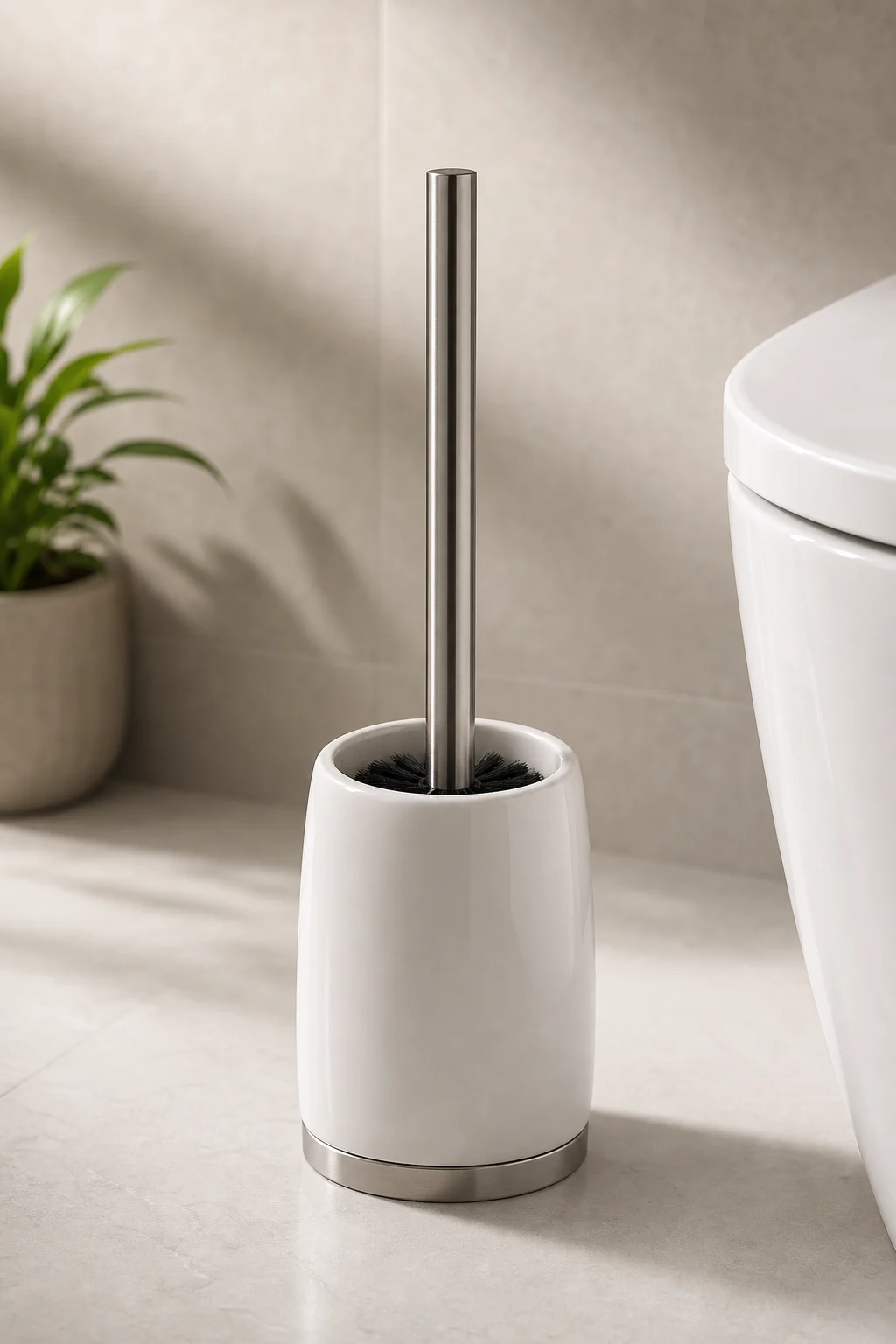
AI Toilet Brush Generator for clean product visuals

AI Toilet Brush Generator for clean product visuals

Create polished Toilet Brush product visuals for ecommerce listings, bathroom concepts, ads, and design mockups. Start with a clear image or short prompt, then refine the look before you download.

AI Toilet Brush Generator result preview
0 / 2000
Template prompt

AI Toilet Brush Generator for clean product visuals

Apply the AI Toilet Brush Product Visual effect to the uploaded product, concept, or reference image. Preserve the core product shape, material cues, color, proportions, and any visible logo or design details. Rebuild it as a clean ecommerce-ready toilet brush product visual with realistic handle, bristle texture, holder, bathroom or studio setting, bright hygienic lighting, sharp reflections, and polished marketplace composition. If the upload is a portrait, create a humorous character-inspired brush head while keeping the face recognizable, but do not force facial details onto non-portrait products.

AI Toilet Brush Generator result preview

What is the AI Toilet Brush Generator?

The AI Toilet Brush Generator helps turn a product, concept, portrait, or reference image into a clean toilet brush visual with a realistic handle, bristle texture, holder, studio lighting, and a bathroom-ready presentation. It is designed for focused product-style outputs rather than a generic photo effect.

From source image to toilet brush concept

This template reshapes the uploaded subject into a bathroom product visual while keeping the most important source cues readable.

What changes

  • Create clean toilet brush product visuals for ecommerce listings, bathroom concepts, ads, or design mockups from a short prompt.
  • Build a focused Toilet Brush look instead of applying a broad, generic photo effect.
  • Preview the result before downloading, then rerun with a clearer photo or tighter prompt when needed.
  • Create polished visuals for posts, mockups, references, or client drafts.

What stays recognizable

  • Preserve the core product shape, material cues, color, proportions, and any visible logo or design details.
  • If the upload is a portrait, create a humorous character-inspired brush head while keeping the face recognizable, but do not force facial details onto non-portrait products.
  • Keep the main subject recognizable from the source image.
  • Maintain defining colors, pose, silhouette, and important subject details coherently.

AI Toilet Brush Generator workflow

Create a focused Toilet Brush visual by starting with a clear source, describing the intended product treatment, then checking the preview for coherence.

1

Upload a clear source

Choose a sharp product, object, portrait, or concept image where the main subject and defining details are visible enough to guide the result.

2

Write a focused prompt

Describe the desired toilet brush product visual, including bristles, handle, holder, bathroom or studio setting, lighting, materials, and any details that must stay recognizable.

3

Check the preview

Review the generated preview for subject identity, silhouette, product structure, lighting, and small artifacts before deciding whether to refine.

4

Refine and rerun

If the image needs improvement, use a clearer source, remove confusing overlaps, or make the prompt more specific about color, material, composition, and product details.

Toilet Brush visual styles to try

Explore different Toilet Brush product directions, from clean ecommerce layouts to brighter bathroom concepts and playful character-inspired outputs.

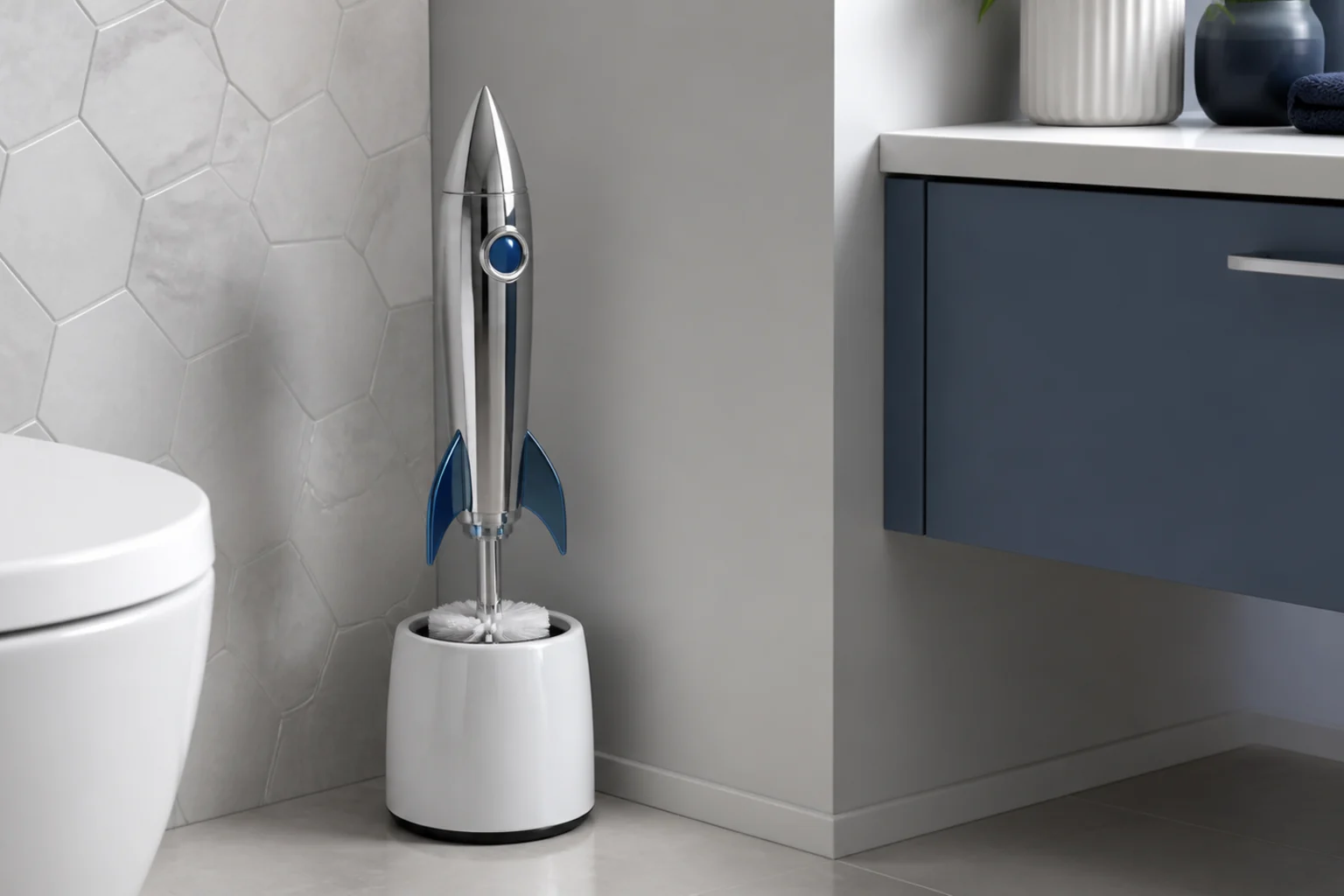
AI toilet brush product image generated for ecommerce 1

Clean ecommerce product view

A polished toilet brush product image with clear bristle texture, a structured holder, and crisp lighting for a clean listing-style composition.

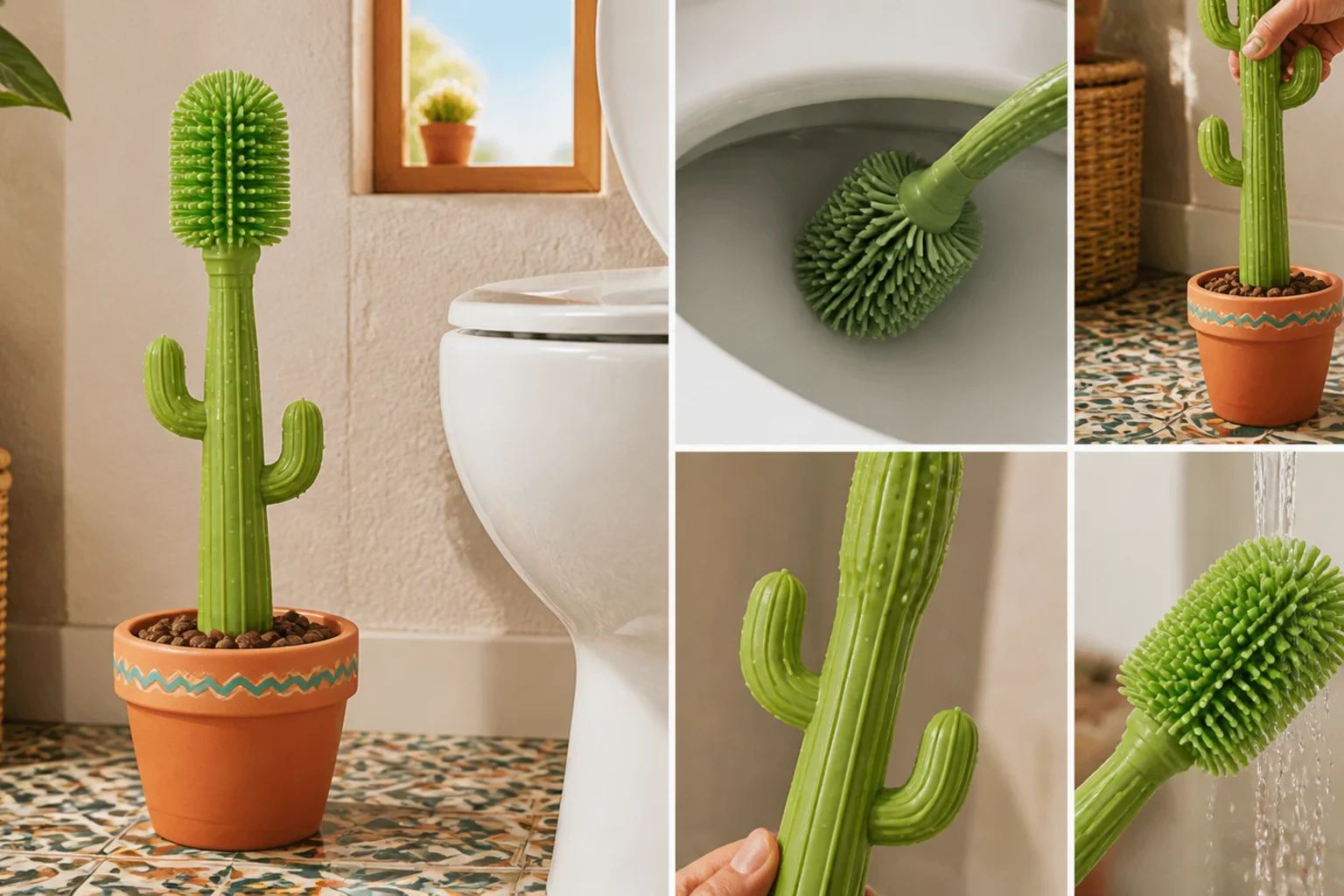
AI toilet brush product image generated for ecommerce 2

Bathroom concept mockup

A bathroom-ready toilet brush concept with realistic materials, hygienic lighting, and a balanced composition for mockups or product ideation.

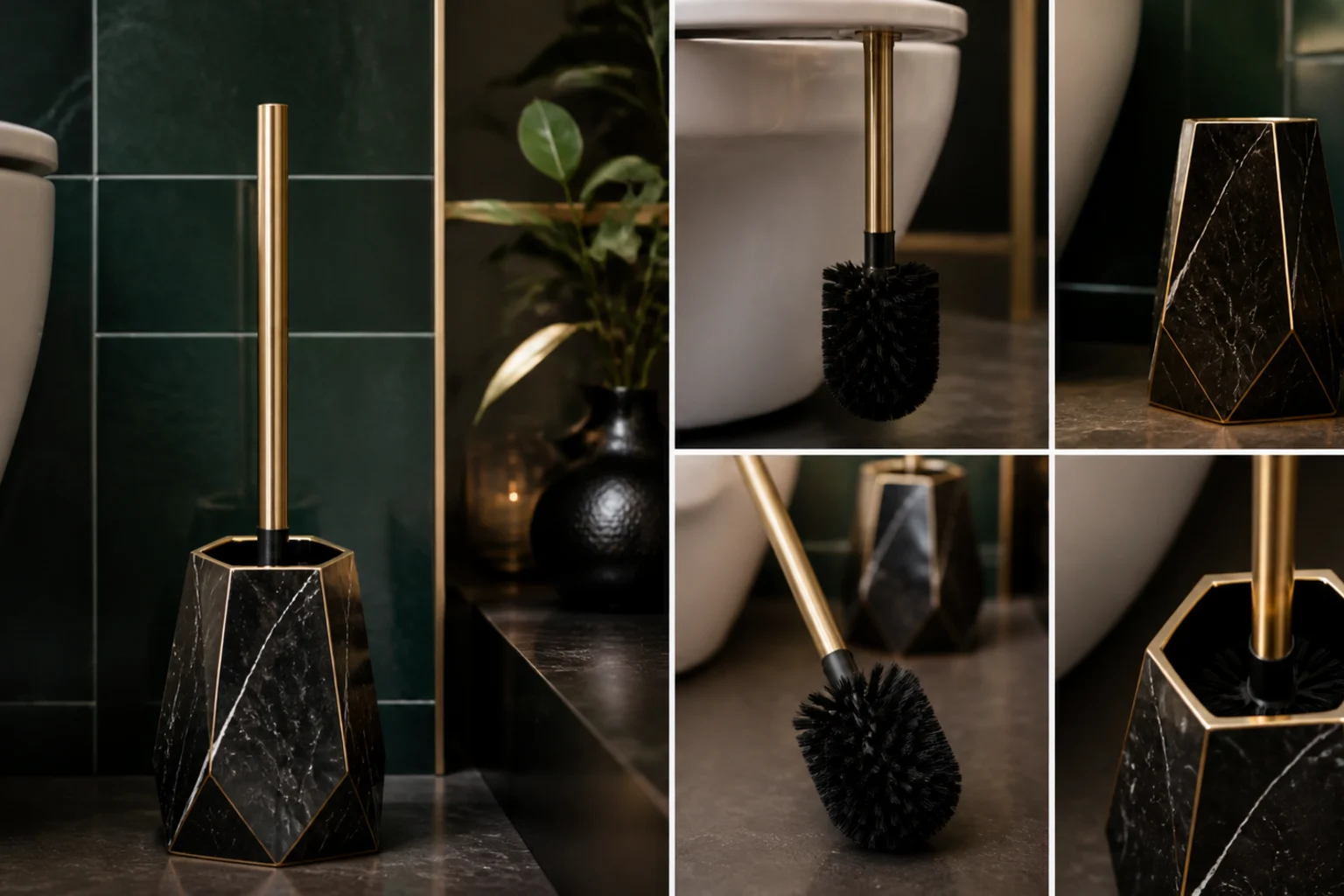
AI toilet brush product image generated for ecommerce 3

Studio product presentation

A brighter studio-style Toilet Brush visual that emphasizes shape, color, holder design, and reflective product details.

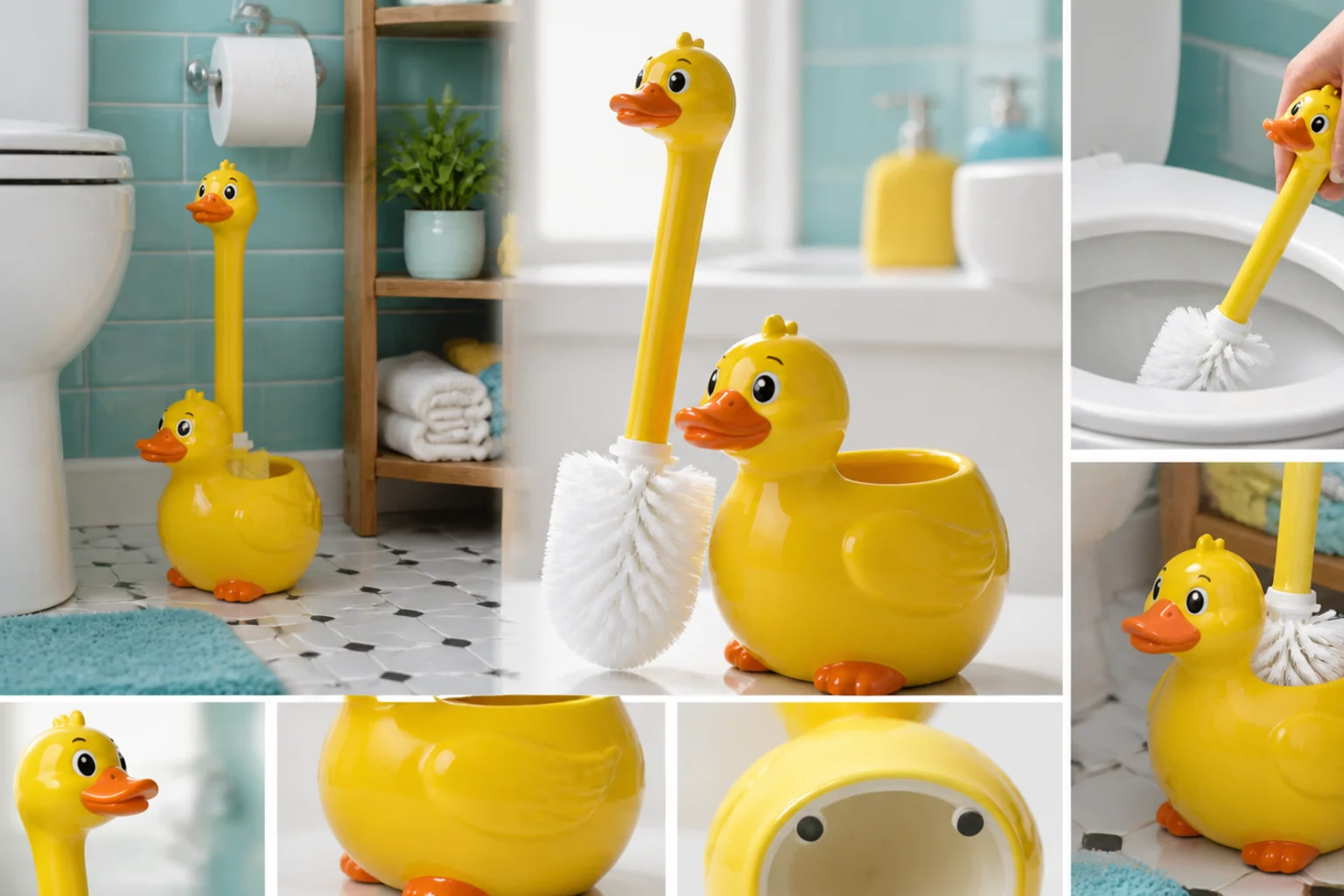
AI toilet brush product image generated for ecommerce 4

Source-inspired product draft

A refined product draft that keeps the source cues coherent while rebuilding the subject as a clean Toilet Brush visual.

Ways to use this template

Use the AI Toilet Brush Generator when you need a fast visual direction for a practical product image, a playful concept, or a presentation-ready design draft.

Ecommerce product previews

Create a clean product-style image with a realistic handle, bristles, holder, and bright bathroom or studio lighting for a listing draft or marketplace composition.

Bathroom concept visuals

Explore how a Toilet Brush could look in a modern bathroom setting, minimalist studio scene, or polished design mockup before refining the idea further.

Playful character concepts

Turn a portrait into a humorous character-inspired brush head while keeping the face recognizable, without applying facial features to non-portrait products.

Creative project references

Compare the visual direction before sharing, presenting, or revising the result for a personal, creative, or client-facing draft.

How to get a cleaner result

A strong result starts with a source image that clearly shows the subject and a prompt that describes the intended toilet brush style, setting, and level of polish.

Source image checklist

  • Use a sharp source image with the main subject clearly visible.
  • Avoid heavy blur, blocked details, extreme crops, or confusing overlaps.
  • Choose a source whose pose and framing support the intended AI Toilet Brush Generator result.

Prompt tips

Mention the intended use, such as ecommerce listing, bathroom concept, ad mockup, or humorous portrait brush character. Add important details like white studio background, chrome holder, matte handle, bright hygienic lighting, realistic bristles, clean reflections, or preserved logo placement.

Review before you use the image

Generated details can vary between runs, so review the preview carefully and rerun with a clearer source or tighter prompt when needed.

Recognizability

Compare the result with the upload to confirm the product shape, portrait identity, silhouette, pose, and defining colors still feel connected to the source.

Toilet Brush visual treatment

Look for coherent bristle texture, handle structure, holder design, reflections, and bathroom or studio lighting across the whole image.

Detail quality

Inspect faces, hands, text, logos, product edges, small objects, and background transitions for distortions or artifacts before using the image.

AI Toilet Brush Generator FAQ

Answers to common questions about creating Toilet Brush visuals from images and prompts.

What is AI Toilet Brush Generator?
It is a template for creating toilet brush product visuals, bathroom concept images, humorous portrait-inspired brush characters, ads, mockups, and visual references from a source image or short prompt.
Is AI Toilet Brush Generator free?
Access and usage options can vary. Check the current ClipCanva interface for the available plan, export, and account details before starting your project.
How do I use AI Toilet Brush Generator?
Upload a clear source image, add a prompt that describes the product style or bathroom setting you want, preview the result, and adjust the source or prompt if the visual direction needs refinement.
What image formats does AI Toilet Brush Generator support?
Use common image formats supported by the upload tool, such as standard photos or product references. For best results, choose a sharp image where the main subject is easy to identify.
Can I use AI Toilet Brush Generator results commercially?
Usage rights can depend on the source image, brand elements, people, logos, and the terms that apply to your account or project. Review those details before using a result in public or paid work.
What AI Toilet Brush Generator changes can I expect?
It can rebuild the subject as a cleaner toilet brush product visual with realistic bristles, handle details, holder shapes, hygienic lighting, reflections, and a marketplace-style composition.
Which source image works best?
A sharp, well-lit image with the main product, object, or face clearly visible works best. Avoid heavy blur, blocked details, extreme crops, and busy overlaps that make the subject hard to read.
How do I keep the subject recognizable?
Keep the source clear and mention the details that matter, such as color, material, logo placement, pose, proportions, or facial recognizability. Review the preview for identity, silhouette, and small-detail accuracy.

Create your toilet brush product visual

Upload a clear source image or begin with a concise prompt, then create a polished Toilet Brush visual for your listing, concept board, ad draft, or design mockup.