AI Technical Car Infographic Poster Generator

AI Technical Car Infographic Poster Generator

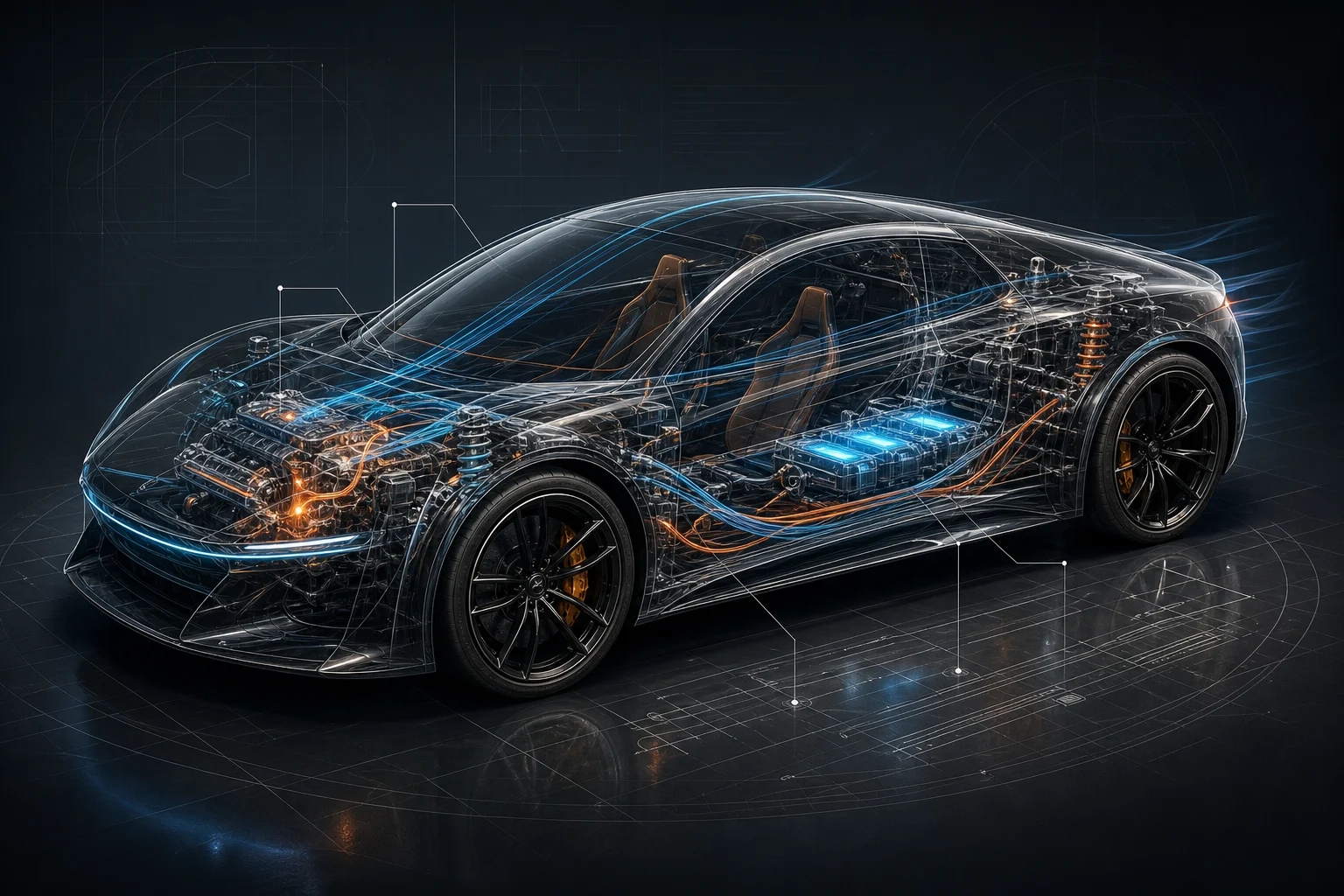
Create a premium Technical Car Infographic Poster from a vehicle image, with cutaway styling, component callouts, spec blocks, and a clean editorial layout.

AI technical car infographic poster example
0 / 2000
Template prompt

AI Technical Car Infographic Poster Generator

Apply the AI Technical Car Infographic Poster effect to the uploaded car photo, vehicle sketch, or automotive reference. Preserve the car model shape, proportions, angle, color, wheels, lighting direction, and distinctive design features. Create a premium technical cutaway poster with exploded-view or x-ray-style component callouts, clean spec blocks, diagram lines, editorial grid layout, high-end automotive lighting, and readable placeholder label areas. Do not change the car into a different model.

AI technical car infographic poster example

What is a technical car infographic poster?

The AI Technical Car Infographic Poster Generator turns a clear vehicle reference into a polished automotive diagram poster. It is designed for full-body car views, transparent or cutaway sections, labeled systems, and presentation-ready infographic structure.

From car reference to technical infographic poster

This template changes a vehicle reference into a polished automotive presentation while keeping the original car recognizable.

What the template adds

  • Generate a premium car cutaway poster with technical labels, component callouts, specs, and a clean editorial infographic layout.
  • Generate a central full-body car view with transparent or cutaway sections.
  • Add clean labels for engine, drivetrain, battery, suspension, cabin, and aerodynamic systems.
  • Use editorial typography, structured grids, and polished automotive presentation style.

What should stay consistent

  • Preserve the car model shape, proportions, angle, color, wheels, lighting direction, and distinctive design features.
  • The main subject remains recognizable from the source image.
  • Defining colors, pose, silhouette, and important subject details stay coherent.

How to create a technical car infographic poster

Follow a simple process to create a clear visual draft, then review the details and refine the direction if needed.

1

Choose a clear vehicle reference

Upload or choose a sharp car photo, sketch, or automotive reference with the vehicle clearly visible and not heavily cropped.

2

Describe the poster style

Ask for a premium technical cutaway poster with component callouts, readable label areas, spec blocks, and an editorial infographic layout.

3

Review the generated poster

Check that the car still matches the source and that the engine, drivetrain, battery, suspension, cabin, and aero labels feel coherent.

4

Refine the direction

Create another version with more specific direction if you want a different layout, component focus, color palette, or diagram density.

Technical car infographic poster variations

Explore different automotive poster directions while keeping the same Technical, Car, Infographic, and Poster foundation.

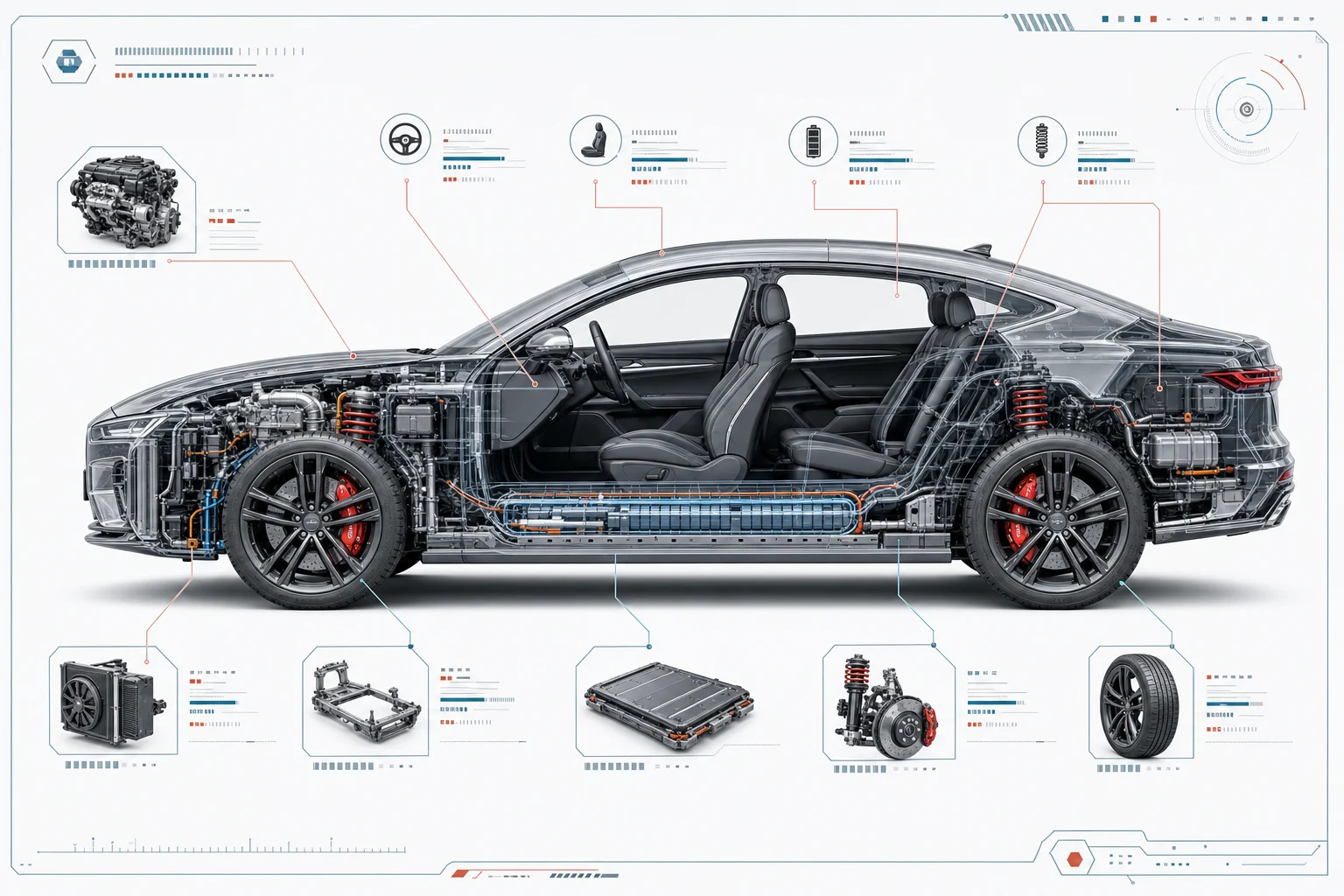
car cutaway infographic poster example

Cutaway technical poster

A clean x-ray style layout with a full-body car view, component labels, and precise diagram lines for a technical presentation look.

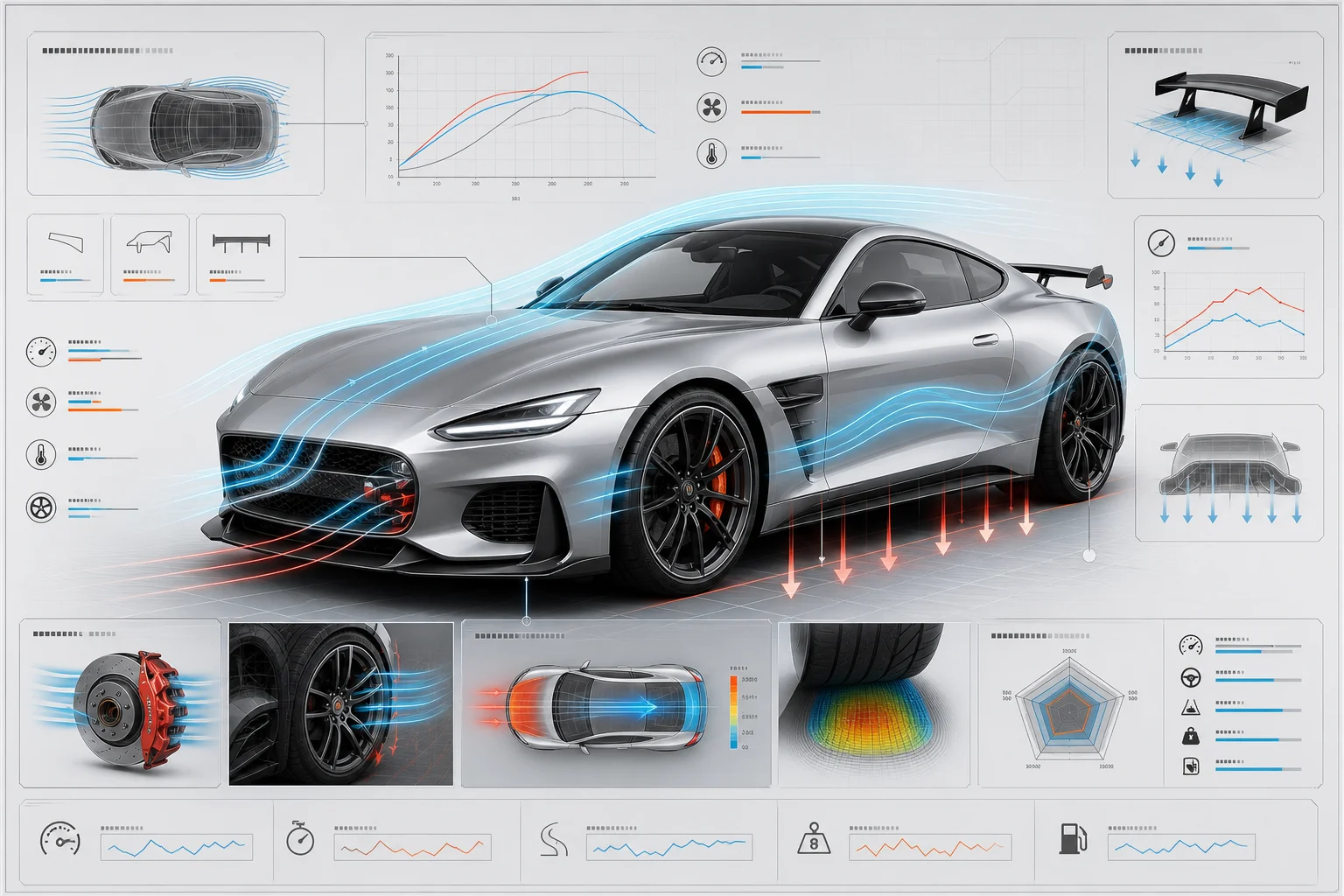
car performance diagram poster example

Performance diagram poster

A performance-focused layout with aerodynamic callouts, drivetrain emphasis, spec panels, and a sharp editorial grid.

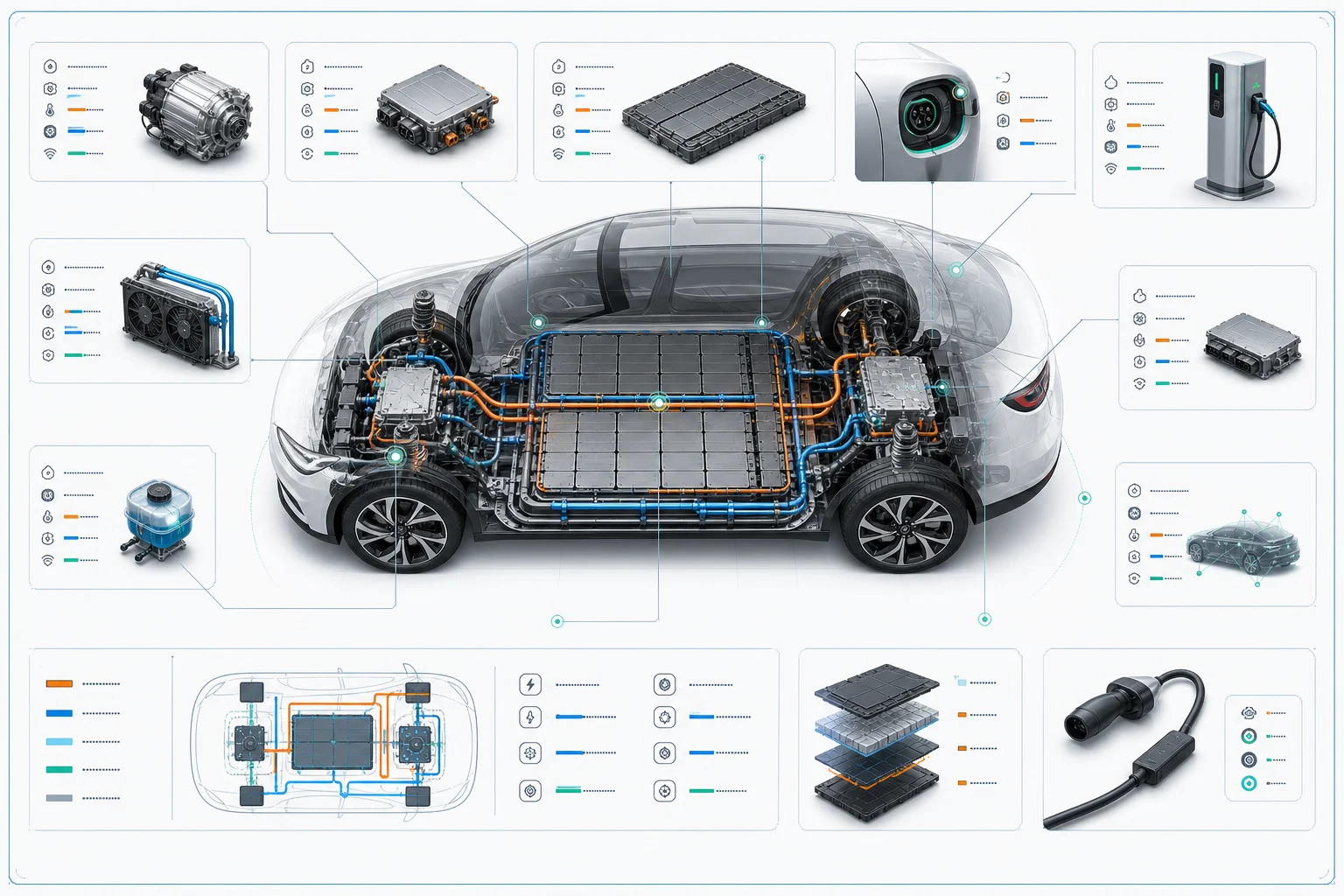
electric car technical infographic poster example

Electric car infographic

An electric vehicle version that highlights battery placement, motor systems, charging elements, cabin technology, and airflow.

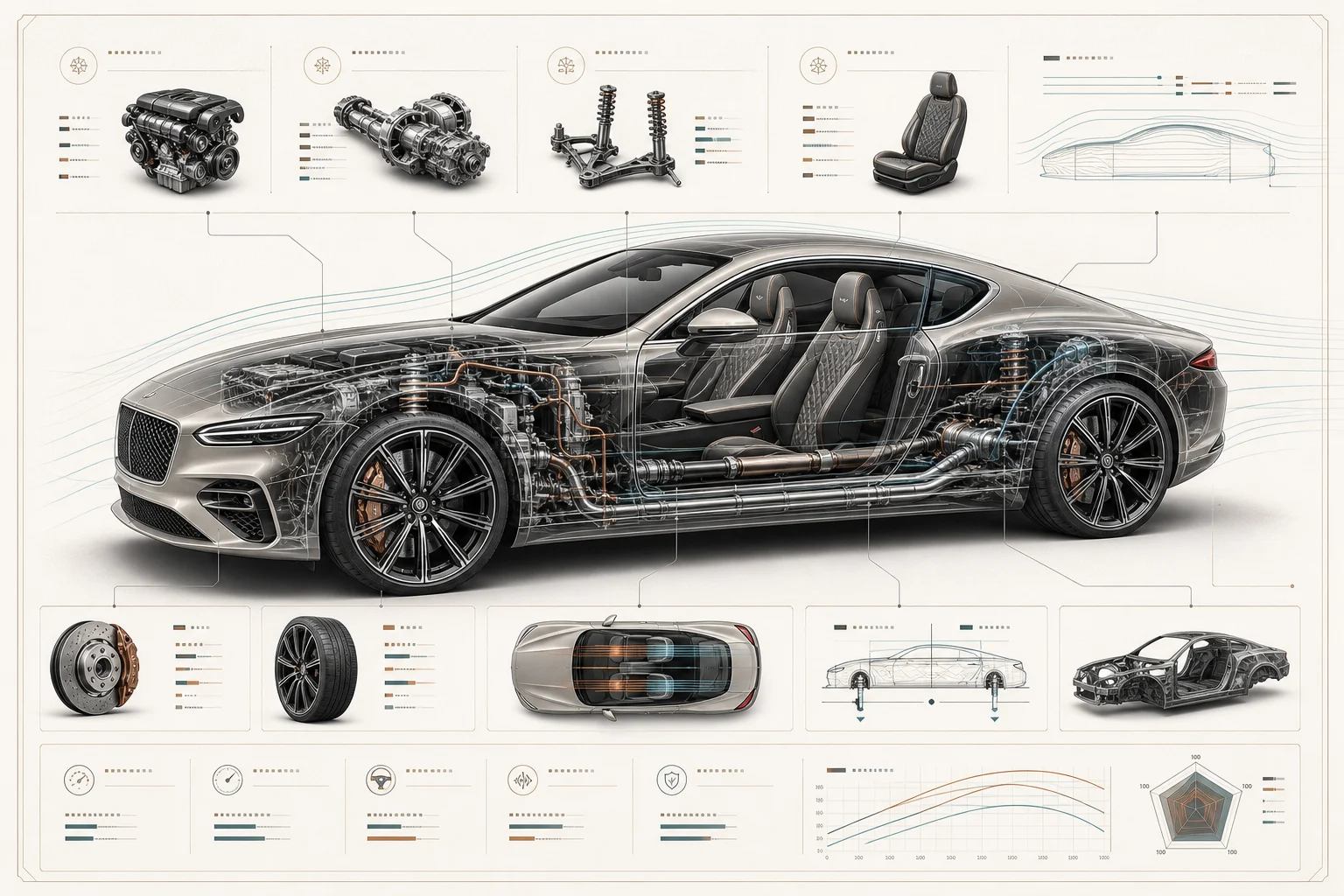
luxury car infographic poster example

Luxury car poster style

A luxury automotive presentation with refined lighting, polished typography, premium spec blocks, and elegant callout spacing.

Ways to use this car infographic poster template

Use this template when you want a refined automotive visual that looks like a premium editorial diagram, concept presentation, or design study.

Create a first version fast

Create an early Technical Car Infographic Poster direction from a clear vehicle image before spending time on manual layout work.

Adapt the style to your project

Adjust the tone toward performance, luxury, electric, concept, or engineering-focused presentation to match your project.

Create another version

Generate another direction with different callout emphasis, background treatment, diagram density, or cutaway detail.

Preview a creative project

Build a focused AI technical car infographic poster preview for a personal design study, moodboard, or creative automotive concept.

Compare before refining

Compare several visual directions before refining, sharing, or presenting the result to collaborators.

How to get a stronger result

Start with a sharp car reference and guide the output toward a premium automotive diagram. The clearer the vehicle shape, lighting, and angle, the easier it is to keep the subject recognizable while adding technical presentation details.

Source image checks

  • Use a sharp source image with the main subject clearly visible.
  • Avoid heavy blur, blocked details, extreme crops, or confusing overlaps.
  • Choose a source whose pose and framing support the intended AI Technical Car Infographic Poster Generator result.

Prompt guidance

Describe the poster direction clearly: ask for a central full-body car view, transparent or cutaway sections, component callouts, clean spec blocks, editorial grid layout, and labeled areas for engine, drivetrain, battery, suspension, cabin, and aerodynamics. Mention that the vehicle should not become a different model.

Review before you use the poster

Generated details can vary, so review the poster before using it in a project. A clearer source image or a more specific prompt can help refine the next version.

Check the vehicle identity

Make sure the car model shape, proportions, angle, wheels, color, and distinctive design features still match the source.

Review the infographic treatment

Look over the cutaway areas, label lines, spec blocks, and diagram sections for a coherent Technical Infographic Poster style.

Inspect fine details

Inspect edges, small components, placeholder text, wheel details, lighting transitions, and background graphics for visual artifacts.

AI Technical Car Infographic Poster Generator FAQ

Common questions about creating a Technical Car Infographic Poster from a car photo, sketch, or automotive reference.

What is an AI technical car infographic poster generator?
It is a template for creating a premium Car Poster with technical styling, cutaway sections, diagram lines, component labels, and structured infographic blocks based on your vehicle reference.
Can I use it for electric vehicles?
Yes. It can be adapted for electric vehicles by emphasizing battery layout, motors, charging systems, thermal management, cabin technology, and aerodynamic features in the Infographic design.
Can it create a poster for a concept car?
Yes. A concept car reference can be turned into a Technical Poster as long as the vehicle shape, angle, proportions, wheels, and distinctive design details are visible enough to guide the result.
Does this template use GPT Image 2?
This template is built for image generation workflows that can reinterpret a source vehicle into a refined technical infographic style. Review the output carefully, especially labels and small diagram details.
Is it free to try?
Availability can vary by product settings. Open the template page to see the current creation options for this Technical Car Infographic Poster Generator online.
What details should I include for AI Technical Car Infographic Poster Generator?
Include the vehicle type, desired angle, systems to highlight, label style, background color, and whether you want x-ray, cutaway, exploded-view, or editorial magazine presentation.
What makes AI Technical Car Infographic Poster Generator useful?
It helps you explore a high-end automotive presentation quickly, compare directions, and create a focused visual draft before refining the final Poster for a personal or creative project.
What AI Technical Car Infographic Poster Generator changes can it make?
It can add transparent or cutaway sections, engine and drivetrain labels, battery callouts, suspension notes, cabin details, aerodynamic markers, spec blocks, grid structure, and polished automotive typography.

Create your technical car poster

Use a clear vehicle reference to create a premium Technical Car Infographic Poster with cutaway details, labeled systems, and a clean editorial presentation.