AI Pokemon Generator for collectible character portraits

AI Pokemon Generator for collectible character portraits

Turn a person, pet, or character photo into a bright monster-trainer inspired portrait with original creature details, clean outlines, and collectible game-art energy.

AI Pokemon Generator example
0 / 2000
Template prompt

AI Pokemon Generator for collectible character portraits

Apply the AI Pokemon-style effect to the uploaded person, pet, or character photo. Preserve the subject identity or creature traits, silhouette, key colors, expression, and distinctive details. Rebuild it as a friendly creature or trainer-inspired game character with simplified elemental features, clean outline, bright game-art colors, collectible-card energy, and polished fantasy-creature composition. Keep the result inspired by the upload, not a random creature.

AI Pokemon Generator example

What is the AI Pokemon Generator?

The AI Pokemon Generator helps transform a clear source photo into an original monster or trainer-inspired image. It keeps the subject recognizable while adding bright game-like color, simplified elemental features, polished fantasy-creature styling, and a collectible portrait feel.

How the transformation works

This template changes the image into a playful fantasy character portrait while keeping the result anchored to the uploaded subject rather than inventing a random creature.

What changes

  • Creates a bright monster-trainer inspired image from your photo with original character details, game-like color, and a collectible portrait feel.
  • Adds bright game-like color, creature or trainer styling, collectible pose, and original character features.
  • Rebuilds the subject as a friendly creature or trainer-inspired game character with simplified elemental features, clean outline, bright game-art colors, and polished fantasy-creature composition.
  • Applies a Pokemon-style effect to the uploaded person, pet, or character photo.

What stays recognizable

  • Preserves the subject identity or creature traits, silhouette, key colors, expression, and distinctive details.
  • Keeps the result inspired by the upload, not a random creature.
  • The main subject remains recognizable from the source image.
  • Defining colors, pose, silhouette, and important subject details stay coherent.

How to create your image

Start with a clear image, guide the style, then review the result for subject accuracy and clean visual details.

1

Upload a clear source image

Choose a sharp photo where the person, pet, or character is clearly visible, with defining colors, pose, expression, and silhouette easy to read.

2

Add style direction

Describe the friendly creature or trainer-inspired direction you want, including any elemental cues, key colors, mood, or collectible portrait feel.

3

Review and refine

Check the finished image for recognizable identity, coherent Pokemon-inspired styling, clean edges, and any artifacts that may need another attempt or a clearer source.

AI Pokemon Generator style examples

Explore different examples of bright creature and trainer-inspired styling, from collectible portrait energy to polished fantasy-character presentation.

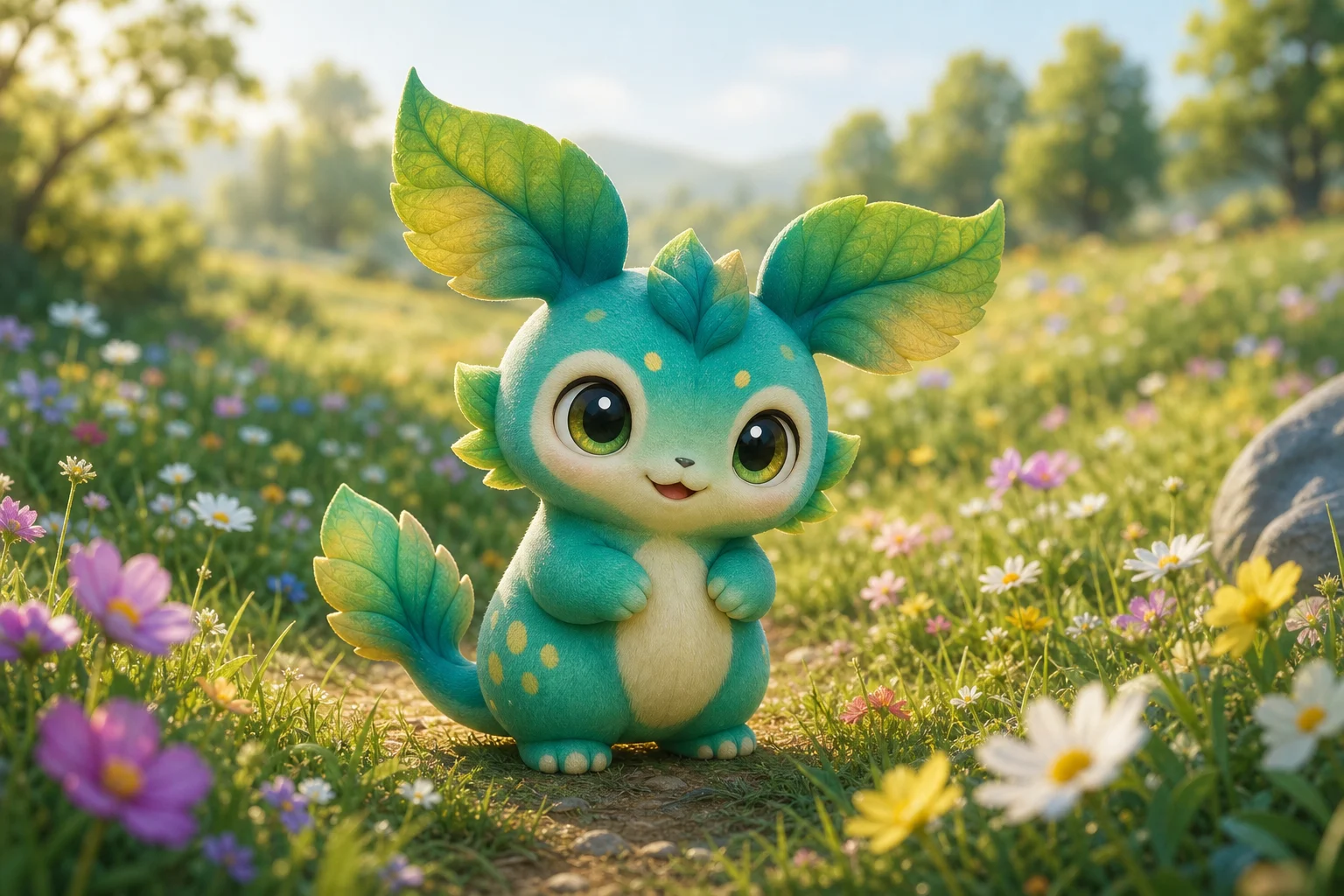
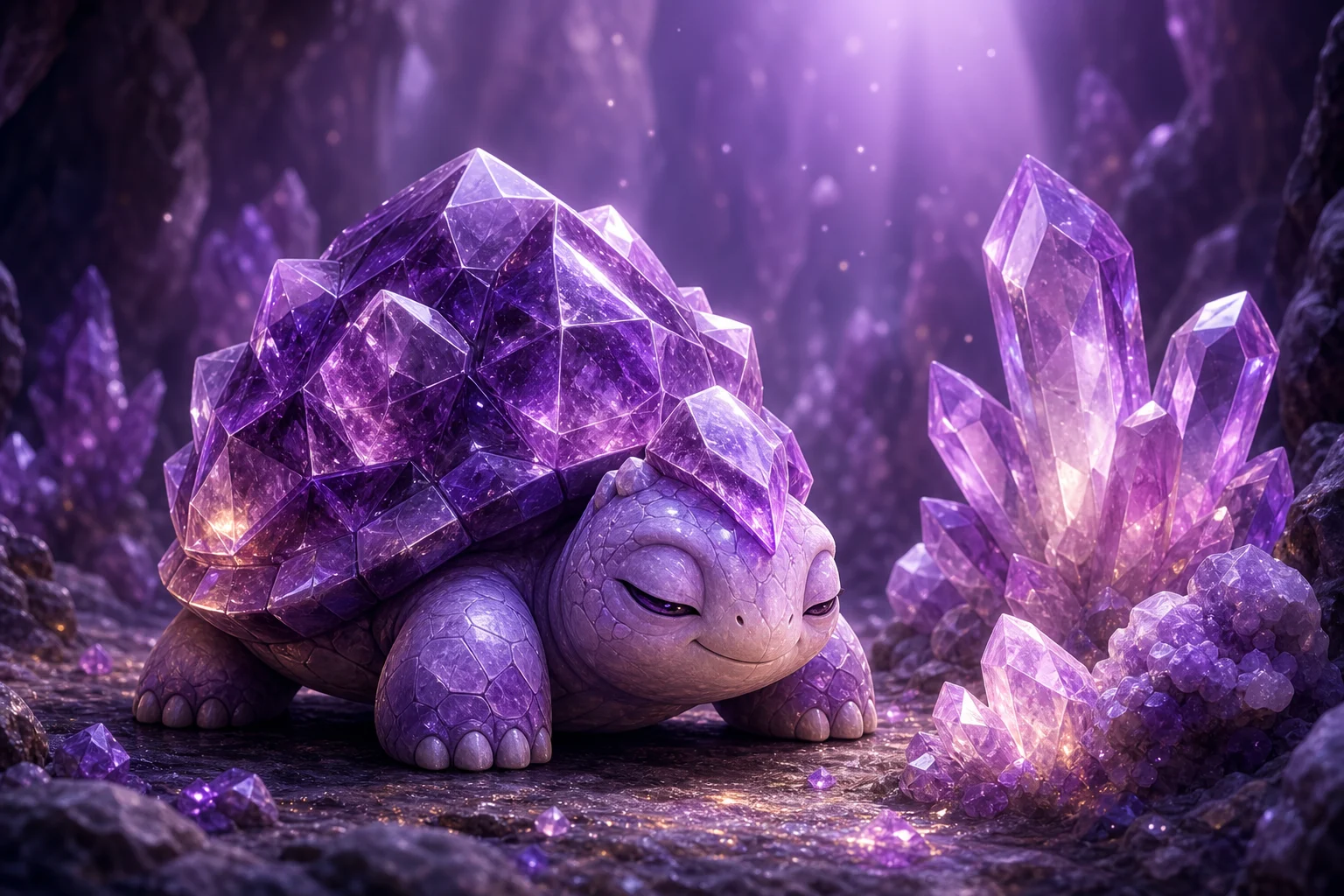
AI Pokemon Generator example 1

Bright collectible portrait

A colorful example showing how a source subject can become a polished game-inspired character with clean outlines and bold visual focus.

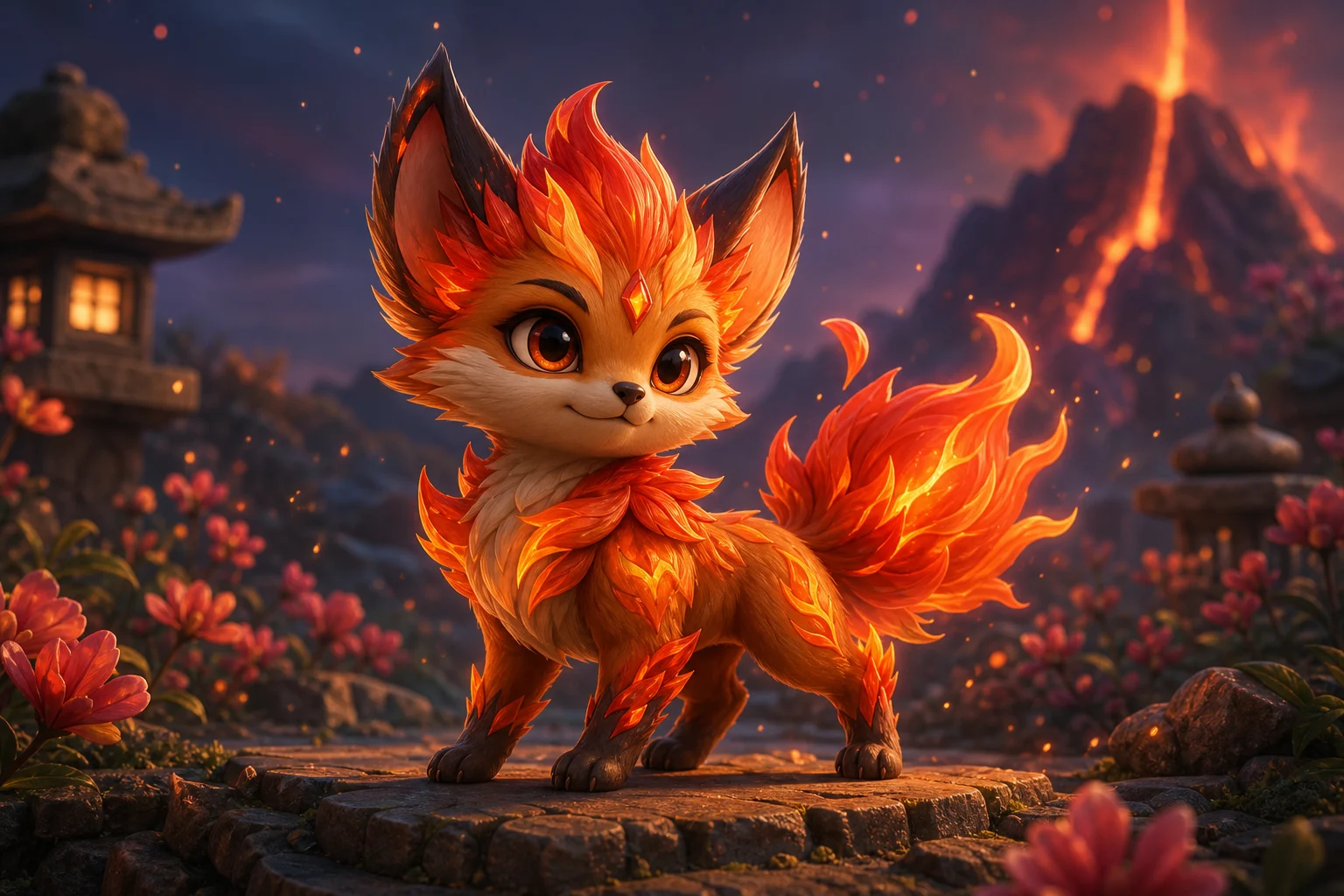
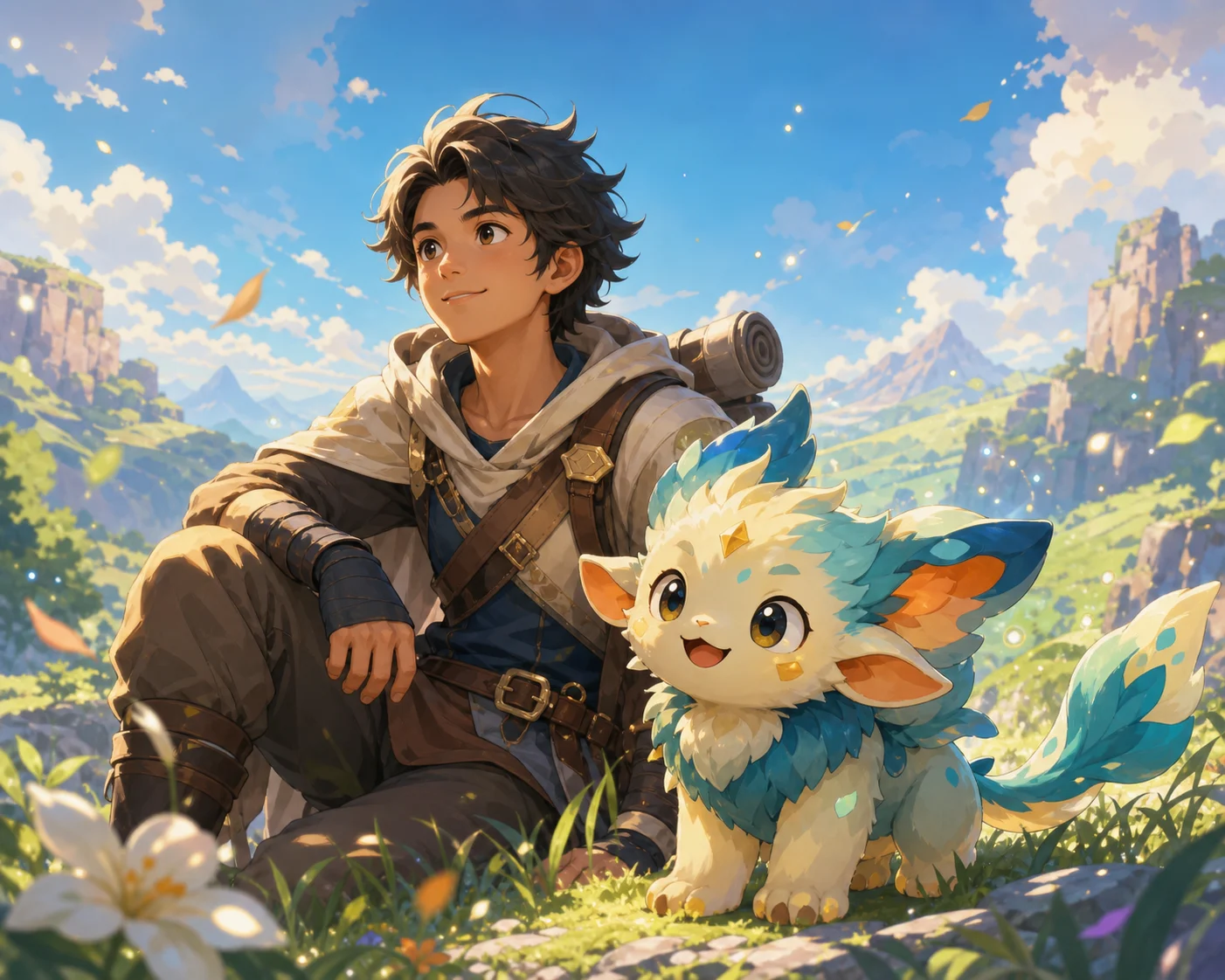
AI Pokemon Generator example 2

Friendly creature design

A fantasy-creature direction with friendly styling, vivid colors, and a clear subject silhouette connected to the original photo.

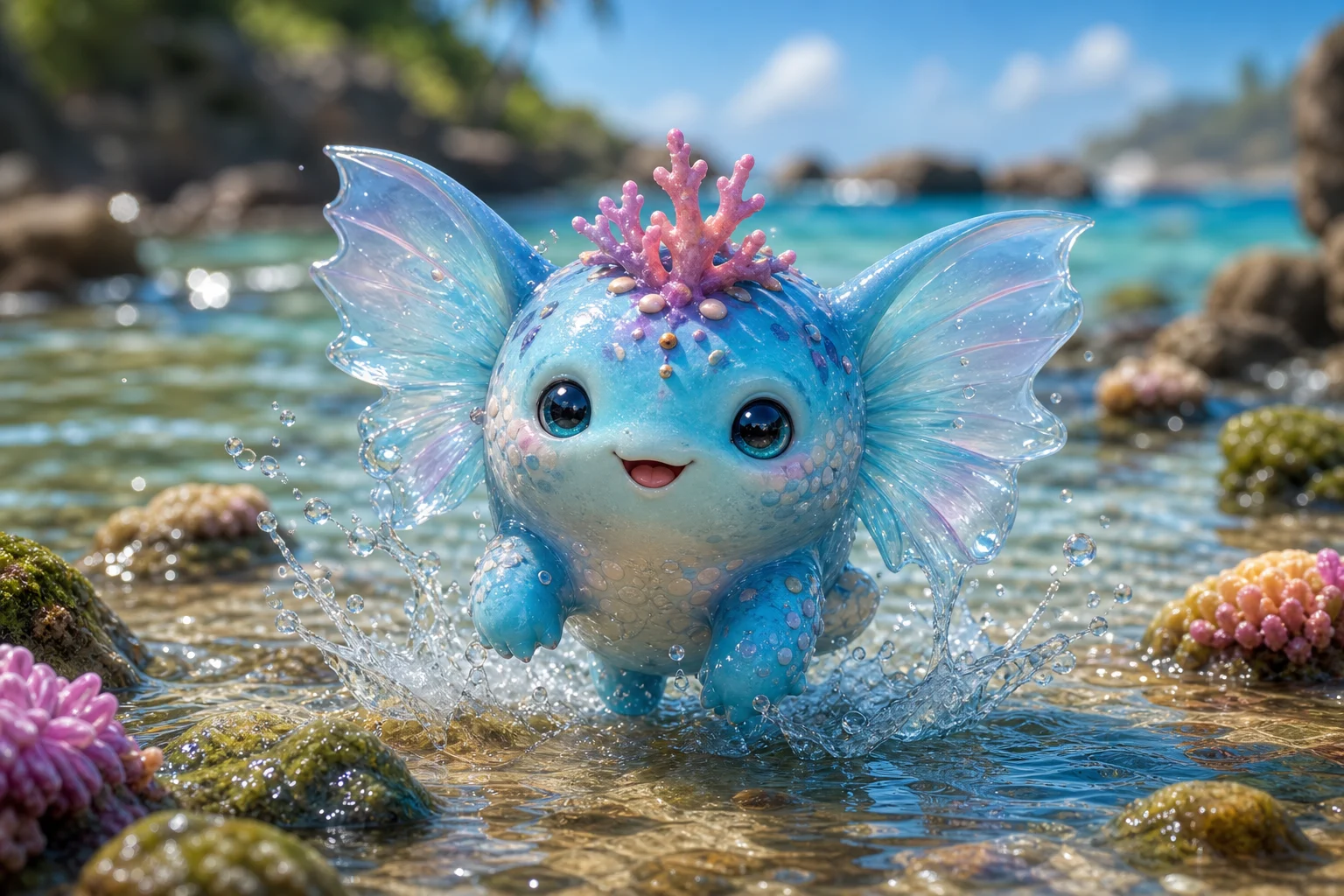
AI Pokemon Generator example 3

Trainer-style character

A trainer-inspired look that emphasizes expressive character details, polished game-art color, and a confident portrait composition.

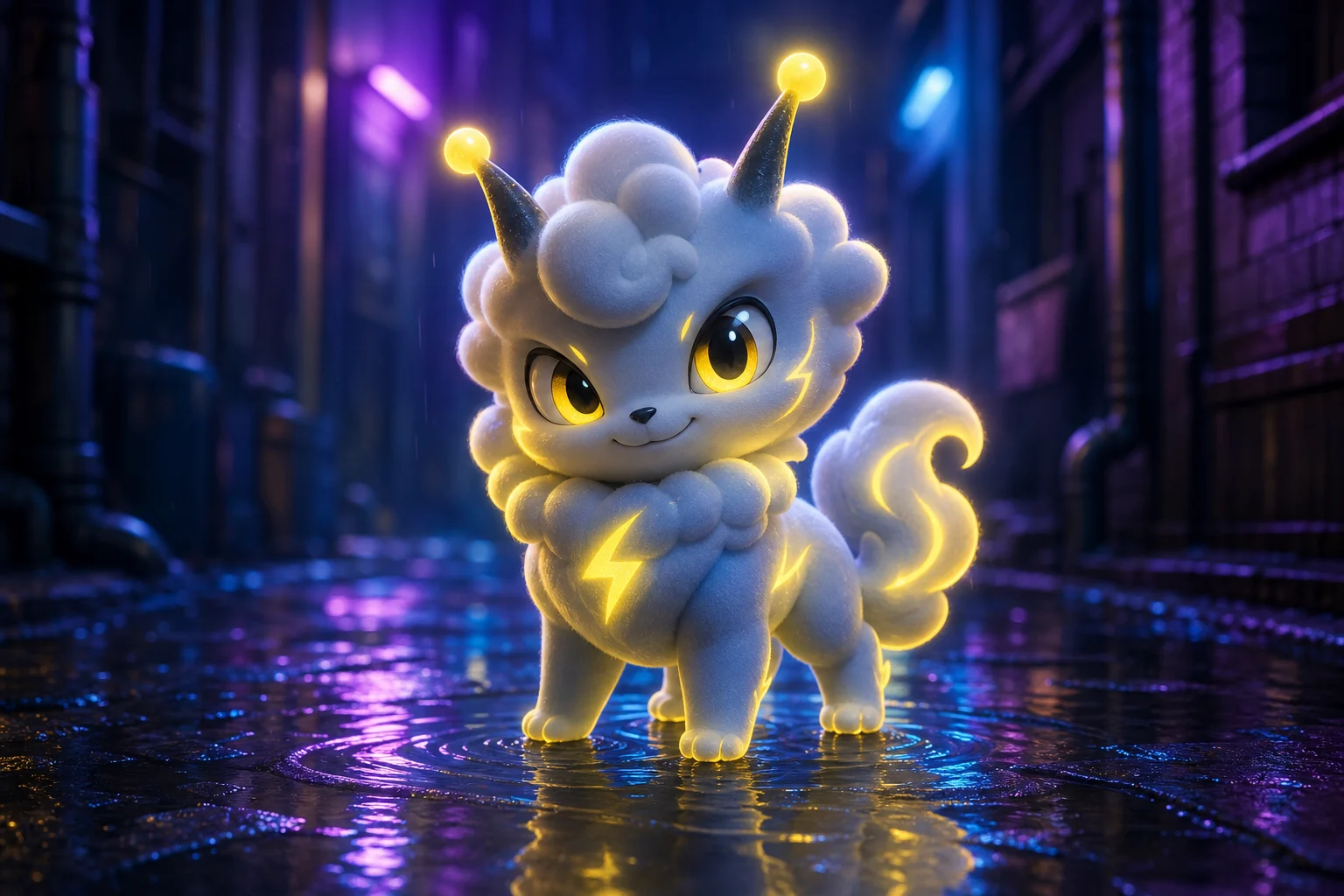
AI Pokemon Generator example 4

Elemental character energy

A vivid monster portrait style with simplified elemental cues, strong shape language, and collectible-card energy.

AI Pokemon Generator example 5

Recognizable fantasy makeover

A polished example focused on keeping the subject recognizable while adding playful Pokemon-inspired fantasy details.

Best ways to use this template

Use this template when you want a colorful, game-inspired character direction based on an existing photo rather than a fully random design.

Build a character preview

Create a focused AI Pokemon Generator preview for a personal concept, profile image idea, pet portrait, character reference, or creative project.

Compare creative directions

Generate a clear visual direction before refining, sharing, or presenting the result alongside other style options.

How to guide the result

Use a prompt that tells the transformation what to preserve and what style direction to apply. The best results come from clear subject details and simple creative direction.

Source image checklist

  • Use a sharp source image with the main subject clearly visible.
  • Avoid heavy blur, blocked details, extreme crops, or confusing overlaps.
  • Choose a source whose pose and framing support the intended AI Pokemon Generator result.

Prompt guidance

Apply the AI Pokemon-style effect to the uploaded person, pet, or character photo. Preserve the subject identity or creature traits, silhouette, key colors, expression, and distinctive details. Rebuild it as a friendly creature or trainer-inspired game character with simplified elemental features, clean outline, bright game-art colors, collectible-card energy, and polished fantasy-creature composition. Keep the result inspired by the upload, not a random creature.

What to check before using the image

Generated details can vary, so review the image before sharing, refining, or using it in a larger creative project.

Compare identity and pose

Make sure the main subject remains recognizable from the original photo, especially the silhouette, expression, pose, and most distinctive details.

Review the visual style

Check that the Pokemon-inspired treatment feels coherent across the character, background, outline, colors, and fantasy-creature details.

Inspect fine details

Look closely at faces, hands, paws, text, edges, small objects, and background transitions, where visual artifacts are most likely to appear.

AI Pokemon Generator FAQ

Quick answers about source images, supported use, and how to get a more recognizable Pokemon-inspired result.

What is AI Pokemon Generator?
AI Pokemon Generator is a creative photo transformation template that turns a person, pet, or character image into a bright monster-trainer inspired portrait with original creature details and game-art styling.
Is AI Pokemon Generator free?
ClipCanva may show current access options on the creation page. Check the template page for the latest availability before starting your image.
How do I use AI Pokemon Generator?
Upload a clear source image, keep the subject visible, and describe the kind of friendly creature or trainer-inspired look you want. A sharper photo with strong defining details usually gives a more coherent result.
What image formats does AI Pokemon Generator support?
Use common image formats supported by the upload tool, such as standard photo files from a phone, camera, or design app. If an upload does not work, try exporting the image again in a common format.
Can I use AI Pokemon Generator results commercially?
Usage depends on the source material, the generated result, and your intended project. Review the output carefully and make sure you have the permissions you need for any people, characters, logos, or other protected elements in the image.
What AI Pokemon Generator changes are applied?
It adds bright game-like color, creature or trainer styling, a clean outline, a collectible pose, and original character features while keeping the result connected to the uploaded image.
Which source image works best?
Choose a sharp photo where the main subject, silhouette, expression, colors, and distinctive traits are easy to see. Avoid heavy blur, blocked details, extreme crops, or cluttered overlaps.
How do I keep the subject recognizable?
Start with a clear source image and include guidance about the subject’s key traits, colors, pose, and personality. After generation, compare the silhouette, expression, and defining details with the original.

Create your monster-trainer inspired portrait

Upload a clear subject image and create a colorful Pokemon-inspired creature or trainer portrait that still feels connected to your original photo.