
ماخذ شامل کریں
پرومپٹ سے شروع کریں یا کردار کی ایسی تصویر اپ لوڈ کریں جو اس فگر، پوز، لباس یا بصری حوالہ کو واضح کرے جسے آپ جانچنا چاہتے ہیں۔
پرومپٹ یا کردار کی تصویر سے مختصر کلیکٹیبل طرز کے کلپس بنائیں۔ اپنے پروجیکٹ بریف سے ہم آہنگ ایکشن فگر انکشاف کے لیے موضوع، ماحول، بصری سمت اور مطلوبہ فارمیٹ متعین کریں۔
اے آئی ایکشن فگر ویڈیو جنریٹر پرومپٹ یا کردار کی تصویر کو مختصر کلیکٹیبل طرز کے کلپ میں بدلنے میں مدد دیتا ہے۔ یہ ان تخلیق کاروں اور ٹیموں کے لیے بنایا گیا ہے جنہیں کسی مخصوص پروجیکٹ کے لیے کھلونے سے متاثرہ، مرکوز بصری نتیجہ درکار ہو۔
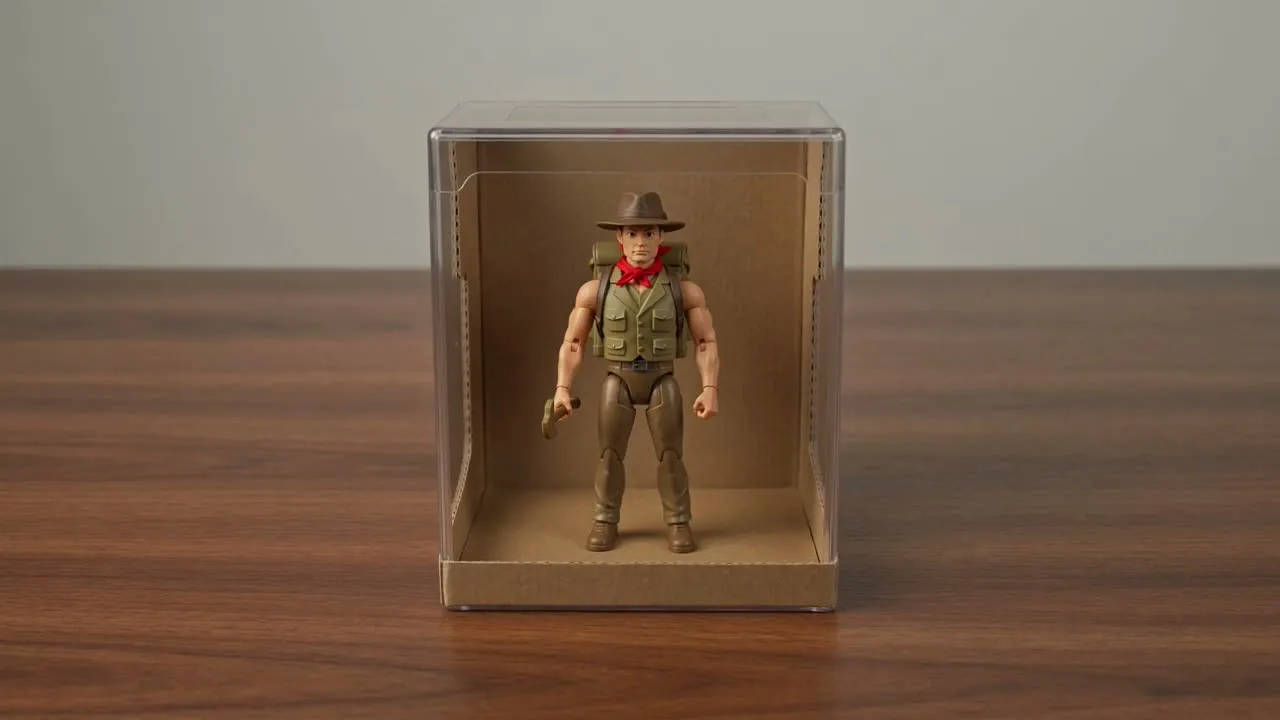
منظر کی تشکیل کے لیے جنریٹر کو درکار معلومات دے کر بنیادی خیال سے مختصر کلیکٹیبل طرز کے آؤٹ پٹ تک پہنچیں۔
پرومپٹ سے شروع کریں یا کردار کی ایسی تصویر اپ لوڈ کریں جو اس فگر، پوز، لباس یا بصری حوالہ کو واضح کرے جسے آپ جانچنا چاہتے ہیں۔
پرومپٹ کی تفصیل، بصری سمت، موضوع، ماحول اور مطلوبہ فارمیٹ متعین کریں تاکہ منظر کا تخلیقی ہدف واضح ہو۔
کلپ بنائیں، پھر پروجیکٹ میں استعمال سے پہلے بریف سے مطابقت، اہم تفصیلات اور کراپ کے لیے نتیجے کا جائزہ لیں۔
بریف کو غیر ضروری پیچیدہ بنائے بغیر اے آئی کھلونا ویڈیو جنریٹر ورک فلو کی تخلیقی ترتیب کنٹرول کریں۔
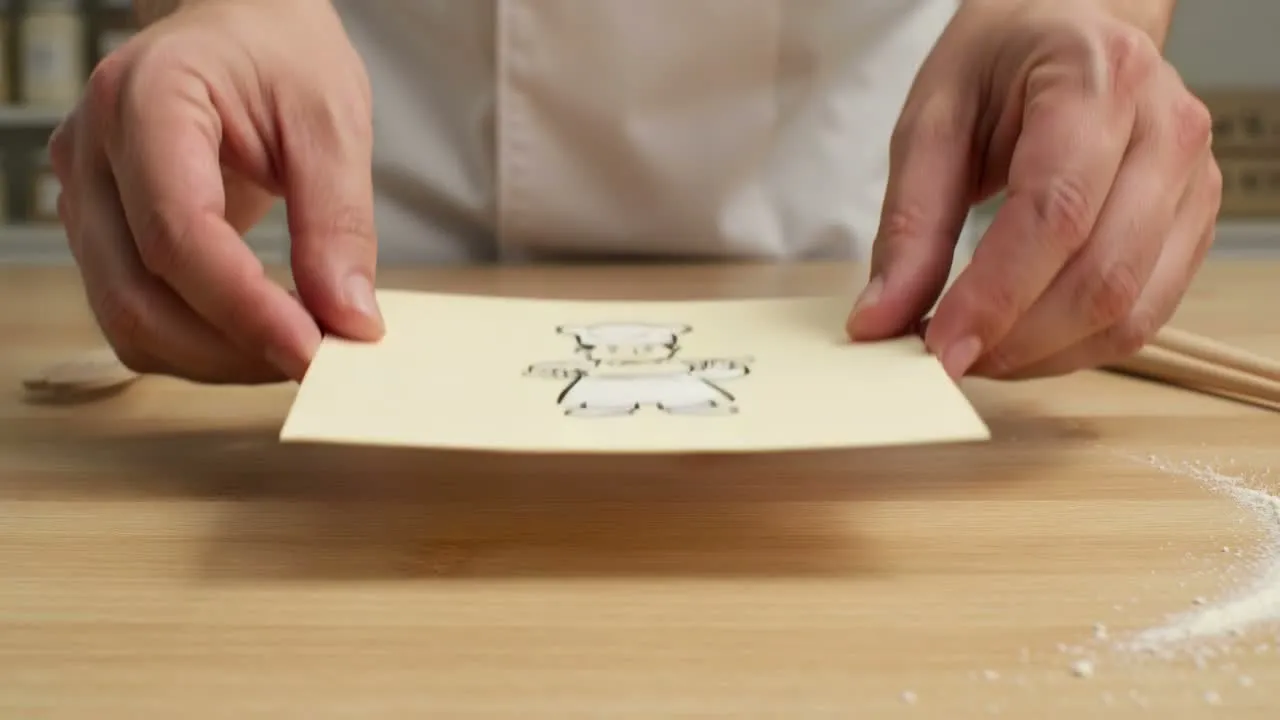
کردار، لوازمات کا انداز، پس منظر، موڈ اور کھلونا نما فنش بیان کریں تاکہ منظر کی سمت واضح ہو۔
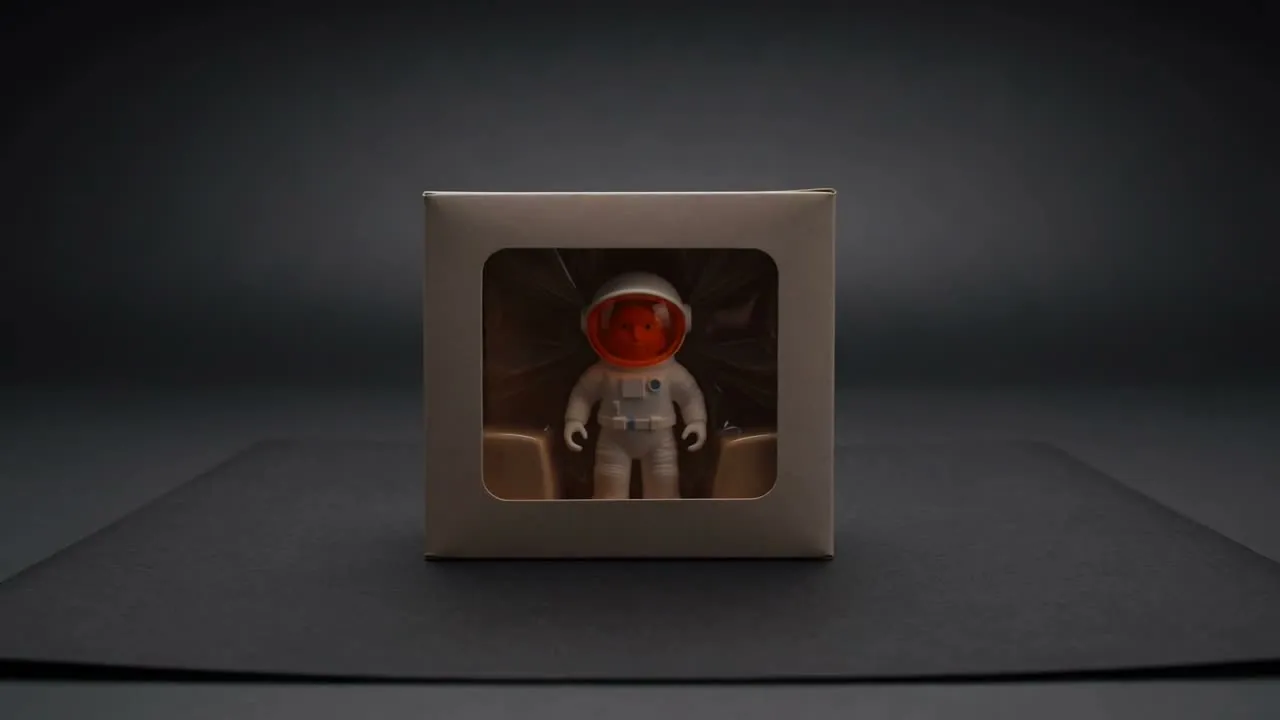
رہنمائی کریں کہ نتیجہ ڈبہ بند کلیکٹیبل، اسٹوڈیو ٹرن ٹیبل، پیکیجنگ انکشاف یا شوخ پروڈکٹ شاٹ جیسا محسوس ہو۔
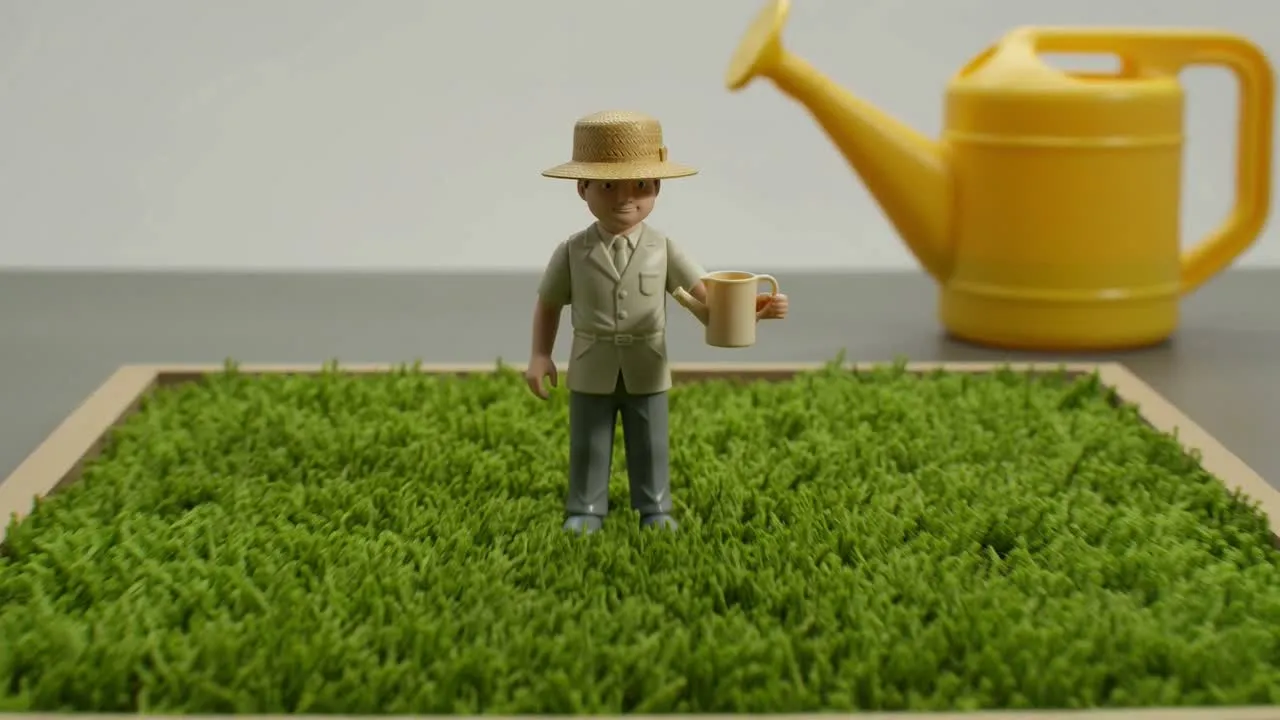
سب سے اہم موضوع اور ماحول کی تفصیلات منتخب کریں، پھر کلپ کے استعمال کی جگہ کے مطابق مطلوبہ فارمیٹ ملائیں۔
تصورات، مہمات اور پریزنٹیشن کے لیے تیار تخلیقی تلاش میں نتیجے کو ایک مرکوز بصری اثاثے کے طور پر استعمال کریں۔
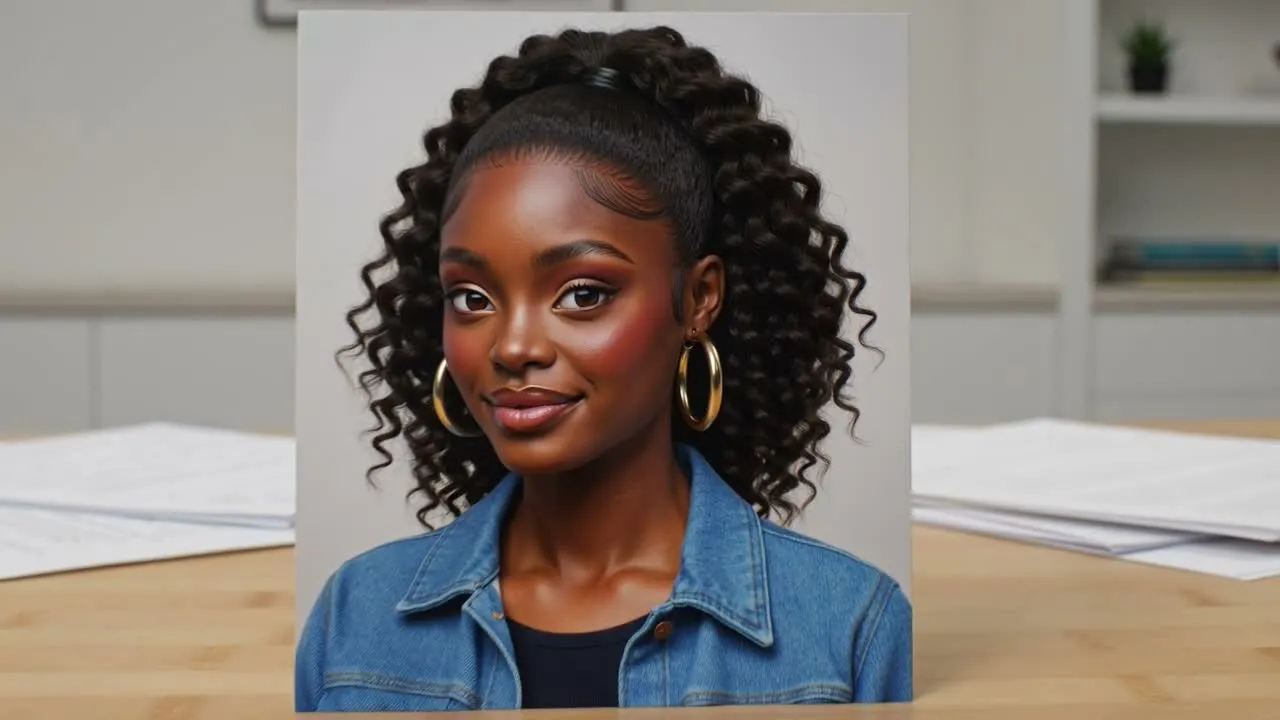
جب آپ کے پاس پہلے سے کردار کی تصویر ہو اور کھلونے سے متاثرہ حرکت کا تصور درکار ہو تو تصویر کے ان پٹ سے ایکشن فگر ویڈیو بنائیں۔
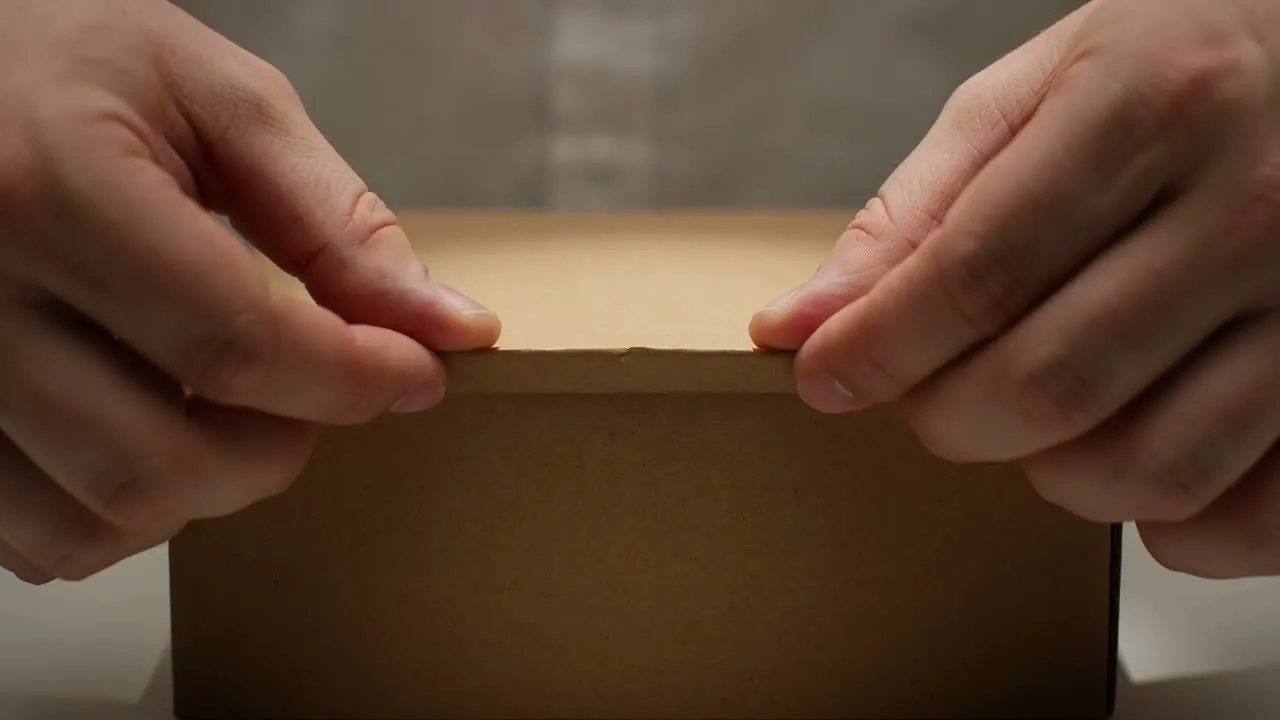
مختصر انکشاف لمحات بنائیں جو کردار کو کلیکٹیبل پروڈکٹ کی طرح پیش کریں، جو لانچ آئیڈیاز اور مہم کے ماک اپس کے لیے موزوں ہوں۔
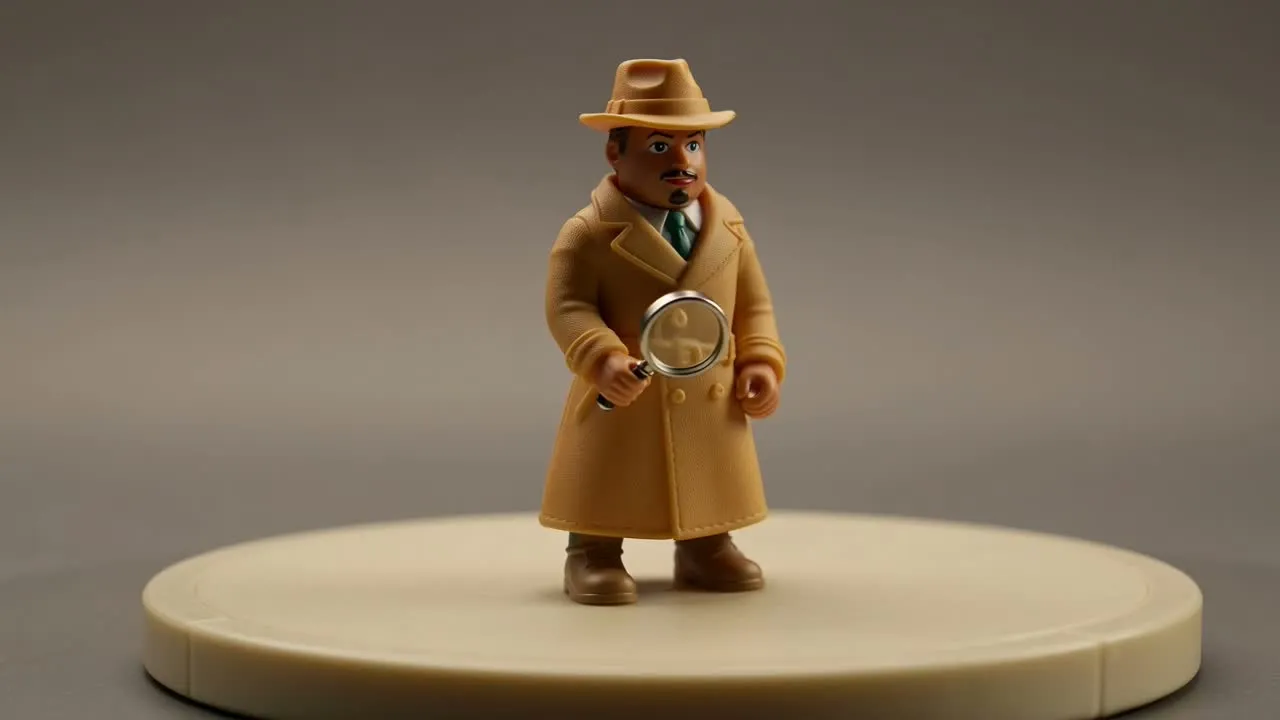
فگر کی شکل اور شخصیت جانچنے کے لیے کردار کو کئی زاویوں سے یا ڈسپلے طرز کی ترتیب میں دکھائیں۔
آؤٹ پٹ استعمال کرنے سے پہلے، تیار شدہ کلپ کو اپنے بریف کے سب سے اہم حصوں کے مقابل دیکھیں۔
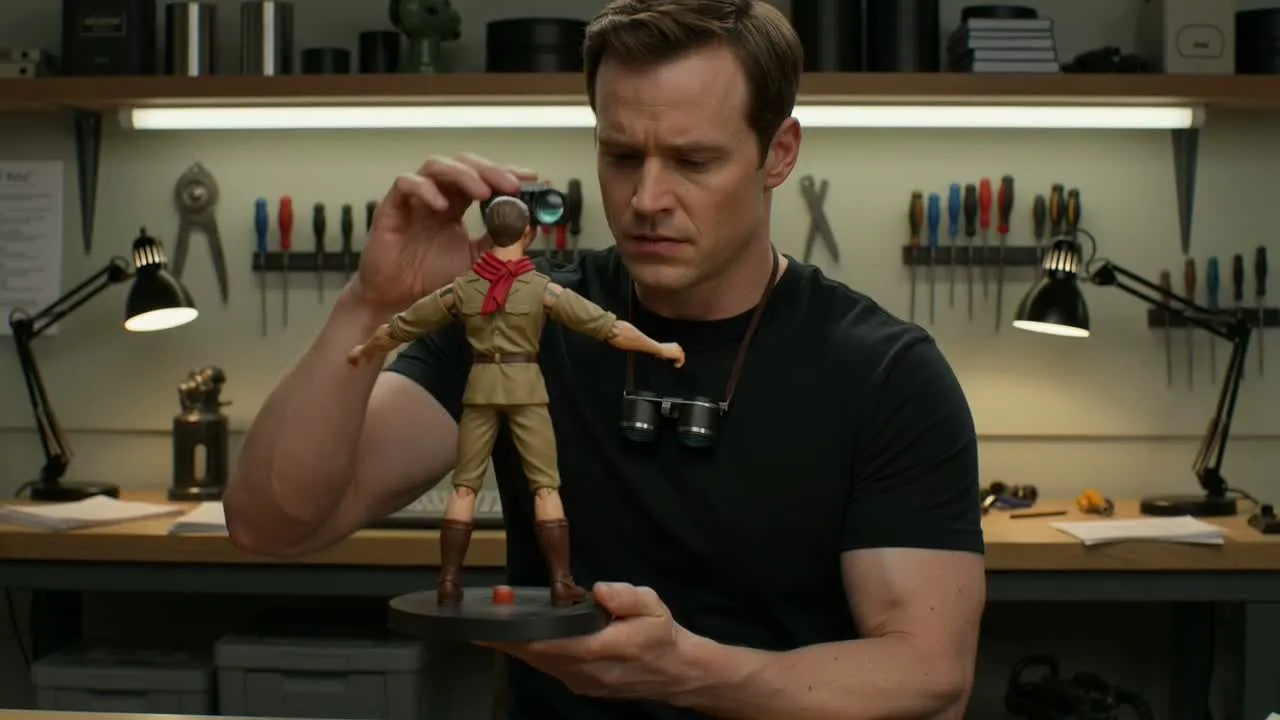
کلپ کا مہم، تصور یا مواد کے بریف سے موازنہ کریں تاکہ کلیکٹیبل انداز مطلوبہ پیغام کو سہارا دے۔
کردار کی خصوصیات، لباس کے اشارے، پراپس، پس منظر کے عناصر اور دیگر تفصیلات جانچیں جو واضح رہنی چاہئیں۔
تصدیق کریں کہ کراپ اور مطلوبہ فارمیٹ جگہ کے لیے موزوں ہیں، چاہے وہ سوشل پوسٹ، پریزنٹیشن یا پروڈکشن حوالہ ہو۔
یہ جنریٹر مرکوز کلیکٹیبل طرز کے کلپس کے لیے بنایا گیا ہے، مگر پروجیکٹ کے لیے تیار استعمال سے پہلے انسانی جائزہ پھر بھی ضروری ہے۔
تیار شدہ نتائج مختلف کوششوں میں بدل سکتے ہیں، خاص طور پر جب پرومپٹ میں بہت مخصوص کھلونا خصوصیات، لوازمات، پوز یا پیکیجنگ تفصیلات مانگی جائیں۔
چھوٹی کردار خصوصیات، متن جیسے عناصر، پراپس اور برانڈ کے لحاظ سے حساس بصری اشاروں کو حتمی استعمال سے پہلے احتیاط سے جانچنا چاہیے۔
اے آئی ایکشن فگر ویڈیو جنریٹر سے تخلیق شروع کرنے سے پہلے عام سوالات کے جواب۔
پرومپٹ یا کردار کی تصویر استعمال کریں، کلیکٹیبل انداز کی رہنمائی کریں، اور اپنے پروجیکٹ کی ضروریات کے لیے تیار شدہ نتیجے کا جائزہ لیں۔