PDF Cleanup

Upload one PDF for a scoped cleanup review. Limits are explained before advanced document controls appear.

Pro WorkflowPDF ReviewDocument CleanupPermission Check

Pro mode

Upload for review

Advanced controls appear after upload

Advanced after upload

The first view stays simple. Detailed controls appear only after the file type and rights confirmation are clear.

Editable header and footer marks
Background stamps when editable
Scan dust and artifact cleanup
Unsupported file review state

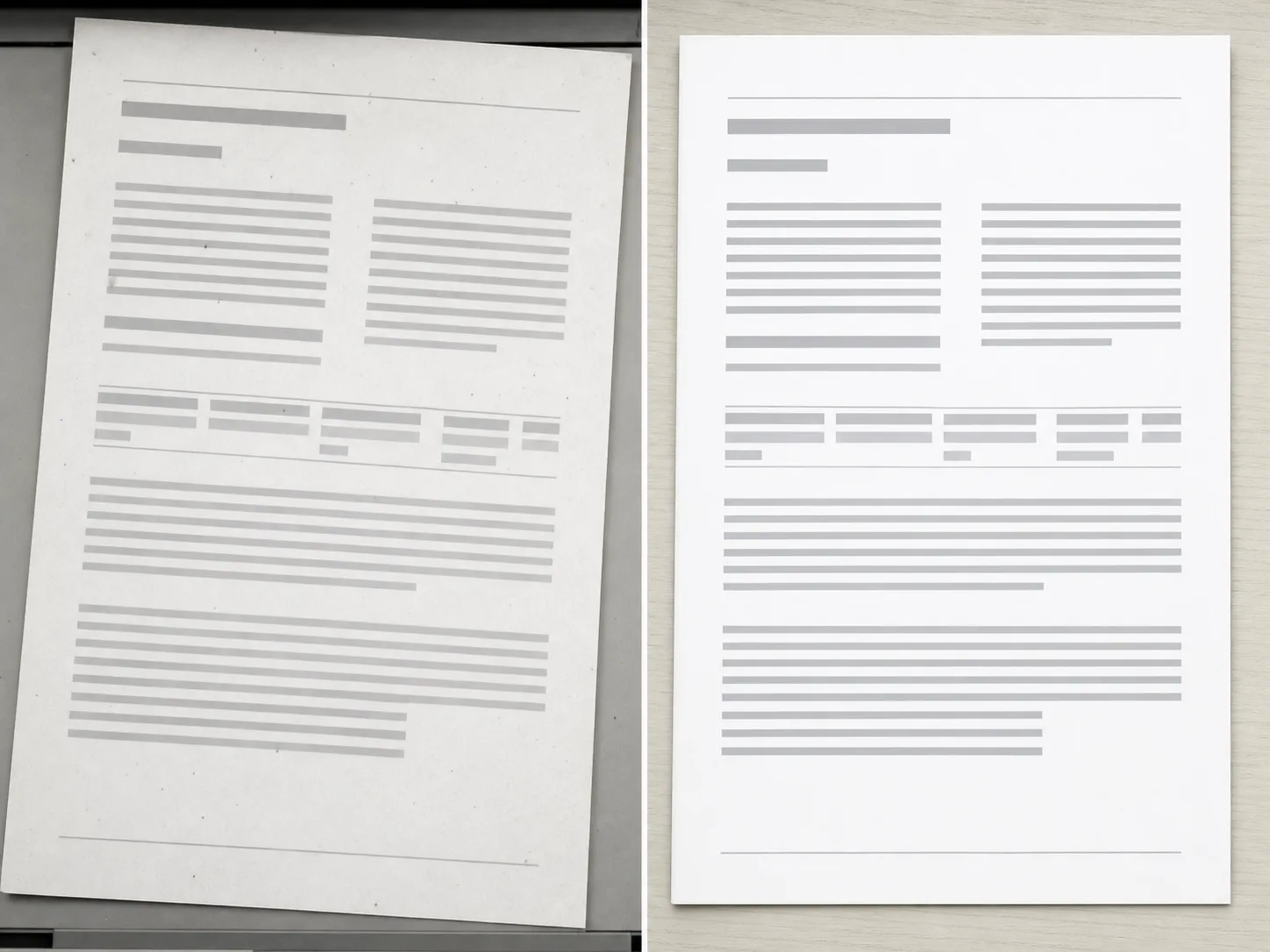
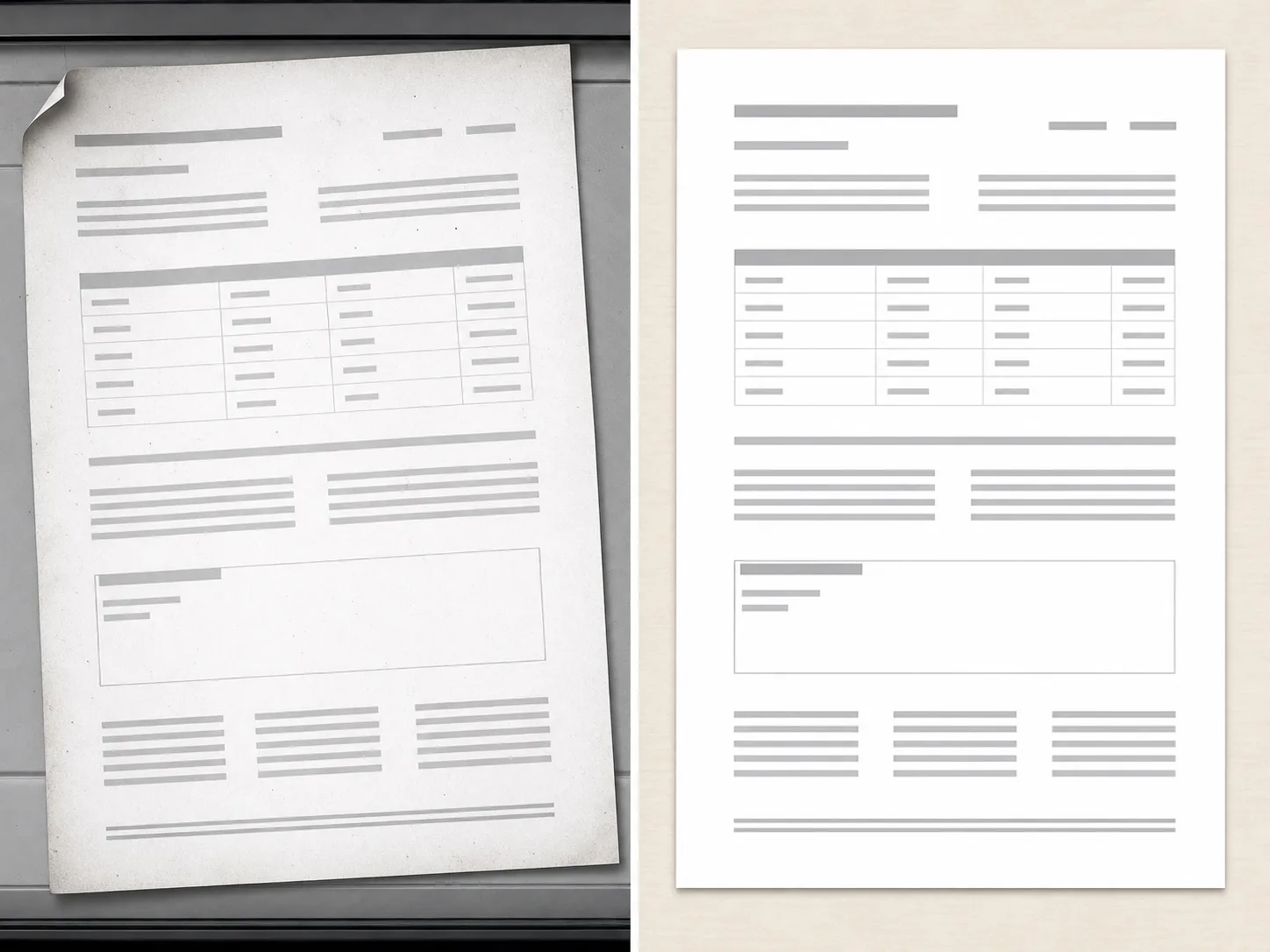
PDF Cleanup Examples

Use scan, document export, and page image examples to clarify cleanup scope.
How PDF cleanup works

The workflow is intentionally scoped so users understand support and limits before processing.

01

Upload one PDF

Start with a document you own or have permission to edit. The workflow checks the file before showing advanced controls.

02

Confirm the document scope

PDF cleanup works best for bounded issues such as editable marks, visible artifacts, or scan cleanup.

03

Review support before processing

Some documents are flattened, locked, or unsupported. Those cases should be reviewed before processing.

04

Export only after review

Use the cleaned document only after checking that the output matches the intended edit.

Scoped document cleanup

PDF-first Flow

The page explains limits before processing, so users do not expect a full document editor on load.

Authorized Documents

The workflow is scoped to documents users own or have permission to edit.

Support Review

Unsupported file types, locked documents, or ambiguous edits can be handled as a review state.

Pro Controls

Advanced document cleanup controls remain gated until the file type and scope are clear.

İlgili araçları keşfedin

Use image tools when your source is an exported page, scan, or visual asset.

Planınızı Seçin

Ücretsiz görseller filigran içerir. Temiz çıktılar, daha hızlı üretim ve ticari kullanım için yükseltin.

Başlangıç ​​Paketi

$9

Görsel, müzik ve kısa video oluşturmayı denemek için tek seferlik kredi paketi.

  • 600 kredi
  • 100 görsele kadar
  • En fazla 7 kısa video
  • Krediler 30 gün süreyle geçerlidir
  • Filigran yok

Yaratıcı

$19/mo

Aylık plan · Her ay 1.500 kredi yenilenir

  • Ayda 1.500 kredi
  • Ayda 250 görsele kadar
  • Ayda 18'e kadar kısa video
  • ClipCanva Pro ve diğer kredi modelleriyle çalışır
  • Öncelik kuyruğu
  • Topluluk desteği
  • Reklam yok
  • Filigran yok

Profesyonel

$39/mo

For clean, faster outputs

  • Ayda 4.000 kredi
  • Ayda 660 görselye kadar
  • Ayda en fazla 50 kısa video
  • ClipCanva Pro ve diğer kredi modelleriyle çalışır
  • En yüksek öncelikli kuyruk
  • ClipCanva Pro kilidini aç
  • Reklam yok
  • Filigran yok
  • Gelişmiş Hassaslaştırma

Stüdyo

$99/mo

Aylık plan · Her ay 12.000 kredi yenilenir

  • Aylık 12.000 kredi
  • Ayda 2.000 görselye kadar
  • Ayda 150'ye kadar kısa video
  • ClipCanva Pro ve diğer kredi modelleriyle çalışır
  • En yüksek öncelikli kuyruk
  • Tam gizlilik
  • Yeni özelliklere erken erişim
  • Öncelikli destek

Aylık planlarda krediler her fatura döneminde yenilenir. Yıllık planlar 12 aylık krediyi peşin verir ve %17 tasarruf sağlar. Kullanım tahminleri desteklenen en düşük maliyetli görsel ve video modellerine dayanır; premium modeller, daha yüksek çözünürlükler, daha uzun videolar, referans tabanlı üretim ve gelişmiş araçlar daha fazla kredi kullanır.

Takım

Ajanslar, üretim ekipleri ve özel hacim ihtiyaçları için.

Bize Ulaşın

PDF Cleanup FAQ

Common questions before using Pro document cleanup.

What documents can PDF Cleanup handle?
It is intended for bounded cleanup requests on documents you own, such as editable marks, visible artifacts, or scan cleanup.
Can it remove any mark from any PDF?
No. Locked, flattened, scanned, or complex documents may require review or may be unsupported.
Why is PDF Cleanup a Pro workflow?
Document cleanup has higher risk and more edge cases than a simple image utility, so advanced controls and review states stay in Pro.

Review a document for cleanup

Use ClipCanva Pro for bounded cleanup of supported PDF files.