
อัปโหลดภาพ
เลือกภาพ JPG, PNG หรือ WebP จากอุปกรณ์ของคุณ.
ใช้เครื่องมือแปลงภาพเป็นศิลปะ ASCII เพื่อเปลี่ยนภาพ JPG, PNG หรือ WebP เป็นผลงานจากอักขระ ซึ่งตรวจดู คัดลอก หรือบันทึกเป็นไฟล์ข้อความได้.
รูปภาพต้นฉบับ
เลือกรูปภาพเพื่อดูตัวอย่างต้นฉบับ
ผลลัพธ์
เครื่องมือแปลงภาพเป็นศิลปะ ASCII จะเปลี่ยนค่าความสว่างในภาพเป็นอักขระข้อความ โดยจับคู่บริเวณที่มืดและสว่างกับสัญลักษณ์ต่างกัน เพื่อให้ผลลัพธ์ดูคล้ายภาพต้นฉบับเมื่อแสดงด้วยแบบอักษรความกว้างคงที่.
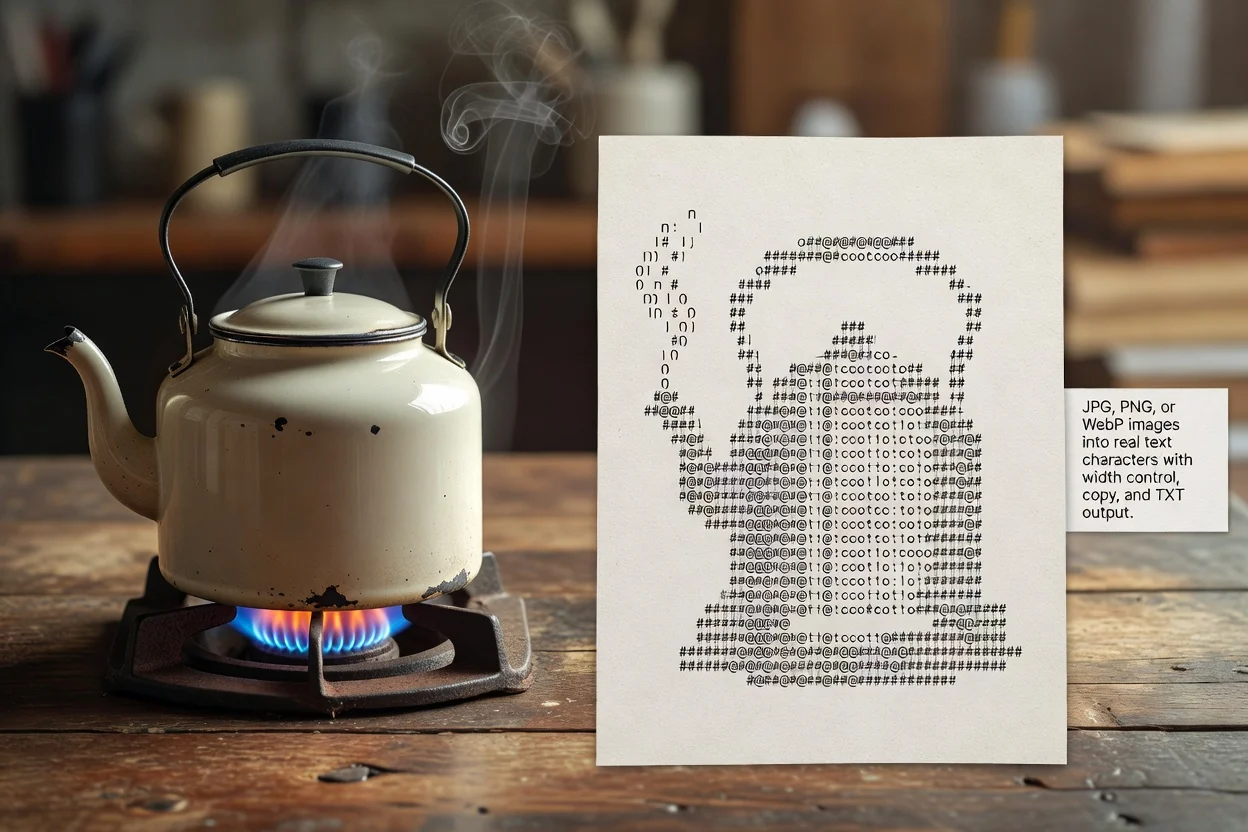
แปลงภาพเป็นศิลปะ ASCII ผ่านขั้นตอนสั้น ๆ บนเบราว์เซอร์ ตั้งแต่การอัปโหลดจนถึงการตรวจดูผลลัพธ์.
เลือกภาพ JPG, PNG หรือ WebP จากอุปกรณ์ของคุณ.
ตั้งค่าความกว้างผลลัพธ์เพื่อกำหนดจำนวนอักขระที่ใช้ในแต่ละแถว.
ประมวลผลภาพและตรวจดูตัวอย่าง ASCII ที่สร้างขึ้น.
เครื่องมือรองรับไฟล์ภาพทั่วไปและสร้างผลลัพธ์ ASCII ที่ตรวจดูได้ โดยจับคู่อักขระข้อความกับค่าความสว่างของภาพ.
อัปโหลดภาพ JPG, PNG หรือ WebP เพื่อประมวลผล.
ผลลัพธ์คือข้อความ ASCII ที่ผ่านการประมวลผล ซึ่งคุณตรวจดู คัดลอก หรือบันทึกเป็นไฟล์ข้อความได้.
ตัวควบคุมประกอบด้วยการแสดงผลด้วยอักขระข้อความจริง การตั้งค่าความกว้างผลลัพธ์ และตัวเลือกสำหรับคัดลอกข้อความที่สร้างขึ้นหรือบันทึกเป็นไฟล์ข้อความ.
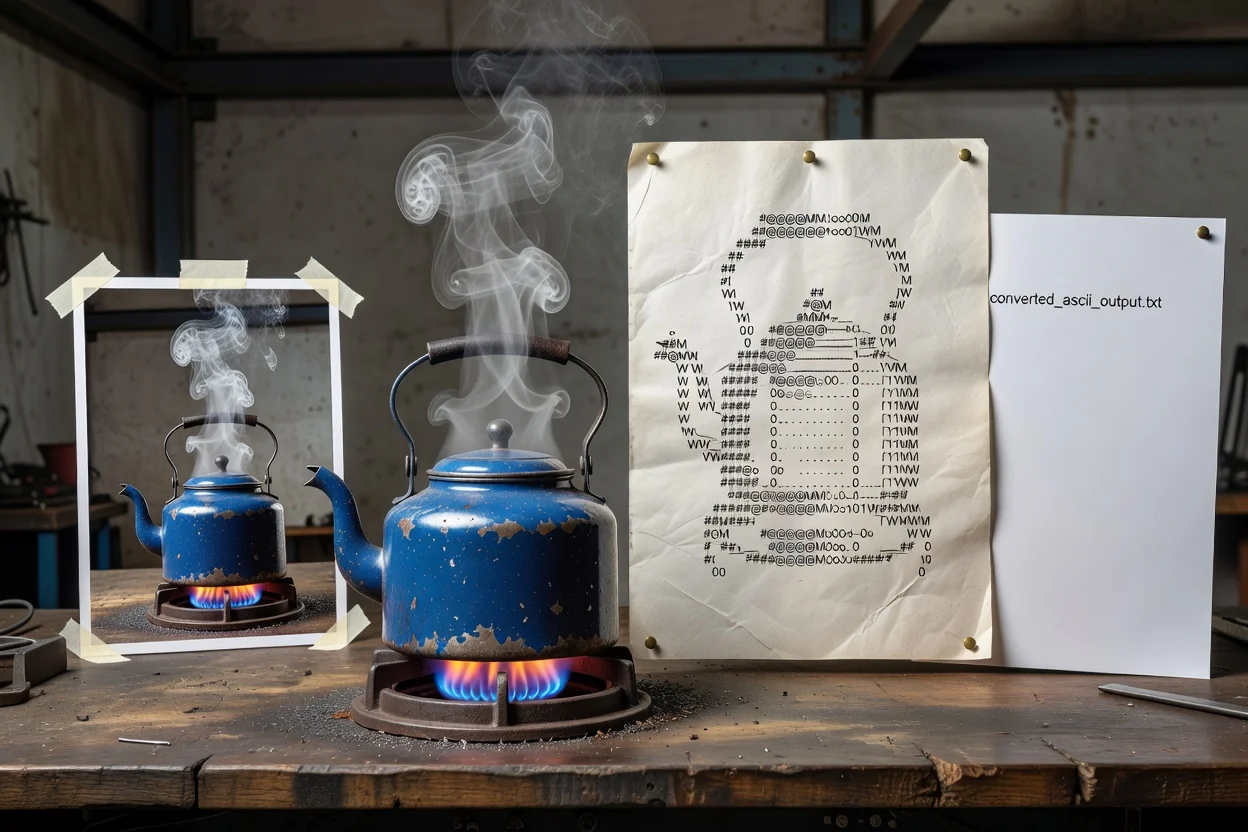
ตัวควบคุมที่จำเป็นช่วยให้คุณแปลงภาพเป็นศิลปะ ASCII พร้อมทำให้ผลลัพธ์แบบข้อความตรวจสอบและนำกลับไปใช้ได้สะดวก.
ผลลัพธ์สร้างจากอักขระจริง จึงเหมาะสำหรับคัดลอกไปยังพื้นที่ข้อความที่รองรับการแสดงผลด้วยแบบอักษรความกว้างคงที่.
ปรับความกว้างเป็นจำนวนอักขระเพื่อสร้างสมดุลระหว่างรายละเอียด ความอ่านง่าย และความยาวบรรทัดก่อนใช้ผลลัพธ์.
คัดลอกข้อความ ASCII ที่สร้างขึ้นหรือบันทึกเป็นไฟล์ข้อความได้หลังตรวจดูภาพตัวอย่างแล้ว.
เครื่องมือนี้ทำงานเป็นขั้นตอนแปลงภาพเป็น ASCII ทางออนไลน์ คุณจึงอัปโหลดและตรวจดูผลลัพธ์ได้ภายในแท็บเบราว์เซอร์เดียว.
ตัวอย่างทั่วไปของการแปลงภาพเป็น ASCII ทางออนไลน์ เมื่อคุณต้องการเปลี่ยนสื่อต้นฉบับให้เป็นเวอร์ชันข้อความ.
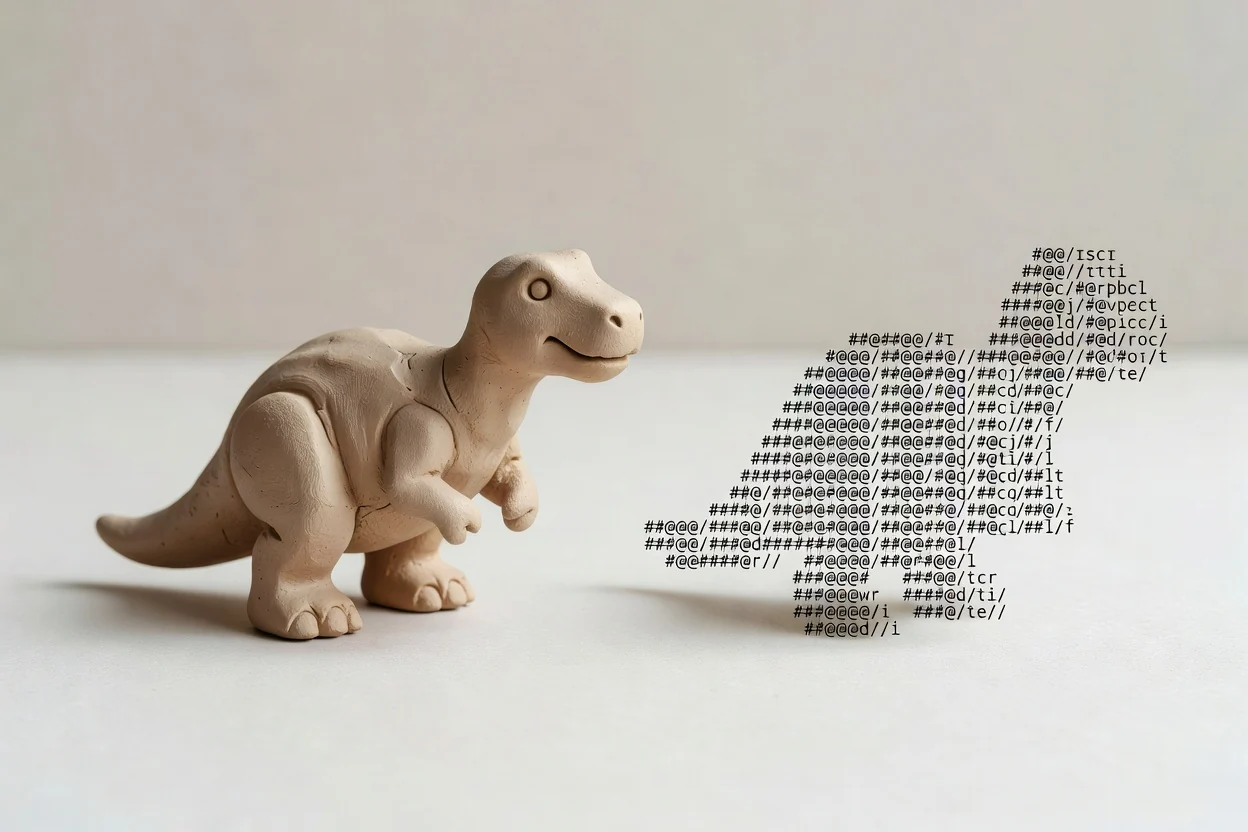
เปลี่ยนภาพโปรไฟล์ ไอคอน หรือภาพประกอบเรียบง่ายเป็นอักขระข้อความจริง เพื่อสร้างรูปลักษณ์ย้อนยุค.
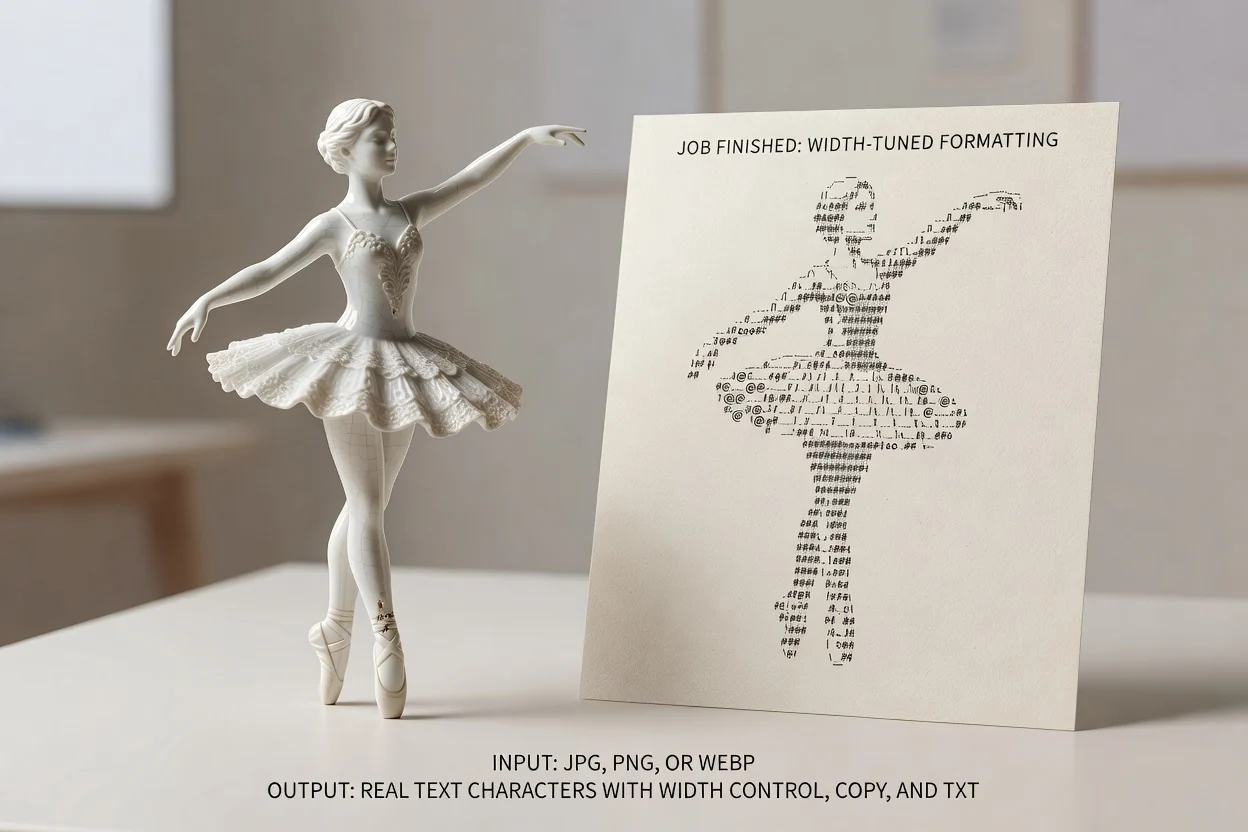
ใช้การควบคุมความกว้างผลลัพธ์เพื่อสร้างผลงาน ASCII ที่แคบหรือกว้างขึ้นสำหรับแชต เอกสาร หรือบันทึกภายใน.
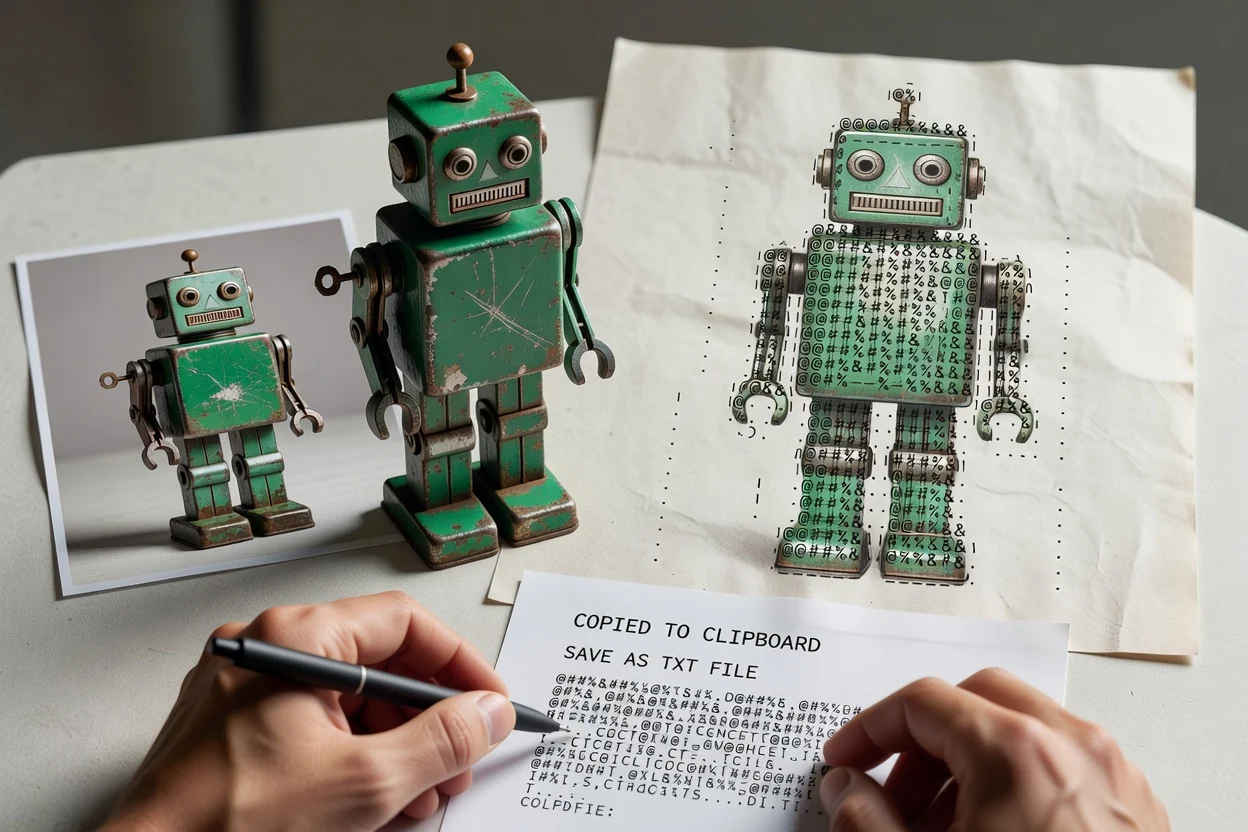
คัดลอกผลลัพธ์โดยตรงหรือบันทึกเป็นไฟล์ข้อความ เมื่อต้องการภาพฉบับข้อความที่พกพาและนำไปใช้ต่อได้.
การแปลงเป็น ASCII มีประโยชน์สำหรับงานศิลปะแบบข้อความ แต่ผลลัพธ์เป็นเพียงภาพโดยประมาณจากต้นฉบับ ไม่ใช่การสร้างภาพใหม่ที่ให้สีตรงกัน.
ผลลัพธ์ใช้การจับคู่ความสว่างระดับเทา จึงไม่เก็บสีของภาพต้นฉบับไว้ในผลลัพธ์ ASCII.
ควรดูผลงานด้วยแบบอักษรความกว้างคงที่ เพราะแบบอักษรอื่นอาจเปลี่ยนระยะห่างและทำให้การจัดแนวดูไม่สม่ำเสมอ.
ภาพที่มีรายละเอียดมากอาจต้องปรับความกว้างเพื่อให้ผลลัพธ์อ่านง่ายและไม่เกิดบรรทัดที่ยาวเกินไป.
คำตอบสำหรับคำถามทั่วไปเกี่ยวกับการใช้เครื่องมือแปลงภาพเป็นศิลปะ ASCII และการตรวจดูผลลัพธ์ที่สร้างขึ้น.
เครื่องมืออื่นจาก ClipCanva ที่เหมาะสำหรับใช้ร่วมกับขั้นตอนการทำงานด้านข้อความและการประมวลผลภาพ.
ประมวลผลภาพตอนนี้เพื่อสร้างผลลัพธ์ข้อความ ASCII ที่คุณตรวจดู คัดลอก หรือบันทึกเป็นไฟล์ข้อความได้.