
01
วางภาพ AVIF
หรือเลือกจากอุปกรณ์ของคุณ ไฟล์จะถูกแปลงภายในเบราว์เซอร์
แปลงเป็น JPG หรือเลือกจากอุปกรณ์ของคุณ ไฟล์จะถูกแปลงภายในเบราว์เซอร์
รูปแบบต้นทาง
AVIF
.avif
รูปแบบปลายทาง
JPG
.jpg
คุณภาพ JPG
ปรับสมดุลความคมชัดและขนาดไฟล์
ต้นฉบับ
ผลลัพธ์ JPG
เลือกคู่รูปแบบต้นทางและปลายทางถัดไปได้ทันทีโดยไม่ต้องกลับไปที่รายการเครื่องมือ
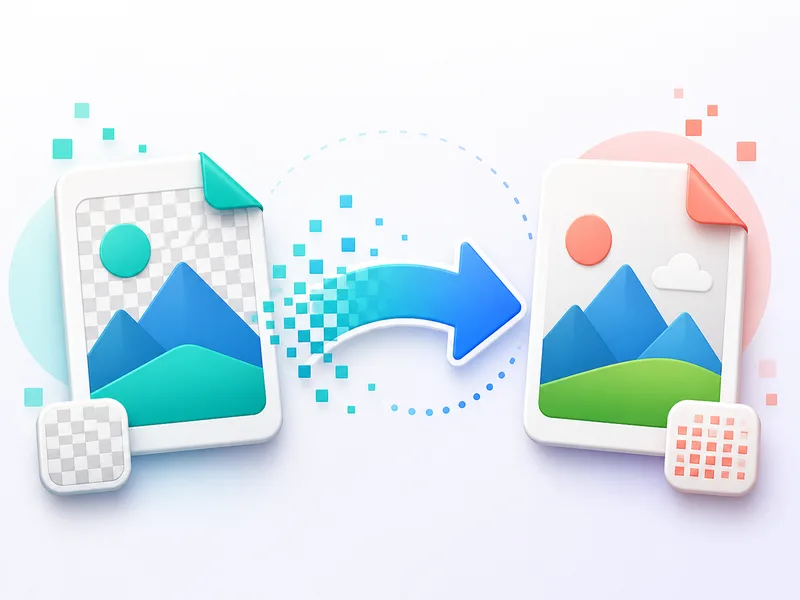
แปลงเป็น PNG หรือเลือกจากอุปกรณ์ของคุณ ไฟล์จะถูกแปลงภายในเบราว์เซอร์
แปลงเป็น PNGเติมพื้นที่โปร่งใสด้วยสีขาวได้โดยตรงในเบราว์เซอร์ เลือกรูปภาพ PNG หรือ WebP ดูตัวอย่างผลลัพธ์ แล้วดาวน์โหลดเป็น JPG
แปลงเป็น JPGแปลงเป็น JPG หรือเลือกจากอุปกรณ์ของคุณ ไฟล์จะถูกแปลงภายในเบราว์เซอร์
แปลงเป็น JPGแปลงเป็น PNG หรือเลือกจากอุปกรณ์ของคุณ ไฟล์จะถูกแปลงภายในเบราว์เซอร์
แปลงเป็น PNGแปลงเป็น WebP หรือเลือกจากอุปกรณ์ของคุณ ไฟล์จะถูกแปลงภายในเบราว์เซอร์
แปลงเป็น WebPแปลงเป็น WebP หรือเลือกจากอุปกรณ์ของคุณ ไฟล์จะถูกแปลงภายในเบราว์เซอร์
แปลงเป็น WebPเลือกคู่รูปแบบต้นทางและปลายทางถัดไปได้ทันทีโดยไม่ต้องกลับไปที่รายการเครื่องมือ
หรือเลือกจากอุปกรณ์ของคุณ ไฟล์จะถูกแปลงภายในเบราว์เซอร์
ปรับสมดุลความคมชัดและขนาดไฟล์
กลับไปที่เครื่องมือ ClipCanva แล้วเลือกการแปลง WebP, PNG, JPG, AVIF หรือ JFIF ถัดไป
ผลลัพธ์จะแสดงหลังการแปลง
หรือเลือกจากอุปกรณ์ของคุณ ไฟล์จะถูกแปลงภายในเบราว์เซอร์
ปรับสมดุลความคมชัดและขนาดไฟล์
ดาวน์โหลด JPG
เลือกคู่รูปแบบต้นทางและปลายทางถัดไปได้ทันทีโดยไม่ต้องกลับไปที่รายการเครื่องมือ
กลับไปที่เครื่องมือ ClipCanva แล้วเลือกการแปลง WebP, PNG, JPG, AVIF หรือ JFIF ถัดไป