
ఒక చిత్రాన్ని అప్లోడ్ చేయండి
మీ పరికరం నుంచి మద్దతు ఉన్న JPG, PNG, WebP, AVIF లేదా JFIF ఫైల్ను ఎంచుకోండి.
ఒక చిత్రాన్ని అప్లోడ్ చేసి, ఎన్కోడింగ్ నాణ్యతను సర్దుబాటు చేయండి, అసలు మరియు కుదించిన ఫైల్ పరిమాణాలను పోల్చండి, పిక్సెల్ కొలతలు మార్చకుండా ఫలితాన్ని డౌన్లోడ్ చేయండి.
మూల ఇమేజ్
మూల ప్రివ్యూ చూడటానికి ఇమేజ్ను ఎంచుకోండి.
ఫలితం
ఇమేజ్ కంప్రెసర్ ఫైల్ పరిమాణాన్ని తగ్గించడానికి చిత్రాన్ని మళ్లీ ఎన్కోడ్ చేస్తుంది. ఈ పేజీ మూల కొలతలను అలాగే ఉంచి, నాణ్యత స్థాయిని ఎంచుకునే అవకాశం ఇస్తుంది; తగ్గింపు సరైనదో కాదో నిర్ణయించడానికి అవుట్పుట్ పరిమాణాన్ని చూపుతుంది.
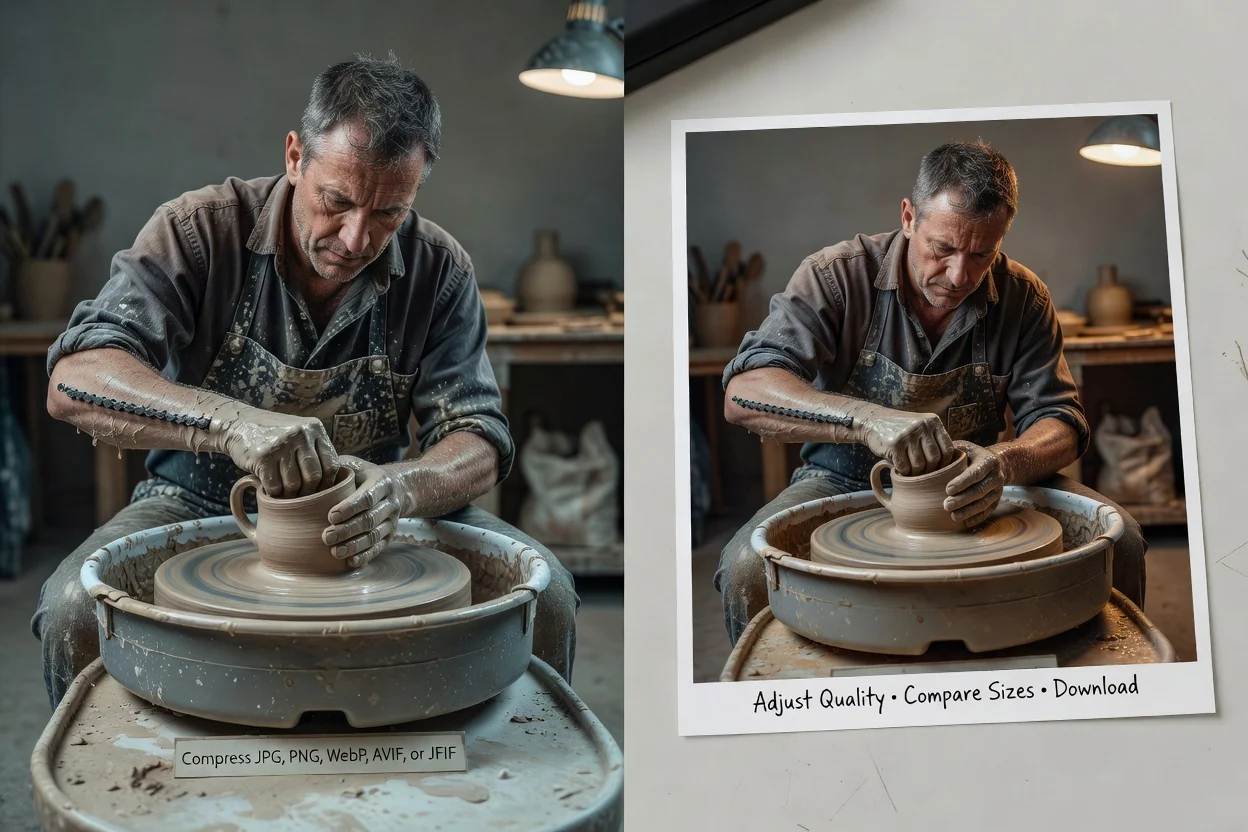
కుదించిన కాపీని ఉంచే ముందు దృశ్య నాణ్యత, ఫైల్ పరిమాణం రెండింటినీ పరిశీలించండి.
మీ పరికరం నుంచి మద్దతు ఉన్న JPG, PNG, WebP, AVIF లేదా JFIF ఫైల్ను ఎంచుకోండి.
కుదింపు సర్దుబాటును నిర్ణయించడానికి నాణ్యత నియంత్రణను 20 మరియు 95 మధ్య కదపండి.
చిత్రాన్ని ప్రాసెస్ చేసి, మూలం మరియు ఫలిత పరిమాణాలను పోల్చి, ప్రివ్యూను పరిశీలించి, అవుట్పుట్ను డౌన్లోడ్ చేయండి.
పిక్సెల్ కొలతలు మారకుండా ఉండగా, అవుట్పుట్ ఫార్మాట్ మూలంపై ఆధారపడుతుంది.
24 MB వరకు, ప్రస్తుత 40 మెగాపిక్సెల్ పరిమితిలో ఉన్న JPG, JPEG, JFIF, PNG, WebP లేదా AVIFను ఉపయోగించండి.
JPEG మూలాలు JPGగానే ఉంటాయి; నాణ్యత నియంత్రిత ఫలితం కోసం PNG, WebP, AVIF మూలాలు WebPగా ఎన్కోడ్ అవుతాయి.
ప్రారంభ విలువ 82. తక్కువ విలువలు సాధారణంగా ఫైల్ పరిమాణాన్ని మరింత తగ్గిస్తాయి, కానీ లోపాలు స్పష్టంగా కనిపించవచ్చు.
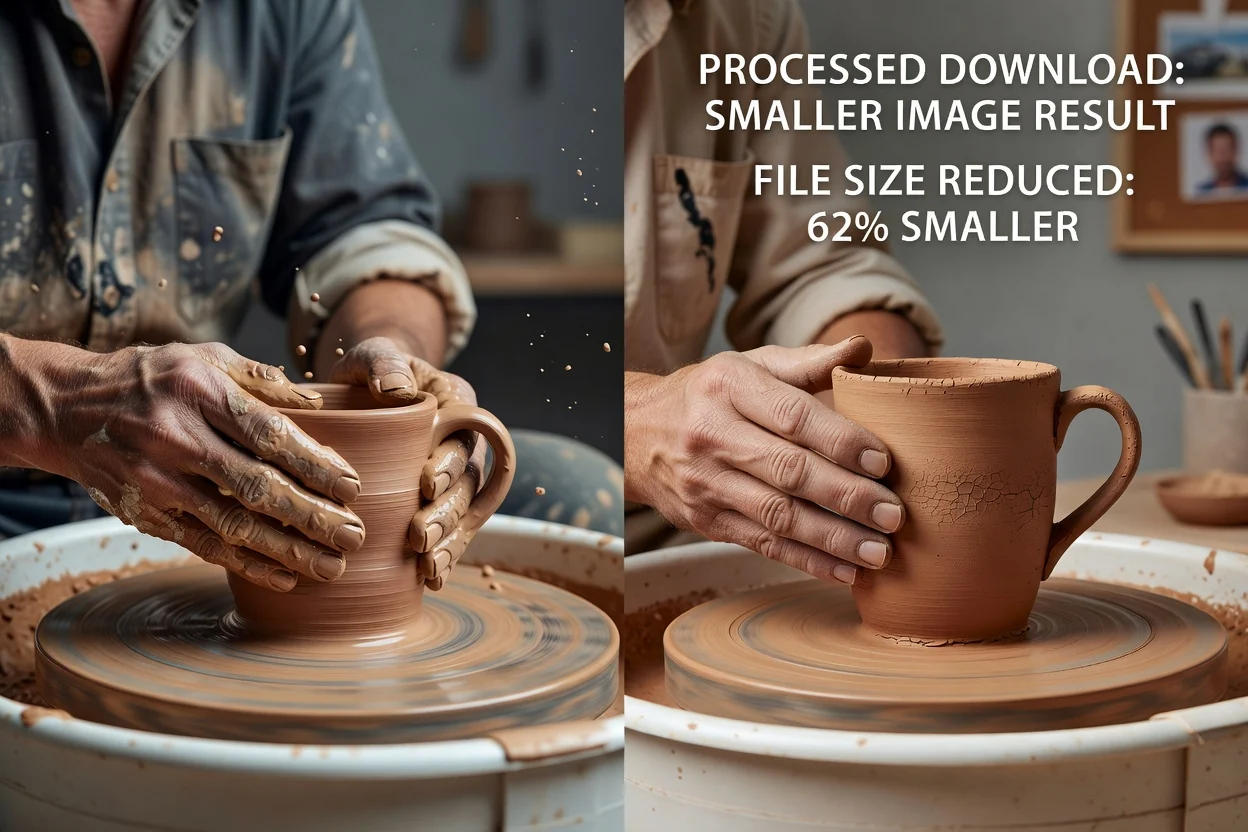
సంబంధంలేని ఎడిట్లతో కుదింపును కలపకుండా, నియంత్రణలు ఒకే ఫైల్-పరిమాణ నిర్ణయంపై దృష్టి పెడతాయి.
డౌన్లోడ్ చేయగల ఫలితాన్ని సృష్టించే ముందు చిత్రాన్ని ఎంతగా కుదించాలో ఎంచుకోండి.
ప్రాసెసింగ్ తర్వాత రెండు పరిమాణాలు మరియు గుర్తుతో కూడిన శాతం మార్పును చూడండి.
కుదింపు చిత్రం పరిమాణాన్ని మార్చకుండా అసలు వెడల్పు, ఎత్తును అలాగే ఉంచుతుంది.
ప్రస్తుత కుదింపు ప్రక్రియ మీరు ఎంచుకున్న చిత్రాన్ని మీ బ్రౌజర్లోనే డీకోడ్ చేసి మళ్లీ ఎన్కోడ్ చేస్తుంది.
తెలిసిన ఫైల్-పరిమాణం లేదా డెలివరీ పరిమితి కోసం కుదించి, ఆపై సందర్భానికి అనుగుణంగా ఫలితాన్ని ధృవీకరించండి.
తక్కువ ఫైల్-పరిమాణ అనుమతి ఉన్న పోర్టల్, లిస్టింగ్ లేదా ఫారమ్కు సమర్పించే ముందు చిత్రాన్ని తగ్గించండి.
కొలతలను అలాగే ఉంచుతూ తేలికైన ఉత్పత్తి ఫోటోలు, వ్యాస చిత్రాలు, పేజీ గ్రాఫిక్లను సిద్ధం చేయండి.
అటాచ్మెంట్, సమీక్ష లింక్, హ్యాండ్ఆఫ్ లేదా షేర్ చేసిన డాక్యుమెంట్ కోసం చిన్న కాపీని సృష్టించండి.
కుదింపు ఎన్కోడింగ్ను మారుస్తుంది; విషయం, కొలతలు లేదా లేని చిత్ర వివరాలను కాదు.
చిత్ర కంటెంట్ కుదింపును ప్రభావితం చేస్తుంది కాబట్టి నాణ్యత నియంత్రణ ఖచ్చితమైన KB లేదా MB ఫలితాన్ని హామీ ఇవ్వదు.
PNG, WebP, AVIF ఇన్పుట్లు WebP అవుట్పుట్ను ఇస్తాయి; గమ్యానికి వేరే ఫార్మాట్ అవసరమైతే ప్రత్యేక కన్వర్టర్ను ఉపయోగించండి.
ఎక్కువగా కుదించిన కాపీని ఉపయోగించే ముందు వచనం, అంచులు, గ్రేడియంట్లు, ముఖాలు, వివరాలున్న టెక్స్చర్లను పరిశీలించండి.
ఫార్మాట్లు, కొలతలు, నాణ్యత, ఫైల్ పరిమాణ ఫలితాల గురించిన సమాధానాలు.
తదుపరి అవసరం ఫార్మాట్, ఫ్రేమింగ్ లేదా పిక్సెల్ కొలతలైతే, దానికి ప్రత్యేకమైన సాధనాన్ని ఉపయోగించండి.
ఒక చిత్రాన్ని అప్లోడ్ చేసి, నాణ్యతను సర్దుబాటు చేసి, డౌన్లోడ్ చేసే ముందు ఫైల్ పరిమాణ మార్పును పరిశీలించండి.