
Lägg till briefen
Ange ämne, målgrupp, längd, ton, format och den avslutande handling du vill att tittaren ska utföra.
Planering av skriftliga förklaringar
Planera med Explainer Video Script Generator innan du spelar in eller skapar visuellt material. Ange ämne, målgrupp och önskad längd, och granska sedan en strukturerad förklaringsöversikt med problemet, en analogi, undervisningssteg och en avslutande uppmaning.
Explainer Video Script Generator är ett planeringsverktyg som hjälper dig att forma en förklaringsidé till en praktisk skriftlig struktur. Det hjälper dig att organisera vad tittaren behöver förstå, varför det är viktigt, hur konceptet kan förklaras och vilken handling som bör följa.
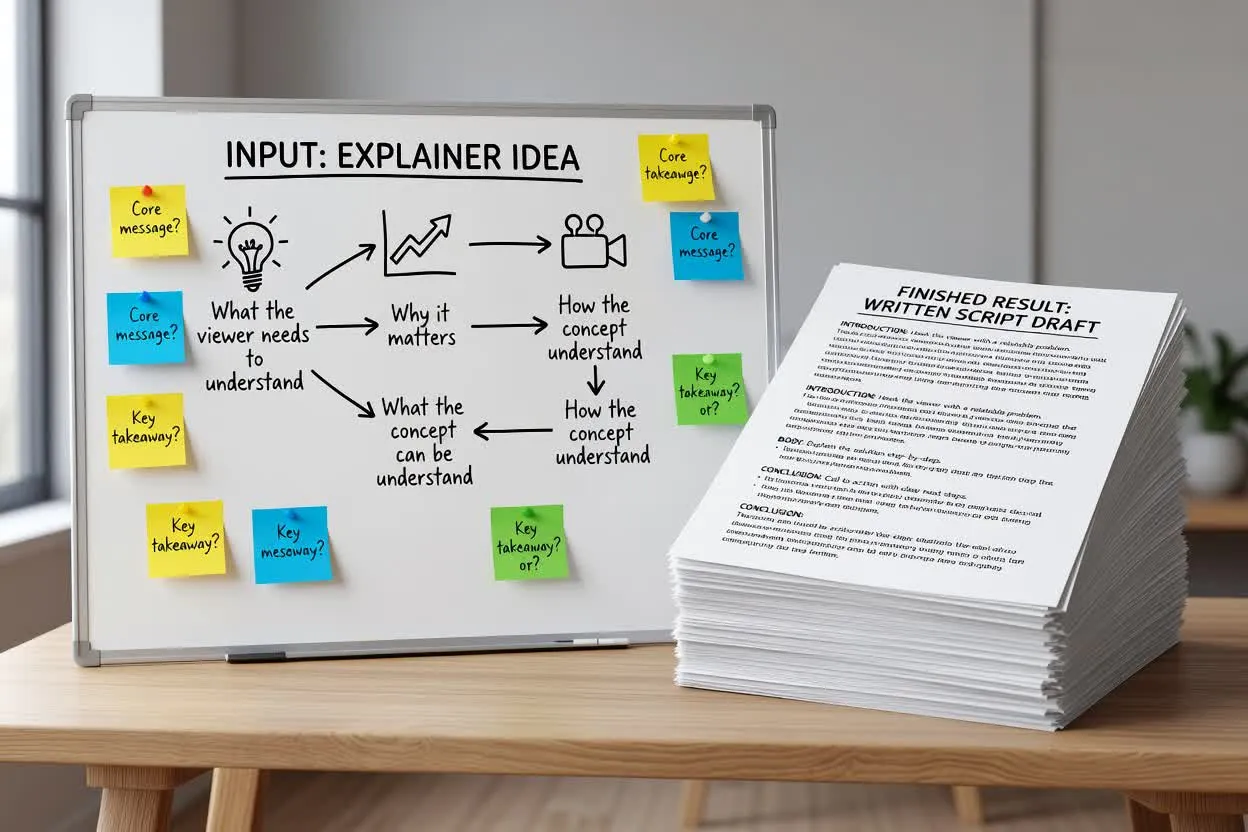
Gå från en grov brief till en manusplan för en förklaringsvideo som du kan granska före inspelning.
Ange ämne, målgrupp, längd, ton, format och den avslutande handling du vill att tittaren ska utföra.
Granska hur planeraren ramar in problemet, introducerar en analogi och delar upp förklaringen i undervisningsbara steg.
Förfina formuleringarna, ta bort påståenden utan stöd och säkerställ att den stegvisa undervisningsplanen passar den avsedda videolängden.
Planeraren returnerar ett skriftligt utkast som ger ditt förklaringsmanus en tydlig undervisningsväg från uppmärksamhet till handling.
En kort inledning som beskriver tittarens problem och varför det förtjänar uppmärksamhet.
En jämförelse eller analogi som gör ämnet lättare att förstå innan de detaljerade stegen börjar.
En stegvis undervisningsplan som delar upp förklaringen i tydliga moment för berättarröst eller scenplanering.
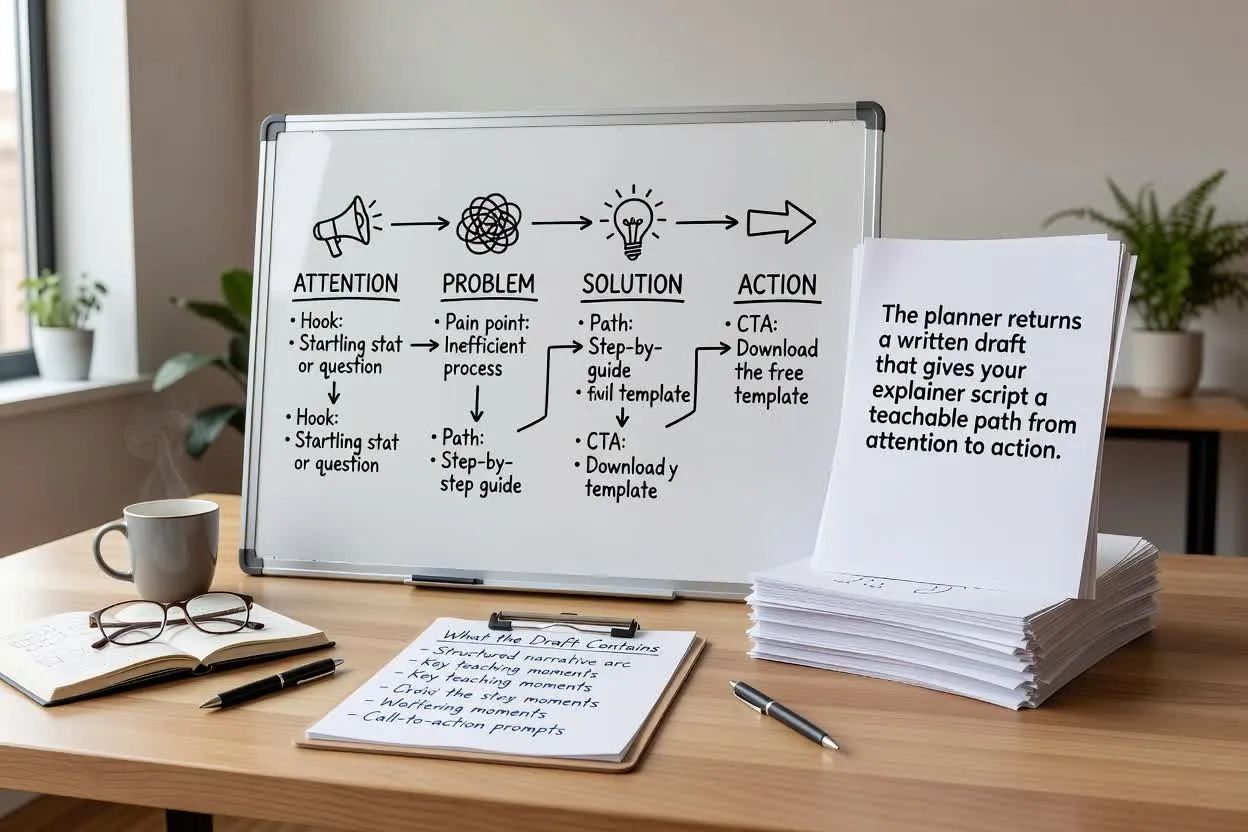
Justera planeringsinmatningen som påverkar hur manuset utformas, disponeras och avslutas.
Välj det format som passar den avsedda leveransen, till exempel en produktförklaring, utbildningslektion eller kort instruktionsgenomgång.
Ange en ungefärlig längd så att planen passar den mängd förklaring som målgruppen rimligen kan följa.
Välj en ton som passar varumärket eller lektionsstilen, från direkt och praktisk till vänlig och samtalsinriktad.
Använd planeraren när manuset behöver undervisa, förtydliga eller introducera något innan visuellt material skapas.
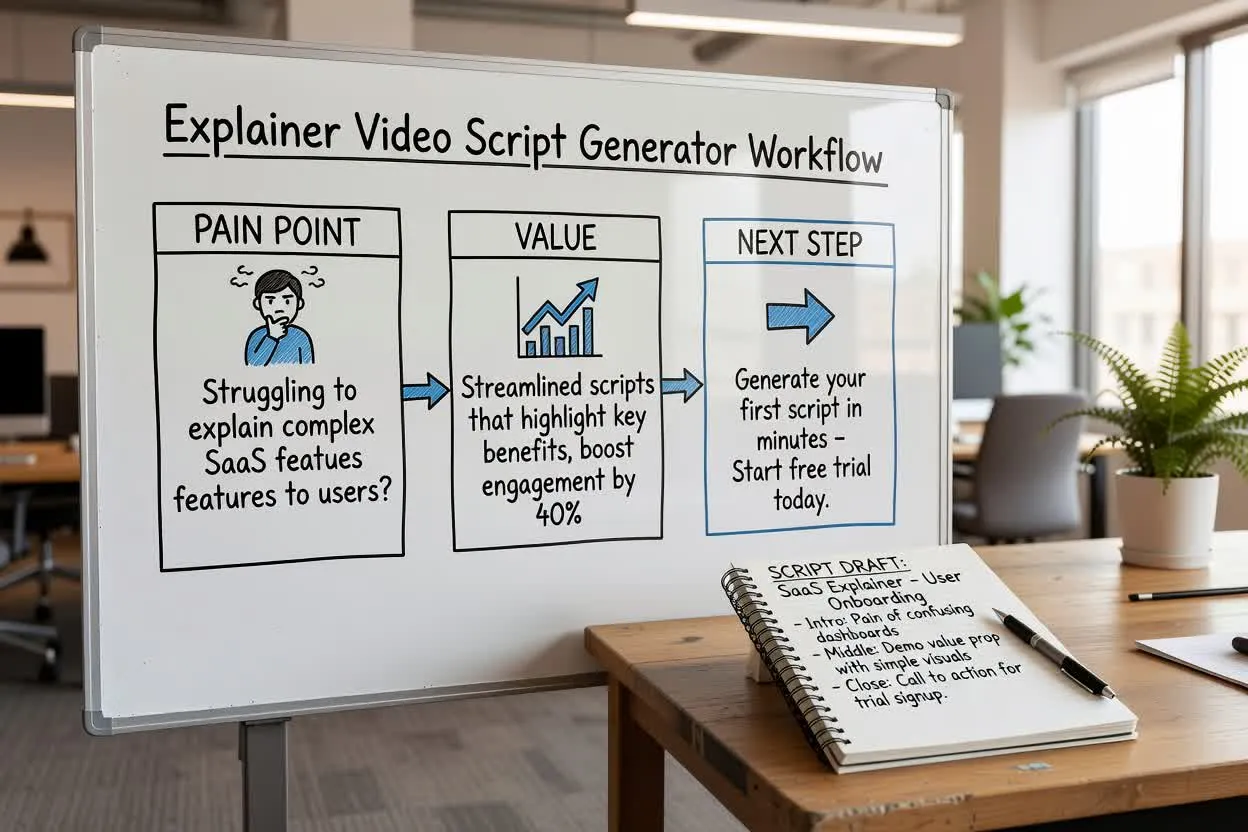
Planera en kort produktförklaring som introducerar problemet, visar värdet och avslutas med ett nästa steg.
Öppna manusplaneraren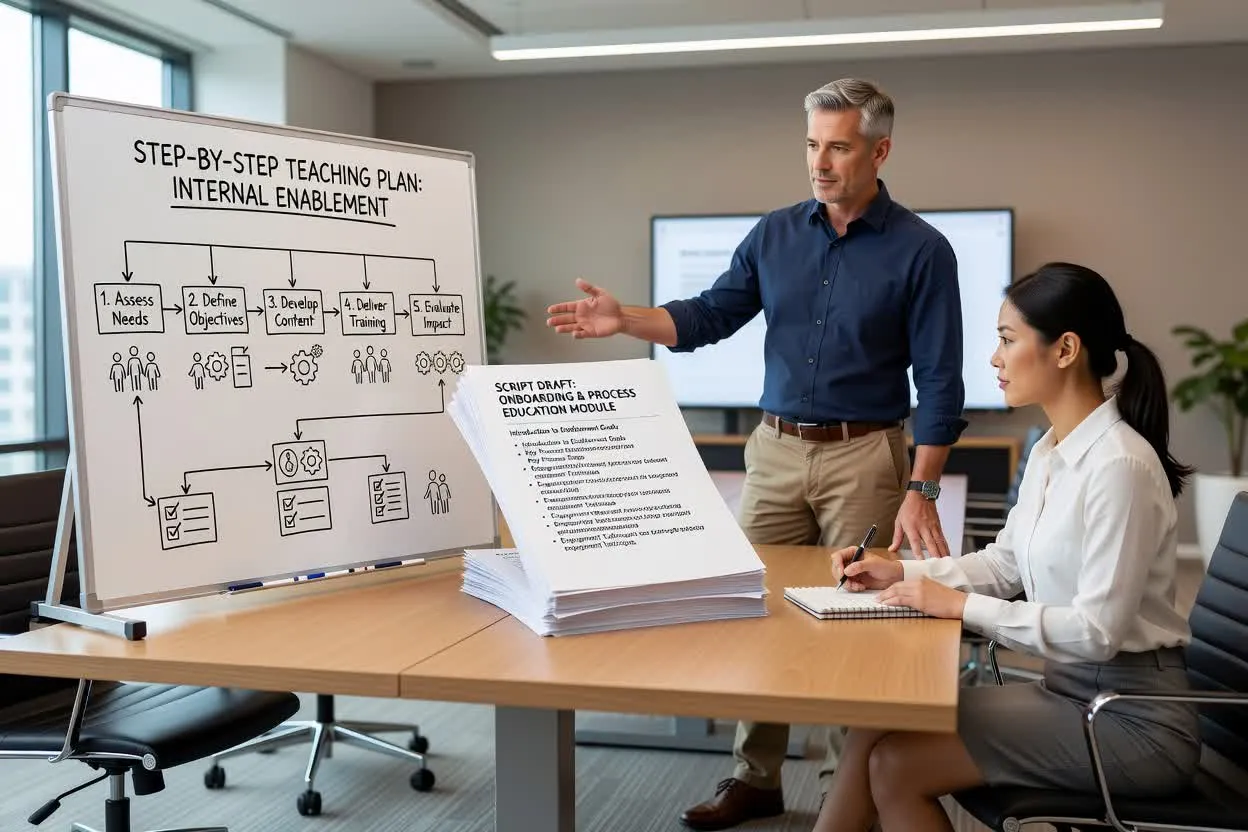
Skapa en stegvis undervisningsplan för introduktion, intern kompetensutveckling eller processutbildning.
Öppna manusplaneraren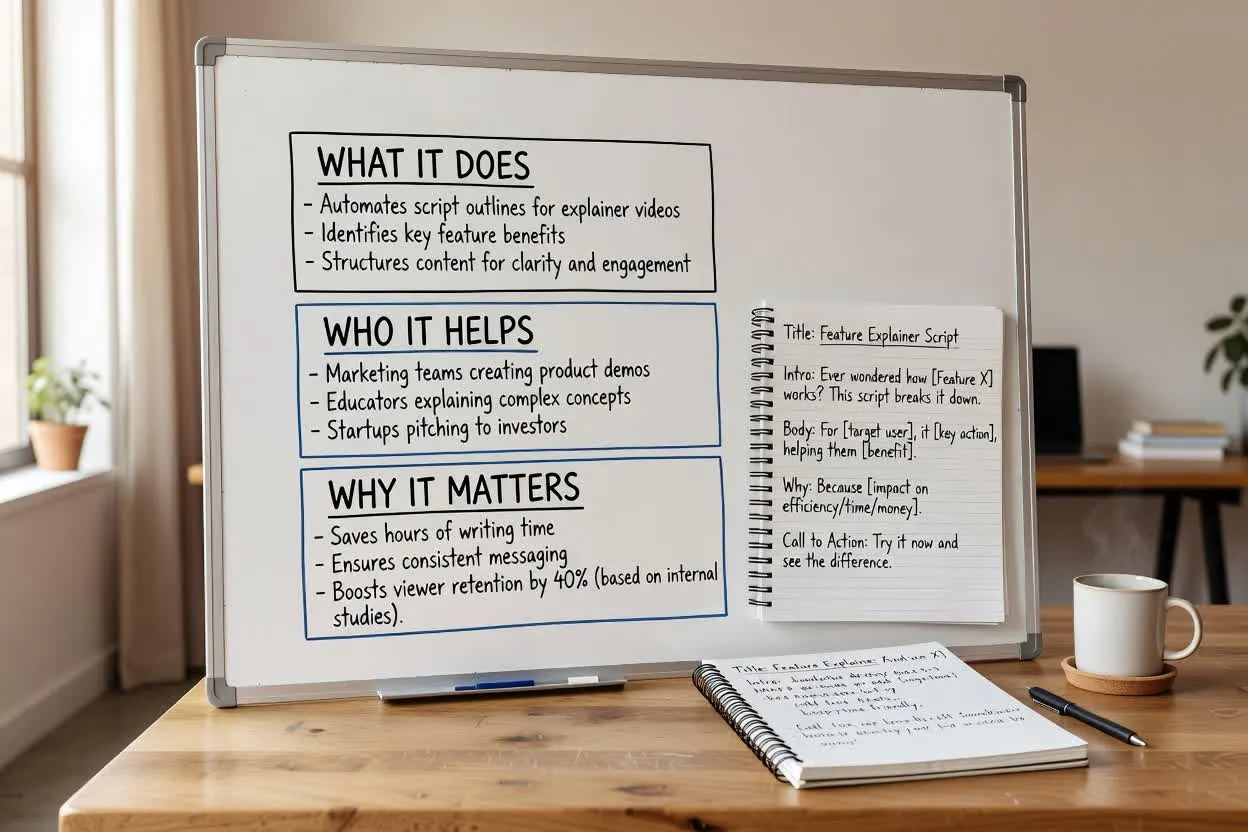
Forma ett produktutbildningsmanus som förklarar vad en funktion gör, vem den hjälper och varför den är viktig.
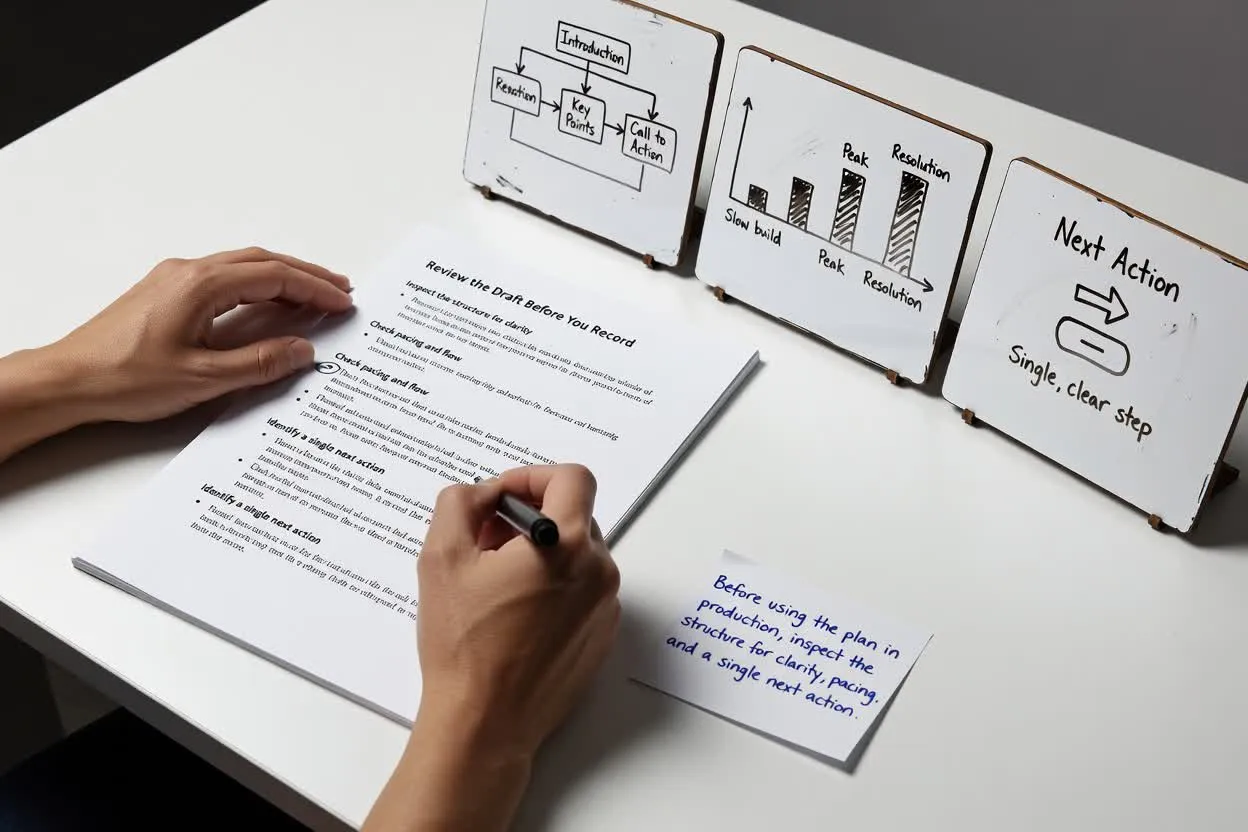
Öppna manusplanerarenInnan du använder planen i produktionen bör du granska strukturen för tydlighet, tempo och en enda nästa handling.
Bekräfta att kroken matchar målgruppens verkliga problem och inte börjar för brett.
Kontrollera om antalet moment eller scener känns realistiskt för den valda längden.
Håll slutet fokuserat på en avslutande uppmaning så att tittaren vet vad den ska göra härnäst.
Använd resultatet som ett planeringsutkast, inte som en färdig tillgång eller verifierad sanningskälla.
Verktyget planerar endast skriftlig struktur. Det spelar inte in berättarröst, renderar inte visuellt material och producerar ingen färdig videofil.
Alla produktfördelar, statistiska uppgifter, jämförelser eller löften i utkastet måste kontrolleras mot dina egna godkända källor.
Vanliga frågor om att använda Explainer Video Script Generator för att planera ett skriftligt förklaringsmanus.
Börja med ämne, målgrupp och önskad längd, och granska sedan den planerade förklaringen innan du spelar in eller bygger videon.