
Descreva o produto e o comprador
Adicione detalhes do produto, o briefing do comprador, o principal problema, os recursos mais fortes e o resultado que o espectador deve entender.
Planejamento de roteiro para vídeo de produto
Planeje um roteiro de vídeo de produto com base nos detalhes do produto e no briefing do comprador usando o Gerador de Roteiros para Vídeos de Produto e, em seguida, analise as cenas de demonstração, a locução e a chamada final antes de gravar ou criar seu vídeo.
O Gerador de Roteiros para Vídeos de Produto é uma ferramenta de planejamento que transforma detalhes do produto e um briefing do comprador em um rascunho estruturado de vídeo. Ele ajuda a organizar o gancho, o fluxo da demonstração, os benefícios, a locução e a ação final antes de gravar ou gerar elementos visuais.
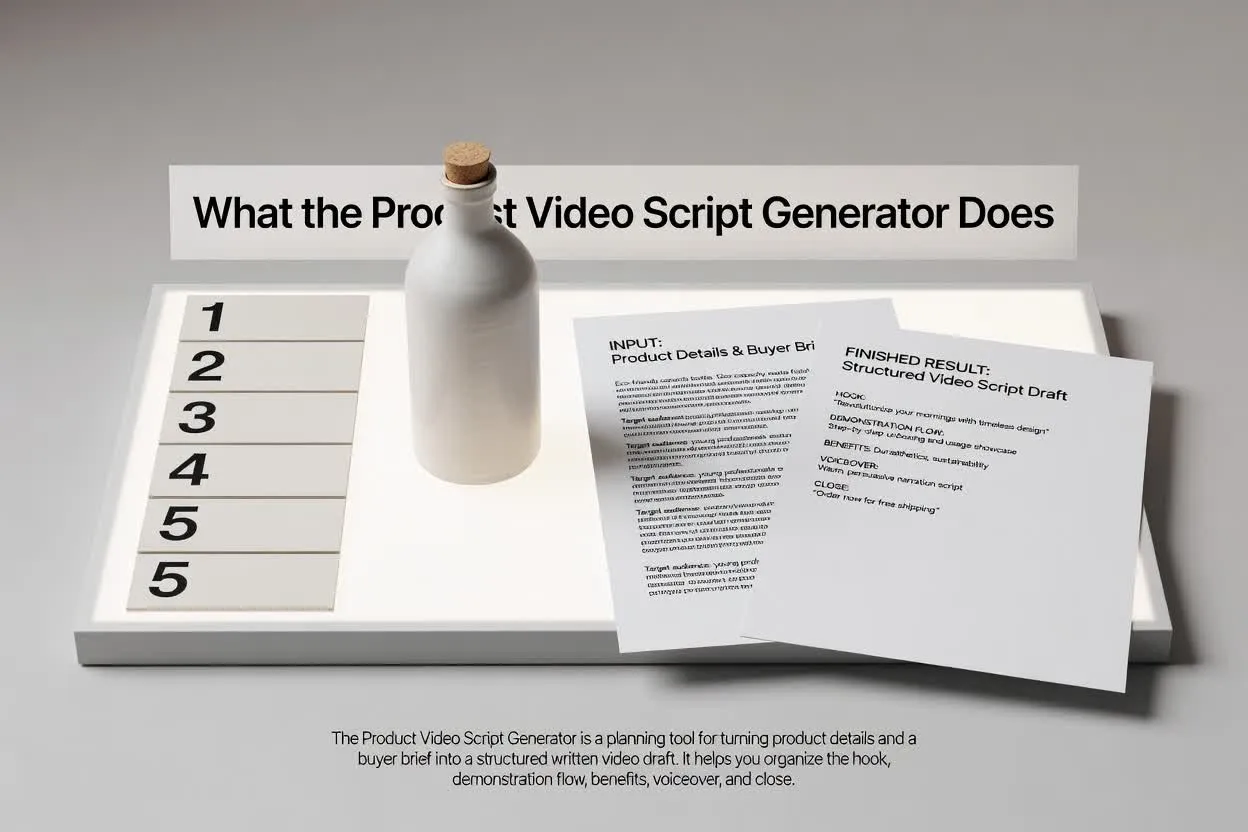
Passe do briefing a um plano revisável em algumas etapas objetivas.
Adicione detalhes do produto, o briefing do comprador, o principal problema, os recursos mais fortes e o resultado que o espectador deve entender.
Selecione o formato, a duração, o tom, o público e a ação final para que o roteiro corresponda ao canal e ao objetivo.
Revise a estrutura do roteiro de demonstração de produto quanto ao fluxo das cenas, à clareza dos benefícios, à redação da locução e ao foco da chamada final.
O planejador retorna um rascunho que você pode ler, editar e encaminhar antes do início da produção.
Um roteiro de demonstração de produto, cena por cena, que mostra o que o espectador deve ver e ouvir em cada momento.
Linhas ou orientações de locução que conectam o problema do comprador, o recurso do produto e o benefício em uma ordem clara.
Uma ação final que mantém o vídeo focado em uma única próxima etapa, em vez de chamadas concorrentes.
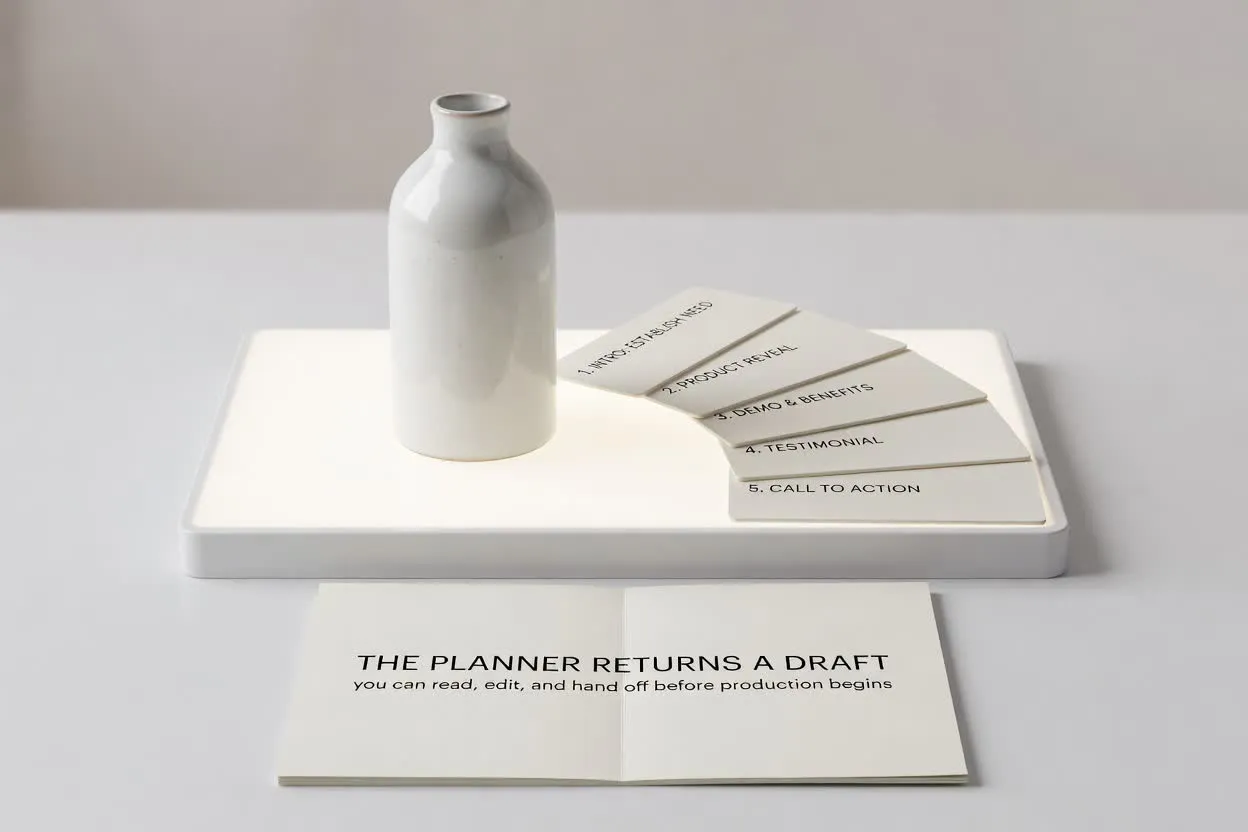
Use os controles para adaptar o roteiro à função que seu vídeo precisa cumprir.
Escolha o formato adequado à veiculação, como um clipe curto de lançamento, um passo a passo ou uma demonstração de e-commerce.
Escolha uma duração para que o plano se ajuste ao número de cenas e ao nível de atenção que você pretende alcançar.
Ajuste o tom e o público para manter a locução alinhada às expectativas do comprador e ao seu nível de conhecimento sobre o produto.
Use o planejador quando precisar de um roteiro que transforme informações do produto em uma estrutura pronta para vídeo.
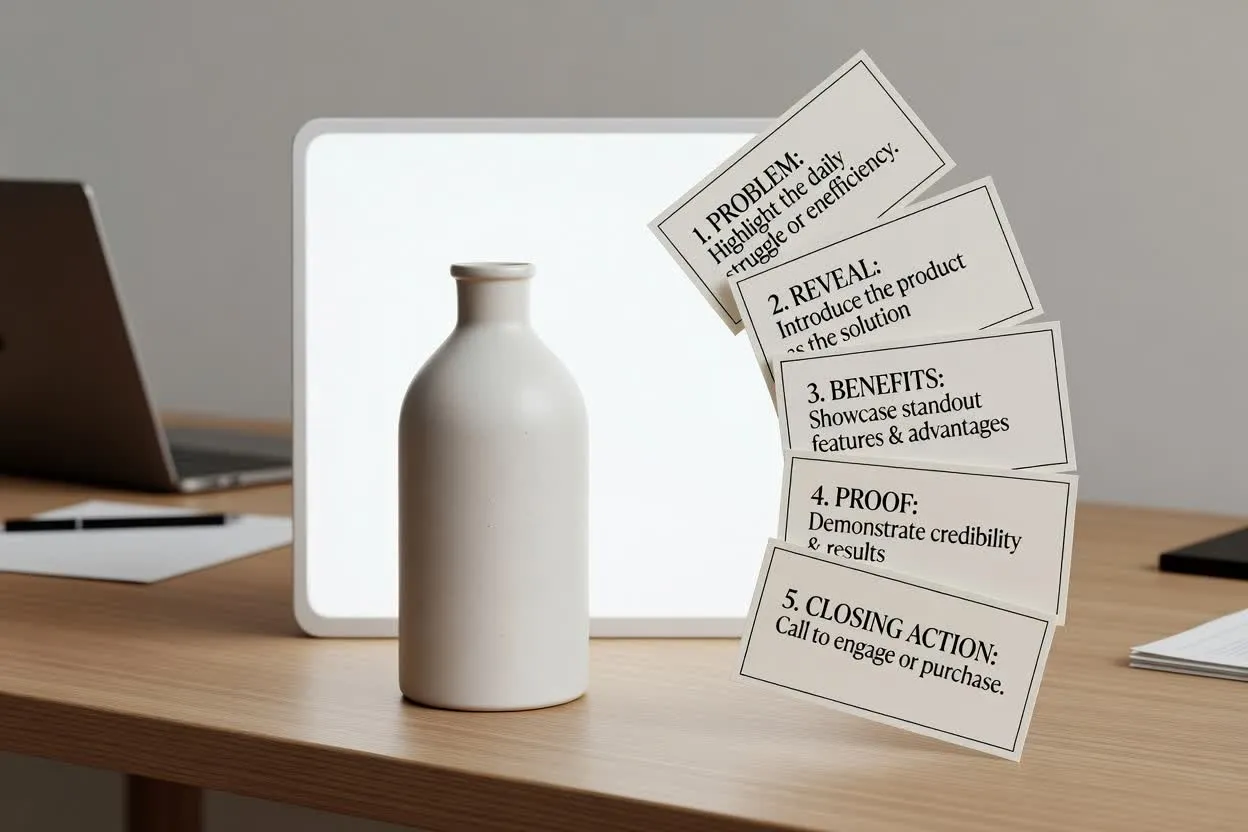
Esboce a história de um vídeo de lançamento, do problema e da revelação aos benefícios de destaque e à ação final.
Planejar com o Gerador de Roteiros para Vídeos de Produto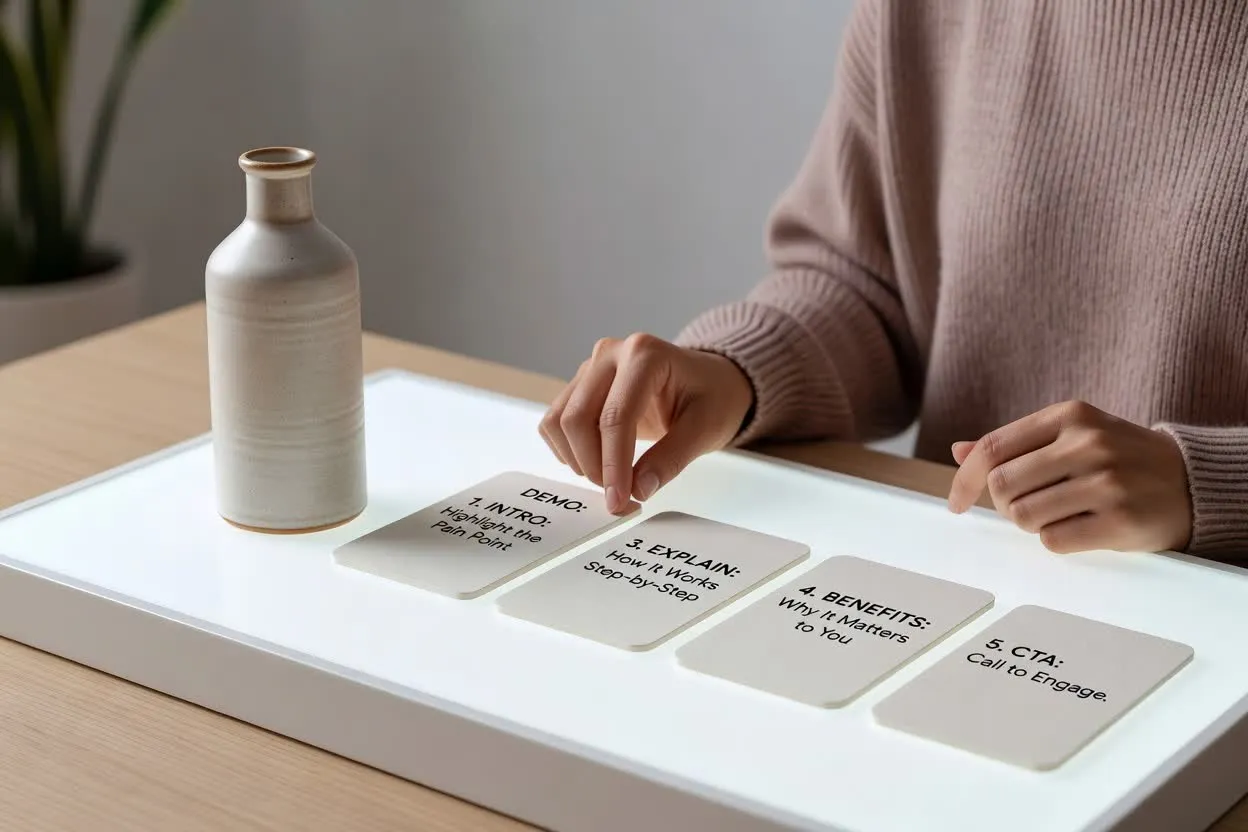
Crie um plano de vídeo de recursos e benefícios que explique como uma funcionalidade funciona e por que ela é importante para o espectador.
Abrir o planejador de roteiros
Crie um roteiro de demonstração de e-commerce que mostre o produto em uso, responda às perguntas do comprador e termine com uma próxima etapa clara.
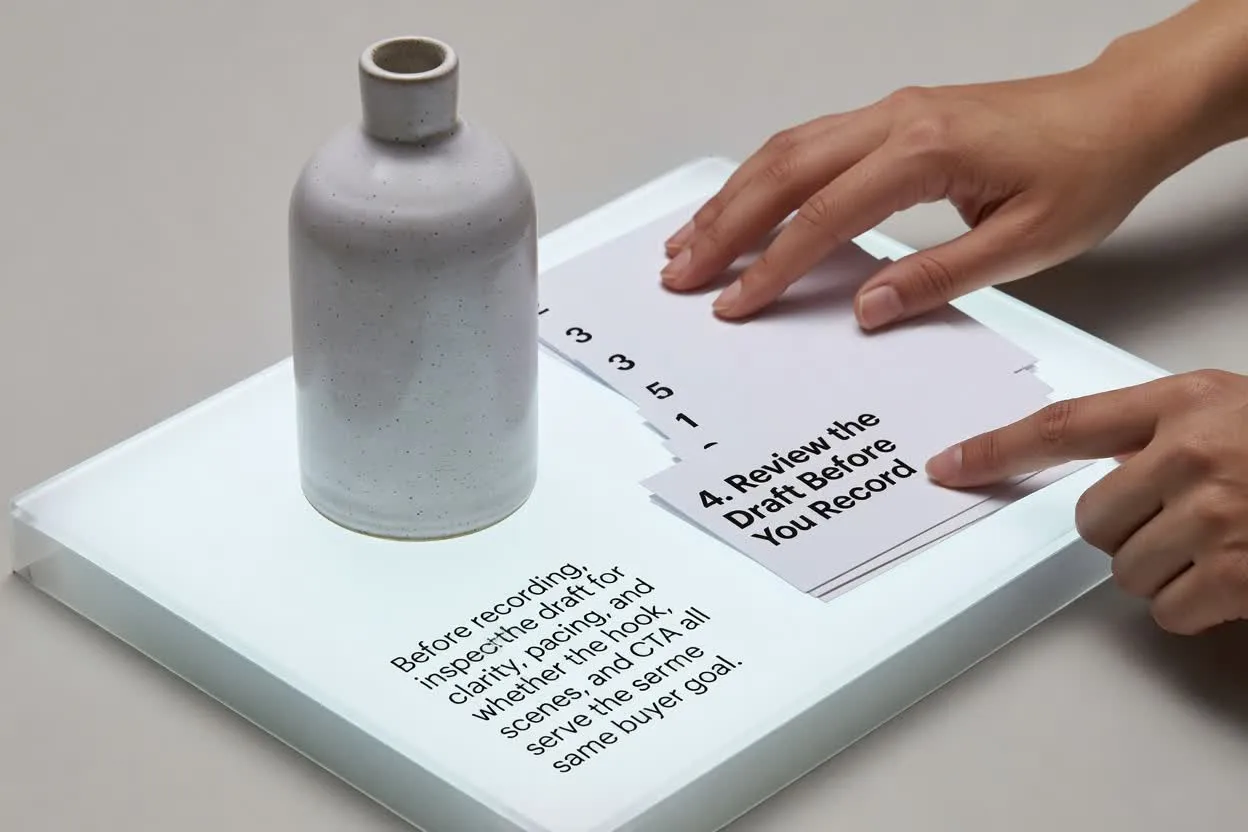
Abrir o planejador de roteirosAntes de gravar, analise a clareza e o ritmo do rascunho e verifique se o gancho, as cenas e a chamada final atendem ao mesmo objetivo do comprador.
Confirme que o gancho aborda o problema ou o resultado desejado pelo comprador com rapidez suficiente para a duração escolhida.
Analise o número de cenas para que a história do produto pareça completa sem ficar sobrecarregada.
Certifique-se de que o final peça apenas uma ação, como visitar uma página, cadastrar-se ou comprar.
Use o plano como apoio para redação e revisão, não como vídeo finalizado nem como substituto da validação do produto.
O resultado é um rascunho escrito para planejamento. Ele não grava imagens, renderiza cenas, adiciona música nem exporta um vídeo finalizado.
Revise cada alegação de recurso, benefício, comparação e desempenho com base nos fatos do seu produto antes de usar o roteiro.
Perguntas comuns sobre o uso do planejador para roteiros de vídeos de produto.
Traga os detalhes do produto e o briefing do comprador, defina os controles do vídeo e analise o rascunho antes da produção.