
Dette endres
- Arkitektur i full størrelse blir behandlet som en kompakt fysisk modell eller et diorama
- Materialer, belysning, utstillingssokkel, små detaljer i scenen og makrodybdeskarphet skaper miniatyrillusjonen
Gjør et bilde av en ekte butikkfasade, severdighet, bolig, et rom eller en gate om til en miniatyrbyggescene som kan samles på, med utseende som en utstillingssokkel, håndfaste modellmaterialer, studiobelysning og liten dybdeskarphet, samtidig som den opprinnelige fasaden forblir gjenkjennelig.
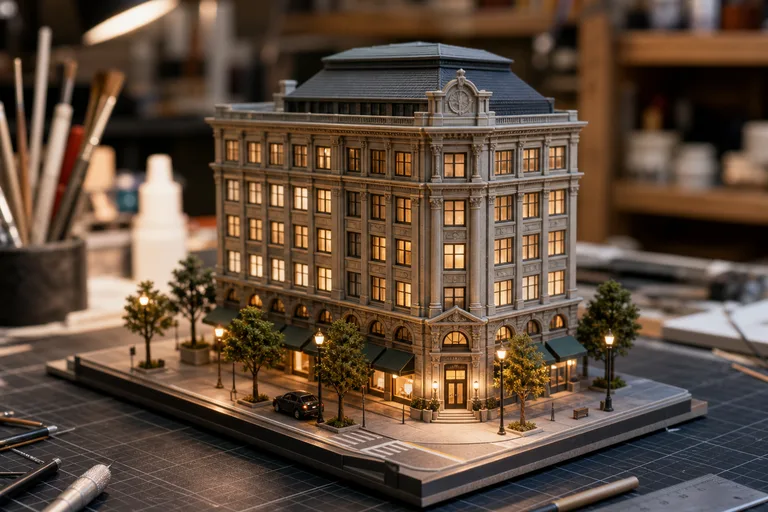
Apply the AI 3D Miniature Building effect to the uploaded architecture or scene photo. Preserve the building or room structure, facade, windows, roofline, signage placement, materials, layout, and surrounding scene cues. Rebuild it as a detailed 3D miniature architectural model on a clean display base, with tiny realistic model materials, soft studio lighting, shallow depth of field, and a polished diorama composition. Do not invent a different building.
AI 3D-miniatyrbygningsgeneratoren forvandler et bilde av arkitektur eller et sted til et bilde som ser ut som et fotografert, fysisk diorama. Den er laget for gjenkjennelige miniatyrbygninger: kompakt skala, ren utstillingssokkel, modellignende overflater, små detaljer i scenen og et makrofotografisk uttrykk som fortsatt gjenspeiler strukturen i kildebildet.
Denne malen omformer et ekte sted til en arkitekturscene i samlerskala, samtidig som bygningens identitet forankres i originalbildet.
Et tydelig kildebilde og en rask visuell kontroll bidrar til at det ferdige bildet av miniatyrbygningen føles både modellaktig og gjenkjennelig.
Last opp et skarpt bilde av et eksteriør, en butikkfasade, et rom, en bygning eller en gate, med tydelig arkitektur og minst mulig tildekking.
Fokuser konseptet på et fysisk miniatyruttrykk: utstillingssokkel, modellmaterialer, studiobelysning, liten dybdeskarphet og bevarte strukturelle detaljer.
Sammenlign det ferdige bildet med kildebildet med tanke på fasadens nøyaktighet, taklinjens form, vinduer, dører, plassering av skilt, perspektiv og helhetlig modelluttrykk.
Utforsk ulike uttrykk for miniatyrbygninger, fra polerte butikkmodeller til reisedioramaer og arkitektoniske presentasjonsscener.
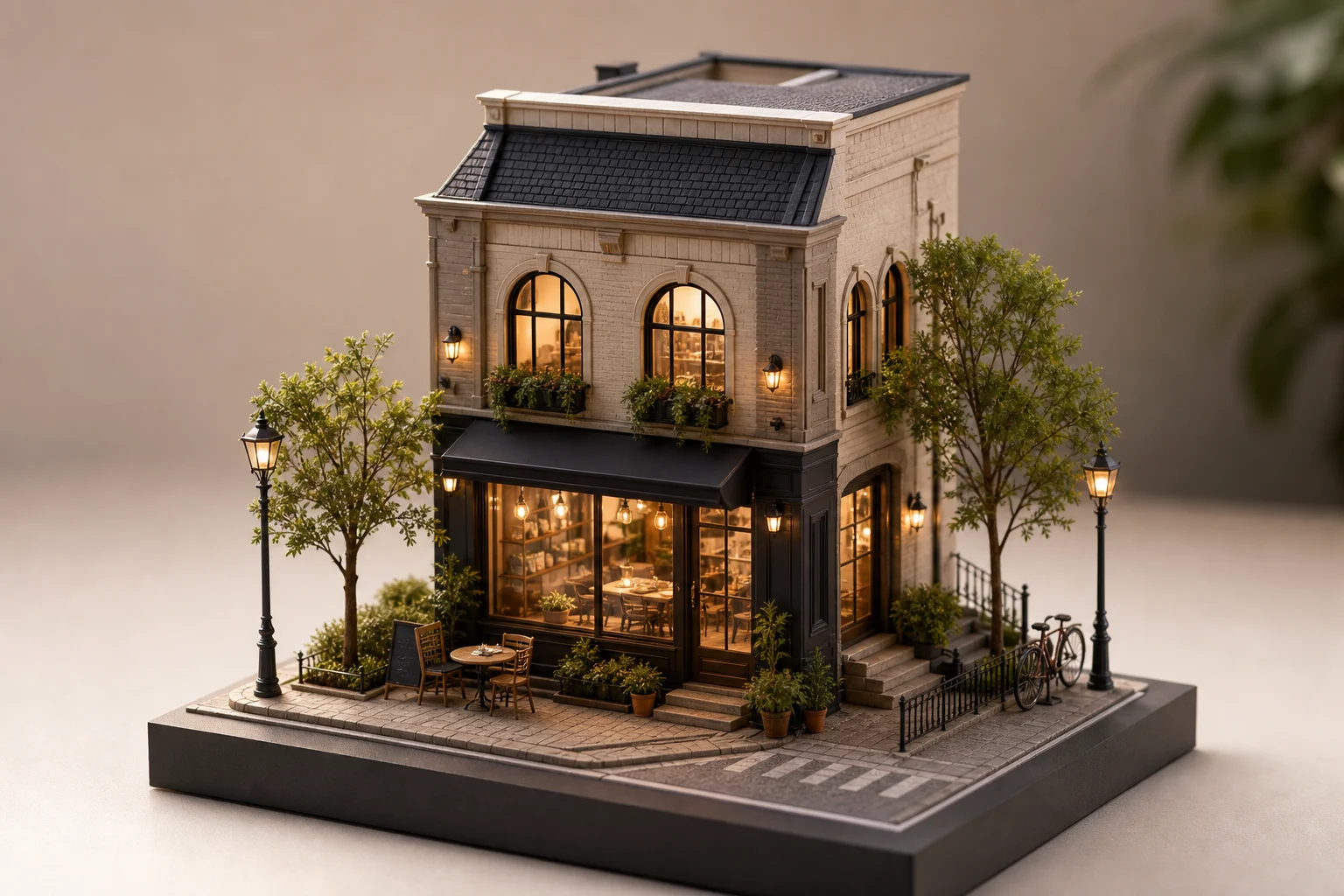
Et rent uttrykk med modellsokkel som fremhever fasaden, plasseringen av skilt, vinduer og gatepreget til en butikk eller lokal virksomhet.
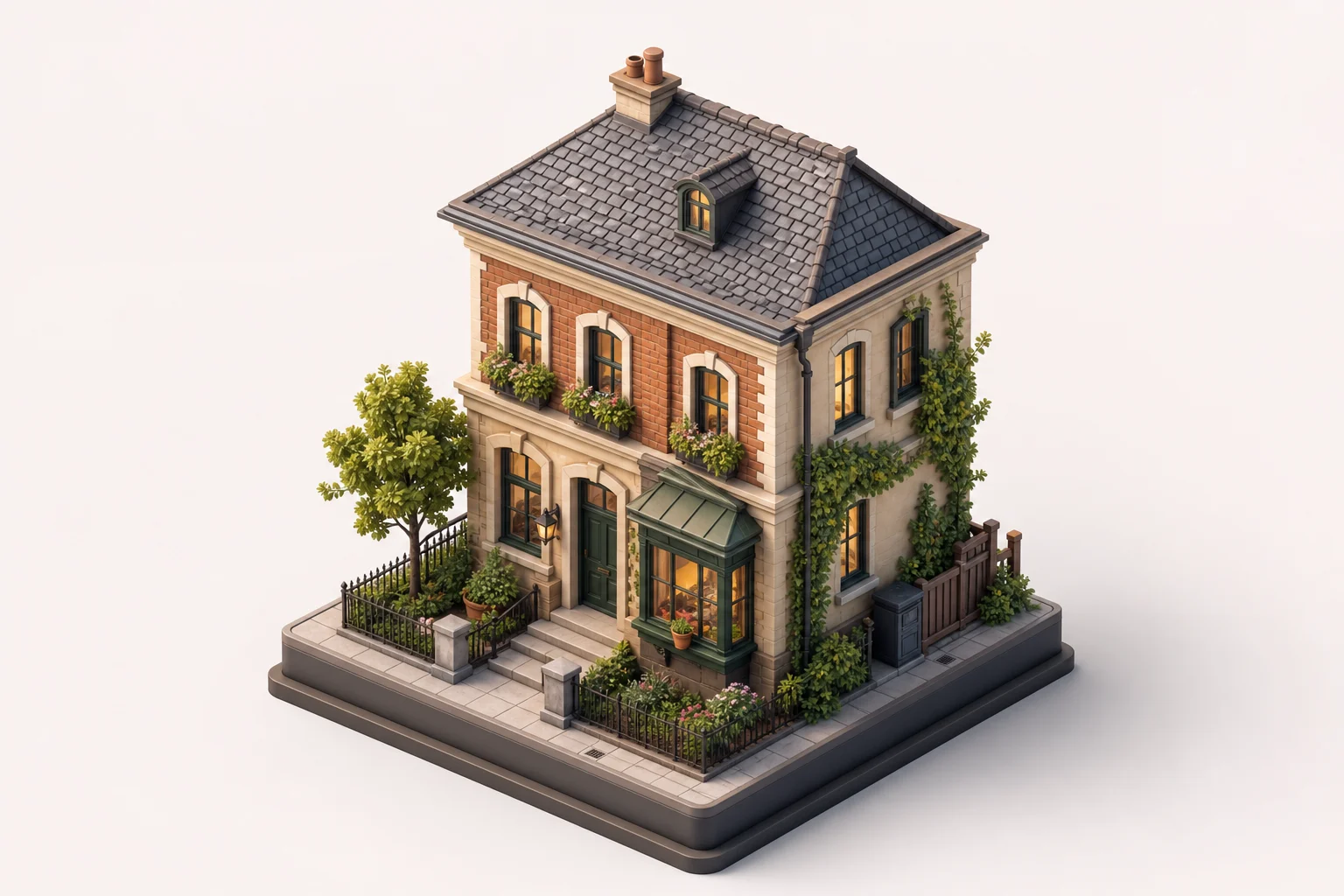
Et kompakt diorama i severdighetsstil med gjenkjennelige proporsjoner, detaljer i taklinjen og omgivelser som passer til reiseinspirert grafikk.
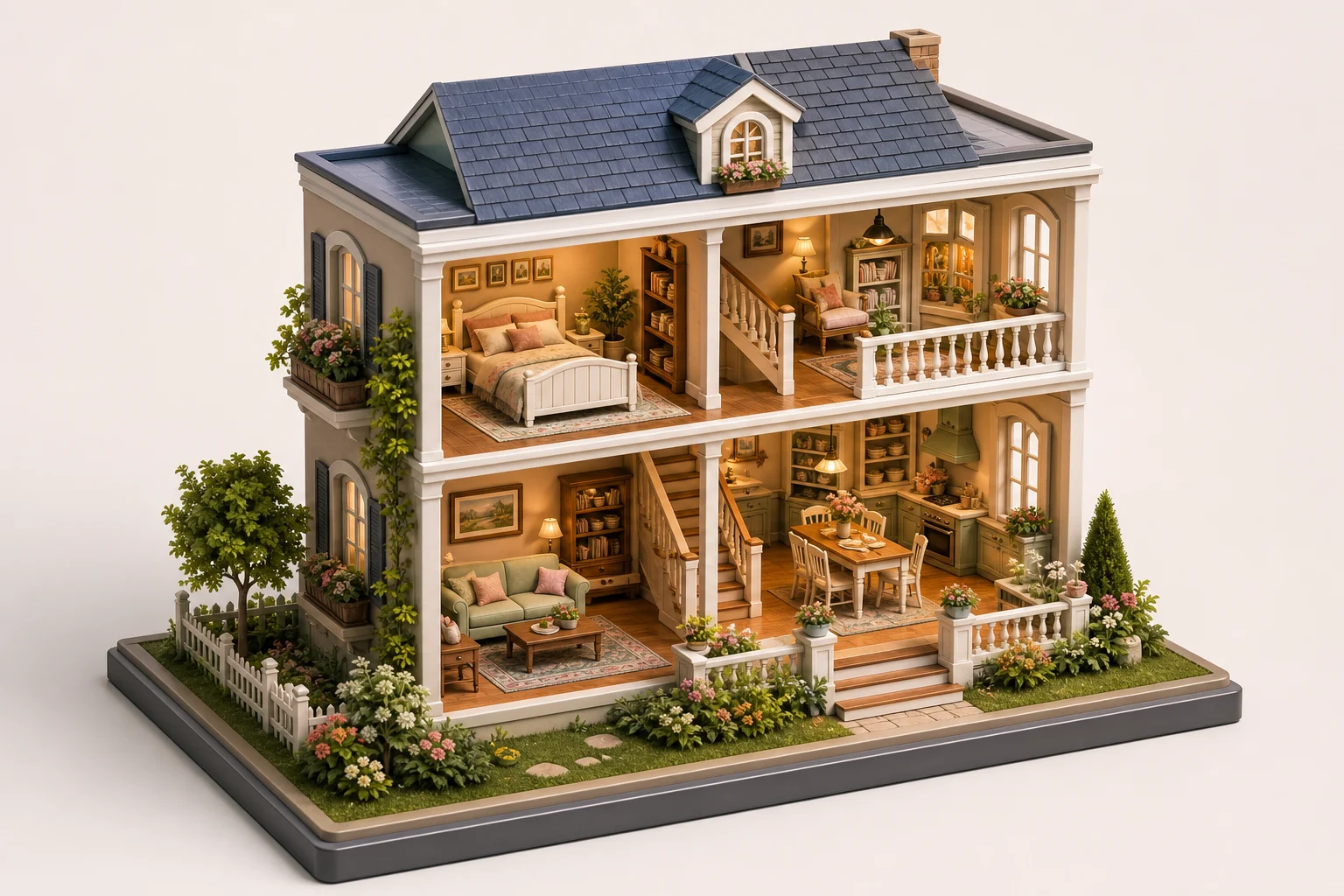
En arkitekturmodell klar for presentasjon, med mykt studiolys, håndfaste materialer og en ryddig komposisjon på utstillingssokkel.
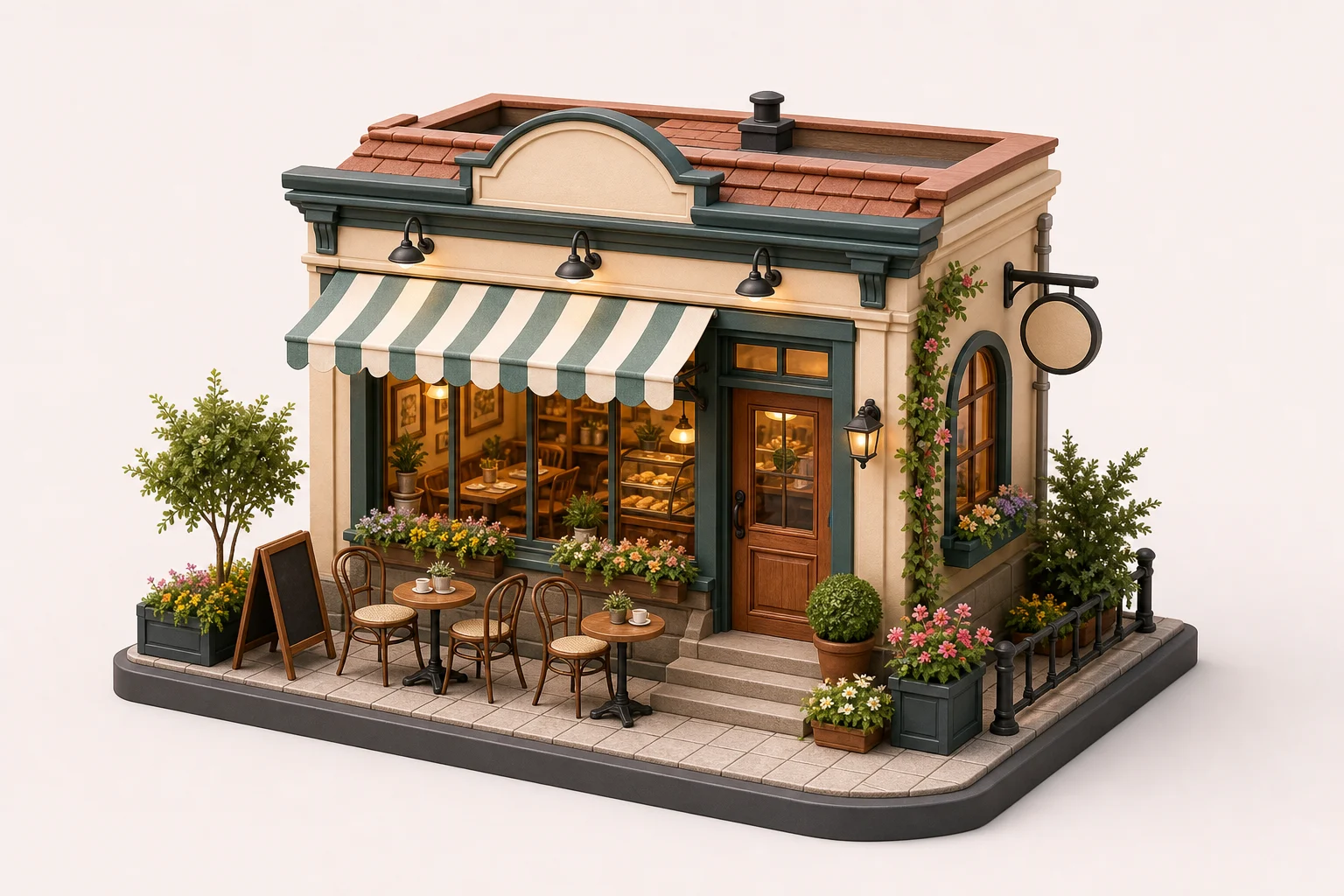
Et småskala konsept for nabolag eller gatebilde som beholder gateelementer, bygningsoppsett og synsvinkel i en leken, modellignende scene.
Bruk effekten med miniatyrarkitekturmodeller når du vil at et ekte sted skal føles mer samleverdig, fortellende og visuelt minneverdig.
Gi nytt liv til et hus, eksteriøret i en boligannonse, en butikkfasade, et hotell, en kafé, et museum eller en lokal severdighet som et gjennomarbeidet miniatyrbygningskonsept for visuell historiefortelling.
Lag iøynefallende grafikk for arkitekturpresentasjoner, nabolagssaker, innlegg for lokale merkevarer, plakater, reiseoppsummeringer og innhold i sosiale medier.
For best mulig resultat fra foto til miniatyrbygning bør du starte med et kildebilde som tydelig viser arkitekturen og omgivelsene du vil beholde.
Beskriv ønsket miniatyruttrykk visuelt: en detaljert arkitekturmodell på en ren utstillingssokkel, håndfaste modellmaterialer, mykt studiolys, liten dybdeskarphet og bevart fasade, taklinje, vinduer, dører, plassering av skilt, materialer, synsvinkel og detaljer i omgivelsene. Unngå å be om en annen bygning eller omgivelser som ikke hører sammen med motivet.
Etter at du har laget miniatyrversjonen, bør du vurdere både hvor godt arkitekturen ligner og den modellaktige finishen før du bruker den i et konsept, en presentasjon eller et visuelt innlegg.
Sammenlign fasaderytme, taklinje, vinduer, dører, skilt og grunnflate med det opprinnelige bildet for å sikre at bygningens identitet fortsatt er tydelig.
Se på rekkverk, trapper, gateobjekter, kanter på utstillingssokkelen, materialteksturer og små modelldetaljer for å vurdere om skalaen føles konsekvent.
Kontroller at perspektiv, liten dybdeskarphet, lysretning og bakgrunn virker sammen som en fotografert bordmodell.
Viktige detaljer om å gjøre bilder av ekte arkitektur om til bygningsbilder i miniatyrstil.
Bruk et tydelig bilde av et eksteriør, en butikkfasade, severdighet, et rom eller en gate, og gjør det om til et visuelt uttrykk i miniatyrarkitekturmodell-stil for presentasjoner, lokal historiefortelling, plakater eller innhold i sosiale medier.