AI 3D Face Emoji Generator

AI 3D Face Emoji Generator

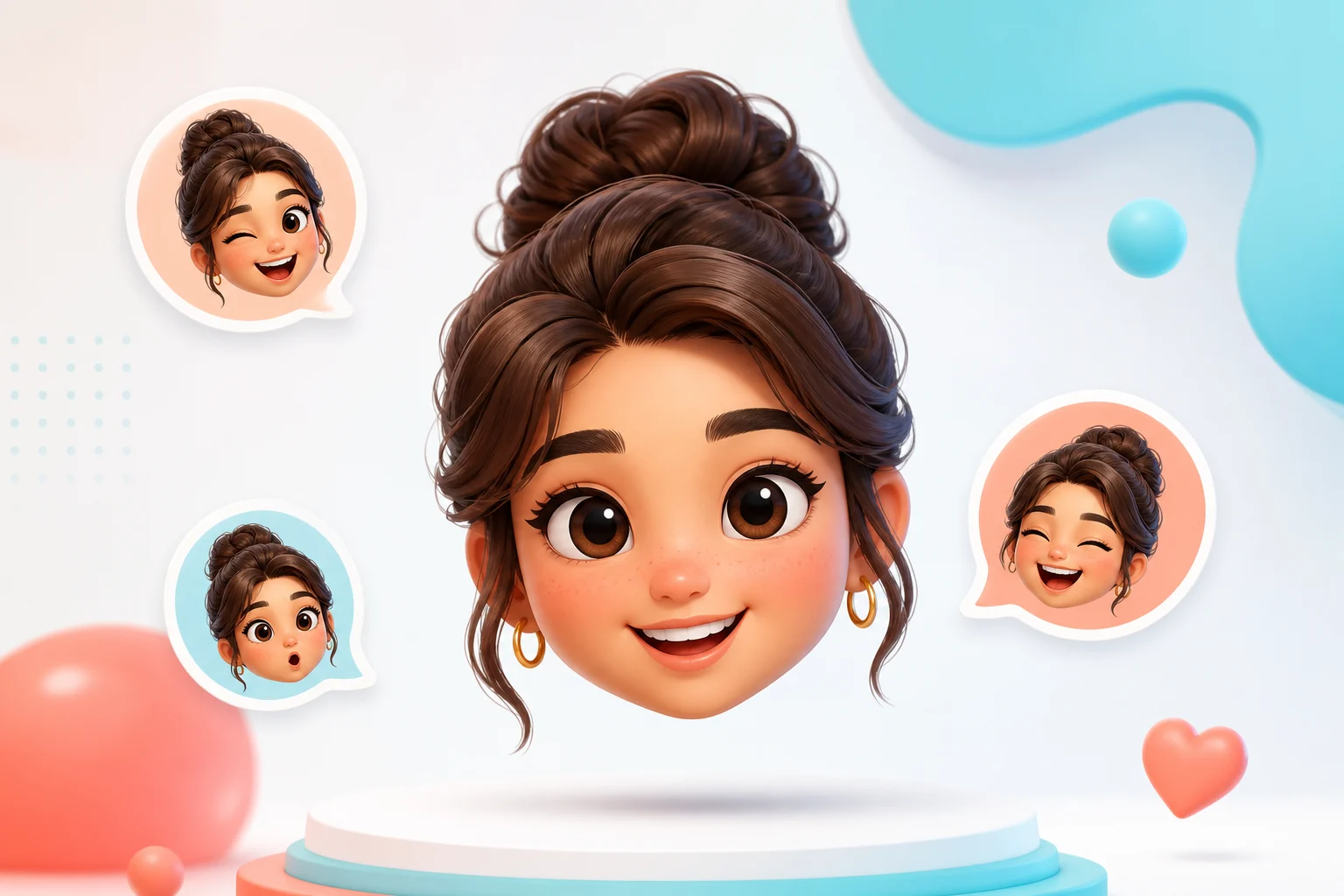
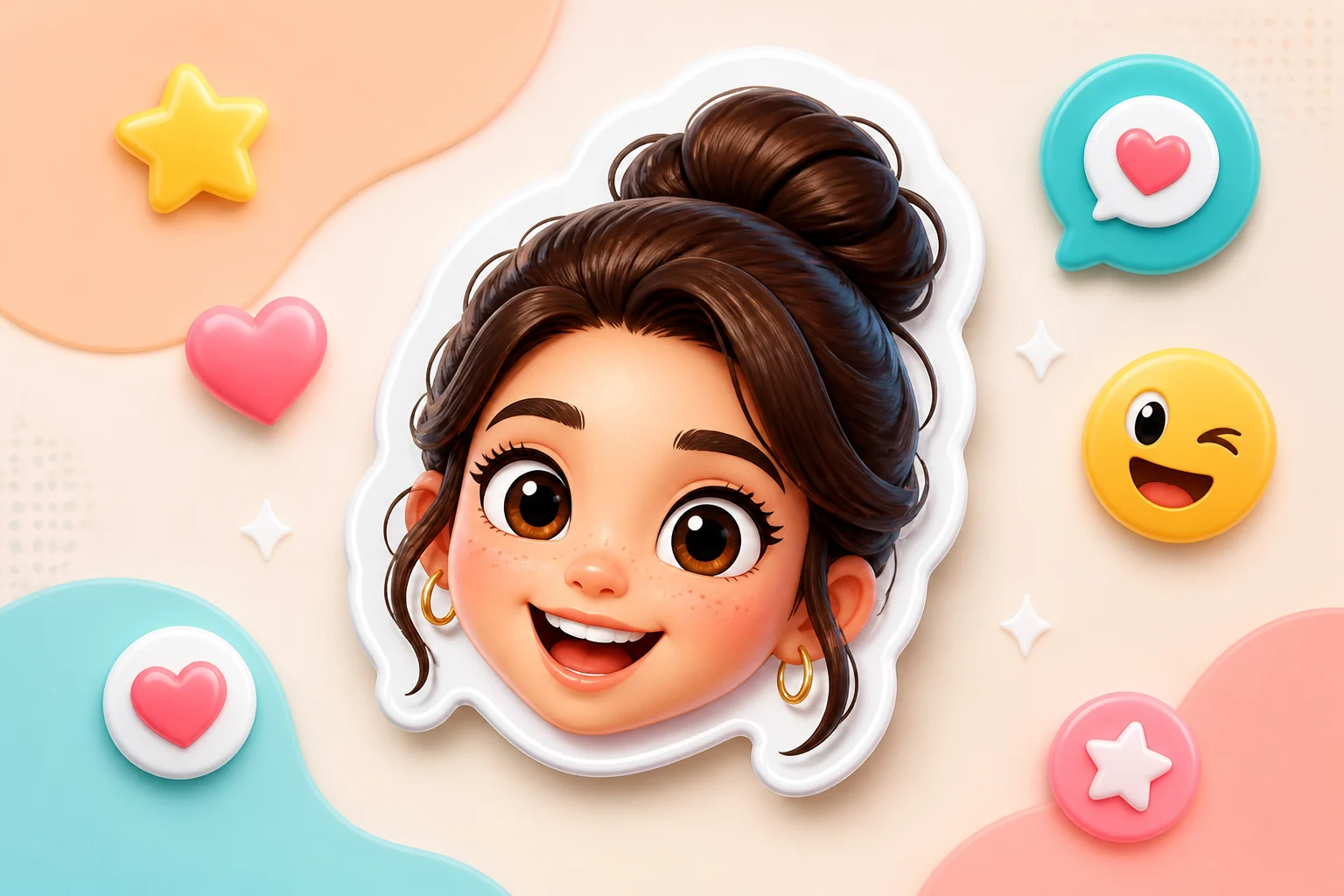
Turn a clear face photo into a cute 3D Face Emoji with rounded forms, glossy soft lighting, expressive eyes, and recognizable personal details.

AI 3D Face Emoji Generator example result
0 / 2000
Template prompt

AI 3D Face Emoji Generator

Apply the AI 3D Face Emoji effect to the uploaded face photo. Preserve the person's core identity, face shape, expression, hairstyle, skin tone, and most distinctive facial features. Rebuild the face as a cute 3D emoji avatar with rounded simplified forms, expressive eyes, glossy soft material, clean icon-friendly lighting, and a simple background. Simplify details for emoji readability without changing who the person is.

AI 3D Face Emoji Generator example result

What is an AI 3D Face Emoji Generator?

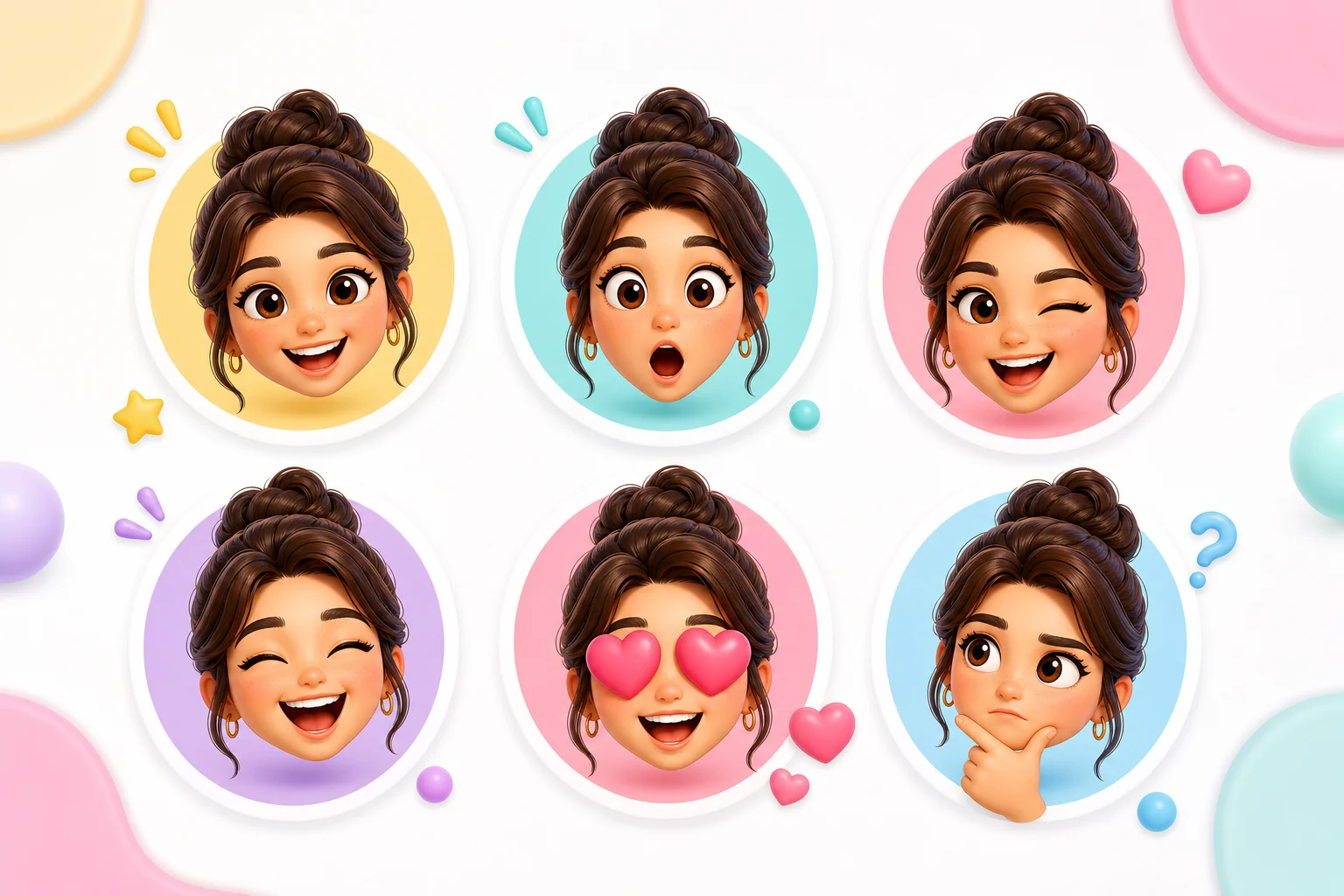
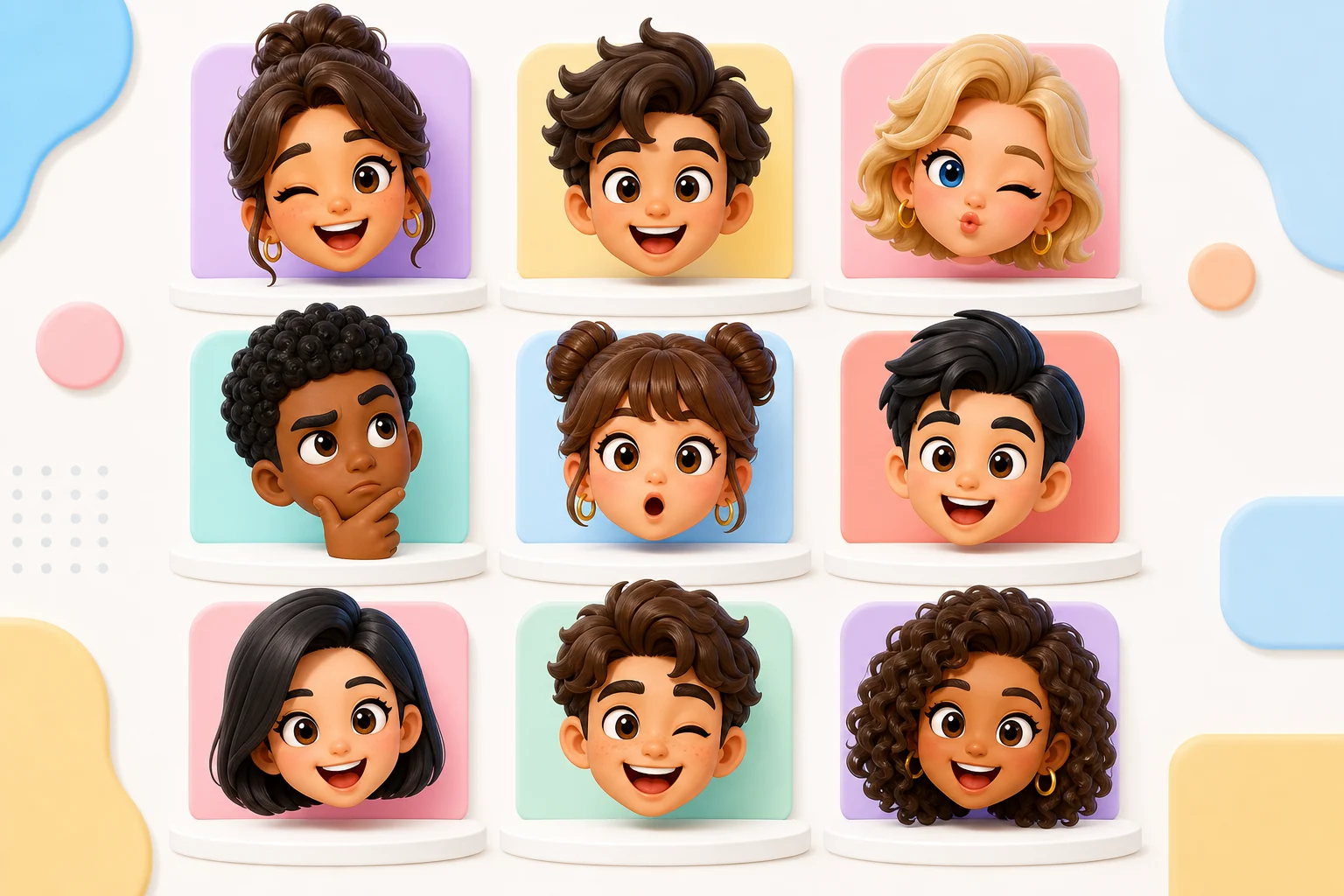
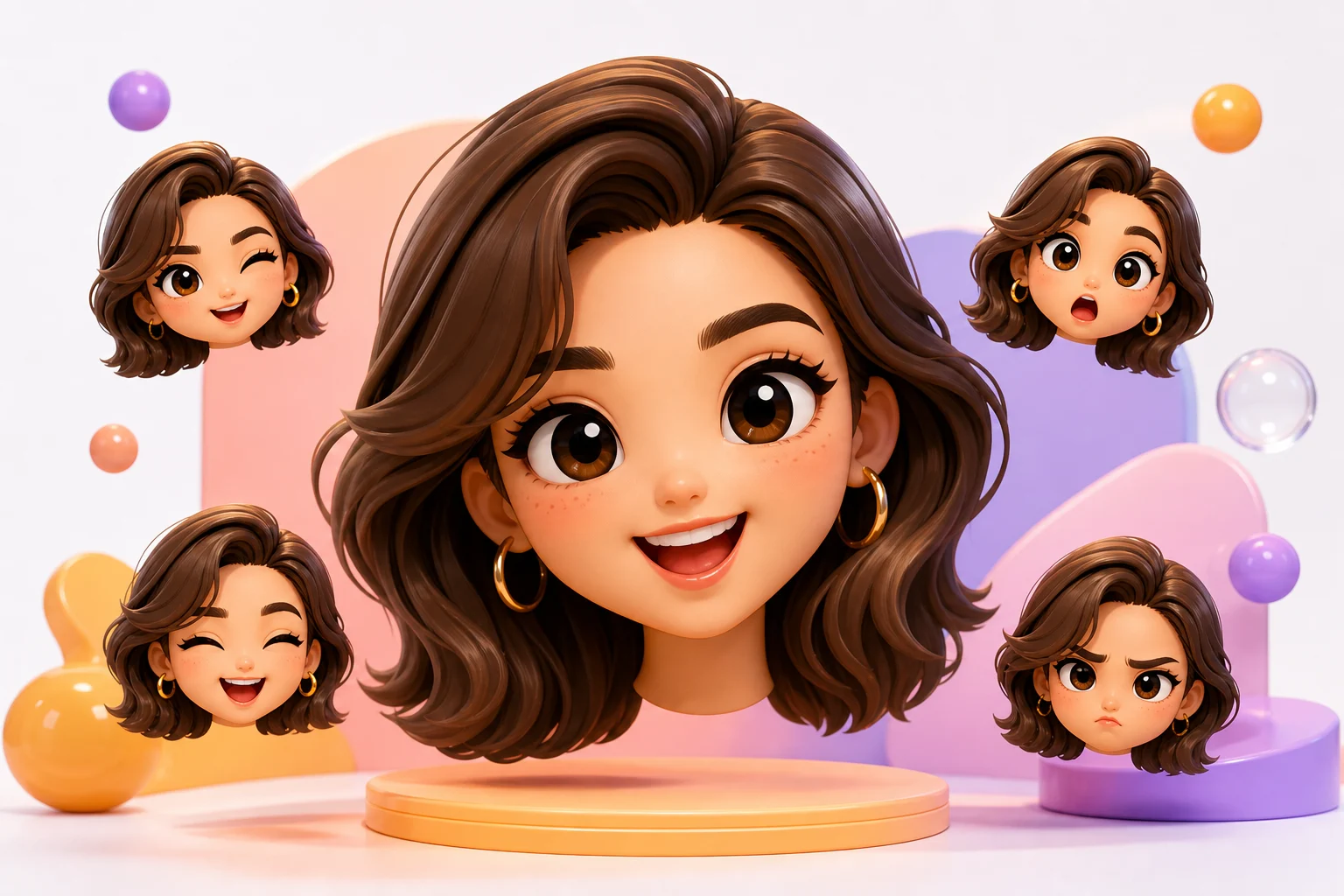
The AI 3D Face Emoji Generator helps you transform a face photo into an icon-friendly emoji avatar. The result emphasizes simplified 3D shapes, expressive eyes, soft glossy material, and a clean background while keeping the person’s face shape, expression, hairstyle, skin tone, and distinctive features recognizable.

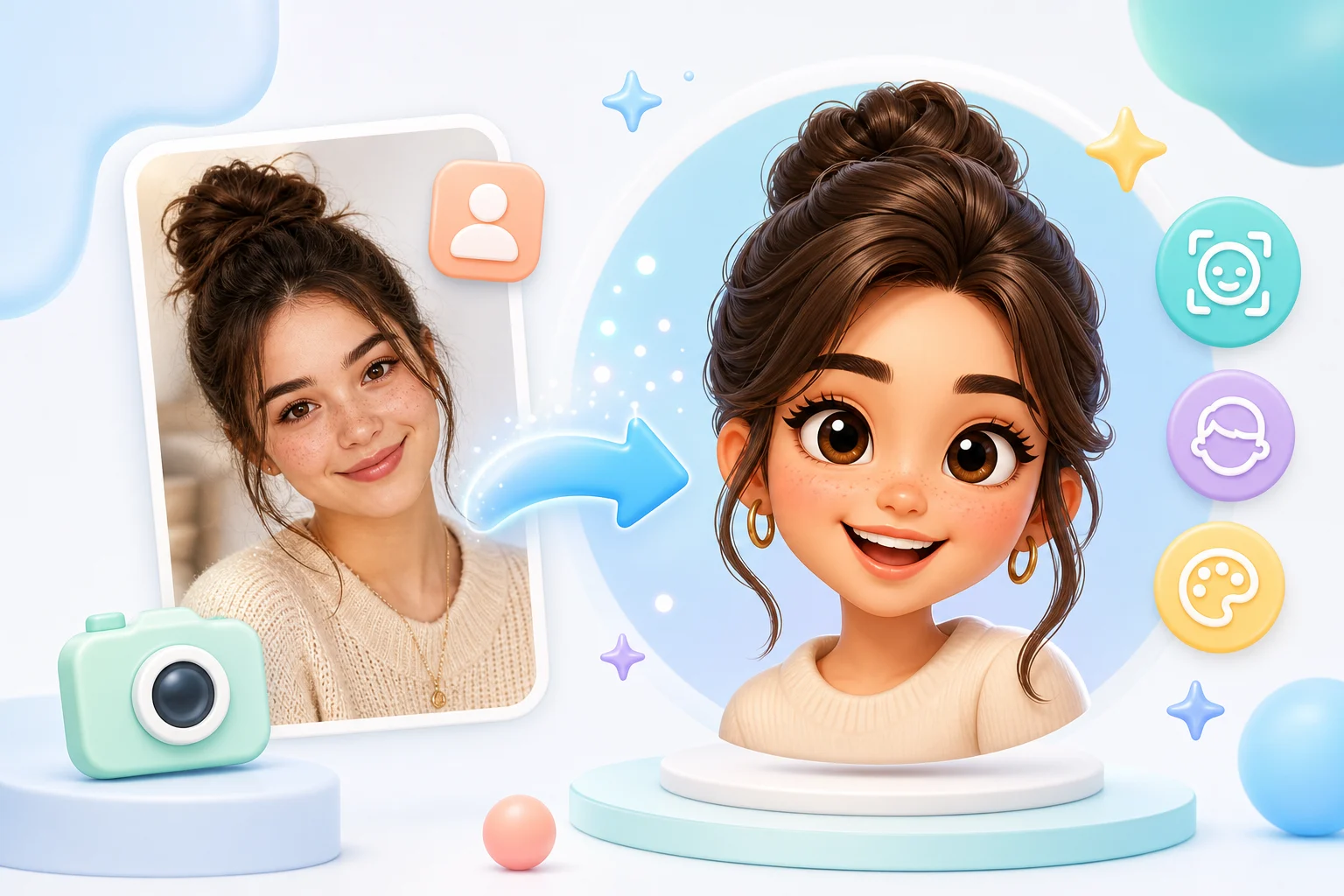
From face photo to 3D Emoji avatar

This template turns a portrait into a cute 3D Face Emoji while balancing stylization with recognizability.

What changes

  • Creates a 3D emoji version of the face with simplified rounded forms, a clear expression, soft glossy lighting, and recognizable facial features.
  • Simplifies the face into rounded 3D shapes with glossy material, expressive eyes, and icon-friendly contrast.
  • Rebuilds the face as a cute 3D emoji avatar with clean lighting and a simple background.
  • Applies a playful AI 3D Face Emoji effect to the uploaded face photo.

What stays recognizable

  • Preserves the person's core identity, face shape, expression, hairstyle, skin tone, and most distinctive facial features.
  • Simplifies details for emoji readability without changing who the person is.
  • Keeps the main subject recognizable from the source image.
  • Maintains defining colors, pose, silhouette, and important subject details in a coherent way.

How to create a 3D Face Emoji

Follow a simple process to turn a face photo into a 3D Emoji avatar that feels playful, polished, and still recognizable.

1

Upload a clear face photo

Choose a sharp portrait where the face, hair, expression, and defining details are clearly visible.

2

Apply the emoji look

Use the 3D Face Emoji style direction to emphasize rounded forms, glossy soft lighting, expressive eyes, and a simple background.

3

Review the result

Compare the result with the source photo, checking identity, facial features, pose, and overall style coherence.

4

Refine if needed

If the image needs improvement, try a clearer source photo or add more specific direction about expression, hairstyle, accessories, or background simplicity.

AI 3D Face Emoji examples

Explore different examples of the AI 3D Face Emoji style, from glossy close-up avatars to clean, expressive portrait looks.

AI 3D Face Emoji Generator Example 1

Glossy 3D face emoji

A rounded 3D Face Emoji example with soft lighting, expressive features, and a clean avatar-like finish.

AI 3D Face Emoji Generator Example 2

Expressive emoji avatar

A cute Face Emoji variation focused on simplified forms, bright expression, and recognizable character details.

AI 3D Face Emoji Generator Example 3

Icon-style 3D portrait

A clean 3D Emoji portrait style with rounded shapes, soft highlights, and an icon-ready background.

AI 3D Face Emoji Generator Example 4

Cute simplified face emoji

A playful emoji face treatment that keeps the subject readable while simplifying details for a compact visual result.

AI 3D Face Emoji Generator Example 5

Polished emoji character

A polished 3D Face Emoji example with glossy material, clear expression, and cohesive rounded facial features.

Popular ways to use a 3D Face Emoji

Use this template when you want a focused 3D emoji portrait for personal visuals, creative drafts, profile concepts, or presentation-ready style exploration.

Personal emoji avatar concept

Create a clear AI 3D Face Emoji Generator preview for a personal or creative project, using a face photo as the visual starting point.

Style direction preview

Compare the rounded 3D emoji direction before refining, sharing, or presenting the result to others.

Icon-friendly portrait look

Explore a playful Face Emoji look with simplified forms, bright expression, and soft glossy lighting for icon-style visuals.

How to get a better 3D Face Emoji

A strong source photo and a clear style direction help the 3D emoji version stay readable, expressive, and close to the person in the original image.

Source image checks

  • Use a sharp source image with the main subject clearly visible.
  • Avoid heavy blur, blocked details, extreme crops, or confusing overlaps.
  • Choose a source whose pose and framing support the intended AI 3D Face Emoji Generator result.

Prompt guidance

Describe the desired 3D Face Emoji look with rounded simplified forms, expressive eyes, glossy soft material, clean icon-friendly lighting, and a simple background. Mention that the person’s identity, face shape, hairstyle, skin tone, expression, and distinctive features should remain recognizable.

Review before you use the result

Generated details can vary between runs, so review the image before sharing, presenting, or using it in a project. A clearer source image or more specific direction may improve the result.

Check identity and likeness

Compare the face shape, hairstyle, expression, skin tone, pose, and most distinctive features with the original photo.

Review the 3D Emoji style

Look for rounded 3D forms, expressive eyes, glossy soft material, clean lighting, and a simple background that supports emoji readability.

Inspect small details

Inspect facial edges, hair details, glasses, accessories, hands if visible, and background transitions for distortions or distracting artifacts.

AI 3D Face Emoji Generator FAQ

Common questions about creating a 3D Face Emoji from a photo while keeping the subject clear and recognizable.

What is AI 3D Face Emoji Generator?
It is a photo-to-style template for creating a 3D emoji version of a face, with rounded simplified features, glossy lighting, expressive eyes, and a clean icon-like finish.
Is AI 3D Face Emoji Generator free?
Availability and access can vary by platform or account. Check the current ClipCanva page for the latest options before starting.
How do I use AI 3D Face Emoji Generator?
Upload a clear face photo, make sure the subject is visible, and use the template to create a rounded 3D emoji avatar. Review the result for identity, expression, and detail accuracy before using it.
What image formats does AI 3D Face Emoji Generator support?
Use common image formats supported by the upload tool, such as standard photo files. For best results, choose a sharp image with the face clearly visible and not heavily cropped.
Can I use AI 3D Face Emoji Generator results commercially?
Usage rights can depend on the source image, the subject, and the platform terms. Review the applicable terms and make sure you have permission to use the original photo and resulting image.
What AI 3D Face Emoji Generator changes should I expect?
It simplifies the face into rounded 3D shapes, adds soft glossy material, enhances the eyes and expression, and places the subject in a clean, icon-friendly visual style.
Which source image works best?
A sharp, front-facing or slightly angled portrait usually works best. Avoid heavy blur, blocked facial details, extreme crops, confusing overlaps, or lighting that hides the person’s features.
How do I keep the subject recognizable?
Start with a clear photo that shows the face shape, hairstyle, expression, skin tone, and distinctive features. After creating the image, compare those details with the source and refine if needed.

Create your 3D Face Emoji

Use a clear portrait to create a playful 3D Face Emoji that keeps the person recognizable while adding rounded forms, glossy light, and a simple icon-ready look.