AI Neon Line Art Generator

AI Neon Line Art Generator

Turn a portrait or object photo into luminous Neon Line Art with clean glowing edges, vivid color, dark contrast, and enough contour detail to keep the subject recognizable.

AI neon line art generator glowing portrait
0 / 2000
Template prompt

AI Neon Line Art Generator

Apply the AI Neon Line Art effect to the uploaded portrait or subject photo. Preserve the subject identity, face or object silhouette, pose/action outline, and key visual contours. Convert the image into glowing neon line art with luminous edges, dark background contrast, clean contour tracing, subtle facial or object detail, vibrant glow bloom, and polished poster-like composition. Keep the uploaded subject identifiable through the neon outline.

AI neon line art generator glowing portrait

What is an AI Neon Line Art Generator?

The AI Neon Line Art Generator transforms a clear portrait or object image into a glowing outline artwork. It emphasizes luminous edges, vivid neon color, dark background contrast, and clean contour tracing while keeping the original subject readable.

Photo to glowing Neon Line Art

This template shifts the image from a standard photo into a stylized Neon Line Art composition while keeping the main subject visually connected to the source.

What changes

  • Converts a portrait or object into luminous neon line art with clean glowing edges, vivid color, and enough detail to read the original subject.
  • Turns photos into glowing neon outlines with dark backgrounds, facial contour detail, and poster-ready contrast.
  • Adds luminous edges, clean contour tracing, subtle facial or object detail, vibrant glow bloom, and a polished poster-like composition.
  • Applies the AI Neon Line Art effect to the uploaded portrait or subject photo.

What stays recognizable

  • Subject identity, face or object silhouette, pose or action outline, and key visual contours.
  • The uploaded subject remains identifiable through the neon outline.
  • The main subject stays recognizable from the source image.
  • Defining colors, pose, silhouette, and important subject details remain coherent.

How to create Neon Line Art online

Follow a simple process to turn a clear portrait or object image into a glowing neon outline result.

1

Choose a clear source

Select a sharp portrait or object photo where the subject, silhouette, pose, and key details are easy to see.

2

Set the neon direction

Request luminous neon line art with clean contour tracing, dark background contrast, vivid glow, and recognizable subject details.

3

Review and refine

Check the finished image for identity, silhouette accuracy, edge quality, color balance, and small-detail artifacts.

Neon Line Art style variations

Explore different neon portrait looks with glowing outlines, dark contrast, and polished Line Art styling.

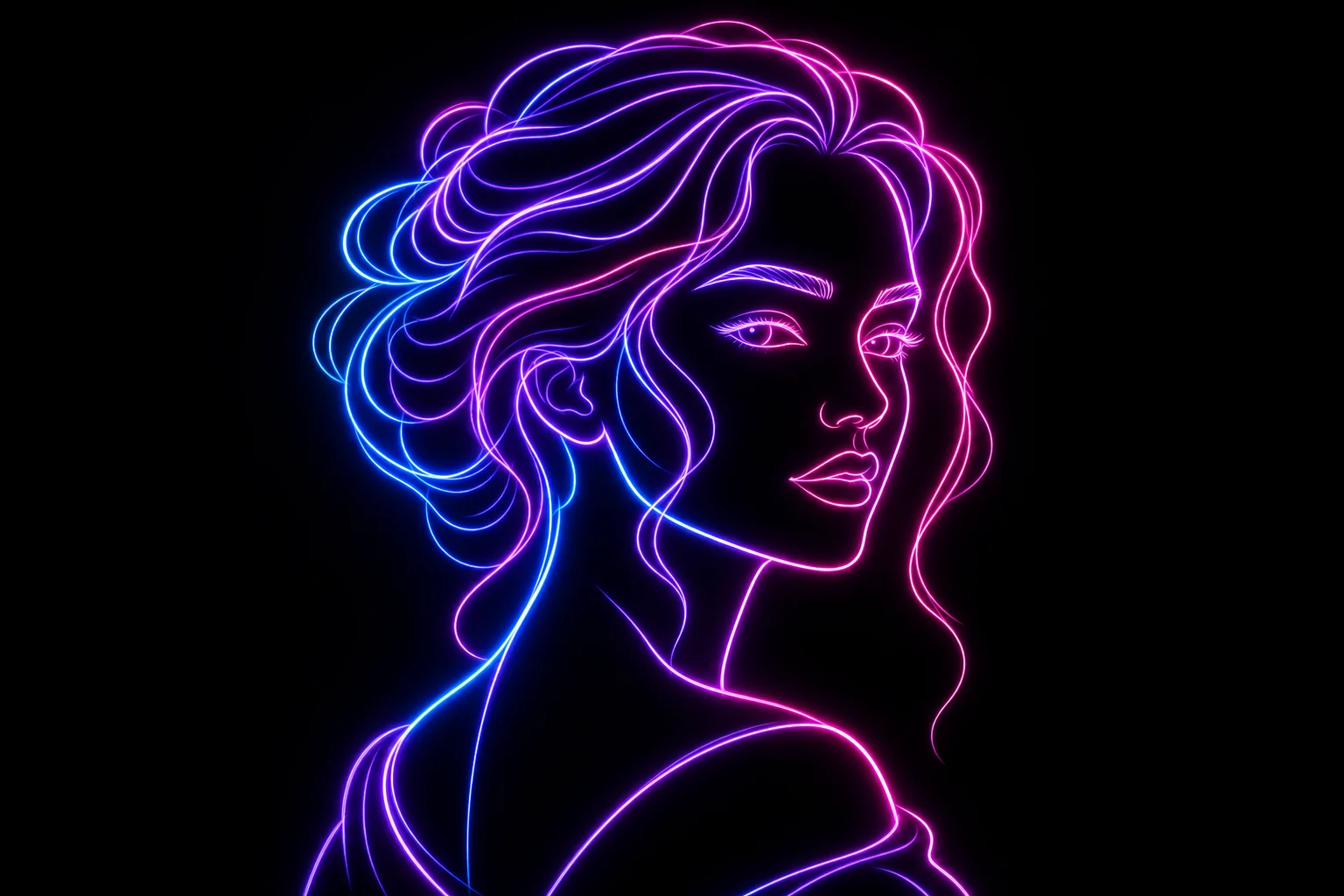
Glowing neon line art portrait result 1

Electric portrait outline

A vivid glowing portrait look with strong edge light and crisp facial contour lines.

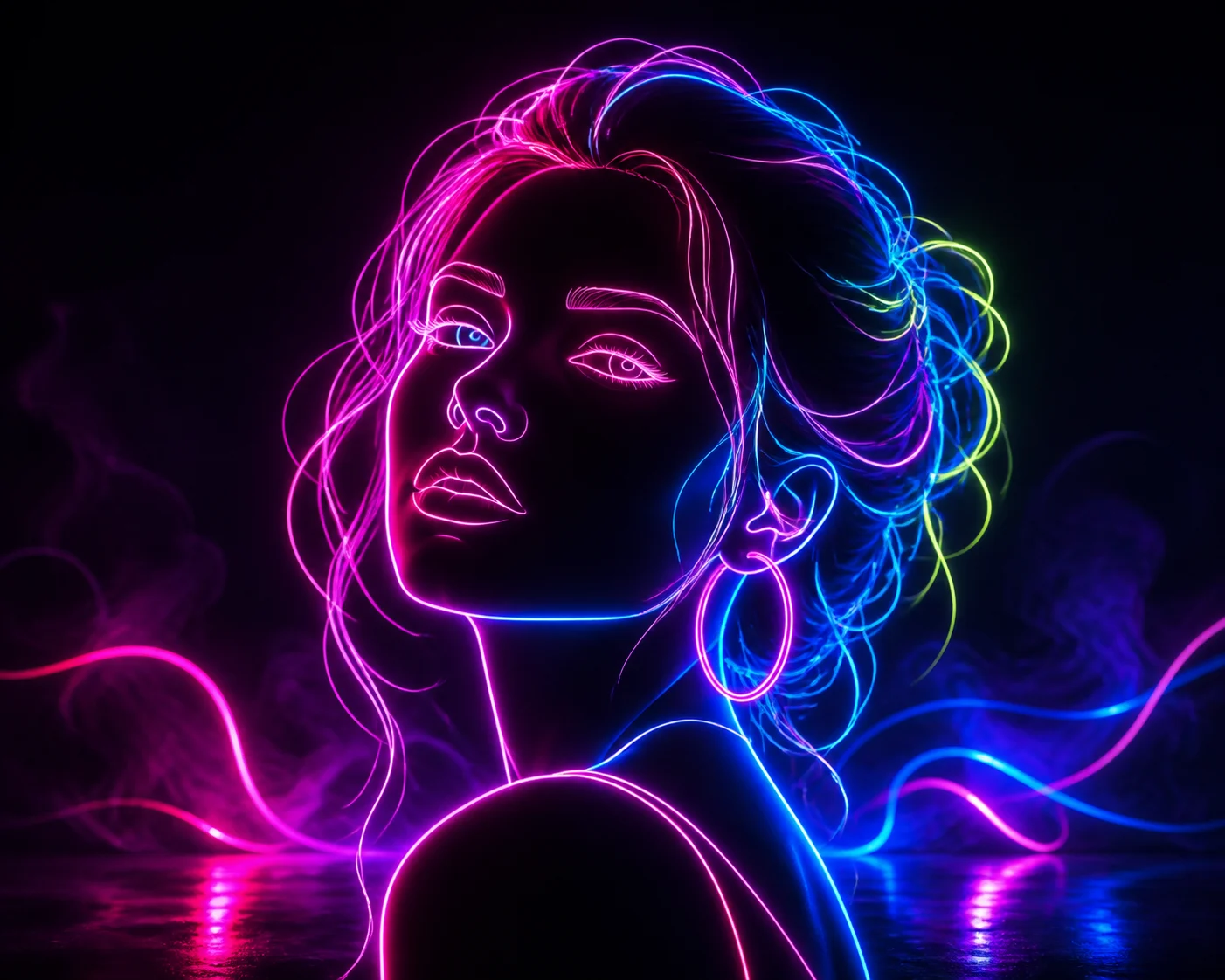
Glowing neon line art portrait result 2

Dark glow portrait

A darker neon composition with luminous facial tracing and high-contrast Art poster energy.

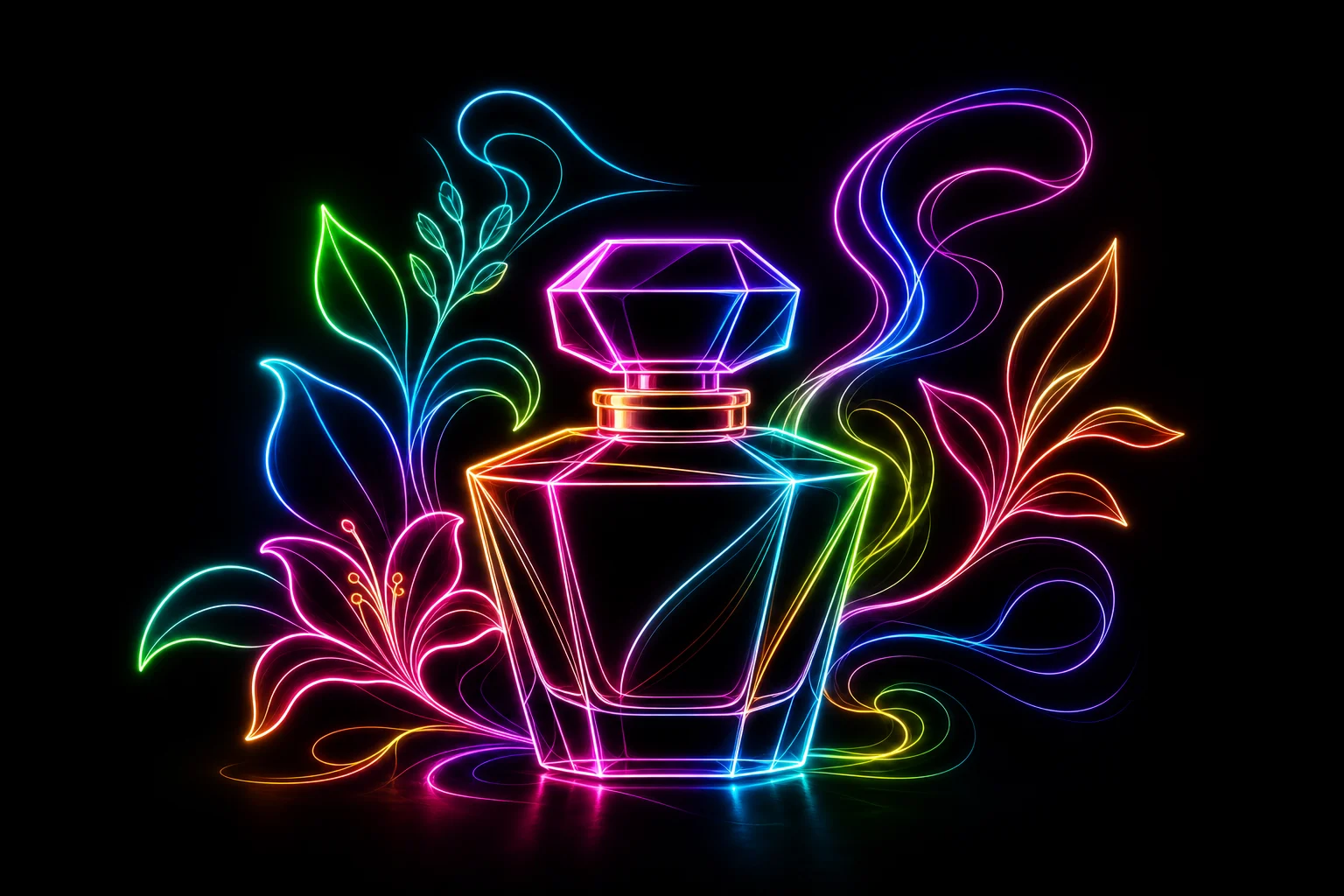
Glowing neon line art portrait result 3

Vivid neon bloom

A colorful Line Art variation with brighter bloom, clean contours, and a polished neon finish.

Popular ways to use Neon Line Art

Use this template when you want a bold visual direction that still reads as the original person, object, or subject.

Creative concept preview

Create a focused AI Neon Line Art Generator preview for a personal mood board, profile concept, poster idea, or creative project.

Style exploration

Compare the neon visual direction before refining, sharing, presenting, or choosing a final look.

How to get a cleaner Neon Line Art result

A strong source image helps the neon outline follow the right shapes and keep the subject readable after the glow effect is applied.

Source image checklist

  • Use a sharp source image with the main subject clearly visible.
  • Avoid heavy blur, blocked details, extreme crops, or confusing overlaps.
  • Choose a source whose pose and framing support the intended AI Neon Line Art Generator result.

Prompt guidance

Describe the subject and the neon look you want: glowing line art, clean contour tracing, dark background contrast, vivid glow bloom, and any preferred color direction. Include that the subject identity, silhouette, pose, and key details should remain recognizable.

Review the result before using it

Generated details can vary, so review the image closely before using it in a project, presentation, or creative draft.

Subject match

Compare the face, object shape, silhouette, pose, and defining contours with the original image.

Style coherence

Look for consistent Neon Line Art treatment, clean glowing edges, readable line paths, and balanced dark contrast.

Detail review

Inspect faces, hands, text, small objects, edge transitions, and background areas for unwanted distortions or visual noise.

AI Neon Line Art Generator FAQ

Common questions about creating Neon Line Art from a portrait or object photo.

What is an AI neon line art generator?
It is a photo-to-style template that turns a portrait or object into luminous Neon Line Art, using glowing outlines, dark contrast, and clean contour detail to keep the subject recognizable.
Is the AI neon line art generator free?
Availability can vary by platform access and current product settings. Check the creation page for the options shown to you before starting.
What images work best?
Use a sharp image where the face, object silhouette, pose, and important details are visible. Avoid heavy blur, extreme crops, blocked features, or crowded overlaps.
Can I use different neon colors?
Yes. You can describe the neon color direction you want, such as blue and pink, electric green, purple glow, or a warmer orange outline.
Can I download the neon line art without a watermark?
Download options depend on the current export settings shown in the product. Review the available download choices after creating your image.
What AI Neon Line Art Generator changes should I expect?
It changes the photo into glowing Line Art with luminous edges, a darker background, vivid glow bloom, and a poster-like finish while retaining the subject’s main contours.
Which source image works best?
Choose a source image with a clear main subject, visible defining contours, and framing that supports the final neon outline. Simple backgrounds often make the glow easier to read.
How do I keep the subject recognizable?
Start with a clear photo and keep the request focused on preserving identity, silhouette, pose, facial structure, object shape, and other defining details.

Create your neon line art image

Use a clear portrait or subject image and create a glowing Neon Line Art look with vivid edges, dark contrast, and recognizable contours.