01
स्रोत दृश्यको नाम दिनुहोस्
विषय, सेटिङ, शट प्रकार, र आधार क्लिप कस्तो महसुस गर्नुपर्छ वर्णन गर्नुहोस्।
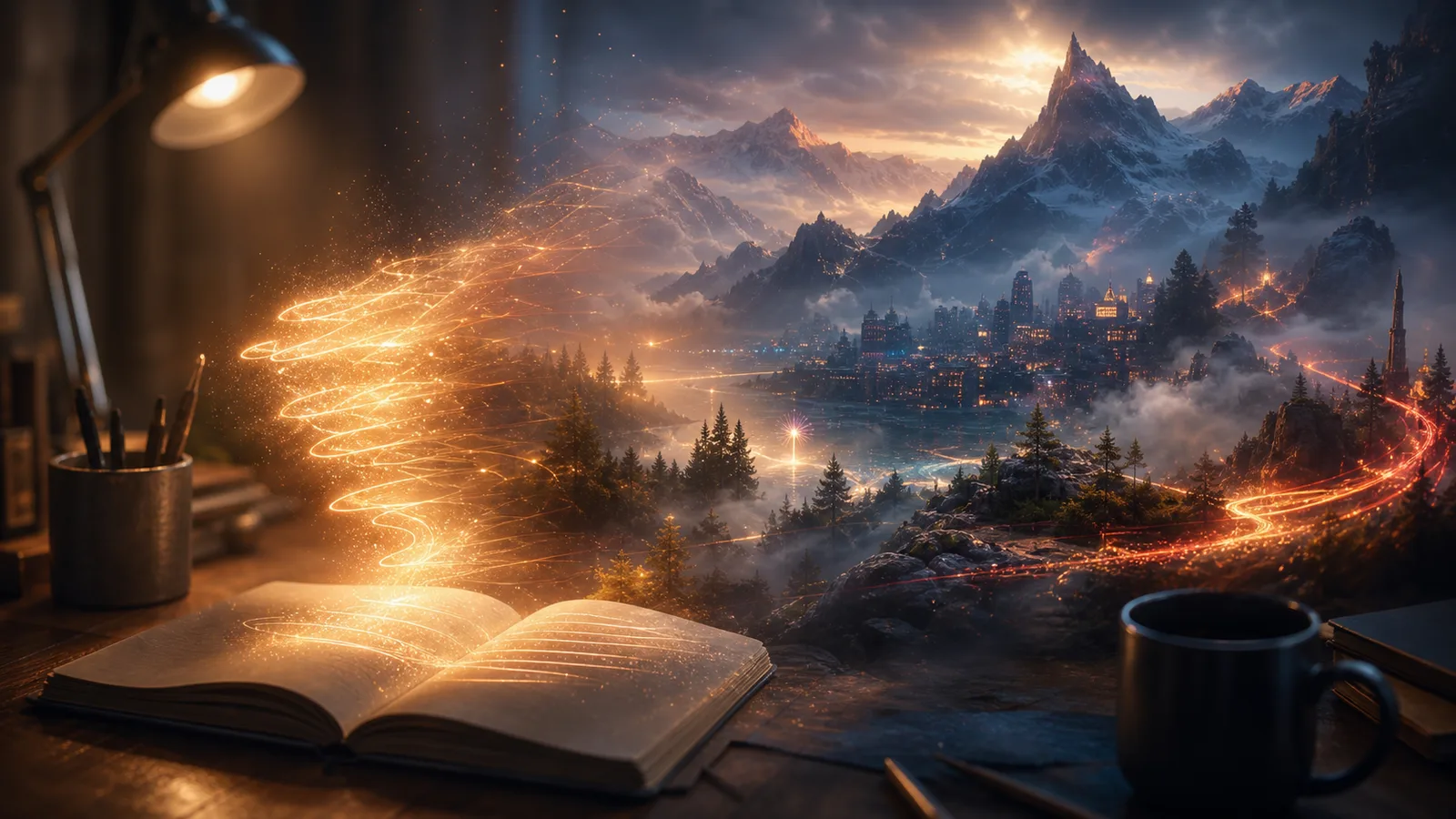
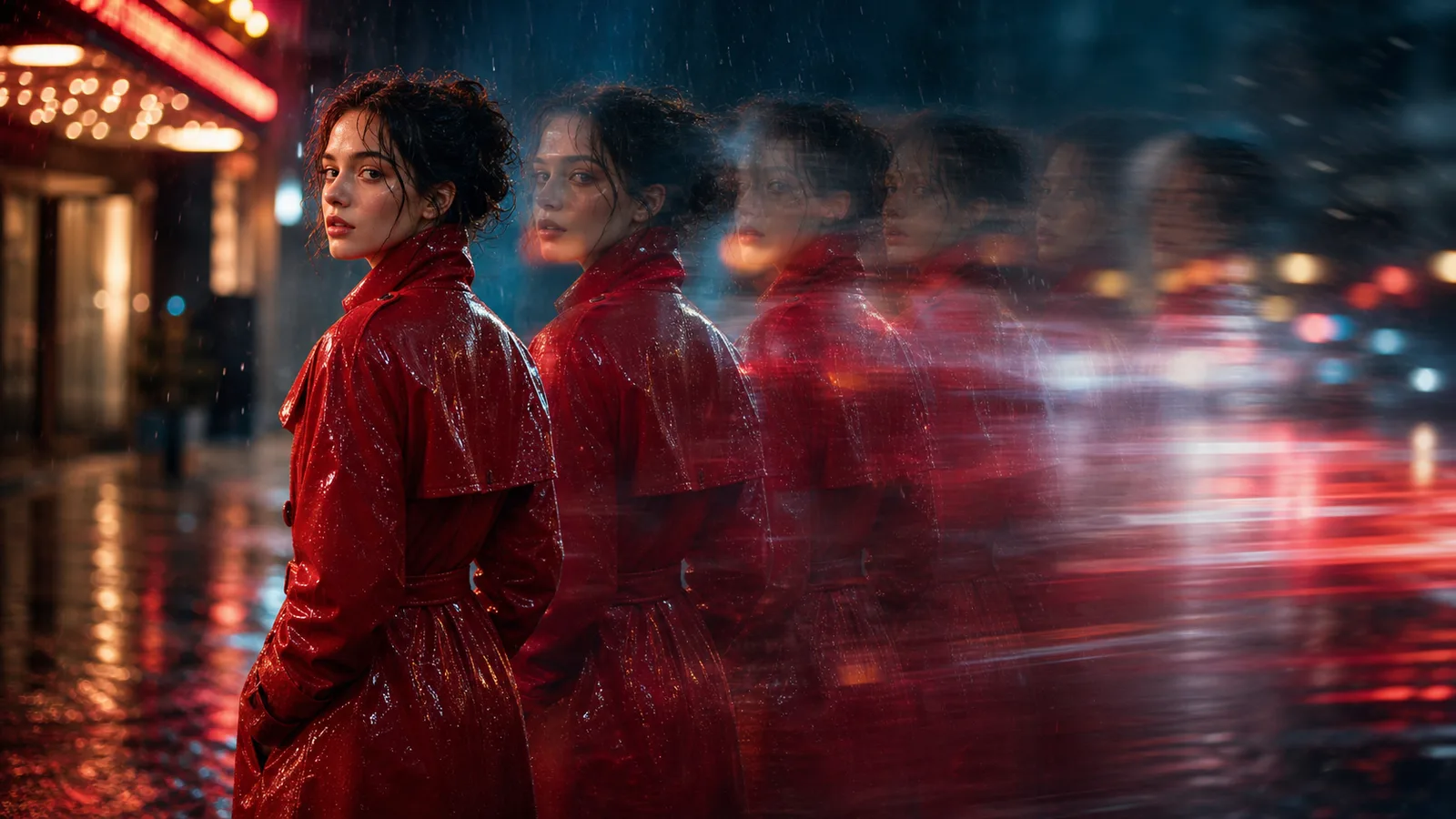
तपाईंले चाहनुभएको भिडियो प्रभावको वर्णन गर्नुहोस्, सिनेमाई प्रकाश चुहावट देखि सामाजिक संक्रमण सम्म, र नियन्त्रित गति र दृश्य शैली संग छोटो क्लिप उत्पन्न गर्नुहोस्।
सुरु गर्नुहोस् सँग a सरल दृश्य, then add the इफेक्ट शैली, क्यामेरा behaviवा, र pacing.
एक स्पष्ट आधार दृश्य र एक बलियो प्रभाव दिशा सामान्यतया भीड प्रम्प्ट भन्दा राम्रो काम गर्दछ।
विषय, सेटिङ, शट प्रकार, र आधार क्लिप कस्तो महसुस गर्नुपर्छ वर्णन गर्नुहोस्।
चमक, कण, ट्रान्जिसन, स्पीड र्याम्प, प्रकाश चुहावट, फिल्म ग्रेन, वा स्टाइलाइज क्यामेरा गति निर्दिष्ट गर्नुहोस्।
मुख्य कार्य सरल हुँदा र क्यामेराको दिशा स्पष्ट हुँदा प्रभावहरूले राम्रोसँग काम गर्छ।
केही प्रभाव बलहरू प्रयास गर्नुहोस् र सामाजिक क्लिपहरू, विज्ञापनहरू, वा अवधारणा पूर्वावलोकनहरूको लागि उत्तम दिशा पुन: प्रयोग गर्नुहोस्।
ओभरले, कण, चमक, फिल्म लुक्स, क्यामेरा प्रभाव, र शैलीगत गति वर्णन गर्नुहोस्।
गाइड शेक, जुम, डली, ढिलो गति, ह्यान्डहेल्ड आन्दोलन, र संक्रमण ऊर्जा।
सिर्जना गर्नुहोस् punchy इफेक्टहरू का लागि ads, reels, Shorts, उत्पादन clips, र दृश्य tests.
स्पष्ट प्रभाव भाषा प्रयोग गर्नुहोस् ताकि प्रत्येक पुस्ताले तपाईले चाहानु भएको मुड र गतिलाई पछ्याउनुहोस्।
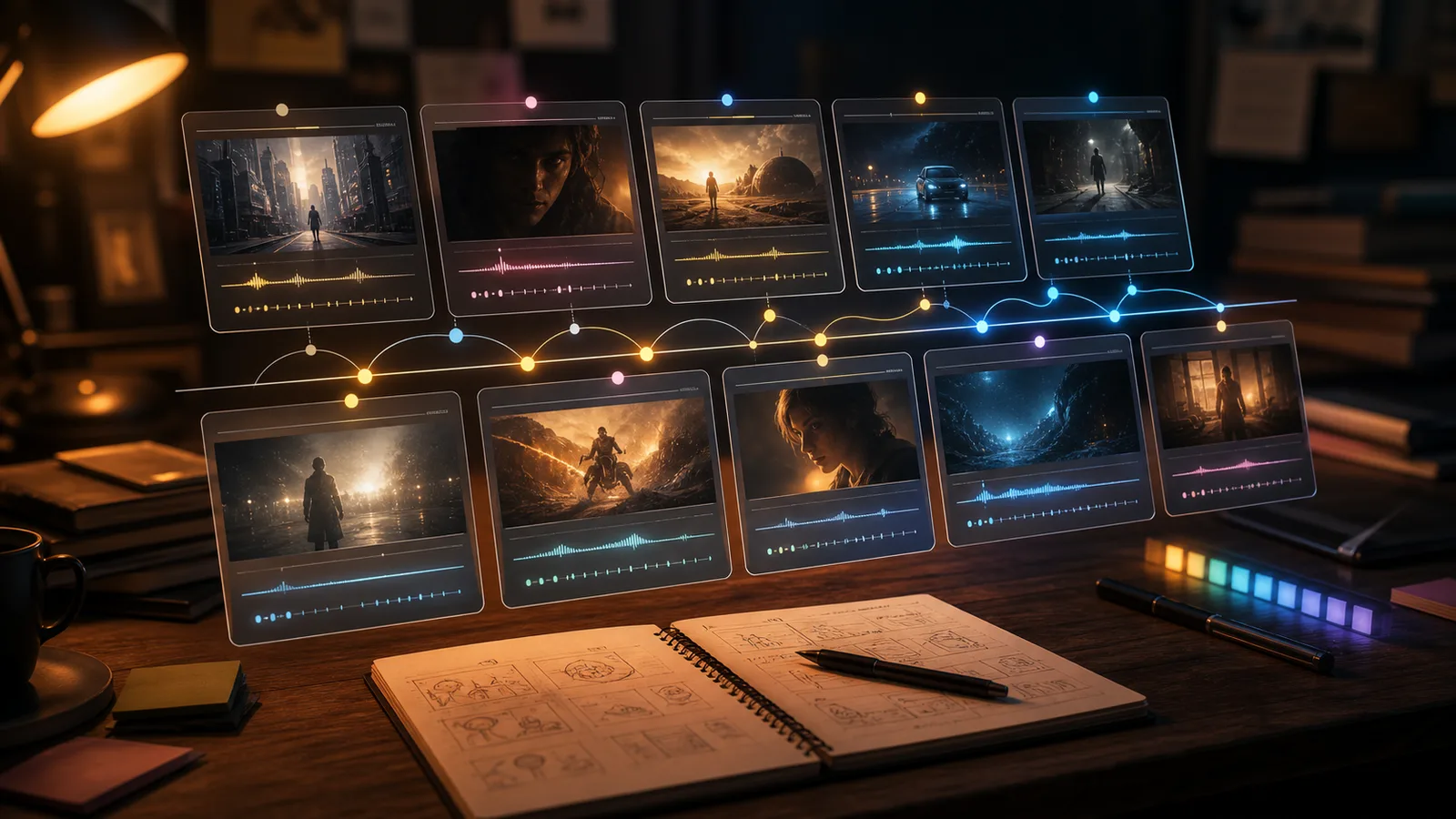
Move बाट स्क्रिप्टहरू र base clips into stronger दृश्य इफेक्टहरू वर्कफ्लोs.
नि:शुल्क छविमा watermark हुन्छ। सफा output, छिटो generation र commercial use का लागि upgrade गर्नुहोस्।
सुरु गर्नुहोस्er Pack
छवि, संगीत, र छोटो भिडियो उत्पादन प्रयास गर्न को लागी एक-पटक क्रेडिट प्याक।
Creatवा
मासिक योजना · 1,500 क्रेडिट प्रत्येक महिना नवीकरण
GPT Image 2 Unlimited
Stripe Checkout मा FOUNDING6 कोड हाल्नुहोस्: पहिलो 6 महिनाका लागि $19/महिना, त्यसपछि $29/महिना।
प्रो
मासिक योजना · 4,000 क्रेडिट प्रत्येक महिना नवीकरण
यो विकल्प नेपालीमा प्रयोग गर्नुहोस्: Studio
मासिक योजना · 12,000 क्रेडिट प्रत्येक महिना नवीकरण
सुरक्षित भुक्तानी · सदस्यताहरू स्वतः नवीकरण हुन्छन् · फिर्ता योग्यताको जानकारी हेर्नुहोस्
यो विकल्प नेपालीमा प्रयोग गर्नुहोस्: Team
एजेन्सीहरू, उत्पादन टोलीहरू, र अनुकूलन भोल्युम आवश्यकताहरूको लागि।
एक शैली क्लिप उत्पन्न गर्नु अघि सामान्य प्रश्नहरू।
जेनेरेट गर्नुहोस् a shवाt AI clip सँग दृश्य इफेक्टहरू in ClipCanva.