Line Art Emoji Generator

Line Art Emoji Generator

Turn a clear portrait into a minimal Line Art Emoji with clean outlines, flat color accents, a friendly expression, and a profile-ready icon composition.

line art emoji avatar example background
0 / 2000
Template prompt

Line Art Emoji Generator

Apply the Line Art Emoji effect to the uploaded portrait. Preserve the person identity, expression, hairstyle, face shape cues, and recognizable accessories. Convert the face into a simple line-art emoji avatar with clean minimal outlines, flat color accents, rounded friendly shapes, icon-friendly readability, and app-style composition. Simplify details, but keep the subject recognizable.

line art emoji avatar example background

What is a line art emoji?

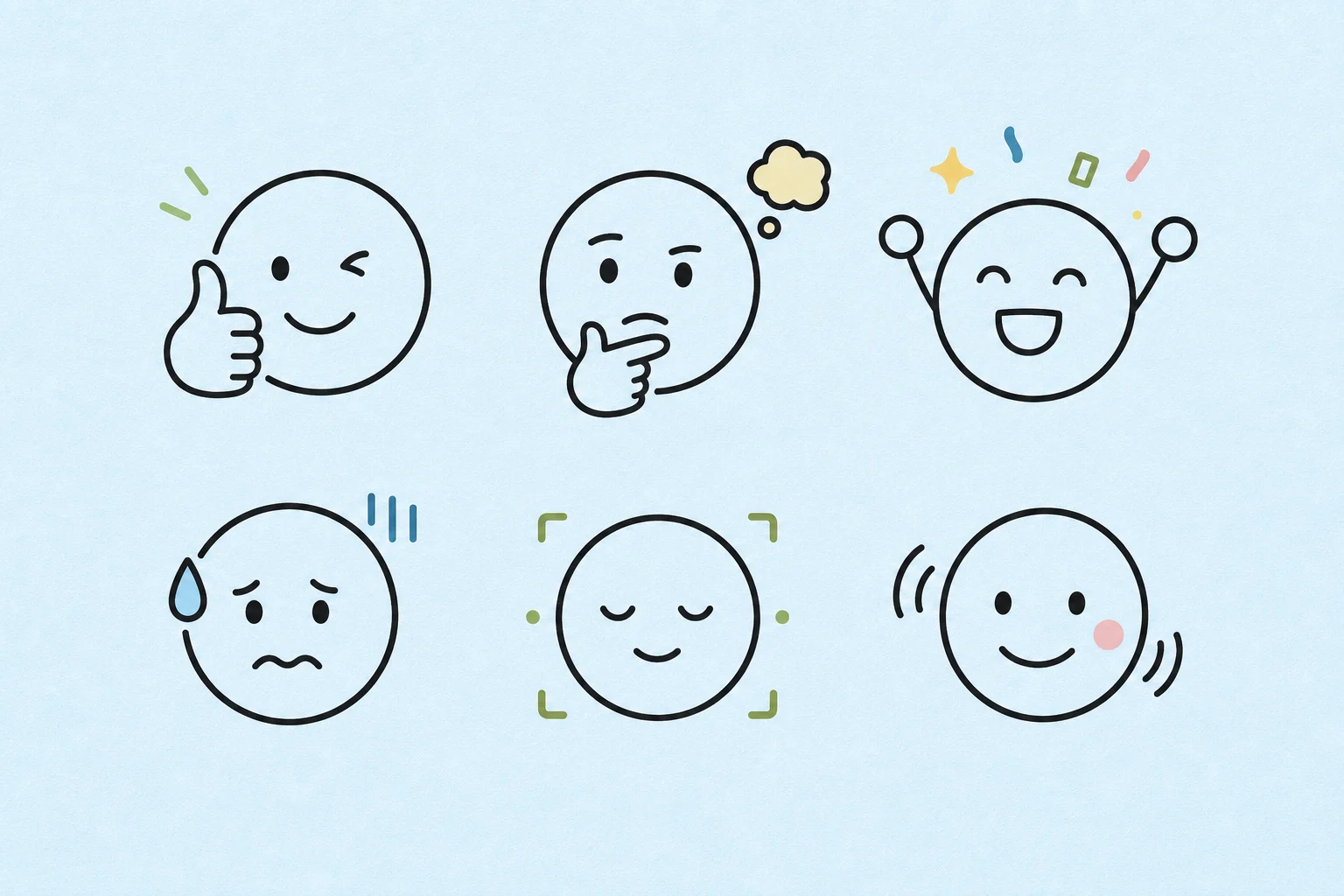
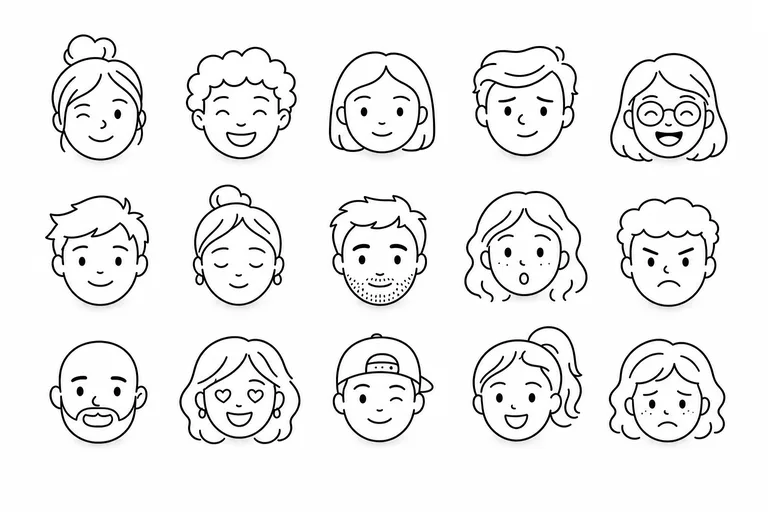
The Line Art Emoji Generator transforms a portrait into a simple emoji-style avatar. It keeps the person’s recognizable face shape, hairstyle, expression, and accessories while simplifying the image into clean black lines, rounded shapes, and subtle flat color.

Portrait to simple line art emoji

This template reduces portrait detail into a clean Line Art Emoji while keeping the subject easy to recognize.

What changes

  • Turns a portrait into a minimal line art emoji with friendly shapes, clear expression, simple color, and profile-ready composition.
  • Converts facial features into minimal black-line emoji art with flat color accents and readable details.
  • Simplifies the face into clean outlines, rounded forms, and app-style avatar framing.
  • Creates a focused visual draft for posts, mockups, references, or creative presentation work.

What stays recognizable

  • Person identity, expression, hairstyle, face shape cues, and recognizable accessories.
  • The main subject’s pose, silhouette, and important details from the source image.
  • Defining colors and visual cues that help the avatar feel connected to the original portrait.
  • Overall coherence between the source portrait and the simplified emoji-style result.

How it works

Follow a simple process to create a clearer, more recognizable Line Art Emoji avatar from your portrait.

1

Upload a clear portrait

Choose a sharp portrait where the face, hair, expression, and accessories are visible enough to simplify.

2

Apply the line art emoji style

Use the prompt to request clean minimal outlines, flat color accents, rounded shapes, and app-style composition.

3

Review and refine

Compare the result with the original image and check that identity, expression, and important details remain coherent.

Line Art Emoji examples

Explore different examples of simple Line Art Emoji styling, from clean portrait icons to friendly avatar compositions.

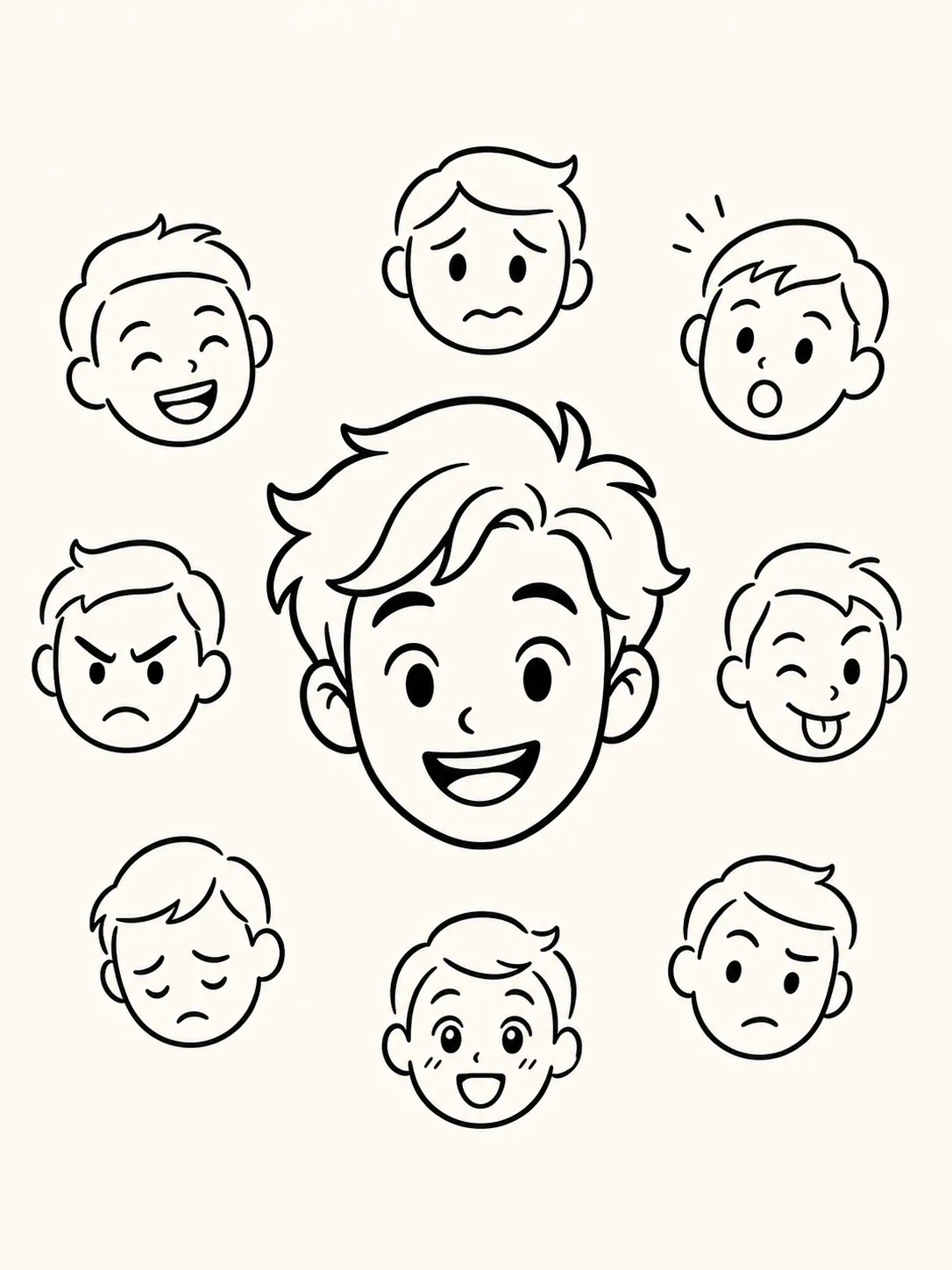
line art emoji avatar example

Clean portrait icon

A clean line art emoji avatar example with readable facial features and simple icon framing.

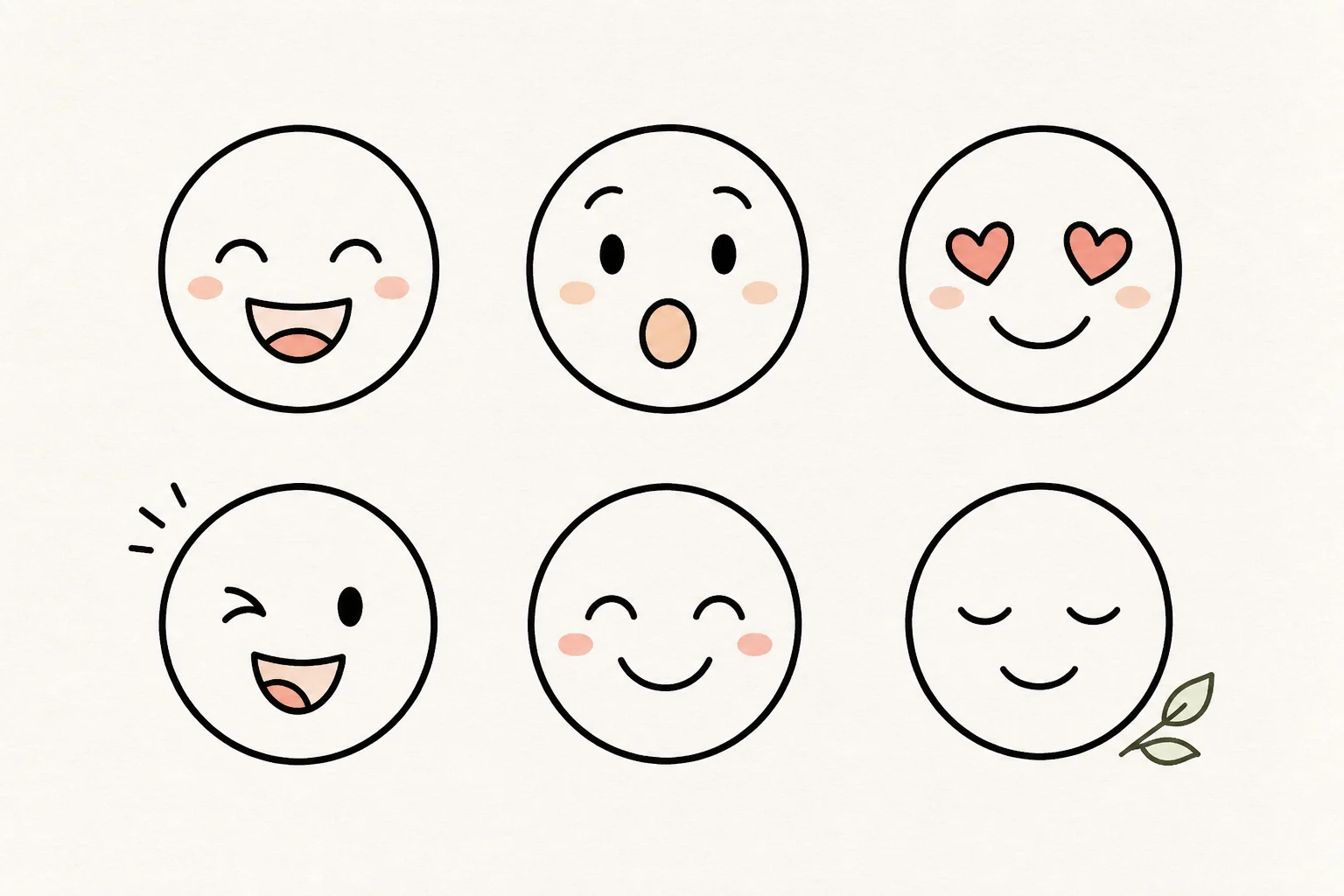
line art emoji avatar example 1

Minimal outline avatar

A simple Line Art Emoji avatar with minimal outlines and soft color accents.

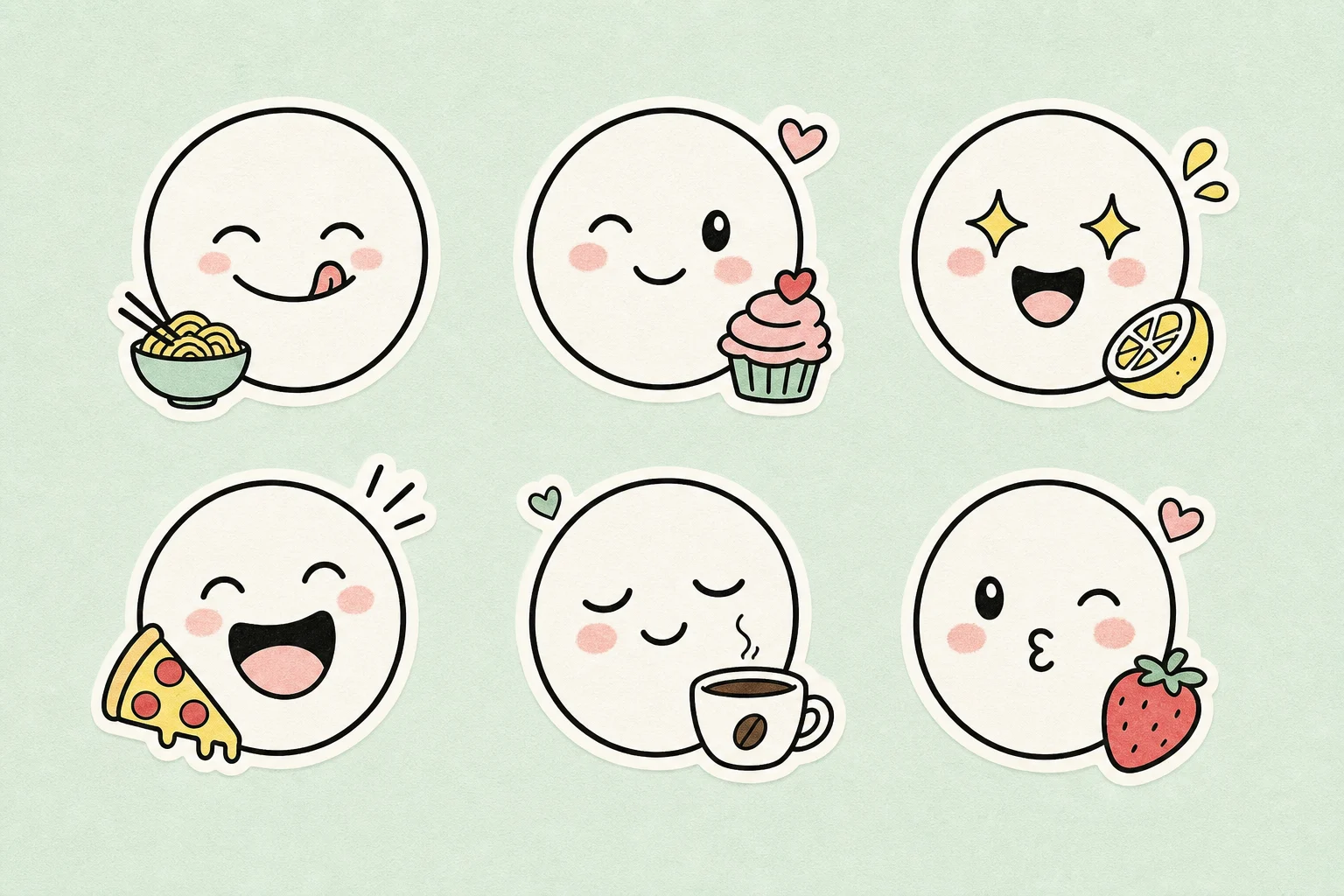
line art emoji avatar example 2

Friendly expression style

A friendly emoji-style portrait with rounded shapes and clear expression.

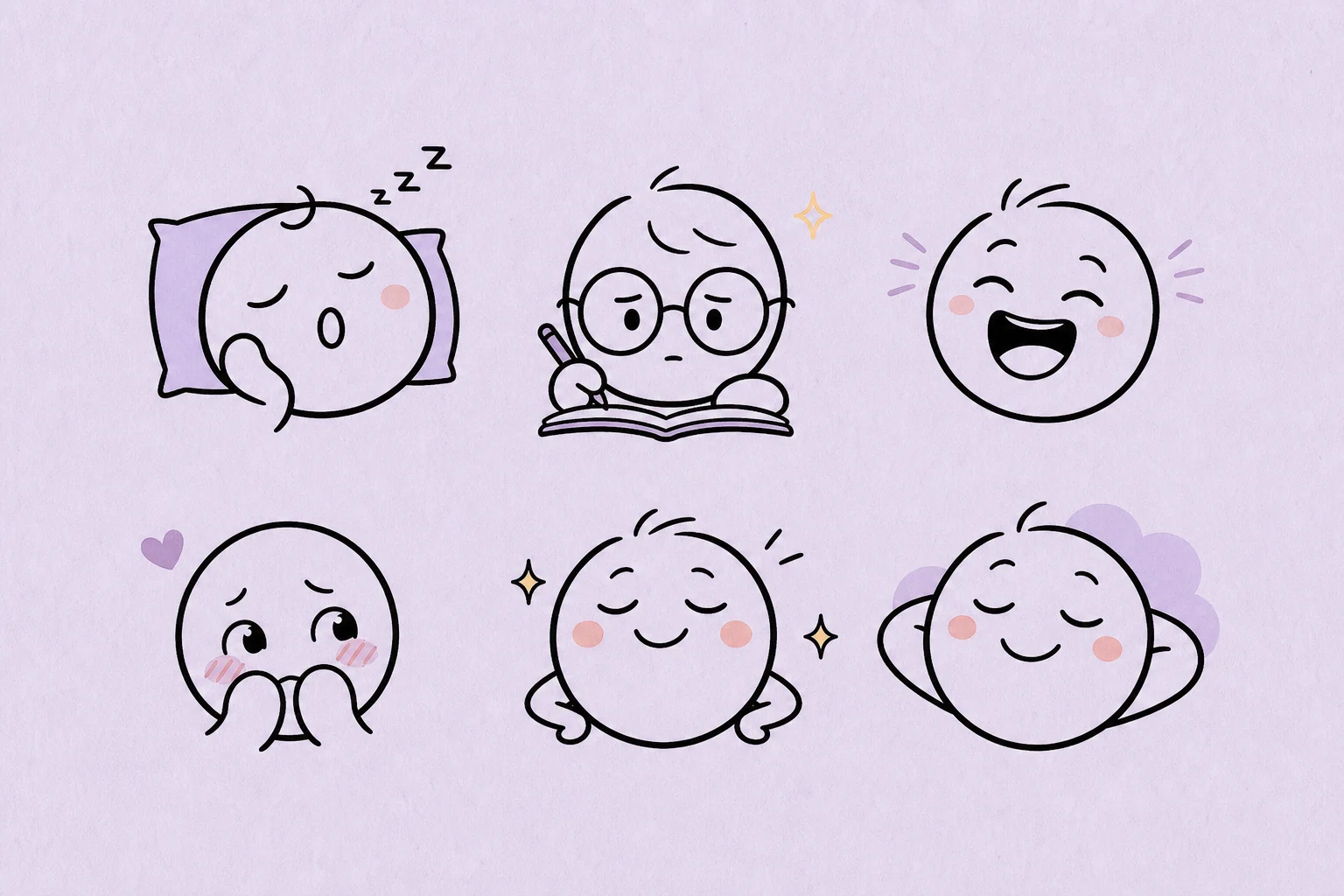
line art emoji avatar example 3

Recognizable emoji look

A simplified line art avatar composition designed for quick recognition.

line art emoji avatar example 4

Profile icon version

A profile-ready Line Art Emoji example with clean outlines and flat color.

line art emoji avatar example 5

Balanced avatar composition

A polished simple line art avatar example with balanced framing and readable details.

Ways to use this template

Use the Line Art Emoji Generator when you need a clean, friendly portrait avatar direction that is easy to compare, refine, or present.

Personal avatar concepts

Create a focused Line Art Emoji preview for a personal profile, creative concept, or avatar exploration.

Creative direction tests

Compare a simplified emoji-style visual direction before refining, sharing, or presenting the result.

Reference and mockup images

Build a minimal portrait reference with clear features, simple color, and a friendly icon look.

How to get a stronger result

A clear source portrait helps the template preserve identity while simplifying the image into clean emoji-style line art.

Source image checklist

  • Use a sharp source image with the main subject clearly visible.
  • Avoid heavy blur, blocked details, extreme crops, or confusing overlaps.
  • Choose a portrait whose pose and framing support a clean Line Art Emoji result.

Prompt guidance

Ask for a simple line-art emoji avatar with minimal outlines, flat color accents, rounded friendly shapes, readable facial features, and an app-style icon composition. Mention the expression, hairstyle, accessories, and colors that must stay recognizable.

Review before you use the avatar

Generated details can vary, so review the image before sharing, presenting, or refining it further.

Check identity and expression

Compare the avatar with the portrait and confirm that the face shape, hairstyle, expression, pose, and accessories are still recognizable.

Review the Line Art Emoji style

Look for clean minimal outlines, flat color accents, rounded friendly forms, and an icon-friendly composition.

Inspect details carefully

Inspect faces, hands, edges, small accessories, and background transitions for odd shapes or distracting artifacts before using the result.

Line Art Emoji Generator FAQ

Common questions about creating simple Line Art Emoji avatars from portrait photos.

What is a line art emoji generator?
A line art emoji generator turns a portrait into a minimal avatar using simple outlines, readable facial features, rounded shapes, and a clean icon-style composition.
How do I make a line art emoji from a photo?
Upload a clear portrait, use the template prompt, then review whether the face shape, hairstyle, expression, and accessories still match the source image.
What photos work best for line art emojis?
Sharp, front-facing or lightly angled portraits usually work best. The face, hair, pose, and any important accessories should be visible without heavy blur, harsh shadows, or blocked details.
What Line Art Emoji Generator changes should I expect?
It can simplify the portrait into minimal black-line emoji art with flat color accents, clean outlines, friendly shapes, and an app-style avatar composition.
Which source image works best?
Use a source image where the subject is easy to read. Avoid extreme crops, overlapping objects, heavy filters, or confusing backgrounds that hide the person’s defining details.
How do I keep the subject recognizable?
Compare the result with the original portrait. Check the face shape, hairstyle, expression, silhouette, and accessories, then refine the source or prompt if the avatar feels too generic.

Create a clean Line Art Emoji from your portrait

Use a clear portrait to create a simple Line Art Emoji avatar with readable features, rounded shapes, and a polished icon-ready look.