AI Balloonify Effect Generator

AI Balloonify Effect Generator

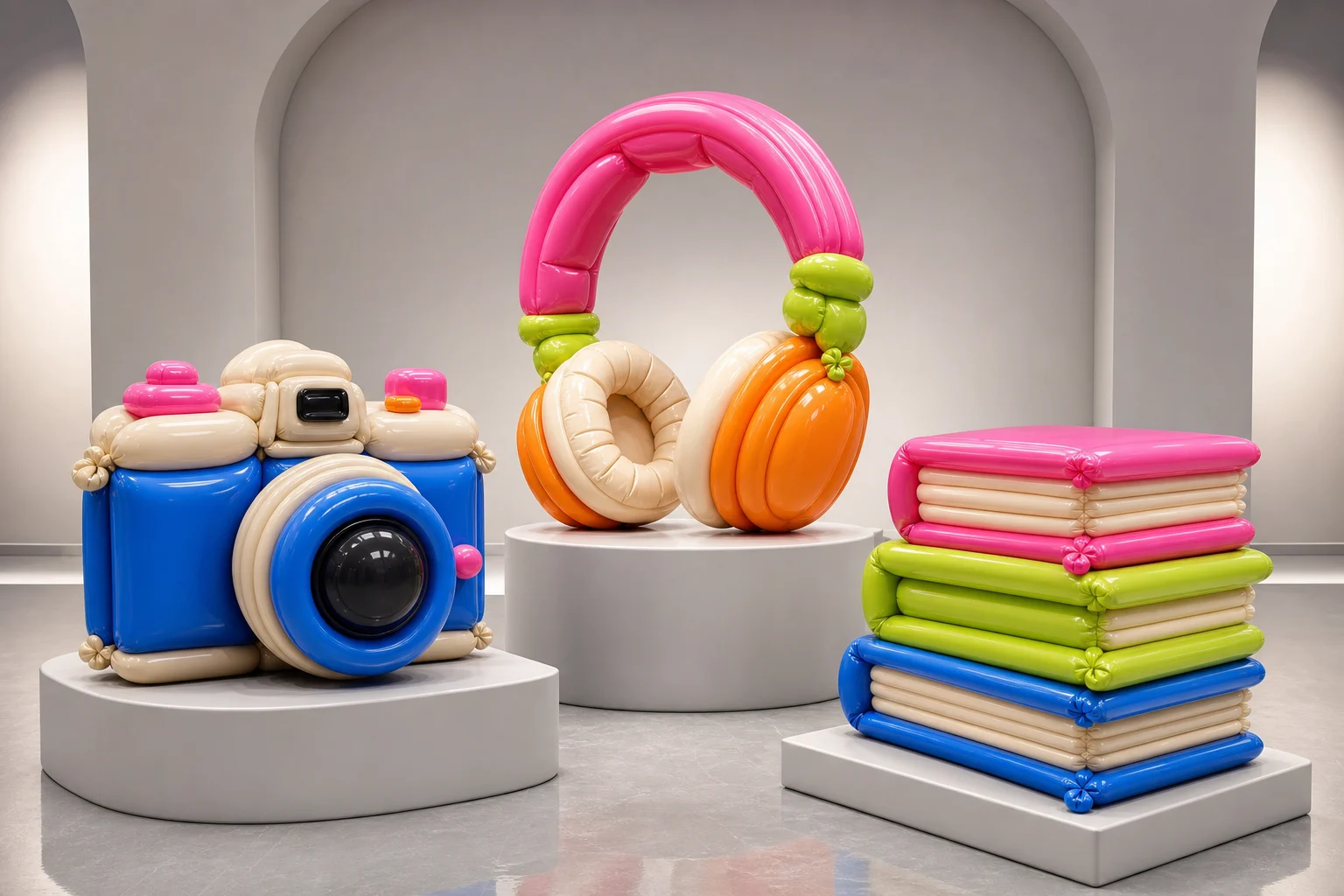
Turn a clear subject photo into a playful Balloonify-style image with rounded inflated forms, glossy reflections, bright color, and a readable original pose.

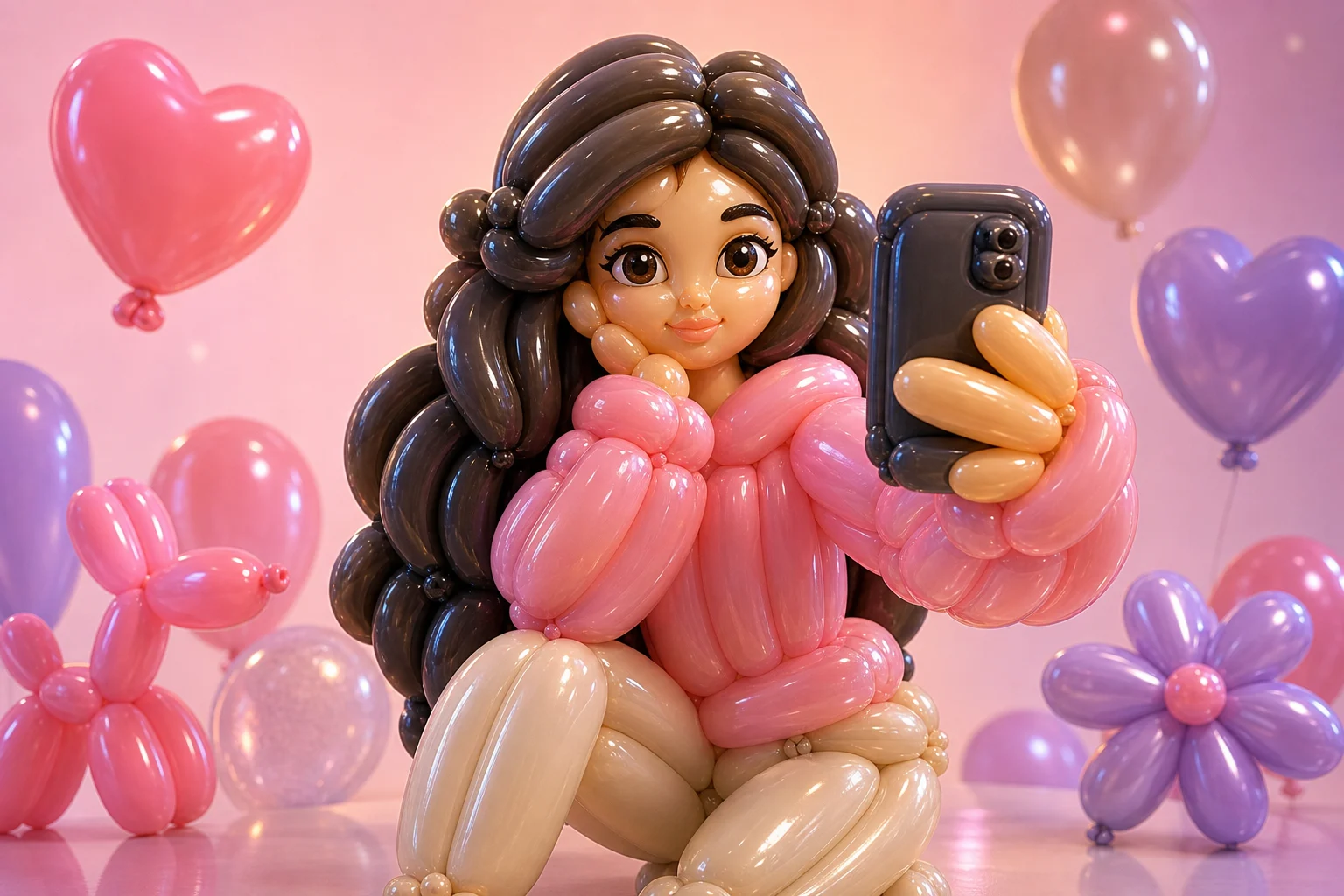
AI balloonify effect image main result
0 / 2000
Template prompt

AI Balloonify Effect Generator

Apply the AI Balloonify effect to the uploaded image. Preserve the main subject identity, pose/action silhouette, outfit or object details, key colors, and recognizable expression or shape. Rebuild the subject as a shiny inflatable balloon sculpture with rounded latex forms, seam-like highlights, glossy reflections, bright playful color, soft studio lighting, and a clean 3D product-art composition. Keep the uploaded subject identifiable through the balloon form.

AI balloonify effect image main result

What is the AI Balloonify Effect Generator?

The AI Balloonify Effect Generator is a photo effect template for transforming a subject into a shiny inflatable balloon sculpture. It keeps the subject’s identity, silhouette, pose, key colors, and important details readable while reimagining the surface as rounded latex with seam-like highlights and soft studio lighting.

From source photo to inflated balloon art

The Balloonify effect changes the surface, volume, and material of the subject while keeping the original idea of the image easy to understand.

What changes

  • Creates a balloonified version of the subject with rounded inflated forms, shiny material, playful color, and the original pose or shape still readable.
  • Tunes the composition, lighting, and details toward a glossy 3D Balloonify effect.
  • Rebuilds the subject as a shiny inflatable balloon sculpture with rounded latex forms, seam-like highlights, glossy reflections, and soft studio lighting.
  • Frames the result with a clean product-art look that suits previews, creative concepts, and visual comparisons.

What stays recognizable

  • The main subject identity, pose or action silhouette, outfit or object details, key colors, and recognizable expression or shape.
  • The uploaded subject’s recognizability through the balloon form.
  • The main subject’s readable relationship to the source image.
  • Defining colors, pose, silhouette, and important subject details in a coherent form.

How to use the Balloonify Effect Generator

Start with a clear image, apply the Balloonify direction, then review whether the result keeps the original subject readable.

1

Upload a clear source

Choose a sharp photo where the main subject, pose, key colors, outfit or object details, and expression or shape are visible.

2

Set the Balloonify look

Use wording that asks for rounded latex forms, glossy reflections, seam-like highlights, playful color, and a clean 3D product-art composition.

3

Review the result

Check the preview for subject identity, silhouette, pose, important details, hands, faces, edges, and background transitions.

4

Refine your choice

Keep the version that best fits your use case, or try a clearer source image and more specific detail guidance if needed.

Balloonify effect examples

Explore different subjects and compositions that show how the Balloonify look can keep shape and identity while changing the material into glossy inflated forms.

AI balloonify effect image background preview

Clean Balloonify preview

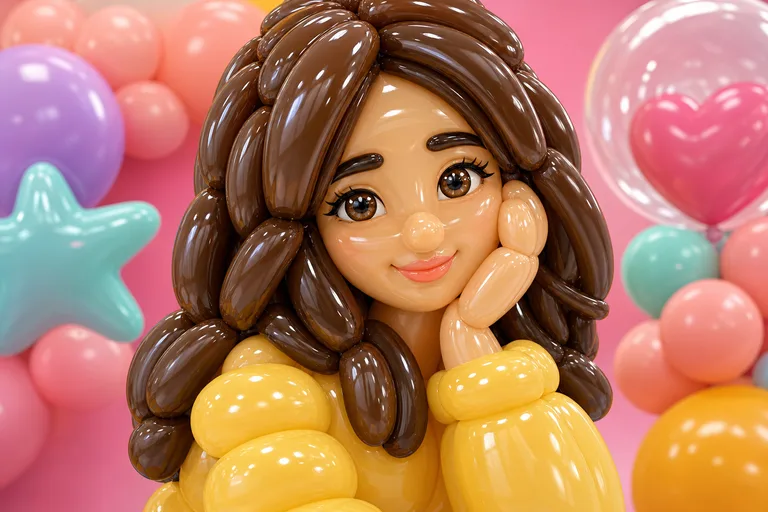
A polished Balloonify preview with rounded forms, bright color, and a clean studio-style finish.

AI balloonify effect image example 1

Glossy inflated subject

A glossy inflated subject treatment with readable silhouette and playful product-art lighting.

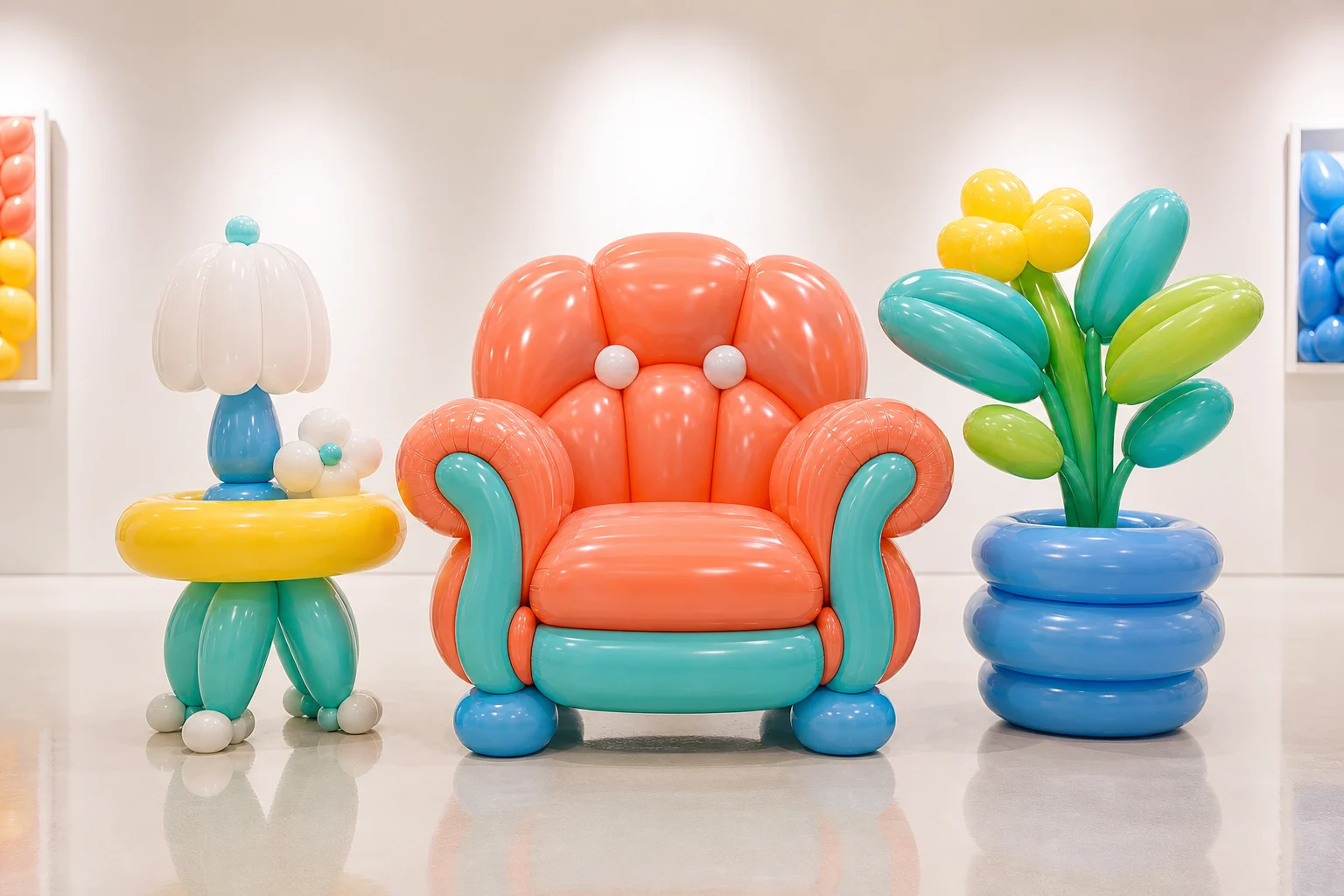
AI balloonify effect image example 2

Colorful balloon sculpture

A colorful balloon sculpture look that keeps the original shape clear while adding rounded latex volume.

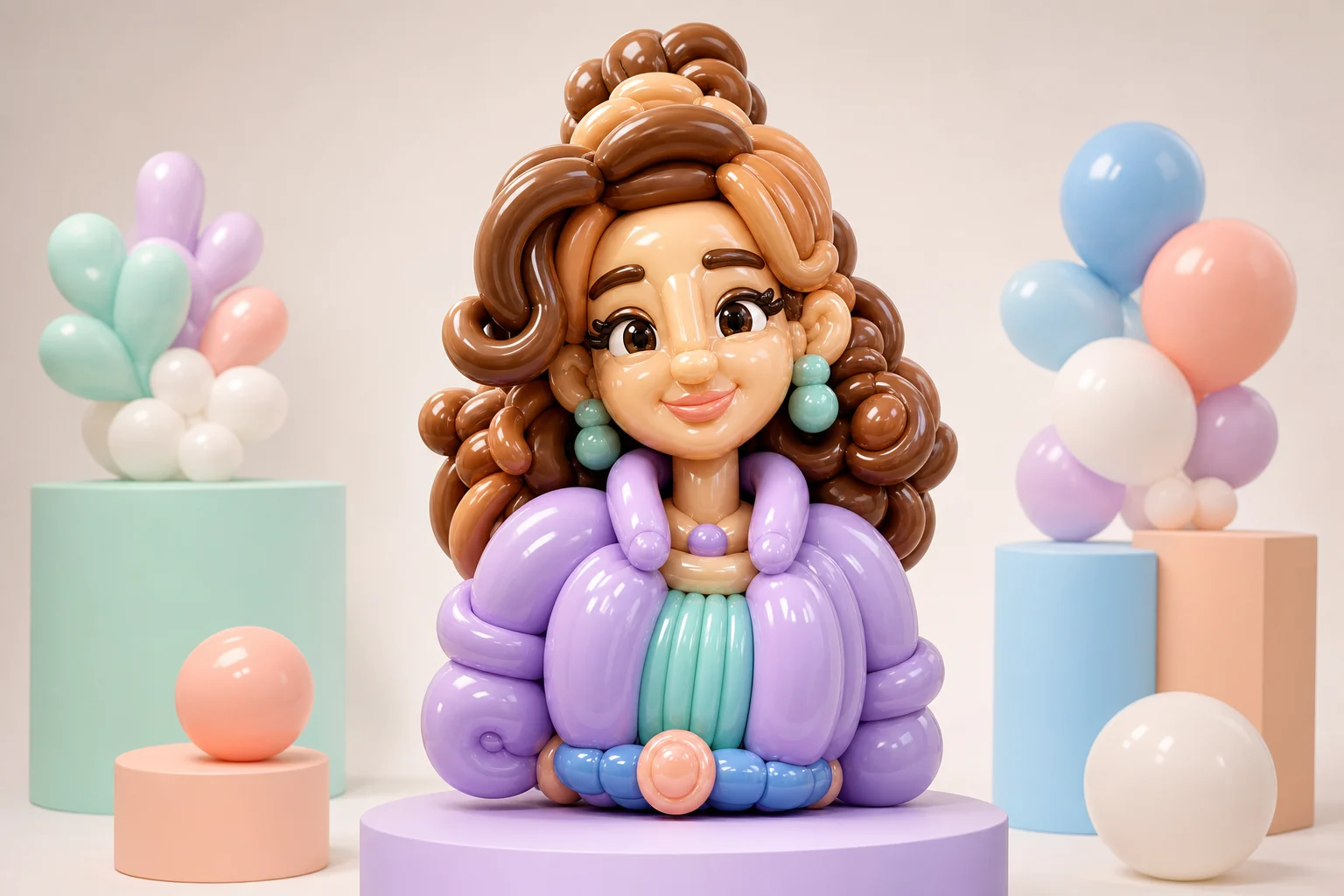
AI balloonify effect image example 3

Playful 3D balloon art

A playful 3D Balloonify result with soft reflections, smooth surfaces, and a recognizable pose.

Ways to use the Balloonify effect

Use this template when you want a playful, polished transformation that still clearly relates to the original subject.

Creative visual concepts

Turn a portrait, character, product, pet, or object into a focused Balloonify preview for a personal or creative project.

Style exploration

Compare the balloon sculpture direction before refining, sharing, or presenting the result.

Playful presentation assets

Create an eye-catching image for moodboards, social posts, presentations, or design references where a glossy inflated look fits the idea.

How to get a stronger Balloonify result

A good prompt and a clear source image help the Balloonify look stay focused, polished, and connected to the original subject.

Source image checklist

  • Use a sharp source image with the main subject clearly visible.
  • Avoid heavy blur, blocked details, extreme crops, or confusing overlaps.
  • Choose a source whose pose and framing support the intended AI Balloonify Effect Generator result.

Prompt guidance

Apply the AI Balloonify effect to the uploaded image. Preserve the main subject identity, pose or action silhouette, outfit or object details, key colors, and recognizable expression or shape. Rebuild the subject as a shiny inflatable balloon sculpture with rounded latex forms, seam-like highlights, glossy reflections, bright playful color, soft studio lighting, and a clean 3D product-art composition. Keep the uploaded subject identifiable through the balloon form.

What to check in the finished image

Review the image before using it in a project. Generated details can vary, so a quick quality check helps you choose the strongest version.

Recognizable subject

Compare the result with the source to confirm that the subject identity, pose, silhouette, and defining details still match.

Coherent Balloonify style

Look for rounded inflated forms, glossy latex reflections, seam-like highlights, and bright playful color across the main subject.

Clean details

Inspect faces, hands, text, object edges, small accessories, and background transitions for distortions or distracting artifacts.

Useful next step

If the subject feels unclear, try a sharper source image or a more specific prompt that names the details you want preserved.

AI Balloonify Effect Generator FAQ

Answers to common questions about making a Balloonify effect image and choosing a source that keeps the subject recognizable.

What is the AI Balloonify Effect Generator?
It is a template for creating a balloonified version of a subject, with inflated rounded shapes, glossy reflections, playful color, and a clean 3D product-art feel.
Is the AI Balloonify Effect Generator free?
Availability and access can vary by platform or account. Check the current ClipCanva page for the latest access details before starting.
How do I use the AI Balloonify Effect Generator?
Upload a clear image, use the Balloonify prompt style, review the preview, and keep the version where the subject identity, pose, and important details remain easy to recognize.
What photos work best for balloonify effect generation?
Sharp images with one clear main subject work best. Avoid heavy blur, blocked details, extreme crops, and overlapping elements that make the pose or shape hard to read.
Can I use AI Balloonify Effect Generator results commercially?
Usage permissions can depend on the image source, platform terms, and your project. Review the relevant terms and any rights connected to your uploaded image before using results commercially.
What AI Balloonify Effect Generator changes should I expect?
The effect rebuilds the subject as glossy inflated balloon forms with rounded latex surfaces, seam-like highlights, soft studio lighting, and playful color while preserving the original silhouette and details.
Which source image works best?
Choose a clear, well-lit image where the main subject, defining colors, pose, outfit, object details, and expression or shape are visible.
How do I keep the subject recognizable?
Use a source with strong silhouette and visible defining features, then review the result for identity, facial features, hands, edges, small objects, and background transitions.

Make your Balloonify effect image

Create a glossy Balloonify version of your subject with rounded inflatable forms, playful color, and a composition that keeps the original shape readable.