01
元の動画を追加する
動画をアップロードするか、アクセスできる動画 URL を貼り付けます。話している人物の顔がはっきり見える素材を選んでください。
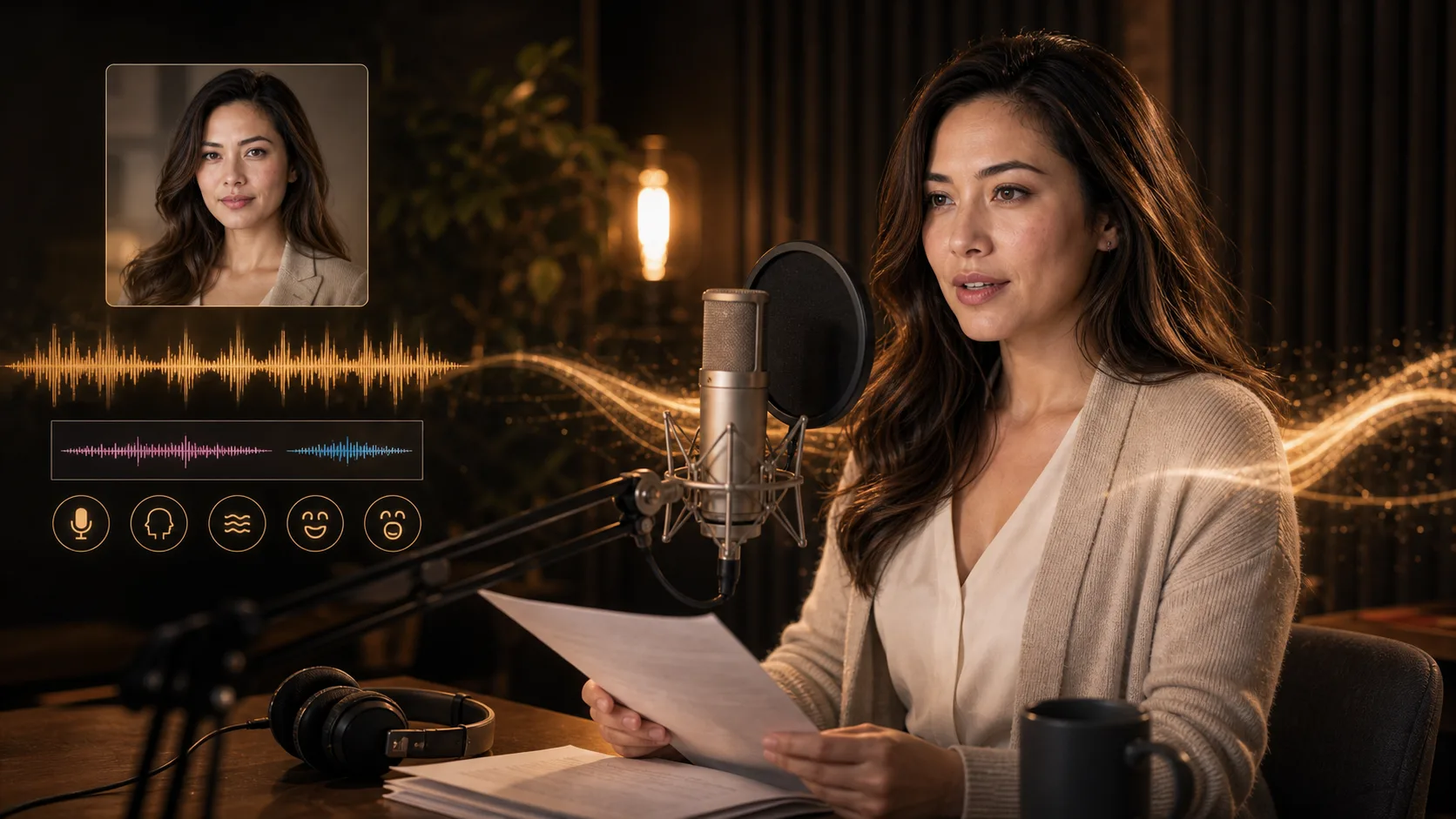
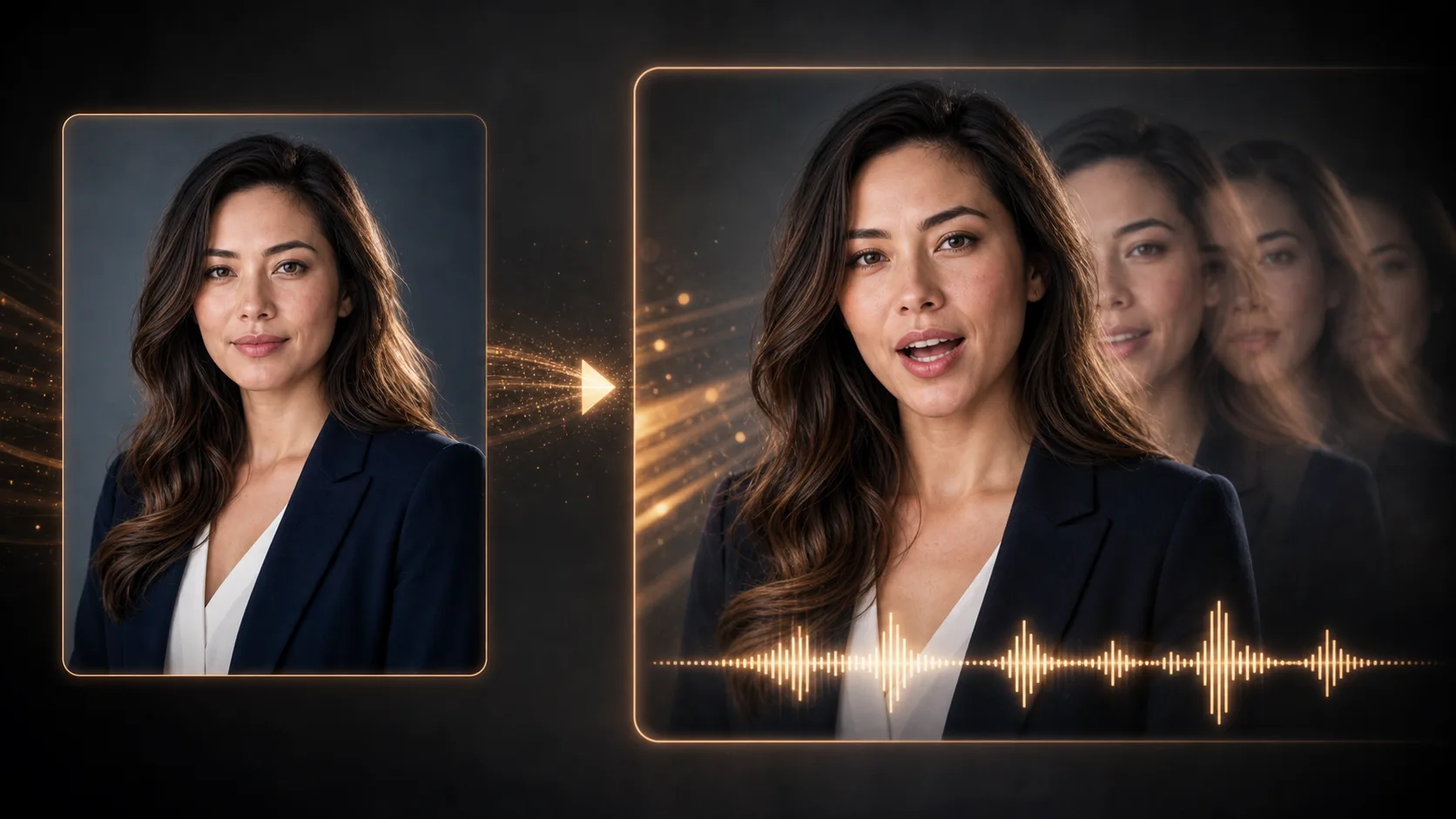
人物が話す既存の動画と、合わせたい音声を追加します。口の動きを調整した動画を生成して、結果を確認しましょう。
元の動画と音声
ファイルをアップロードするか、ホストされたメディアの URL を貼り付けてください。
動画形式
MP4/WebM/MOV
音声の入力元
MP3/WAV/M4A
同期状態
メディアを待っています
生成前に両方のメディアを追加してください
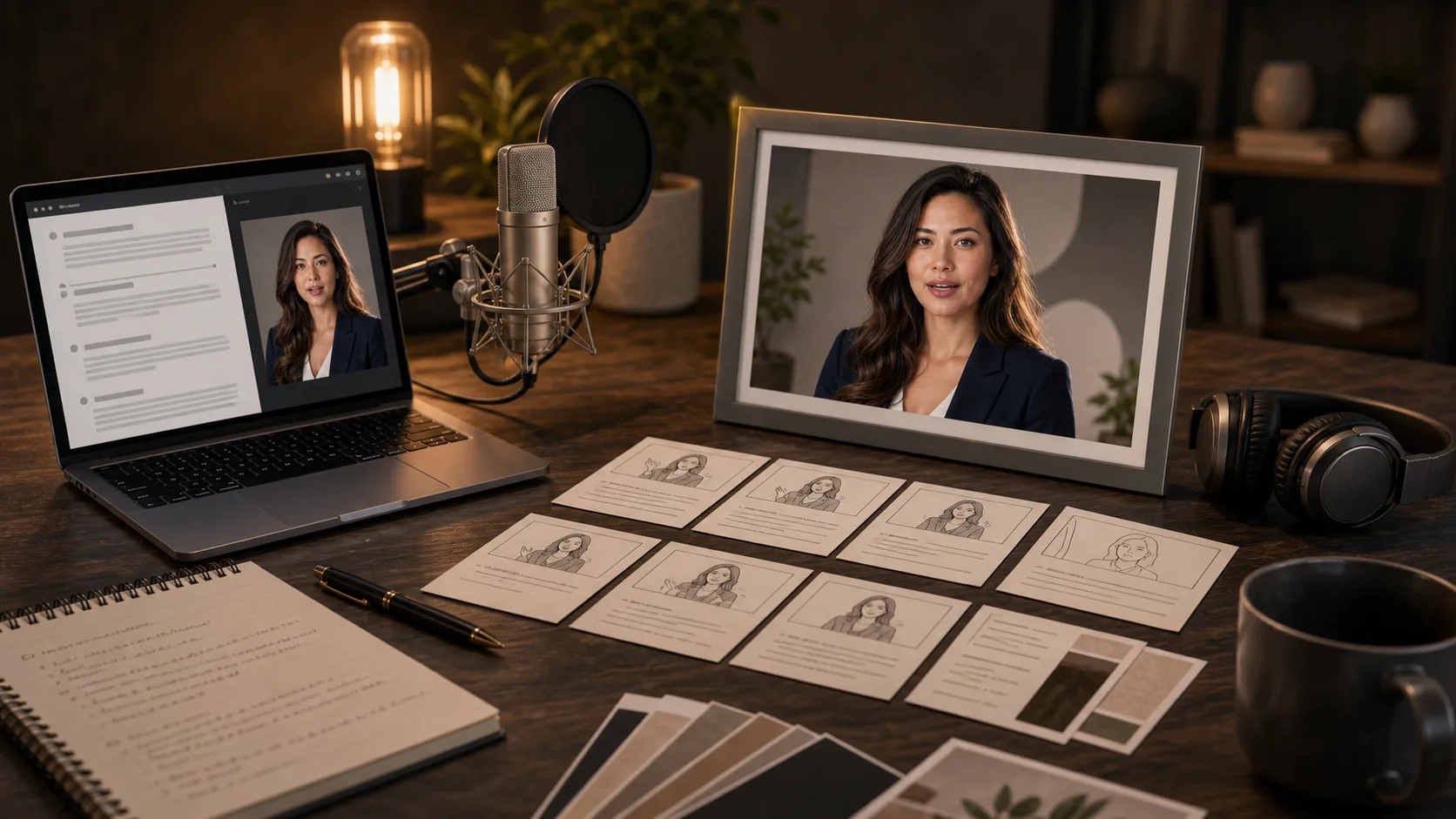
製品紹介、レッスン、キャラクターのセリフに使う人物の動画と、録音または生成した音声を用意しましょう。これらは企画のアイデアであり、生成結果を実証するものではありません。
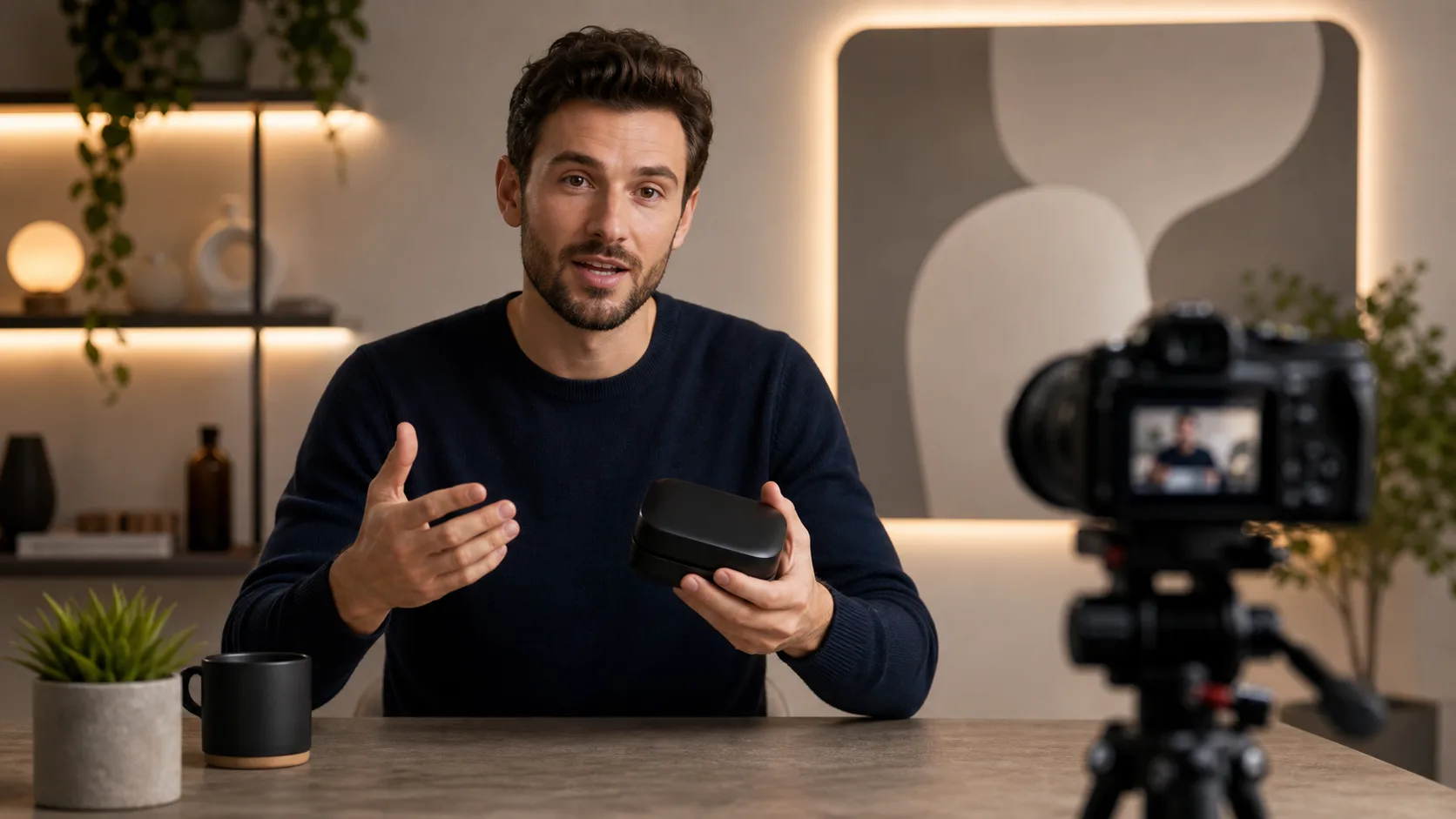
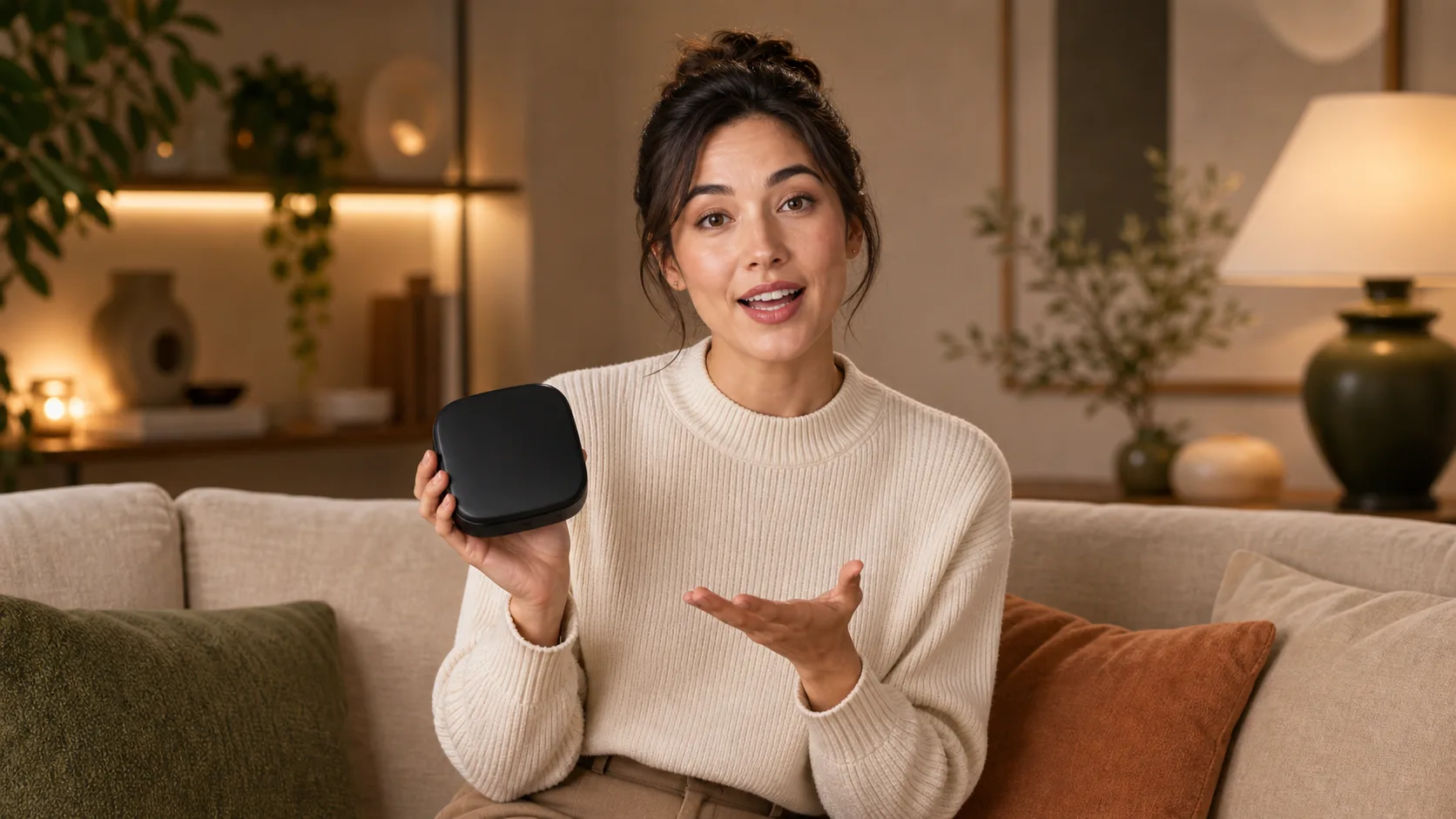
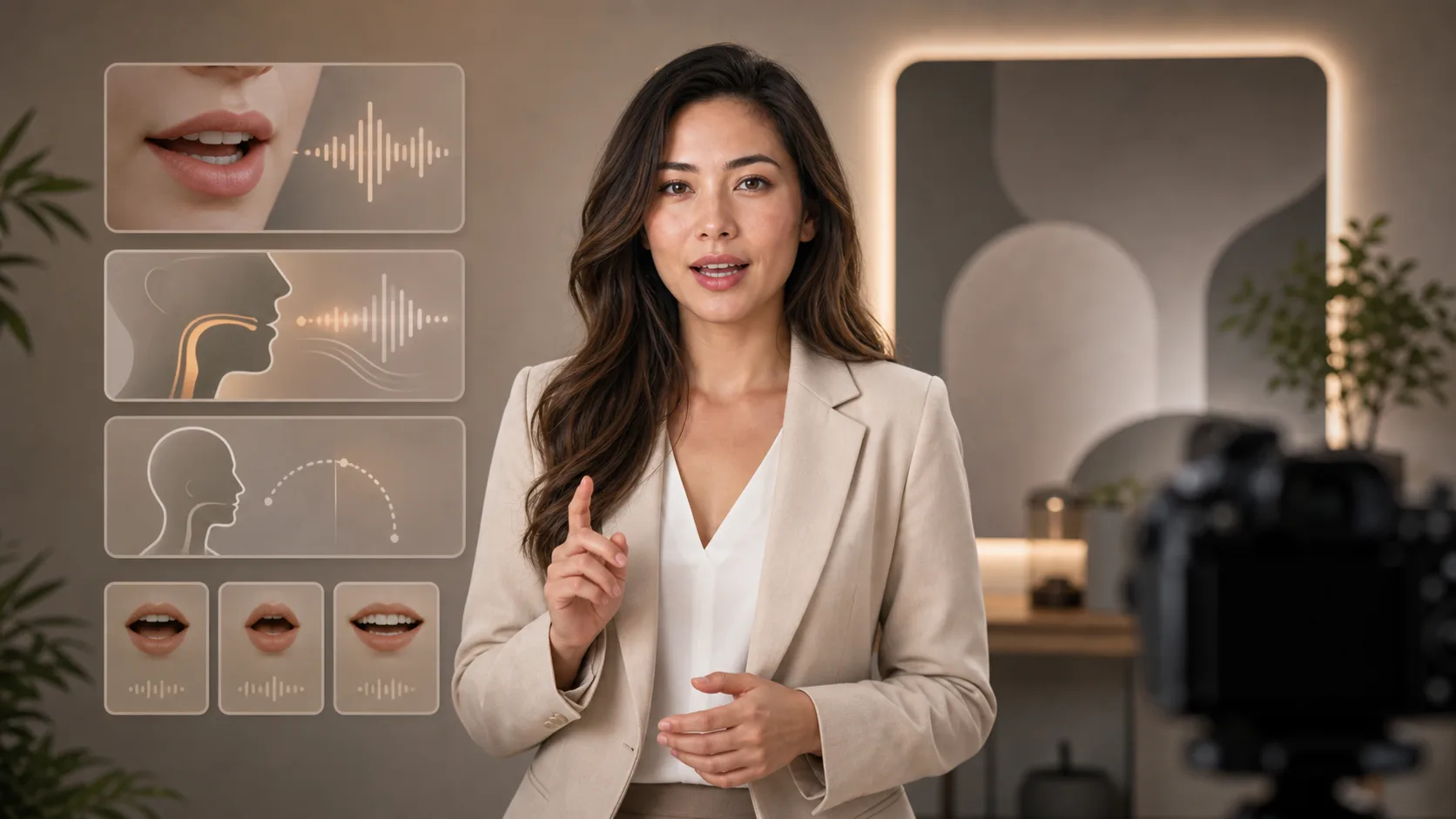
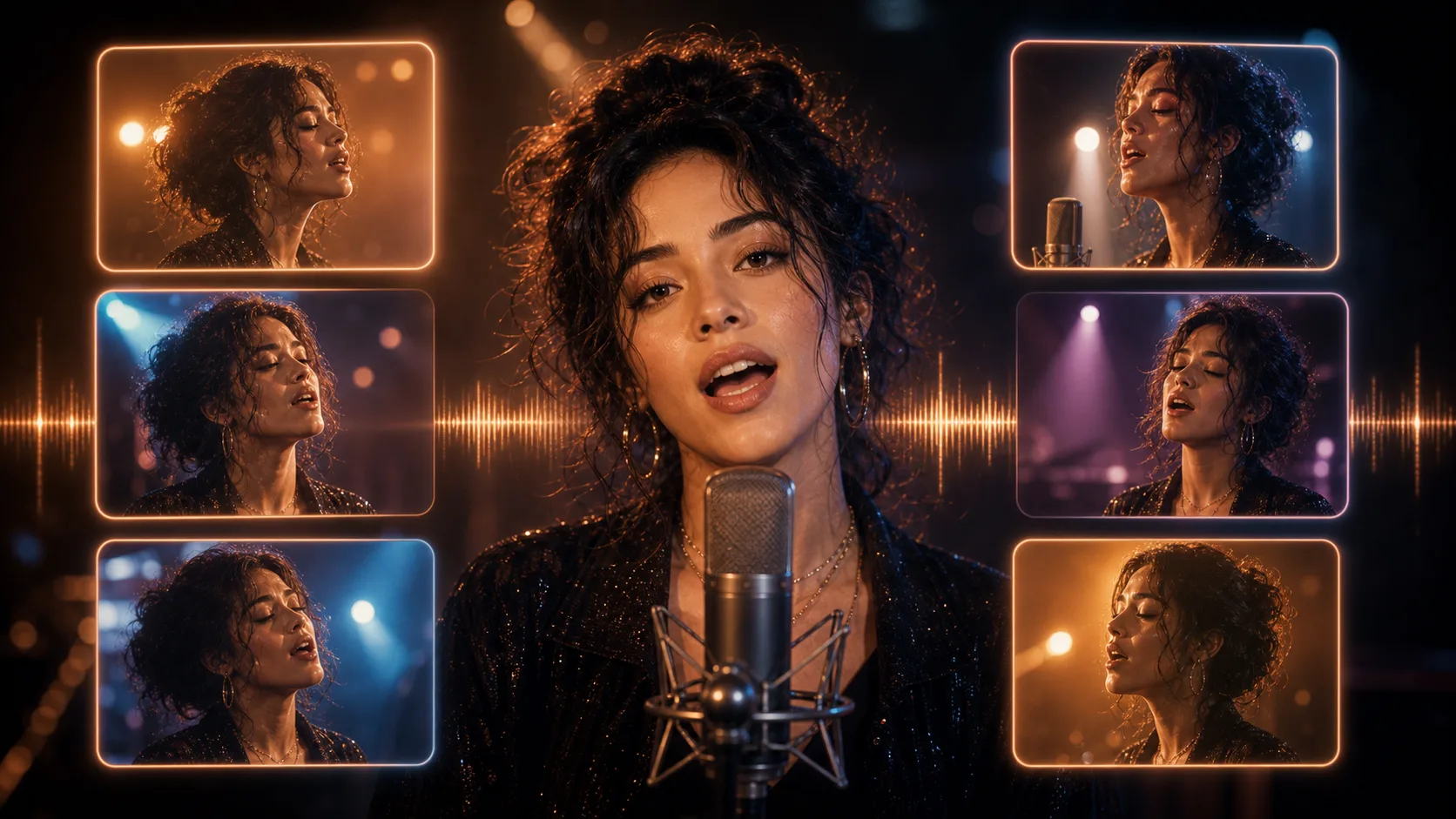
既存の動画と音声トラックの両方が必要です。テキストの指示や人物画像だけでは処理できません。
動画をアップロードするか、アクセスできる動画 URL を貼り付けます。話している人物の顔がはっきり見える素材を選んでください。
ナレーションをアップロードするか、アクセスできる音声 URL を貼り付けます。先に試聴し、伝えたい言葉が明瞭に聞こえるか確認してください。
動画と音声の両方を送信し、処理結果を待ちます。処理中は入力素材にアクセスできる状態を維持してください。
口の動くタイミング、顔、間、結末を確認します。不自然な場合は、元の素材を短くするか改善してから再試行してください。
録音または生成した音声トラックを使います。このページでは、入力した文字を直接ナレーションに変換できません。
既存の動画素材から始めてください。このページは画像や指示から人物を生成するものではありません。
動画と音声をそれぞれのアップロード欄から追加するか、アクセスできる URL を貼り付けます。
返された動画を再生し、顔の一貫性と口の動くタイミングを確認します。このページに字幕の自動生成機能はありません。
無料画像には透かしが入ります。透かしなしの出力、高速生成、商用利用にはアップグレードしてください。
スターターパック
画像、音楽、短い動画生成を試せる買い切りクレジットパックです。
クリエイター
月額プラン · 1,500クレジットが毎月更新
GPT Image 2 Unlimited
Stripe Checkout でコード FOUNDING6 を入力すると、最初の6か月は月額$19、その後は月額$29です。
プロ
月額プラン · 4,000クレジットが毎月更新
スタジオ
月額プラン · 12,000クレジットが毎月更新
安全な決済 · サブスクリプションは自動更新 · 返金条件を確認
チーム
代理店、制作チーム、カスタムの大量利用に対応します。
動画と音声を用意し、利用上の制限を確認してから処理してください。