AI 90s Retro Room Filter

AI 90s Retro Room Filter

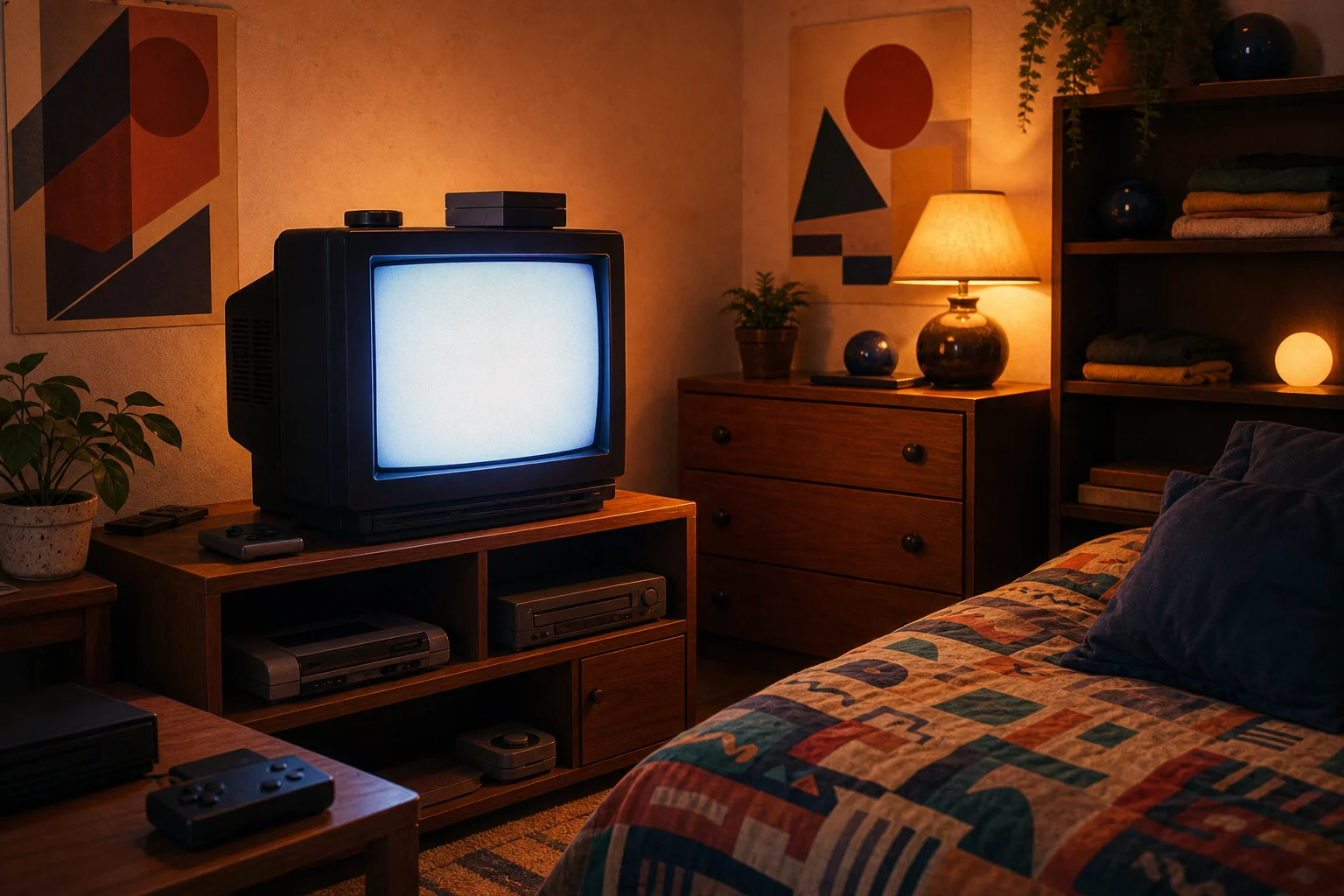
Turn a clear photo into a lived-in 1990s bedroom or living-room scene with warm light, CRT glow, posters, vintage furniture, faded color, and soft film grain while keeping the main subject recognizable.

AI 90s Retro Room Filter result showing a nostalgic 1990s bedroom or living room look
0 / 2000
Template prompt

AI 90s Retro Room Filter

Apply the AI 90s Retro Room effect to the uploaded image. Preserve the person or main subject identity, pose or layout, key colors, and important details. Recreate the scene in an authentic 1990s bedroom or living-room environment with CRT TV glow, band posters, vintage furniture, wood textures, warm tungsten lighting, VHS-like grain, slightly faded colors, and nostalgic lifestyle composition. Keep the subject recognizable while adapting the surroundings.

AI 90s Retro Room Filter result showing a nostalgic 1990s bedroom or living room look

What is the AI 90s Retro Room Filter?

The AI 90s Retro Room Filter gives your photo the feeling of a nostalgic 1990s bedroom or living room. It adds era-inspired decor such as CRT screens, band posters, wood textures, vintage furniture, warm tungsten lighting, VHS-like grain, and slightly faded colors while preserving the person, pose, layout, and important subject details.

How the 90s Retro Room effect transforms your photo

This template restyles your image into a nostalgic 90s room scene while keeping the main subject coherent and easy to recognize.

What changes

  • Give your photo a lived-in 1990s bedroom or living-room look with retro objects, faded color, warm light, and the main subject still clear.
  • Add 1990s room decor, warm tungsten light, CRT glow, vintage furniture, posters, wood textures, and soft film grain.
  • Create a nostalgic lifestyle composition that feels like a casual bedroom or living-room photo from the nineties.
  • Let you preview the visual direction before refining the source image or prompt for a clearer result.

What stays recognizable

  • Preserve the person or main subject identity, pose or layout, key colors, and important details.
  • Keep the subject recognizable while adapting the surroundings.
  • Maintain the main subject as recognizable from the source image.
  • Keep defining colors, pose, silhouette, and important subject details coherent.

How to use the 90s Retro Room Filter online

Create a nostalgic room edit in a few simple steps, then review the result for subject accuracy and atmosphere.

1

Upload a clear photo

Start with a sharp image where the main subject, pose, defining colors, and important details are easy to see.

2

Set the retro room direction

Describe the 1990s bedroom or living-room look you want, including details like CRT glow, band posters, warm tungsten light, vintage furniture, faded color, and VHS-like grain.

3

Review the result

Check the preview for subject recognition, coherent decor, natural lighting, clean edges, and believable background transitions.

4

Refine and save your image

If needed, try a clearer source image or adjust the prompt to emphasize the subject, room type, lighting, or decor style.

90s Retro Room style variations

Explore different 1990s room moods, from cozy bedrooms to poster-covered living rooms with CRT glow and faded film color.

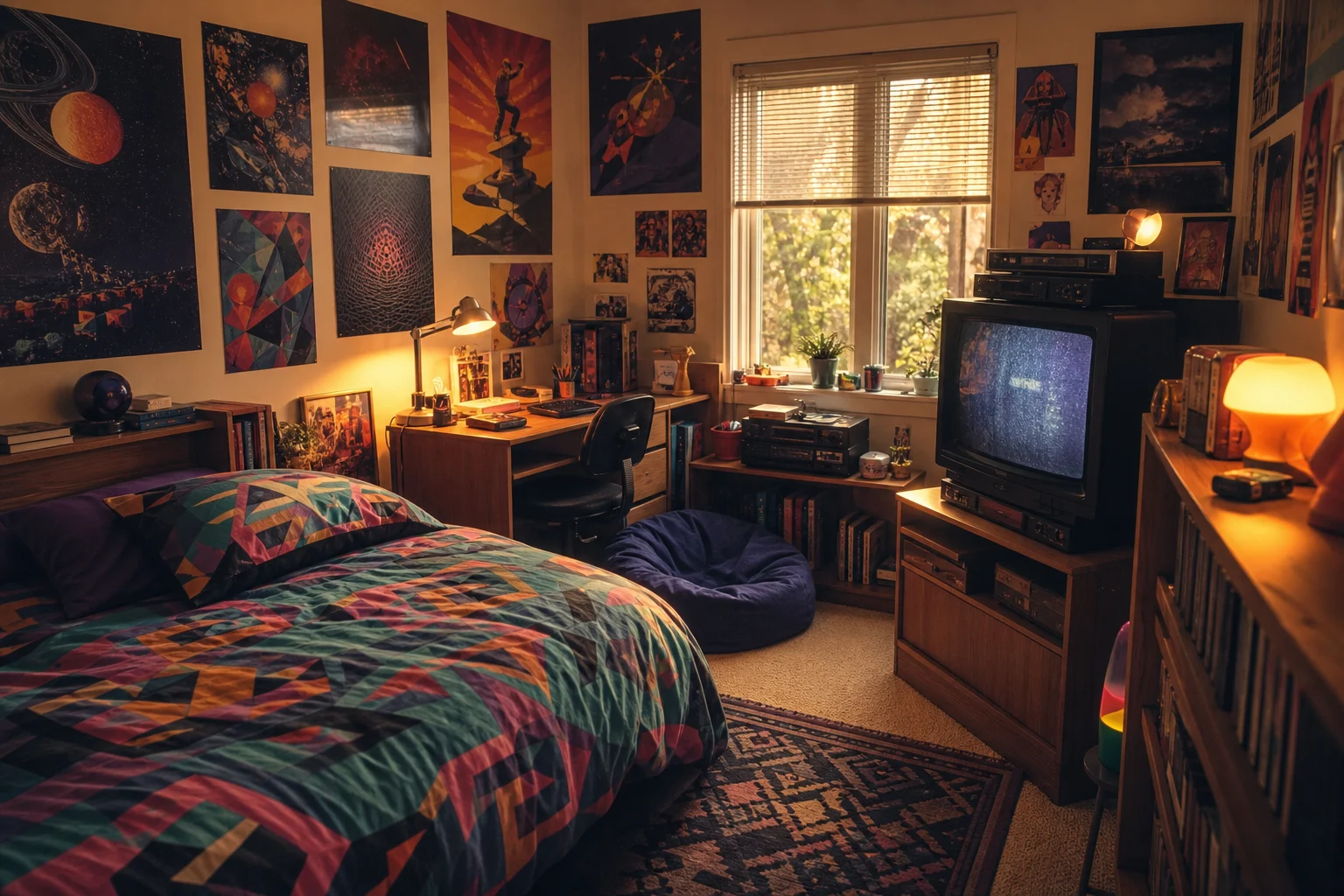
AI 90s Retro Room Filter sample result with a nostalgic 1990s bedroom or living room look 1

Warm 90s bedroom look

A nostalgic bedroom direction with warm light, soft grain, vintage furniture, posters, and a clear main subject.

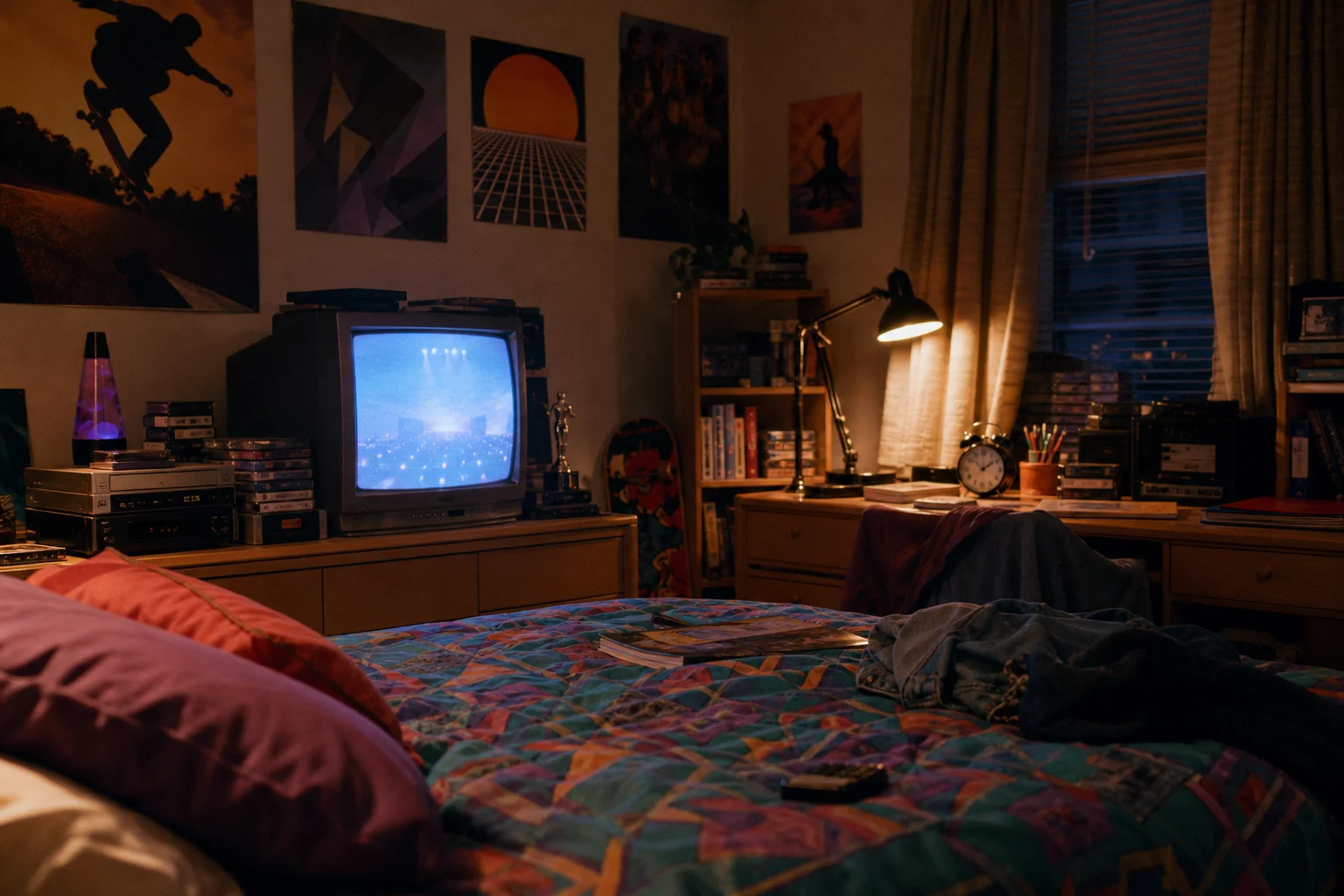
AI 90s Retro Room Filter sample result with a nostalgic 1990s bedroom or living room look 2

CRT living-room mood

A retro living-room feel with CRT-style glow, wood textures, faded color, and casual nineties atmosphere.

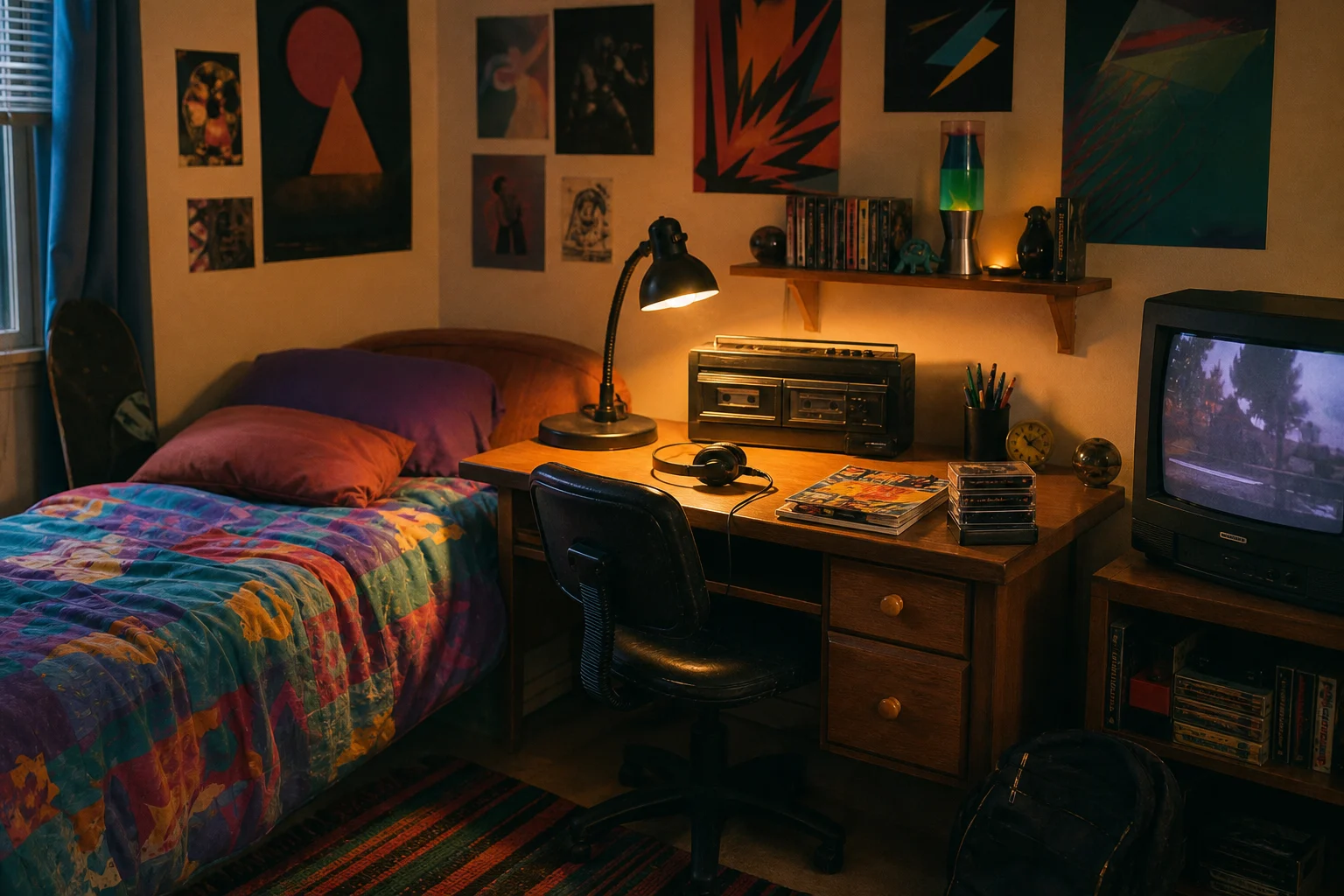
AI 90s Retro Room Filter sample result with a nostalgic 1990s bedroom or living room look 3

Poster wall retro scene

A poster-filled room style with vintage decor, tungsten lighting, soft shadows, and film-like texture.

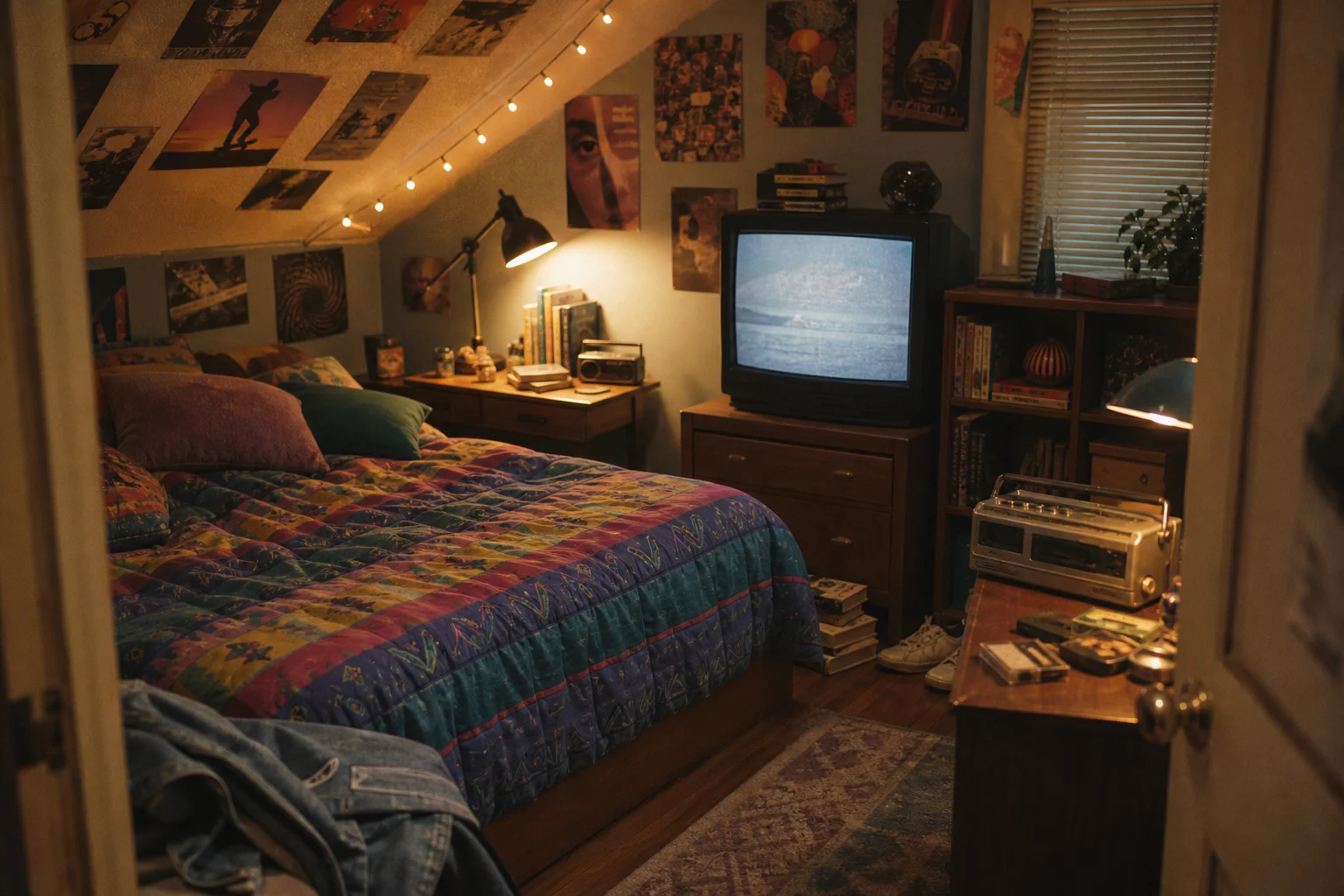
AI 90s Retro Room Filter sample result with a nostalgic 1990s bedroom or living room look 4

Faded film room style

A faded lifestyle-photo treatment that blends nostalgic color, room objects, and a relaxed 1990s composition.

Ways to use the AI 90s Retro Room Filter

Use the AI 90s Retro Room Filter when you want a specific nostalgic room aesthetic rather than a general vintage color filter.

Personal and creative projects

Create a focused preview for a personal profile image, moodboard, social post, character concept, album-style visual, or creative reference.

Direction testing

Compare the retro room direction before refining the prompt, sharing options with others, or presenting a visual draft.

Styled scene concepts

Place a person, product, outfit, or character into a warm 1990s bedroom or living-room setting for mockups and visual exploration.

How to prepare your photo

A strong source photo helps the 90s Retro Room effect look coherent, especially when the image needs to preserve a face, pose, outfit, product, or other defining subject details.

Choose the right source image

  • Use a sharp source image with the main subject clearly visible.
  • Avoid heavy blur, blocked details, extreme crops, or confusing overlaps.
  • Choose a source whose pose and framing support the intended AI 90s Retro Room Filter result.

Prompt tips for a stronger retro room result

Mention the room mood you want, such as cozy bedroom, vintage living room, CRT TV glow, band posters, wood furniture, warm tungsten lighting, VHS grain, faded color, or nostalgic lifestyle photo. If the subject matters most, state that the identity, pose, silhouette, key colors, and important details should remain recognizable.

Review your AI 90s Retro Room Filter result

Generated details can vary between runs, so review the image carefully before sharing, presenting, or using it as a visual reference.

Check subject recognition

Compare the result with the original photo and make sure the face, body shape, pose, layout, and defining details still read clearly.

Review the retro atmosphere

Look for a consistent 90s Retro Room treatment across the full image, including decor, lighting, color fade, CRT glow, grain, and furniture style.

Inspect fine details

Inspect faces, hands, text, small objects, edges, shadows, and background transitions for artifacts or details that may need another pass.

AI 90s Retro Room Filter FAQ

Common questions about using a 90s Retro Room Filter online for nostalgic bedroom and living-room edits.

What is the AI 90s Retro Room Filter?
It is a photo effect designed to restyle your image as a lived-in 1990s room scene, with retro decor, warm light, CRT glow, faded tones, and soft grain while keeping the main subject clear.
Is the AI 90s Retro Room Filter free?
Availability and access can vary, so check the current options on the editing page before starting your image.
What photos work best with the AI 90s Retro Room Filter?
Use a sharp image where the person or main subject is clearly visible. Photos with clean framing, recognizable features, and enough background space usually give the 90s room effect more room to feel natural.
What image formats does it support?
Use the image formats accepted by the upload area. For best results, start with a high-quality image rather than a heavily compressed or blurry file.
Can I use 90s retro room images commercially?
Usage depends on the rights you have to the source photo, any people, brands, artwork, or recognizable property in it, and the terms that apply to your project. Review the final image before using it in public or client-facing work.
What AI 90s Retro Room Filter changes can I expect?
It can add 1990s room decor, vintage furniture, wood textures, wall posters, CRT-style glow, warm tungsten light, faded color, nostalgic composition, and film-like grain.
Which source image works best?
Choose a source image with a clear subject, visible defining details, and a pose or layout that can fit naturally inside a bedroom or living-room setting.
How do I keep the subject recognizable?
Start with a sharp, well-lit source image and avoid heavy blur, blocked faces, extreme crops, or confusing overlaps. After previewing the result, check the face, pose, silhouette, and key details against the original.

Give your photo a nostalgic 1990s room style

Upload a clear photo and create a nostalgic 90s Retro Room image with warm light, vintage decor, soft grain, and a recognizable main subject.