
Viết ý tưởng trong một dòng
Nêu video dạy hoặc trình bày điều gì, dành cho ai và thời lượng dự kiến. Thời lượng quyết định số phần.
Lập kế hoạch YouTube
Mô tả video bạn muốn thực hiện và công cụ tạo kịch bản YouTube sẽ lập kế hoạch cho phần mở đầu thu hút, phần giới thiệu, thứ tự các phần, điểm giữ chân người xem, ghi chú lời thuyết minh, chữ trên màn hình, các lựa chọn tiêu đề và CTA ở phần kết.
Công cụ này lập kế hoạch cho một video dễ theo dõi trước khi bạn bật máy quay. Viết ý tưởng và thời lượng mục tiêu trong một ô, công cụ sẽ trả về kịch bản có thứ tự dựa trên cách người xem theo dõi: phần mở đầu thu hút cú nhấp, phần giới thiệu nêu rõ lời hứa, các phần thực hiện lời hứa đó và các lời nhắc lại ở giữa.
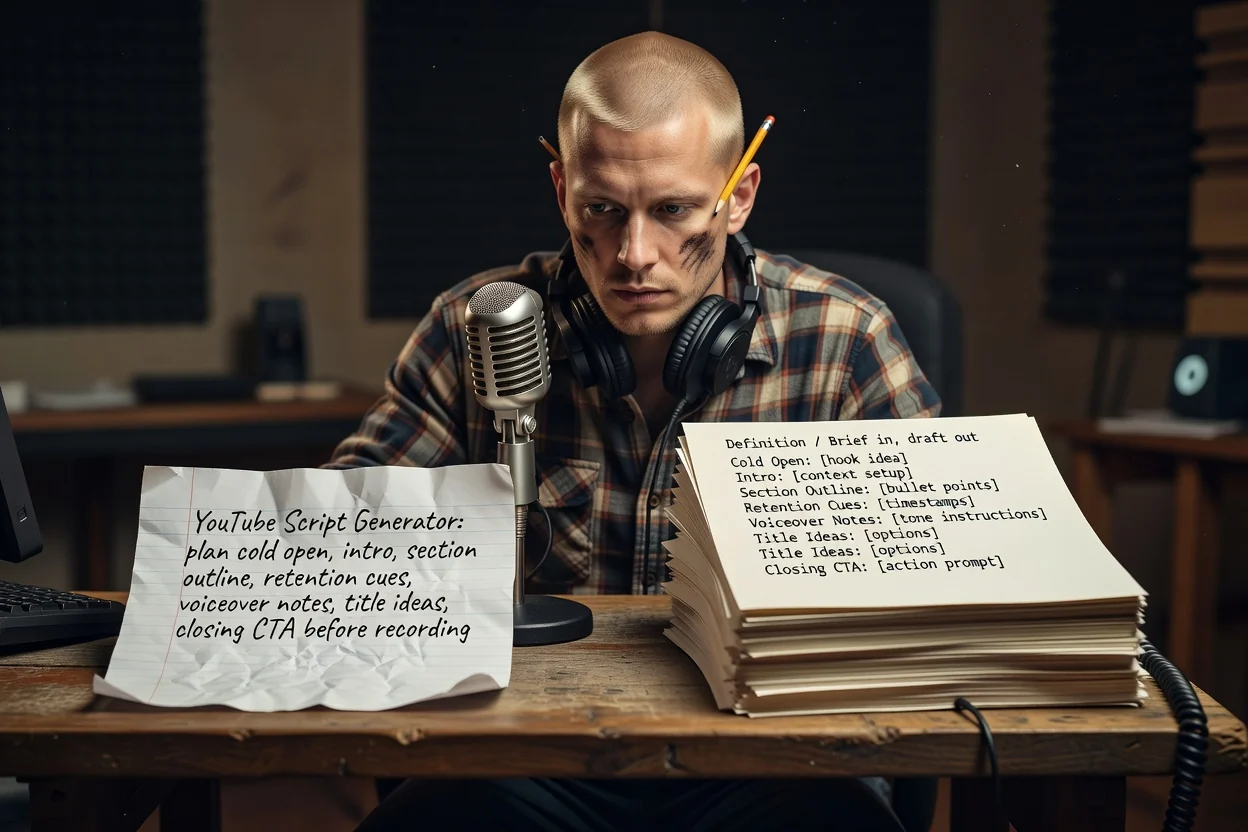
Ba bước từ ý tưởng đến dàn ý có thể quay.
Nêu video dạy hoặc trình bày điều gì, dành cho ai và thời lượng dự kiến. Thời lượng quyết định số phần.
Đính kèm ảnh chụp màn hình hoặc ảnh sản phẩm để kế hoạch có thể nêu tên nội dung xuất hiện trên màn hình. Tệp đính kèm cần tài khoản đã đăng nhập.
Xem các phần theo thứ tự, cắt bỏ nội dung lặp lại, rồi tạo lại với tiền đề sắc nét hơn nếu lời hứa chưa rõ.
Mỗi phần tương ứng với một khoảnh khắc trong video hoàn chỉnh.
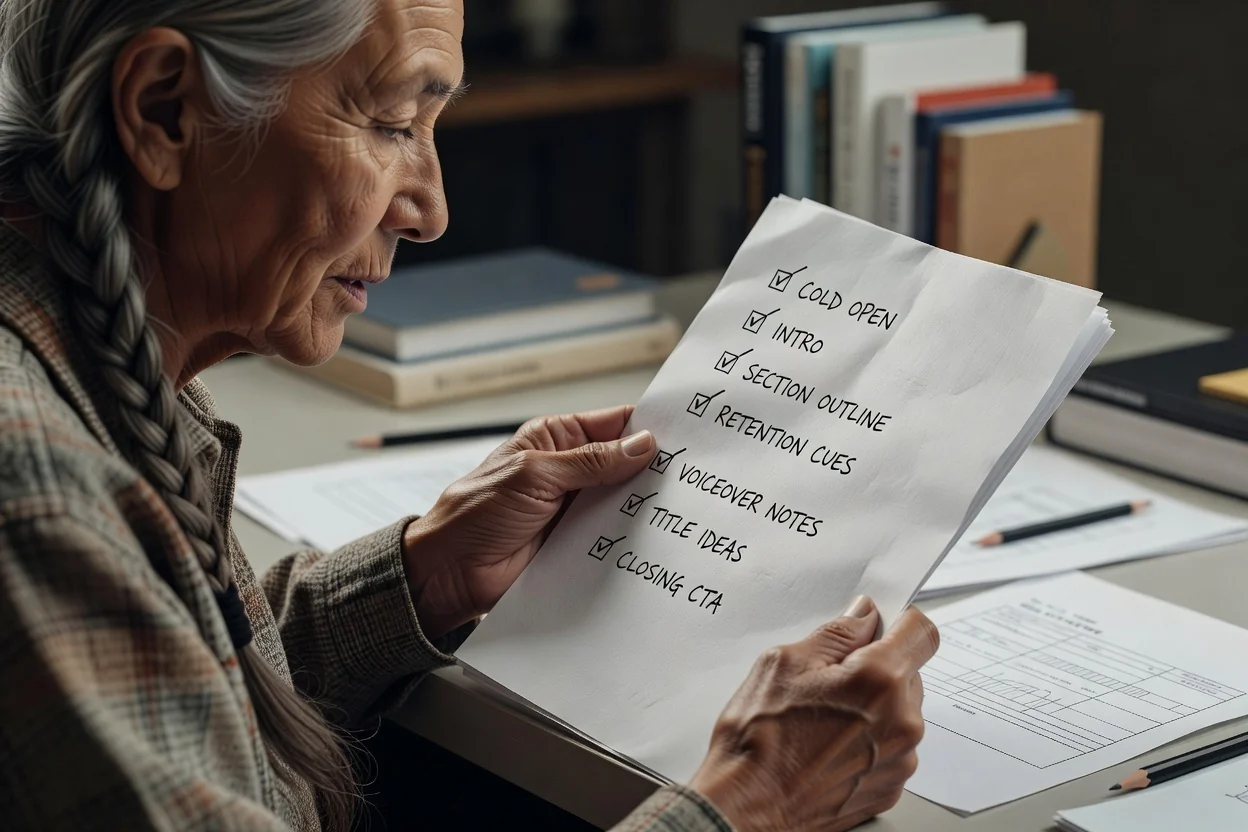
Những giây đầu trước mọi yếu tố nhận diện thương hiệu, được viết để cho thấy kết quả thay vì chỉ mô tả nó.
Lời hứa được nêu ngay từ đầu, sau đó là danh sách các phần theo thứ tự cùng nội dung mỗi phần đề cập.
Các câu được đặt giữa những phần nội dung để nhắc đến kết quả, giúp người xem có lý do ở lại.
Lời nói được tách riêng khỏi phụ đề và nhãn để bạn có thể quay và dựng mà không phải viết lại.
Nhiều lựa chọn tiêu đề cho cùng một video, kèm lời kêu gọi cuối cùng bạn muốn người xem thực hiện.
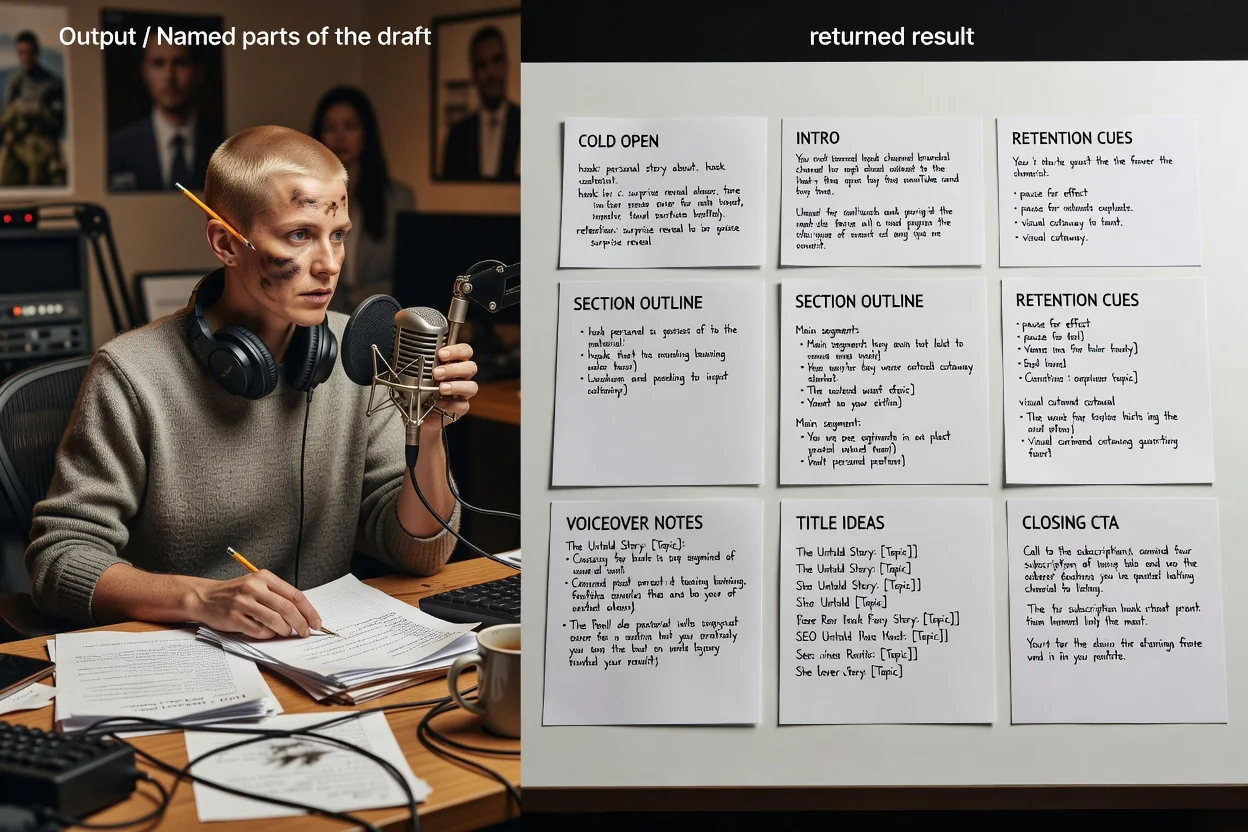
Công cụ lập kế hoạch này nhận một bản mô tả mở, nên cách bạn diễn đạt chính là phần kiểm soát.
Nêu độ dài mục tiêu, như hướng dẫn 8 phút hoặc Short 45 giây, sẽ thay đổi số phần trong dàn ý.
Cho biết đó là video dài hay Short dọc. Shorts được rút gọn thành một câu móc, một kết quả chính và một CTA.
Nêu rõ người xem là ai và họ đã biết đến mức nào để phần giới thiệu không giải thích quá mức hoặc bỏ qua bối cảnh.
Đính kèm hình ảnh bạn dự định hiển thị để chữ trên màn hình và ghi chú từng phần trỏ đến tài nguyên thực tế.
Các bản mô tả phù hợp với công cụ lập kế hoạch này.
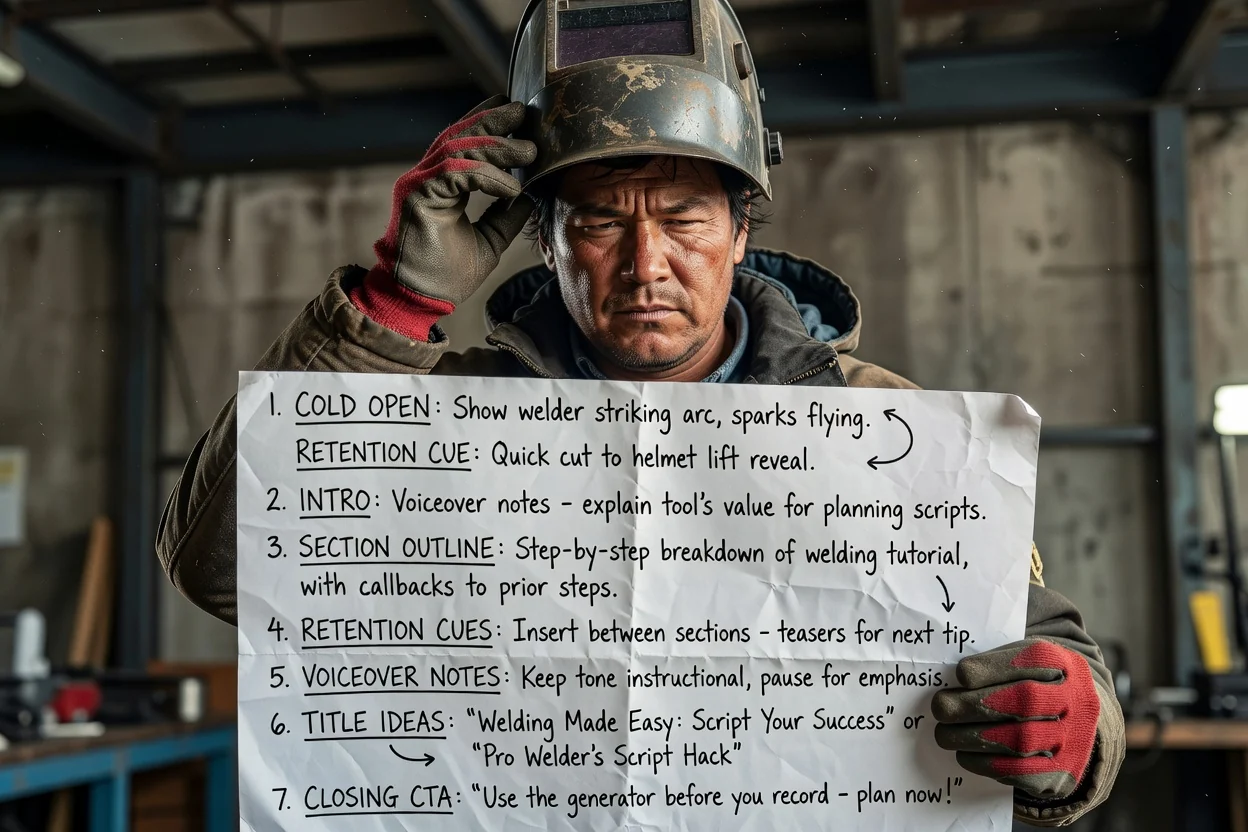
Biến quy trình nhiều bước thành các phần theo thứ tự, với lời nhắc giữ chân người xem giữa mỗi bước.
Lập kế hoạch hướng dẫn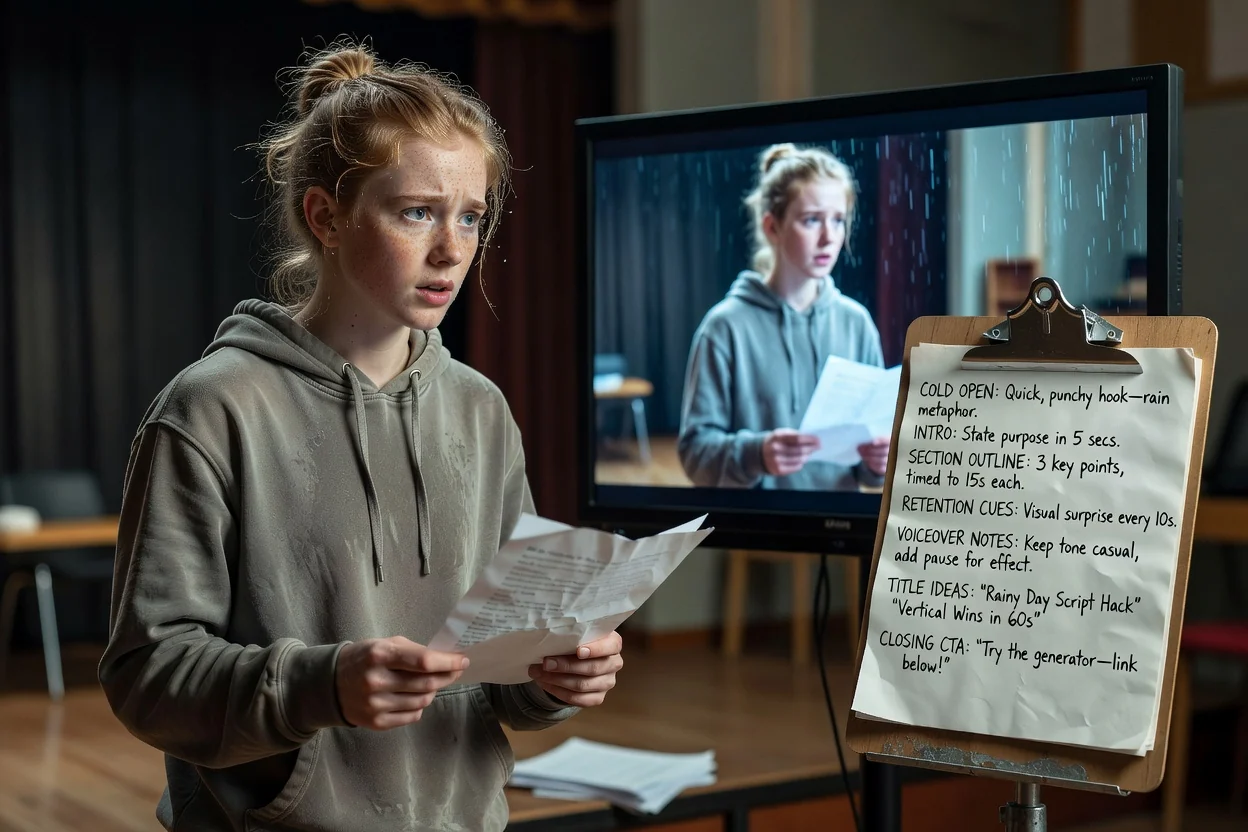
Nén một ý tưởng thành phần mở đầu, một kết quả chính và lời kêu gọi kết thúc vừa với khung hình dọc.
Lập kế hoạch Short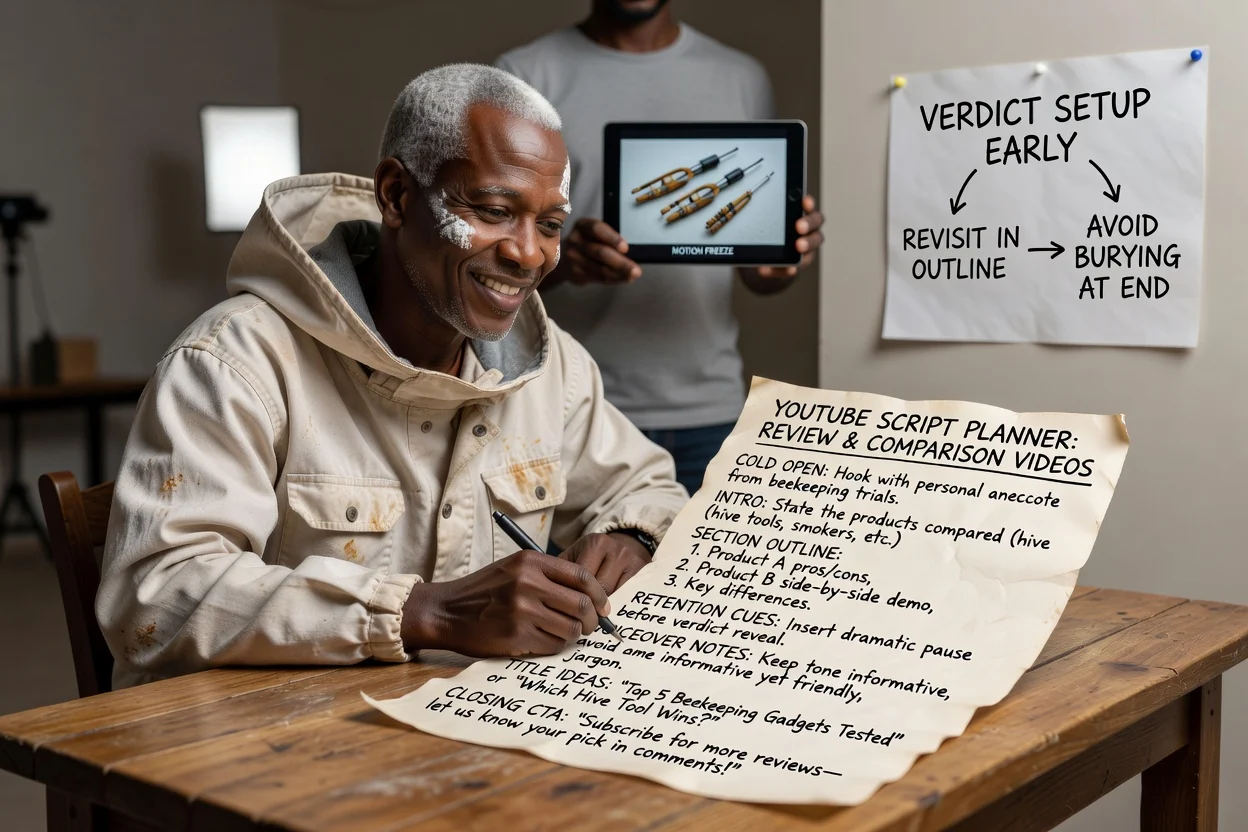
Lập thứ tự các phần để kết luận được đặt nền tảng sớm và nhắc lại, thay vì bị chôn ở cuối.
Lập kế hoạch bài đánh giá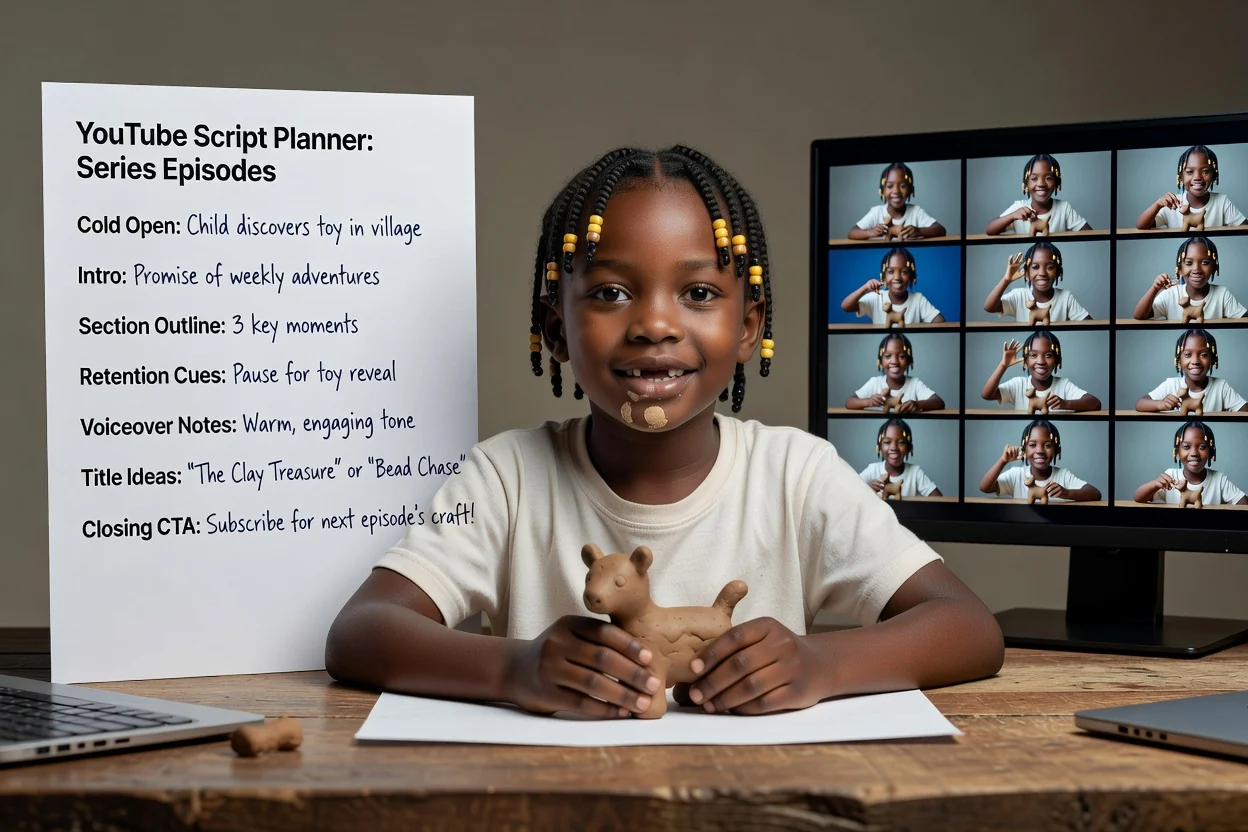
Dùng lại một cấu trúc bản mô tả cho các tập để lời hứa ở phần giới thiệu và CTA luôn nhất quán.
Lập kế hoạch tập phimBốn lượt kiểm tra giúp tránh phải quay lại.
Nếu câu đầu tiên giải thích thay vì cho thấy, hãy viết lại xoay quanh khoảnh khắc trực quan nhất trong video.
Phần giới thiệu nên nêu một điều người xem nhận được. Nếu liệt kê ba điều, hãy tách thành các video riêng.
Quá nhiều phần so với thời lượng sẽ khiến cách trình bày trở nên vội vã. Hãy bỏ bớt phần thay vì cắt ngắn từng phần.
Một lời kêu gọi rõ ràng hiệu quả hơn danh sách chồng chéo các yêu cầu đăng ký, bình luận và nhấp liên kết.
Những điểm công cụ lập kế hoạch này dừng lại.
Đầu ra là một dàn ý bằng văn bản. Quay phim, tạo cảnh quay và dựng phim là các bước riêng.
Ý tưởng tiêu đề là bản nháp để tham khảo, không phải tiêu đề đã được kiểm chứng. Hãy đánh giá chúng dựa trên lịch sử kênh của bạn.
Mọi tuyên bố về sản phẩm, số liệu thống kê hoặc thứ tự bước trong dàn ý cần được đối chiếu với nguồn của bạn trước khi xuất bản.
Các câu hỏi thường gặp về việc lập kế hoạch video YouTube trước khi quay.
Cung cấp cho công cụ tạo kịch bản YouTube một ý tưởng và thời lượng, rồi nhận phần mở đầu, dàn ý các phần và CTA để bạn có thể quay.