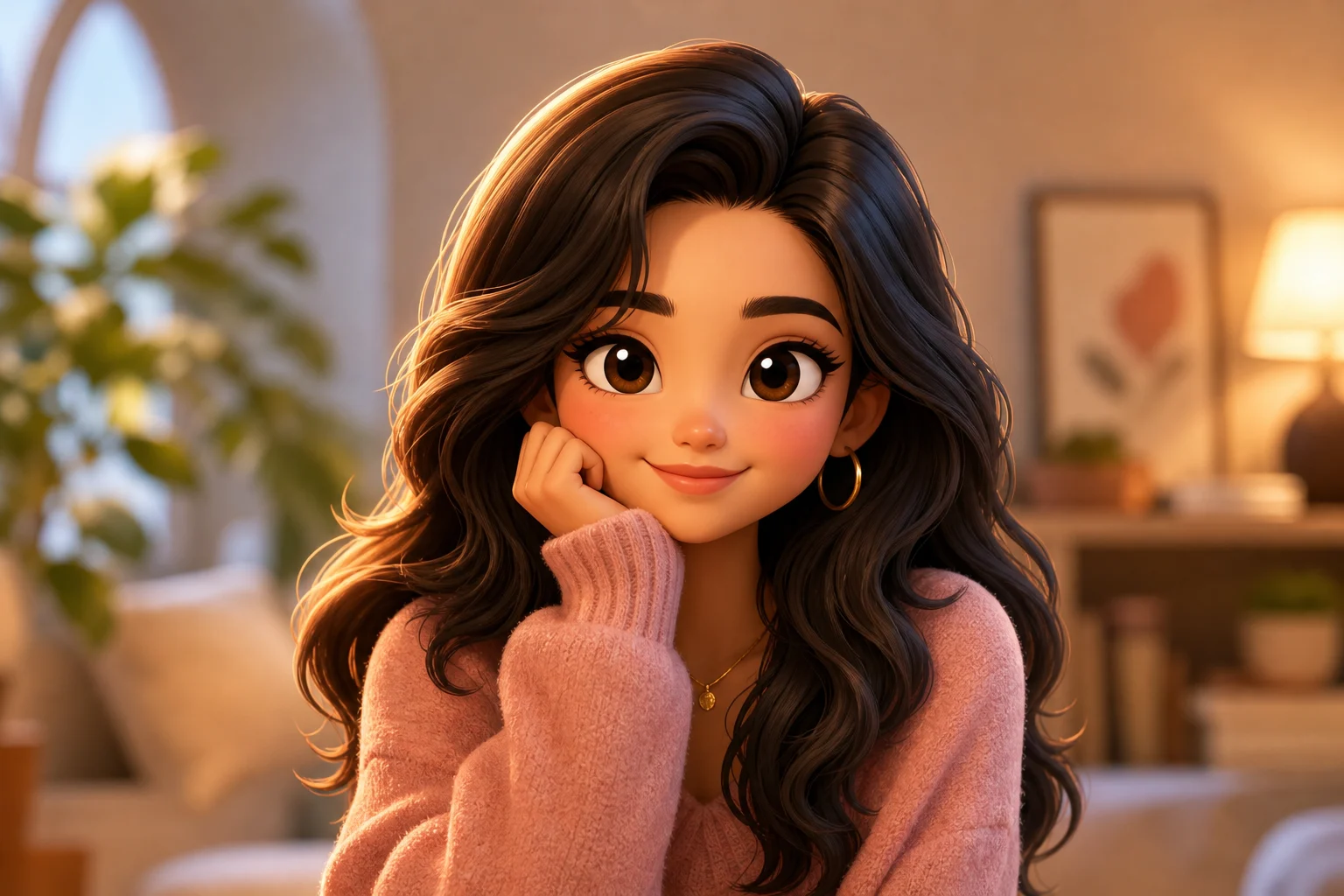
AI 3D Pixar Style Generator

AI 3D Pixar Style Generator

Turn a portrait into a friendly 3D animated character with expressive eyes, stylized hair, soft studio lighting, and recognizable facial details.

AI 3D Pixar Style Generator example image
0 / 2000
Template prompt

AI 3D Pixar Style Generator

Apply the AI 3D animated character effect to the uploaded portrait. Preserve the person identity, face shape, hairstyle, expression, pose silhouette, clothing color cues, and overall mood. Rebuild the subject as a polished 3D animated character portrait with smooth subsurface skin, expressive eyes, friendly proportions, detailed stylized hair, cinematic studio lighting, soft background bokeh, and vibrant but natural color grading. Allow stylization, but do not change the person into someone else.

AI 3D Pixar Style Generator example image

What is the AI 3D Pixar Style Generator?

The AI 3D Pixar Style Generator transforms a clear portrait into a polished 3D animated character look. It emphasizes friendly proportions, expressive eyes, smooth skin texture, detailed stylized hair, cinematic lighting, and vibrant but natural color while keeping the person recognizable.

From portrait to 3D animated character

This template rebuilds a portrait with a warm 3D animated character look while retaining the defining traits that make the subject feel familiar.

What changes

  • Turns a portrait into a friendly 3D animated character with expressive eyes, detailed stylized hair, soft studio lighting, and key features intact.
  • Adds polished 3D form, smooth texture, cinematic lighting, and miniature-scale detail while keeping the subject recognizable.
  • Creates a polished animated character portrait suitable for posts, avatar concepts, product mockups, or visual direction previews.
  • Accepts JPG, PNG, or WebP photos and applies the AI 3D Pixar Style Generator look to the uploaded image.

What stays recognizable

  • Person identity, face shape, hairstyle, expression, pose silhouette, clothing color cues, and overall mood.
  • The main subject remains recognizable from the source image.
  • Defining colors, pose, silhouette, and important subject details stay coherent.

How the AI 3D Pixar Generator works

Create a 3D animated portrait by starting with a clear source image, applying the Style, and reviewing the result against the original details.

1

Upload a clear portrait

Choose a JPG, PNG, or WebP portrait where the subject’s face, hairstyle, expression, clothing colors, and pose are easy to read.

2

Apply the 3D animated look

Use the AI 3D Pixar Style Generator to rebuild the subject as a polished animated character with expressive eyes, stylized hair, and soft studio lighting.

3

Review and refine

Compare the output with the original image to confirm the person remains recognizable and the 3D treatment looks coherent.

AI 3D Pixar Style variations

Explore different examples of the AI 3D Pixar Style Generator look, from soft portrait lighting to more character-focused animated styling.

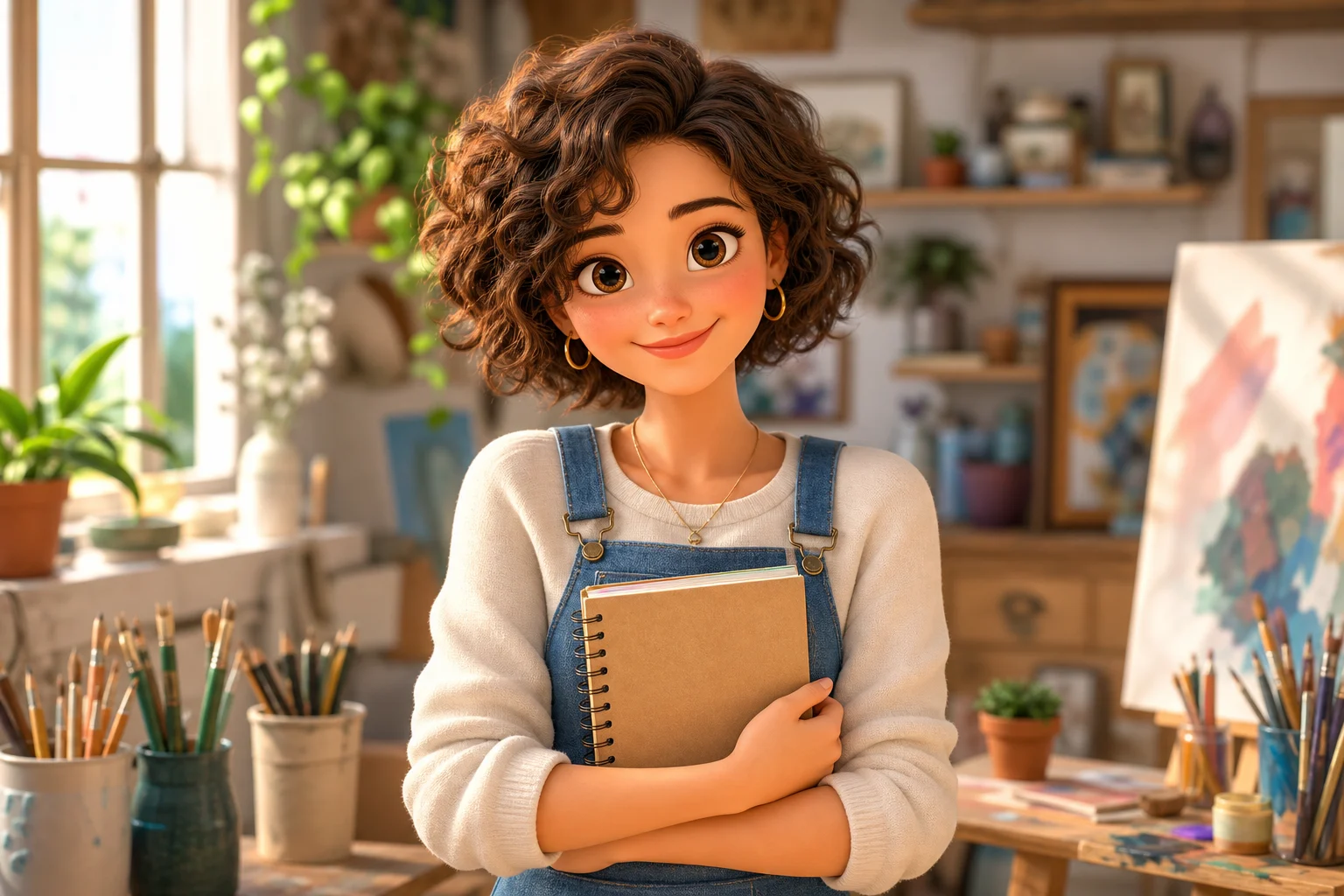
AI 3D Pixar Style Generator result 1

Friendly 3D character portrait

A polished 3D animated portrait look with friendly proportions, smooth surface detail, and expressive character features.

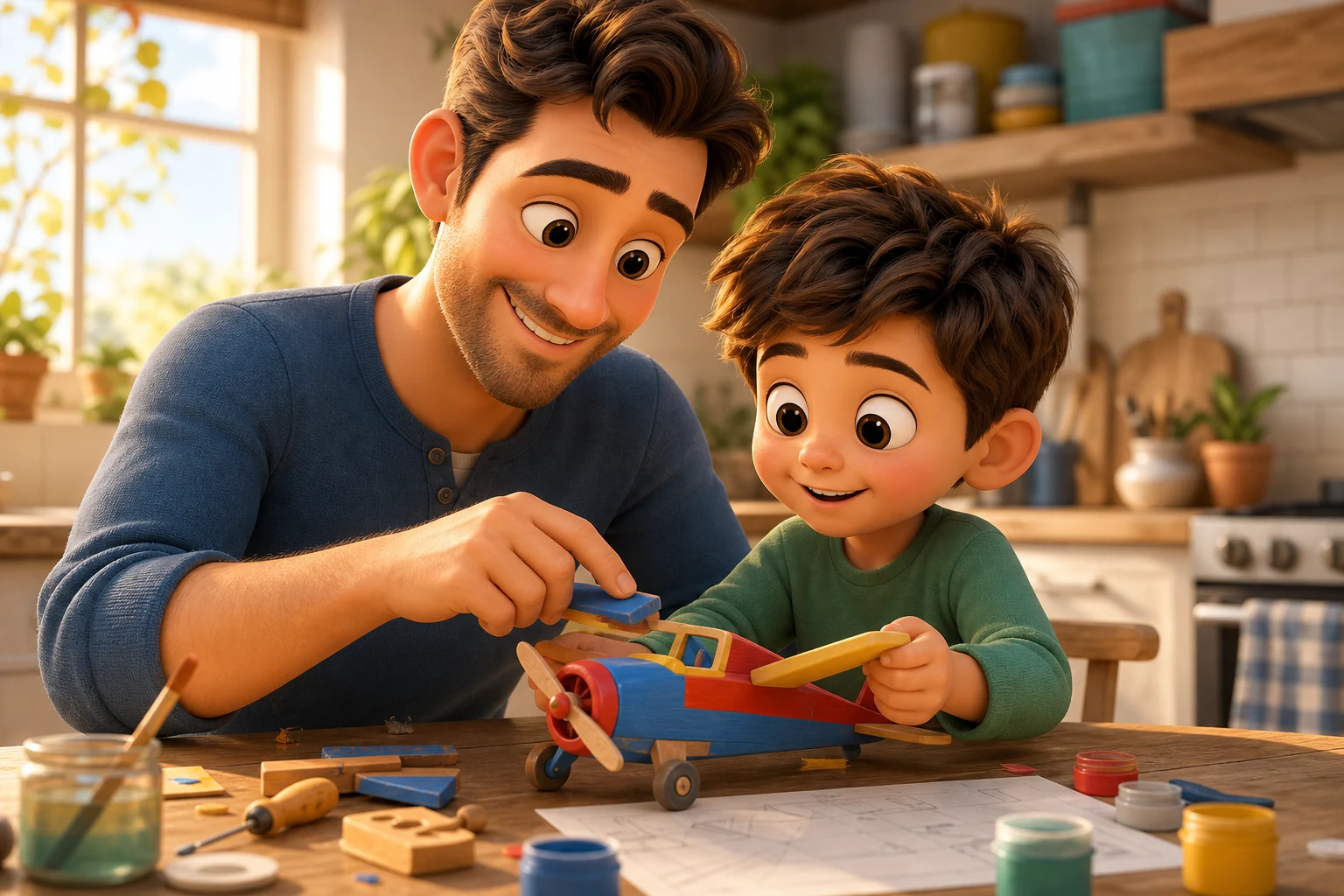
AI 3D Pixar Style Generator result 2

Soft studio animated Style

A brighter character treatment with stylized hair detail, vibrant color, and soft studio background depth.

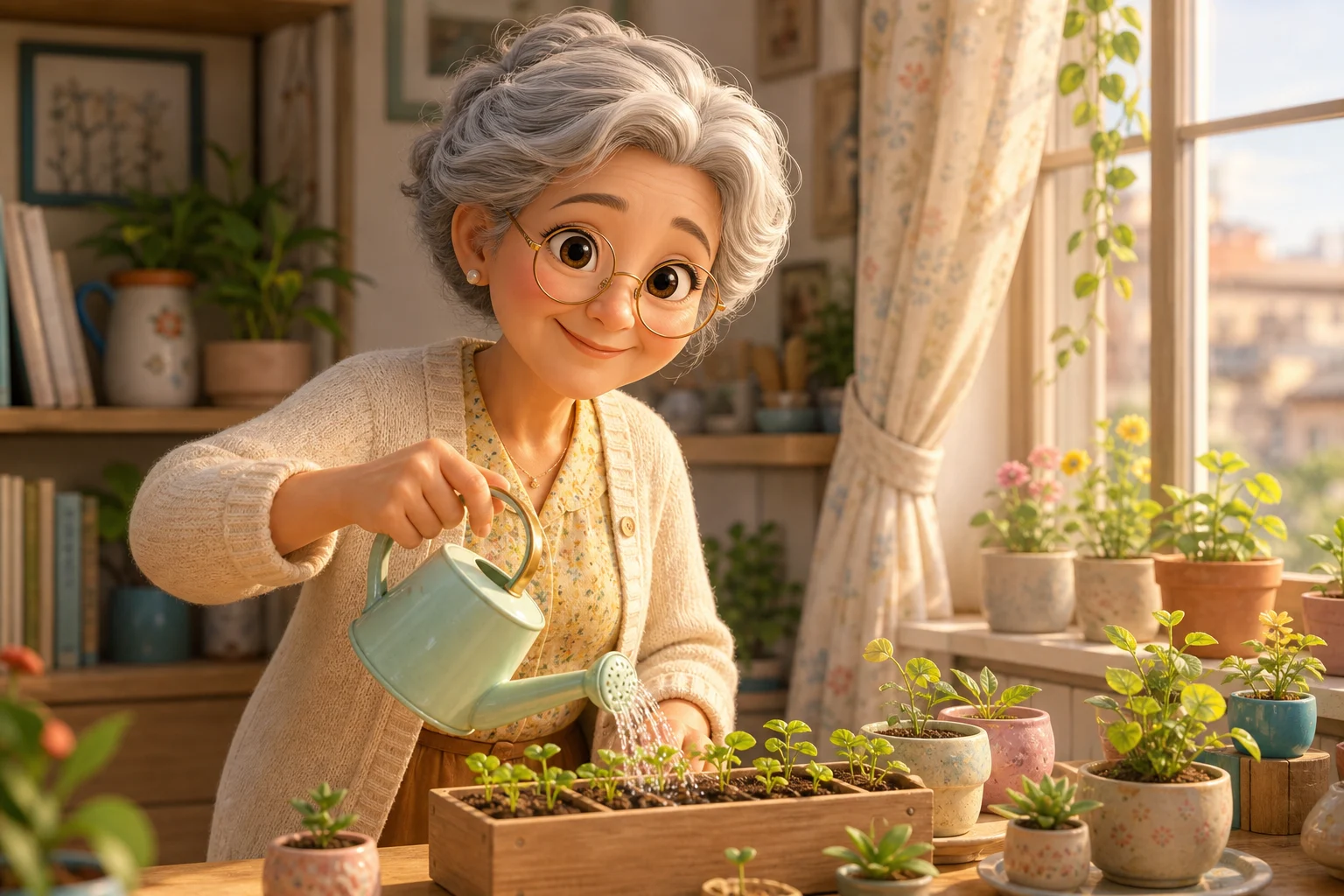
AI 3D Pixar Style Generator result 3

Cinematic 3D portrait look

A refined 3D Pixar-inspired result that keeps identity cues while adding cinematic light and rounded character form.

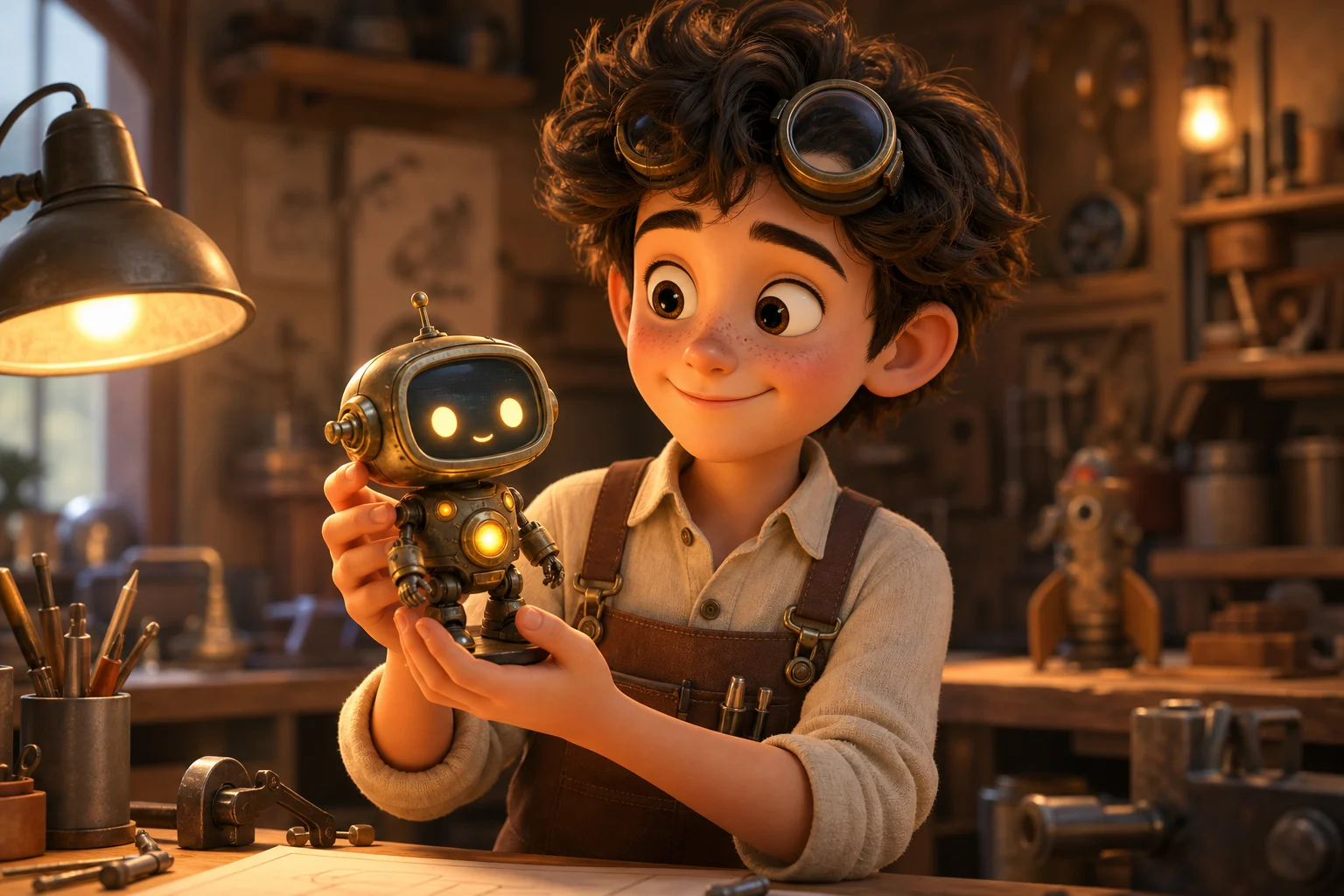
AI 3D Pixar Style Generator result 4

Playful avatar concept

A playful animated character preview designed for avatars, posts, and visual concept exploration.

Ways to use the 3D Pixar Style Generator

Use this AI 3D Pixar Generator when you want a clear visual direction before choosing a final image, sharing a preview, or refining a creative concept.

Personal character portraits

Transform a personal portrait into a friendly 3D character preview for a profile image concept, social post, or creative project mood board.

Creative direction previews

Explore how a subject might look in a polished animated Style before presenting a direction or refining the prompt.

Concept art and mockups

Create a character-like visual reference for product mockups, story concepts, thumbnails, or campaign ideation.

Visual comparison

Compare multiple 3D Pixar Style Generator outputs to decide which lighting, expression, and character proportions best fit your project.

How to get a better 3D animated result

For the most coherent result, begin with a portrait that clearly shows the subject’s face, hair, expression, clothing color cues, and pose. A simple composition gives the 3D Pixar Style Generator more visible information to preserve.

Source image checklist

  • Use a sharp source image with the main subject clearly visible.
  • Avoid heavy blur, blocked details, extreme crops, or confusing overlaps.
  • Choose a source whose pose and framing support the intended AI 3D Pixar Style Generator result.

Prompt tips

Mention the character feeling you want, such as friendly, cinematic, playful, warm, or studio portrait. If a feature matters, name it directly: hairstyle, glasses, clothing color, expression, pose, or background mood.

Review your AI 3D Pixar Style Generator result

Generated details can vary between runs, so review the image before sharing or refining it. A clearer source photo or a more specific prompt can help guide the next version.

Check identity and pose

Compare the generated face shape, hairstyle, expression, pose silhouette, clothing color cues, and overall mood with the original portrait.

Review the visual style

Look for a coherent 3D Pixar Style treatment across the face, hair, clothing, background depth, lighting, and color grading.

Inspect fine details

Inspect eyes, hands, teeth, edges, accessories, small objects, and background transitions for artifacts or details that may need another attempt.

AI 3D Pixar Style Generator FAQs

Quick answers about using this 3D Pixar Style Generator online for portraits, avatars, mockups, and creative previews.

What is the AI 3D Pixar Style Generator?
It is a portrait transformation template that rebuilds a person as a friendly 3D animated character with expressive features, soft lighting, stylized hair, and a polished Pixar-inspired Style.
Is the AI 3D Pixar Style Generator free?
Access and usage terms can vary by product experience. Check the current page controls and account information before starting your edit.
What photos work best for AI 3D Pixar Style Generator?
Use a sharp JPG, PNG, or WebP portrait where the face, hairstyle, clothing colors, and pose are easy to see. Avoid heavy blur, blocked faces, extreme crops, or overlapping subjects.
How long does AI 3D Pixar Style Generator take?
Most edits are designed for a fast preview workflow, but timing can vary depending on image size, system load, and the complexity of the portrait.
Can I use AI 3D Pixar Style Generator results commercially?
Usage rights depend on the source image, any recognizable people, and the platform terms that apply to your account. Review those details before using results in public or business contexts.
What AI 3D Pixar Style Generator changes are applied?
It changes the portrait into a 3D animated character treatment with smoother form, larger expressive eyes, stylized hair, studio lighting, soft background depth, and vibrant color grading.
Which source image works best?
A front-facing or slightly angled portrait with clean lighting usually works best. The main subject should be clearly separated from the background and not covered by hands, props, or shadows.
How do I keep the subject recognizable?
Start with a clear portrait and keep important facial details visible. After generation, compare face shape, hairstyle, expression, pose silhouette, clothing color cues, and overall mood with the original.

Create your 3D Pixar Style portrait

Upload a clear photo and create a polished 3D animated character preview with expressive features, stylized detail, and recognizable identity cues.