AI Manga Filter for expressive manga portraits

AI Manga Filter for expressive manga portraits

Turn a clear portrait into a manga-inspired image with clean ink lines, screentone shading, bold shadows, expressive eyes, and a recognizable likeness.

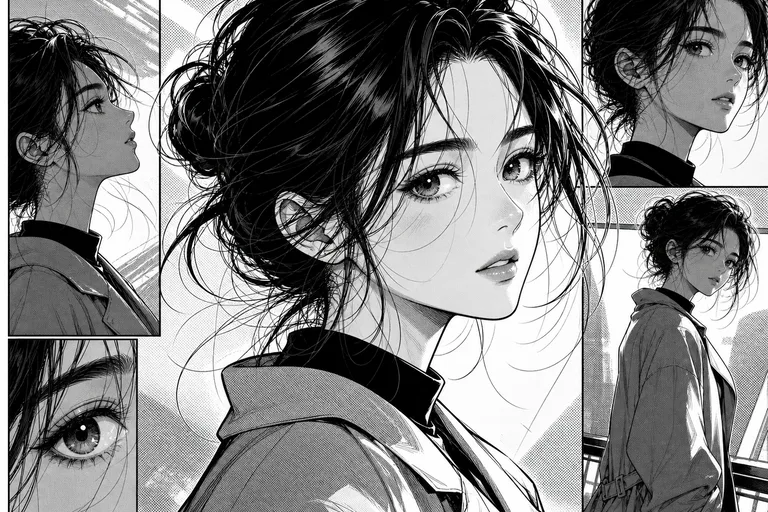
AI manga filter portrait illustration
0 / 2000
Template prompt

AI Manga Filter for expressive manga portraits

Apply the AI Manga Filter effect to the uploaded portrait. Preserve the person identity, face shape, hairstyle, expression, pose silhouette, and clothing color cues. Convert the image into manga-style illustration with clean ink lines, screentone texture, dramatic shadows, stylized eyes, crisp black-and-white or limited-color treatment, and polished panel-ready composition. Keep the original subject recognizable.

AI manga filter portrait illustration

What is the AI Manga Filter?

The AI Manga Filter transforms a photo into a Manga-inspired portrait while keeping the subject recognizable. It emphasizes crisp black outlines, stylized shadows, screentone texture, dramatic eyes, and a polished illustration look suited to personal concepts, profile art, and creative previews.

Photo to Manga portrait transformation

This template focuses on a Manga portrait transformation: stronger contours, illustrated contrast, screentone texture, and expressive character styling while keeping the original person coherent.

What changes

  • Turns a photo into a manga-inspired portrait with clean black lines, stylized shading, dramatic eyes, and a recognizable subject.
  • Converts portraits into Manga-style artwork with inking, screentones, bold shadows, and expressive facial detail.
  • Supports crisp black-and-white or limited-color treatments for a polished comic panel feel.
  • Creates a focused illustration look that can be compared and refined before final use.

What stays recognizable

  • Preserves the person’s identity, face shape, hairstyle, expression, pose silhouette, and clothing color cues.
  • Keeps the original subject recognizable from the source image.
  • Maintains defining colors, pose, silhouette, and important subject details in a coherent way.

How to create an AI Manga Filter portrait

Start with a clear portrait, apply the Manga Filter direction, and review the output for both style quality and subject recognition.

1

Upload a clear portrait

Choose a sharp image where the face, hairstyle, pose, clothing, and important details are visible.

2

Set the manga direction

Aim for clean ink lines, screentone shading, expressive eyes, bold shadows, and a polished Manga-inspired composition.

3

Review and refine

Compare the result with the source image, checking likeness, silhouette, line quality, shading, and any small-detail artifacts.

Manga portrait style examples

Explore different manga portrait looks with clean linework, screentone texture, dramatic shadows, and expressive eyes.

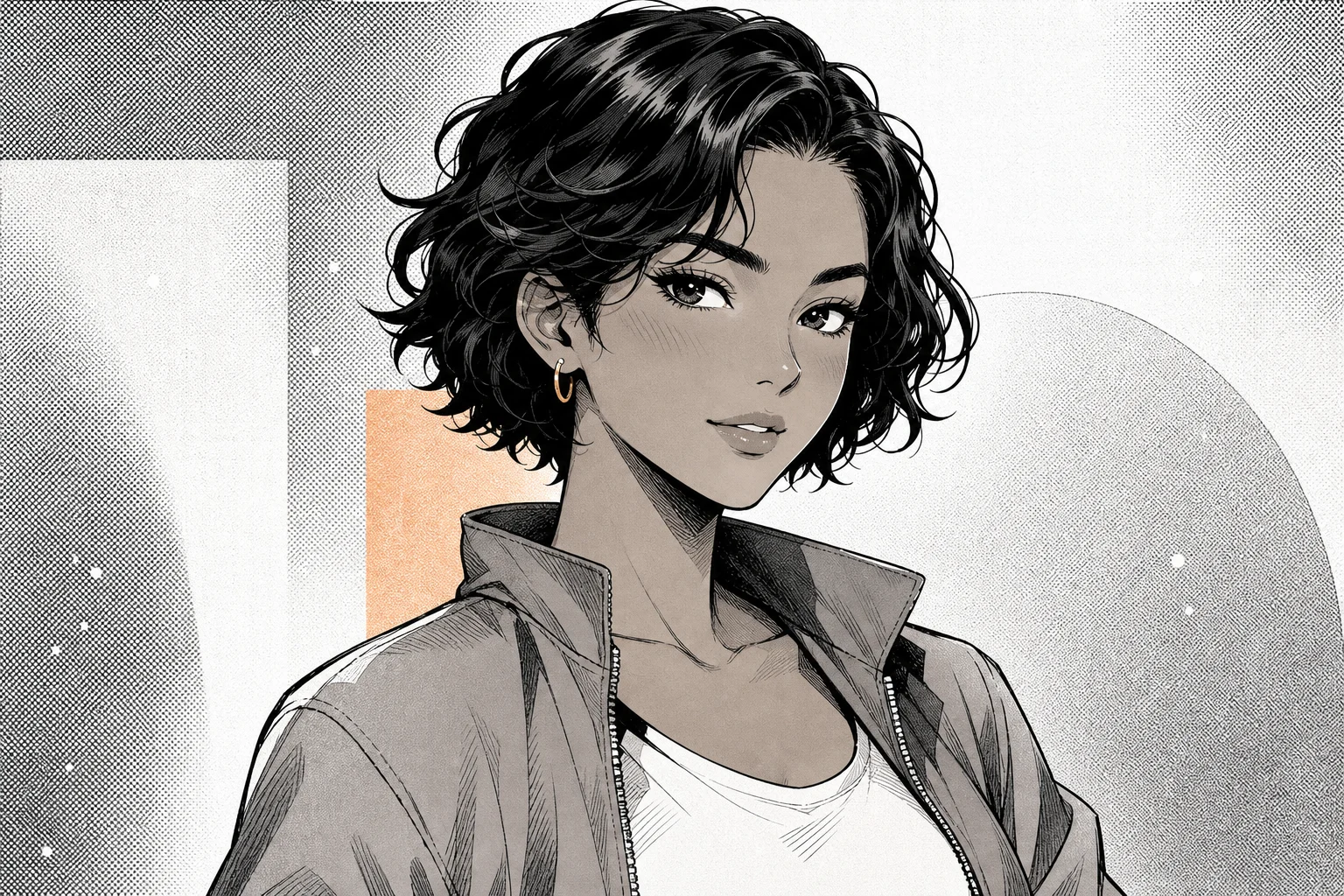
Manga portrait with ink lines and screentones 1

Clean ink portrait

A polished manga portrait with crisp ink lines, high-contrast facial shading, and clear character focus.

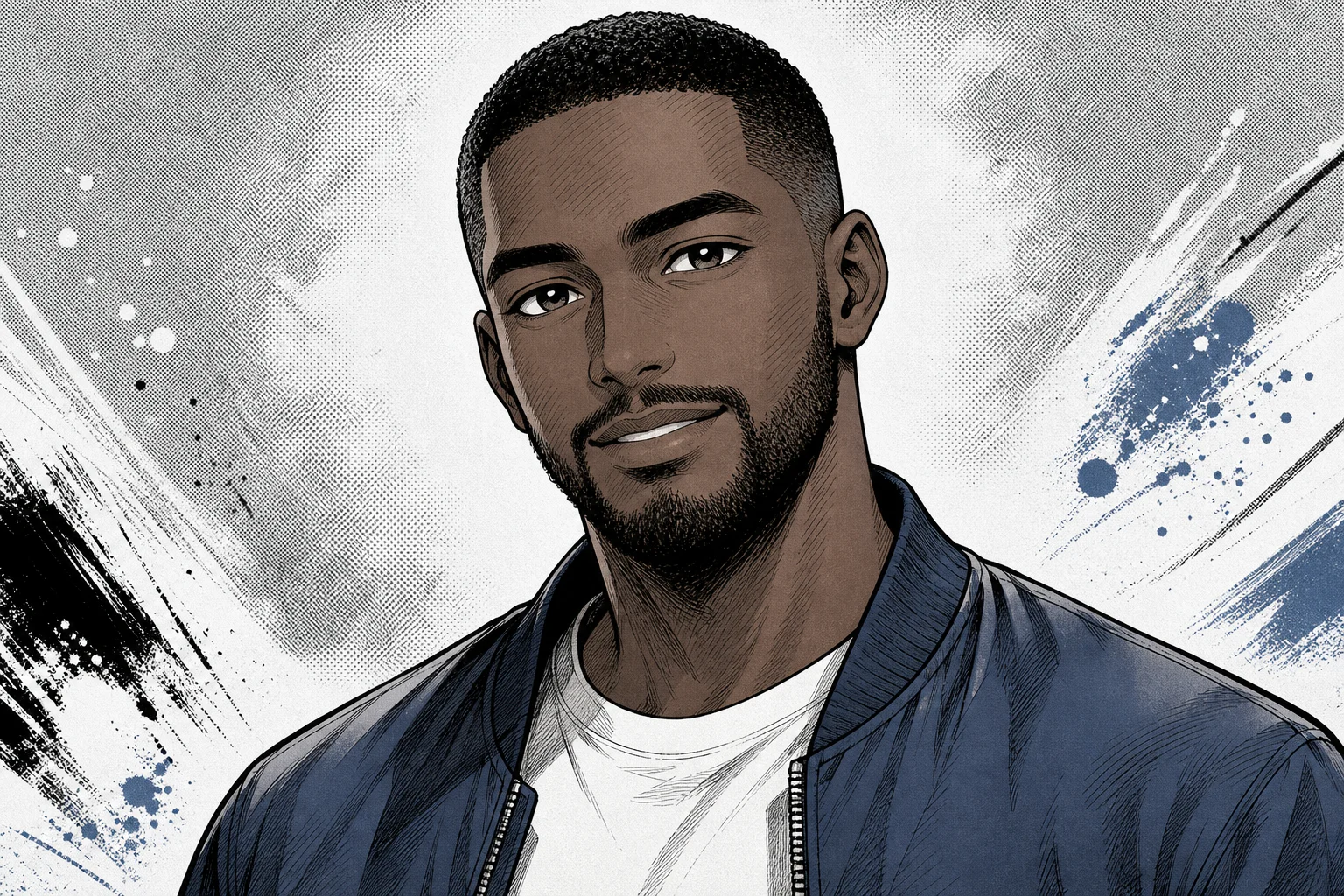
Manga portrait with ink lines and screentones 2

Dramatic shadow style

A dramatic Manga-style treatment with deeper shadows, bold outlines, and a strong illustrated expression.

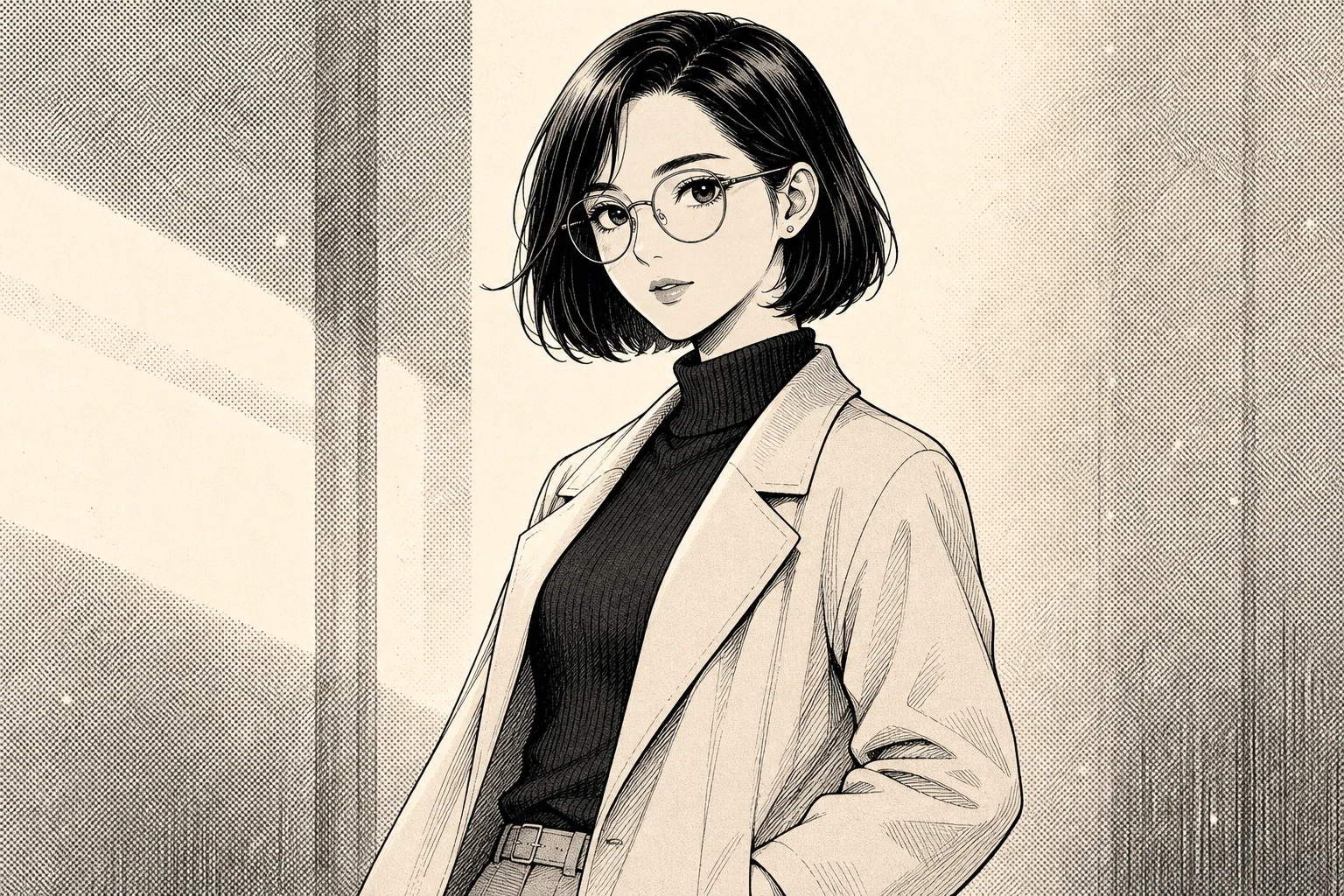
Manga portrait with ink lines and screentones 3

Screentone portrait look

A softer portrait direction with screentone texture, stylized eyes, and a balanced black-and-white finish.

Popular ways to use this Manga Filter

Use this Manga Filter when you want a stylized portrait direction while keeping the person recognizable from the original photo.

Personal manga portrait concepts

Create a focused AI Manga Filter preview for a personal avatar, character concept, mood board, or creative project.

Style exploration and review

Compare the visual direction before refining, sharing, or presenting a manga-inspired portrait result.

How to get a stronger manga portrait

A clear source image helps the Manga Filter preserve likeness while adding inked outlines, stylized shadows, and screentone texture.

Source image checklist

  • Use a sharp source image with the main subject clearly visible.
  • Avoid heavy blur, blocked details, extreme crops, or confusing overlaps.
  • Choose a source whose pose and framing support the intended AI Manga Filter result.

Prompt guidance

Describe the subject and the desired manga look clearly: clean ink lines, screentone shading, expressive eyes, dramatic shadows, black-and-white or limited-color treatment, and a polished portrait composition. Mention any identity cues that matter, such as hairstyle, expression, clothing colors, or pose.

Review before using the result

Generated visual details can vary, so review the manga portrait carefully before sharing, presenting, or refining it further.

Check the likeness

Compare the face shape, hairstyle, expression, pose silhouette, and clothing cues with the original photo.

Review the Manga style

Look for consistent ink lines, coherent screentone shading, bold shadows, and stylized eyes across the portrait.

Look closely at details

Inspect faces, hands, text, edges, small accessories, and background transitions for unwanted distortions or artifacts.

AI Manga Filter FAQ

Answers to common questions about using a Manga Filter online for portrait-style transformations.

What does the AI manga filter do?
It turns a photo into a manga-inspired portrait with clean ink lines, screentone texture, expressive eyes, bold shadows, and a panel-ready illustration style while aiming to keep the person recognizable.
Is the AI manga filter free?
Access and download options can vary by ClipCanva’s current product experience. Check the on-page options before creating or saving your result.
What photos work best for manga portraits?
Use a sharp, well-lit portrait where the face, hairstyle, pose, and clothing are easy to see. Avoid heavy blur, blocked facial details, extreme crops, and cluttered overlaps.
Can I download the manga image without a watermark?
Download options depend on the current ClipCanva interface and account experience. Review the available export choices on the page before saving your image.
Can I use AI manga filter results commercially?
Usage rights can depend on the source image, subjects, brands, and ClipCanva’s current terms. Review the applicable terms and make sure you have permission to use the original photo.
What AI Manga Filter changes should I expect?
It changes the photo into a manga-style illustration with cleaner ink contours, stylized eye detail, screentone shading, stronger contrast, dramatic shadows, and a black-and-white or limited-color finish.
Which source image works best?
Choose a clear image with the main subject visible, defining details intact, and a composition that already supports a portrait or character-style result.
How do I keep the subject recognizable?
Start with a photo where the face shape, hairstyle, expression, pose, and clothing cues are clear. After creating the result, compare those details against the source before using it.

Turn your photo into a Manga-inspired portrait

Create a manga-style portrait from a clear photo, then review the lines, shading, eyes, and recognizable subject details before saving your result.