
สิ่งที่ฟิลเตอร์จะเปลี่ยน
- เส้น การวาดใบหน้า ลักษณะดวงตา และการลงเงาแบบเซล
- ไฮไลต์เส้นผม การแยกสี พื้นผิว และการปรับสไตล์พื้นหลัง
- งานภาพวาดโดยรวมและระดับการขยายลักษณะแบบอนิเมะ
เปลี่ยนภาพบุคคลเป็นงานศิลปะแนวอนิเมะด้วยฟิลเตอร์อนิเมะ AI พร้อมกำหนดเส้น การลงเงาแบบเซล โทนสี และอารมณ์ตัวละครโดยอิงจากภาพต้นฉบับของคุณ.
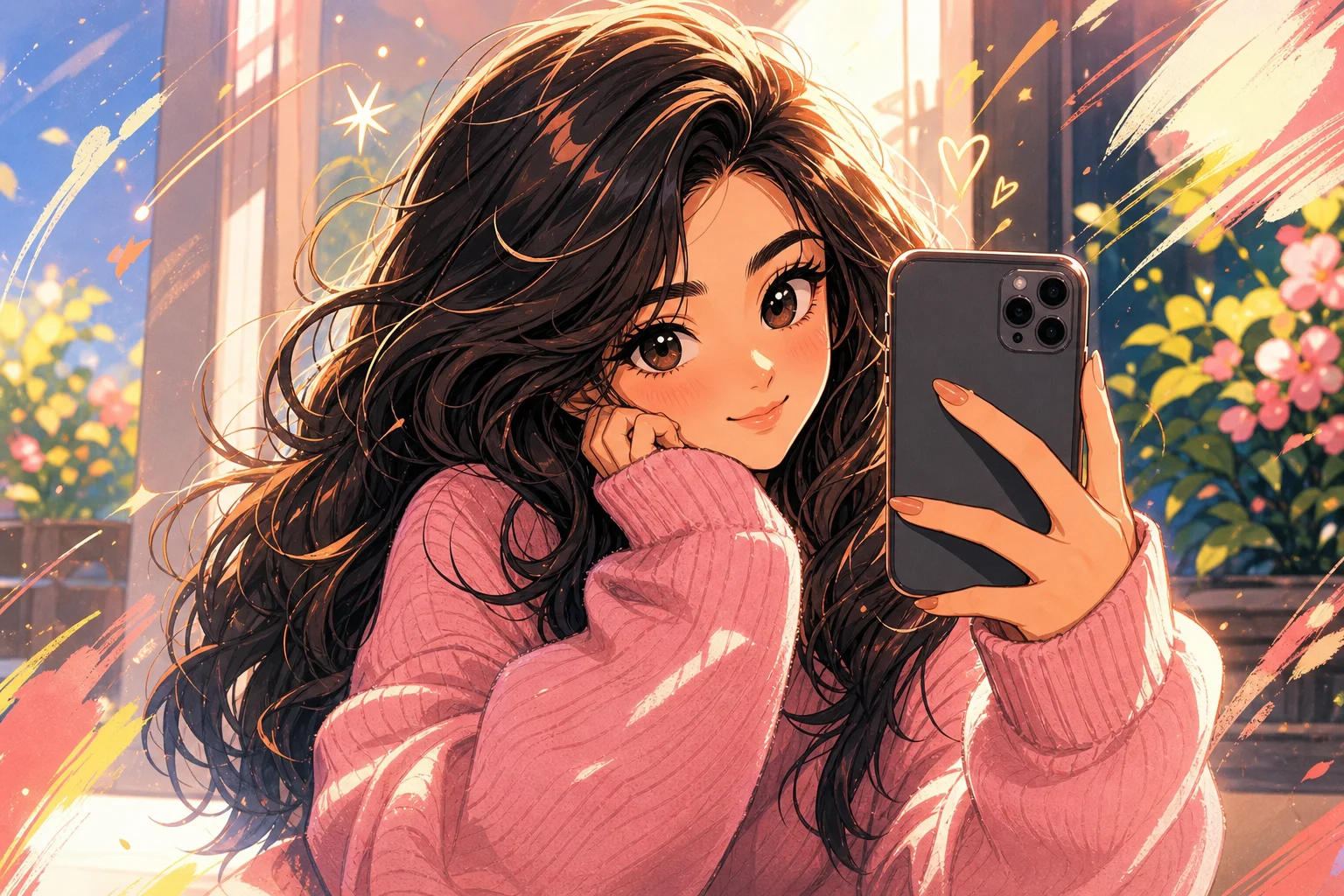
Transform the uploaded portrait into polished anime-style artwork. Preserve the person's recognizable identity, face shape, hairstyle silhouette, expression, pose, clothing color cues, camera angle, and overall composition. Rebuild the image with crisp linework, expressive but proportionate eyes, controlled cel shading, detailed hair highlights, clean color separation, and coherent background depth. Keep hands, accessories, and facial details consistent with the source image.
ฟิลเตอร์อนิเมะ AI ตีความภาพถ่ายให้เป็นตัวละครอนิเมะที่วาดขึ้น สามารถลดทอนรูปทรง วาดรายละเอียดใบหน้าใหม่ เพิ่มเส้นและการลงเงาแบบเซล รวมถึงปรับพื้นหลังใหม่ โดยใช้ตัวแบบและองค์ประกอบเดิมเป็นข้อมูลอ้างอิง.
การแปลงเป็นอนิเมะอย่างควบคุมได้จะแยกการปรับลักษณะภาพออกจากรายละเอียดที่ทำให้ภาพต้นฉบับยังจดจำได้.
เลือกภาพบุคคลที่อ่านง่าย กำหนดทิศทางงานวาด และตรวจรายละเอียดที่มักคลาดเคลื่อนระหว่างการปรับสไตล์.
เริ่มด้วยภาพบุคคลหรือภาพตัวละครที่มีแสงดี ซึ่งเห็นใบหน้า ผม ท่าทาง และเครื่องประดับสำคัญได้ชัดเจน.
อธิบายน้ำหนักเส้น เงา ชุดสี ลักษณะดวงตา อารมณ์ และลักษณะพื้นหลังที่ต้องการ.
ใช้พรอมต์ของเทมเพลตเพื่อแปลงภาพต้นฉบับเป็นภาพวาดสไตล์อนิเมะที่มีความสอดคล้องกัน.
ตรวจอัตลักษณ์ มือ เครื่องประดับ ขอบภาพ และเรขาคณิตของพื้นหลังก่อนเก็บผลลัพธ์หรือสร้างใหม่.
ขั้นตอนการใช้ฟิลเตอร์อนิเมะ AI แบบเดียวกันรองรับอารมณ์งานวาดที่หลากหลายได้ เมื่อคำสั่งด้านสไตล์ยังคงเฉพาะเจาะจง.
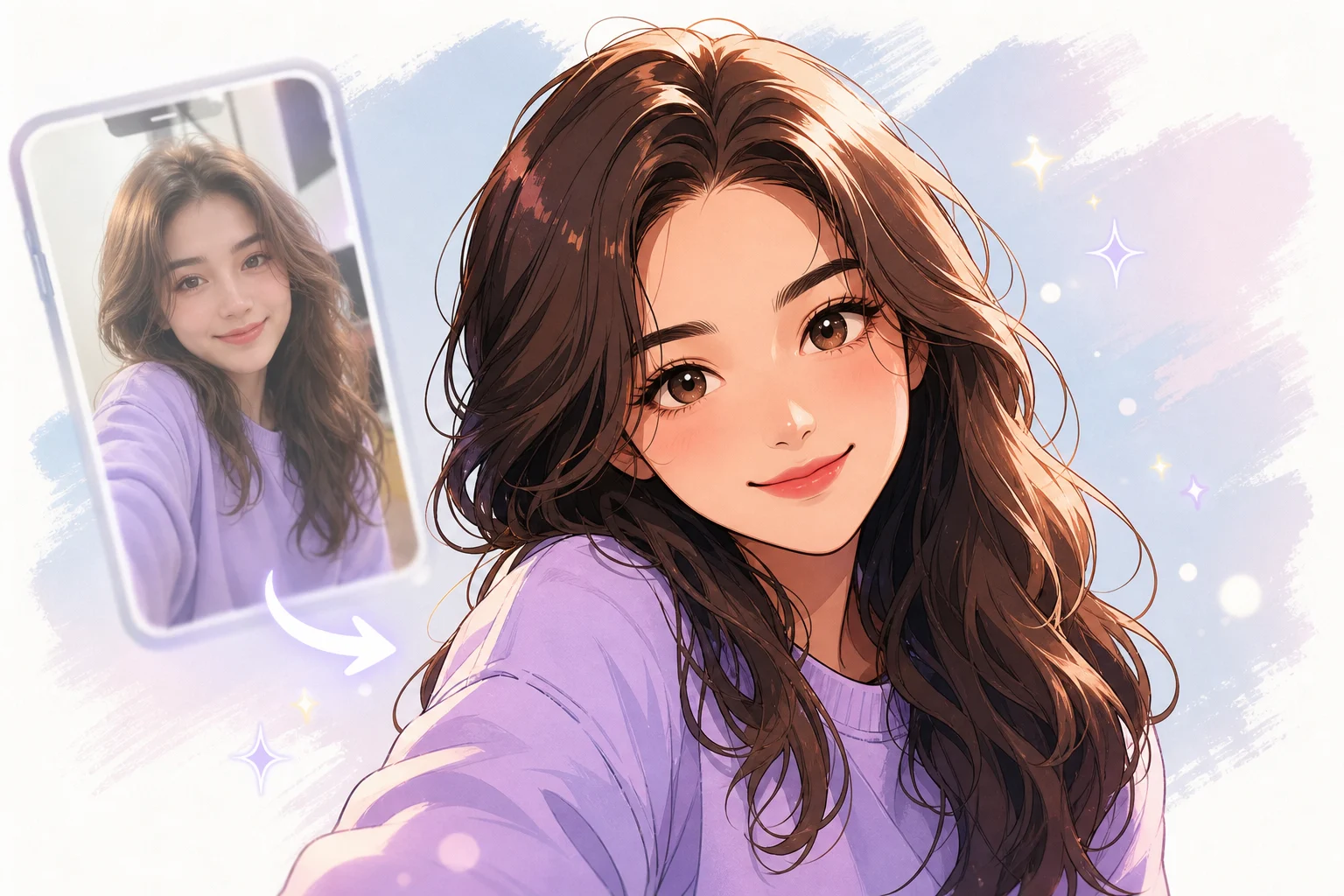
เส้นขอบคม รูปทรงเงาที่ควบคุมได้ สัดส่วนใบหน้าสมดุล และผิวงานเรียบร้อยพร้อมใช้ในงานแอนิเมชัน.
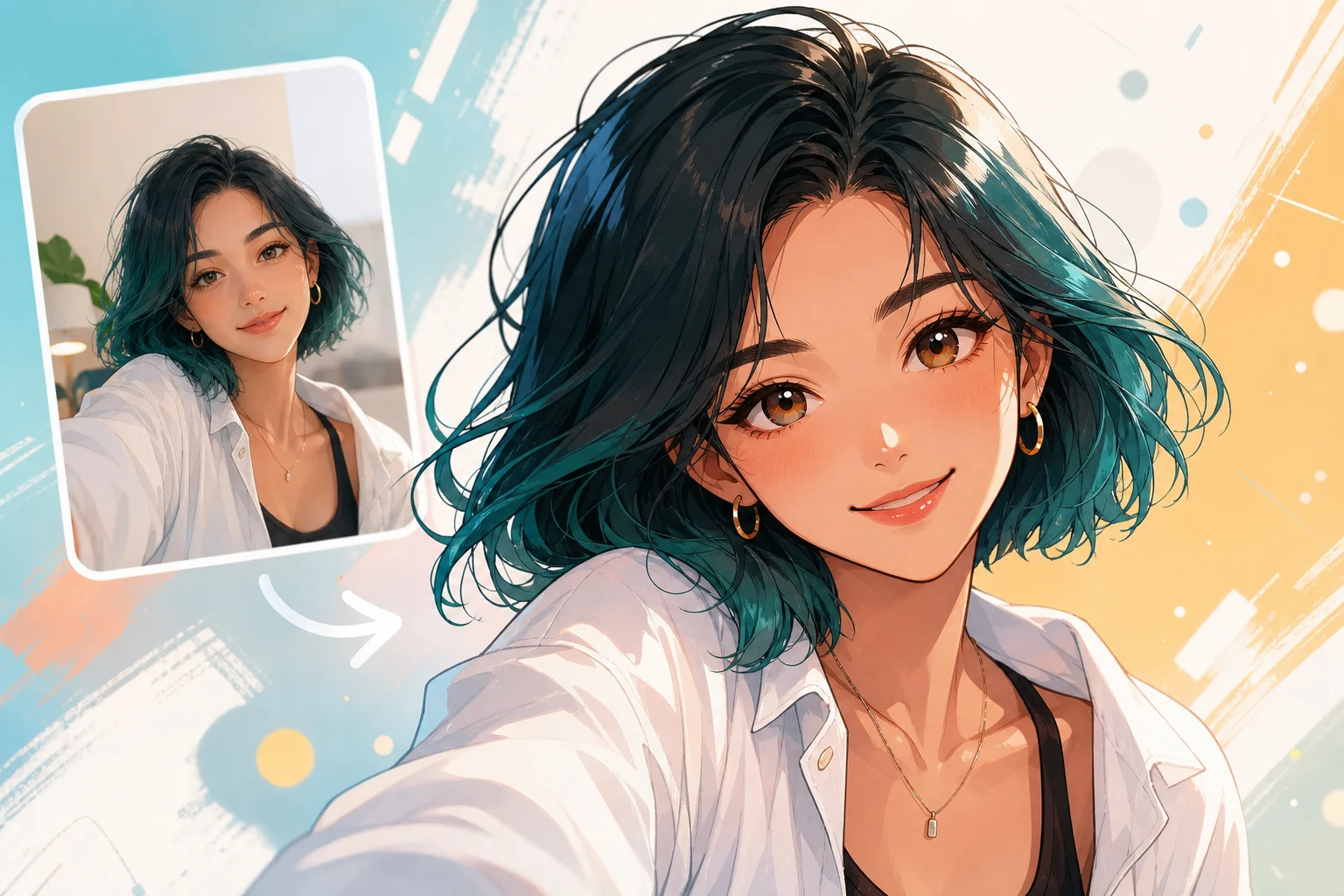
คอนทราสต์นุ่มนวล การไล่สีอ่อน ไฮไลต์ละมุน และอารมณ์ภาพวาดตัวละครที่สงบ.
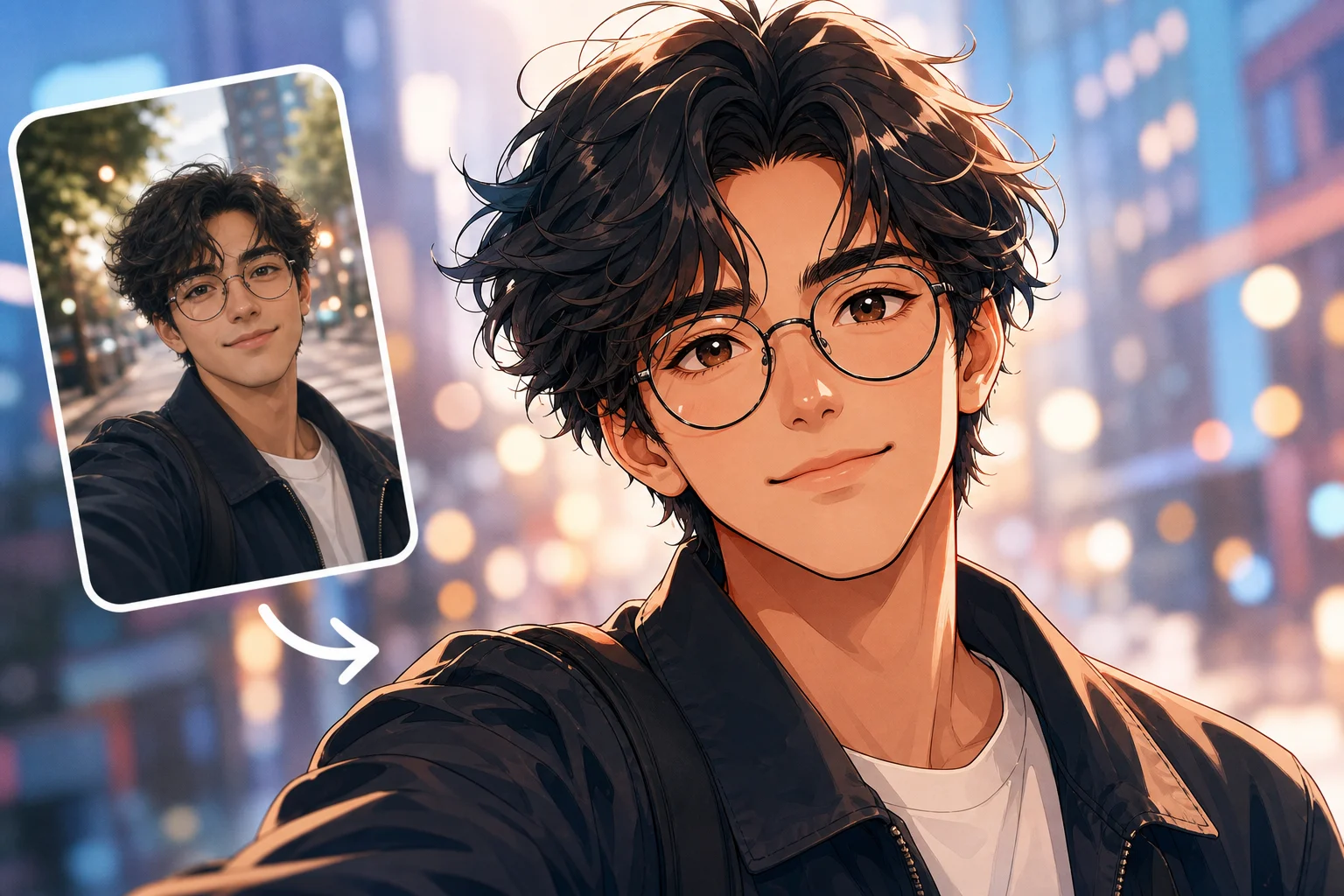
น้ำหนักเส้นที่เด่นขึ้น เงาที่มีจุดเน้น การจัดเฟรมสื่ออารมณ์ และลำดับความสำคัญของภาพที่เป็นกราฟิกมากขึ้น.
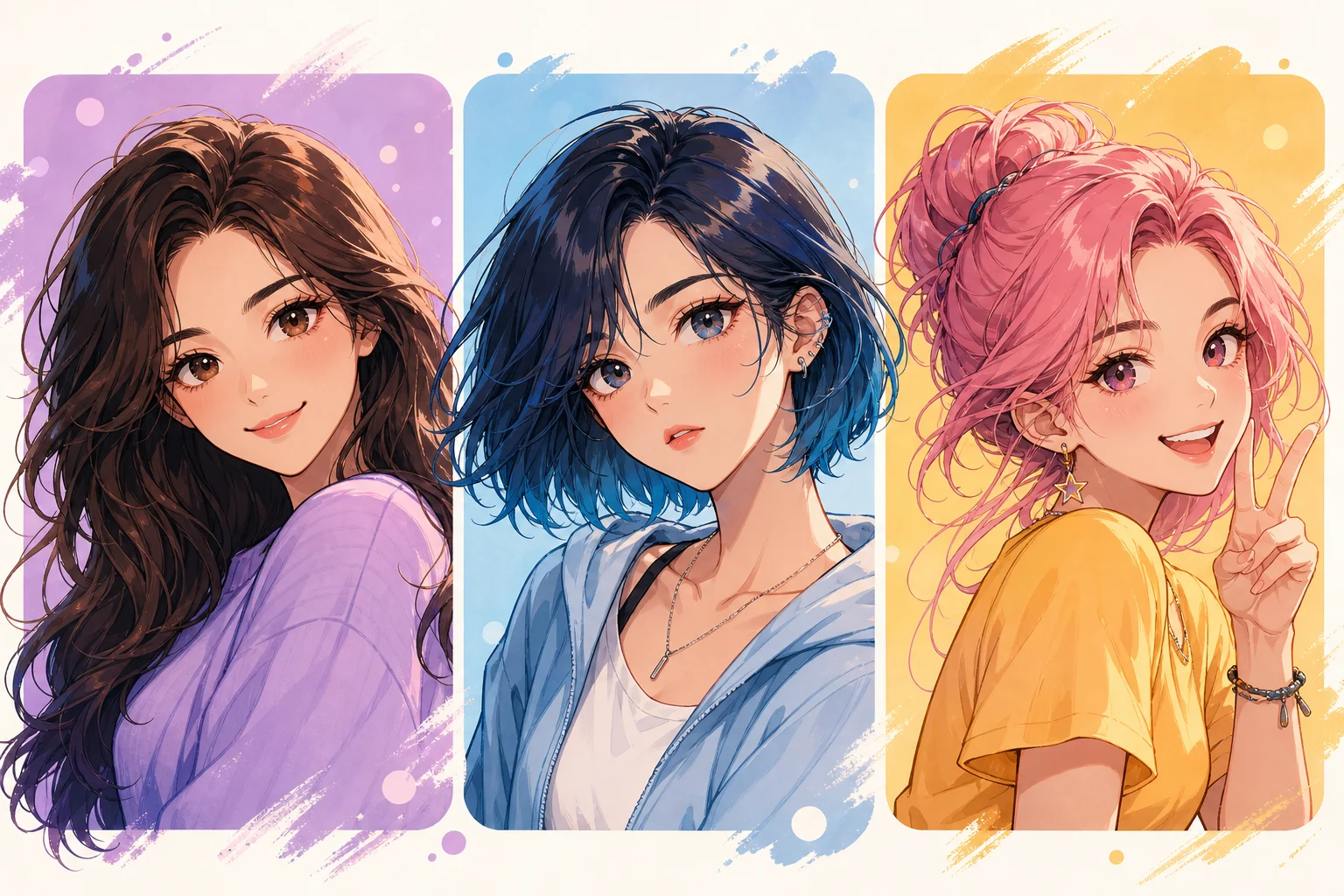
สีเน้นที่อิ่มสด รายละเอียดเส้นผมส่องประกาย แสงที่เปี่ยมพลัง และท่าทางตัวละครที่มั่นใจ.
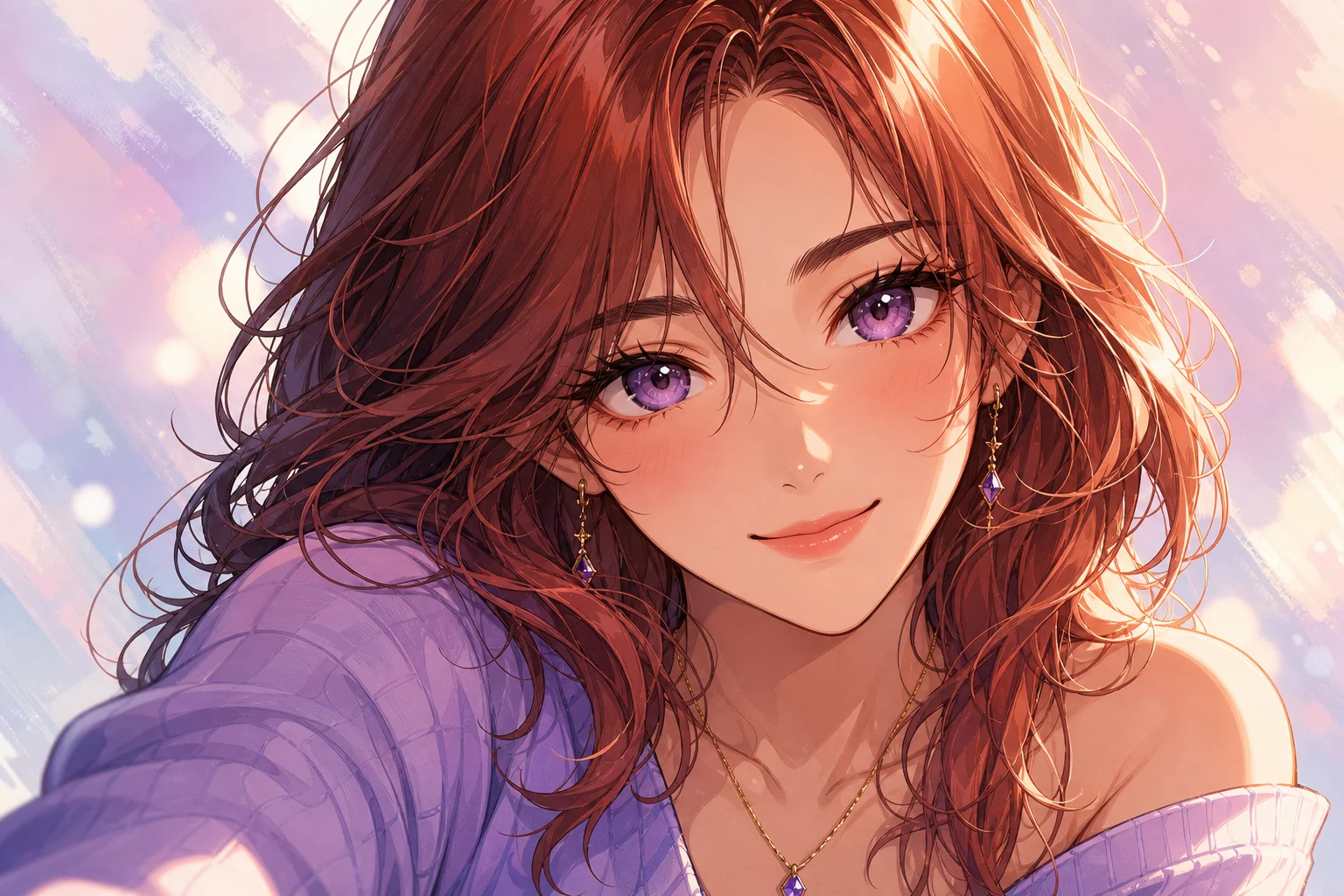
พื้นหลังมีมิติแบบบรรยากาศ แสงที่มีทิศทาง การเกรดสีที่ควบคุมได้ และองค์ประกอบที่เน้นการเล่าเรื่อง.
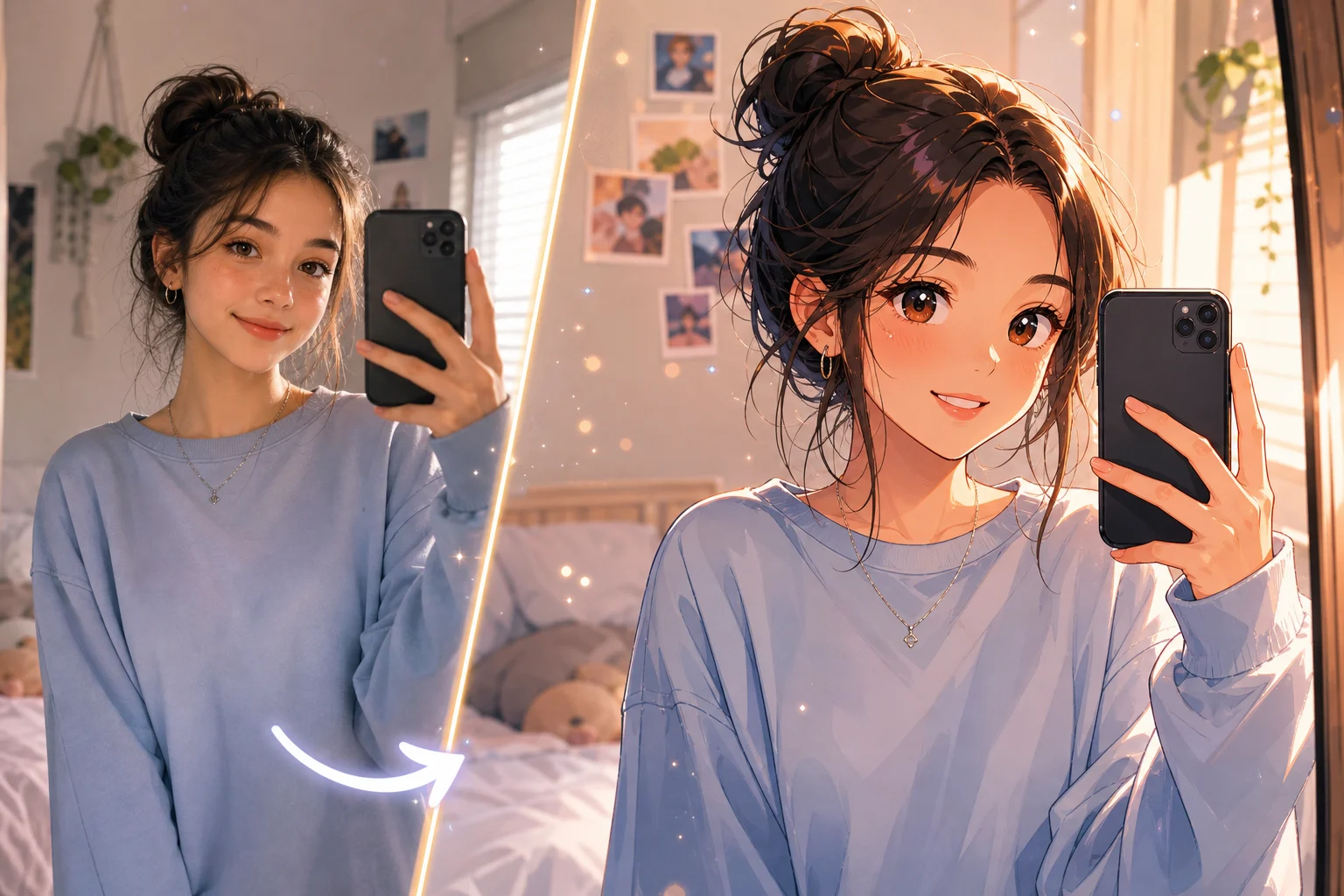
รูปทรงเรียบง่าย สีจำกัด เส้นขอบอ่านง่าย และผิวงานกราฟิกสะอาดสำหรับรูปแบบขนาดกะทัดรัด.
เลือกรูปแบบผลลัพธ์และระดับรายละเอียดให้เหมาะกับพื้นที่ที่จะนำภาพวาดไปใช้.
สร้างอวตารหรือแนวภาพบุคคลที่มีใบหน้าและองค์ประกอบอ่านง่าย แม้แสดงผลในขนาดเล็ก.
แปลงข้อมูลอ้างอิงด้านท่าทาง ชุด หรืออารมณ์ให้เป็นแนวทางตัวละครอนิเมะเพื่อสำรวจไอเดียสร้างสรรค์ต่อ.
ทดสอบภาพอนิเมะคอนทราสต์สูงสำหรับหน้าปก โพสต์ มู้ดบอร์ด หรือร่างแคมเปญระยะแรกก่อนผลิตจริง.
การปรับเป็นอนิเมะอาจขยายความกำกวมในภาพต้นฉบับ ภาพที่สะอาดและทิศทางที่ชัดเจนช่วยลดการเปลี่ยนแปลงที่ไม่ต้องการ.
อธิบายน้ำหนักเส้น ความเข้มของการลงเงาแบบเซล สัดส่วนดวงตา ชุดสี การวาดเส้นผม อารมณ์ และรายละเอียดพื้นหลัง ระบุด้วยว่าอัตลักษณ์ ท่าทาง เสื้อผ้า และองค์ประกอบใดต้องยังจดจำได้.
ตรวจทั้งตัวละครและฉากก่อนนำภาพวาดที่สร้างขึ้นไปใช้ในชิ้นงานสำเร็จ.
เปรียบเทียบรูปหน้า สีหน้า ทรงผมโดยรวม และลักษณะเฉพาะกับภาพต้นฉบับ.
ยืนยันว่าขนาด ทิศทาง ไฮไลต์ของดวงตา และความสมมาตรบนใบหน้าเหมาะกับสไตล์อนิเมะที่ต้องการ.
ตรวจนิ้วมือ เครื่องประดับ แว่นตา รายละเอียดเสื้อผ้า และพร็อพชิ้นเล็กว่ามีส่วนที่หายไปหรือรวมติดกันหรือไม่.
มองหาเส้นขอบที่ขาด รูปทรงแปลกปลอม สถาปัตยกรรมที่บิดเบี้ยว และมิติความลึกที่ไม่สม่ำเสมอรอบตัวแบบ.
คำตอบเกี่ยวกับการเลือกภาพถ่าย การควบคุมสไตล์ และการตรวจสอบผลงาน.
อัปโหลดภาพที่คมชัด กำหนดทิศทางของเส้นและเงา แล้วใช้ฟิลเตอร์อนิเมะ AI เพื่อสร้างเวอร์ชันภาพวาดที่ยังจดจำได้.