
เพิ่มบรีฟ
ใส่หัวข้อ กลุ่มผู้ชม ระยะเวลา น้ำเสียง รูปแบบ และการกระทำท้ายเรื่องที่ต้องการให้ผู้ชมทำ.
การวางแผนวิดีโออธิบายแบบลายลักษณ์อักษร
วางแผนด้วยเครื่องมือสร้างสคริปต์วิดีโออธิบายก่อนบันทึกเสียงหรือสร้างภาพ ใส่หัวข้อ กลุ่มผู้ชม และระยะเวลาวิดีโอ แล้วตรวจโครงร่างที่มีปัญหา การเปรียบเทียบ ขั้นตอนการสอน และคำกระตุ้นท้ายเรื่อง.
เครื่องมือสร้างสคริปต์วิดีโออธิบายเป็นเครื่องมือวางแผนที่ช่วยเปลี่ยนแนวคิดวิดีโออธิบายให้เป็นโครงสร้างข้อความที่ใช้งานได้ ช่วยจัดสิ่งที่ผู้ชมต้องเข้าใจ เหตุผลที่เรื่องนั้นสำคัญ วิธีอธิบายแนวคิด และการกระทำที่ควรทำต่อไป.
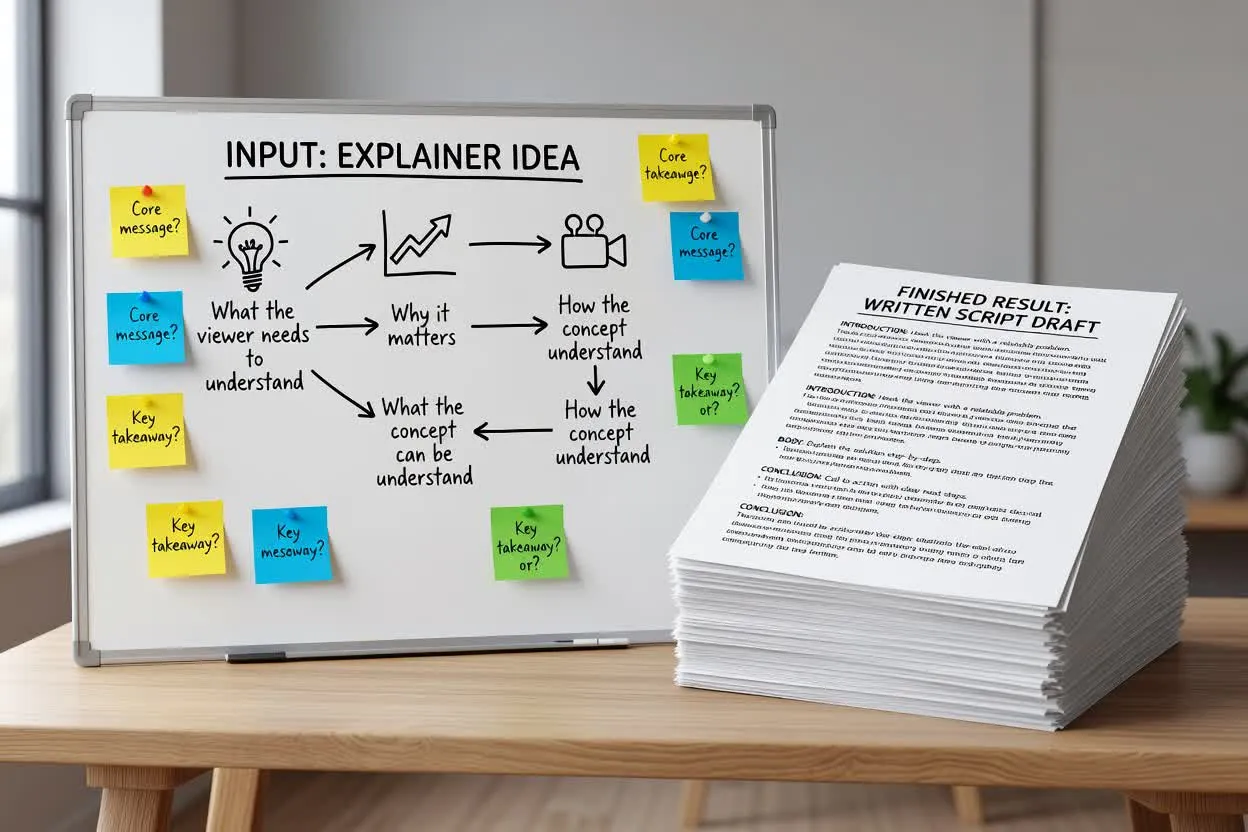
เปลี่ยนบรีฟคร่าว ๆ เป็นแผนสคริปต์วิดีโออธิบายที่คุณตรวจทานได้ก่อนบันทึกเสียง.
ใส่หัวข้อ กลุ่มผู้ชม ระยะเวลา น้ำเสียง รูปแบบ และการกระทำท้ายเรื่องที่ต้องการให้ผู้ชมทำ.
ตรวจว่าผู้วางแผนนำเสนอปัญหา แนะนำการเปรียบเทียบ และแบ่งคำอธิบายเป็นขั้นตอนที่สอนได้อย่างไร.
ปรับถ้อยคำ ลบข้ออ้างที่ไม่มีหลักฐานรองรับ และตรวจให้แผนการสอนทีละขั้นเหมาะกับความยาววิดีโอที่ตั้งใจไว้.
เครื่องมือวางแผนจะส่งร่างข้อความที่มอบเส้นทางการสอนให้สคริปต์วิดีโออธิบายของคุณ ตั้งแต่ดึงความสนใจไปจนถึงการลงมือทำ.
บทนำที่กระชับซึ่งระบุปัญหาของผู้ชมและเหตุผลที่ปัญหานั้นควรได้รับความสนใจ.
การเปรียบเทียบที่ช่วยให้เข้าใจหัวข้อได้ง่ายขึ้นก่อนเริ่มอธิบายขั้นตอนโดยละเอียด.
แผนการสอนทีละขั้นที่แบ่งคำอธิบายเป็นช่วงชัดเจนสำหรับการบรรยายหรือวางแผนฉาก.
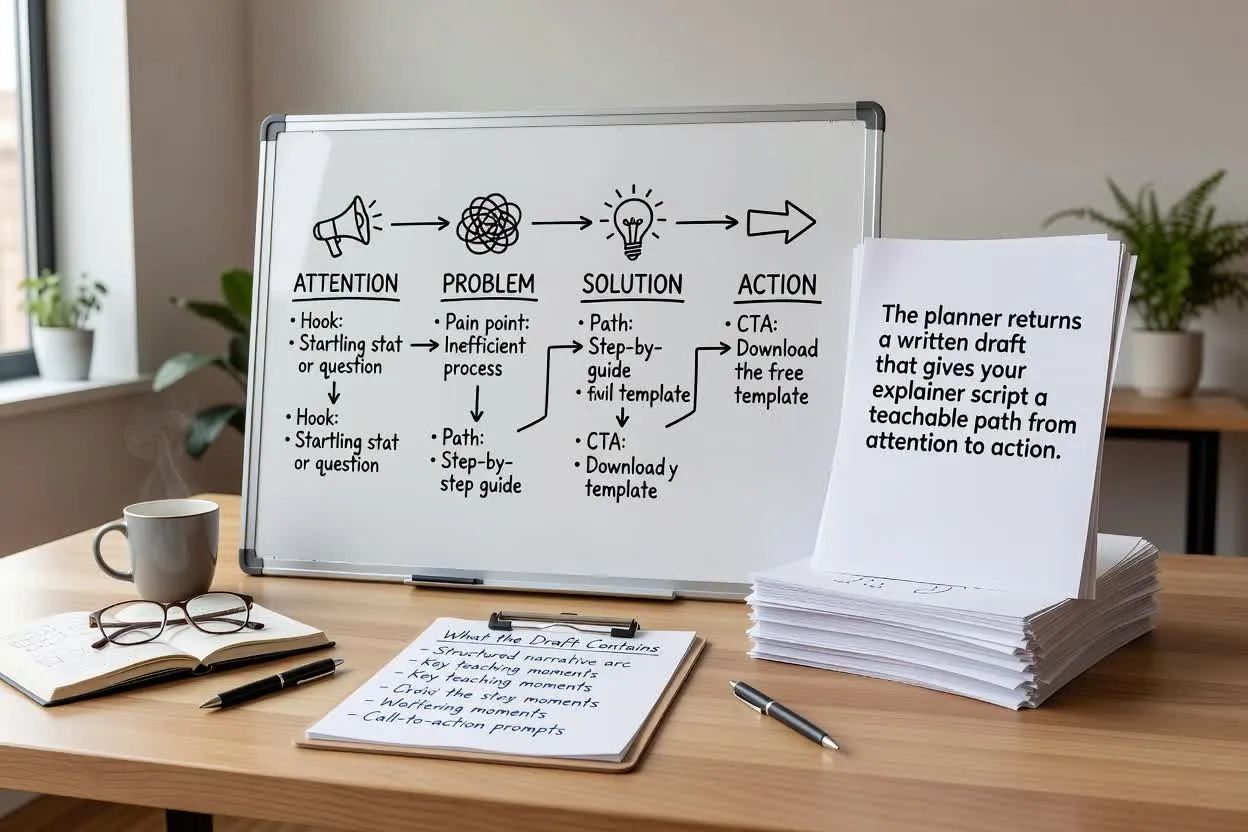
ปรับข้อมูลสำหรับวางแผนที่มีผลต่อการจัดโครง จังหวะ และบทสรุปของสคริปต์.
เลือกรูปแบบให้ตรงกับวิธีนำเสนอ เช่น วิดีโออธิบายผลิตภัณฑ์ บทเรียนฝึกอบรม หรือคู่มือการศึกษาแบบสั้น.
กำหนดระยะเวลาโดยประมาณ เพื่อให้แผนมีเนื้อหาอธิบายที่ผู้ชมติดตามได้อย่างเหมาะสม.
เลือกน้ำเสียงให้เข้ากับแบรนด์หรือรูปแบบบทเรียน ตั้งแต่ตรงไปตรงมาและใช้งานได้จริง ไปจนถึงเป็นมิตรและชวนสนทนา.
ใช้เครื่องมือวางแผนเมื่อสคริปต์ต้องสอน ทำให้เข้าใจชัดเจน หรือแนะนำบางสิ่งก่อนสร้างภาพ.
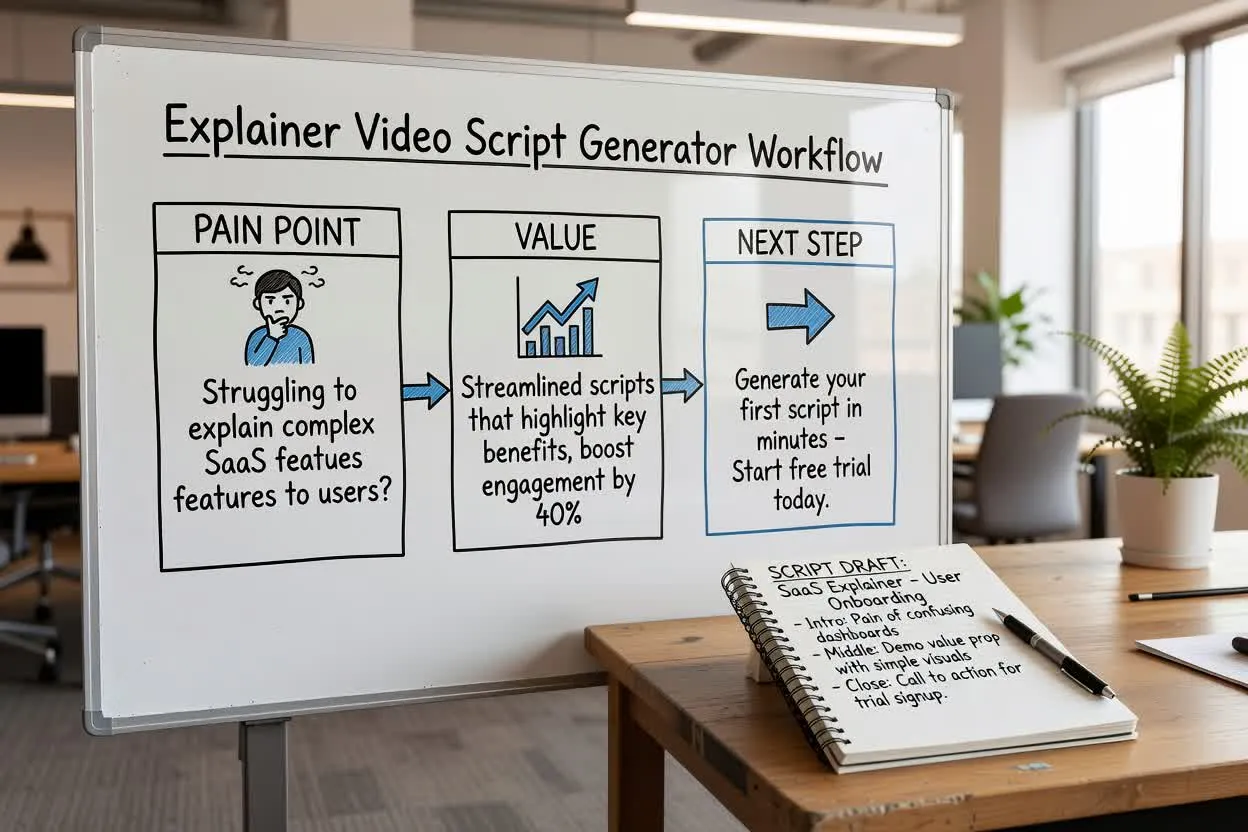
วางแผนคำอธิบายผลิตภัณฑ์แบบสั้นที่นำเสนอปัญหา แสดงคุณค่า และจบด้วยขั้นตอนถัดไปหนึ่งอย่าง.
เปิดเครื่องมือวางแผนสคริปต์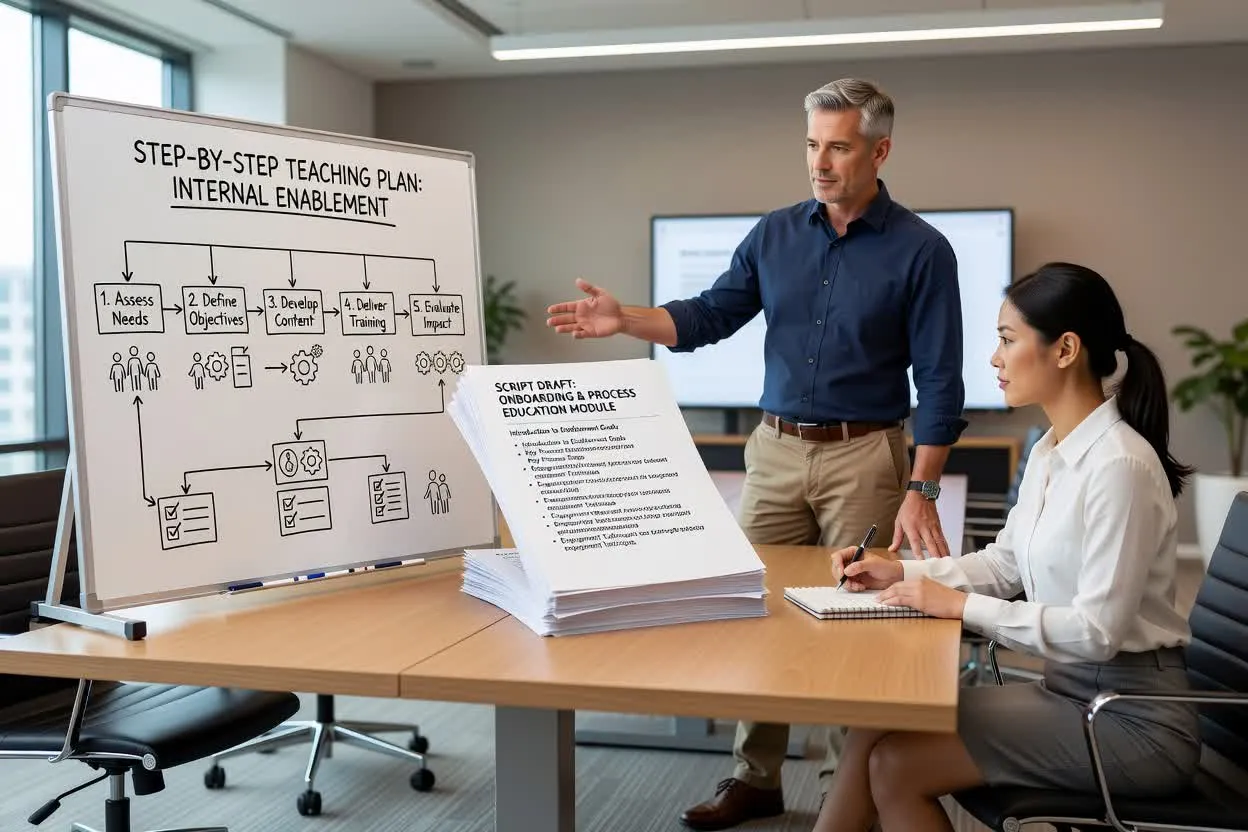
สร้างแผนการสอนทีละขั้นสำหรับการเริ่มงาน การเสริมศักยภาพภายใน หรือการให้ความรู้ด้านกระบวนการ.
เปิดเครื่องมือวางแผนสคริปต์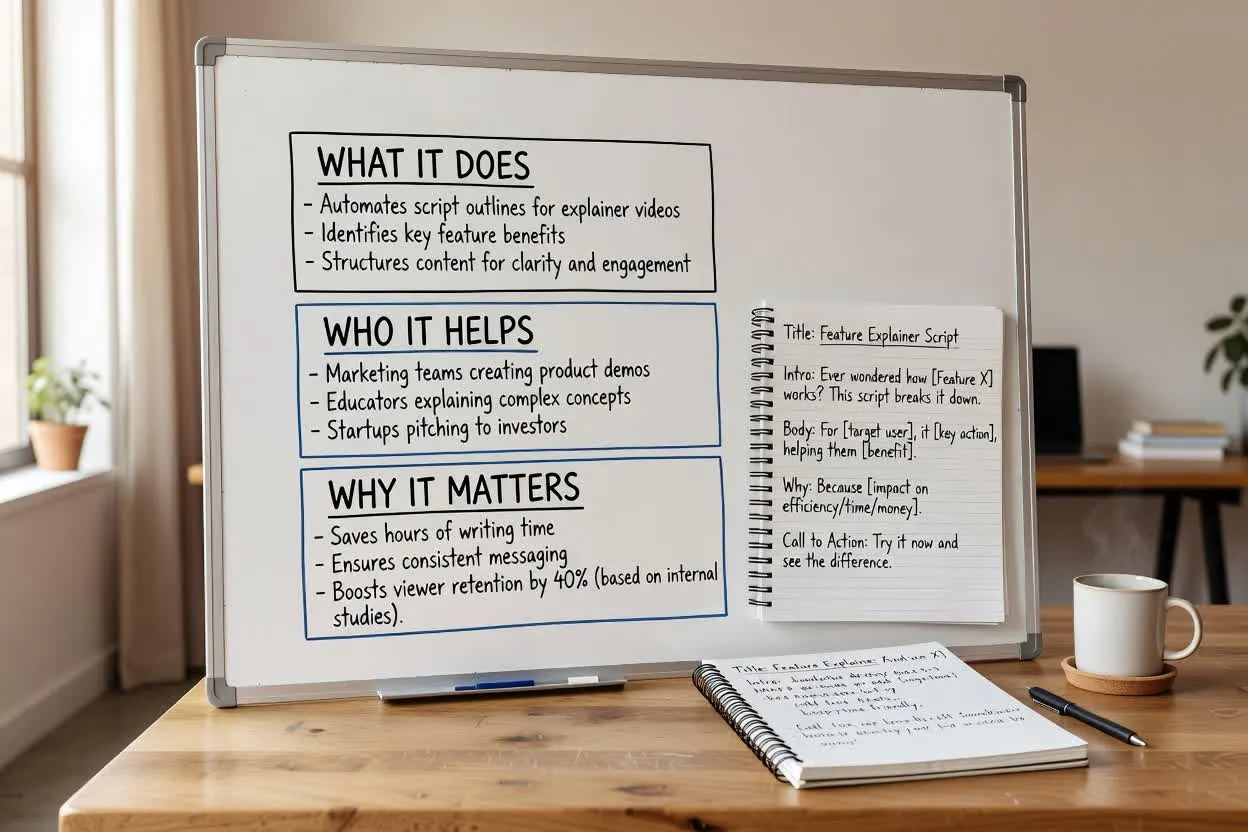
จัดทำสคริปต์ให้ความรู้เกี่ยวกับผลิตภัณฑ์ โดยอธิบายว่าฟีเจอร์ทำอะไร ช่วยใคร และเหตุใดจึงสำคัญ.
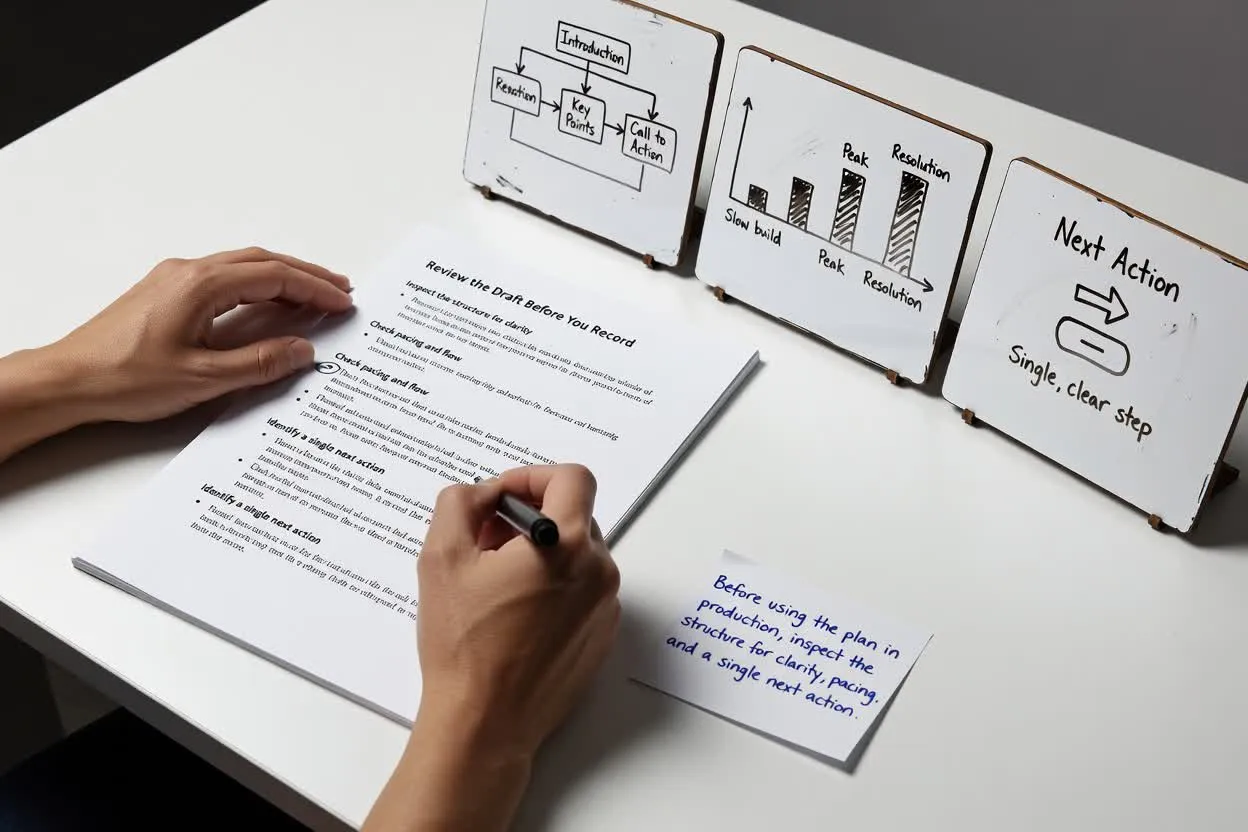
เปิดเครื่องมือวางแผนสคริปต์ก่อนนำแผนไปใช้ในการผลิต ให้ตรวจโครงสร้างด้านความชัดเจน จังหวะ และการกระทำถัดไปเพียงหนึ่งอย่าง.
ยืนยันว่าประโยคเปิดตรงกับปัญหาจริงของผู้ชม และไม่ได้เริ่มกว้างเกินไป.
ตรวจว่าจำนวนช่วงหรือฉากสมจริงสำหรับระยะเวลาที่เลือกหรือไม่.
ให้ตอนจบมุ่งไปที่คำกระตุ้นเพียงหนึ่งข้อ เพื่อให้ผู้ชมรู้ว่าควรทำอะไรต่อไป.
ใช้ผลลัพธ์เป็นร่างสำหรับวางแผน ไม่ใช่ชิ้นงานที่เสร็จสมบูรณ์หรือแหล่งข้อมูลจริงที่ผ่านการตรวจสอบ.
เครื่องมือนี้วางแผนเฉพาะโครงสร้างข้อความ ไม่ได้บันทึกคำบรรยาย เรนเดอร์ภาพ หรือสร้างไฟล์วิดีโอที่เสร็จสมบูรณ์.
ประโยชน์ของผลิตภัณฑ์ สถิติ การเปรียบเทียบ หรือคำมั่นสัญญาในร่าง ต้องตรวจสอบกับแหล่งข้อมูลที่คุณอนุมัติเอง.
คำถามที่พบบ่อยเกี่ยวกับการใช้เครื่องมือสร้างสคริปต์วิดีโออธิบายเพื่อวางแผนสคริปต์วิดีโออธิบายแบบลายลักษณ์อักษร.
เริ่มจากหัวข้อ กลุ่มผู้ชม และบรีฟระยะเวลา แล้วตรวจคำอธิบายที่วางแผนไว้ก่อนบันทึกเสียงหรือสร้างวิดีโอ.