
ఆలోచనను ఒక పంక్తిలో రాయండి
వీడియో ఏమి నేర్పుతుందో లేదా చూపుతుందో, అది ఎవరి కోసం, సుమారుగా ఎంత నిడివి ఉండాలో చెప్పండి. నిడివి విభాగాల సంఖ్యను నిర్ణయిస్తుంది.
YouTube ప్రణాళిక
మీరు చేయాలనుకుంటున్న వీడియోను వివరించండి. YouTube స్క్రిప్ట్ జనరేటర్ కోల్డ్ ఓపెన్, పరిచయం, విభాగాల క్రమం, వీక్షకులను నిలిపే సూచనలు, వాయిస్ఓవర్ గమనికలు, తెరపై వచనం, శీర్షిక ఎంపికలు, చివరి చర్యకు పిలుపును రూపొందిస్తుంది.
కెమెరా ఆన్ చేయకముందే చూడదగిన వీడియోను ప్రణాళిక చేస్తుంది. ఒక పెట్టెలో ఆలోచన, లక్ష్య నిడివి రాస్తే, వీక్షణ అలవాట్లకు అనుగుణంగా క్రమబద్ధమైన స్క్రిప్ట్ ఇస్తుంది: క్లిక్కు కారణమిచ్చే కోల్డ్ ఓపెన్, హామీని తెలియజేసే పరిచయం, దాన్ని నెరవేర్చే విభాగాలు, మధ్యలో తిరిగి గుర్తుచేసే భాగాలు.
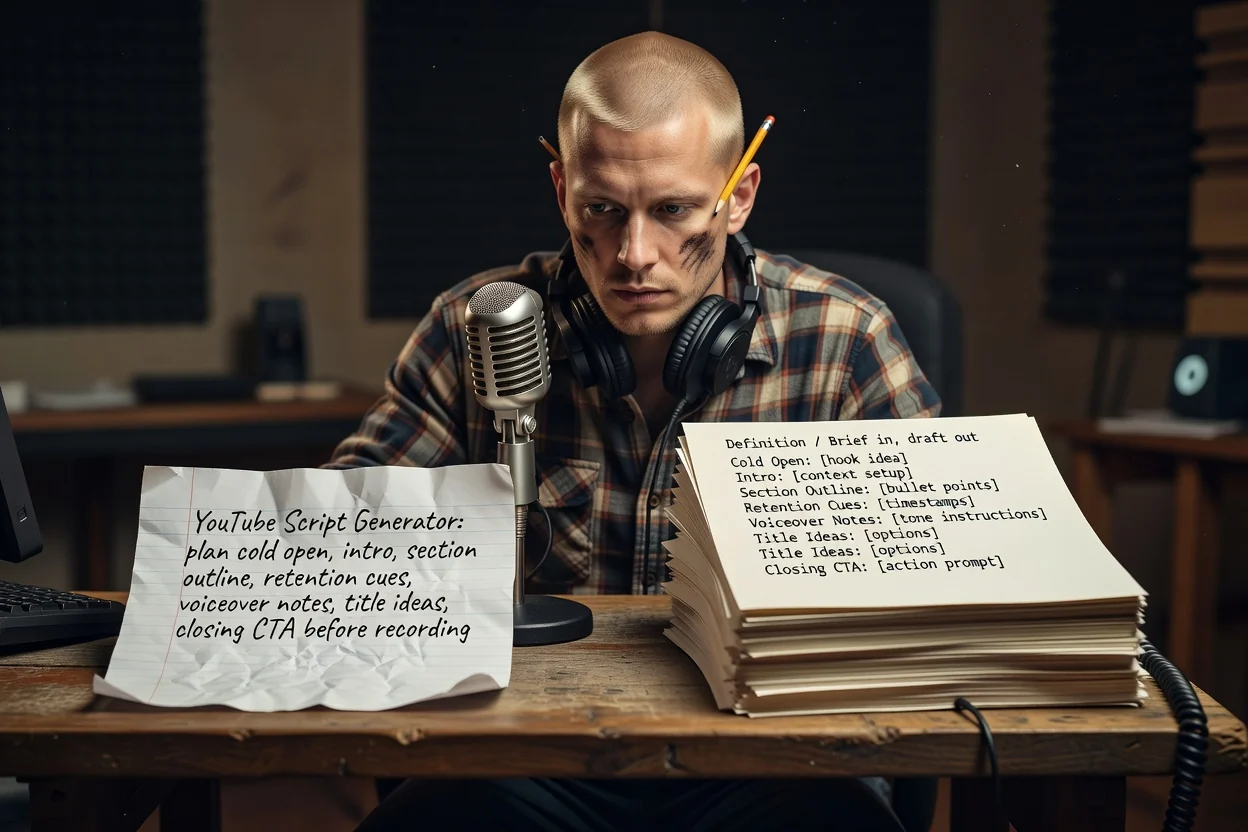
ఒక ఆలోచన నుంచి రికార్డ్ చేయదగిన రూపురేఖ వరకు మూడు దశలు.
వీడియో ఏమి నేర్పుతుందో లేదా చూపుతుందో, అది ఎవరి కోసం, సుమారుగా ఎంత నిడివి ఉండాలో చెప్పండి. నిడివి విభాగాల సంఖ్యను నిర్ణయిస్తుంది.
తెరపై కనిపించే వాటిని ప్రణాళికలో పేర్కొనడానికి స్క్రీన్షాట్లు లేదా ఉత్పత్తి చిత్రాలను జతచేయండి. జోడింపులకు సైన్ ఇన్ చేసిన ఖాతా అవసరం.
విభాగాలను క్రమంగా సమీక్షించి, పునరావృతమైన వాటిని తొలగించండి. హామీ స్పష్టంగా లేకపోతే మరింత పదునైన ఆలోచనతో మళ్లీ రూపొందించండి.
ప్రతి భాగం పూర్తయిన వీడియోలోని ఒక క్షణానికి సరిపోతుంది.
బ్రాండింగ్కు ముందు వచ్చే తొలి సెకన్లు. ఫలితాన్ని వర్ణించకుండా చూపేలా రాస్తారు.
ముందుగా హామీ, తర్వాత ప్రతి విభాగం ఏమి వివరిస్తుందో క్రమబద్ధ జాబితా.
ఫలితాన్ని గుర్తుచేసేలా విభాగాల మధ్య ఉంచిన వాక్యాలు. అవి వీక్షకులకు కొనసాగి చూడటానికి కారణం ఇస్తాయి.
మాట్లాడే వాక్యాలను శీర్షికలు, లేబుళ్ల నుంచి వేరుగా ఉంచుతారు. దీంతో తిరిగి రాయకుండానే రికార్డ్ చేసి సవరించవచ్చు.
ఒకే వీడియోకు అనేక శీర్షిక ఎంపికలతో పాటు, వీక్షకులు చేయాలని మీరు కోరే చివరి అభ్యర్థన ఉంటుంది.
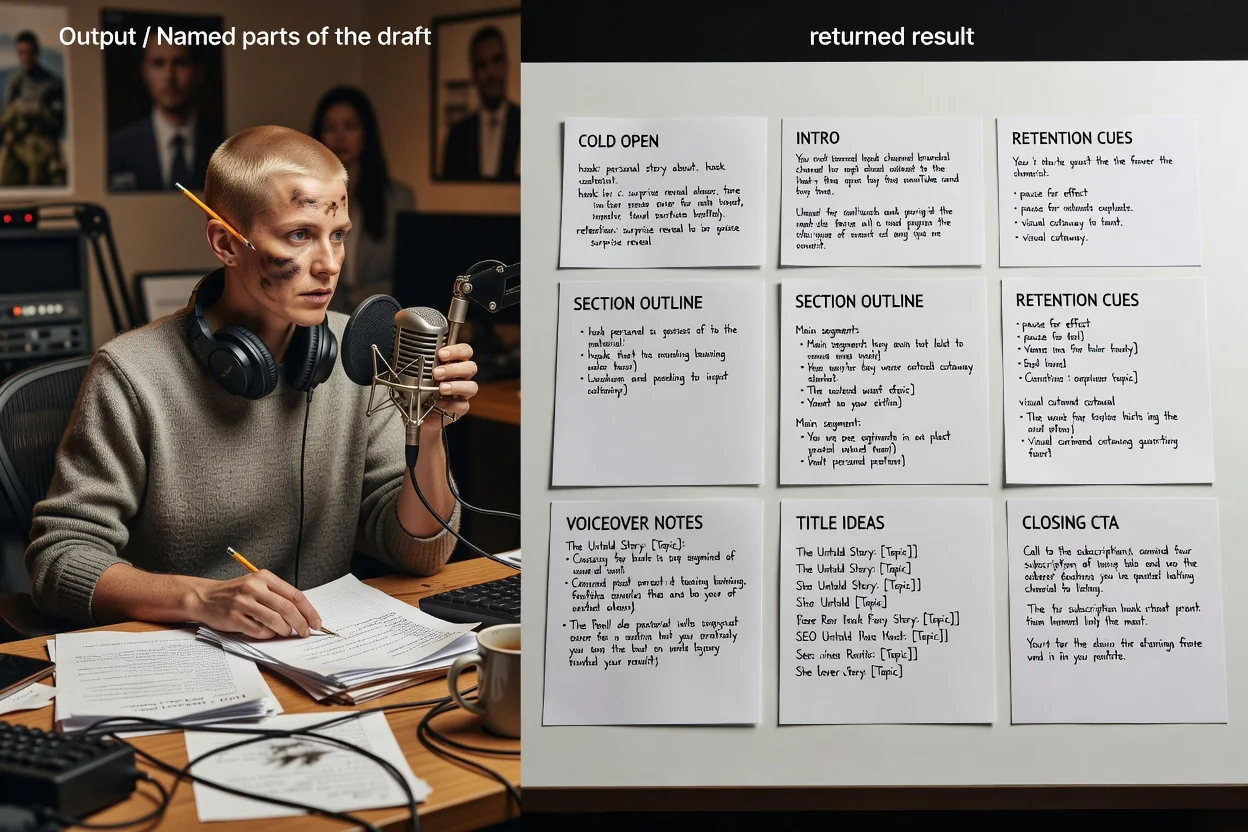
ఈ ప్రణాళిక సాధనం ఒకే స్వేచ్ఛా వివరణను తీసుకుంటుంది; అందువల్ల మీరు ఎంచుకునే పదాలే నియంత్రణ సాధనం.
8 నిమిషాల ట్యుటోరియల్ లేదా 45 సెకన్ల షార్ట్ వీడియో వంటి లక్ష్య నిడివిని చెప్పడం వల్ల రూపురేఖలోని విభాగాల సంఖ్య మారుతుంది.
ఇది దీర్ఘ వీడియోనా లేక నిలువు షార్ట్ వీడియోనా చెప్పండి. షార్ట్ వీడియోలు ఒక ఆకర్షణీయ ఆరంభం, ఒక ఫలితం, చర్యకు పిలుపుగా కుదించబడతాయి.
ఎవరు చూస్తున్నారో, వారికి ఇప్పటికే ఎంత తెలుసో చెప్పండి. అప్పుడు పరిచయం అతిగా వివరించదు లేదా అవసరమైన నేపథ్యాన్ని వదలదు.
మీరు చూపాలనుకున్న దృశ్యాలను జతచేయండి. అప్పుడు తెరపై వచనం, విభాగ గమనికలు నిజమైన అంశాలనే సూచిస్తాయి.
ఈ ప్రణాళిక సాధనానికి బాగా సరిపోయే వివరణలు.
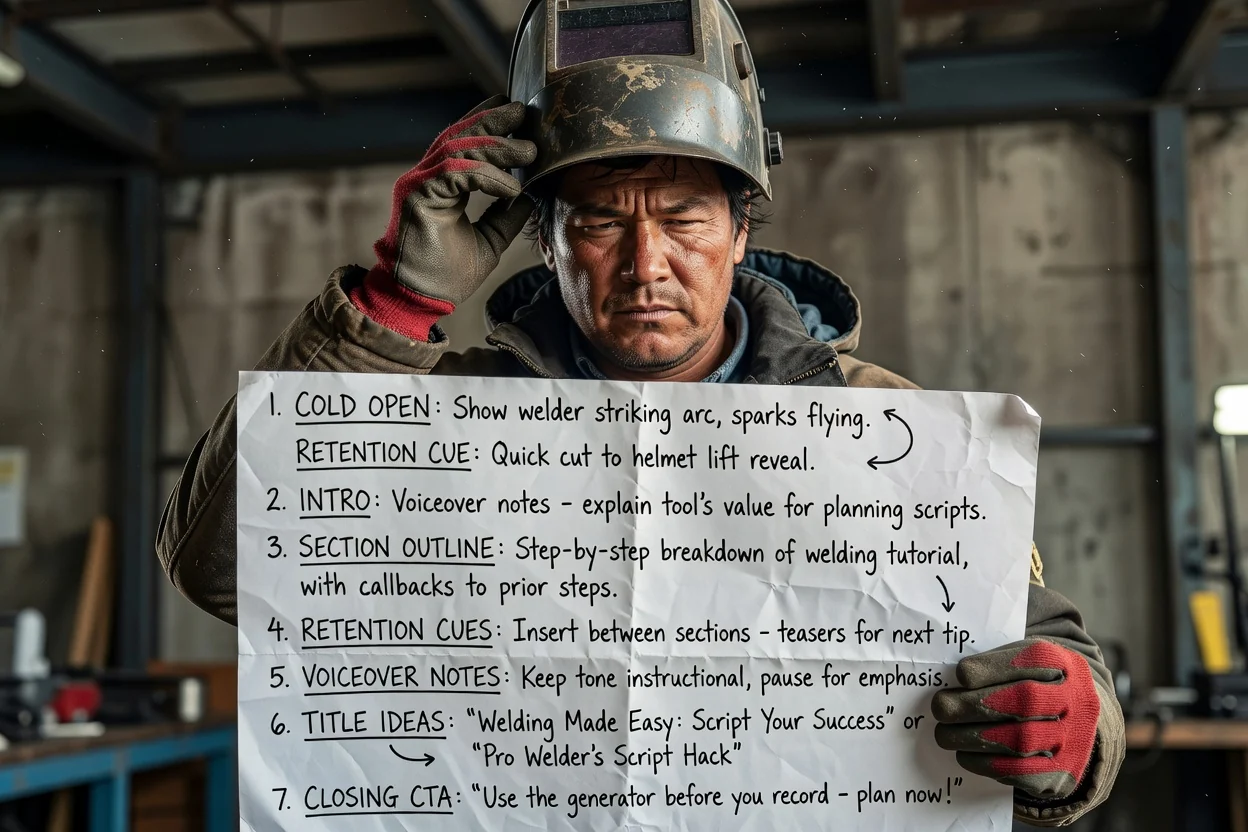
బహుళ దశల ప్రక్రియను ప్రతి దశ మధ్య వీక్షకులను నిలిపే గుర్తుచూపులతో క్రమబద్ధ విభాగాలుగా మార్చండి.
ట్యుటోరియల్ను ప్రణాళిక చేయండి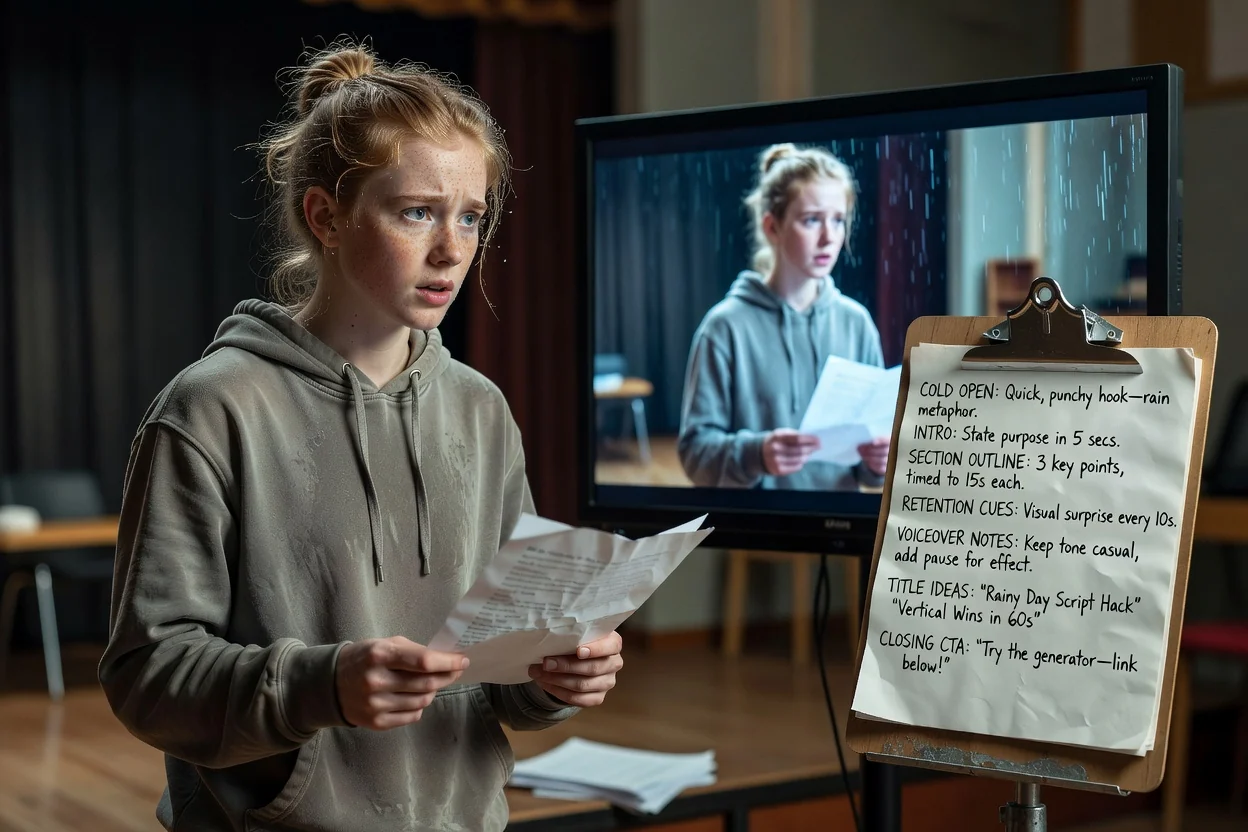
ఒక ఆలోచనను కోల్డ్ ఓపెన్, ఒకే ఫలితం, నిలువు ఫ్రేమ్కు సరిపోయే చివరి అభ్యర్థనగా కుదించండి.
షార్ట్ వీడియోను ప్రణాళిక చేయండి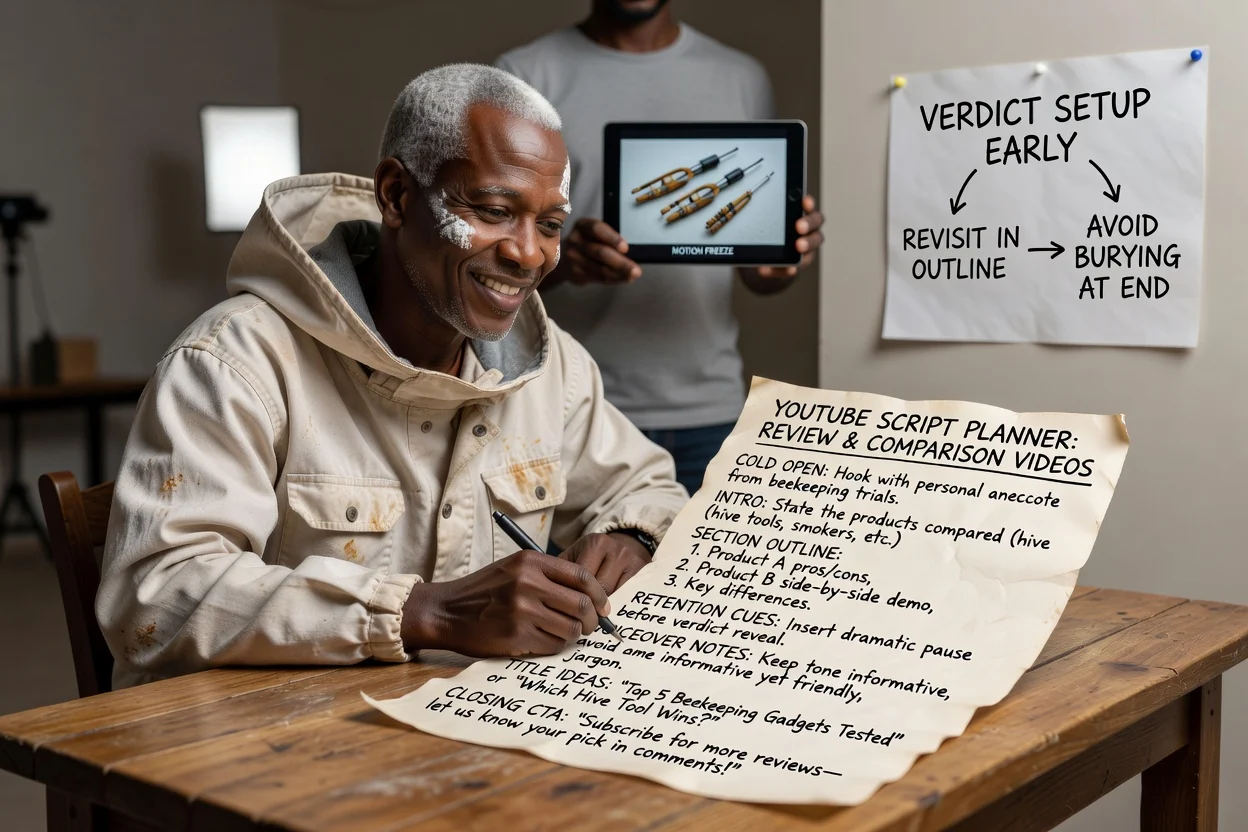
తీర్పు ముందుగానే సిద్ధమై, చివర్లో దాగిపోకుండా మళ్లీ ప్రస్తావించబడేలా విభాగాల క్రమాన్ని ప్రణాళిక చేయండి.
సమీక్షను ప్రణాళిక చేయండి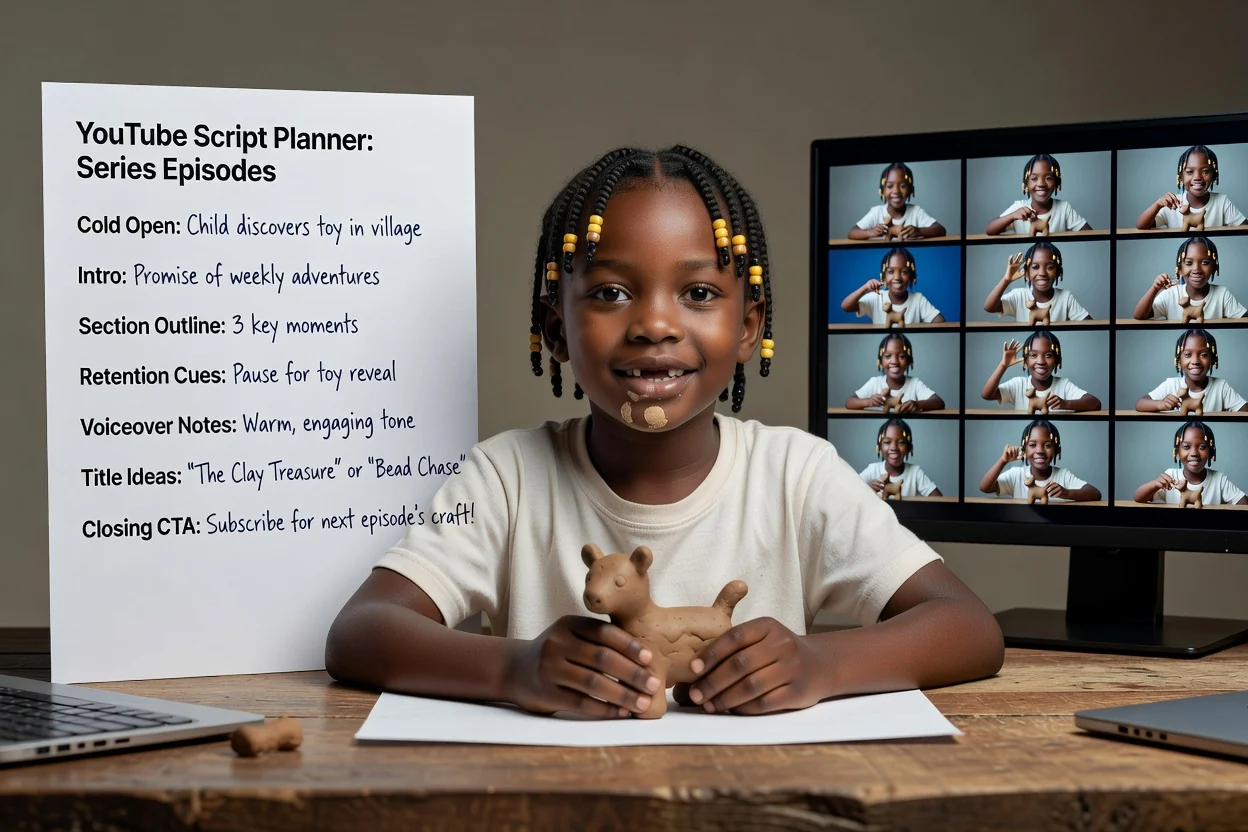
ఎపిసోడ్లన్నింటిలో ఒకే వివరణ నిర్మాణాన్ని మళ్లీ ఉపయోగించండి; అప్పుడు పరిచయ హామీ, చర్యకు పిలుపు స్థిరంగా ఉంటాయి.
ఎపిసోడ్ను ప్రణాళిక చేయండిమళ్లీ రికార్డ్ చేయాల్సిన అవసరాన్ని తగ్గించే నాలుగు తనిఖీలు.
మొదటి వాక్యం చూపడానికి బదులు వివరిస్తే, వీడియోలోని అత్యంత దృశ్యమయ క్షణాన్ని కేంద్రంగా చేసుకుని దానిని మళ్లీ రాయండి.
పరిచయం వీక్షకుడికి దక్కే ఒక విషయాన్ని చెప్పాలి. మూడు విషయాలను జాబితా చేస్తే, వీడియోను విభజించండి.
నిడివికి మించిన విభాగాలు ఉంటే వేగంగా చెప్పాల్సి వస్తుంది. ప్రతి దానిని కుదించడం కంటే విభాగాలను తొలగించండి.
ఒక స్పష్టమైన అభ్యర్థన, సభ్యత్వం పొందడం, వ్యాఖ్య చేయడం, లింక్ను అనుసరించడం వంటి అభ్యర్థనల జాబితా కంటే మెరుగ్గా పనిచేస్తుంది.
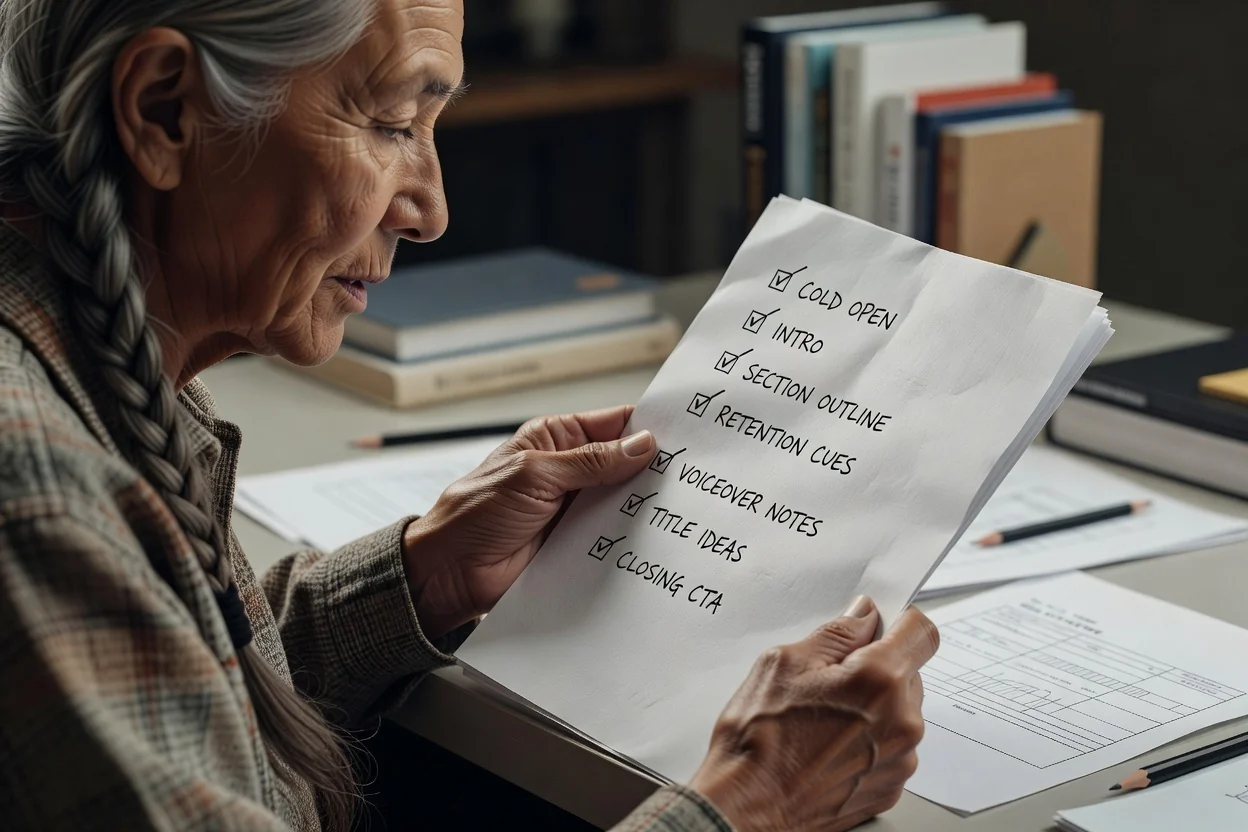
ఈ ప్రణాళిక సాధనం ఆగే చోటు.
ఫలితం వ్రాత రూపురేఖ మాత్రమే. రికార్డింగ్, దృశ్యాల రూపొందింపు, సవరణ వేర్వేరు దశలు.
శీర్షిక ఆలోచనలు స్పందించడానికి ఉద్దేశించిన ముసాయిదాలు మాత్రమే, పరీక్షించిన శీర్షికలు కావు. వాటిని మీ ఛానల్ గత పనితీరుతో పోల్చి నిర్ణయించండి.
రూపురేఖలోని ఏ ఉత్పత్తి వాదన, గణాంకం లేదా దశల క్రమమైనా ప్రచురించే ముందు మీ మూలంతో సరిపోల్చి తనిఖీ చేయాలి.
రికార్డింగ్కు ముందు YouTube వీడియోను ప్రణాళిక చేయడంపై సాధారణ ప్రశ్నలు.
YouTube స్క్రిప్ట్ జనరేటర్కు ఒక ఆలోచన, నిడివి ఇవ్వండి. మీరు రికార్డ్ చేయగల కోల్డ్ ఓపెన్, విభాగాల రూపురేఖ, చర్యకు పిలుపును పొందండి.