
உங்கள் படத்தையும் குறிப்பையும் சேர்க்கவும்
மாற்ற விரும்பும் மூலப் படத்தைச் சேர்த்து, திருத்தத்தை எளிய மொழியில் விளக்கும் தொடர்க் குறிப்பை எழுதுங்கள்.
மூலப் படத்தையும் தொடர்க் குறிப்பையும் கொண்டு திருத்தத்தை வழிநடத்த சாட் படத் திருத்தியைப் பயன்படுத்துங்கள். விரும்பும் மாற்றத்தை விளக்கி, காட்சித் திசையை அமைத்து, திட்டத்திற்கான கவனம் மிக்க திருத்தப்பட்ட பட வகைகளை உருவாக்குங்கள்.
சாட் படத் திருத்தி, மூலப் படத்தையும் தொடர்க் கட்டளையையும் திருத்தப்பட்ட பட வகைகளாக மாற்றுகிறது. ஒவ்வொரு திருத்தத்தையும் கையால் சரிசெய்வதற்குப் பதில், ஒரு குறிப்பிட்ட காட்சி மாற்றத்தை விவரிக்க விரும்பும் படைப்பாளர்களுக்கும் குழுக்களுக்கும் இது உருவாக்கப்பட்டுள்ளது.
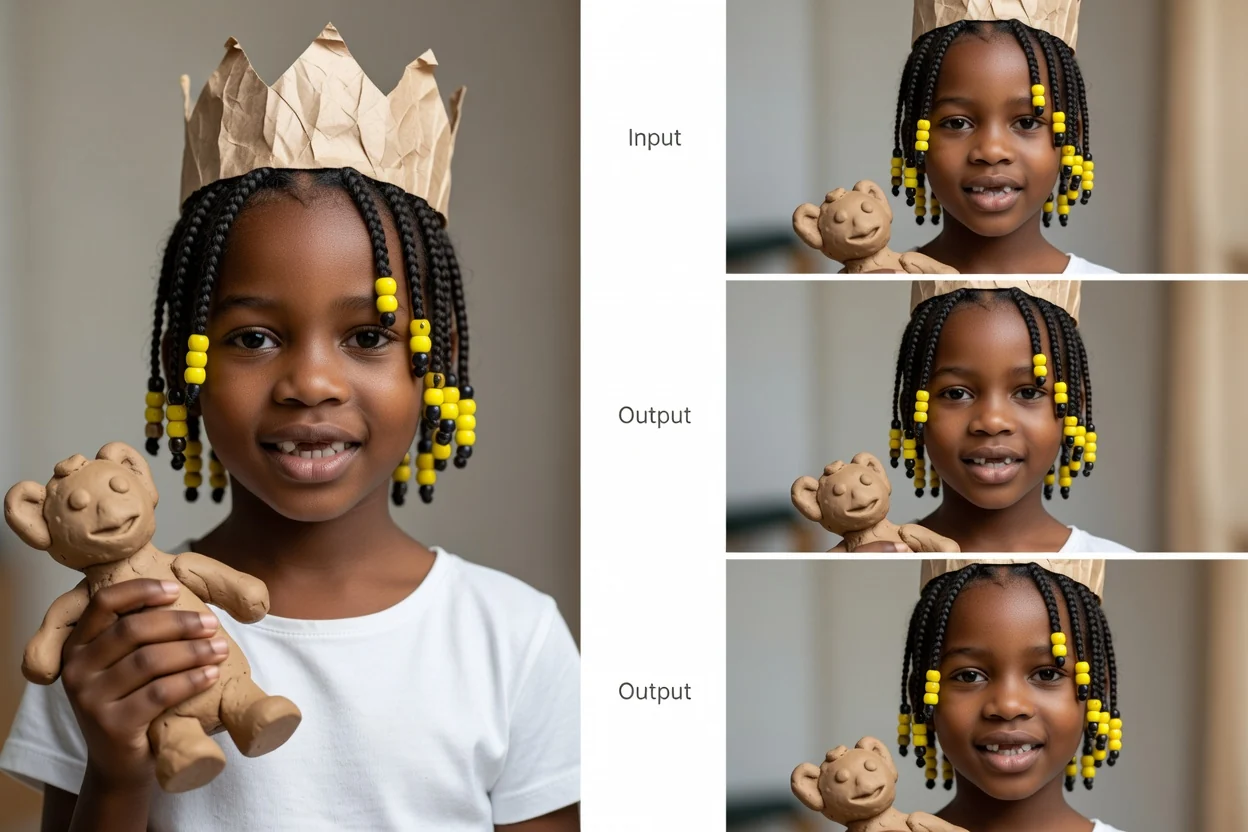
மூலப் படத்திலிருந்து திருத்தப்பட்ட வகைகள் வரை எளிய குறிப்பு வழிகாட்டும் ஓட்டத்தைப் பின்பற்றுங்கள்.
மாற்ற விரும்பும் மூலப் படத்தைச் சேர்த்து, திருத்தத்தை எளிய மொழியில் விளக்கும் தொடர்க் குறிப்பை எழுதுங்கள்.
சரியான படைப்புச் சூழலை அமைப்புக்கு வழங்க, குறிப்பு விவரம், காட்சித் திசை, பொருள், சூழல் மற்றும் இலக்கு வடிவத்தைத் தெளிவுபடுத்துங்கள்.
சாட் படத் திருத்தியில் உருவாக்கி, திருத்தப்பட்ட வகைகளை ஒப்பிட்டு, உங்கள் நோக்கமிட்ட பயன்பாட்டிற்கு மிகவும் பொருந்தும் தேர்வை எடுக்கவும்.
உங்கள் தேவைக்கேற்ப பட விளைவு கவனமாக இருக்க, இயல்பான மொழியையும் நடைமுறைக் கட்டுப்பாடுகளையும் கொண்டு திருத்தத்தை வடிவமைக்கவும்.
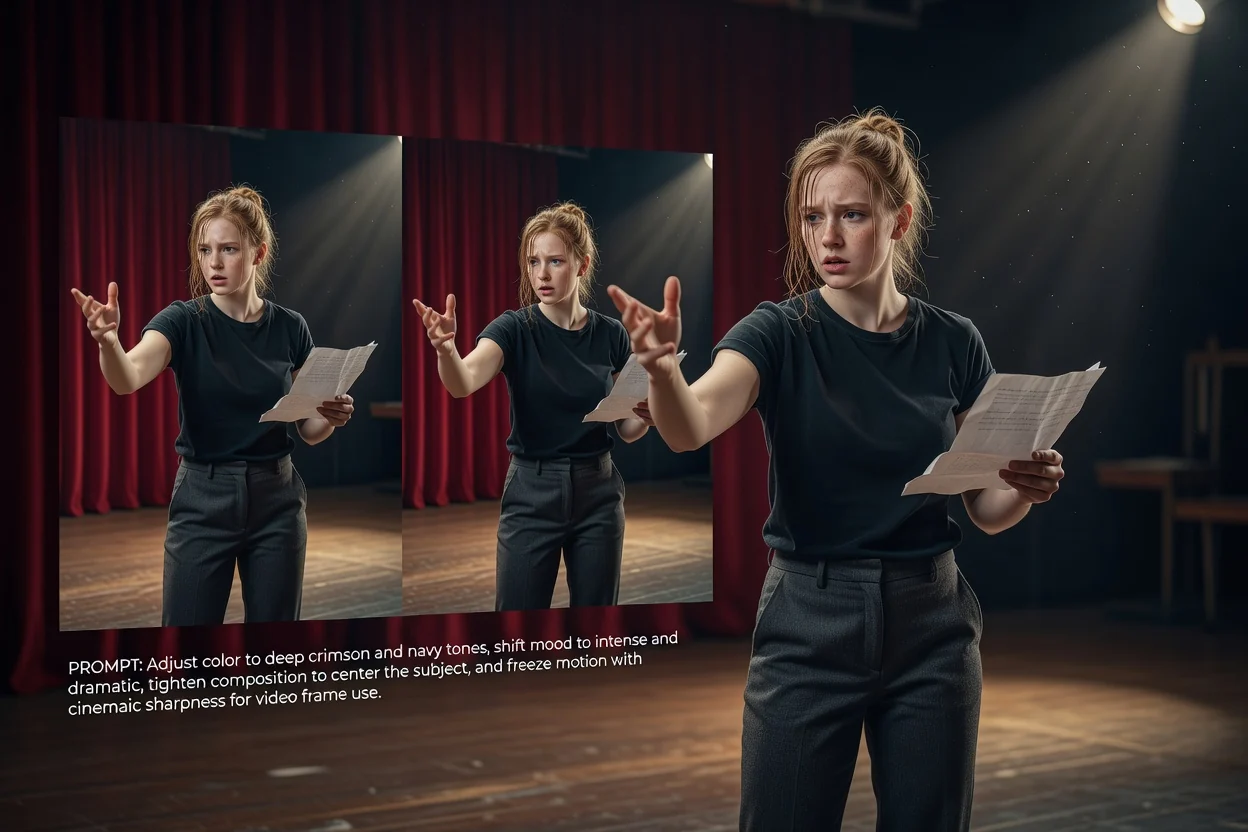
நிறம், மனநிலை, அமைப்பு, பொருள் மாற்றங்கள் அல்லது திருத்தம் பின்பற்ற வேண்டிய ஒட்டுமொத்த காட்சித் திசைக்கான குறிப்பு விவரங்களைச் சேர்க்கவும்.
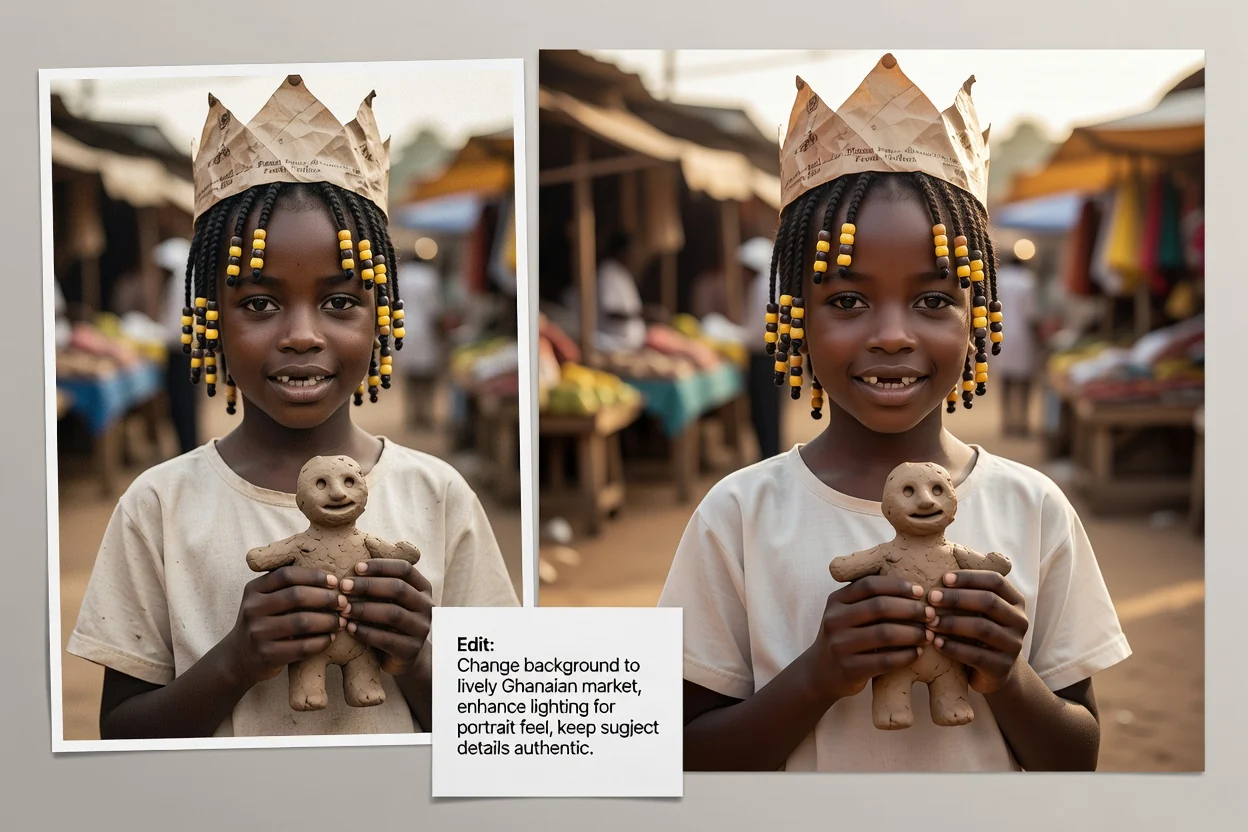
தேவையான காட்சியுடன் திருத்தப்பட்ட வகை பொருந்த, பொருளையும் சூழலையும் விவரித்து உரையாடல் வழி செயற்கை நுண்ணறிவுப் படத் திருத்திக்கு வழிகாட்டுங்கள்.
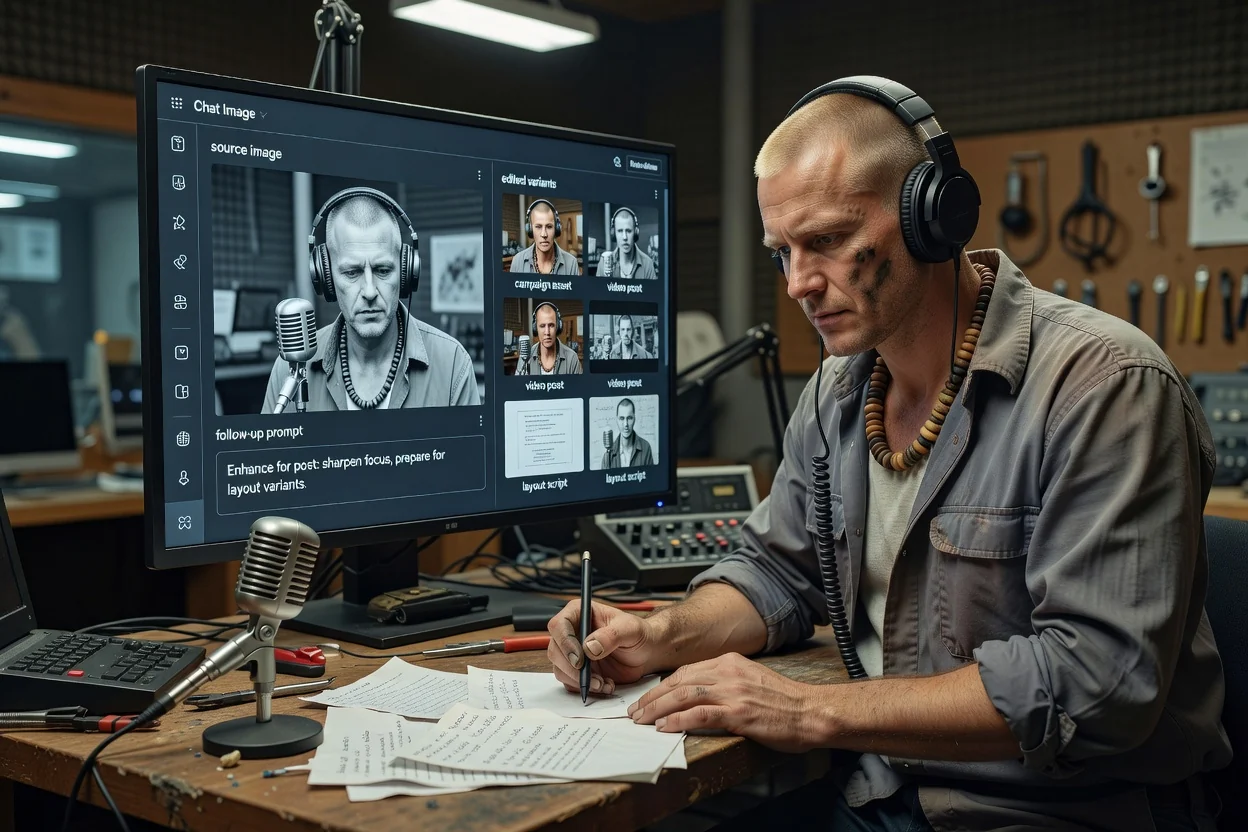
இடுகை, தளவமைப்பு அல்லது பிரசாரச் சொத்து போன்ற பயன்படுத்தப்படும் இடத்திற்கான பட வகைகளைத் தயாரிக்க உதவ, இலக்கு வடிவத்தைத் தேர்ந்தெடுக்கவும்.
சொத்தை புதிதாக மீண்டும் உருவாக்குவதைவிட எளிய மொழி வழிகாட்டல் வேகமானதாக இருக்கும் நடைமுறைக் காட்சிப் பணிகளுக்காகத் திருத்தப்பட்ட முடிவை உருவாக்குங்கள் அல்லது பயன்படுத்துங்கள்.
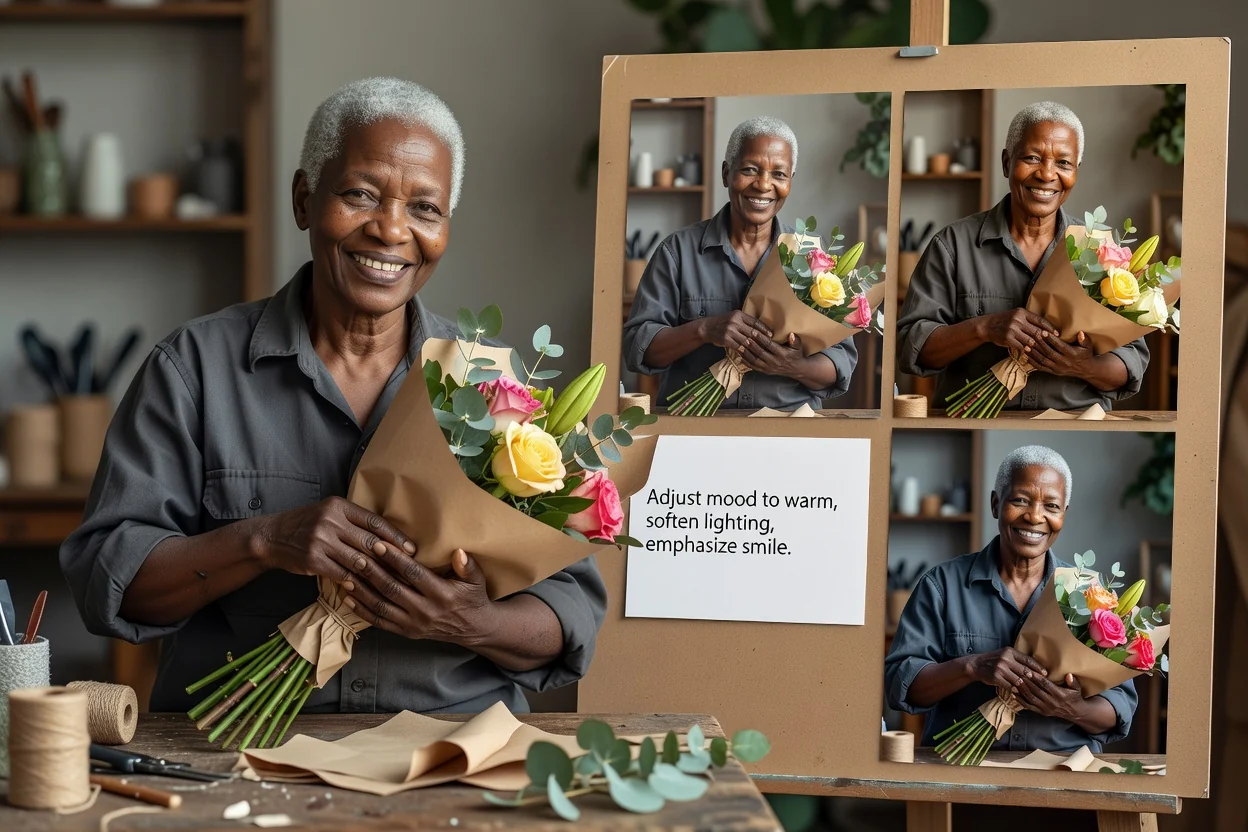
ஏற்கனவே உள்ள படத்தில் மனநிலை, பாணி, ஒளியமைப்பு அல்லது வலியுறுத்தலைச் சரிசெய்வது போன்ற எளிய மாற்றங்களுக்கு குறிப்புடன் புகைப்படத்தைத் திருத்துங்கள்.
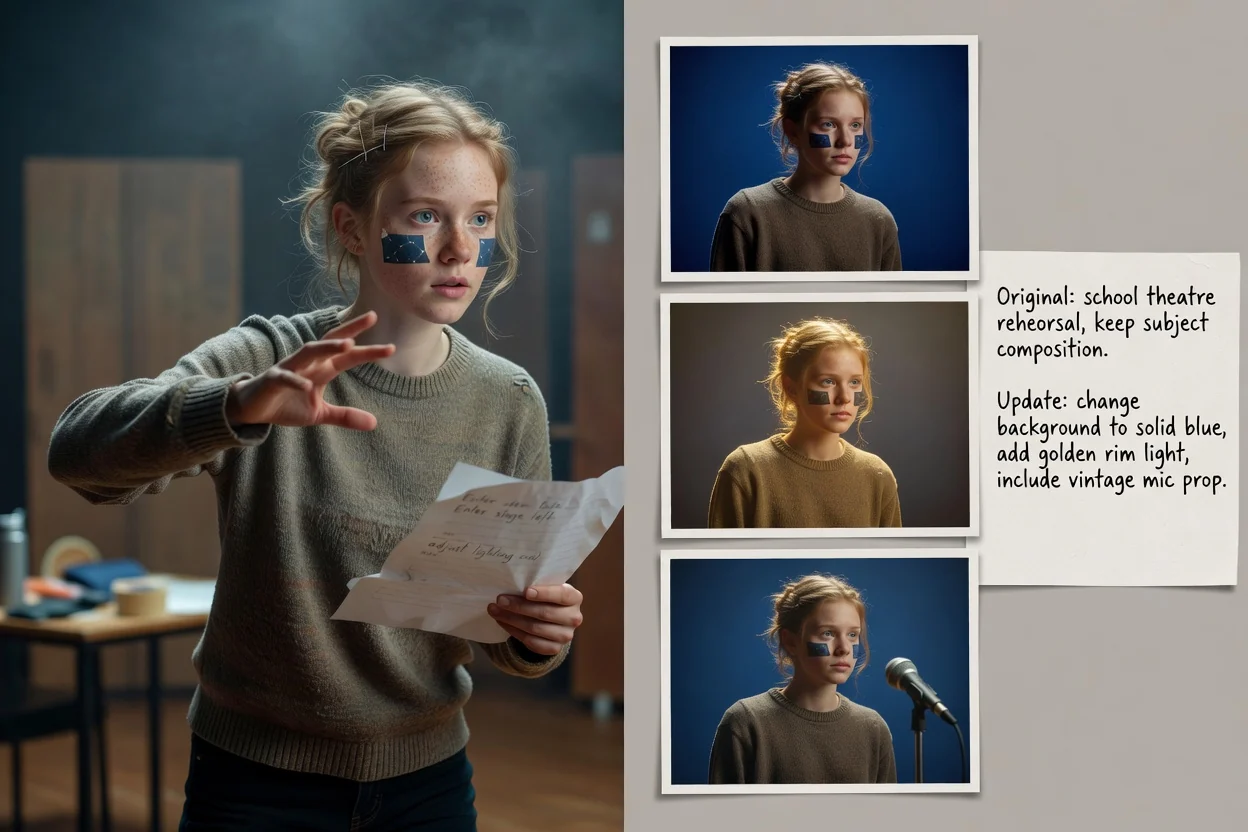
நோக்கமிட்ட பொருளையும் அமைப்பையும் கண்ணில் வைத்து, பின்னணி புதுப்பிப்புகள், சூழல் மாற்றங்கள் அல்லது பொருள் சரிசெய்தல்களைக் கோருங்கள்.
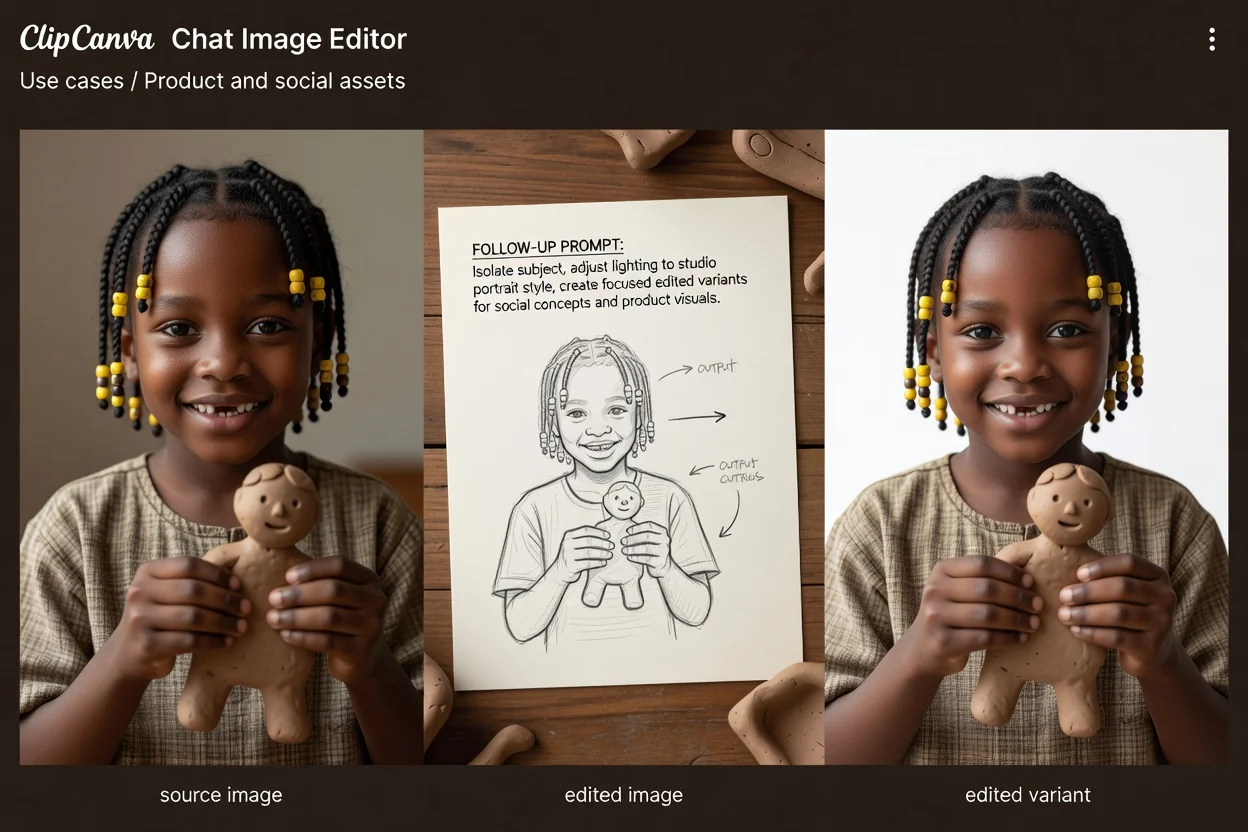
தெளிவான இலக்கு வடிவத்தைக் கருத்தில் கொண்டு தயாரிப்புக் காட்சிகள், சமூகக் கருத்துகள், பிரசார வரைவுகள் அல்லது தளவமைப்பு ஆராய்ச்சிக்கான முடிவை உருவாக்குங்கள்.
உங்கள் நோக்கத்திற்கும் இலக்கிற்கும் மிகவும் பொருந்தும் வகையைத் தேர்வதற்கு முன் ஒவ்வொன்றையும் பார்வையிடுங்கள்.
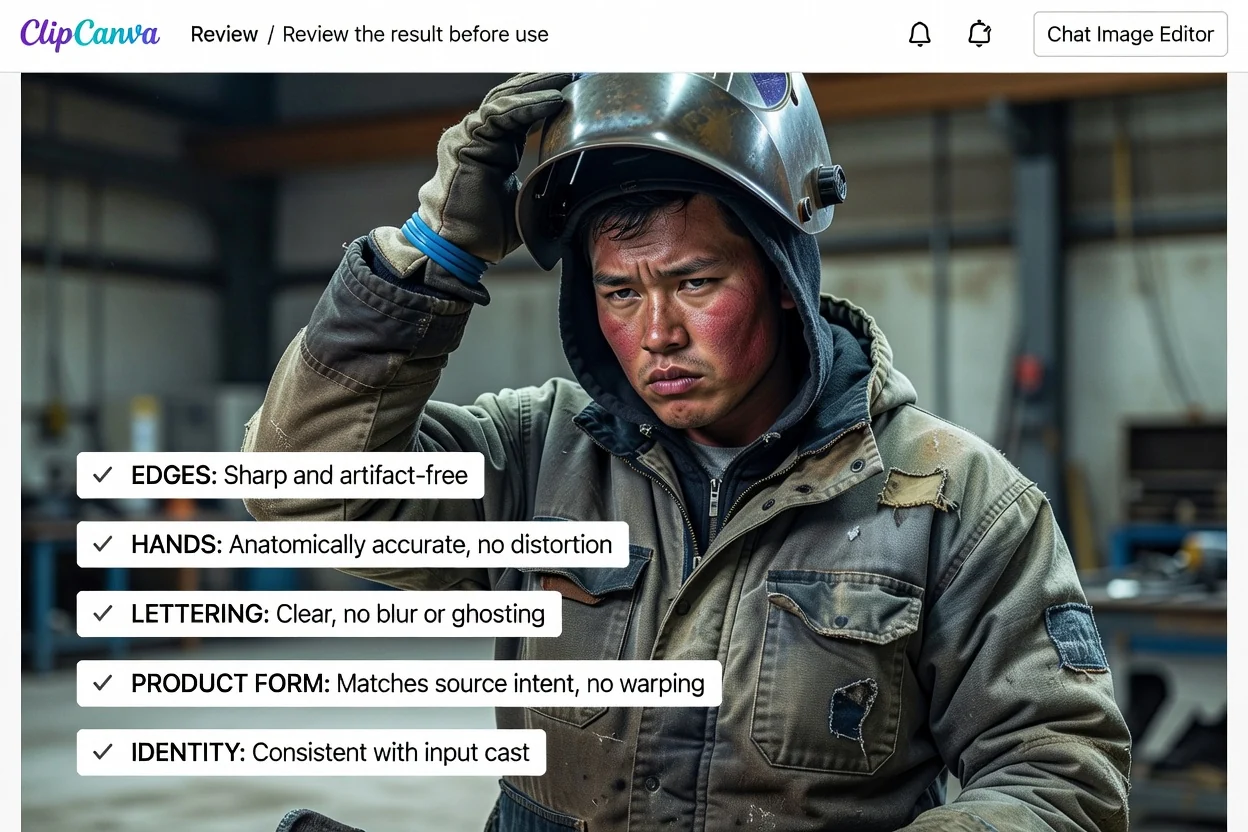
கோரப்பட்ட பொருள், சூழல், மனநிலை மற்றும் காட்சித் திசை உட்பட, திருத்தப்பட்ட படத்தை அசல் தேவையுடன் ஒப்பிடுங்கள்.
தயாரிப்பு வடிவம், பொருள் இடமமைப்பு, முகங்கள், கைகள், பிராண்ட் அடையாளங்கள் மற்றும் உரை போன்ற கூறுகள் உள்ளிட்ட மிக முக்கியமான விவரங்களை ஆய்வு செய்யுங்கள்.
சமூக இடுகை, தயாரிப்புத் தளவமைப்பு அல்லது பிரசாரச் சொத்தில் பயன்படுத்தும் முன், முடிவு இலக்கு வெட்டளவு மற்றும் வடிவத்தில் செயல்படுகிறதா எனச் சரிபார்க்கவும்.
இந்தக் கருவி காட்சி ஆராய்ச்சியை விரைவுபடுத்தலாம்; இருப்பினும் நேரடித் திட்டத்தில் பயன்படுத்தும் முன் ஒவ்வொரு முடிவையும் மனிதர் பார்வையிட வேண்டும்.
குறிப்புக்கு குறிப்பு உருவாக்கப்பட்ட முடிவுகள் மாறுபடலாம்; குறிப்பாக கோரிய மாற்றம் சிக்கலான பொருள்கள், முகங்கள், உரை அல்லது நுணுக்கமான காட்சித் தொடர்புகளைப் பாதிக்கும்போது.
முக்கிய விவரங்களுக்கு பார்வையீடும் மீண்டும் ஒரு குறிப்பு முயற்சியும் தேவைப்படலாம்; குறிப்பாக பிராண்ட் கூறுகள், தயாரிப்பு விவரங்கள், வாசிக்கக்கூடிய உரை அல்லது துல்லியமான இடமமைப்பில்.
குறிப்பு வழிகாட்டும் திருத்தங்களுக்கு சாட் படத் திருத்தியைப் பயன்படுத்துவது பற்றிய பொதுவான கேள்விகளுக்கான பதில்கள்.
மூலப் படத்தைப் பதிவேற்றி, விரும்பும் திருத்தத்தை விவரித்து, திட்டத்திற்குத் தயாரான காட்சிப் பட வகைகளுக்காக சாட் படத் திருத்தியில் உருவாக்குங்கள்.