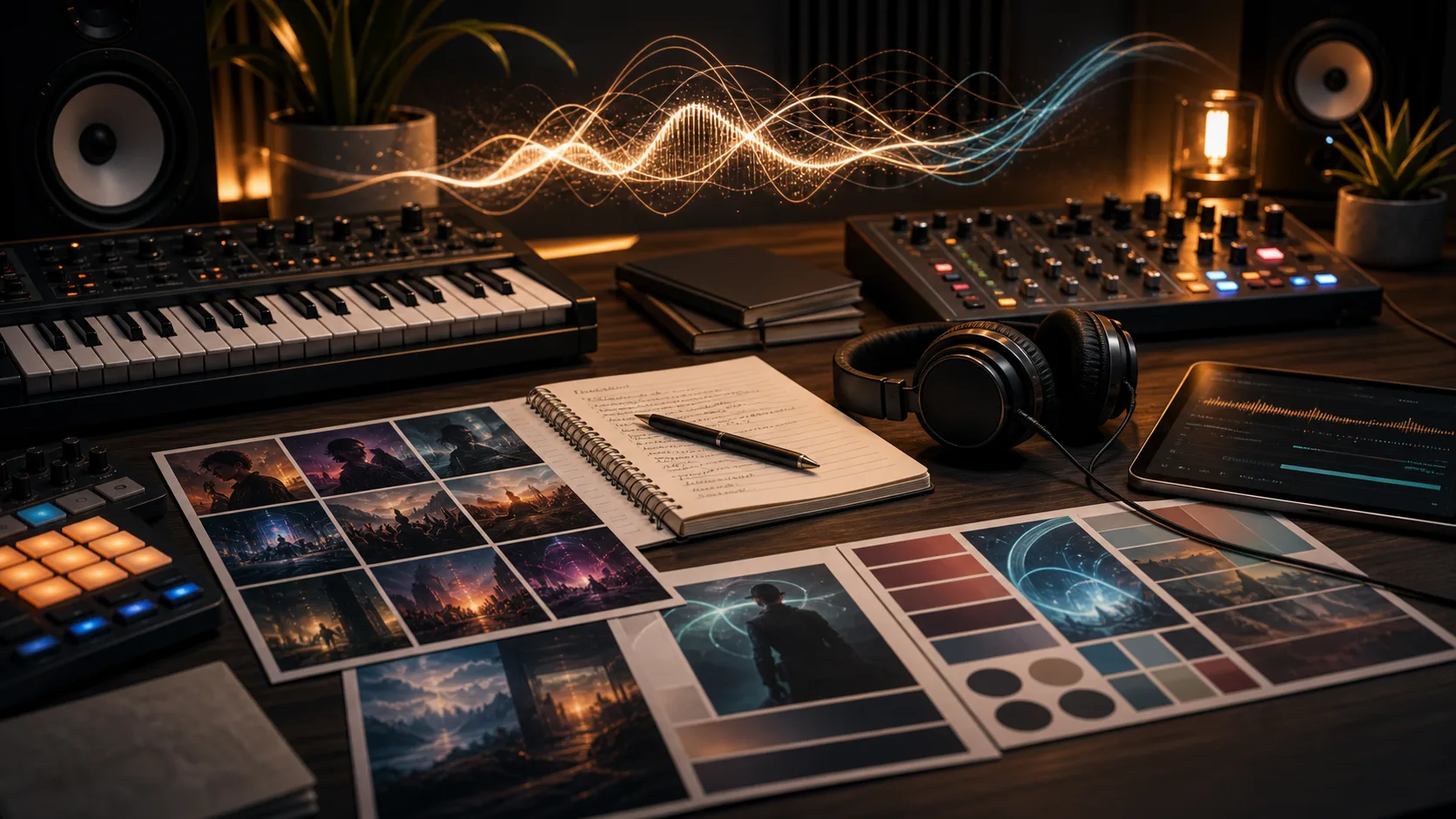
AI Music Video Generator

Create music video drafts from a generated song source. Add the music task ID and audio ID, then generate visual directions, loops, and performance-style clips.

Music VideoShot ListLyric VisualsMusic Loops

Existing song source

Kie requires the original task and selected audio IDs.

Music video4 cr

Selected music track

Paste the task ID and audio ID from a generated music result.

Music task ID and audio ID are required

AI Music Video Generator

Turn a generated track into a visual direction. Create music video drafts, cover loops, and performance-style clips for review.

Create Music Videos in 3 Simple Steps

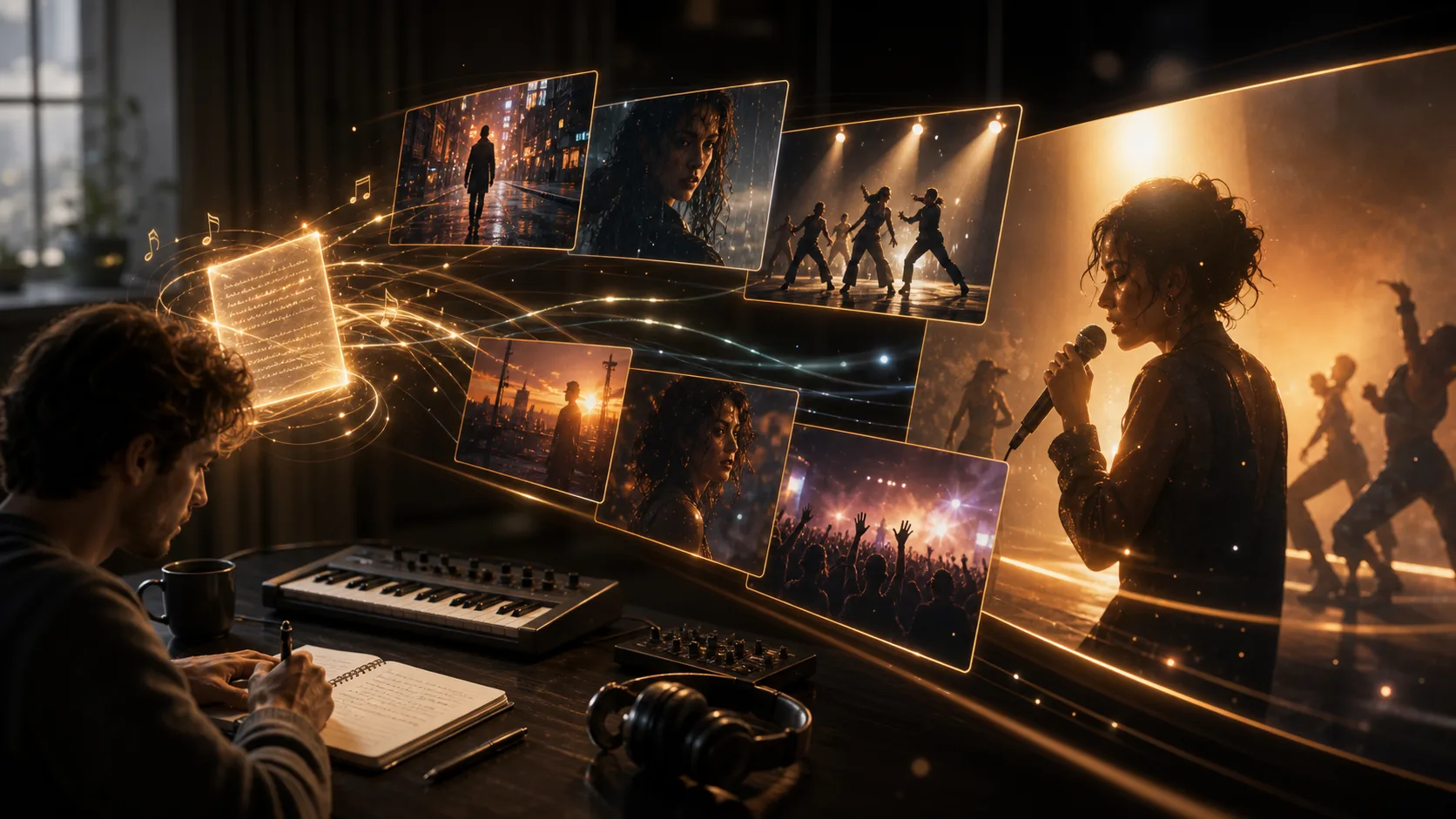
From generated music source to video draft:

01

Add source IDs

Start from a generated music result and paste the music task ID plus the selected audio ID. These source IDs tell the generator which track to use.

02

Choose Visual Style

Choose abstract visualizer, narrative, performance, cover loop, or lyric-inspired directions. Add artist or brand details when they should appear in the concept.

03

Generate & Export

Generate a short music video draft, review the result, and refine the source music or visual direction when you need a different style.

Key Features

AI Music Visualizer

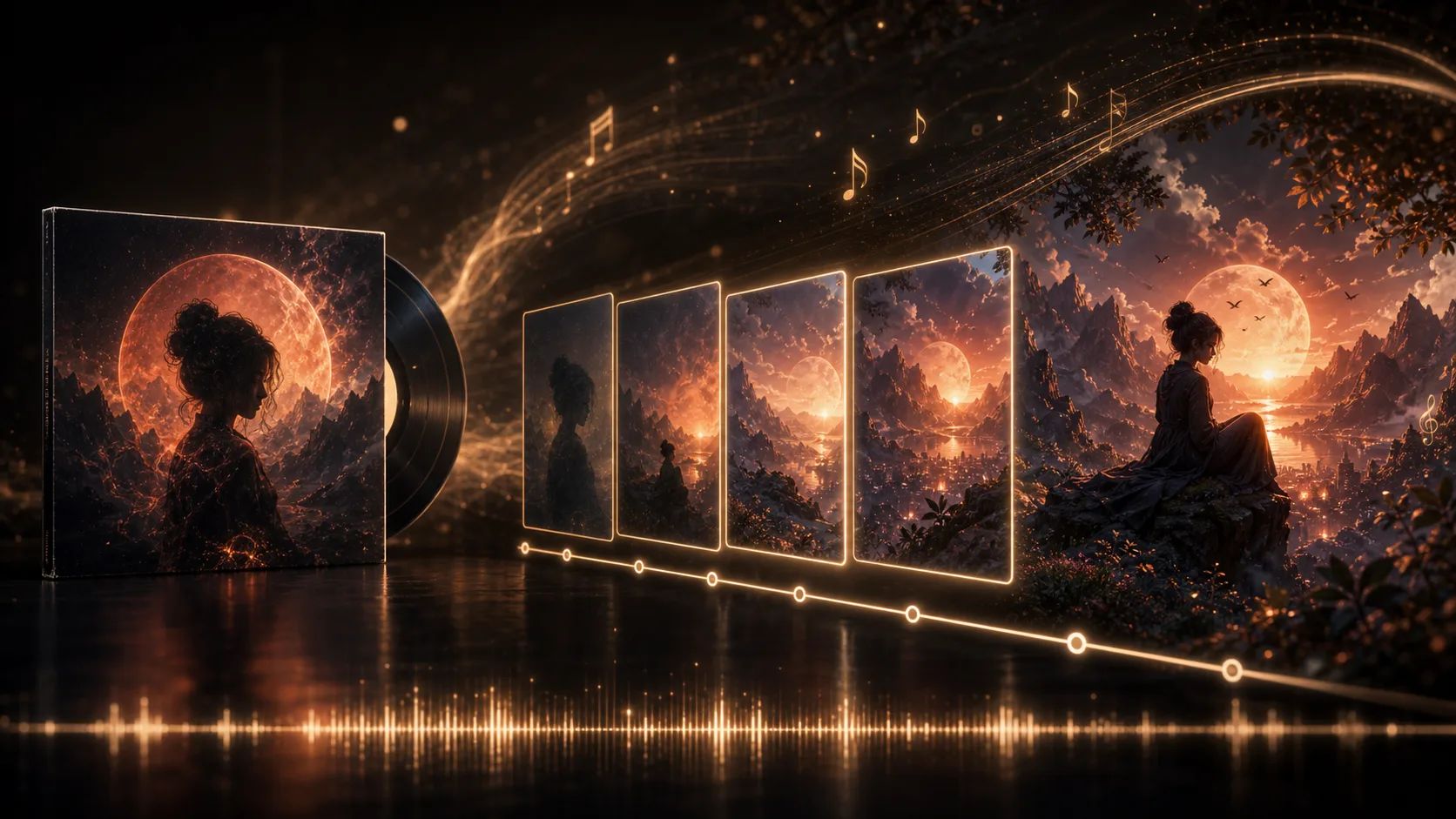
Create abstract visuals, cover loops, and mood-driven scenes that match the feel of a generated track. Review timing and polish before publishing.

Style Templates

Choose from pre-built visual styles - abstract geometric, narrative storytelling, energetic, chill, and more.

Text Overlays

Use artist names, titles, hooks, and short lyric phrases as visual direction. For word-by-word lyrics, finish timing in your video editor.

Social Loop Concepts

Draft short visual loops for release teasers, cover-art motion, and Spotify Canvas-style clips that you can review before platform upload.

Related Tools

Explore more AI-powered tools

Choose Your Plan

Free images include a watermark. Upgrade for clean outputs, faster generation, and commercial use.

Starter Pack

$9

A one-time credit pack for trying image, music, and short video generation.

  • 600 credits
  • Up to 100 images
  • Up to 7 short videos
  • Credits valid for 30 days
  • No watermarks

Creator

$19/mo

Monthly plan · 1,500 credits renew each month

  • 1,500 credits per month
  • Up to 250 images/month
  • Up to 18 short videos/month
  • Works with ClipCanva Pro and other credit models
  • Priority queue
  • Community support
  • No ads
  • No watermarks

Pro

$39/mo

Monthly plan · 4,000 credits renew each month

  • 4,000 credits per month
  • Up to 660 images/month
  • Up to 50 short videos/month
  • Works with ClipCanva Pro and other credit models
  • Highest priority queue
  • Unlock ClipCanva Pro
  • No ads
  • No watermarks
  • Advanced Refine

Studio

$99/mo

Monthly plan · 12,000 credits renew each month

  • 12,000 credits per month
  • Up to 2,000 images/month
  • Up to 150 short videos/month
  • Works with ClipCanva Pro and other credit models
  • Highest priority queue
  • Full privacy
  • Early access to new features
  • Priority support

Monthly plans renew credits each billing cycle. Yearly plans grant 12 months of credits upfront and save 17%. Usage estimates are based on the lowest-cost supported image and video models; premium models, higher resolutions, longer videos, reference-based generation, and advanced tools use more credits.

Team

For agencies, production teams, and custom volume needs.

Contact us

Frequently Asked Questions

Everything you need to know about AI Music Video Generator

What is AI Music Video Generator?
AI Music Video Generator creates video drafts from generated music results. Paste the music task ID and audio ID, add optional artist or brand details, and generate a visual companion for the track.
What source information do I need?
You need the original music task ID and the selected audio ID from a generated music result. The current workflow uses those IDs instead of uploading a local MP3 or WAV file.
Can I use copyrighted music?
Only use music you own or have rights to use. You are responsible for copyright compliance with the generated track or source material you use for the video.
How long does it take?
Generation time depends on the source track and queue status. Most short video drafts are ready in a few minutes, then you can review the result and generate another version if needed.
Can I make an AI music visualizer?
Yes. Use the abstract or cover-loop direction to create an AI music visualizer-style video from a generated track. The output follows the track's overall mood and energy, but you should review timing before publishing.
Can I use it as a Spotify Canvas generator?
You can create Spotify Canvas generator-style short loops for release promotion, cover-art motion, or social teasers. Check Spotify's current specs and review the clip before uploading it to your artist account.
Can it work as a karaoke video maker?
It can create lyric-inspired scenes and performance-style music videos, but it does not guarantee word-by-word lyric timing. For a true karaoke video maker workflow, generate the visual draft here, then add timed lyrics in a dedicated video editor.

Create Your Music Video Now

Add your music task ID and audio ID, then create a visual companion for your generated track.