
Sample brief
What you type
Give the page a topic, audience, product, or platform goal.
Brief
Create a 6-minute YouTube tutorial for solo founders who want to turn one blog post into five short videos.
Optional: attach a reference image
Plan a watchable YouTube video from one idea. Generate the hook, intro, section outline, voiceover notes, retention cues, and ending CTA before you record.
Start with a short brief, then continue in chat with a structured script that is ready to edit or turn into scenes.
Sample brief
Give the page a topic, audience, product, or platform goal.
Create a 6-minute YouTube tutorial for solo founders who want to turn one blog post into five short videos.
Script draft
The output separates the hook, scenes, voiceover, visuals, and CTA.
Cold open
You do not need five new ideas. You need one strong idea that can become five useful clips.
Sections
Problem, source selection, five-angle breakdown, clip script examples, publishing checklist.
Retention cue
At the midpoint, show the finished content map before explaining how each clip is written.
CTA
Ask viewers to try the workflow on their latest post and subscribe for more creator systems.
Use it for tutorials, reviews, explainers, list videos, Shorts, and channel intros that need a clear viewer payoff.
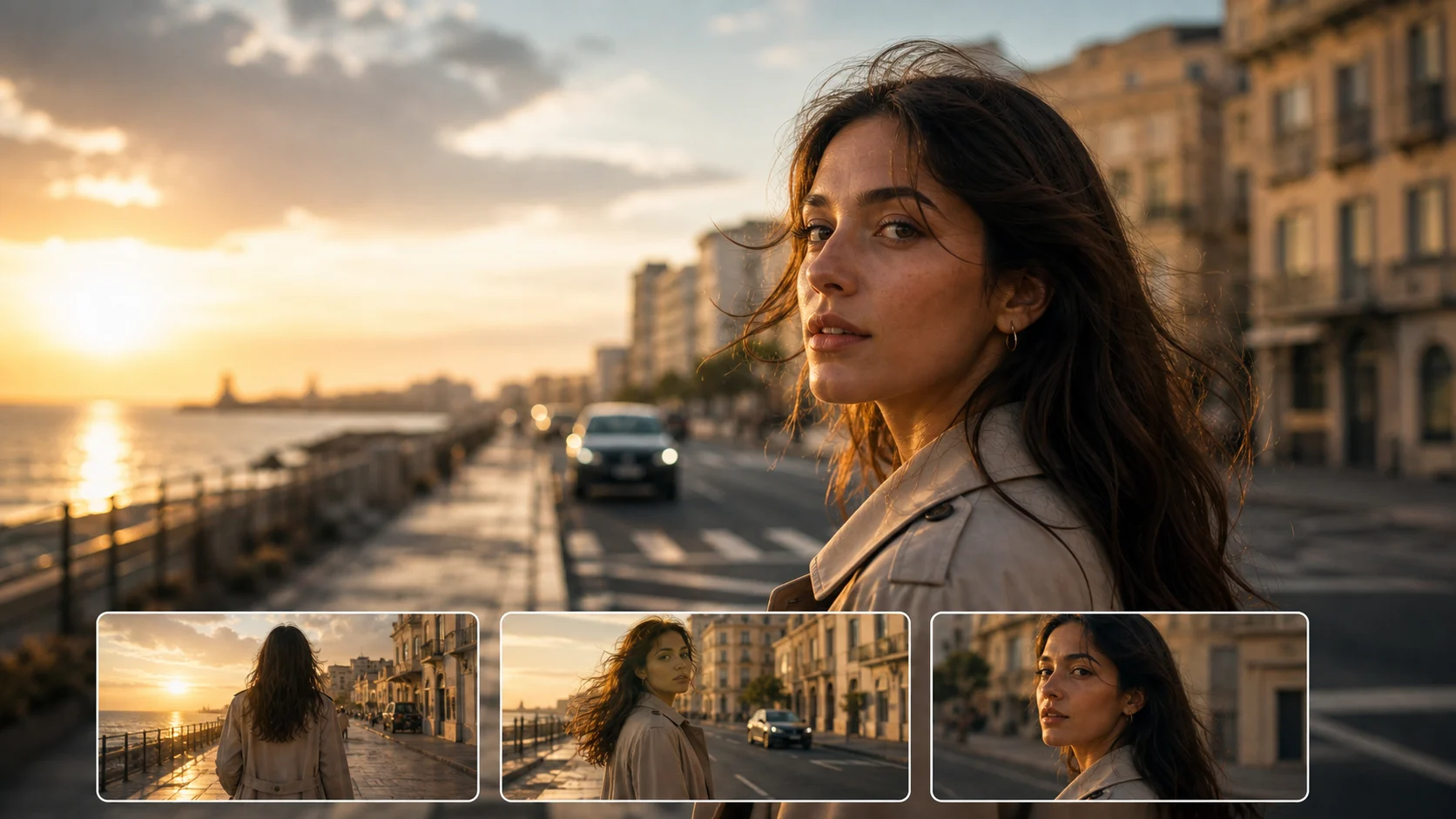 Tutorial
 Review
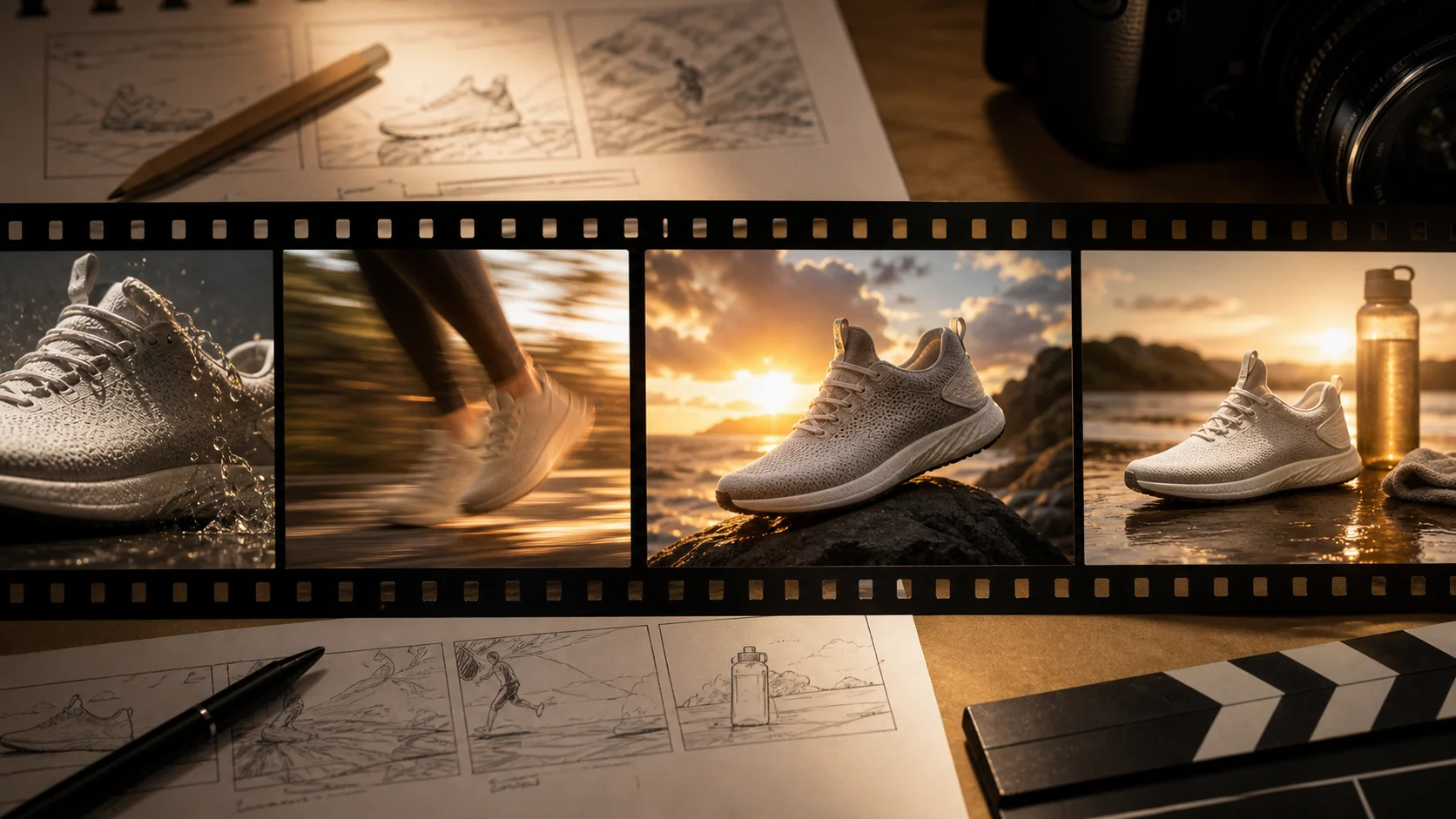 Shorts
A stronger brief gives you a script that is easier to record, edit, and turn into video.
Say whether you need a tutorial, review, list video, intro, explainer, or Short.
Tell the generator what viewers should understand or be able to do by the end.
Include facts, tools, steps, objections, or examples that must appear in the script.
Ask for a subscribe CTA, product click, comment prompt, lead magnet, or next video suggestion.
Plan intros, chapters, callbacks, and endings that match how people watch YouTube.
Add moments that reset attention before viewers drift away.
Get voiceover direction and concise on-screen text for editing.
Turn the script angle into title and thumbnail-friendly ideas.
Continue from script planning into video generation, product visuals, or a broader script draft.
Gratis bilder har vannmerke. Oppgrader for rene resultater, raskere generering og kommersiell bruk.
Startpakke
En engangspakke med kreditter for å prøve bilde-, musikk- og kort videogenerering.
Skaper
Månedsplan · 1 500 kreditter fornyes hver måned
GPT Image 2 Unlimited
Skriv inn koden FOUNDING6 i Stripe Checkout: $19/måned de første 6 månedene, deretter $29/måned.
Pro
For clean, faster outputs
Studio
Månedsplan · 12 000 kreditter fornyes hver måned
Sikker betaling · Abonnementer fornyes automatisk · Se vilkår for refusjon
Team
For byråer, produksjonsteam og tilpassede volumbehov.
Common questions before drafting your next script.
Move from script to generated clips with prompts that already include pacing, visuals, and voiceover direction.