
Cipta dan edit imej dengan Nano Banana 2
Cipta dan edit imej dengan Nano Banana 2 menggunakan arahan teks dan beberapa imej rujukan. Kekalkan konsistensi watak antara suntingan, kemudian semak peraturan kredit atau pelan semasa sebelum menjana.
Prompt Ideas
Start from an example and adapt it to your own project.
Floating islands
Gabungkan berbilang imej
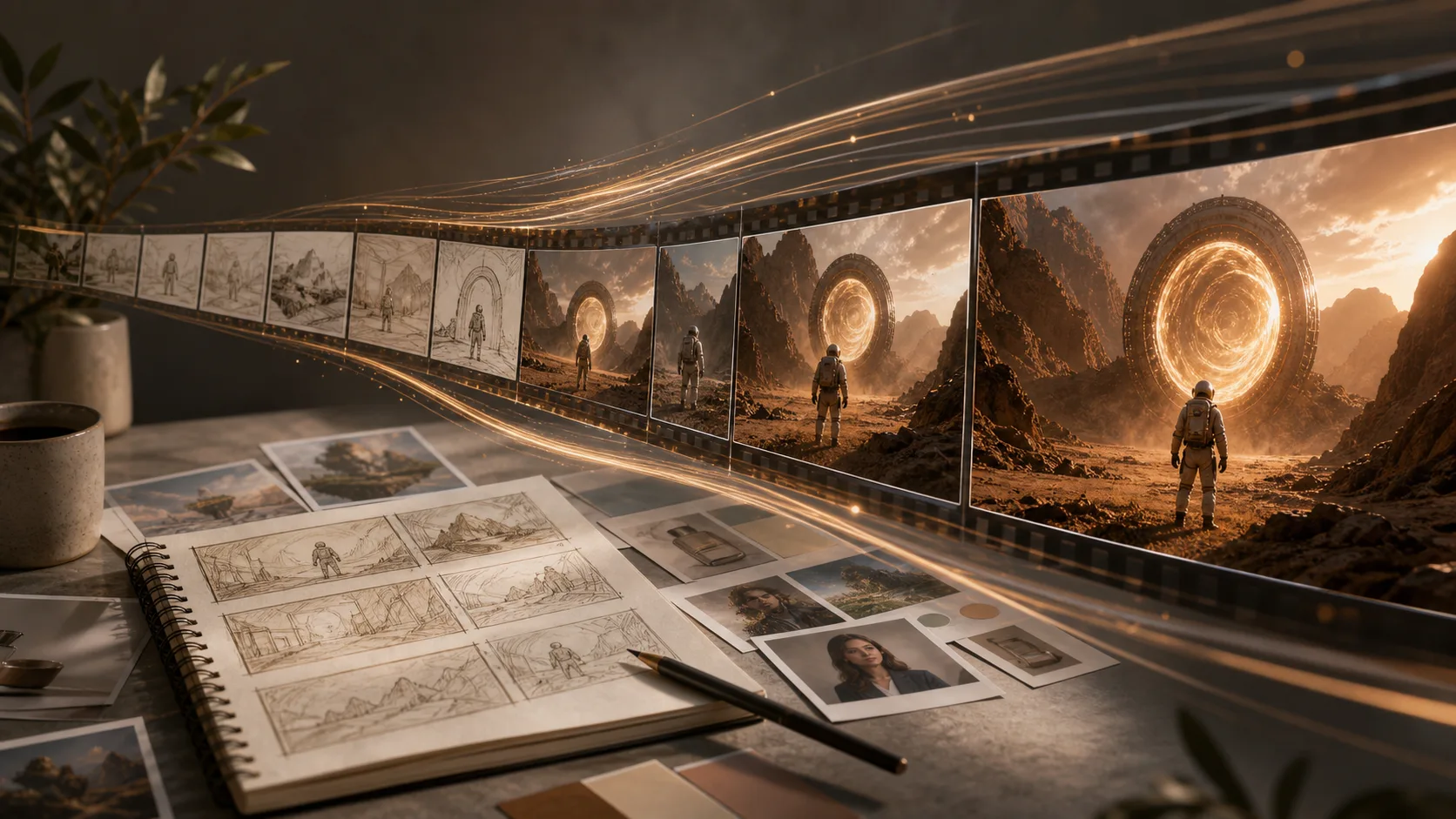
Konsistensi watak
Poster sosial
Apa yang Boleh Anda Cipta
Visual Pemasaran
Cipta konsep kempen, imej iklan, thumbnail, banner, dan siaran media sosial tanpa memulai daripada kanvas kosong.
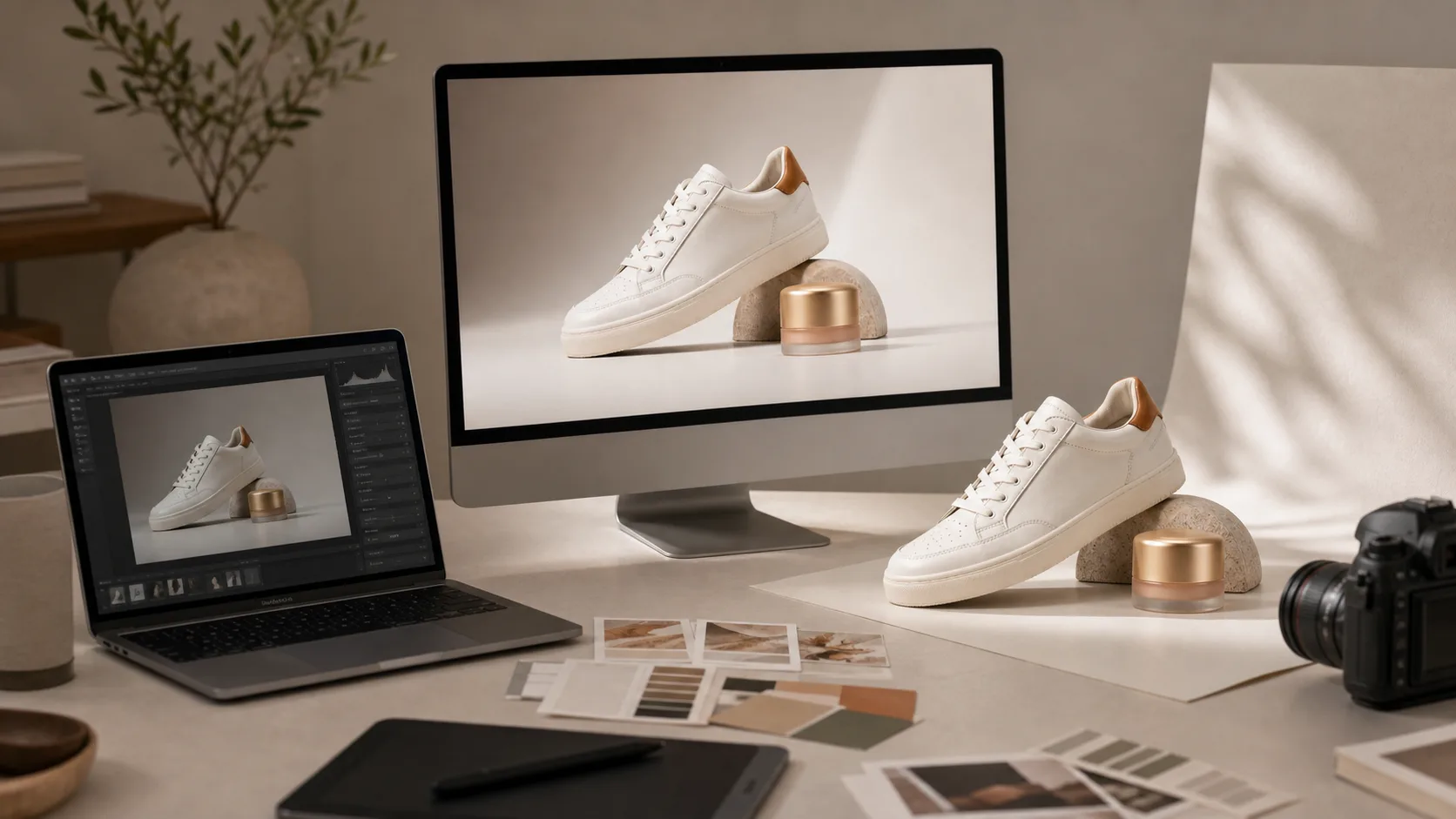
foto Produk & Lifestyle
Cipta scene produk, idea kemasan, latar, dan mood board sebelum memesan fotohoot atau membuka alat reka bentuk.
Kawalan Gaya
Minta arahan bergaya fotorealistik, editorial, sinematik, anime, 3D render, cat air, ilustrasi flat, atau terinspirasi jenama.
Beragam Model Imej
Gunakan model seperti GPT Image 2, DALL-E 3, dan Stable Diffusion daripada satu workspace, lalu bandingkan gaya outputnya.
Alat Imej Berkaitan
Tukar prompt menjadi aset final dengan aliran kerja ClipCanva yang tepat
Pilih Pelan Anda
Imej percuma mempunyai tera air. Naik taraf untuk output bersih, penjanaan lebih pantas dan penggunaan komersial.
Pek Permulaan
Pek kredit sekali sahaja untuk mencuba penjanaan imej, muzik dan video pendek.
- 600 kredit
- ≈ 100 imej GPT Image 2 pada 1K Low (6 kredit setiap imej)
- Sehingga 7 video pendek
- Kredit sah selama 30 hari
- Tiada tera air
Pencipta
Pelan bulanan · 1,500 kredit diperbaharui setiap bulan
- 1,500 kredit sebulan
- ≈ 250 imej GPT Image 2 pada 1K Low (6 kredit setiap imej)
- Sehingga 18 video pendek sebulan
- Berfungsi dengan ClipCanva Pro dan model kredit lain
- Barisan keutamaan
- Sokongan komuniti
- Tiada iklan
- Tiada tera air
GPT Image 2 Unlimited
Masukkan kod FOUNDING6 di Stripe Checkout: $19/bulan untuk 6 bulan pertama, kemudian $29/bulan.
- Penjanaan GPT Image 2 tanpa had
- Teks kepada imej dan imej kepada imej
- GPT Image 2 tidak memerlukan kredit
- Model lain menggunakan kredit
- Tiada tera air
Pro
Pelan bulanan · 4,000 kredit diperbaharui setiap bulan
- 4,000 kredit sebulan
- ≈ 666 imej GPT Image 2 pada 1K Low (6 kredit setiap imej)
- Sehingga 50 video pendek sebulan
- Berfungsi dengan ClipCanva Pro dan model kredit lain
- Barisan keutamaan tertinggi
- Buka kunci ClipCanva Pro
- Tiada iklan
- Tiada tera air
- Penapisan Lanjutan
Studio
Pelan bulanan · 12,000 kredit diperbaharui setiap bulan
- 12,000 kredit sebulan
- ≈ 2000 imej GPT Image 2 pada 1K Low (6 kredit setiap imej)
- Sehingga 150 video pendek sebulan
- Berfungsi dengan ClipCanva Pro dan model kredit lain
- Barisan keutamaan tertinggi
- Akses awal kepada ciri baharu
- Sokongan keutamaan
Pembayaran selamat · Langganan diperbaharui secara automatik · Lihat syarat bayaran balik
Pasukan
Untuk agensi, pasukan pengeluaran dan keperluan volum tersuai.
Soalan Lazim Teks kepada Imej
Apa itu AI teks kepada imej?
Bagaimana cara menulis prompt imej yang lebih baik?
Bolehkah saya menggunakan teks kepada imej untuk pekerjaan komersial?
Cipta Imej AI Pertama anda
Mula dengan prompt sederhana, lalu perhalusi menjadi visual siap produksi.