
एक मूळ प्रतिमा अपलोड करा
मोठ्या पिक्सेल परिमाणांची गरज असलेला उत्पादन फोटो, थंबनेल, सोशल ग्राफिक, स्कॅन केलेली प्रतिमा किंवा इतर दृश्य निवडा.
लहान प्रतिमा अपलोड करा, तिचे पिक्सेल परिमाण वाढवा, आधीचा आणि नंतरचा निकाल तुलना करा आणि तो अपेक्षित वापरासाठी योग्य असल्यास मोठी आवृत्ती डाउनलोड करा.
डिफॉल्ट मोड
अपलोडसाठी तयार
पूर्वावलोकन, तुलना आणि डाउनलोड करा
कृत्रिम बुद्धिमत्ता प्रतिमा स्केलर एका मूळ प्रतिमेची अधिक पिक्सेल असलेली आवृत्ती तयार करतो. उत्पादन सूची, थंबनेल, सादरीकरण, सोशल पोस्ट किंवा प्रिंट मसुद्यासाठी प्रतिमा लहान असल्यास तो उपयुक्त असतो, परंतु मोठ्या निकालाची दृश्य तपासणी करणे आवश्यक असते.
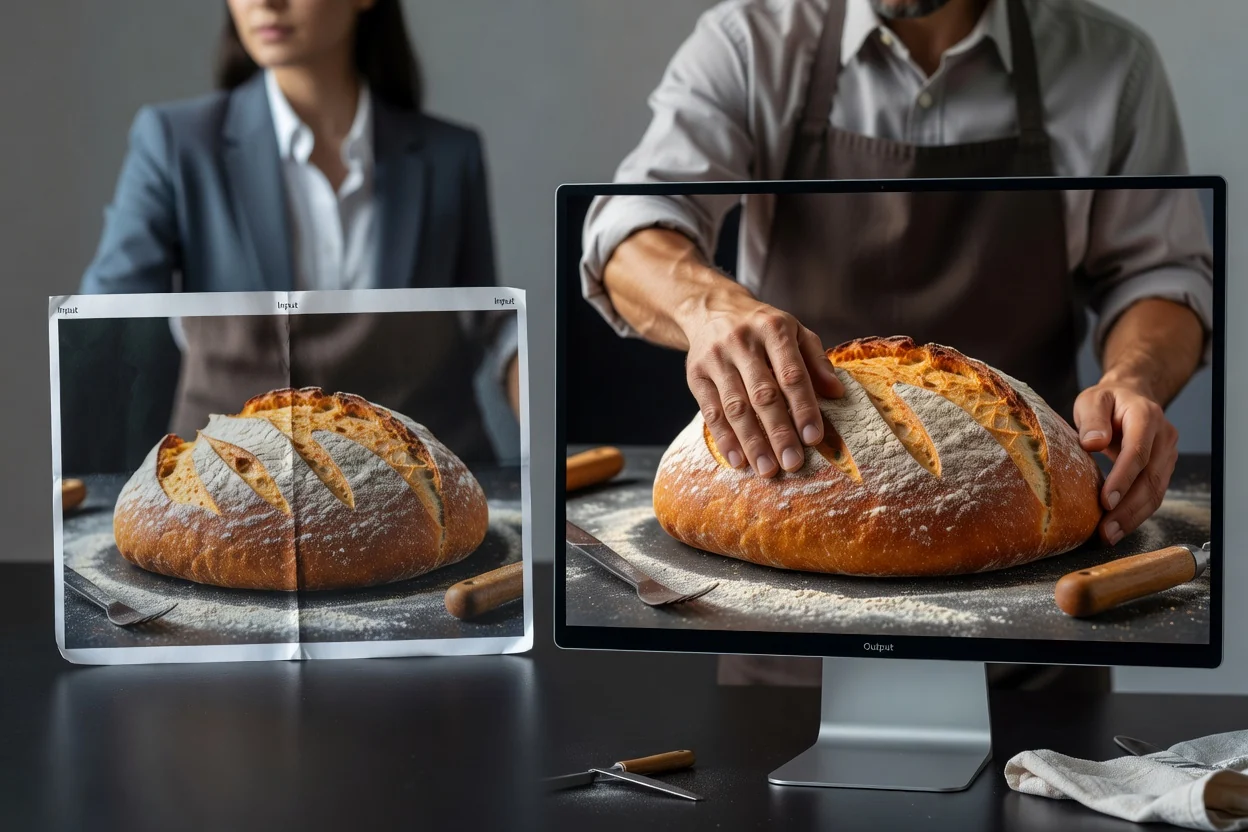
अंतिम वापरापासून सुरुवात करा आणि ज्या आकारात मोठा निकाल दिसेल त्या आकारात त्याची तपासणी करा.
मोठ्या पिक्सेल परिमाणांची गरज असलेला उत्पादन फोटो, थंबनेल, सोशल ग्राफिक, स्कॅन केलेली प्रतिमा किंवा इतर दृश्य निवडा.
मोठी प्रतिमा सूची, थंबनेल, जाहिरात, सादरीकरण, सोशल पोस्ट किंवा प्रिंट मसुद्यासाठी आहे का ते ठरवा.
प्रतिमा प्रक्रिया करा, मूळ आणि निकालाची तुलना करा, मग डाउनलोड करण्यापूर्वी कडा, मजकूर, चेहरे आणि पोत तपासा.
थेट तुलनेसाठी हे साधन एक मूळ प्रतिमा, एक मोठा निकाल आणि उपलब्ध स्केल पर्याय एकत्र ठेवते.
कडा, मजकूर, चेहरे आणि पोत यांमधून उपयुक्त मूळ माहिती मिळावी म्हणून उपलब्ध सर्वांत स्पष्ट प्रतिमा अपलोड करा.
मूळ प्रतिमेशी तुलना केल्यानंतर वाढलेल्या पिक्सेल परिमाणांची अपस्केल केलेली आवृत्ती डाउनलोड करा.
उपलब्ध वाढवण्याची पातळी निवडा, प्रतिमा प्रक्रिया करा आणि आधीच्या व नंतरच्या पॅनेलची तपासणी करा.
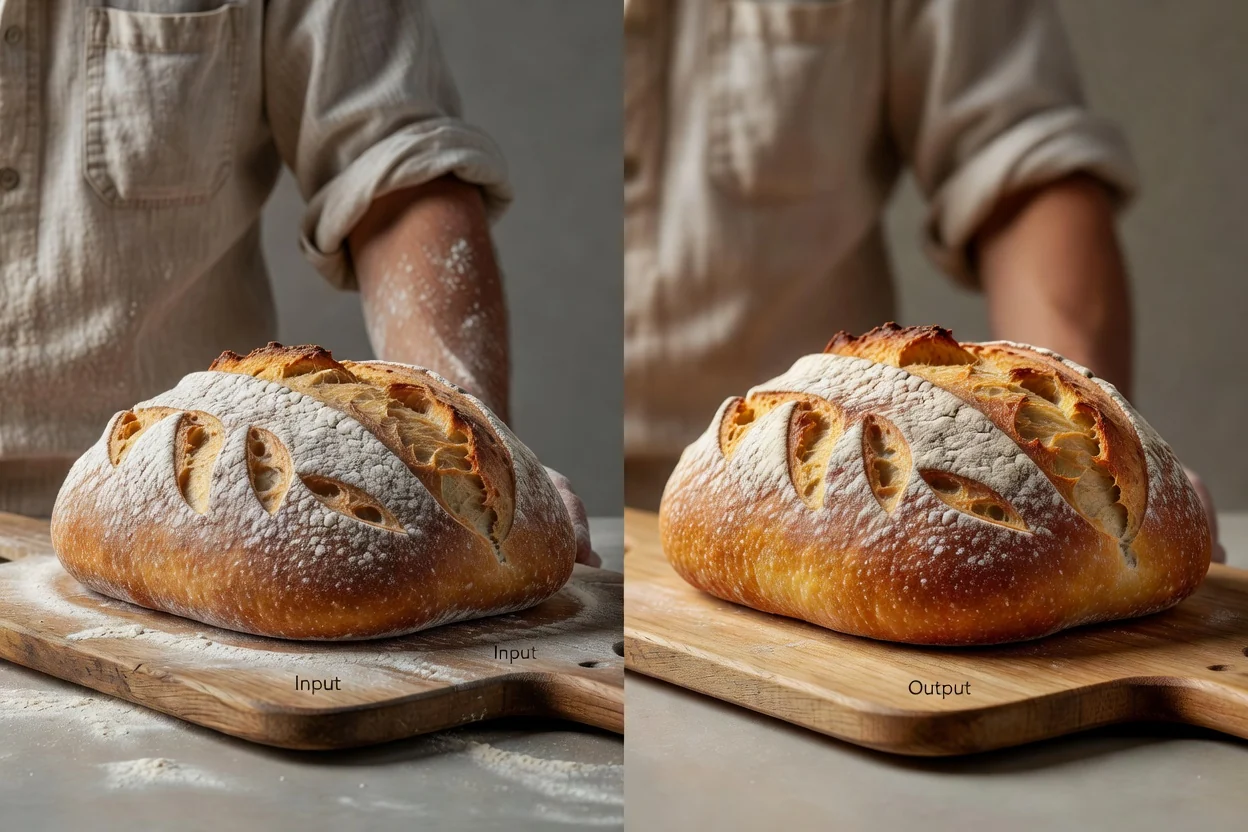
निश्चित उपयुक्तता कार्यपद्धती एका प्रतिमेच्या कामाभोवती अपलोड, प्रक्रिया, तुलना आणि डाउनलोड एकत्र ठेवते.
ज्या मांडणीत किंवा माध्यमात प्रतिमा दिसणे आवश्यक आहे, त्यासाठी मूळ फाइल खूप लहान असल्यास मोठे आउटपुट तयार करा.
साध्या आकारबदलात विद्यमान पिक्सेल ताणून मोठी फाइल तयार होणार असल्यास प्रतिमा सुधारणा प्रक्रिया वापरा.
तयार प्रतिमा ठेवण्यापूर्वी मूळ प्रतिमा आणि अपस्केल केलेला निकाल तुलना करा.
ई-कॉमर्स, थंबनेल, जाहिराती, सादरीकरणे, सोशल पोस्ट आणि प्रिंट मसुद्यांसाठी मोठ्या मूळ प्रतिमा तयार करा.
प्रत्येक फाइल डीफॉल्टनुसार मोठी करण्याऐवजी विशिष्ट वापरासाठी मोठा आउटपुट निवडा.
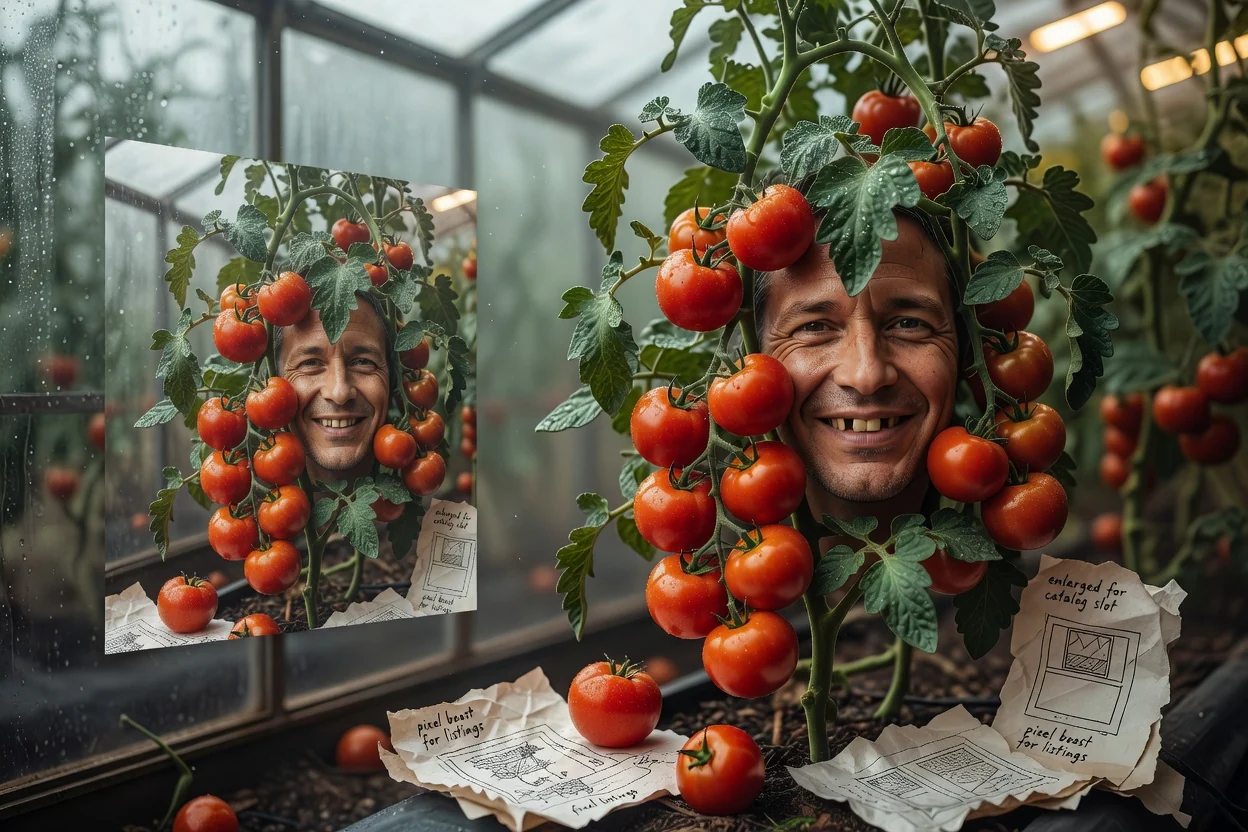
मार्केटप्लेस, स्टोअरफ्रंट किंवा कॅटलॉगमधील जागेसाठी अधिक पिक्सेल आवश्यक असल्यास मोठी उत्पादन प्रतिमा तयार करा.
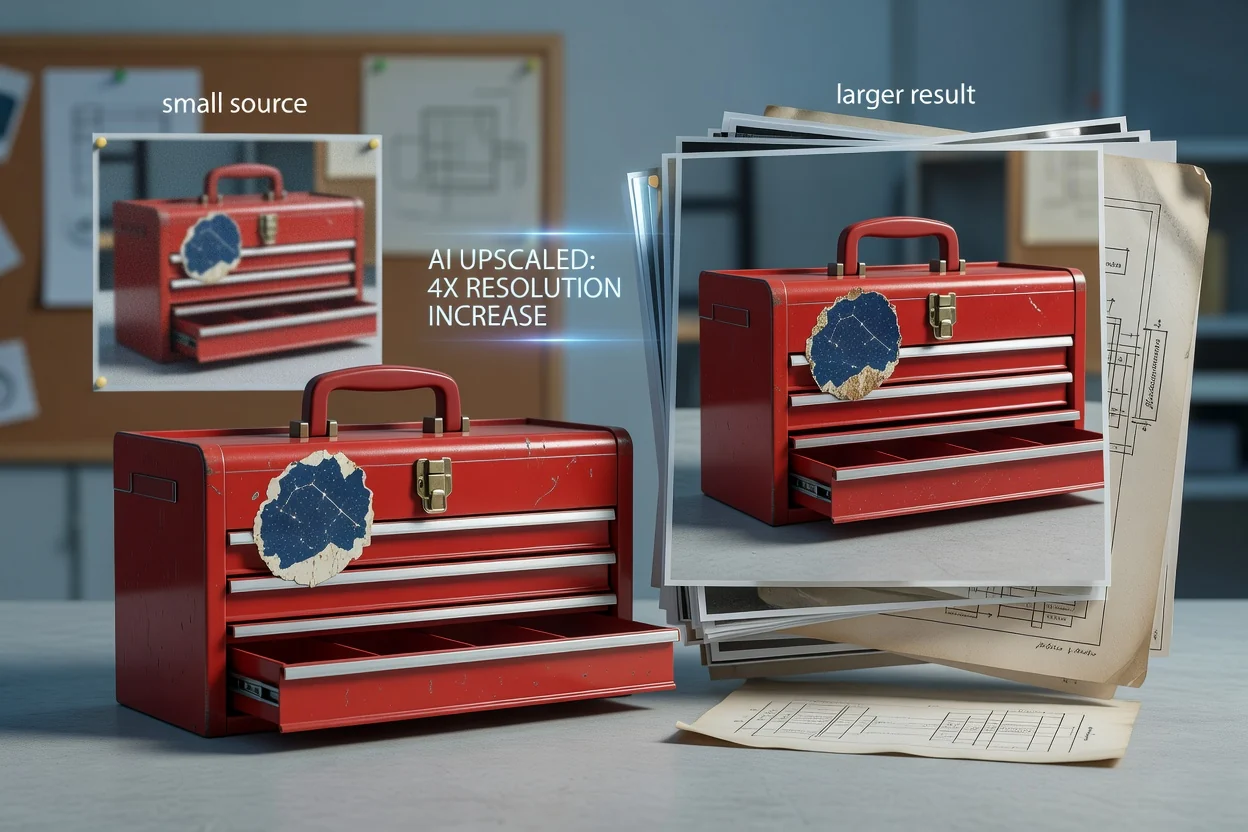
थंबनेल, मोहिमेचे ग्राफिक, सादरीकरण किंवा सोशल मांडणीत ठेवण्यापूर्वी लहान मूळ प्रतिमा मोठी करा.
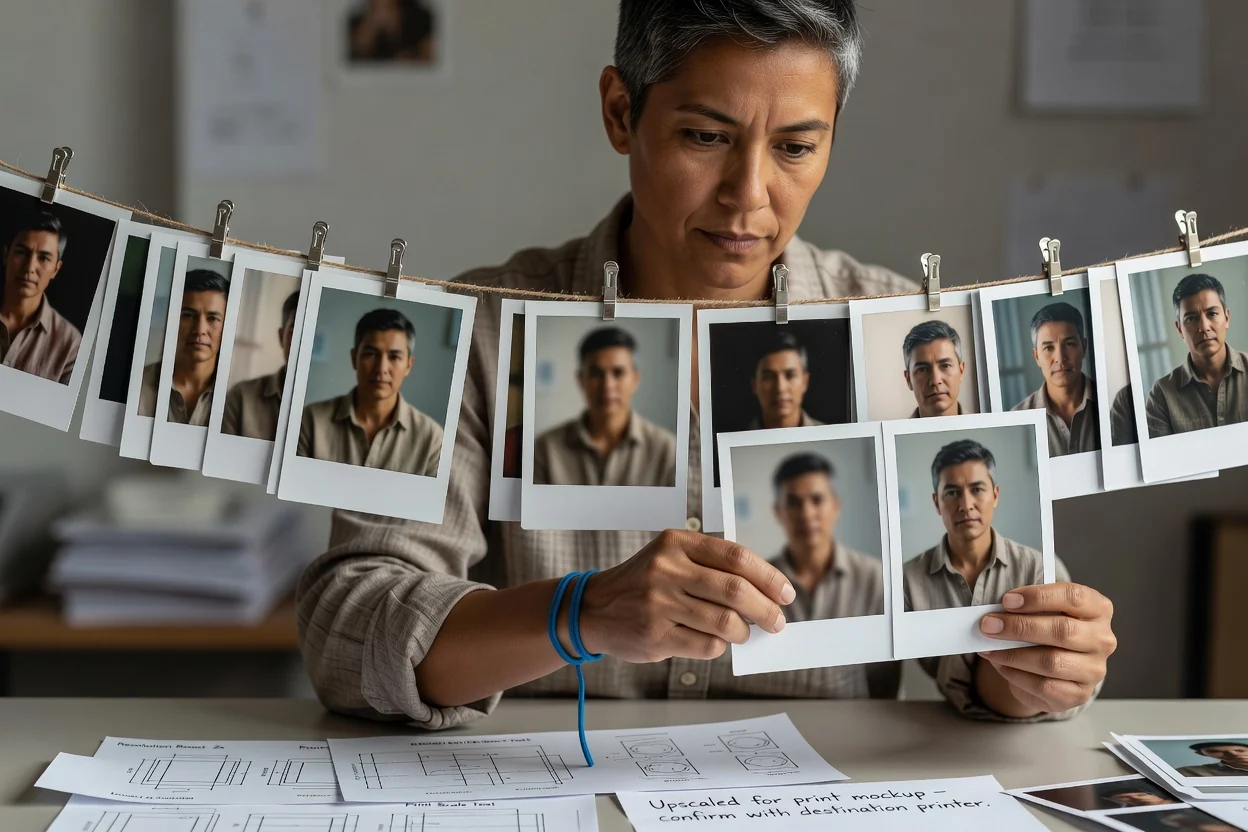
प्रिंट मॉकअप किंवा स्लाइडसाठी मोठ्या आवृत्तीची चाचणी घ्या आणि नंतर अंतिम वापरासह प्रभावी रेझोल्यूशनची खात्री करा.
अपस्केलिंगमुळे मोठा आणि अधिक स्वच्छ दिसणारा आउटपुट तयार होऊ शकतो, पण मूळ प्रतिमेत कधीही नोंदवली न गेलेली माहिती ते पुनर्प्राप्त करू शकत नाही.
अतिशय लहान, धूसर, कंप्रेस केलेल्या किंवा खराब मूळ प्रतिमा अपस्केलिंगनंतरही मऊ दिसू शकतात किंवा त्यात कृत्रिम पोत असू शकतो.
अंतिम प्रदर्शन आकारात अक्षरे, लोगो, चेहऱ्याची वैशिष्ट्ये, पुनरावृत्ती नमुने, कडा आणि उत्पादनाचे लहान तपशील तपासा.
दृश्यमान फायदा नसताना अनावश्यकपणे मोठ्या फाइल्स तयार करण्याऐवजी अपेक्षित वापराशी जुळणारा आउटपुट आकार निवडा.
प्रतिमा स्केलिंग, आउटपुट परिमाणे, मूळ प्रतिमेची गुणवत्ता आणि आधी-नंतरच्या पुनरावलोकनाबद्दल उत्तरे.
पुढील काम कंप्रेशन, क्रॉपिंग किंवा फॉरमॅट रूपांतरणाचे असल्यास त्यासाठी केंद्रित प्रक्रिया सुरू ठेवा.
एक मूळ प्रतिमा अपलोड करा, मोठी आवृत्ती प्रक्रिया करा आणि डाउनलोड करण्यापूर्वी महत्त्वाच्या तपशिलांची तुलना करा.