
Seedance 2.0 Mini 동영상 모델 가이드
제품 공개, 사람의 움직임, 애니메이션 캠페인 컨셉에 대한 간결한 짧은 비디오 워크플로우를 검토하세요. 정확한 미니 모델은 아직 ClipCanva에 연결되지 않았습니다.
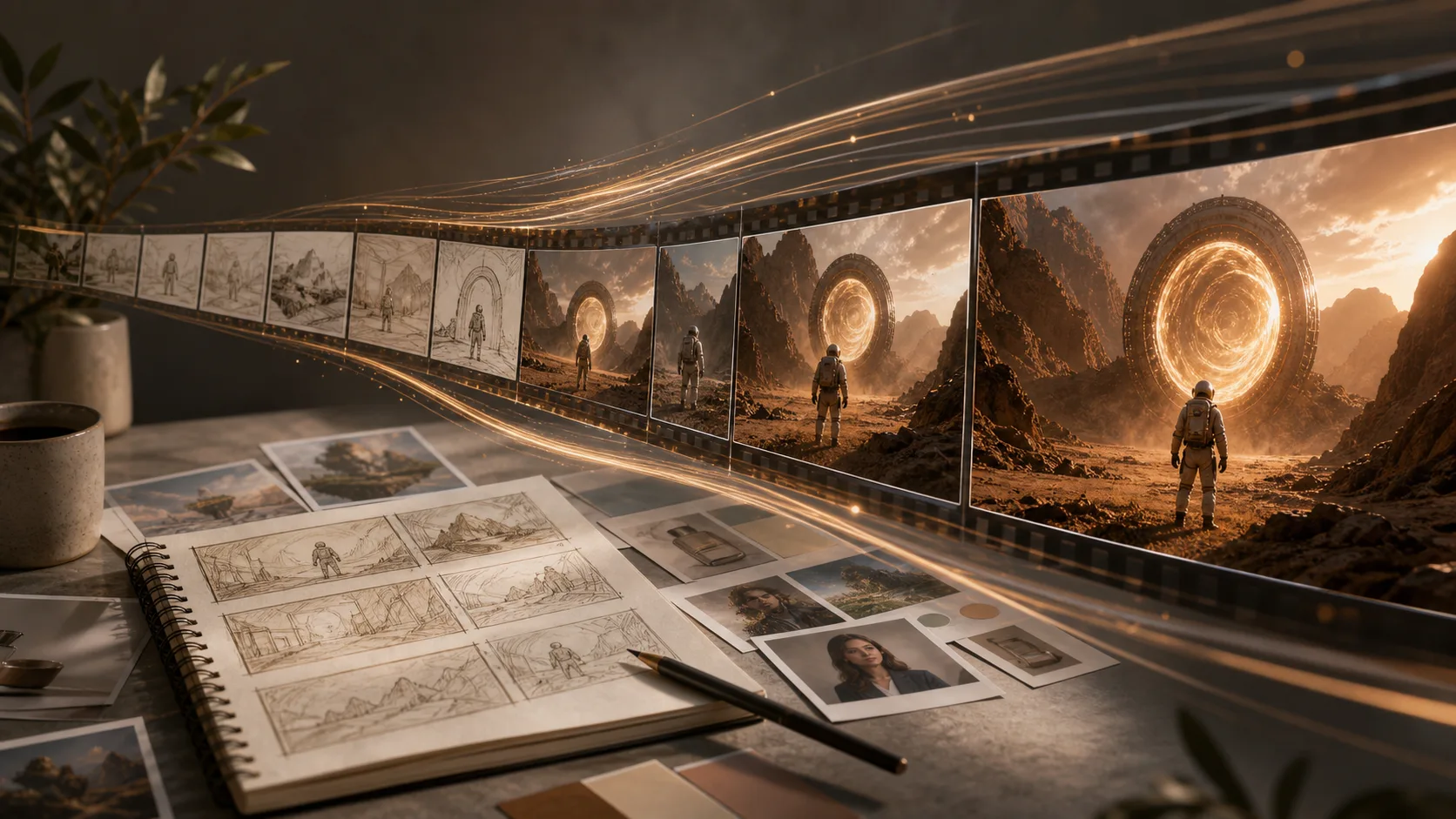
Seedance 2.0 Mini 작업 흐름 참조
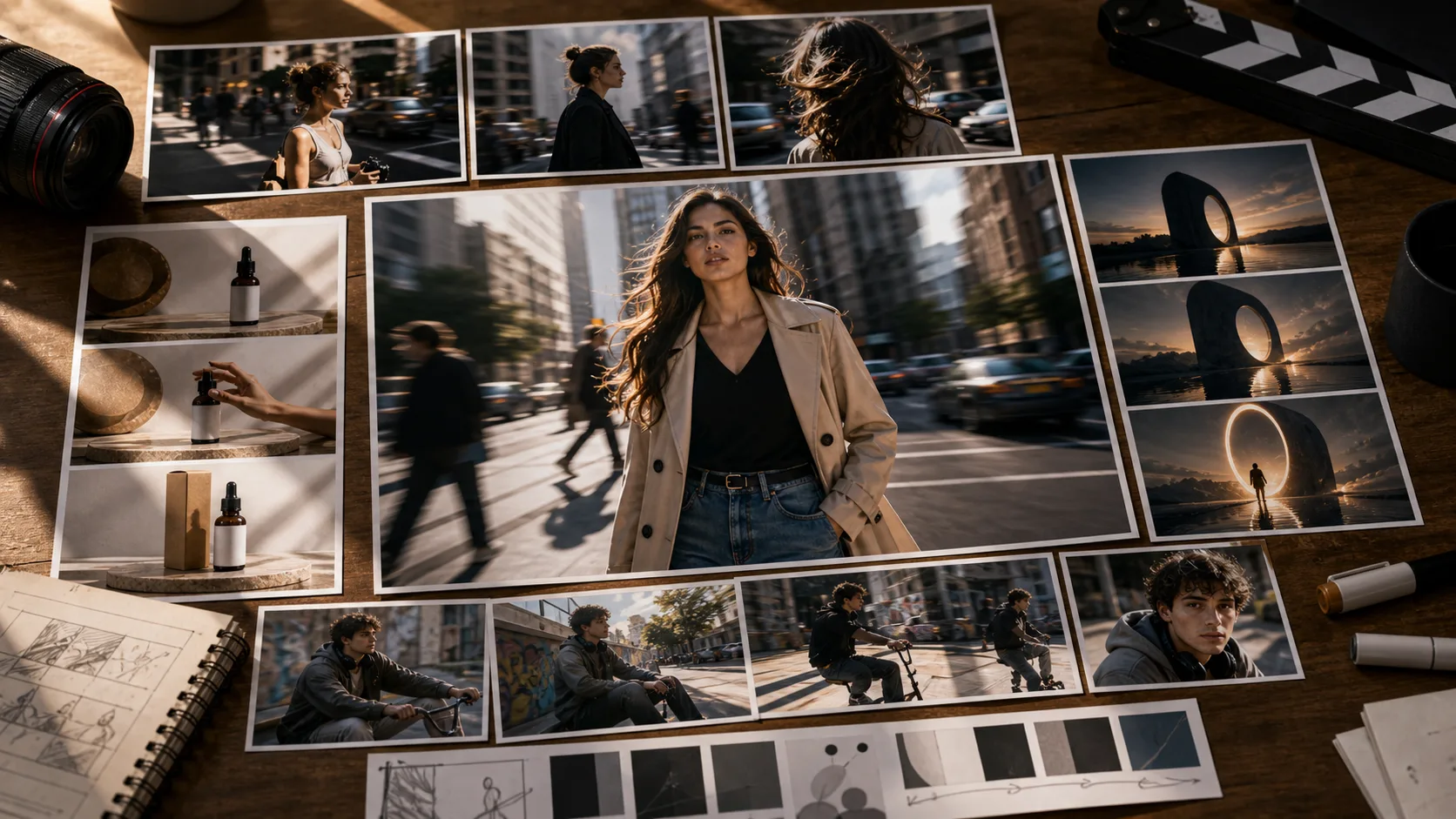
이 스틸 이미지는 스토리보드와 모션 기획 방향을 설명하기 위한 참고 자료입니다. Seedance 2.0 Mini의 생성 결과나 비디오 벤치마크가 아닙니다.
간결한 비디오 브리핑 작성 방법
주제를 잠그세요
주요 인물이나 제품의 이름을 지정하고 장면 내내 안정적으로 유지되어야 하는 시각적 세부정보를 나열하세요.
하나의 기본 작업 사용
짧은 클립으로 명확하게 읽을 수 있는 걷기, 회전, 드러내기, 들어올리기 또는 환경 변화를 선택하세요.
하나의 카메라 이동을 선택하세요
충돌하는 방향 대신 제한된 푸시인, 추적 이동, 궤도, 기울기 또는 정적 구성을 사용하십시오.
결말을 정의하다
모션의 목적지가 명확하도록 피사체와 카메라가 끝나는 위치를 지정합니다.
사용 가능한 비디오 모델 비교
모션 품질, 카메라 제어 및 워크플로 요구 사항에 따라 연결된 모델을 선택하세요.

요금제 선택
무료 이미지는 워터마크가 포함됩니다. 깨끗한 출력, 더 빠른 생성, 상업적 사용을 위해 업그레이드하세요.
스타터 팩
이미지, 음악, 짧은 동영상 생성을 시험해 볼 수 있는 일회성 크레딧 팩입니다.
- 600 크레딧
- GPT Image 2 1K Low 약 100장(이미지당 6크레딧)
- 짧은 동영상 최대 7개
- 크레딧 30일 유효
- 워터마크 없음
크리에이터
월간 요금제 · 매월 1,500 크레딧 갱신
- 월 1,500 크레딧
- GPT Image 2 1K Low 약 250장(이미지당 6크레딧)
- 월 짧은 동영상 최대 18개
- ClipCanva Pro 및 기타 크레딧 모델과 함께 사용 가능
- 우선 대기열
- 커뮤니티 지원
- 광고 없음
- 워터마크 없음
GPT Image 2 Unlimited
Stripe Checkout에서 코드 FOUNDING6을 입력하면 처음 6개월은 월 $19, 이후 월 $29입니다.
- GPT Image 2 무제한 생성
- 텍스트 이미지 생성 및 이미지 편집
- GPT Image 2는 크레딧 불필요
- 다른 모델은 크레딧 사용
- 워터마크 없음
프로
월간 요금제 · 매월 4,000 크레딧 갱신
- 월 4,000 크레딧
- GPT Image 2 1K Low 약 666장(이미지당 6크레딧)
- 월 짧은 동영상 최대 50개
- ClipCanva Pro 및 기타 크레딧 모델과 함께 사용 가능
- 최상위 우선 대기열
- ClipCanva Pro 잠금 해제
- 광고 없음
- 워터마크 없음
- 고급 보정
스튜디오
월간 요금제 · 매월 12,000 크레딧 갱신
- 월 12,000 크레딧
- GPT Image 2 1K Low 약 2000장(이미지당 6크레딧)
- 월 짧은 동영상 최대 150개
- ClipCanva Pro 및 기타 크레딧 모델과 함께 사용 가능
- 최상위 우선 대기열
- 새 기능 조기 이용
- 우선 지원
안전한 결제 · 구독은 자동 갱신 · 환불 조건 확인
팀
에이전시, 제작팀, 맞춤형 대량 사용에 적합합니다.