Product Video Script Generator

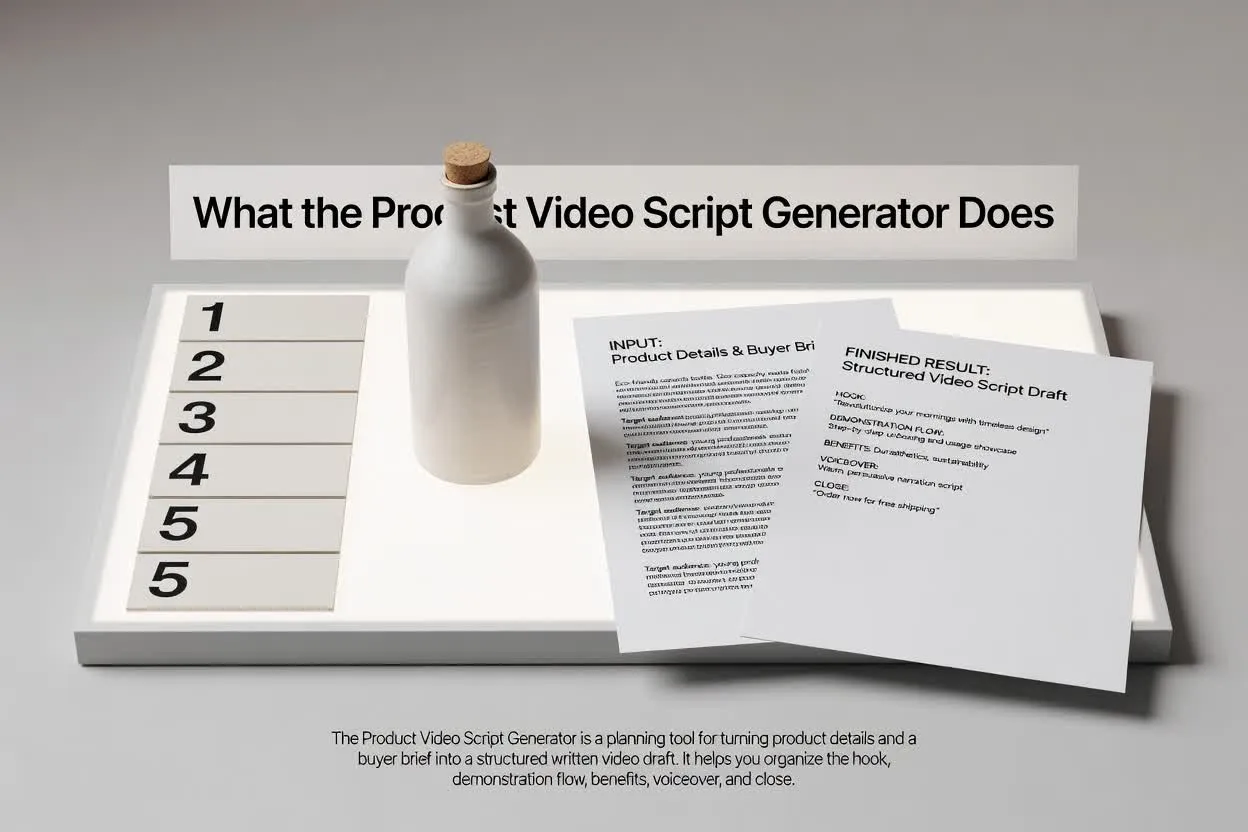
Turn product details into a video script that shows what the product is, why it matters, how it works, and what buyers should do next.

Product DemosLaunch VideosFeature VideosEcommerceSaaS

Need inspiration?

See how the script draft is structured

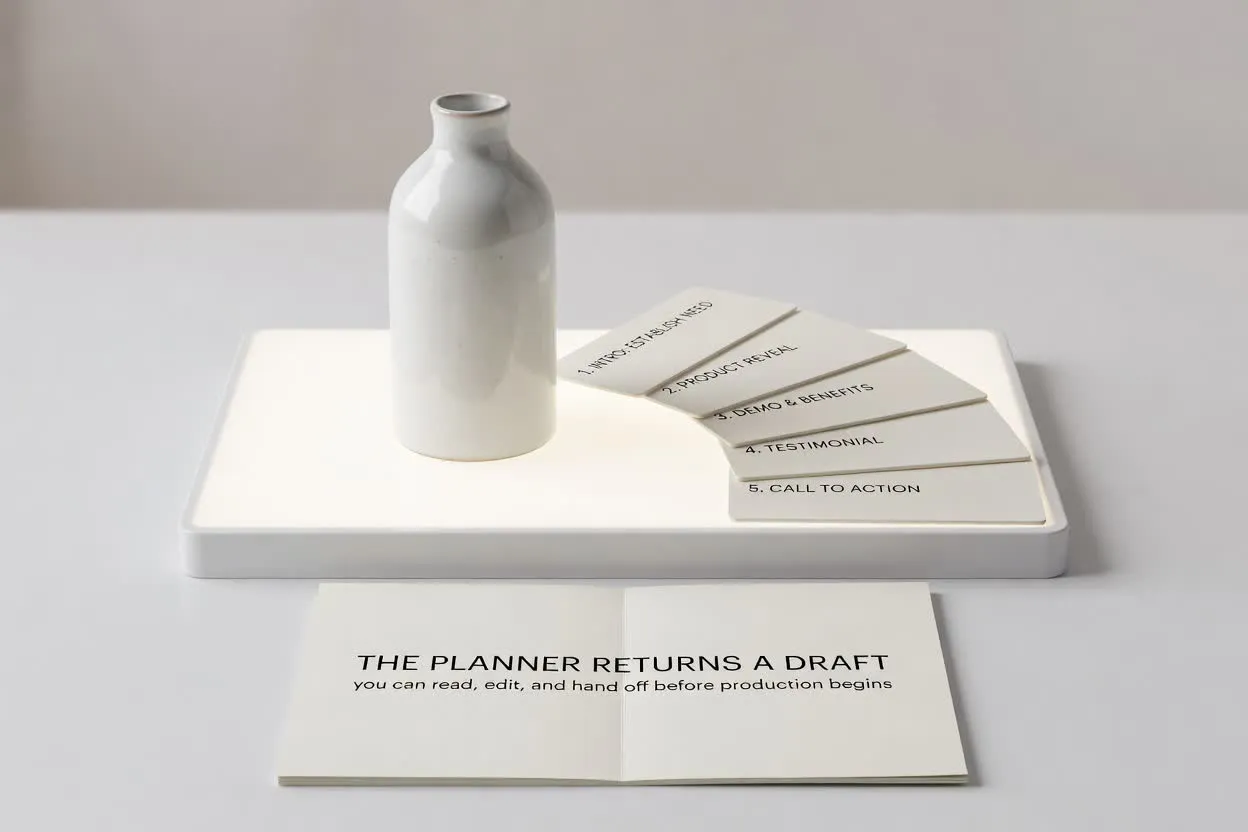
Start with a short brief, then continue in chat with a structured script that is ready to edit or turn into scenes.

Sample brief

What you type

Give the page a topic, audience, product, or platform goal.

Brief

Create a 60-second product video for a browser extension that summarizes long articles into action notes.

Optional: attach a reference image

Script draft

What you get

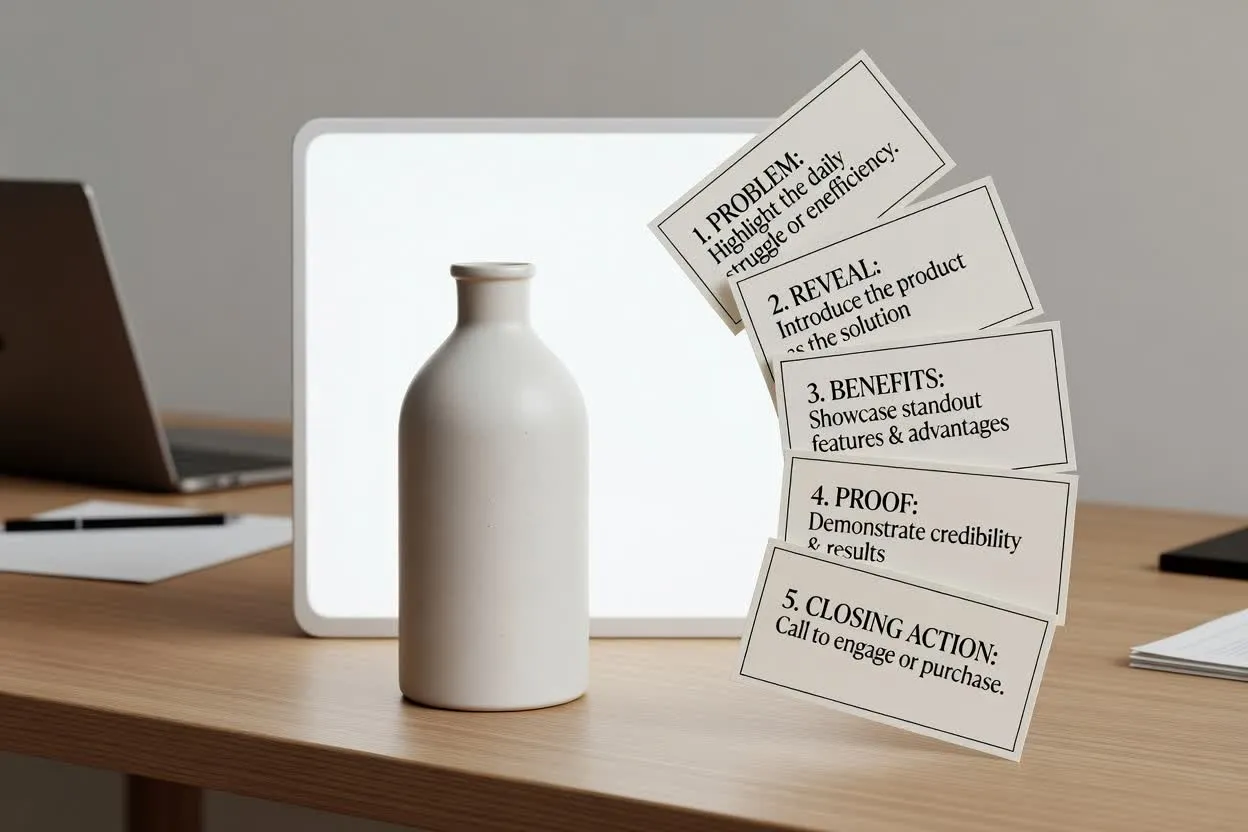
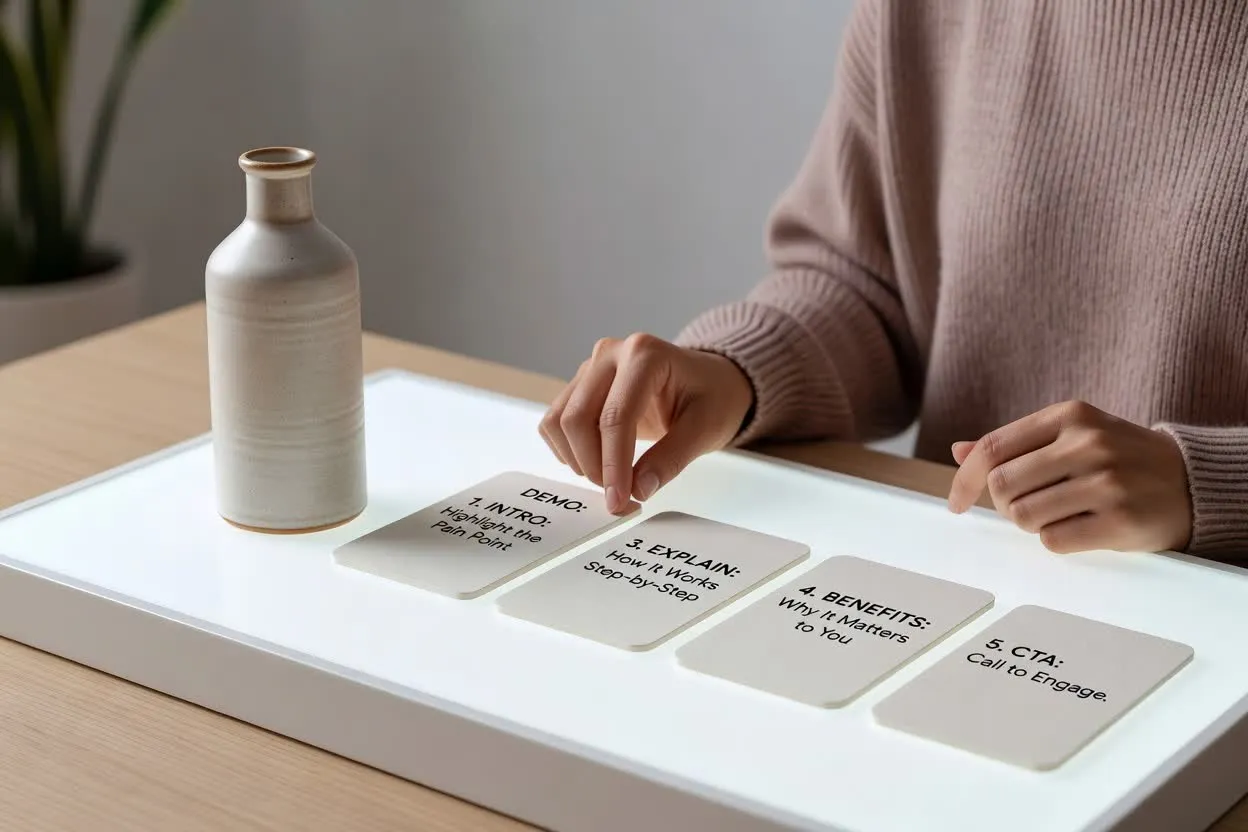
The output separates the hook, scenes, voiceover, visuals, and CTA.

Intro

Long articles are useful. Losing the action points is the part that costs you time.

Demo scenes

Open article, click extension, show summary, convert bullets into action list, save to workspace.

Benefit

Users leave with decisions and next steps, not another tab they promise to revisit.

CTA

Install it before your next research session and turn reading into action.

Product Video Scripts for Demos, Launches, and Sales Pages

Create scripts for SaaS product demos, ecommerce videos, app launches, feature explainers, and buyer education clips.

How to use the Product Video Script Generator

A stronger brief gives you a script that is easier to record, edit, and turn into video.

01

List the buyer and job

Say who buys or uses the product and what job they need it to perform.

02

Map features to outcomes

Include the key features, but ask the script to translate each one into a buyer benefit.

03

Define the demo moment

Describe what should be shown on screen: product close-up, app flow, before-and-after, or use case.

04

Close with the buying action

Choose whether the script should drive a trial, checkout, quote, demo, sample request, or signup.

Explain Products Through Use Cases

Product-first structure

Introduce the product clearly without turning the script into a feature list.

Feature-benefit mapping

Connect every product detail to a practical customer outcome.

Demo-ready scenes

Plan what the viewer should see while the voiceover explains the value.

Buyer-focused CTA

End with the next action that matches the sales motion.

관련 도구 살펴보기

Continue from script planning into video generation, product visuals, or a broader script draft.

요금제 선택

무료 이미지는 워터마크가 포함됩니다. 깨끗한 출력, 더 빠른 생성, 상업적 사용을 위해 업그레이드하세요.

스타터 팩

$9

이미지, 음악, 짧은 동영상 생성을 시험해 볼 수 있는 일회성 크레딧 팩입니다.

  • 600 크레딧
  • 이미지 최대 100개
  • 짧은 동영상 최대 7개
  • 크레딧 30일 유효
  • 워터마크 없음

크리에이터

$19/mo

월간 요금제 · 매월 1,500 크레딧 갱신

  • 월 1,500 크레딧
  • 월 이미지 최대 250개
  • 월 짧은 동영상 최대 18개
  • ClipCanva Pro 및 기타 크레딧 모델과 함께 사용 가능
  • 우선 대기열
  • 커뮤니티 지원
  • 광고 없음
  • 워터마크 없음

프로

$39/mo

월간 요금제 · 매월 4,000 크레딧 갱신

  • 월 4,000 크레딧
  • 월 이미지 최대 660개
  • 월 짧은 동영상 최대 50개
  • ClipCanva Pro 및 기타 크레딧 모델과 함께 사용 가능
  • 최상위 우선 대기열
  • ClipCanva Pro 잠금 해제
  • 광고 없음
  • 워터마크 없음
  • 고급 보정

스튜디오

$99/mo

월간 요금제 · 매월 12,000 크레딧 갱신

  • 월 12,000 크레딧
  • 월 이미지 최대 2,000개
  • 월 짧은 동영상 최대 150개
  • ClipCanva Pro 및 기타 크레딧 모델과 함께 사용 가능
  • 최상위 우선 대기열
  • 강화된 개인정보 보호
  • 새 기능 조기 이용
  • 우선 지원

월간 요금제는 각 결제 주기마다 크레딧이 갱신됩니다. 연간 요금제는 12개월치 크레딧을 선지급하며 17%를 절약할 수 있습니다. 사용량 추정치는 지원되는 최저 비용 이미지 및 동영상 모델 기준이며, 프리미엄 모델, 더 높은 해상도, 더 긴 동영상, 참조 기반 생성, 고급 도구는 더 많은 크레딧을 사용합니다.

에이전시, 제작팀, 맞춤형 대량 사용에 적합합니다.

문의하기

Product Video Script Generator FAQ

Common questions before drafting your next script.

What should I include for a product video script?
Include the product name, buyer, main problem, top features, proof points, desired length, and next action.
Can it write scripts for physical products and SaaS?
Yes. For physical products, include materials, use cases, and visual demo notes. For SaaS, include workflow and screen moments.
Can I use it for ecommerce ads?
Yes. Add the offer, platform, audience, and required claims if the script is for paid ads.
Does it create a shot list?
You can request a shot list, B-roll plan, or storyboard notes with the script.

Create product video scenes from the script

Move from product messaging to visual scenes, demos, and short generated clips.