Kawaii AI Generator

Create cute kawaii art from a written idea or reference photo. Guide the subject, expression, palette, setting, and finish for characters, avatars, stickers, pets, food art, and pastel scenes.

0 / 2000

Kawaii Art Ideas and Prompts

Start from a concrete subject and visual direction, then adapt the prompt to your own character, photo, or project.

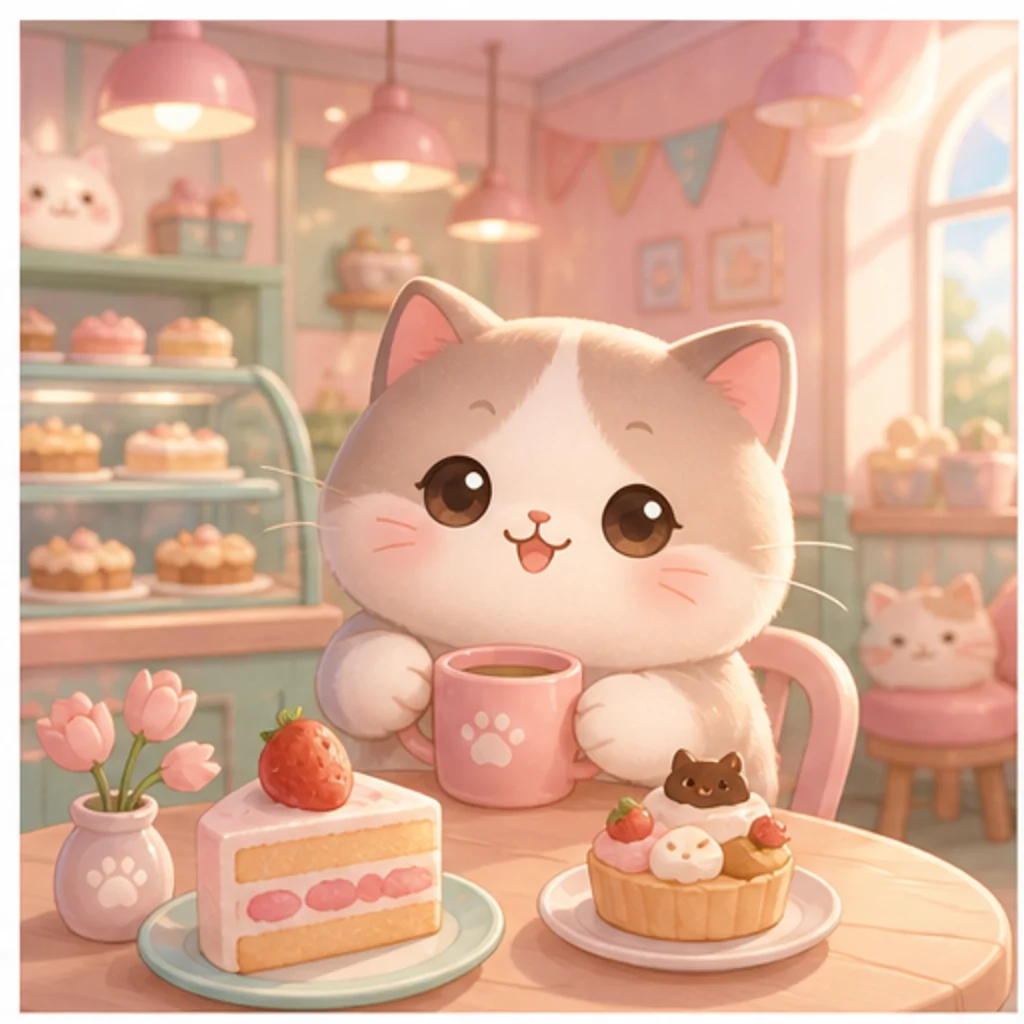
Pastel Cat Café

Pastel Cat Café

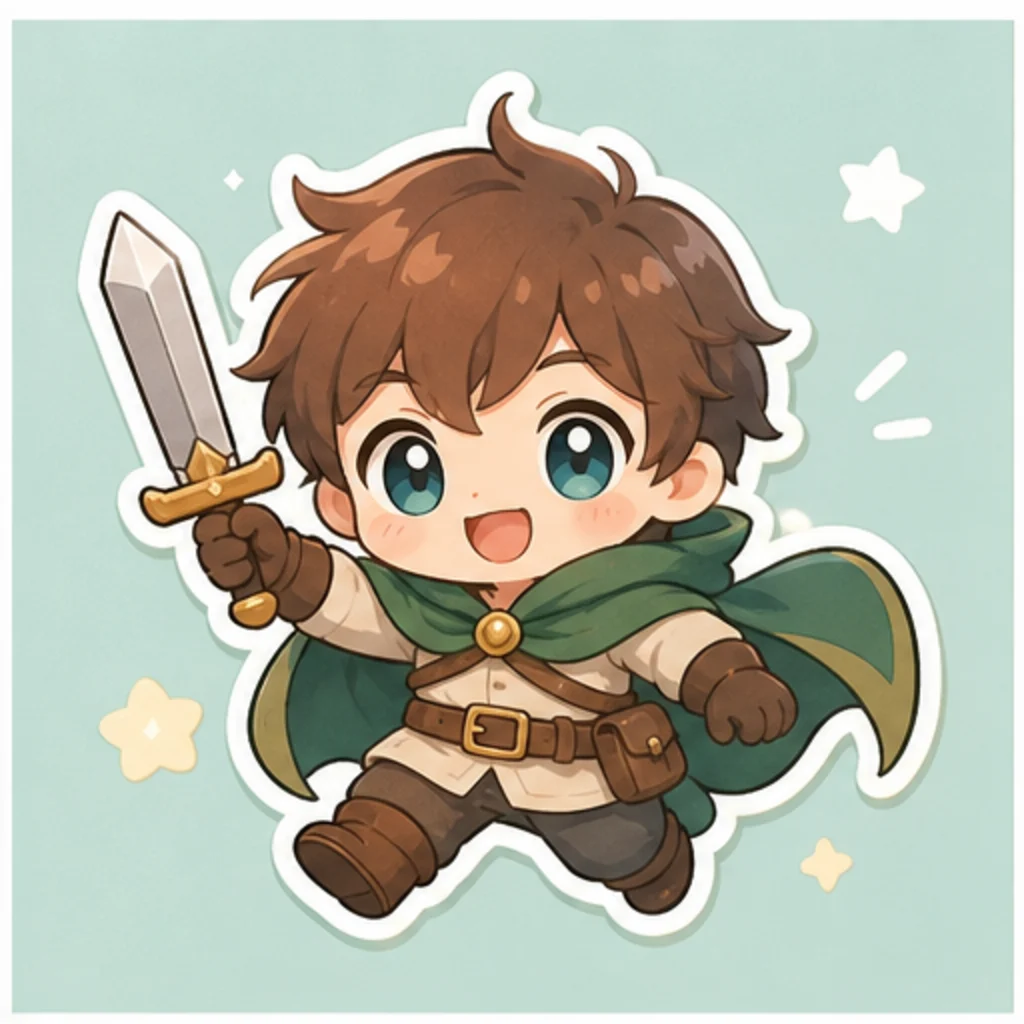
Chibi Sticker Character

Chibi Sticker Character

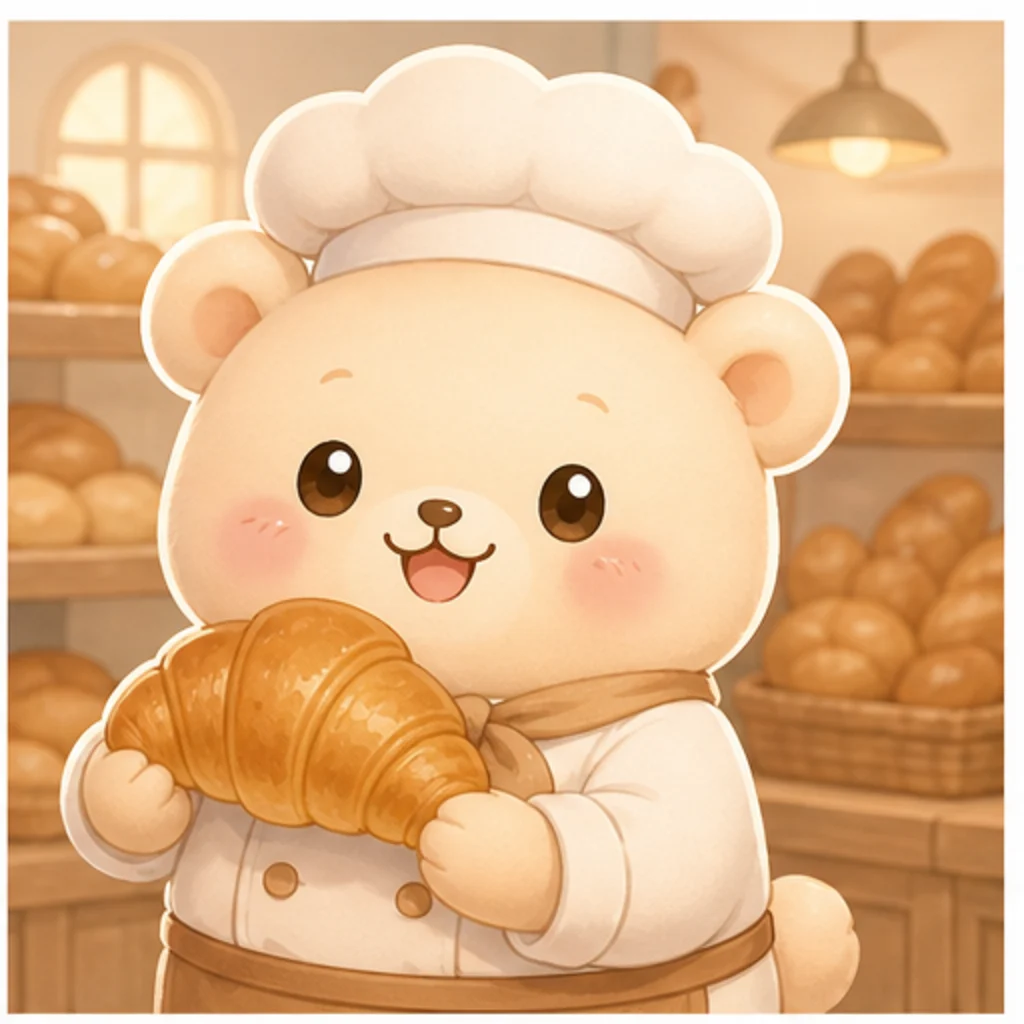
Cute Bakery Mascot

Cute Bakery Mascot

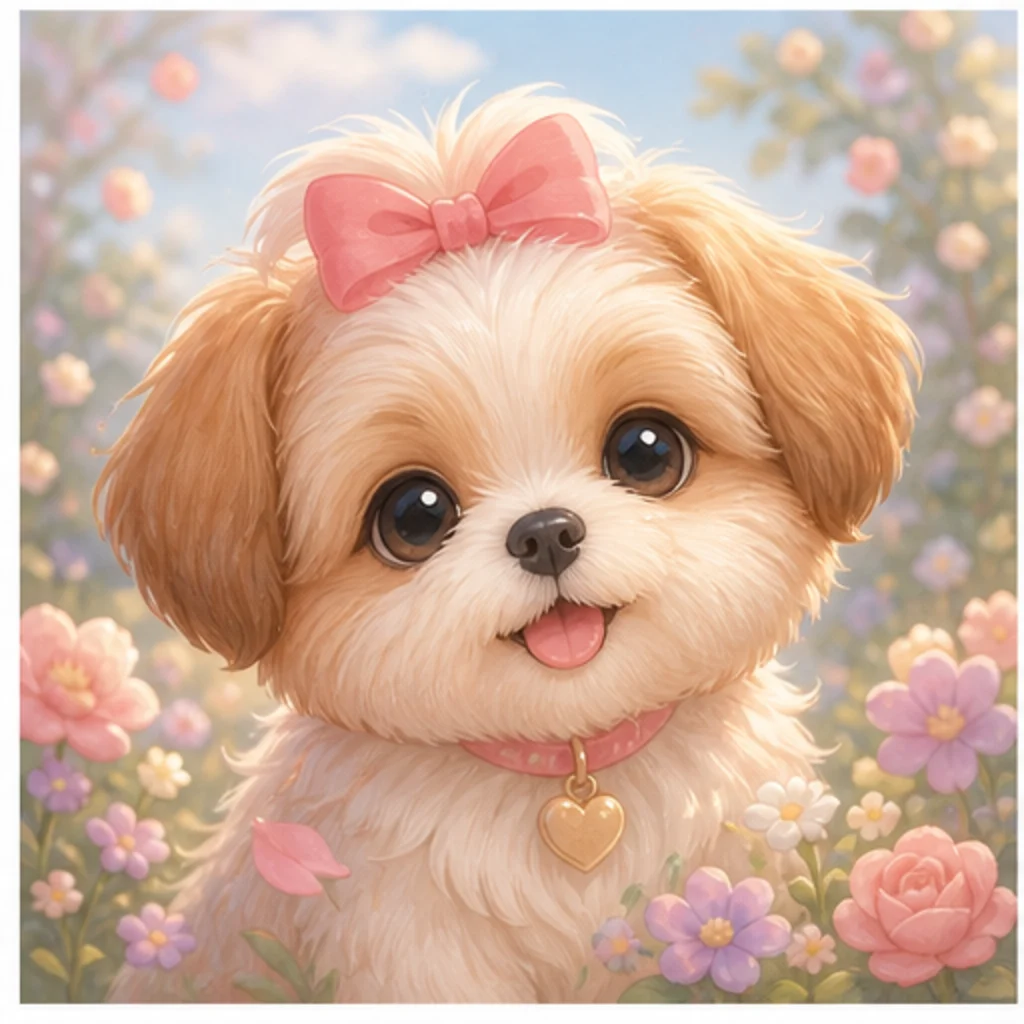
Kawaii Pet Portrait

Kawaii Pet Portrait

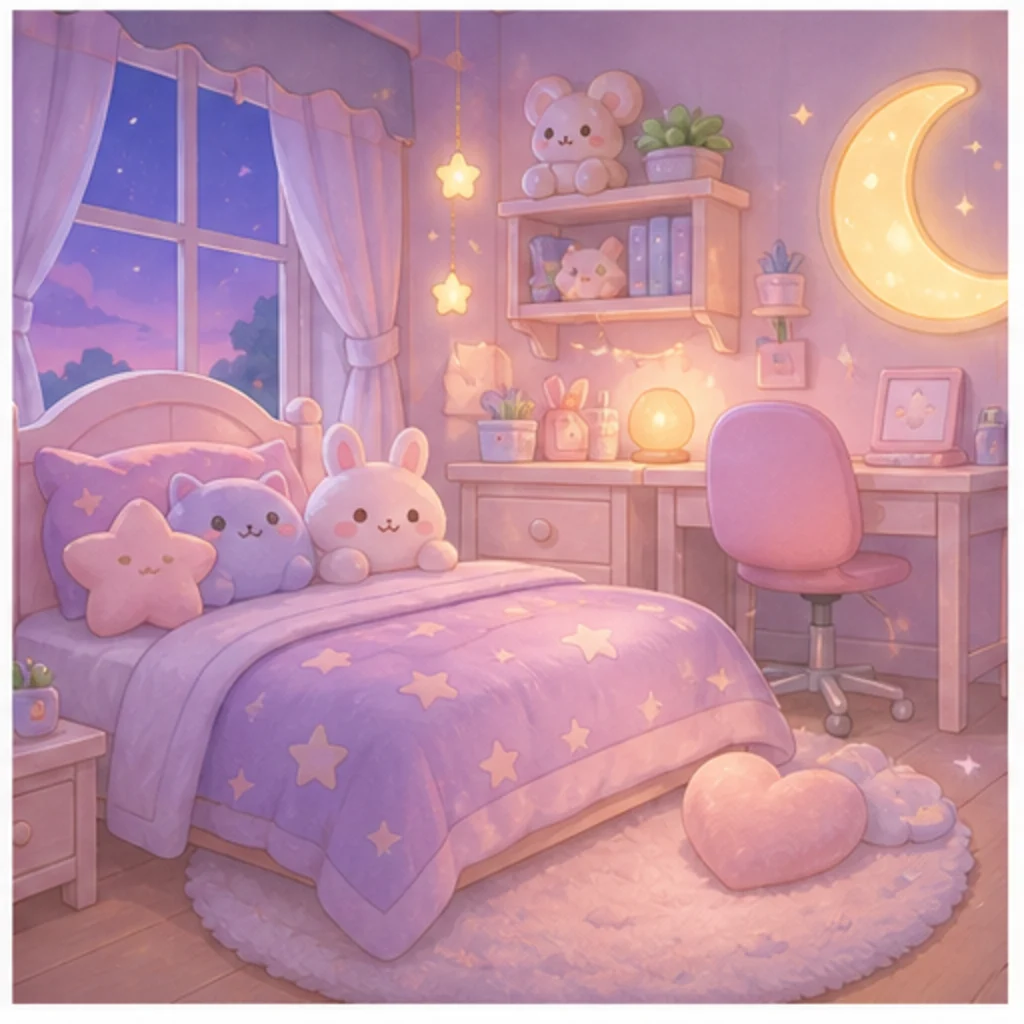
Pastel Bedroom Scene

Pastel Bedroom Scene

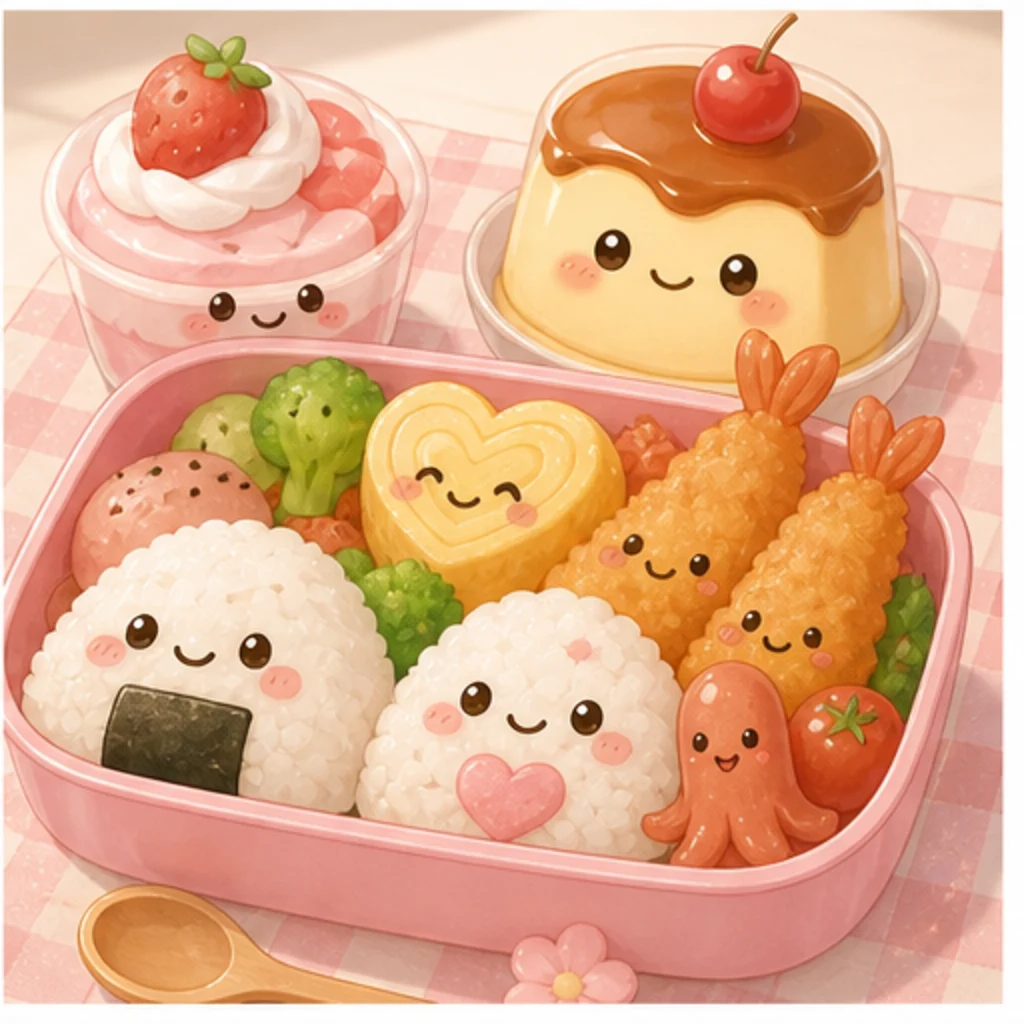
Kawaii Food Illustration

Kawaii Food Illustration

How to Create Kawaii Art

Choose a subject, add the cute visual details that matter, and refine the result for its intended use.

01

Describe or Upload the Subject

Write the character, pet, food, object, or scene you want. Add a permitted reference photo when recognizable details matter.

02

Define the Kawaii Direction

Specify expression, proportions, color palette, line style, materials, background, lighting, and whether you need an avatar, sticker, mascot, or full scene.

03

Generate and Refine

Review the silhouette, facial features, colors, and composition. Adjust one or two prompt details at a time to create a clearer variation.

Shape the Cute Style Around Your Idea

Create from Text or a Photo

Describe an original scene from scratch or add a permitted reference image and explain which subject details should stay recognizable.

Guide Shape, Color, and Expression

Control rounded proportions, eye style, facial expression, line weight, pastel palette, decorative details, lighting, and background in one focused prompt.

Make More Than One Type of Asset

Develop avatars, stickers, mascot concepts, pet portraits, wallpapers, food illustrations, social images, and cozy story scenes.

Keep Kawaii, Chibi, and Anime Distinct

Kawaii describes a broad cute visual direction. Chibi usually uses exaggerated small-body proportions, while anime covers a wider illustration tradition; not every kawaii image is chibi or anime.

Related Character and Style Tools

Continue with a focused character sheet, anime transformation, or cute product-style concept.

Kawaii AI Generator FAQ

Answers about prompts, reference photos, styles, and common kawaii image projects.

What is a kawaii AI generator?
A kawaii AI generator creates cute stylized images from written directions and optional reference photos. You can guide the subject, rounded forms, expression, palette, background, and final image type.
Can I turn a photo into kawaii art?
Yes. Add a photo you own or have permission to use, then describe which identity, pet markings, pose, clothing colors, or object details should remain recognizable in the kawaii interpretation.
Is kawaii the same as chibi or anime?
No. Kawaii is a broad direction centered on cuteness. Chibi commonly uses a large head and small body, while anime includes many visual approaches that are not necessarily kawaii.
What kinds of kawaii images can I create?
You can create original characters, avatars, stickers, mascot concepts, pet portraits, wallpapers, food illustrations, small objects, social graphics, and complete pastel scenes.
What details make a kawaii prompt clearer?
Name the subject, expression, body proportions, eye style, line weight, palette, materials, decorative details, lighting, background, framing, and intended output such as a sticker or avatar.
Can I recreate a known cartoon or anime character?
Create an original character instead of requesting an exact copy of a protected design. Describe your own silhouette, colors, clothing, accessories, expression, and setting.

Create Your Kawaii Image

Start with an original idea or permitted photo, then guide the shapes, expression, palette, setting, and finish.