Explainer Video Script Generator

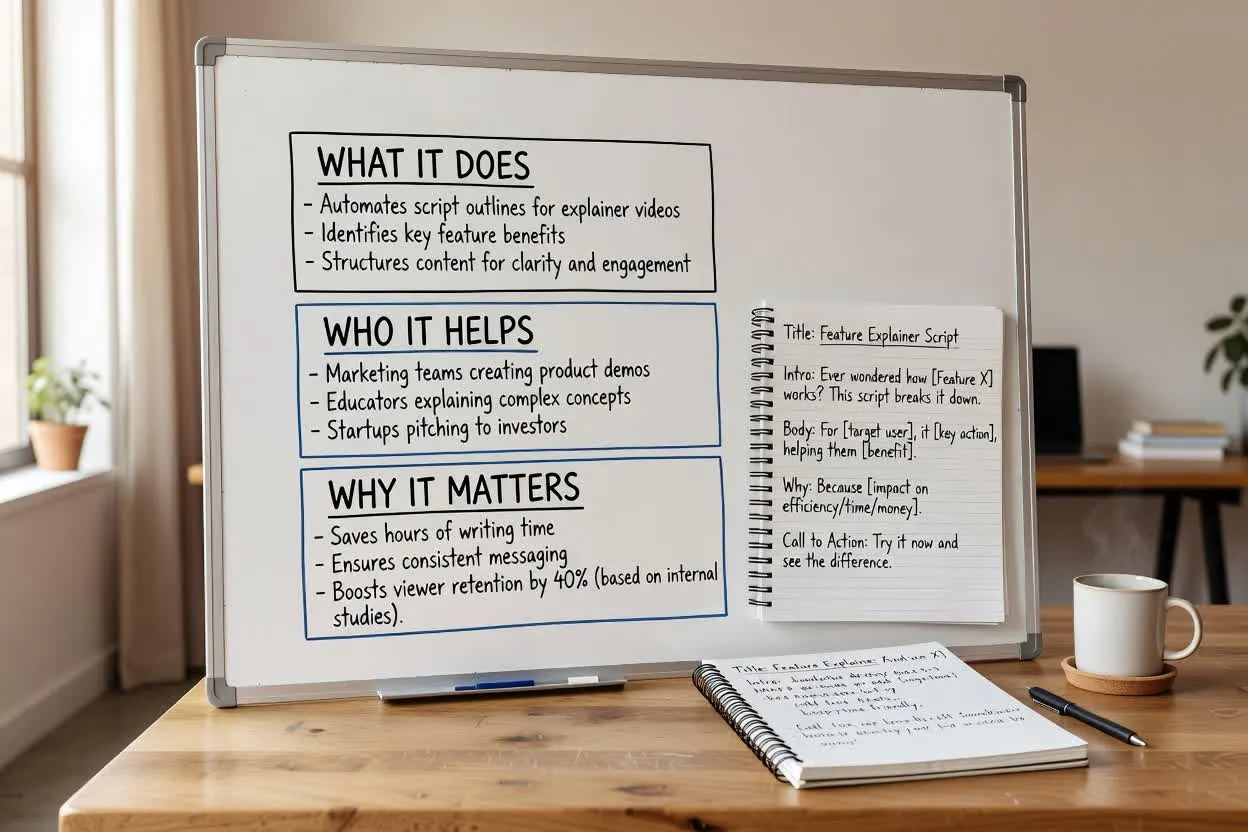
Explain complex ideas without sounding dense. Generate a clear problem setup, analogy, step-by-step explanation, example, summary, visual notes, and CTA.

ExplainersSaaSEducationStoryboardsTraining

Need inspiration?

See how the script draft is structured

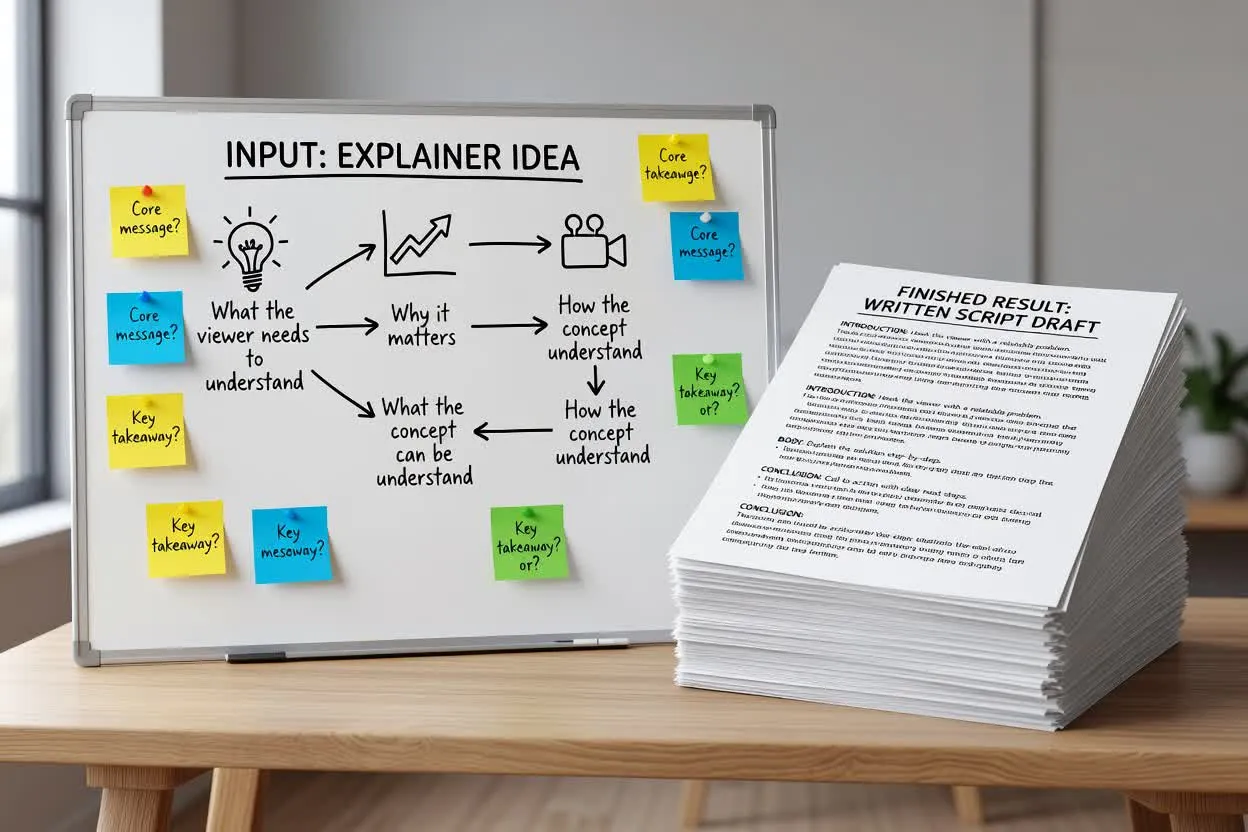
Start with a short brief, then continue in chat with a structured script that is ready to edit or turn into scenes.

Sample brief

What you type

Give the page a topic, audience, product, or platform goal.

Brief

Create a 90-second explainer for an AI design review tool that helps teams catch visual issues before launch.

Optional: attach a reference image

Script draft

What you get

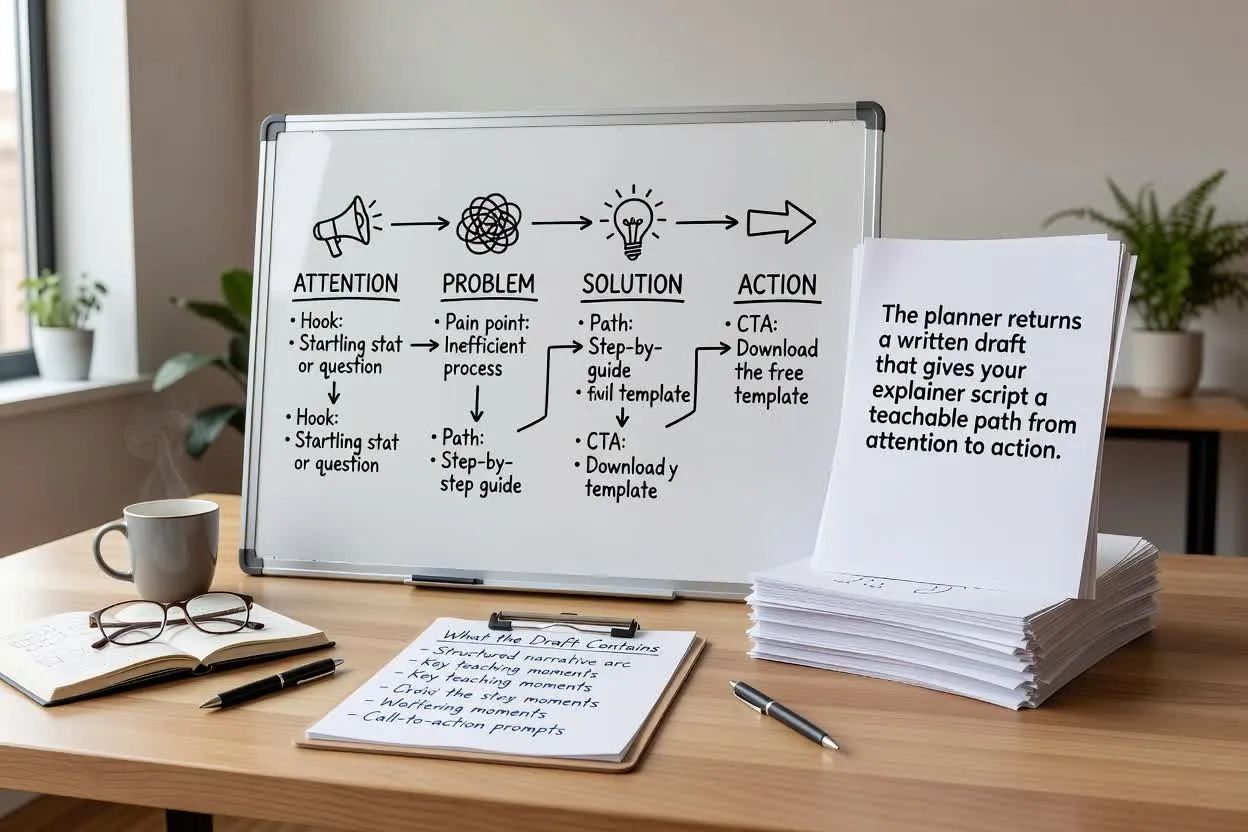
The output separates the hook, scenes, voiceover, visuals, and CTA.

Problem setup

A page can be technically complete and still feel wrong to users.

Analogy

Think of it like a second designer checking spacing, hierarchy, and readability before the handoff.

Storyboard

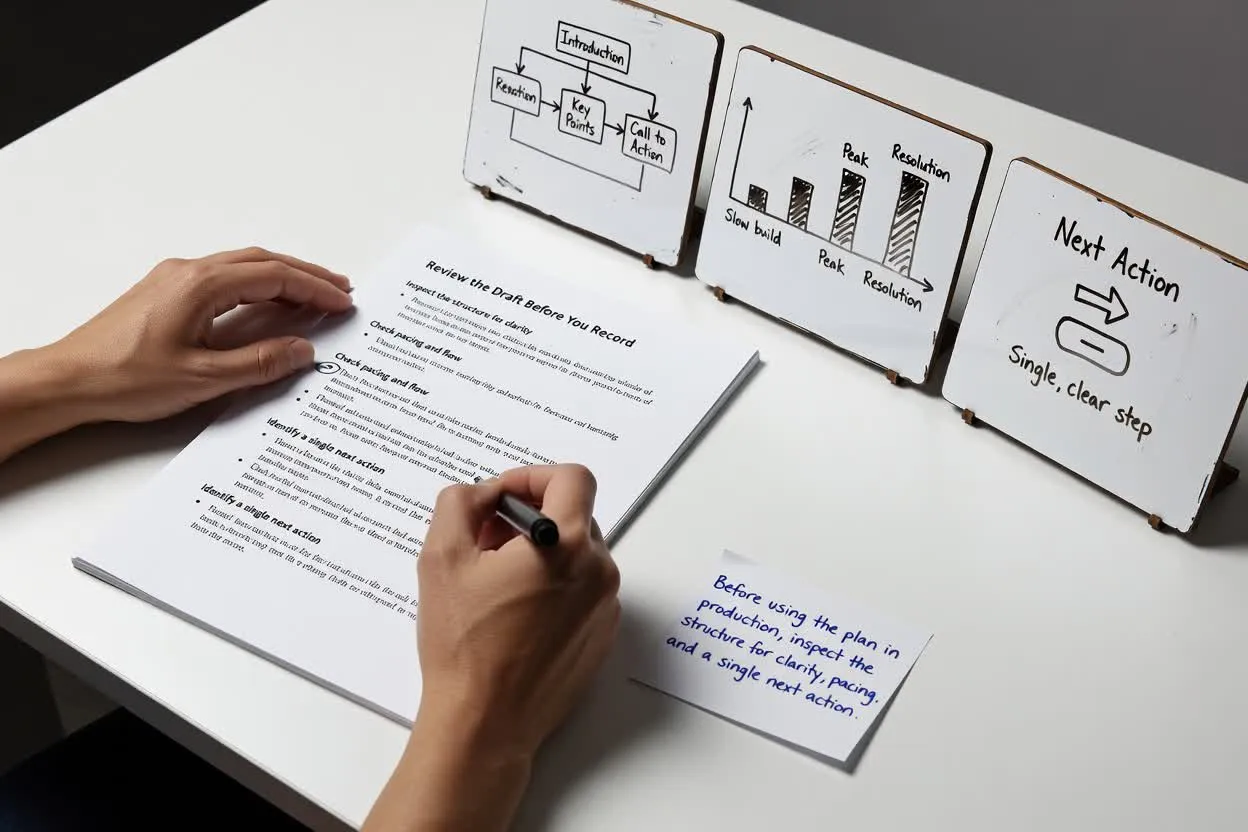
Show a cluttered page, highlight overlapping text, fix layout, compare final mobile and desktop views.

Summary

Before you launch, catch the issues users would notice in the first five seconds.

Explainer Scripts for Clear Understanding

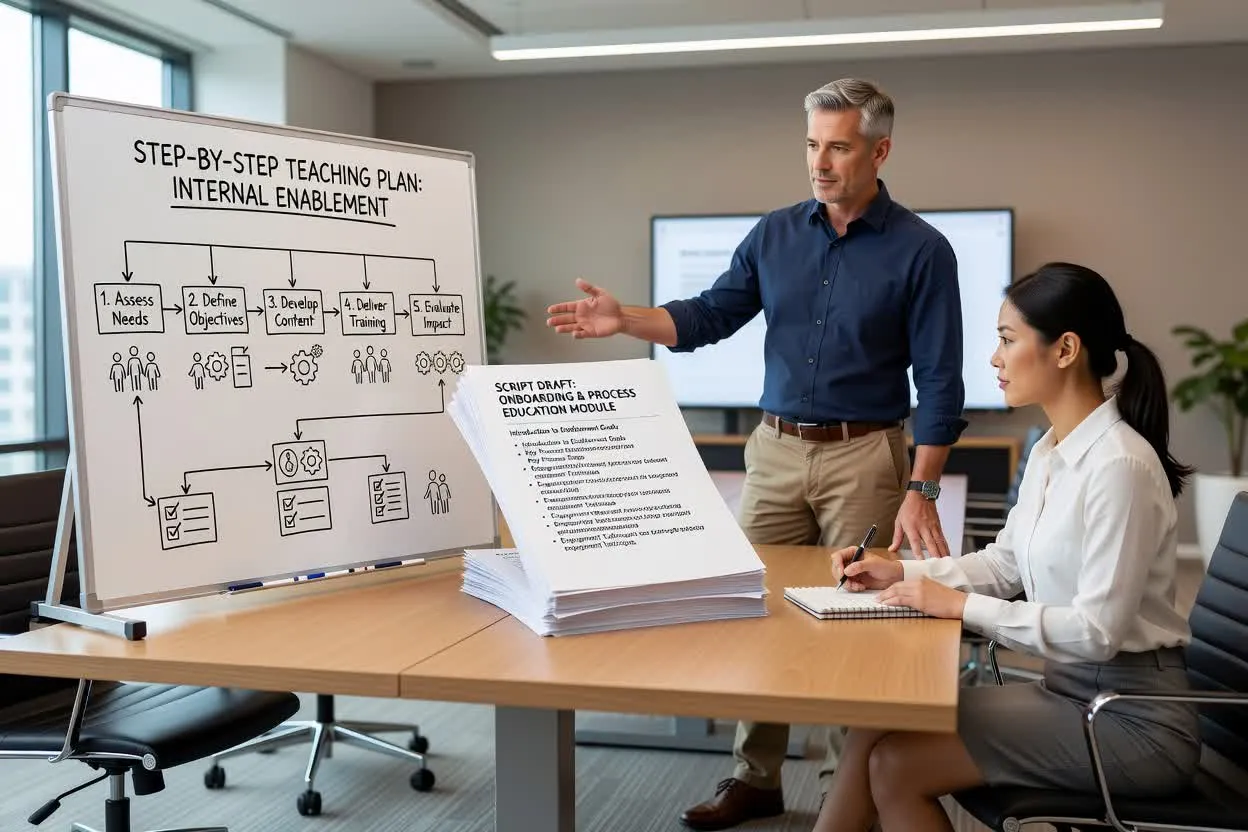
Draft scripts for SaaS explainers, educational videos, onboarding content, product walkthroughs, and training modules.

How to use the Explainer Video Script Generator

A stronger brief gives you a script that is easier to record, edit, and turn into video.

01

Define the knowledge level

Say whether the viewer is a beginner, buyer, teammate, student, or technical user.

02

Name the confusing part

Explain what people usually misunderstand or struggle to connect.

03

Ask for an analogy

A strong analogy helps viewers understand the idea before the details arrive.

04

Request storyboard notes

Add visual suggestions so the final video can explain without relying only on narration.

Explain the Idea Before You Sell the Next Step

Simple analogies

Translate abstract ideas into familiar examples viewers can follow.

Step-by-step flow

Break complex topics into a sequence that feels easy to watch.

Storyboard notes

Pair narration with visual direction for diagrams, scenes, and product moments.

Clear wording

Reduce jargon while keeping the explanation accurate and useful.

관련 도구 살펴보기

Continue from script planning into video generation, product visuals, or a broader script draft.

요금제 선택

무료 이미지는 워터마크가 포함됩니다. 깨끗한 출력, 더 빠른 생성, 상업적 사용을 위해 업그레이드하세요.

스타터 팩

$9

이미지, 음악, 짧은 동영상 생성을 시험해 볼 수 있는 일회성 크레딧 팩입니다.

  • 600 크레딧
  • 이미지 최대 100개
  • 짧은 동영상 최대 7개
  • 크레딧 30일 유효
  • 워터마크 없음

크리에이터

$19/mo

월간 요금제 · 매월 1,500 크레딧 갱신

  • 월 1,500 크레딧
  • 월 이미지 최대 250개
  • 월 짧은 동영상 최대 18개
  • ClipCanva Pro 및 기타 크레딧 모델과 함께 사용 가능
  • 우선 대기열
  • 커뮤니티 지원
  • 광고 없음
  • 워터마크 없음

프로

$39/mo

월간 요금제 · 매월 4,000 크레딧 갱신

  • 월 4,000 크레딧
  • 월 이미지 최대 660개
  • 월 짧은 동영상 최대 50개
  • ClipCanva Pro 및 기타 크레딧 모델과 함께 사용 가능
  • 최상위 우선 대기열
  • ClipCanva Pro 잠금 해제
  • 광고 없음
  • 워터마크 없음
  • 고급 보정

스튜디오

$99/mo

월간 요금제 · 매월 12,000 크레딧 갱신

  • 월 12,000 크레딧
  • 월 이미지 최대 2,000개
  • 월 짧은 동영상 최대 150개
  • ClipCanva Pro 및 기타 크레딧 모델과 함께 사용 가능
  • 최상위 우선 대기열
  • 강화된 개인정보 보호
  • 새 기능 조기 이용
  • 우선 지원

월간 요금제는 각 결제 주기마다 크레딧이 갱신됩니다. 연간 요금제는 12개월치 크레딧을 선지급하며 17%를 절약할 수 있습니다. 사용량 추정치는 지원되는 최저 비용 이미지 및 동영상 모델 기준이며, 프리미엄 모델, 더 높은 해상도, 더 긴 동영상, 참조 기반 생성, 고급 도구는 더 많은 크레딧을 사용합니다.

에이전시, 제작팀, 맞춤형 대량 사용에 적합합니다.

문의하기

Explainer Video Script Generator FAQ

Common questions before drafting your next script.

What is an explainer video script?
It is a structured script that explains a product, idea, workflow, or concept with a clear problem, explanation, example, and takeaway.
Can it explain technical topics?
Yes. Tell it the viewer knowledge level and ask for analogies, examples, and visual notes.
Can it create storyboard notes?
Yes. Ask for scene-by-scene visuals, diagrams, product screens, or B-roll suggestions.
Is it useful for SaaS landing videos?
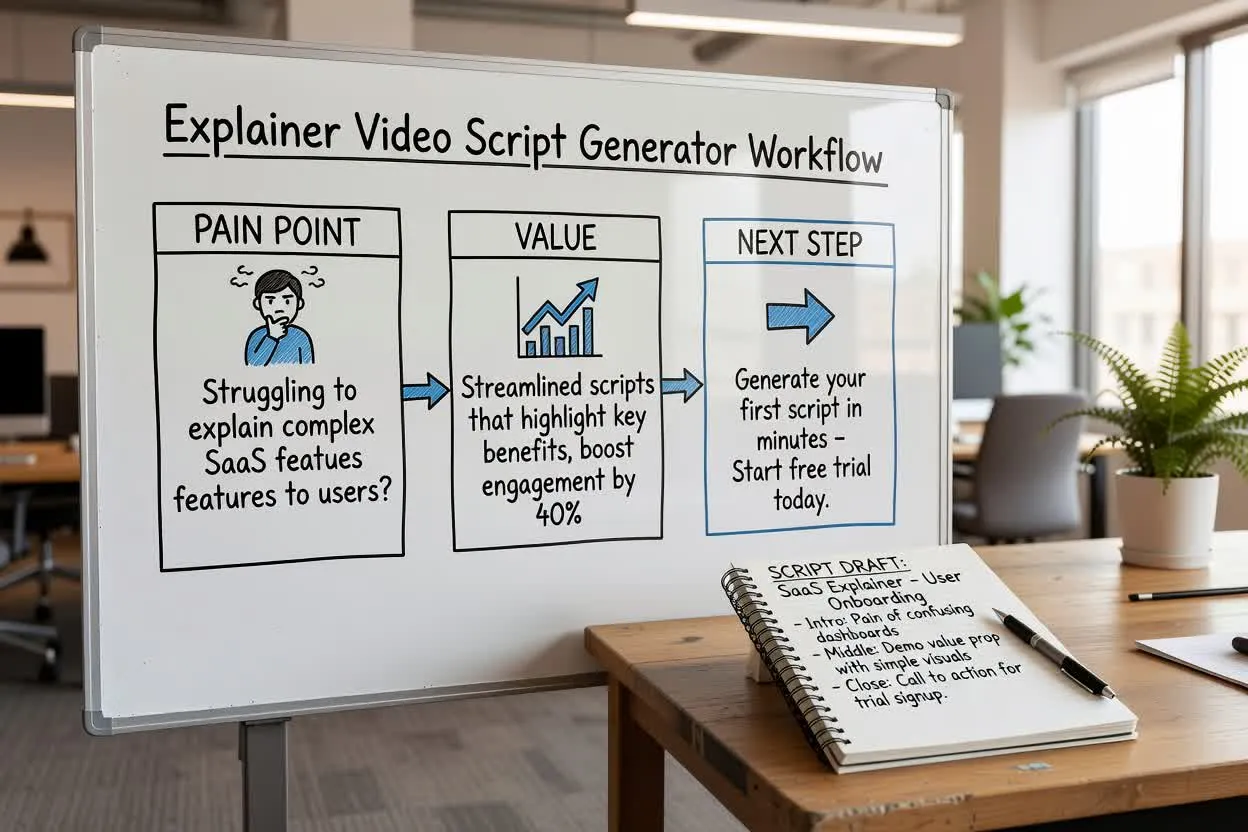
Yes. Include the buyer, pain point, product workflow, proof points, and CTA.

Turn your explainer script into a storyboard

Use the script structure and visual notes to generate scenes for a clearer explainer video.