AI Braids Filter

AI Braids Filter

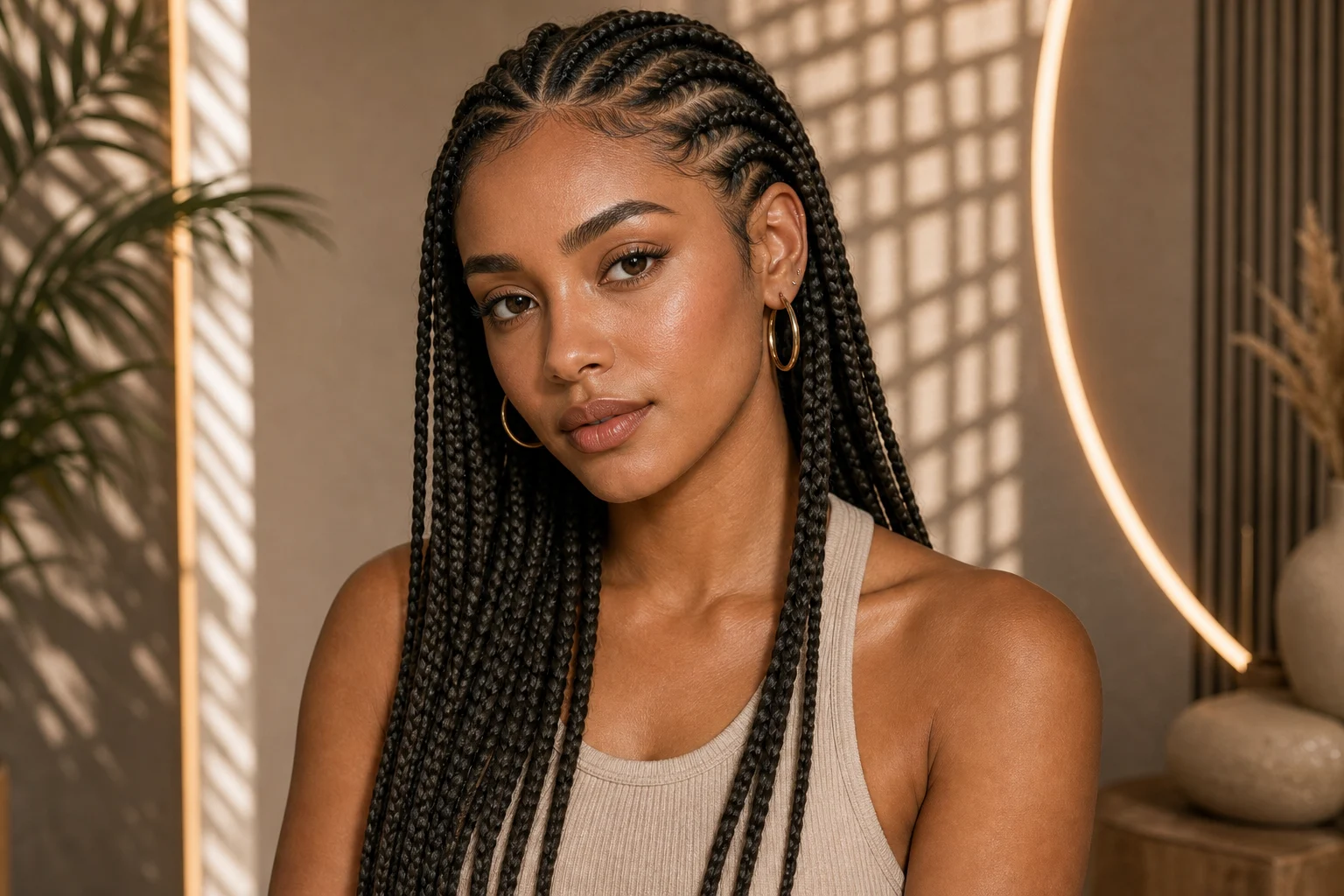
Upload a clear portrait and use the AI Braids Filter to preview box braids, cornrows, knotless braids, or braided updos while keeping the person and photo recognizable.

Portrait transformed with a realistic AI braids filter
0 / 2000
Template prompt

AI Braids Filter

Apply a realistic braided hairstyle to the uploaded portrait. Preserve the same person, face shape, expression, pose, clothing, camera angle, lighting, and background. Change only the hair into the requested braid style, with natural parting, believable tension, strand detail, volume, hairline integration, highlights, and shadows. Keep facial identity and all non-hair details unchanged.

Portrait transformed with a realistic AI braids filter

What Is an AI Braids Filter?

An AI Braids Filter creates a visual hairstyle preview from a portrait. It changes the visible hair pattern, length, volume, and finish while aiming to preserve the face, pose, clothing, lighting, and setting in the source photo.

Change the Hairstyle, Keep the Portrait Familiar

A useful braid preview needs a clear boundary between what should change and what should remain recognizable.

What the filter changes

  • Braid pattern, parting, length, thickness, and volume
  • Hair color, accessories, edge styling, and overall finish
  • Hair highlights and shadows needed to fit the original lighting

What the filter should preserve

  • Facial identity, expression, skin tone, and face shape
  • Pose, clothing, camera angle, and portrait composition
  • Background and the overall lighting direction of the photo

How to Use the AI Braids Filter

Start with a visible hairline, describe one braid direction clearly, and review the result before choosing a look.

1

Upload a Clear Portrait

Choose a front-facing or three-quarter portrait with the face, hairline, and head shape visible.

2

Describe the Braid Style

Specify the braid type, length, thickness, color, parting, and any restrained accessories you want to preview.

3

Generate the Preview

Run the template prompt to restyle the hair while preserving the person and the rest of the image.

4

Review and Refine

Check the hairline, braid direction, face, and lighting, then adjust one detail at a time if needed.

Braided Hairstyle Ideas to Preview

Use these examples as visual directions, then describe the details that matter for your own portrait.

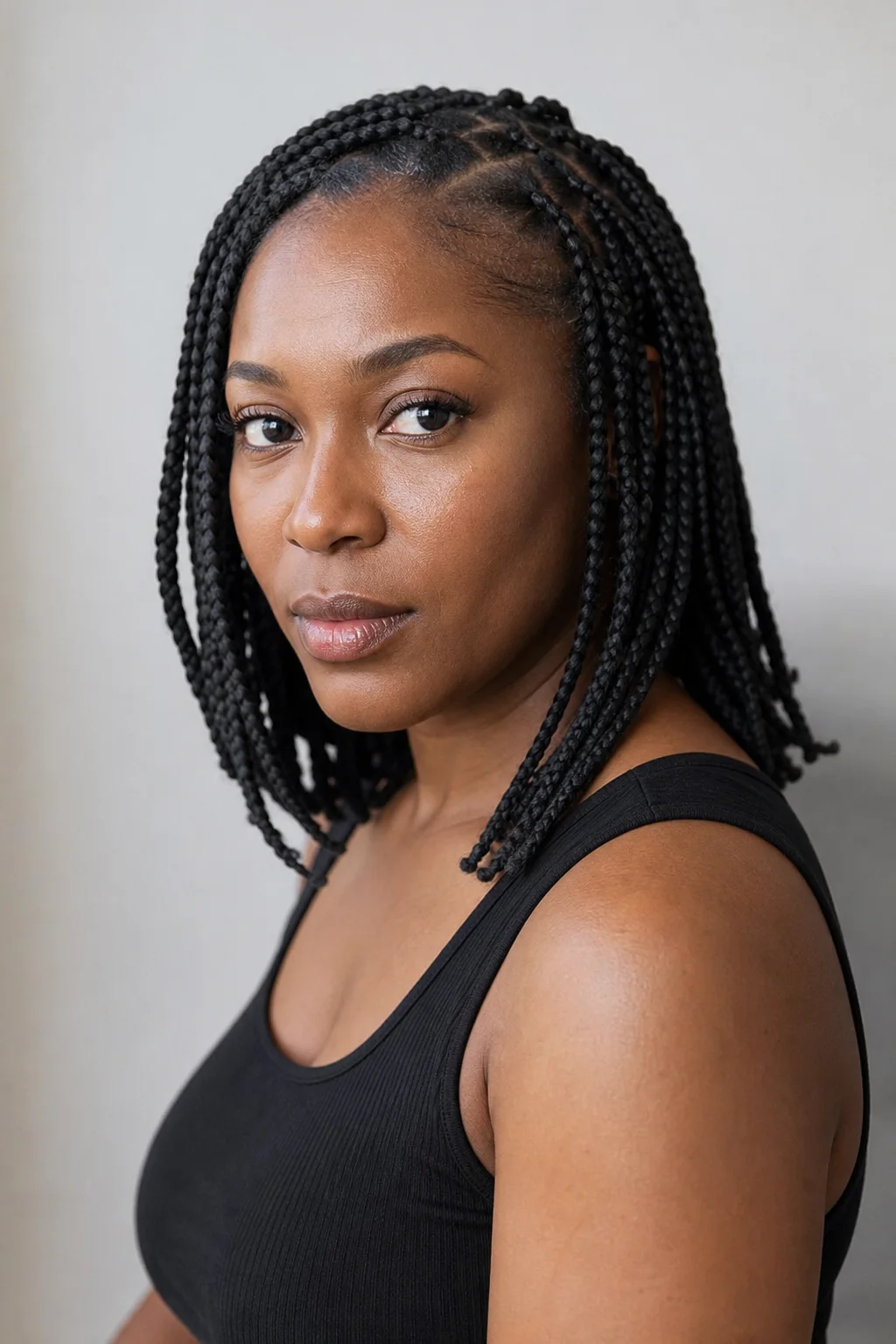
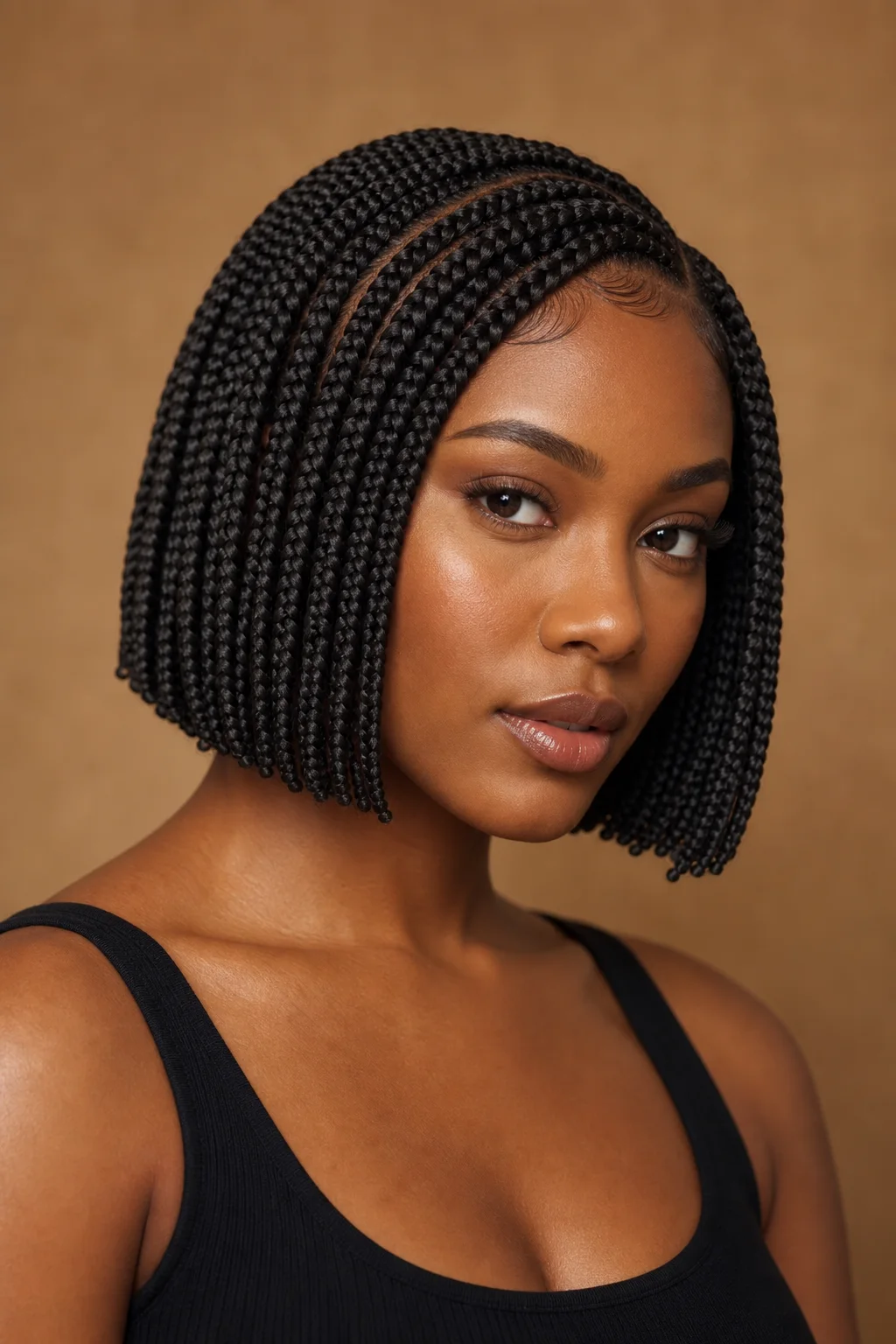
AI preview of shoulder-length box braids

Shoulder-Length Box Braids

Balanced medium braids with a clean parting pattern and natural shoulder-length volume.

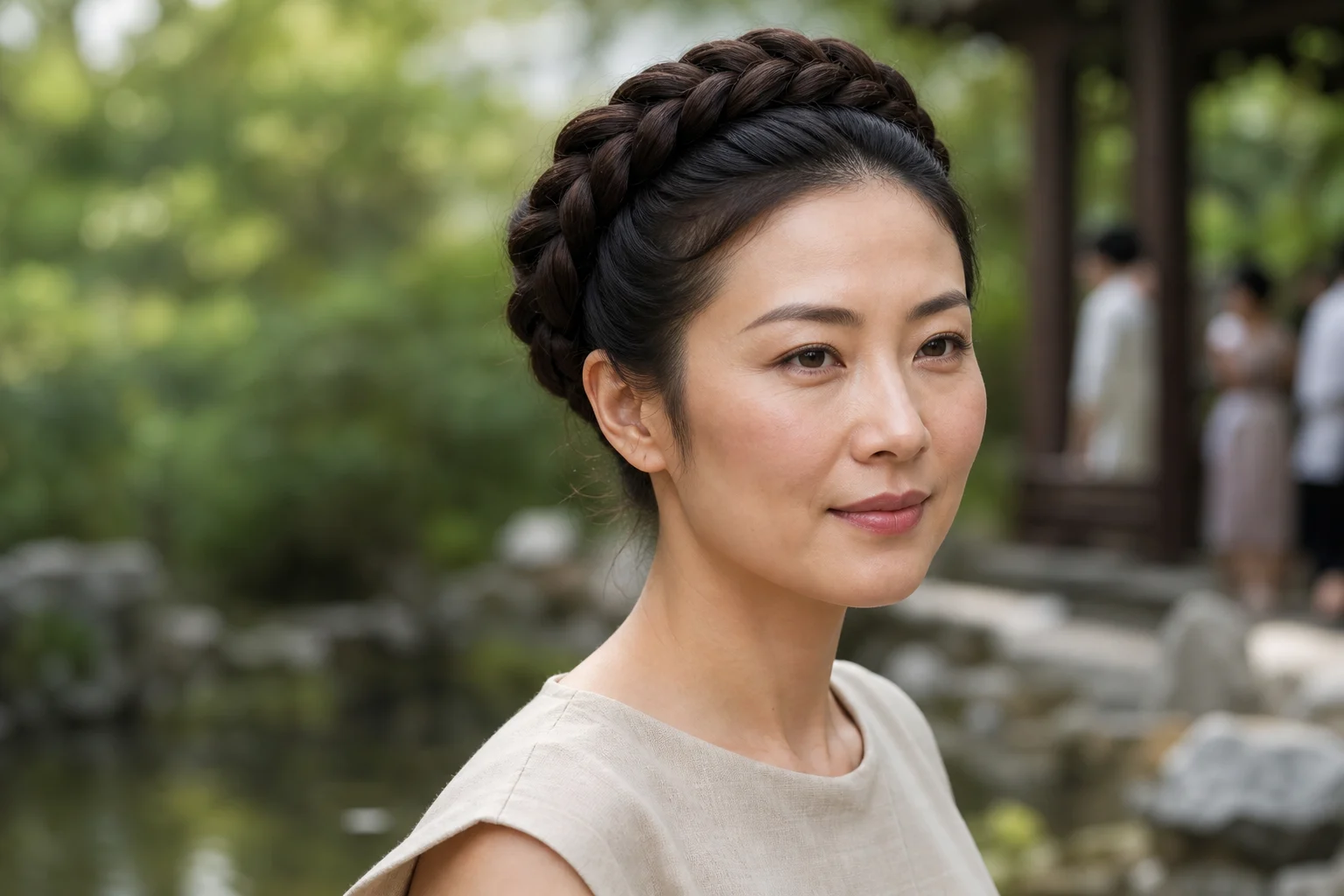
AI preview of a halo braid updo

Halo Braid Updo

A wrapped crown braid that keeps the face open and creates a structured formal silhouette.

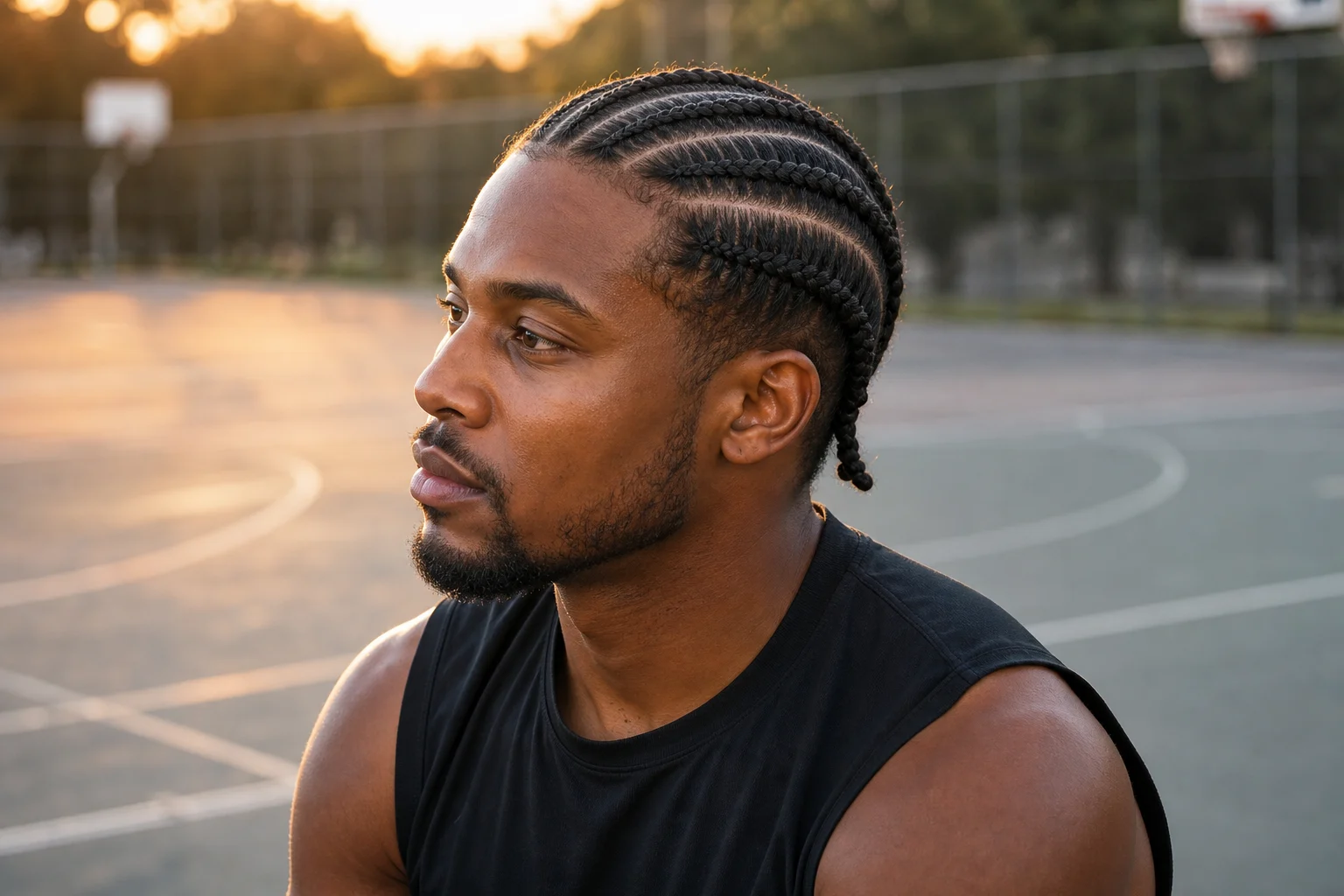
AI preview of cornrow braids

Cornrow Braids

Close-to-scalp rows with visible direction, clean spacing, and a defined hairline transition.

AI preview of knotless bob braids

Knotless Bob Braids

Short knotless braids with lighter root tension and a compact bob-shaped finish.

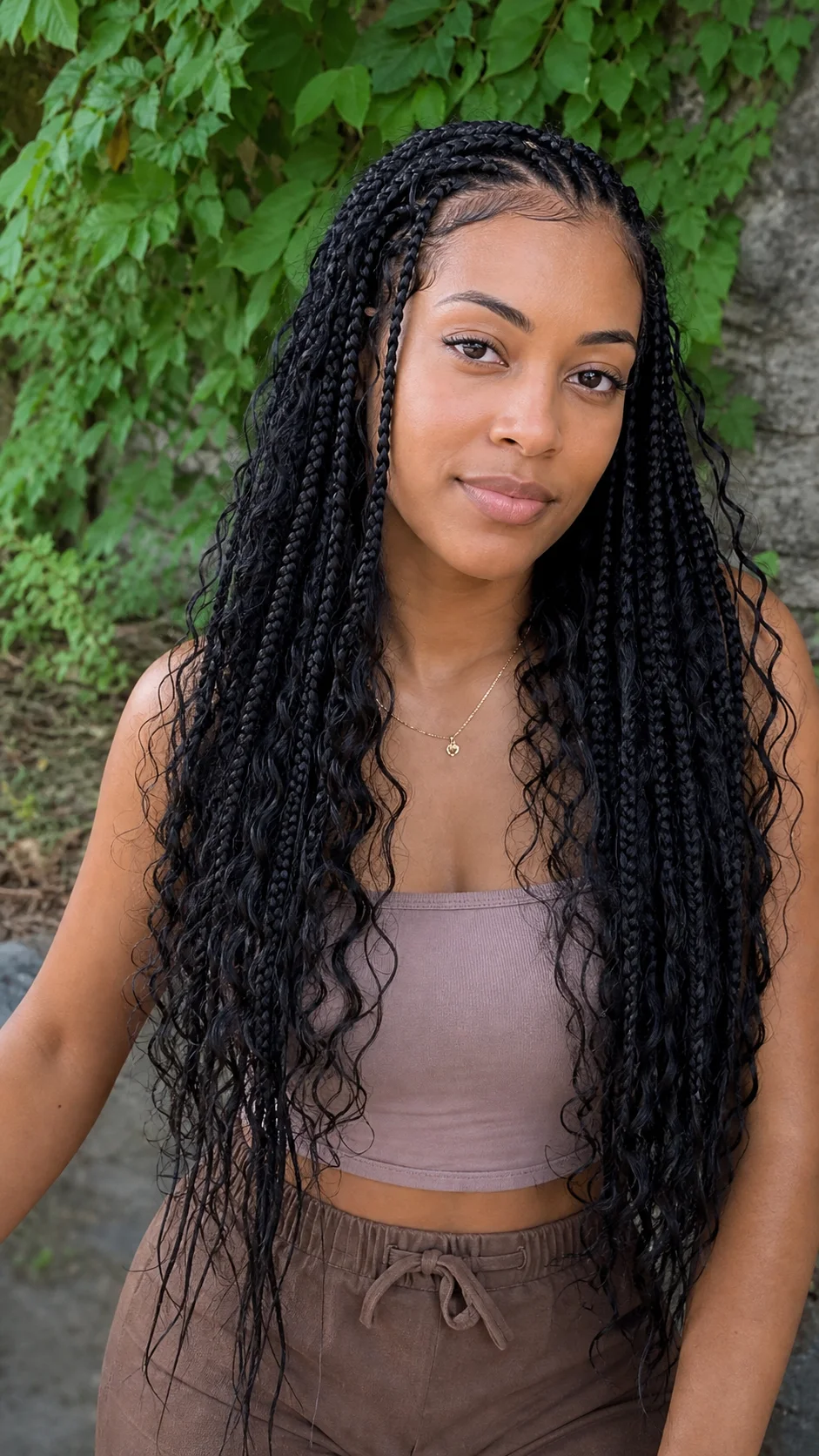
AI preview of boho goddess braids

Boho Goddess Braids

Braids mixed with loose curls for softer movement and a less uniform texture.

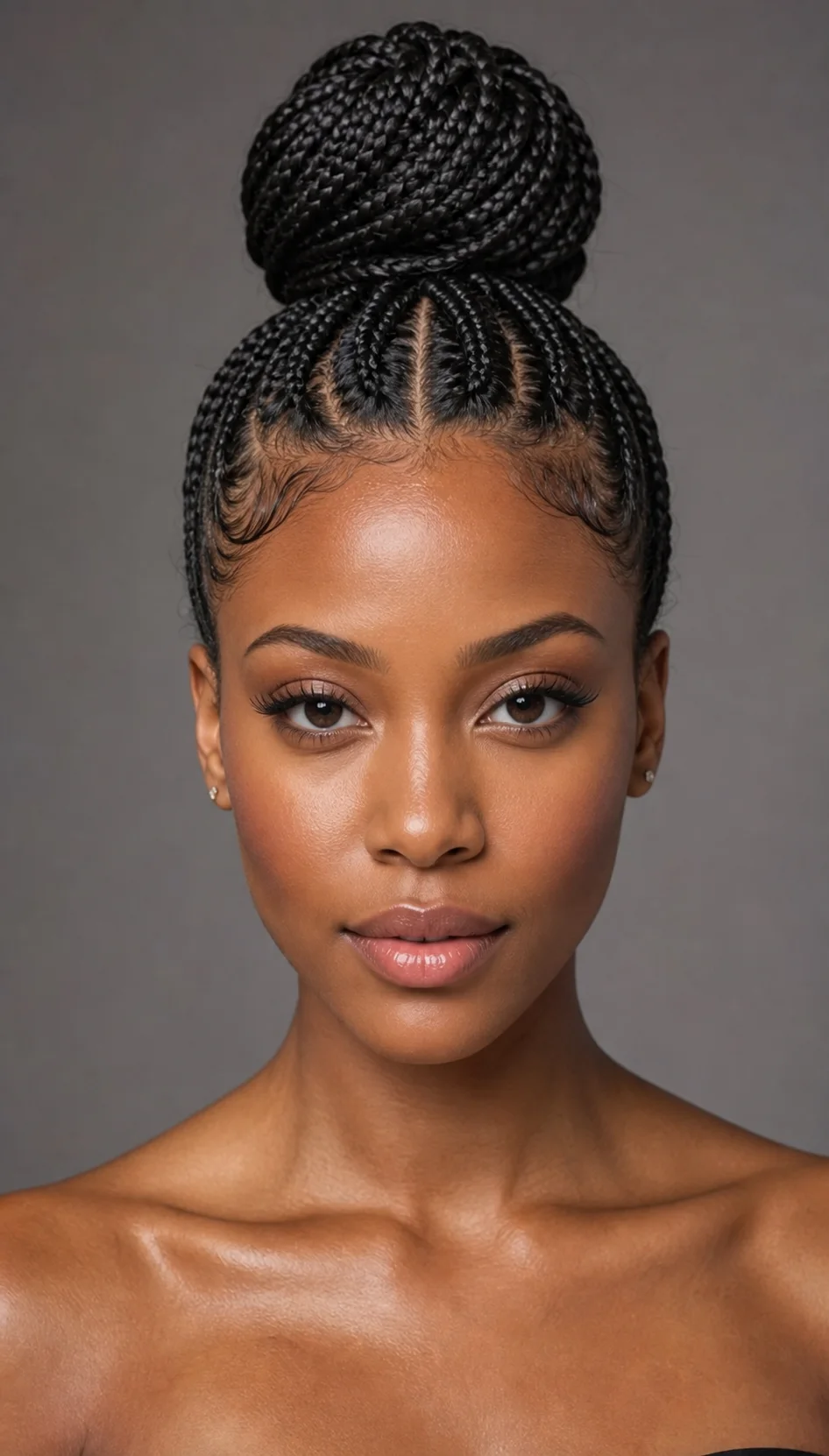
AI preview of a braided high bun

Braided High Bun

Braids gathered into a high bun with a clean upward direction and visible facial framing.

When a Braid Preview Is Useful

The generated image works best as a visual reference for comparing directions, not as a promise of an exact real-world result.

Compare Hairstyle Directions

Review different braid lengths, parting patterns, colors, or updos on the same portrait before narrowing your options.

Prepare a Salon Reference

Create a starting visual to discuss with a professional braider, who can assess hair condition, tension, materials, and maintenance.

Develop Character or Campaign Looks

Explore braided-hair directions for character concepts, moodboards, social content, or creative preproduction.

Get a More Believable Braid Preview

A strong source image and a specific style request make it easier to preserve identity and place the braids naturally.

Choose a source photo with

  • A clearly visible face, hairline, and overall head shape
  • Even lighting without heavy shadows across the hair or forehead
  • Minimal obstruction from hats, hands, large accessories, or cropped hair
  • Enough resolution to see facial and hairline details

Describe one braid direction at a time

Name the braid style first, then add the desired length, thickness, parting, color, finish, and accessories. Keep identity, expression, pose, clothing, lighting, and background in the preserve instructions.

Review the Preview Before You Use It

Braids contain repeated structures, so small placement errors can make an otherwise polished image feel artificial.

Hairline Integration

Check that braid roots connect naturally to the visible hairline without floating sections or abrupt texture changes.

Pattern and Direction

Follow the parting and braid direction around the head to catch merged, broken, or inconsistent sections.

Identity Preservation

Compare the face shape, eyes, nose, mouth, skin tone, and expression with the original portrait.

Lighting and Edges

Confirm that highlights, shadows, loose strands, and the outer silhouette fit the original scene.

AI Braids Filter FAQ

Practical answers for creating and evaluating a braided hairstyle preview.

What is an AI Braids Filter?
It is an image transformation that previews braided hairstyles on a portrait while aiming to keep the person and original photo recognizable.
Which braid styles can I describe?
You can request box braids, knotless braids, cornrows, boho or goddess braids, halo braids, braided bobs, buns, and variations in length, color, thickness, or accessories.
What photo works best for the AI Braids Filter?
Use a clear adult portrait with the full face, hairline, and head shape visible. Even lighting and limited obstruction usually produce a cleaner preview.
Will the filter keep my face unchanged?
The prompt tells the model to preserve facial identity, but generated details can still vary. Compare the result with the original and regenerate if important features shift.
Is the generated image an exact salon preview?
No. It is a creative visual reference. A professional braider should assess your hair, the requested pattern, tension, materials, installation time, and maintenance needs.

Preview a Braided Hairstyle on Your Portrait

Upload a clear photo, describe the braid pattern and finish you want to explore, then compare the generated result with your original portrait.