How to create a mockup image
Provide confirmed nutrition label copy or upload a reference image, then describe the product package and where the panel should appear.
Create packaging mockup images from confirmed label copy or a reference image. The Nutrition Label Mockup Generator shapes the panel, product context, and format for visual inspection.
The Nutrition Label Mockup Generator creates packaging mockup images from confirmed nutrition label copy or a reference image. It is designed for visual exploration, placement checks, and presentation drafts rather than final regulatory validation.

Follow a short creation flow to turn confirmed label content or a reference into a packaging image for inspection.
Provide confirmed nutrition label copy or upload a reference image, then describe the product package and where the panel should appear.
Add prompt detail for the subject, setting, lighting, label prominence, and any visual direction needed for the nutrition label mockup.
Choose the destination format so the output is framed for your presentation, listing, concept board, or internal review context.
Shape a package nutrition panel visual with controls that keep the image brief specific without promising identical outcomes every time.

Describe the pack type, label area, product angle, and background so the nutrition label mockup is built around the intended presentation.

Add the wording, hierarchy notes, or reference cues that matter most, then use prompt detail to emphasize required label areas.

Set the destination format so the image is framed for the channel where the visual will be evaluated or shared.
Create or use a nutrition label mockup when you need a result that communicates package placement, hierarchy, and context before further design work.

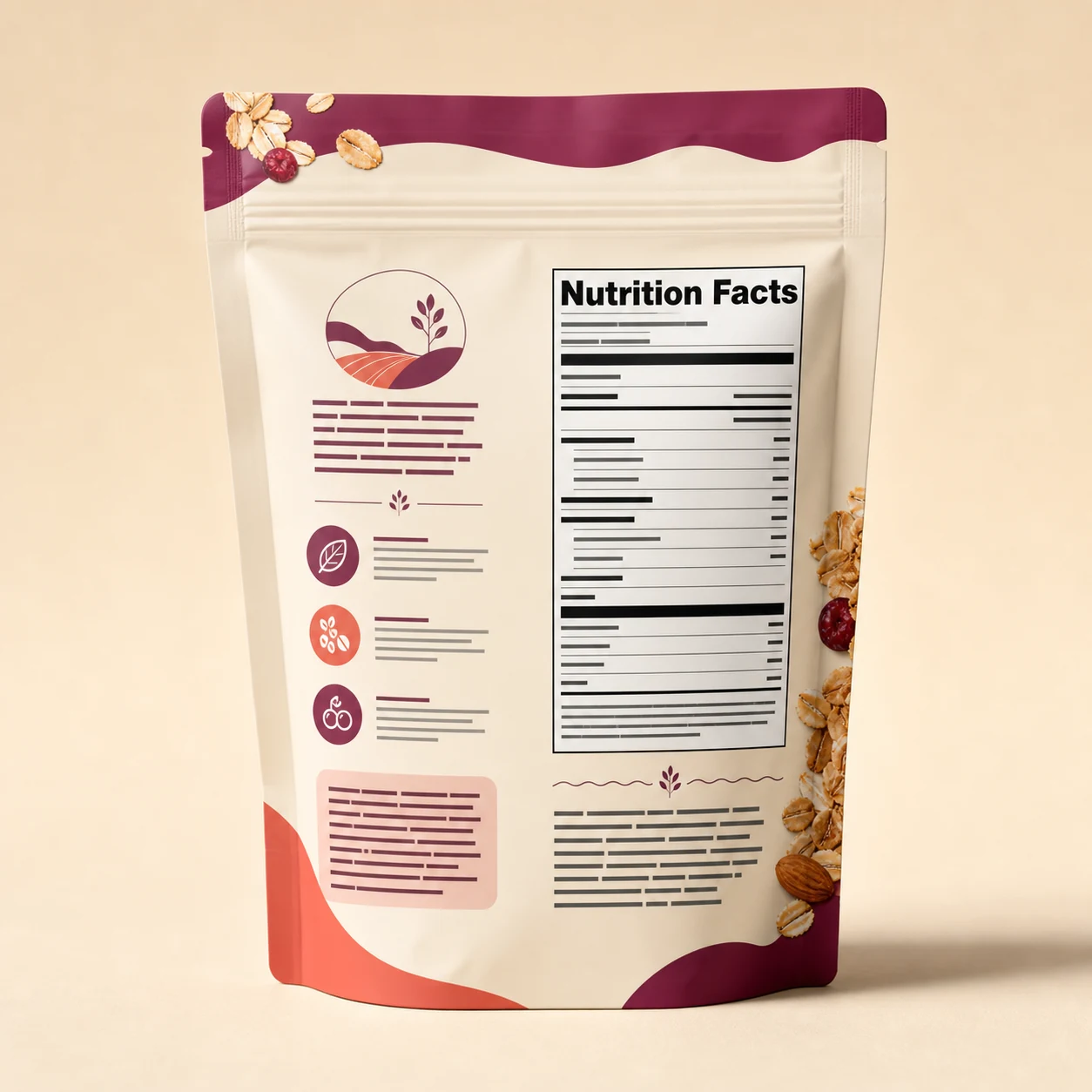
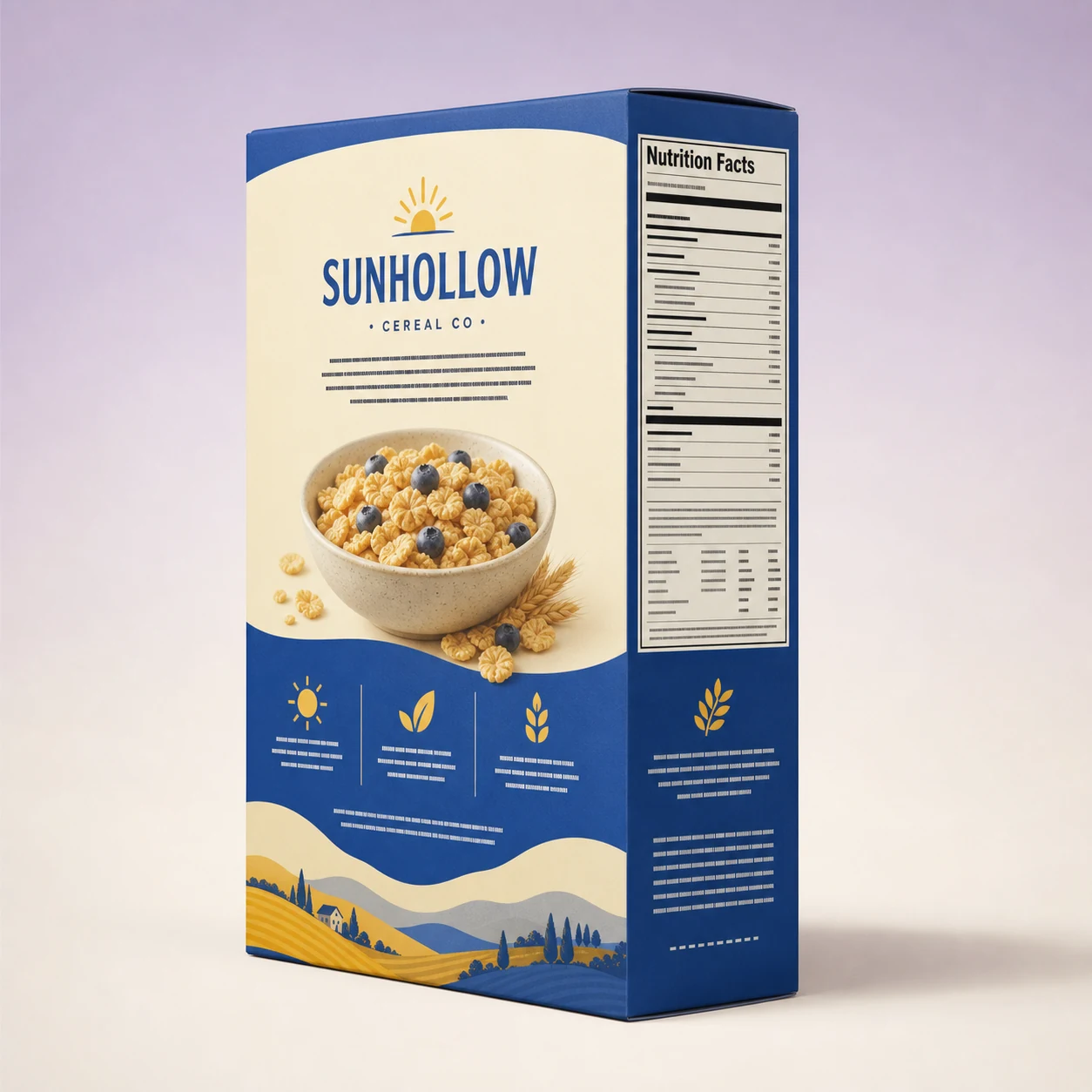
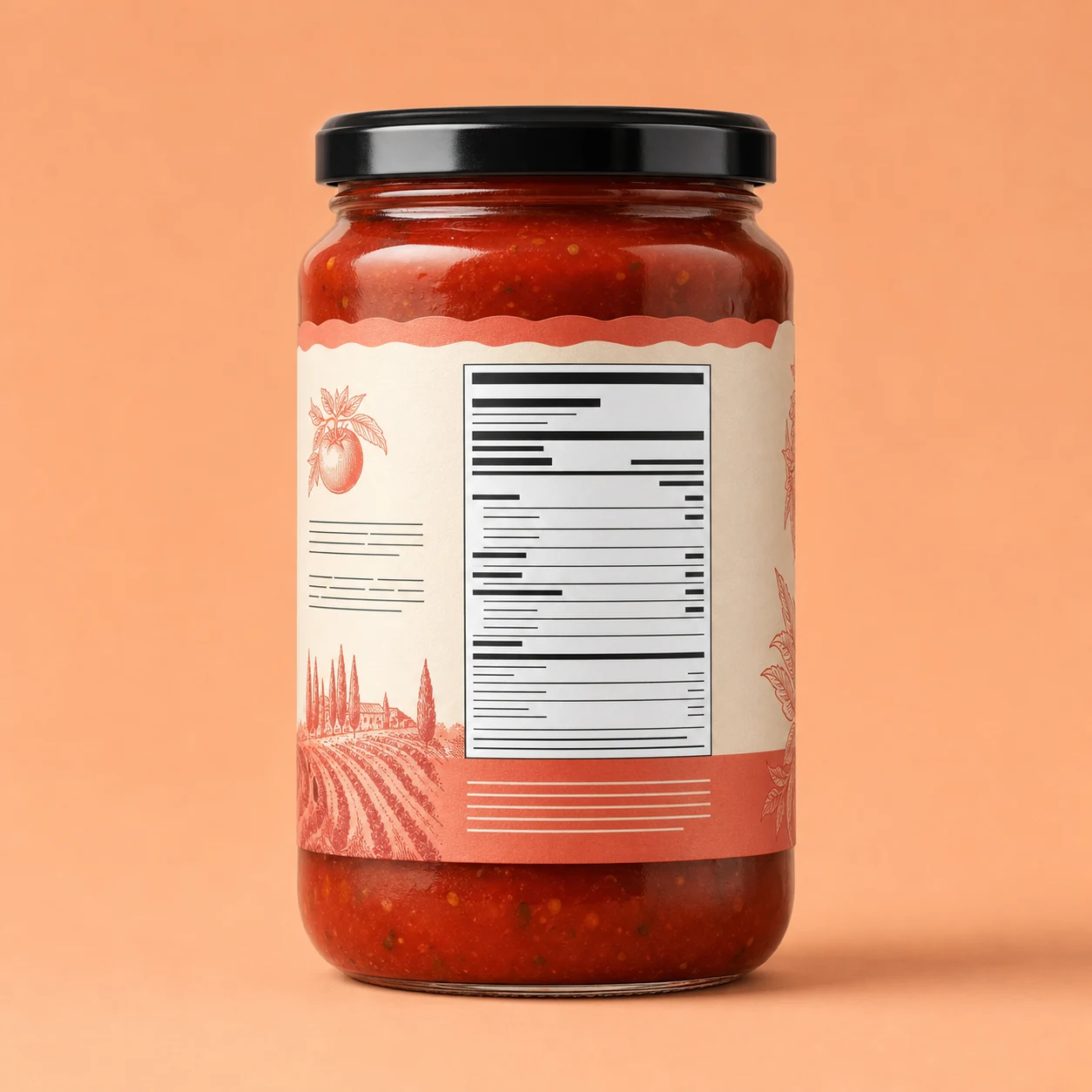
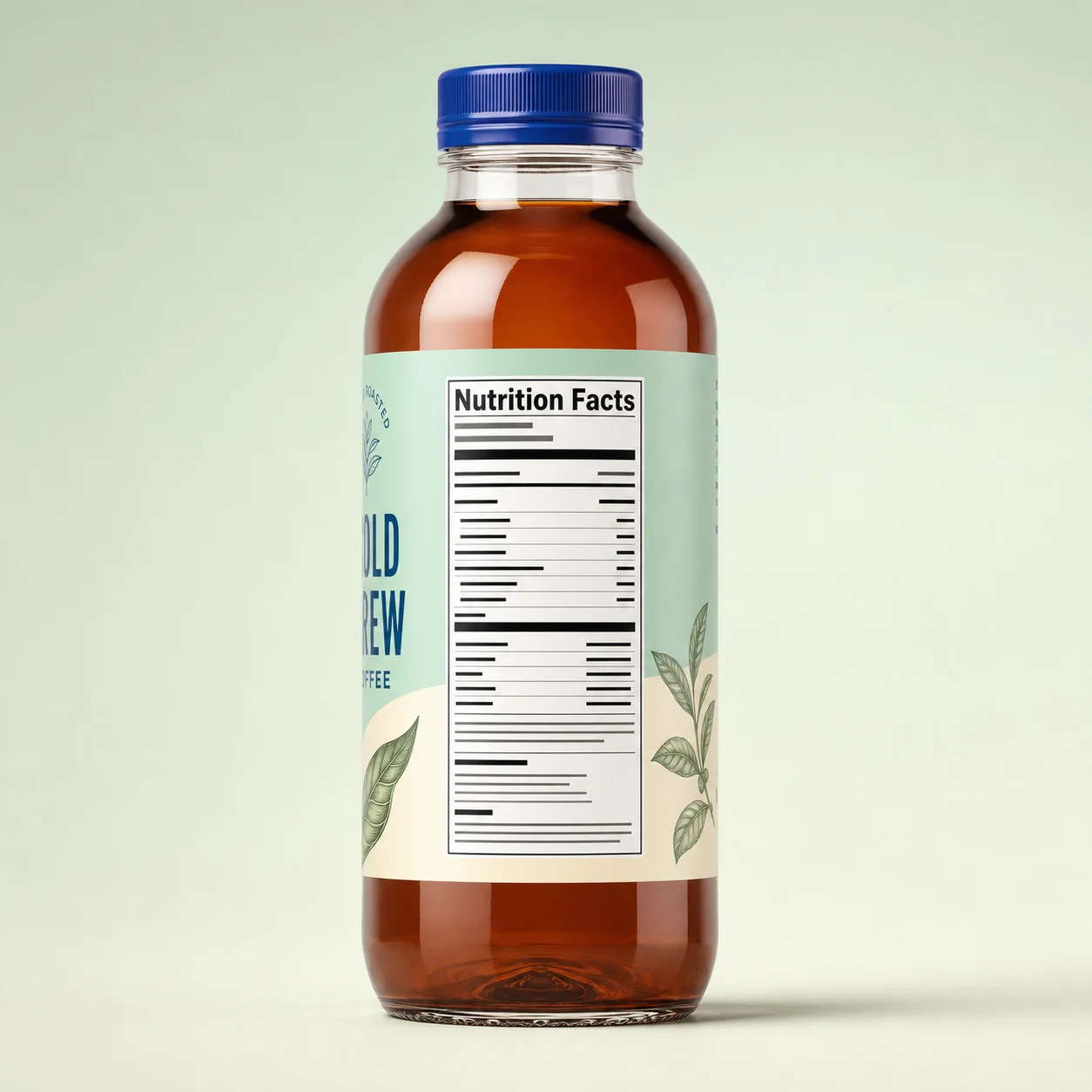
Show how a nutrition panel could sit on a box, bottle, pouch, or other packaging surface for early stakeholder discussion.

Use a reference label to guide layout cues while still describing the product setting and visual direction you want.

Inspect the relative size, placement, and information hierarchy of the package nutrition panel visual before refining the final artwork elsewhere.
Before you use a result, inspect it against the confirmed source material and the intended destination.

Compare the image with the product type, label purpose, visual direction, and destination format requested in the brief.
Inspect nutrition values, serving information, headings, and other details that must remain clear in the visual.
Check whether the crop, orientation, and file format fit the channel where the result will be placed or evaluated.
These boundaries help set expectations for packaging visuals, especially when small text and dense panels are involved.
Generated results can vary between attempts, even when the prompt is similar, so compare the image against your brief before using it in a presentation.
Small numbers, ingredient lines, and spacing may need a close look. Inspect the details against your confirmed source copy before making decisions.
Answers to common questions about using the Nutrition Label Mockup Generator for packaging visuals.
Start with your confirmed label copy or reference image, then create with Nutrition Label Mockup Generator for a focused packaging visual you can inspect.