Explainer Video Script Generator

Explain complex ideas without sounding dense. Generate a clear problem setup, analogy, step-by-step explanation, example, summary, visual notes, and CTA.

ExplainersSaaSEducationStoryboardsTraining

Need inspiration?

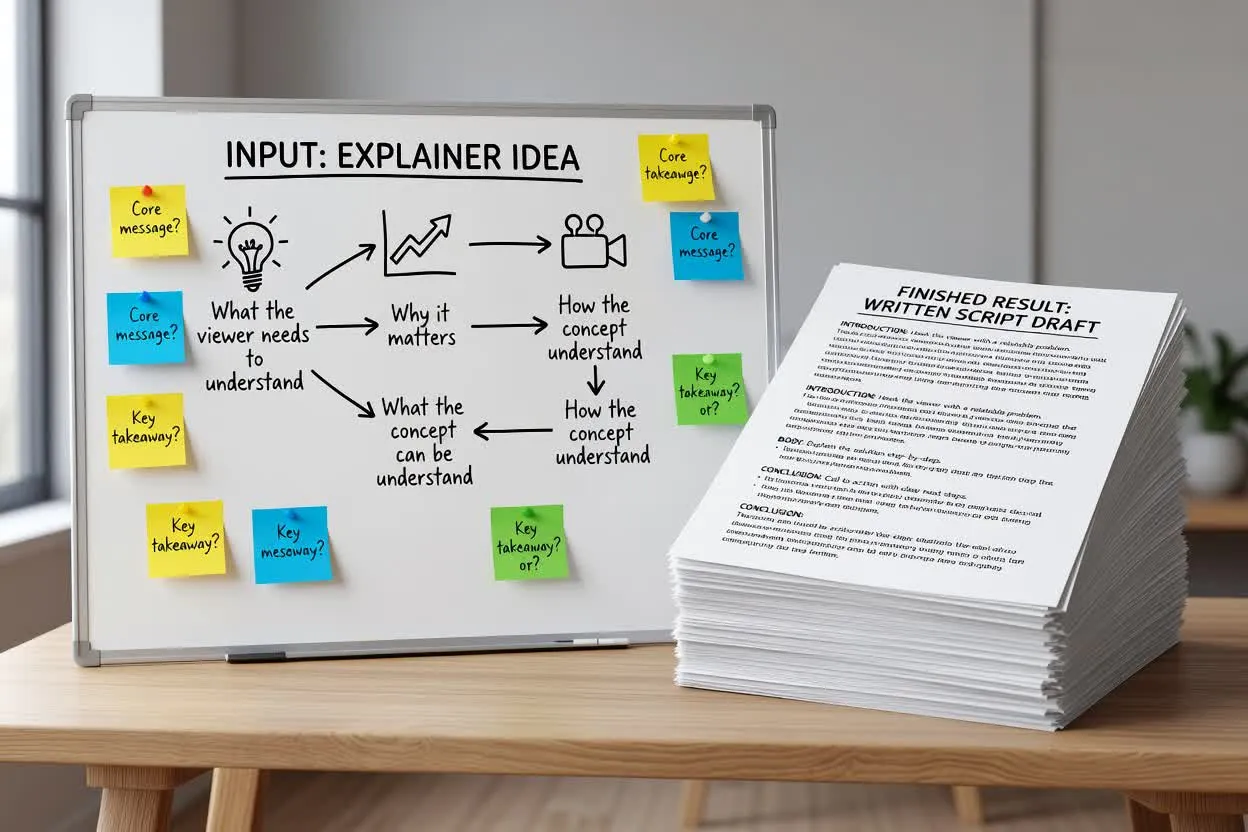
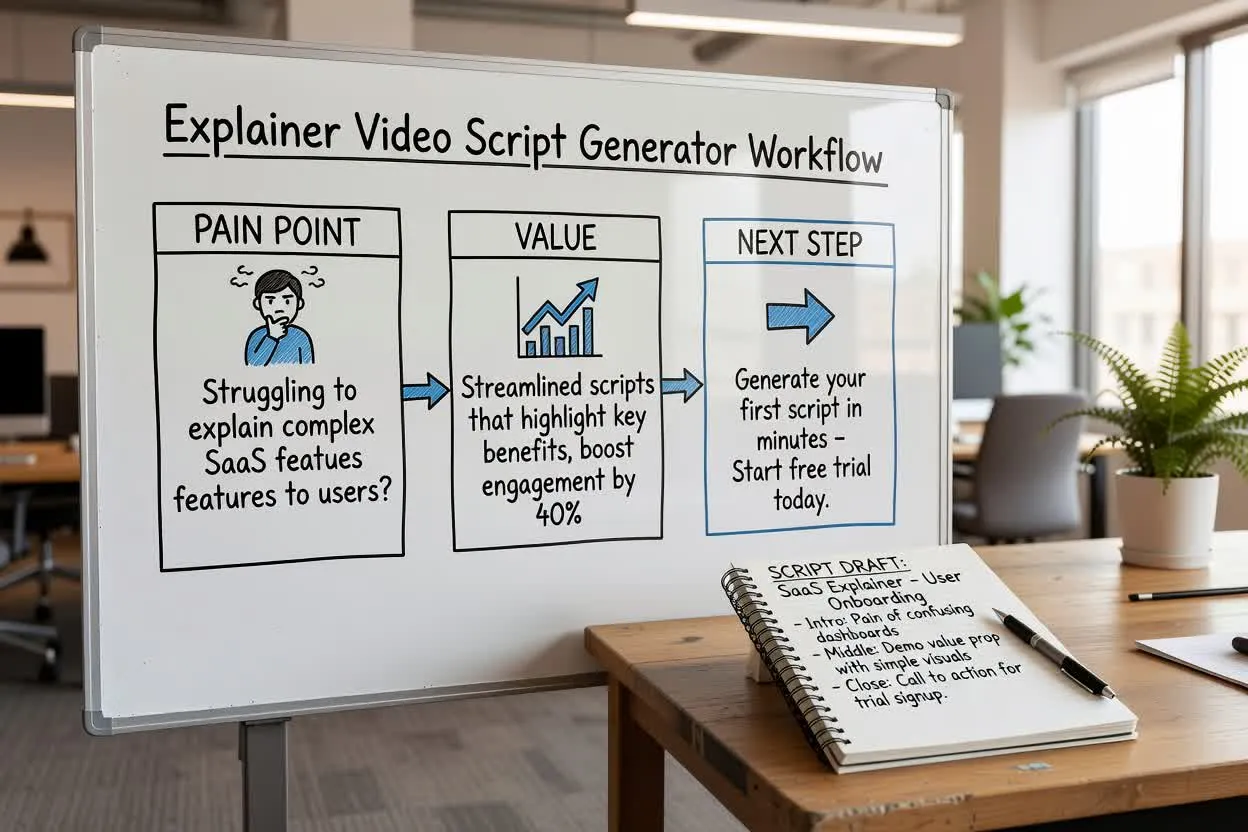
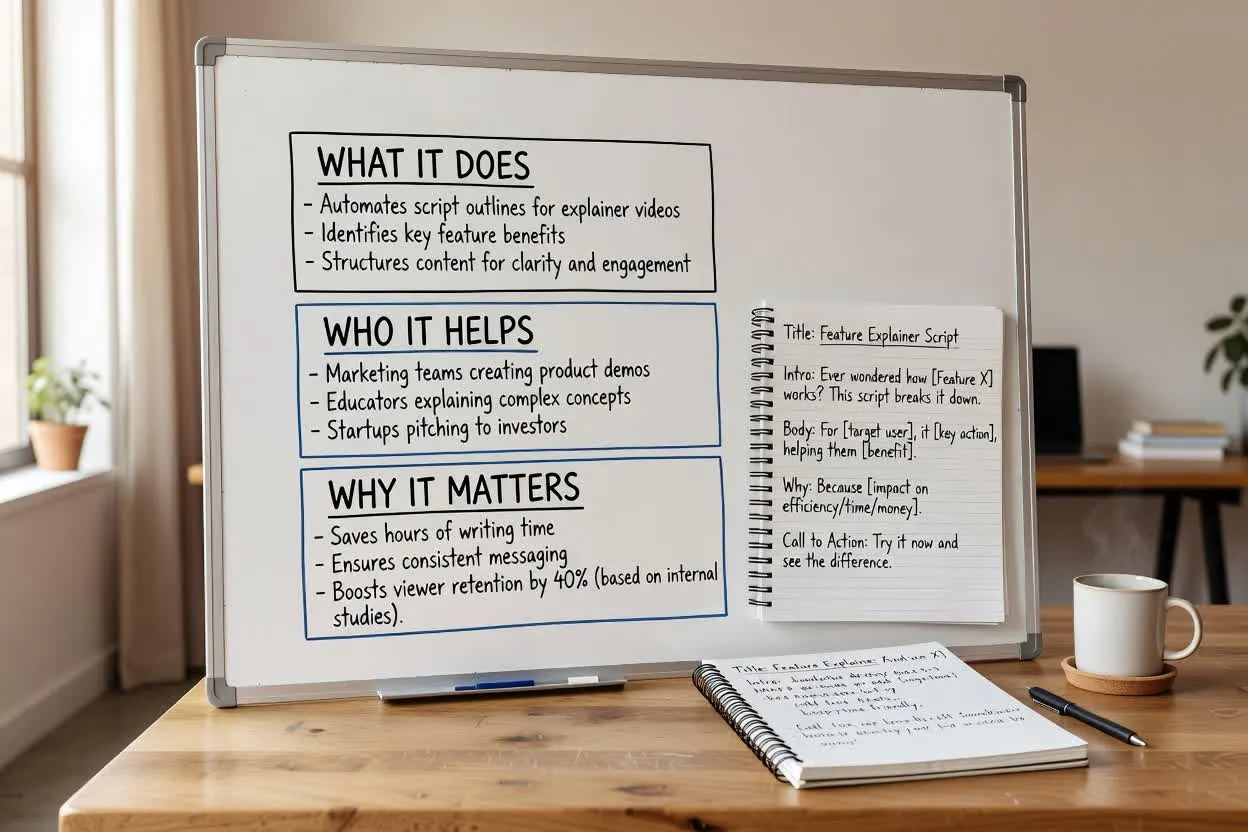
See how the script draft is structured

Start with a short brief, then continue in chat with a structured script that is ready to edit or turn into scenes.

Sample brief

What you type

Give the page a topic, audience, product, or platform goal.

Brief

Create a 90-second explainer for an AI design review tool that helps teams catch visual issues before launch.

Optional: attach a reference image

Script draft

What you get

The output separates the hook, scenes, voiceover, visuals, and CTA.

Problem setup

A page can be technically complete and still feel wrong to users.

Analogy

Think of it like a second designer checking spacing, hierarchy, and readability before the handoff.

Storyboard

Show a cluttered page, highlight overlapping text, fix layout, compare final mobile and desktop views.

Summary

Before you launch, catch the issues users would notice in the first five seconds.

Explainer Scripts for Clear Understanding

Draft scripts for SaaS explainers, educational videos, onboarding content, product walkthroughs, and training modules.

How to use the Explainer Video Script Generator

A stronger brief gives you a script that is easier to record, edit, and turn into video.

01

Define the knowledge level

Say whether the viewer is a beginner, buyer, teammate, student, or technical user.

02

Name the confusing part

Explain what people usually misunderstand or struggle to connect.

03

Ask for an analogy

A strong analogy helps viewers understand the idea before the details arrive.

04

Request storyboard notes

Add visual suggestions so the final video can explain without relying only on narration.

Explain the Idea Before You Sell the Next Step

Simple analogies

Translate abstract ideas into familiar examples viewers can follow.

Step-by-step flow

Break complex topics into a sequence that feels easy to watch.

Storyboard notes

Pair narration with visual direction for diagrams, scenes, and product moments.

Clear wording

Reduce jargon while keeping the explanation accurate and useful.

関連ツールを見る

Continue from script planning into video generation, product visuals, or a broader script draft.

プランを選択

無料画像には透かしが入ります。透かしなしの出力、高速生成、商用利用にはアップグレードしてください。

スターターパック

$9

画像、音楽、短い動画生成を試せる買い切りクレジットパックです。

  • 600クレジット
  • 最大100枚の画像
  • 最大7本の短尺動画
  • クレジットの有効期限は30日間
  • 透かしなし

クリエイター

$19/mo

月額プラン · 1,500クレジットが毎月更新

  • 毎月1,500クレジット
  • 月最大250枚の画像
  • 月最大18本の短尺動画
  • ClipCanva Proとその他のクレジットモデルに対応
  • 優先キュー
  • コミュニティサポート
  • 広告なし
  • 透かしなし

プロ

$39/mo

月額プラン · 4,000クレジットが毎月更新

  • 毎月4,000クレジット
  • 月最大660枚の画像
  • 月最大50本の短尺動画
  • ClipCanva Proとその他のクレジットモデルに対応
  • 最優先キュー
  • ClipCanva Proのロックを解除する
  • 広告なし
  • 透かしなし
  • 高度な仕上げ調整

スタジオ

$99/mo

月額プラン · 12,000クレジットが毎月更新

  • 毎月12,000クレジット
  • 月最大2,000枚の画像
  • 月最大150本の短尺動画
  • ClipCanva Proとその他のクレジットモデルに対応
  • 最優先キュー
  • 完全なプライバシー保護
  • 新機能の先行利用
  • 優先サポート

月額プランでは、請求サイクルごとにクレジットが更新されます。年額プランでは12か月分のクレジットが一括付与され、17%お得です。利用目安は、対応している画像・動画モデルのうち最も低コストのモデルを基準にしています。プレミアムモデル、高解像度、長尺動画、参照ベースの生成、高度なツールでは、より多くのクレジットを消費します。

チーム

代理店、制作チーム、カスタムの大量利用に対応します。

お問い合わせ

Explainer Video Script Generator FAQ

Common questions before drafting your next script.

What is an explainer video script?
It is a structured script that explains a product, idea, workflow, or concept with a clear problem, explanation, example, and takeaway.
Can it explain technical topics?
Yes. Tell it the viewer knowledge level and ask for analogies, examples, and visual notes.
Can it create storyboard notes?
Yes. Ask for scene-by-scene visuals, diagrams, product screens, or B-roll suggestions.
Is it useful for SaaS landing videos?
Yes. Include the buyer, pain point, product workflow, proof points, and CTA.

Turn your explainer script into a storyboard

Use the script structure and visual notes to generate scenes for a clearer explainer video.