


הנחיות לתמונות בשפה טבעית
תרגמו הנחיות לתמונות בשפה טבעית לכיוון חזותי, ואז בדקו אם הפלט תואם לנושא ולסצנה המבוקשים.
גלו את DALL-E 3 כמקור עזר למחולל התמונות DALL-E 3, עם עובדות על המודל, ציפיות לקלט וזמינות מאומתת ב-ClipCanva.
העמוד מציג את זהות המודל המדויקת ואינו מריץ מודל אחר באותו שם. השתמשו בקישורי המודלים הקשורים למטה כדי לפתוח תהליך עבודה מחובר.
DALL-E 3 הוא מודל תמונות של OpenAI להמרת תיאורים בשפה טבעית לתמונות שנוצרו לצורך בדיקה.
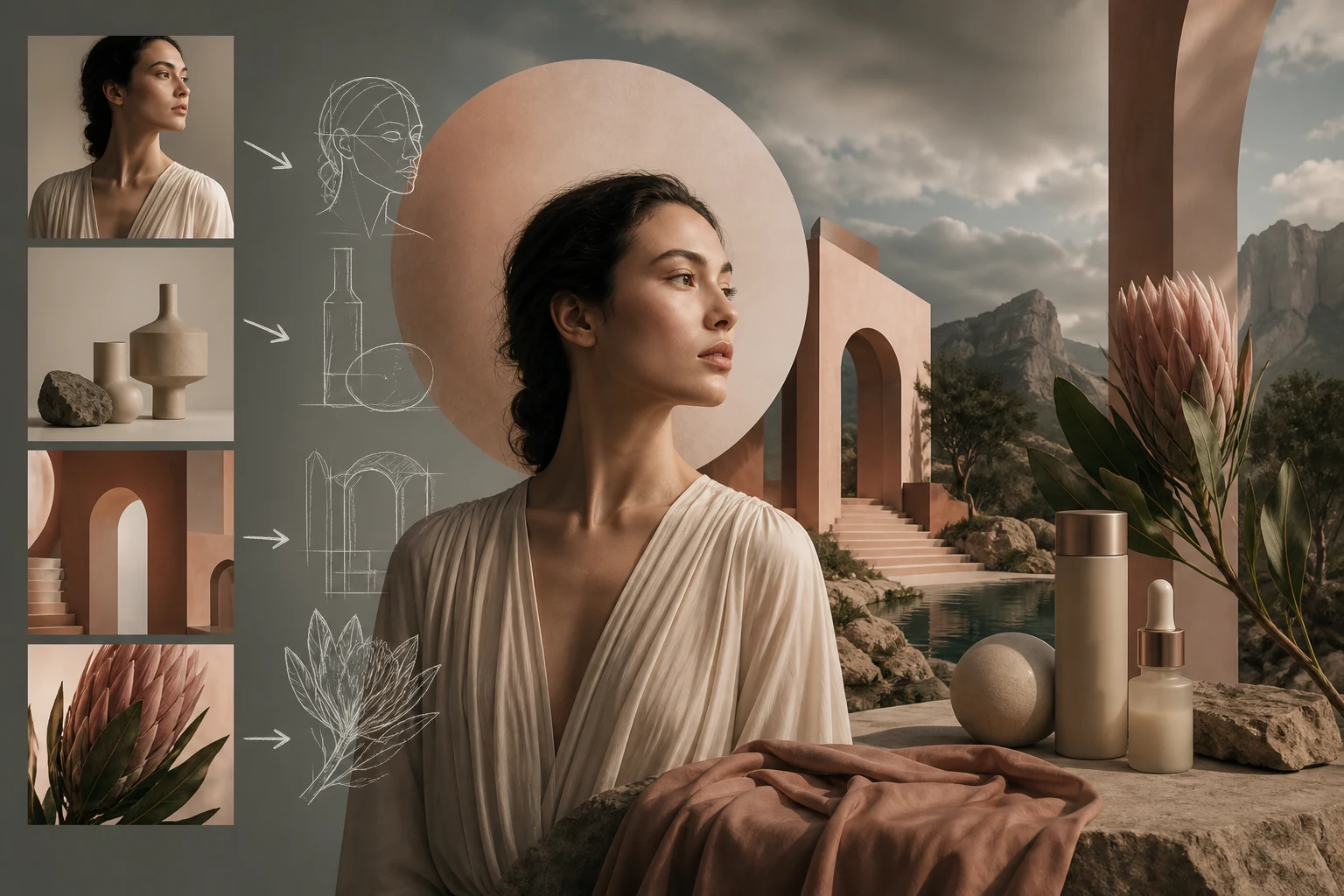
בדקו את יכולות מחולל התמונות DALL-E 3 עבור הנחיות בשפה טבעית, תכנון קומפוזיציה, סגנונות ובחירות מצד הספק.
תרגמו הנחיות לתמונות בשפה טבעית לכיוון חזותי, ואז בדקו אם הפלט תואם לנושא ולסצנה המבוקשים.

השתמשו בתכנון קומפוזיציה מונחה פרומפט כדי לציין נושא, סביבה, נקודת מבט ודגש חזותי לפני בדיקת התמונה שנוצרה.
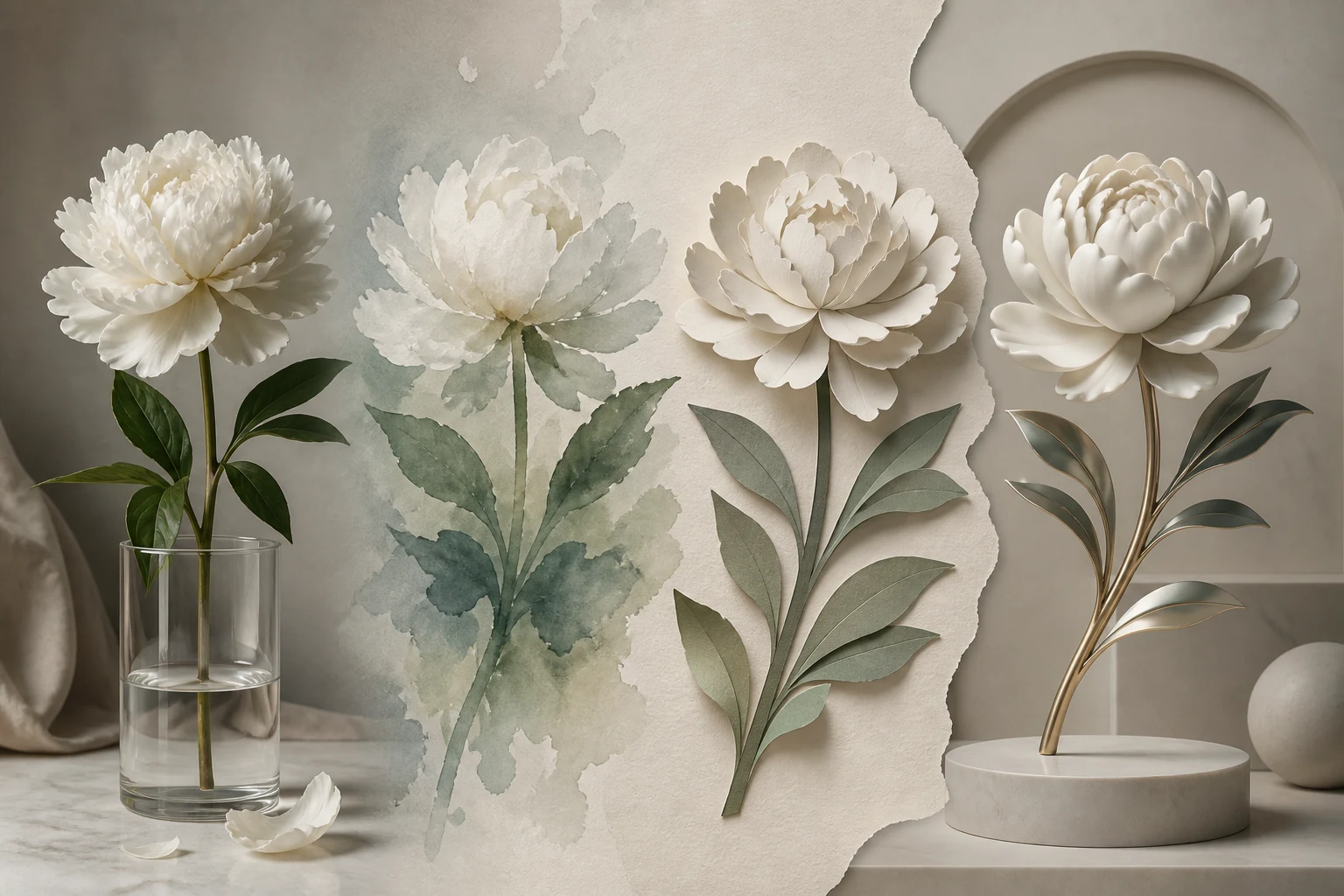
השוו בין סגנונות חזותיים שונים ככיווני תכנון, ואז בדקו שכל תוצאה עדיין מתאימה לאותו קהל ולתוצר המבוקש.
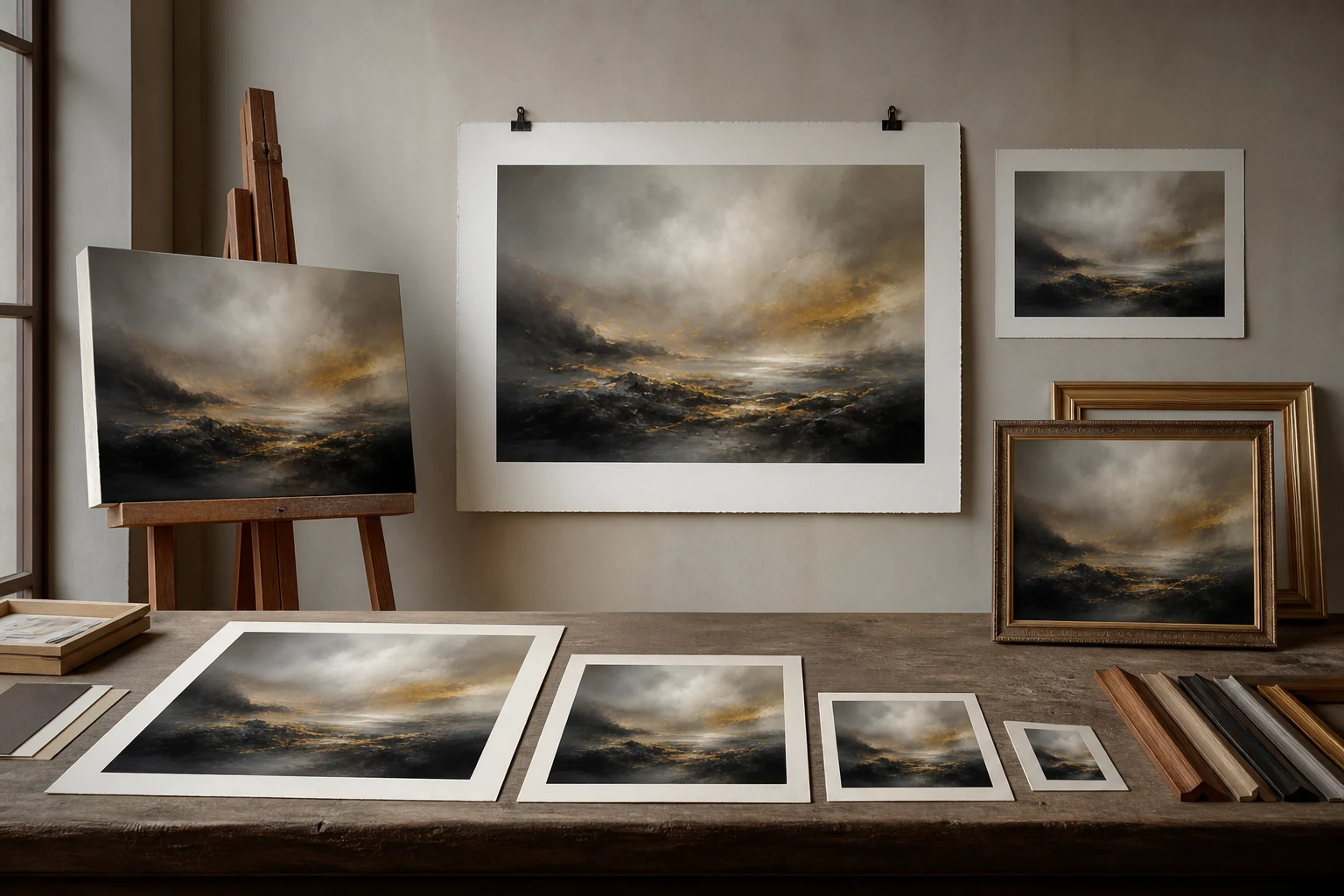
התייחסו לבחירות גודל ואיכות מצד הספק כהקשר מתועד של המודל, ולא כבקרות ש-ClipCanva מציגה כיום.
השתמשו בציפיות הקלט המתועדות לצורך תכנון, תוך התייחסות לחיבור שאינו זמין ב-ClipCanva כגבול התפעולי.
תכננו פרומפט טקסטואלי ברור וציינו כל דרישה לתמונת ייחוס לפני בדיקה אם ClipCanva תומכת בכך כעת.
לא מופיעות בקרות נתמכות עבור חיבור ClipCanva שאינו זמין זה, לכן אין להניח שקיימות אפשרויות נסתרות אצל הספק.
הפלטים הצפויים כוללים תמונות שנוצרו ועריכות תמונה מונחות ייחוס, שדורשות בדיקה לפני פרסום.
עקבו אחר אופן השימוש ב-DALL-E 3 כתהליך תכנון שמתחיל בפרומפט ומכבד את הזמינות הנוכחית ב-ClipCanva.
ציינו את מטרת התמונה, הקהל, הנושא, הסביבה, כיוון הסגנון ופורמט היעד לפני כתיבת הפרומפט.
כתבו את הפרומפט בבהירות, אספו תמונת ייחוס רק אם נדרשת, והימנעו מהנחות לא נתמכות לגבי בקרות.
בדקו תחילה את הזמינות, ולאחר מכן הסתמכו רק על הבקרות המוצגות בדף לפני כל שליחה.
השוו את הפלטים מול ההנחיה, בדקו פרטים חלשים ושנו בכל פעם הוראה אחת במהלך הבדיקה.
התאימו מקרי שימוש לקהל מוגדר, לתוצר, לאסטרטגיית פרומפט ולתקן בדיקה לפני תכנון ההפקה.
גבשו רעיונות לאיורים עריכתיים עם זווית מאמר ברורה, מטפורה חזותית וקריטריוני בדיקה לאיכות הפרטים.
חקרו כיוונים לחזות מרכזית של קמפיין באמצעות הגדרת מוקד המוצר, האווירה, הקומפוזיציה ורשימת בדיקה לאישור.
תכננו רעיונות לקומפוזיציית פוסטר עם היררכיית נושאים, מקום לטיפוגרפיה, צורכי חיתוך וציפיות לסגנון חזותי.
תכננו פריימים לסטוריבורד באמצעות ציון פעולת הסצנה, הערות רציפות, מסגור מצלמה ונקודות בדיקה.
התייחסו לכל פלט כאל טיוטה ובדקו אותו מול הפרומפט, חומרי הייחוס, דרישות המותג ופורמט היעד.
ודאו שהנושא, הסביבה, הפעולה, הקומפוזיציה וכוונת הייחוס תואמים לפרומפט המקורי ולהנחיה היצירתית.
בדקו טקסט קטן, ידיים, פנים, קצוות מוצרים, רקעים ופרטים עדינים נוספים לפני אישור הנכס.
בדקו מוצרים, סמלים מסחריים, צבעים, טענות ופרטים עובדתיים מול חומרי המותג והמקור שאושרו.
אמתו דרישות של ממדים, חיתוך, אזורים בטוחים ופורמט היעד לפני הכנת הנכס לשימוש.
המודל המדויק אינו זמין כרגע ב-ClipCanva, ויש להתייחס לכל הפלטים כאל טיוטות.
המודל המדויק DALL-E 3 אינו מחובר ל-ClipCanva, ולכן דף זה מיועד להנחיה ולא להפעלת מודל.
אותו פרומפט עשוי להוביל לבחירות שונות של קומפוזיציה, פרטים או סגנון, לכן השוו את הפלטים מול ההנחיה.
בדיקה אנושית נותרת הכרחית מפני שהתוצאות משתנות ועלולות שלא לעמוד בדרישות מותג, מוצר, טקסט, חיתוך או פרסום.
הנתונים אומתו
התשובות עוסקות בזהות של DALL-E 3, בתהליך העבודה, בזמינות, בציפיות לקלט, בבדיקת פלט ובשאלות גישה מותנית.
השוו בין מודלי תמונות קרובים לפי קלטים, בקרות, התנהגות פלט וזמינות מאומתת ב-ClipCanva לפני בחירת תהליך עבודה.
תכננו עם זמינות מאומתת, פרומפט ממוקד ומספיק זמן לבדיקה לפני בחירת מודל התמונות המתאים להפקה.